keynote

See All Stories

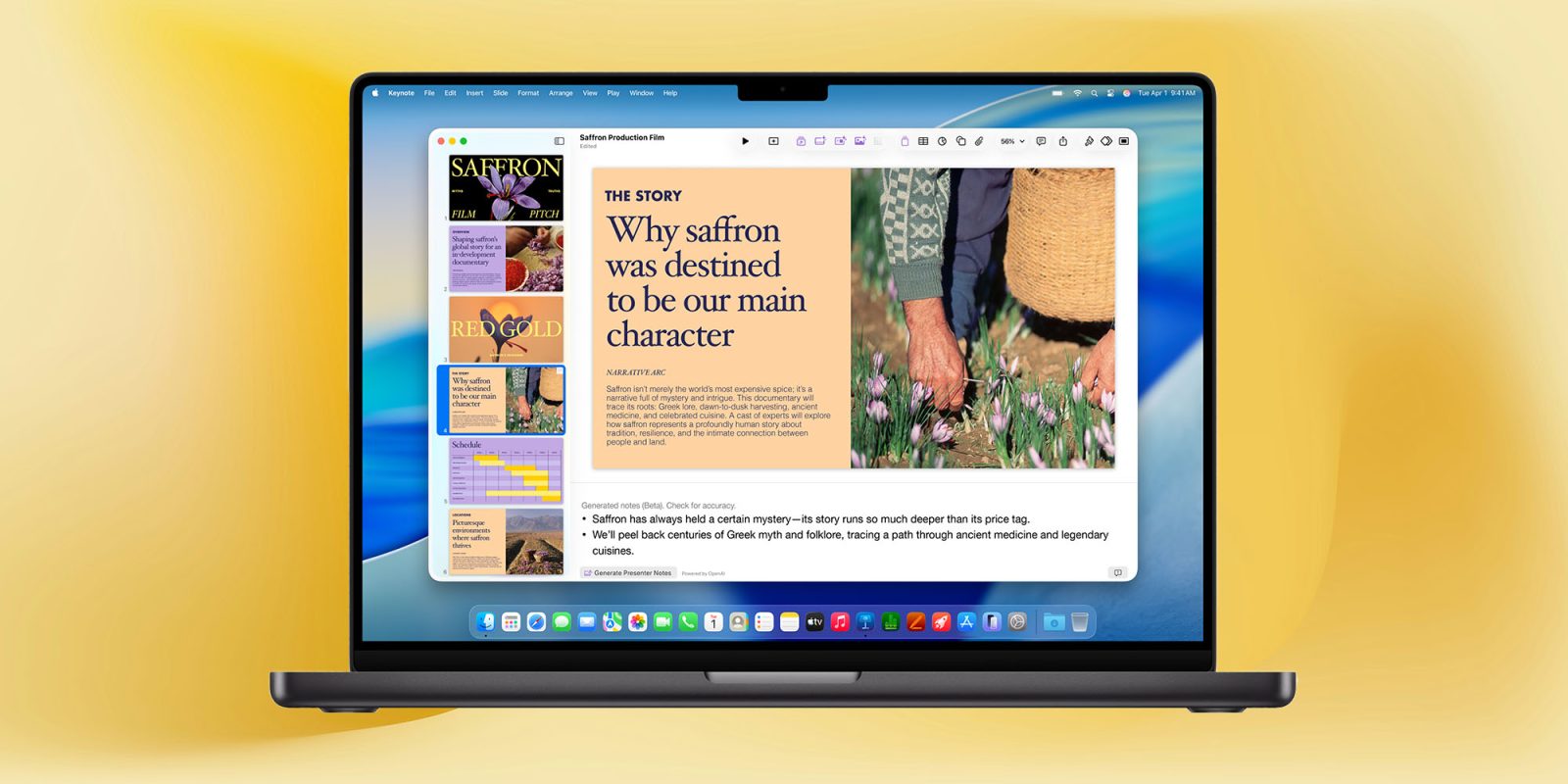
Apple’s productivity apps have a small but useful AI enhancement in macOS 27

Apple's productivity apps have a small but useful AI enhancement in macOS 27 | Screenshot shows Apple's Pages apps suggesting a filename

While the new Siri AI is, of course, taking the headlines, there are a number of less spectacular but still useful AI enhancements in Apple’s upcoming operating systems.

I recently highlighted the new AI photo editing tools, and Macworld has spotted a small but handy AI enhancement to Apple’s productivity apps …

Expand Expanding Close

Apple updates iWork apps for iPadOS 16 and macOS Ventura with new collaboration features

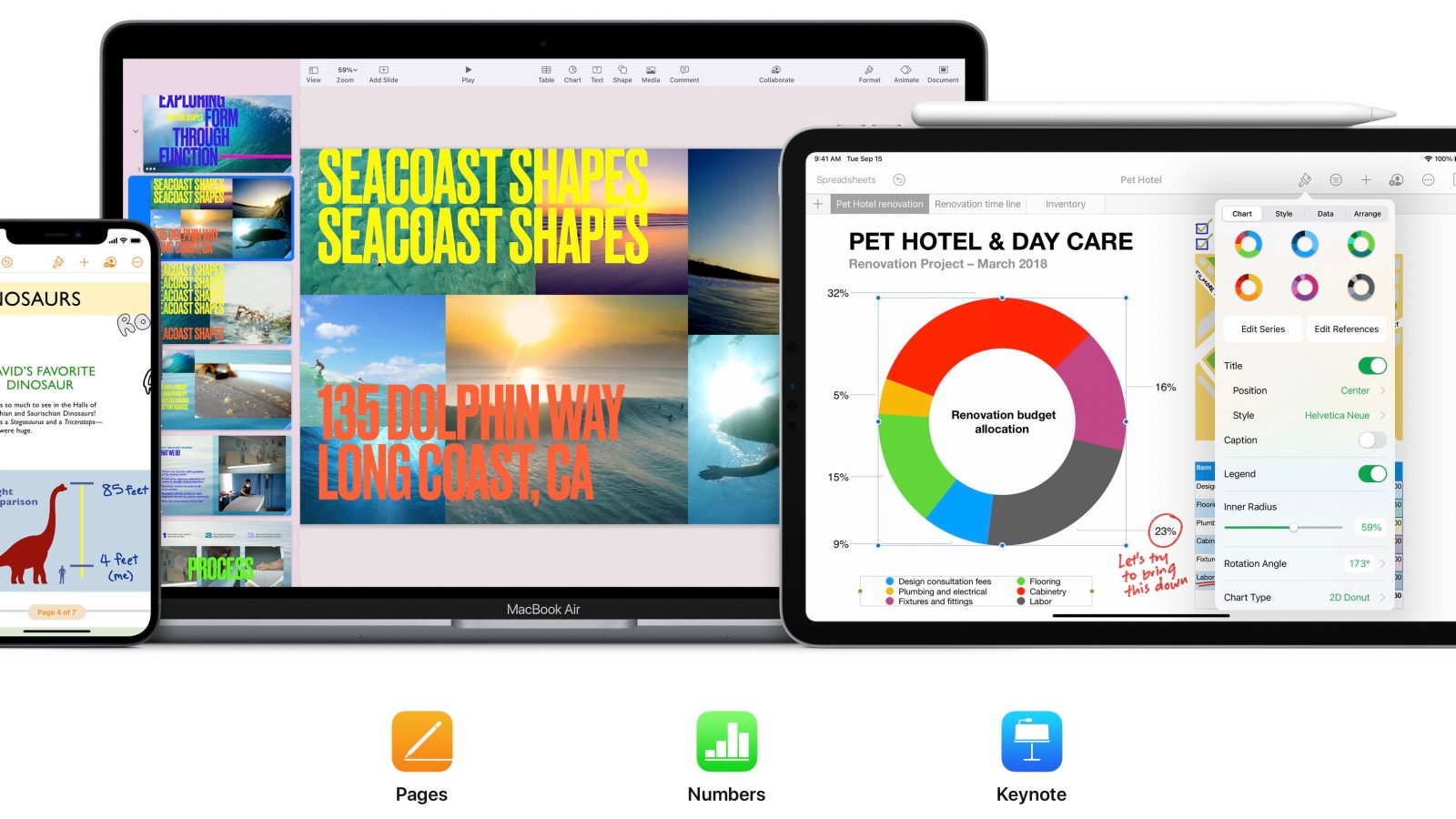
iWork suite Pages, Numbers, Keynote

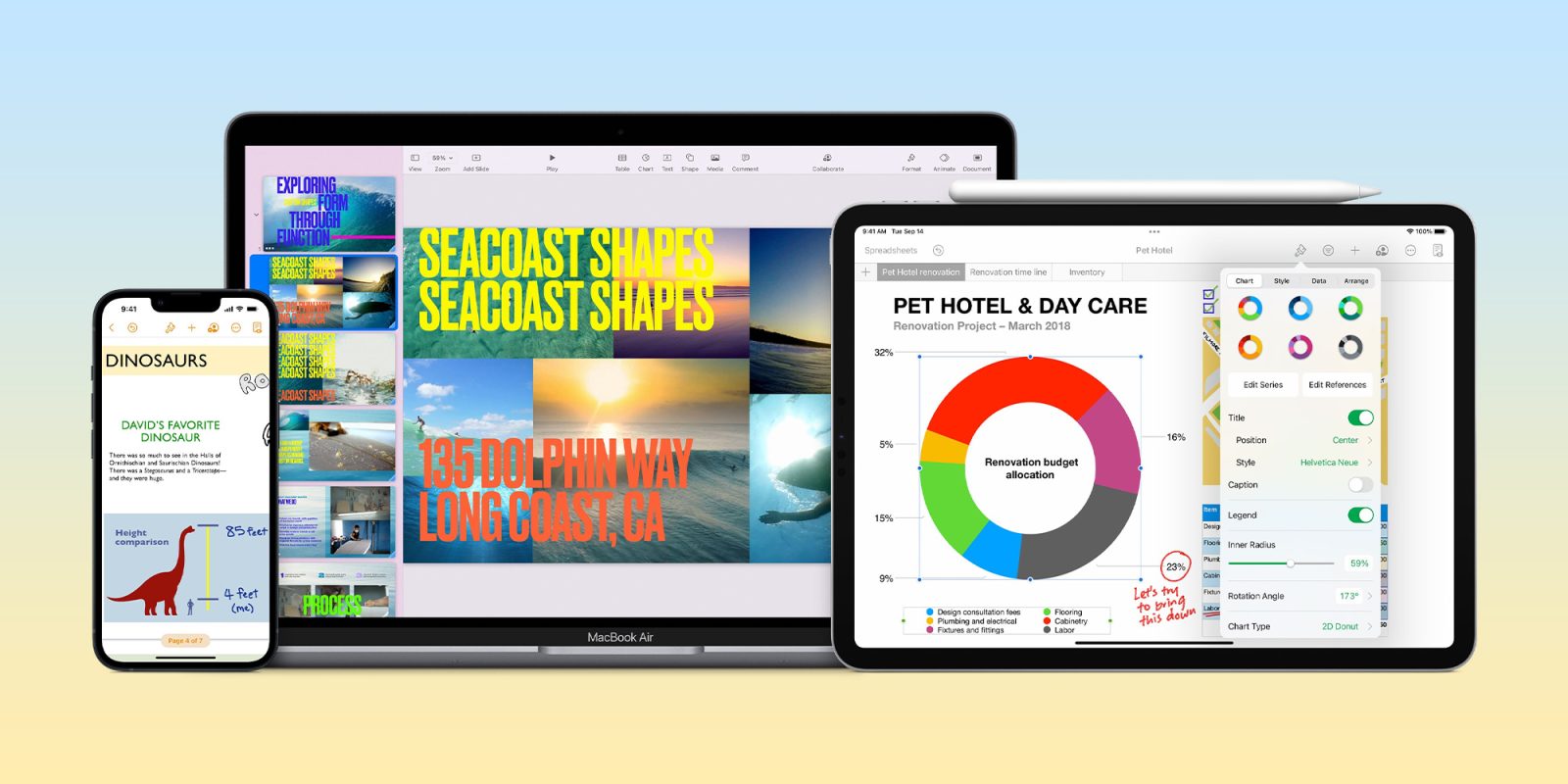
A day after rolling out significant updates to iPhone, iPad, and Mac users everywhere, Apple is now turning its attention to its iWork suite of apps. The company is out with extensive updates to Pages, Numbers, and Keynote today with new features for collaboration, optimizations for iPadOS 16 and macOS Ventura, and more.

Expand Expanding Close

iWork for iOS and Mac updated, built-in audio recording and Smart Annotation improvements on mobile

Apple has updated its iWork suite on the Mac and iOS with changes for Pages, Keynote, Numbers on both platforms. iWork for iOS in particular gains the ability to record, edit, and play audio directly in Pages, Keynote, and Numbers documents. Check out the change log for each app below:


Expand
Expanding
Close

Site default logo image

How-To: Create animated charts for Final Cut Pro X using Keynote [Video]

In our recent video about the upcoming dual camera feature on the new iPhone 7 Plus, we featured an animated graph charting iPhone camera improvements over the years. Instead of relying on Motion or a third party plugin to pull off the animation in Final Cut Pro X, we tapped into Keynote instead.

While it’s true that Keynote is primarily a presentation app in the same vein as Microsoft’s PowerPoint, it can also work as a handy Final Cut Pro X companion for producing quick animated graphs and charts. Watch our video walkthrough to see how it’s done.
Expand
Expanding
Close