
Today Apple launched new features for Apple Creator Studio, but the company also has rolled out upgrades for Pages, Keynote, and Numbers—alongside Final Cut Camera—that don’t require a Creator Studio subscription.
Here’s what’s new for iWork apps and Final Cut Camera
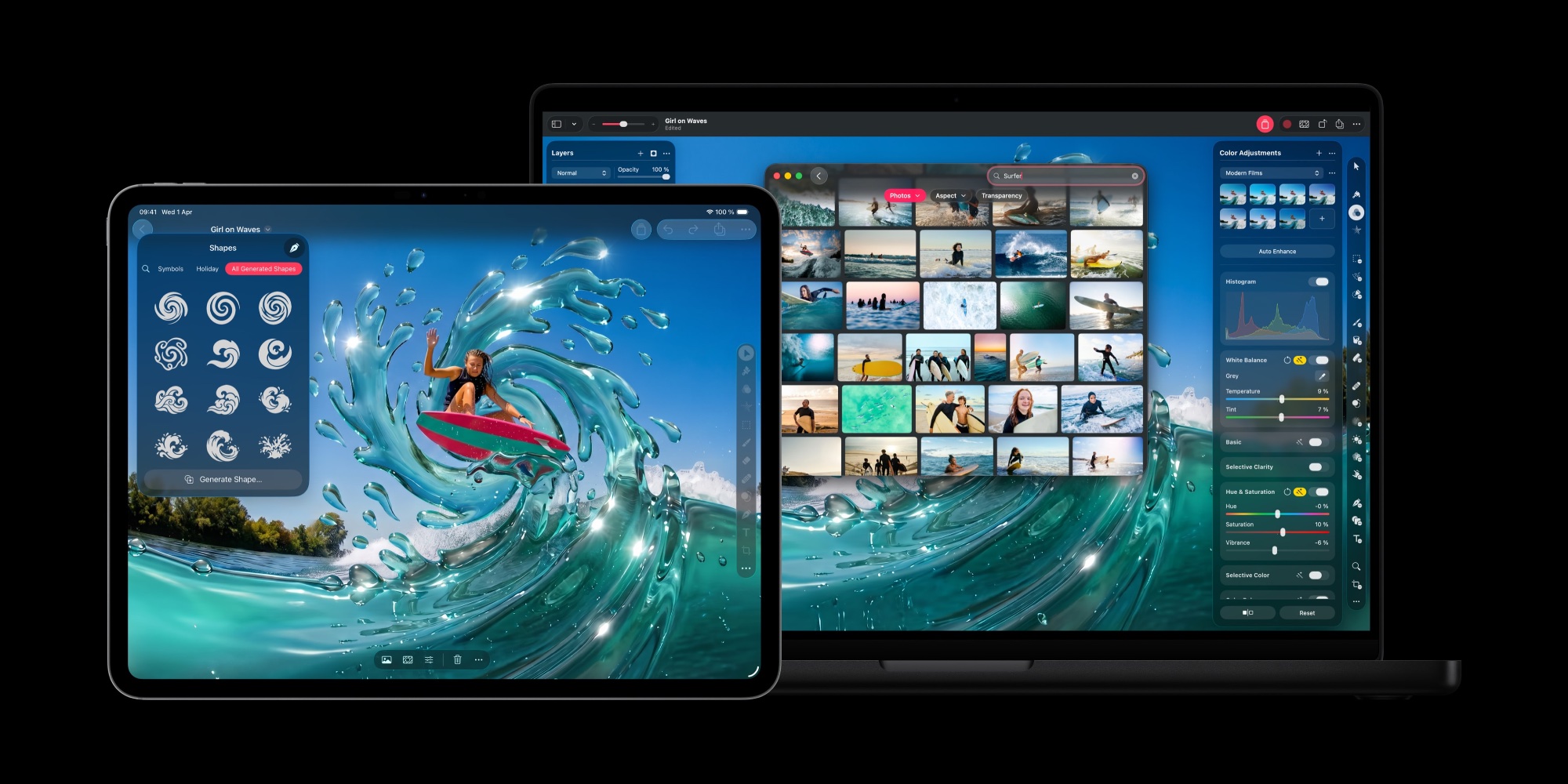
Apple has released new updates today for a variety of its App Store-based apps. Many of the updates are geared toward Apple Creator Studio subscribers, but some apps come with new features that all users will benefit from.
Pages, Keynote, and Numbers have been updated to version 15.3, and Final Cut Camera to version 2.3.
Here are the official App Store release notes outlining what’s new:
Pages
For Apple Creator Studio Subscribers:
- Open an image from Pages directly in Pixelmator Pro on iPad and see the edited version in your document
- Generate custom, editable shapes from a text description to illustrate your document
For Everyone:
- Automatically hyphenate text as you type
- Show or hide invisible formatting symbols
- More easily replace images in your document from the Content Hub
Keynote
For Apple Creator Studio Subscribers:
- Open an image from Keynote directly in Pixelmator Pro on iPad and see the edited version in your presentation
- Generate custom, editable shapes from a text description to illustrate your presentation
For Everyone:
- Engage your audience with fresh transitions and builds, including shift, radial wipe, character blur, and more
- More easily replace images in your presentation from the Content Hub
Numbers
For Apple Creator Studio Subscribers:
- Open an image from Numbers directly in Pixelmator Pro on iPad and see the edited version in your spreadsheet
- Generate custom, editable shapes from a text description to illustrate your spreadsheet
For Everyone:
- Hide or show individual sheets for quick navigation
- Add colors to sheet tabs
- More easily replace images in your spreadsheet from the Content Hub
Final Cut Camera
- Use Clean HDMI Out to send a clean video feed without overlays to an external monitor or recorder so you can stay focused on the image being captured (requires iPhone 17 Pro)
- Choose from ProRes 422 HQ, ProRes 422, or ProRes 422 LT for incredible video fidelity and editing performance, with more options to balance image quality and file size (requires iPhone 13 Pro or later)
- Disable digital zoom to ensure every shot records at full optical resolution
- Easily connect your iPhone to your Mac and import your media from Final Cut Camera into Final Cut Pro
For more on today’s updates in other Apple Creator Studio apps, see our coverage here.
Best iPhone accessories
- MagSafe Car Mount for iPhone
- 10-year AirTag battery case
- AirPods Pro 3
- 100W USB-C fast charging power adapter
- AirTag 2 (1-pack / 4-pack)


FTC: We use income earning auto affiliate links. More.



Comments