
Welcome to Indie App Spotlight. This is a weekly 9to5Mac series where we showcase the latest apps in the indie app world. If you’re a developer and would like your app featured, get in contact.
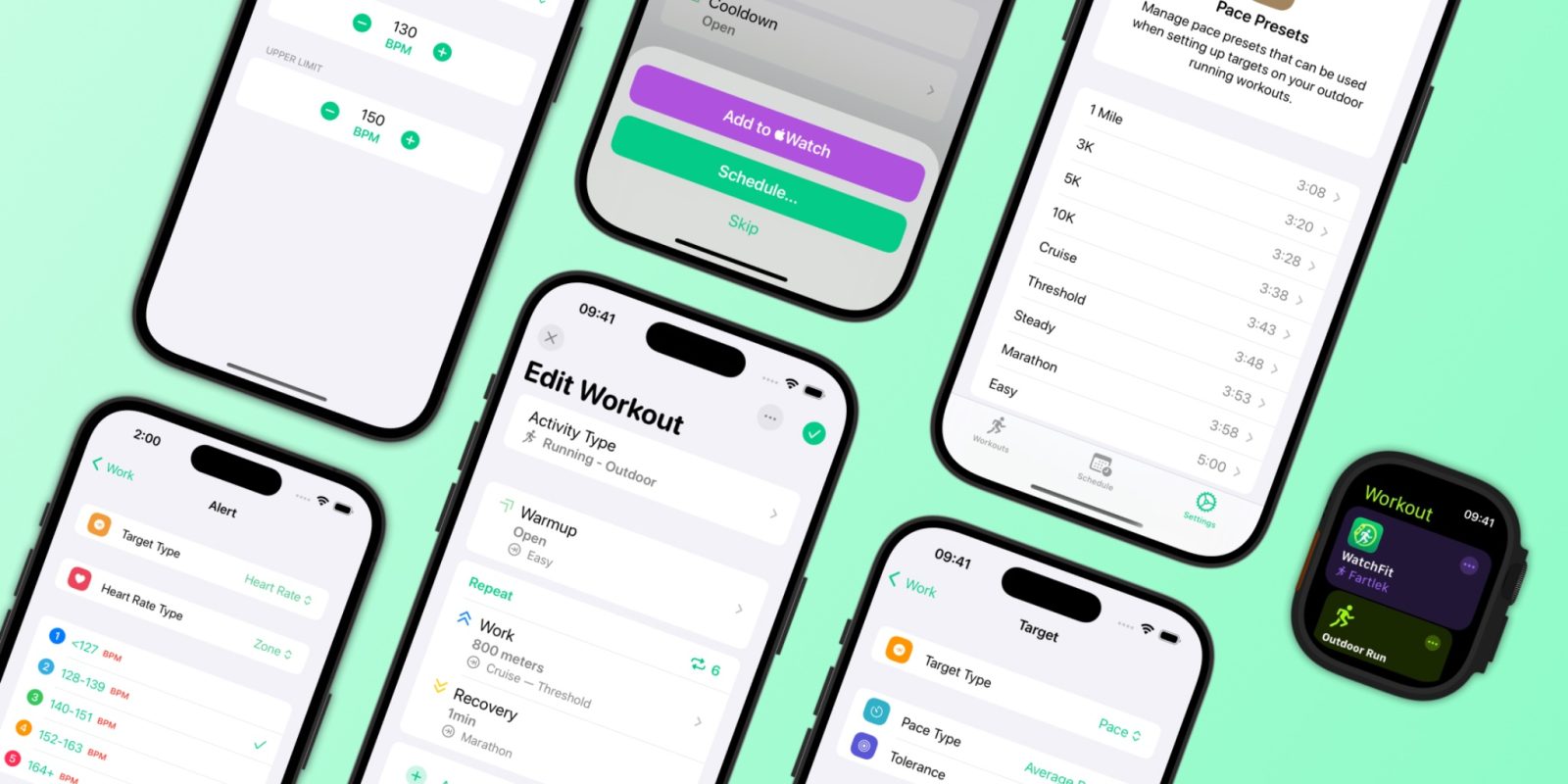
If you’re an avid Apple Watch user, you might find yourself wanting more workout choices than what the Workout app can offer you. WatchFit bridges that gap, allowing you to build custom, structured workouts to your choosing.
Top features
WatchFit lets you design workouts that fit your habits. You can build them from scratch, or you can use their gallery for inspiration. Nonetheless, if you’ve ever felt like the Apple Workouts app does enough for you – WatchFit might help you feel better.
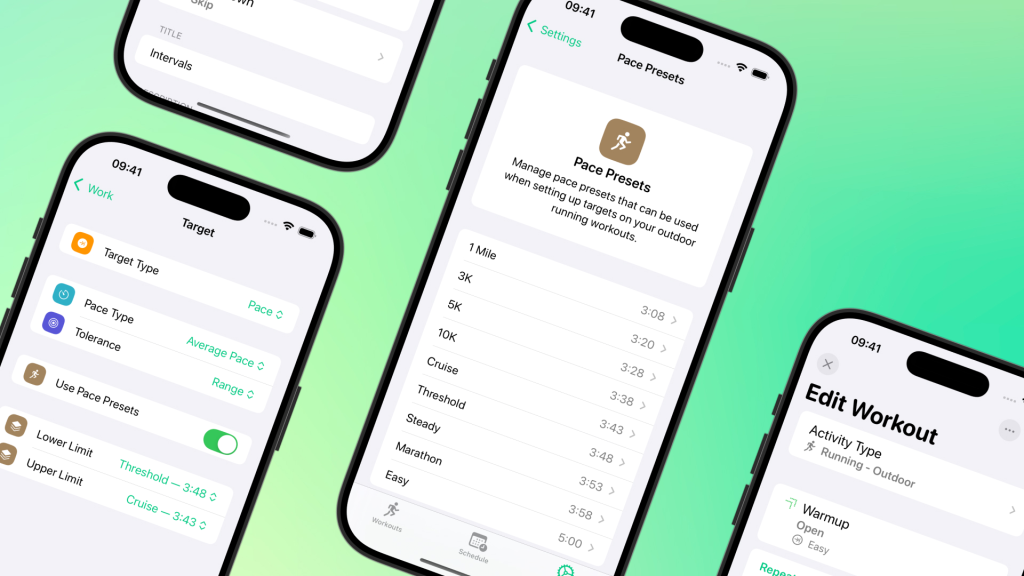
When you’re structuring a workout, you can add warmups, cooldowns, and repeated intervals. You can dial things in the way you’d like to, rather than just having one fixed workout. When you’re structuring, you can configure steps based on time, distance, or just leave it as an open goal.
Then, you can just send the workout to your Apple Watch – assuming you give the app access.
You can also schedule workouts with WatchFit, allowing you to plan ahead. When the time comes to do the workout, it should show up at the top of the Workout app on your Apple Watch. You can monitor your scheduled workouts with widgets on your iPhone’s home screen as well.
Download the app
WatchFit is available for free on the App Store for iPhone users running iOS 17 and later. For the full experience, including the ability to schedule workouts, organize workouts, and more, you can buy WatchFit Pro for $1.99/mo, $9.99/year, or $19.99 for a one time purchase. You’ll also need an Apple Watch on watchOS 11 to take advantage of the app.
My favorite Apple accessory recommendations:
- Anker MagSafe/Qi2 Ultra-Slim Battery Pack
- AirPods Pro 3 (2x ANC vs AirPods Pro 2!)
- Anker Nano 45W Fast Charger with Smart Display
- Anker 3-in-1 Prime 25W MagSafe Charging Stand
- Logitech MX Master 4 Mouse for Mac
- Satechi OntheGo 7-in-1 USB-C hub
Follow Michael: X/Twitter, Bluesky, Instagram


FTC: We use income earning auto affiliate links. More.



Comments