
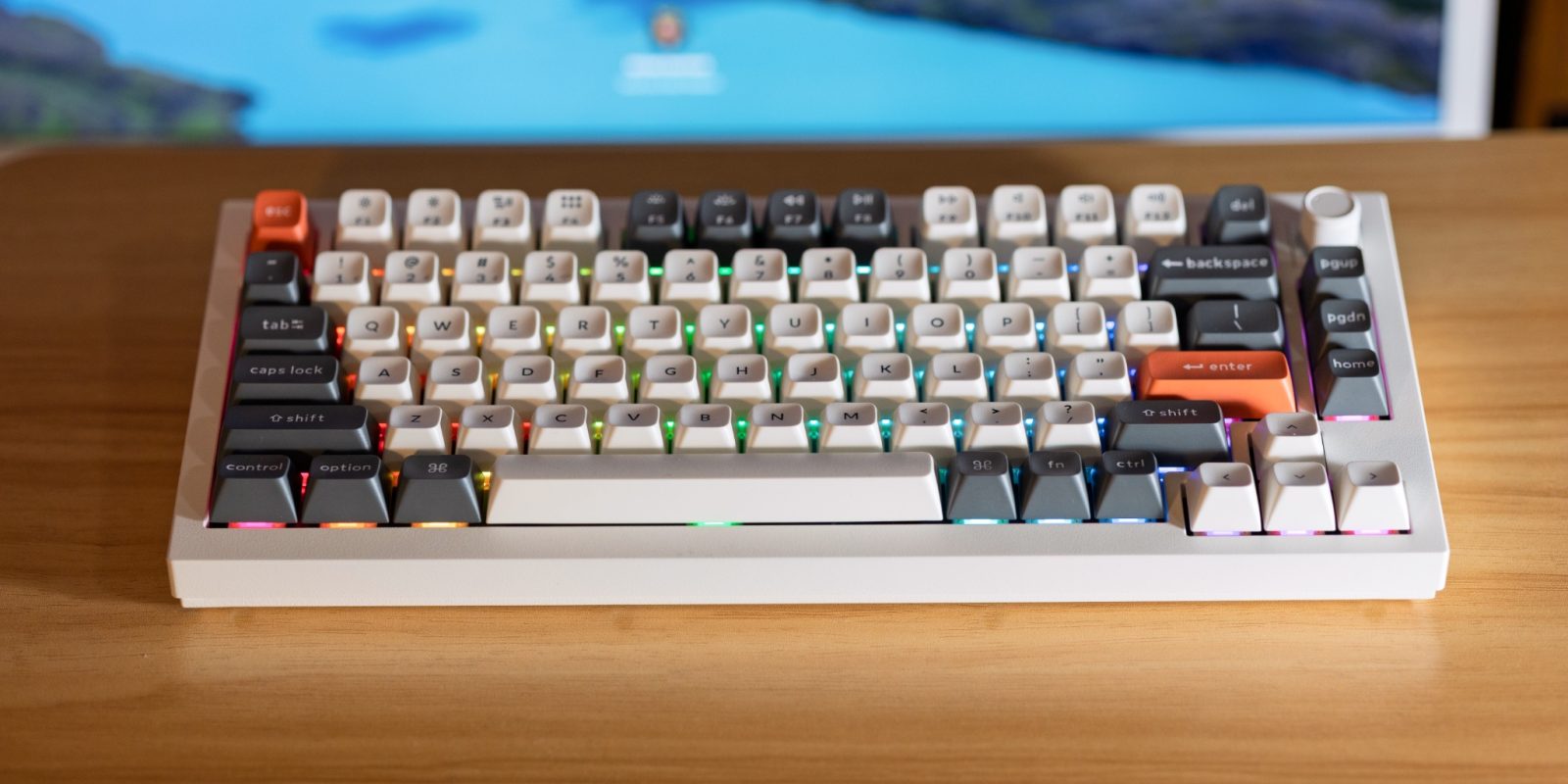
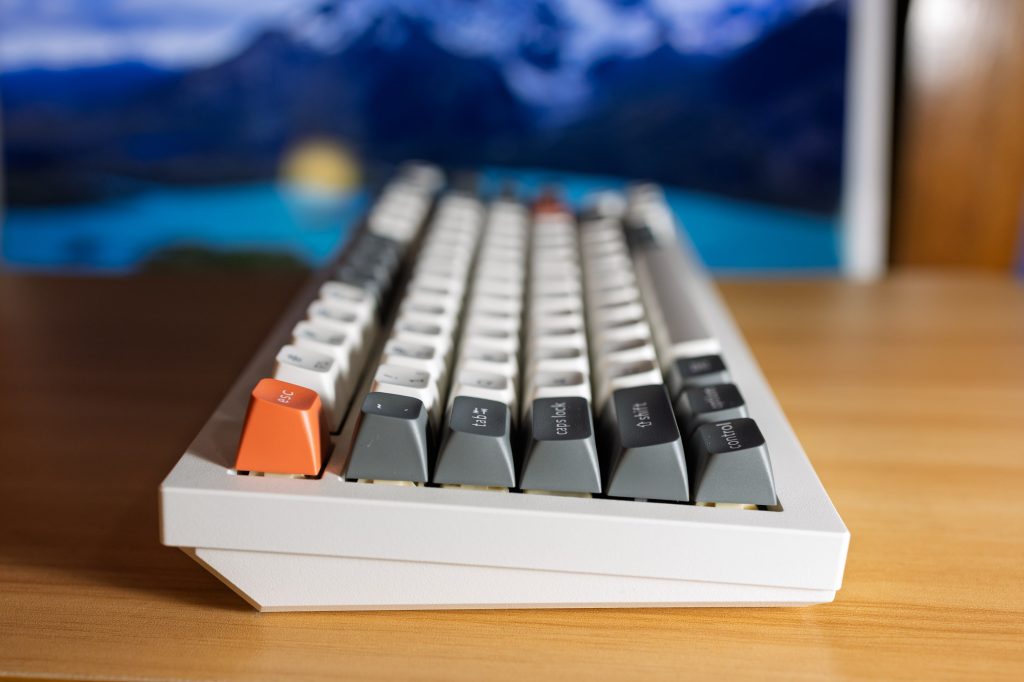
At CES 2026, Keychron introduced a new line of keyboards for Mac with its Q Ultra series. They all offer an 8K polling rate and a fantastic all metal build, and they come in three size variants: 75%, 80%, and full size. I’ll be going hands on with the Q1 Ultra.
Key specs
I’m testing out the Q1 Ultra, the 75% variant. I have limited desk space, so getting the smallest form factor possible was very important to me. If you prefer slightly more keys, you can get the Q3 Ultra for 80%, and if you prefer having a numpad, you can get the Q6 Ultra. The keyboards all come in at a similar price point, between $230 and $240.
The flagship feature with these new keyboards is the 8K polling rate while running wirelessly, meaning that the keyboard offers incredibly low latency while typing. In practice though, you probably aren’t typing fast enough for that to actually be noticeable in any measurable capacity.
Even with this ridiculously high polling rate, Keychron promises up to 660 hours of battery life on a single charge. Assuming 6 hours of computer usage a day, that translates to around 110 days of full usage between charges. At 8 hours a day, thats 82.5 days of full usage. On average, you can probably expect to go around 3 months between charges, which is pretty strong for a wireless keyboard.
All of these keyboards also offer hot-swappable switches, an all aluminum build, and a customizable RGB backlight. There’s also two color options: black/blue and white/orange. Both options allow you to pick from red, brown, or banana switches.
Initial impressions
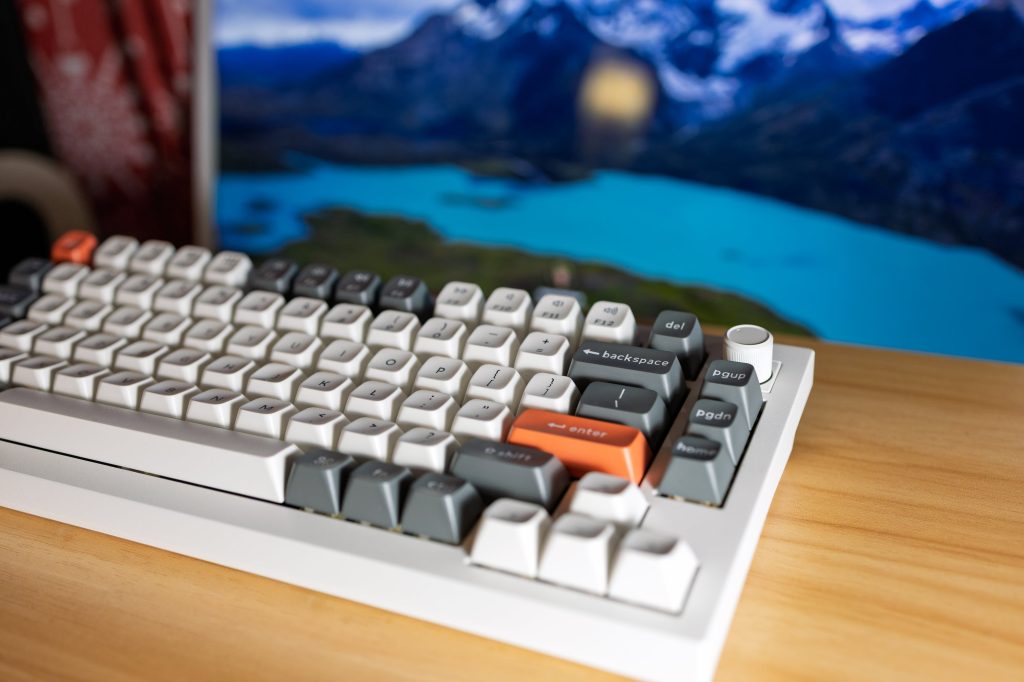
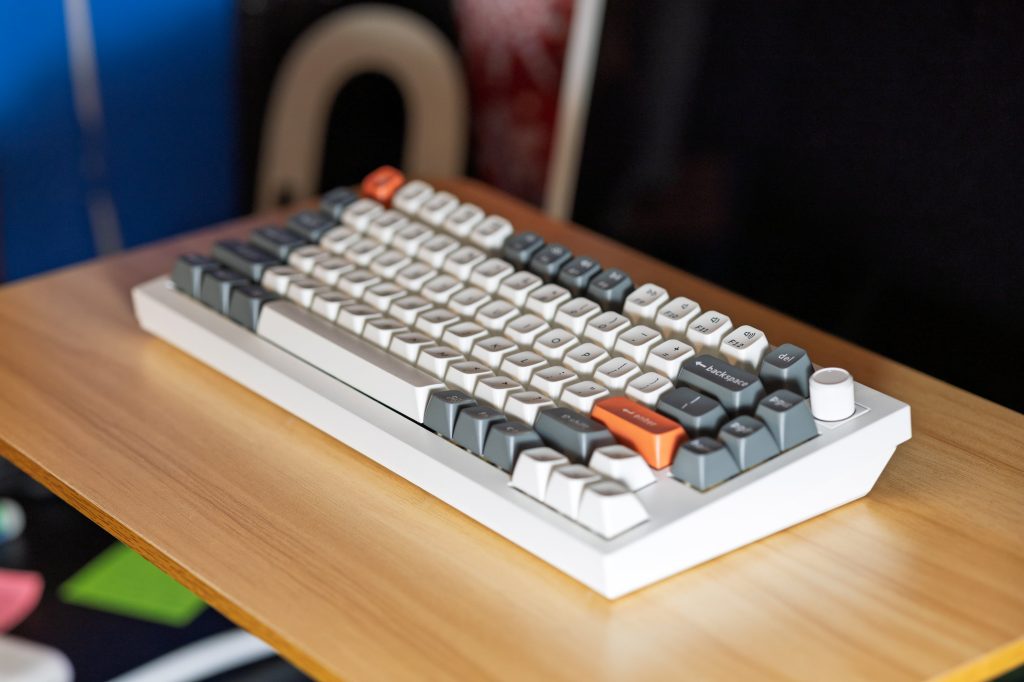
As for how I feel – you definitely get what you pay for. I’ve never been much of a mechanical keyboard person, though I have tried out the Keychron K2 in the past. This keyboard (look and feel wise) blows that one out of the water.
I will say, the fact that it’s all aluminum isn’t super important. It looks great though, and it certainly fits in well with the general Mac aesthetic. If there’s one bad thing I have to say, it’s the fact that the keyboard doesn’t have adjustable legs – so you’re just stuck with the angle it comes with.
The RGB backlight is rather nice, and there’s loads of options you can customize with. You’ll need the Q3 Ultra or Q6 Ultra for the dedicated backlight switch key. On the Q1 Ultra, you can cycle through the options using fn + Q. Additionally, the backlight is actually per key, rather than being one standard backlight across the whole keyboard. This isn’t exclusive to the Q Ultra series, but it is cool.
Lastly, the Q Ultra series offers a new knob design. The knob allows you to adjust volume on the fly with a simple turn, and you can also remap it using the Keychron Launcher. In Keychron Launcher, you can also create custom macros or remap keys as you see fit.
Wrap up
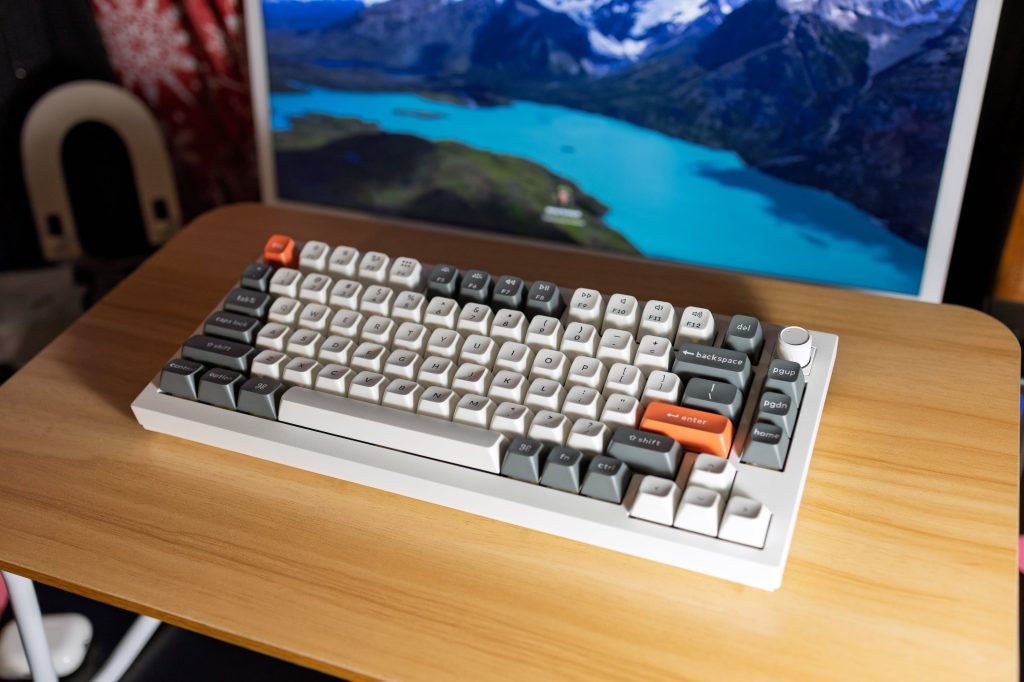
All in all, the Keychron Q1 Ultra certainly tackles a rather high-end segment of the market, but if you do have it in your budget – you will quite enjoy it. Plus, keyboards last a long time (especially since you have the option of swapping out your switches and keycaps easily) – so it’s sort of a one and done purchase, rather than something you constantly need to upgrade.
You can pick up the Keychron Q1 Ultra on Amazon for $229 in black or white with your choice of key switches. You can also consider the Q3 Ultra for $229, or the Q6 Ultra for $239 if you prefer a larger keyboard layout.
Or, if you’d like to check out other Keychron keyboards, you can do so on their Amazon storefront or their website.
Check out exclusive free trials for Apple services:
- Apple Music – $10.99/mo after free trial
- Apple Arcade – $6.99/mo after free trial
- Apple News+ – $12.99/mo after free trial
- Apple TV+ – $12.99/mo after free trial
- Apple One bundle – $19.95/mo after free trial
Follow Michael: X/Twitter, Bluesky, Instagram


FTC: We use income earning auto affiliate links. More.




Comments