
Although it lacked the much-anticipated new Google Gemini-powered Siri features, the initial iOS 26.4 beta release was still jam-packed with new changes. As a result, we showcased over 40 new updates in our iOS 26.4 Beta 1 walkthrough.
The second iOS 26.4 Beta doesn’t include nearly as many changes, but there are still several new additions and updates to consider. There’s also some interesting under-the-hood stuff that hasn’t been discussed yet. This includes an upcoming redesign of the permissions prompt, a new NSPredicateValidating protocol, and more clues about Apple’s upcoming Studio Display refresh.
In this latest episode of iOS Decoded, we explore 10 new features and changes in iOS 26.4 beta 2. Watch the full walkthrough, and be sure to subscribe to 9to5Mac for more.
What’s new in iOS 26.4 Beta 2?
In the second developer beta, Apple added a new Podcast splash screen that highlights the new video podcast feature that will offer seamless switching between video and audio, and offline video playback.
The update also sees the search bar for the Games app be relocated to the top of the interface, similar to the change that we saw with the App Store in the initial beta release.
Video: iOS 26.4 beta 2 changes and features
Subscribe to 9to5mac on YouTube for more videos
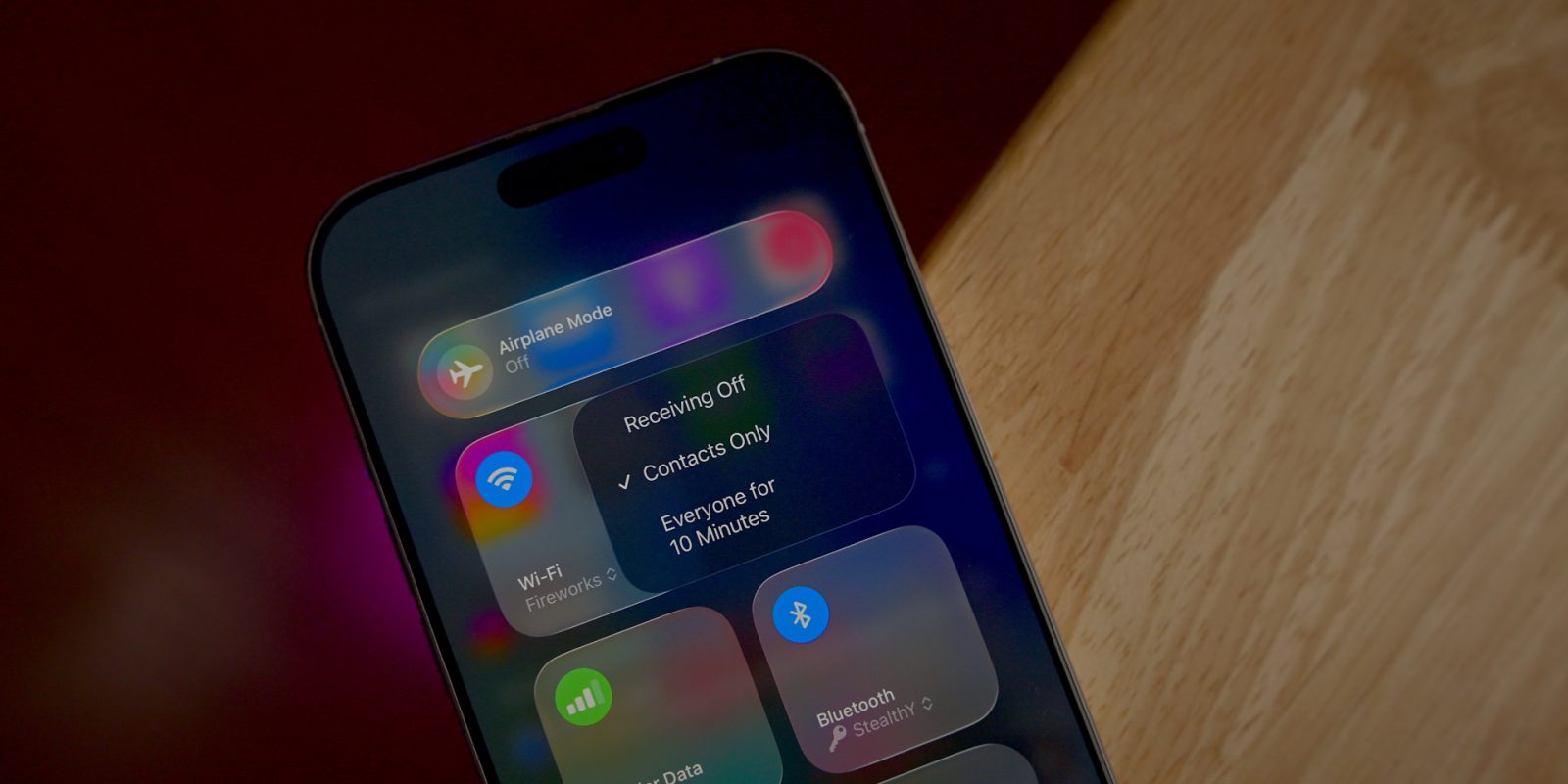
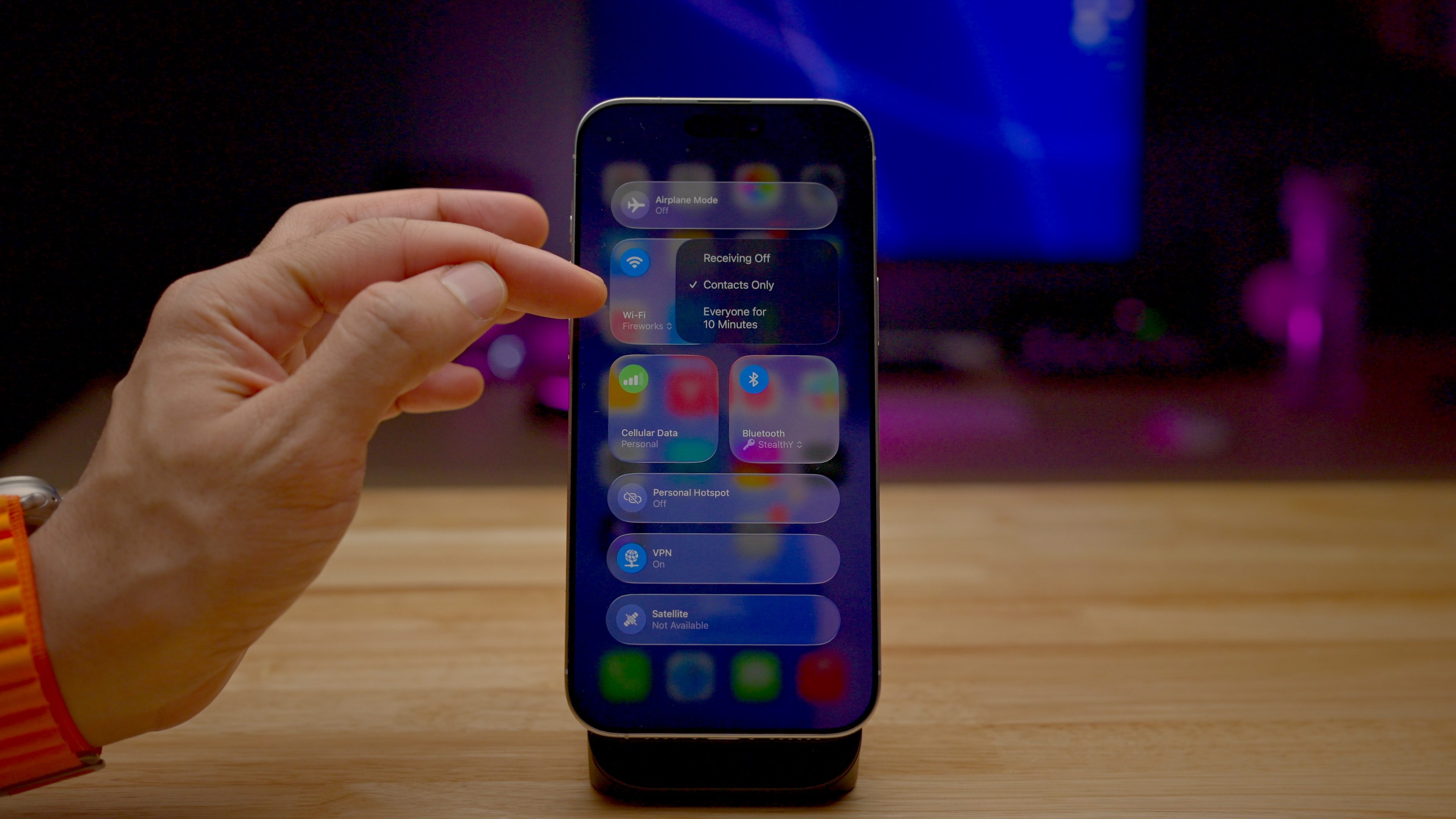
Dark mode users will be happy to learn that the Control Center context menus now feature a dark tint, replacing the previously used bright white interface.

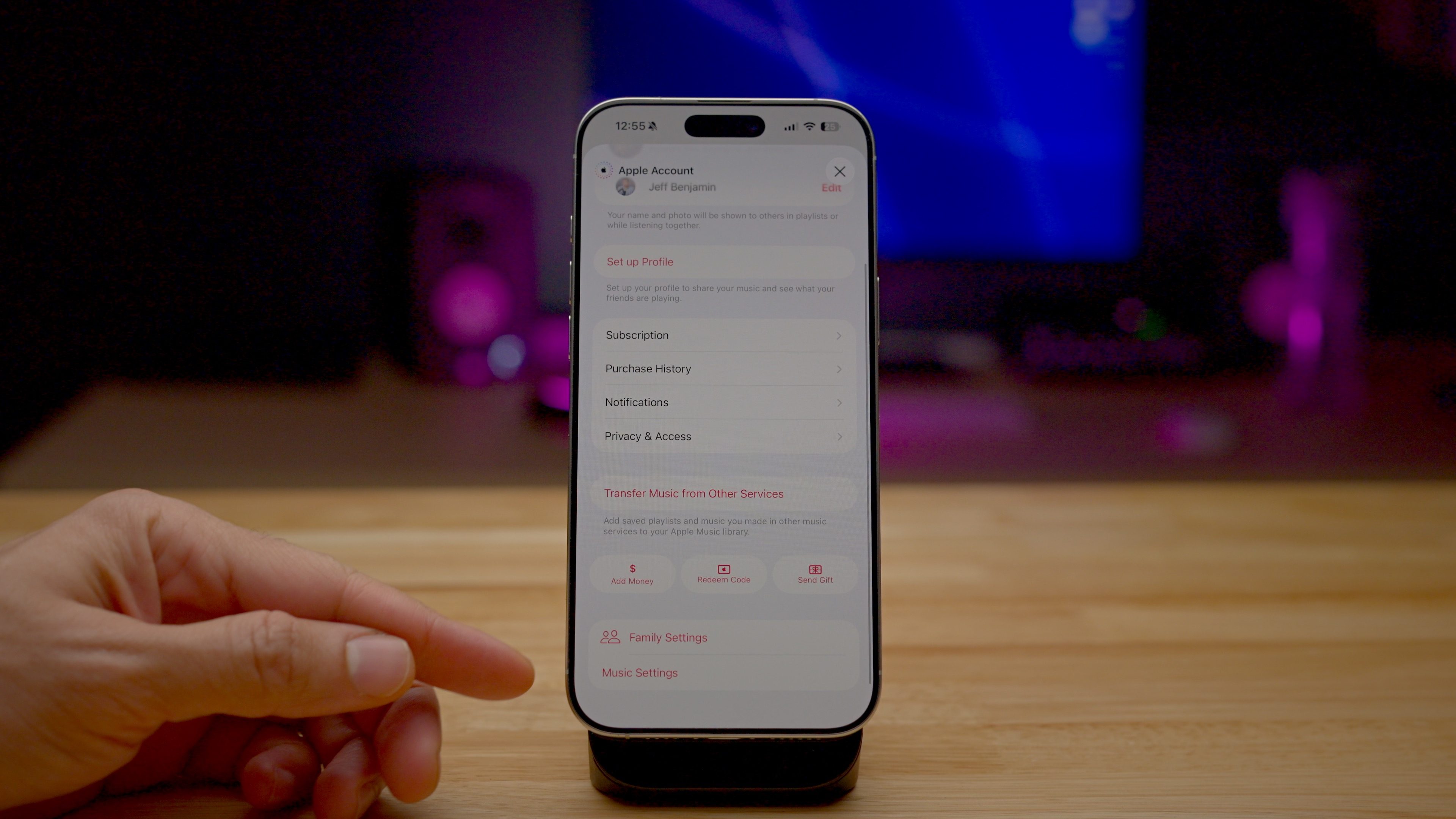
A new shortcut on the Music app’s profile page lets users quickly jump to Settings → Apps → Music to customize Music app controls.
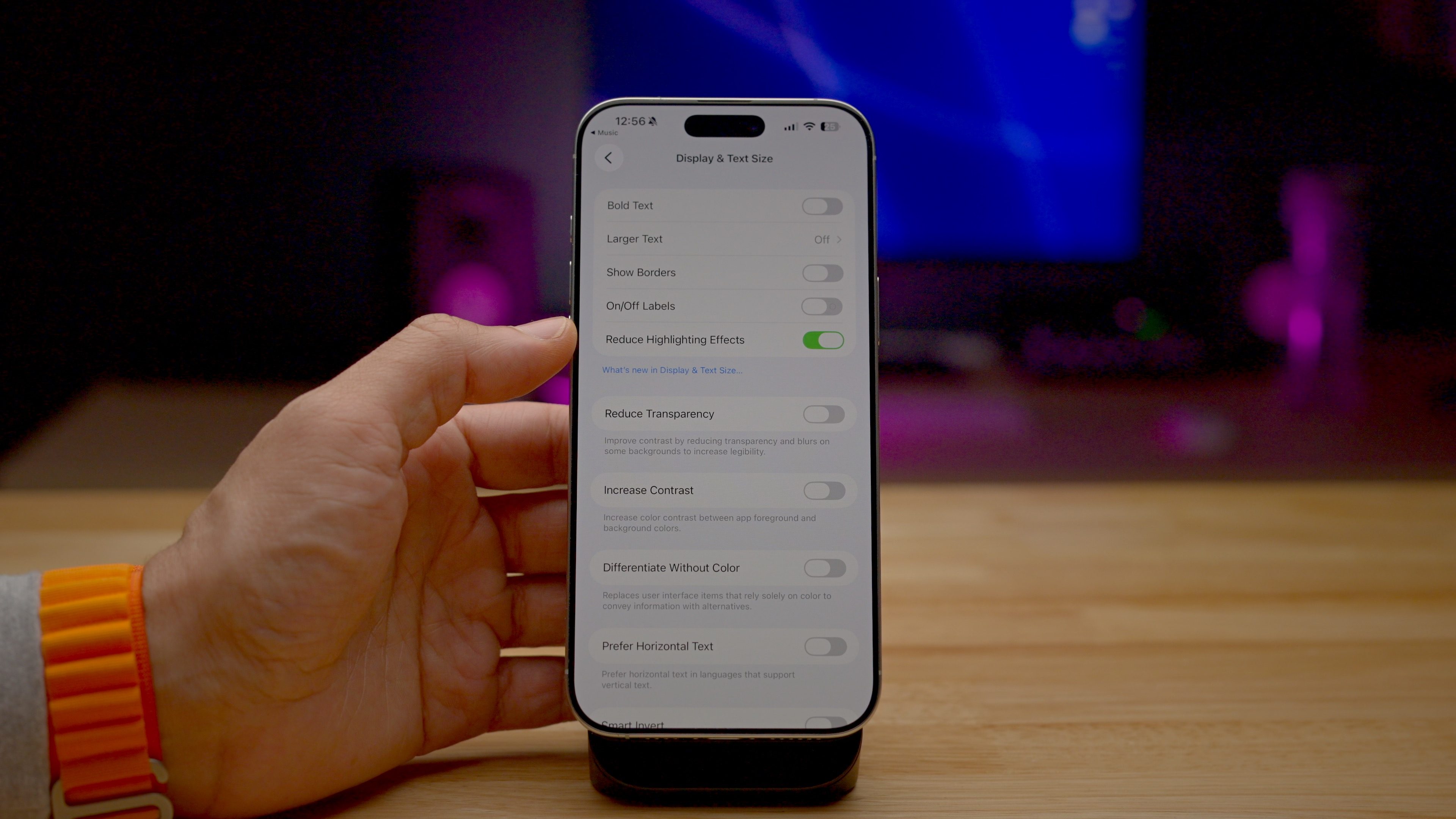
One of the more interesting changes can be found in Settings → Accessibility → Display & Text Size. There you’ll find a new Reduce Highlighting Effects switch, but we’re still not exactly sure how this will affect the iOS UI. Some have speculated that this will tweak the spectral highlights of the Liquid Glass display aspects, but I haven’t spotted any definitive differences. If you know, please leave a comment below.
Of course, Apple is also adding the ability to send and receive encrypted RCS messages, and while beta 1 is where the switch to enable the feature first appeared, Apple notes that with beta 2, users will now be able to put the feature to the test. I tried to test E2EE RCS messages with a few Android friends, but we didn’t have the right carrier combination to make it work.
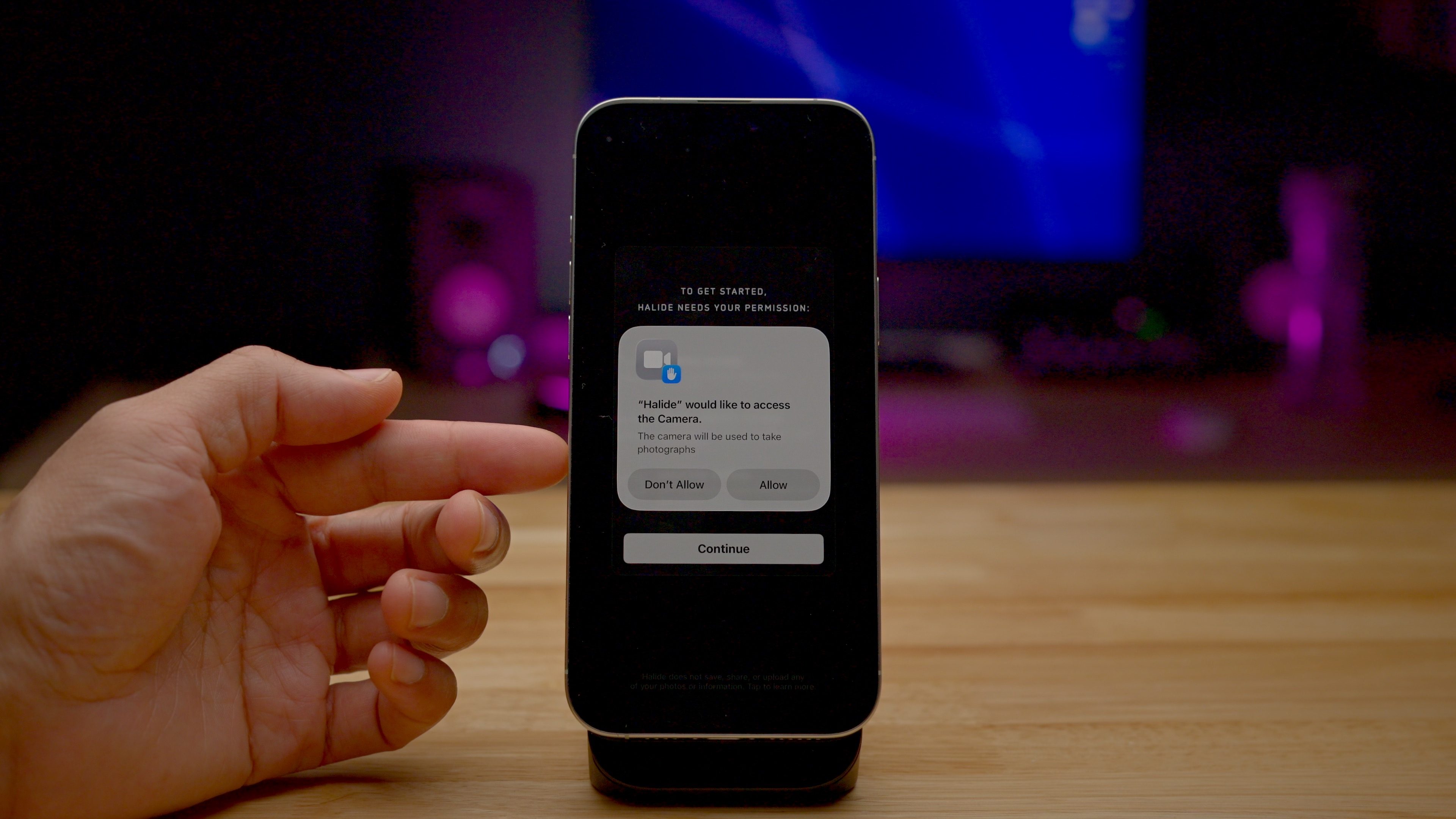
As noted, iOS 26.4 beta 2 gives us a few clues about the more low-key under-the-hood changes. These updates include a future redesign of iOS permission prompts that will adopt a sheet view.
The SDK also adds a new NSPredicateValidating protocol, likely a mechanism for validating predicates before actually evaluating them to prevent malware exploits that have affected this API in the past.
Related: iOS 26.4 beta 1 – 40 changes and features
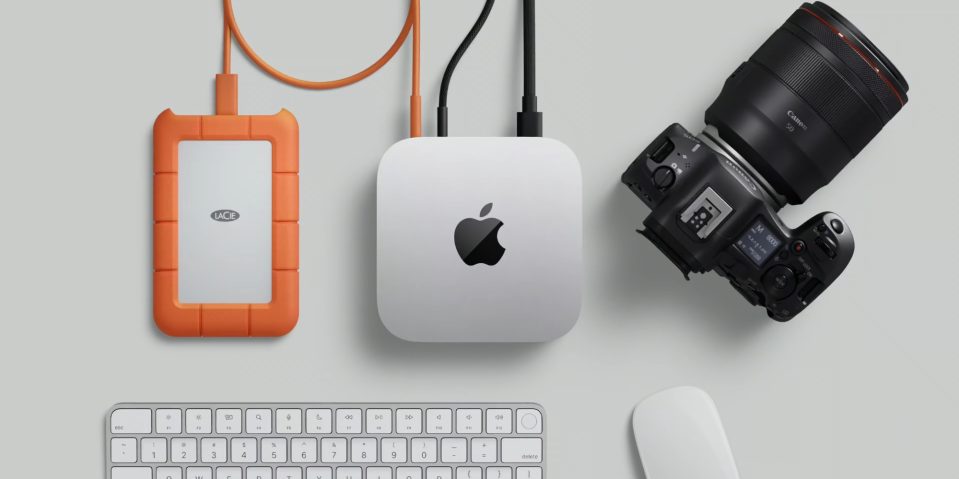
Finally, the recent round of betas makes it even more apparent that a Studio Display refresh is imminent. Apple is working on two new displays, and they seem to be quite a significant change from the outgoing Studio Display. But here’s the interesting thing: between the two new models we’re seeing, the only significant difference we can identify is the audio amplifier module. One of the displays will feature a larger module, indicating larger, more powerful speakers and, thus, a larger display. It could mean a 27-inch Studio Display and a 32-inch Studio Display, or something along those lines.
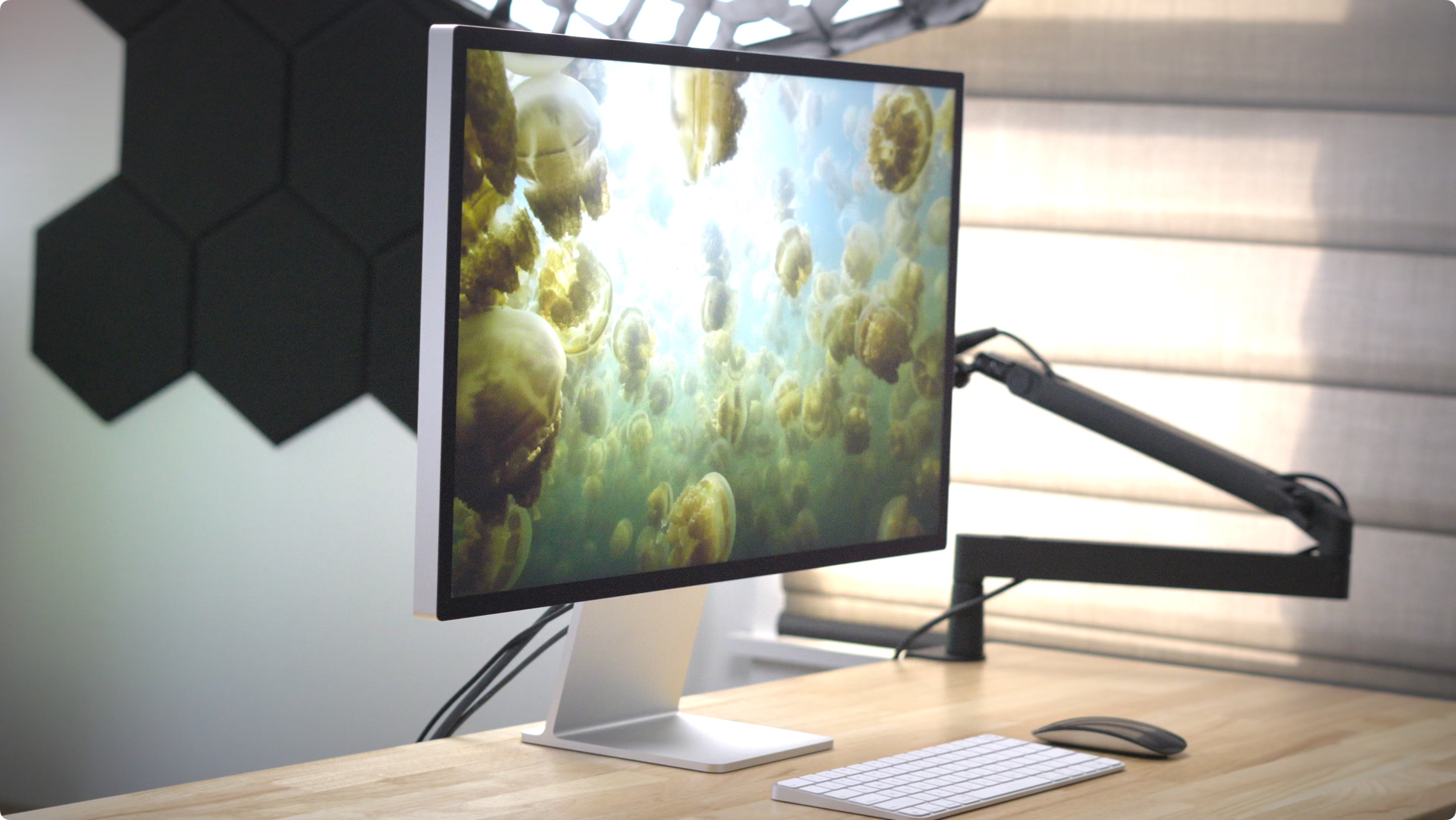
These displays will also include touch functionality. This could mean the displays themselves are touchscreens, or that they will have capacitive touch buttons. The displays will also include support for the subsystem that controls the Secure Indicator Light for camera/mic usage.
9to5Mac’s Take
While it’s true that iOS 26.4 beta 2 doesn’t include any major new user-facing features, as we’ve shown, there are several noteworthy changes and a few additional updates under the hood that point to future iOS refinements. What are your thoughts on the second iOS 26.4 developer beta? Sound off down below with your thoughts.


FTC: We use income earning auto affiliate links. More.






Comments