
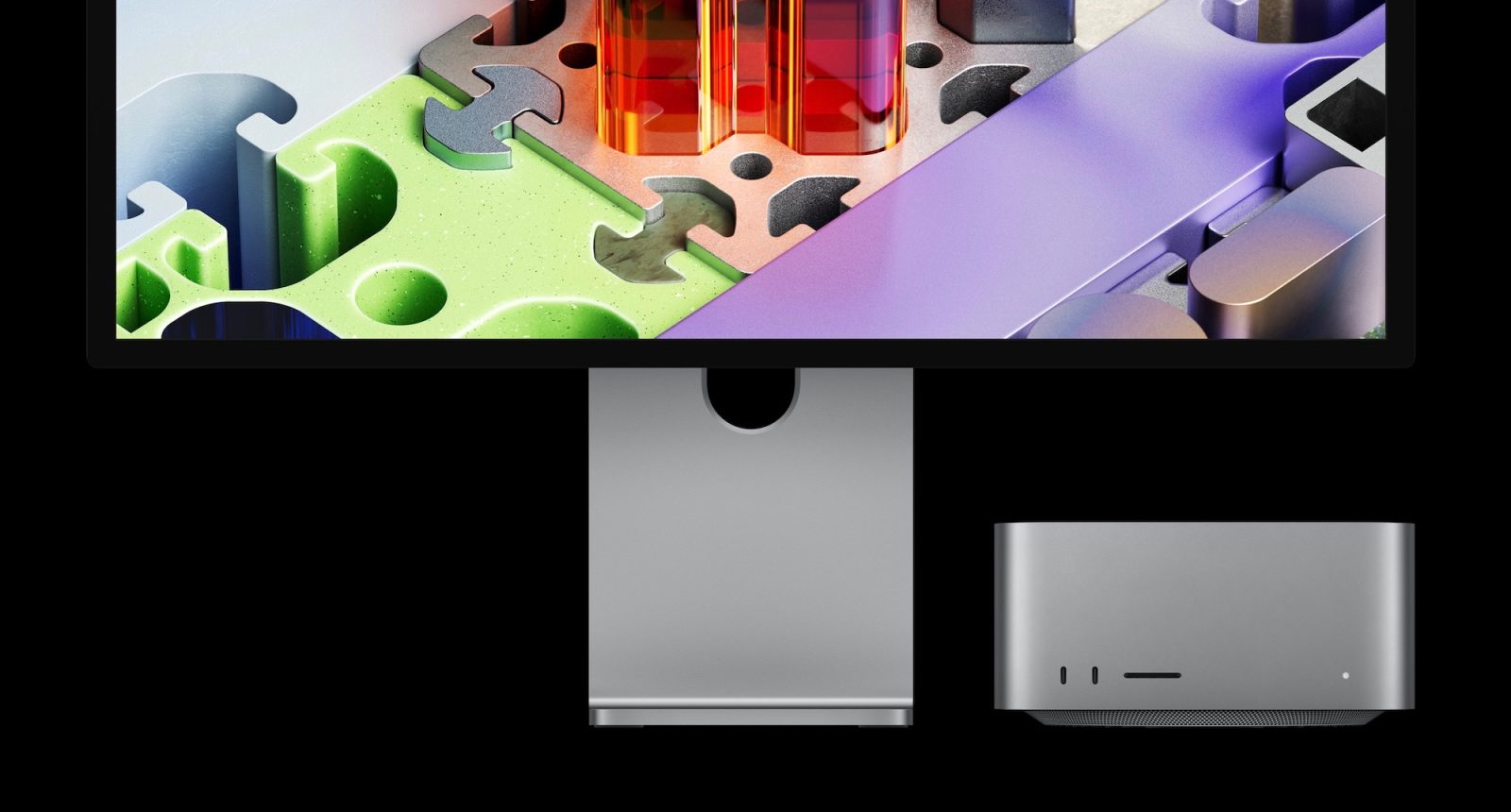
Apple announced the all-new Studio Display XDR today, and it has several key upgrades over the basic Studio Display, including a 120Hz refresh rate.
However, you’ll need a newer Mac to take advantage of that higher refresh rate. Here’s everything you need to know.
Studio Display XDR: Mac compatibility
Apple says that the Studio Display XDR is compatible with the following Macs powered by Apple Silicon:
- 16-inch MacBook Pro (2021 and later)
- 14-inch MacBook Pro (2021 and later)
- 13-inch MacBook Pro (M1, 2020 and later)
- 15-inch MacBook Air (2023 and later)
- 13-inch MacBook Air (M1, 2020 and later)
- Mac Studio (2022 and later)
- Mac mini (2020 and later)
- Mac Pro (2023 and later)
- 24-inch iMac (2021 and later)
As you can see, this means Studio Display XDR is not compatible with any Intel-powered Macs.
Studio Display XDR: 120Hz compatibility
Support for the Studio Display XDR’s 120Hz refresh rate is more limited.
If you have a Mac powered by M1, M1 Pro, M1 Max, M1 Ultra, M2, or M3, you can use the Studio Display XDR at up to 60Hz refresh rate. All other features are supported, Apple says.
Studio Display XDR: iPad compatibility
Finally, if you plan to pair your Studio Display XDR with an iPad, Apple says the following models are compatible:
- iPad Pro (M4 and M5)
- iPad Pro 12.9-inch (3rd–6th generation)
- iPad Pro 11-inch (1st–4th generation)
- iPad Air (M2, M3, and M4)iPad Air (5th generation)
However, only the M5 iPad Pro supports Studio Display XDR at 120Hz. All other iPad models will be capped at 60Hz.
Wrap up
These limitations do not apply to the base Studio Display, which also saw an update today (albeit a far less exciting one).
The Studio Display XDR will be available to order starting tomorrow, Wednesday, March 4 at 9:15am ET. The first orders will arrive to customers on March 11. Are you planning to buy? Let us know down in the comments.


FTC: We use income earning auto affiliate links. More.



Comments