
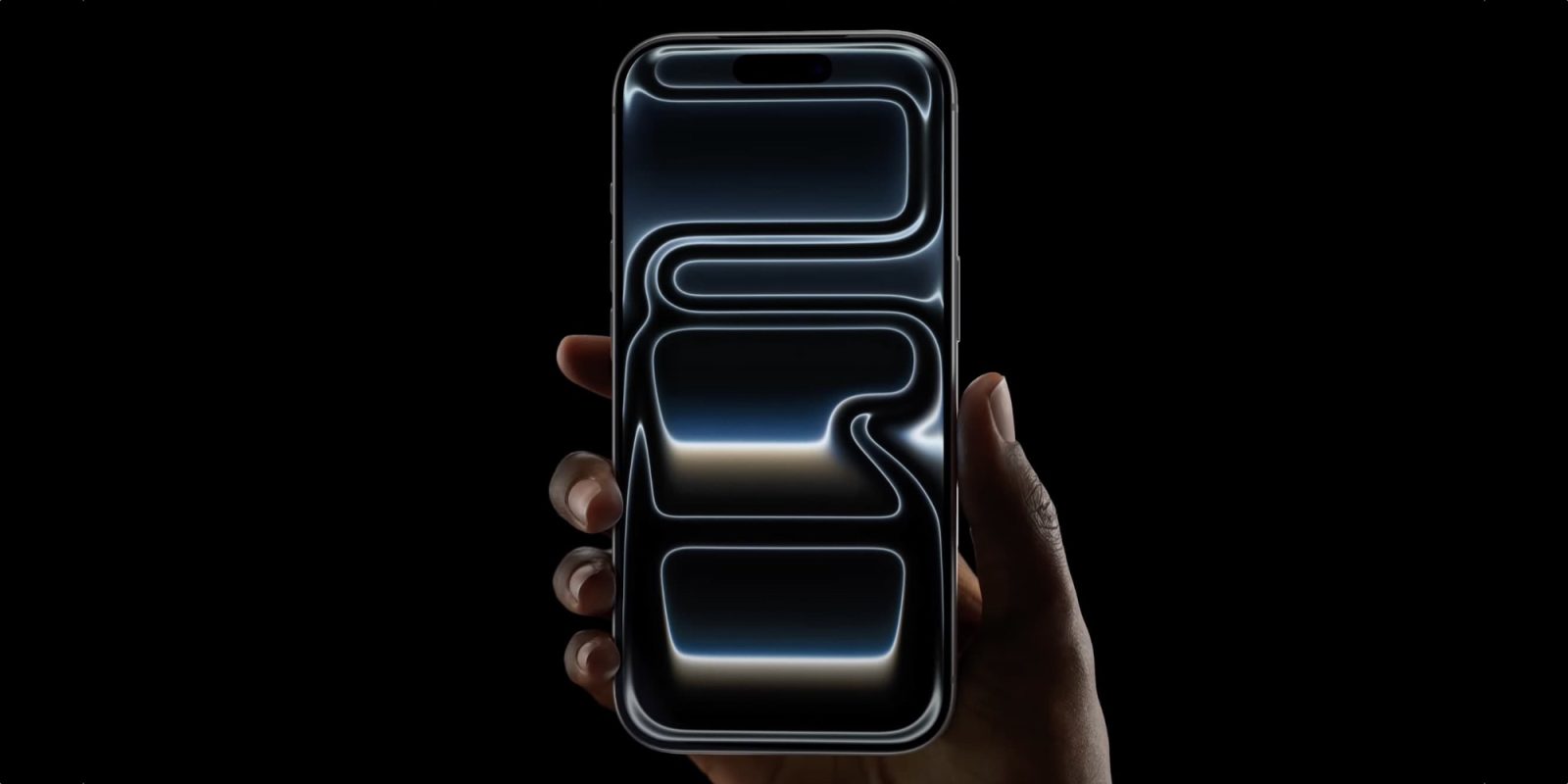
iPhone 18 Pro is coming this fall, and one of its rumored features—an updated Camera Control button—could prove the old saying that less is more.
iPhone 18’s Camera Control might drop capacitive features, offer simpler button
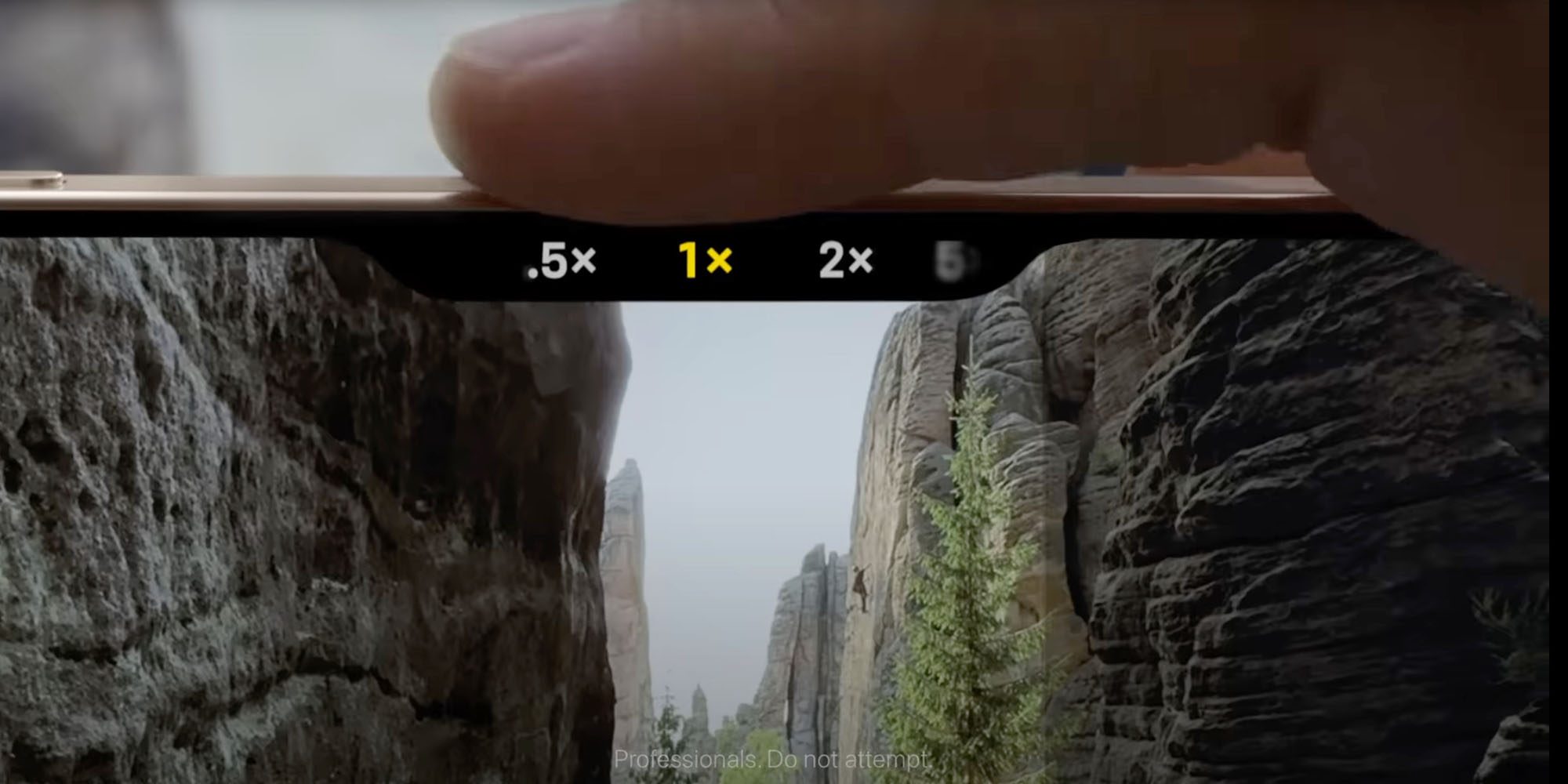
When iPhone 16 introduced Camera Control, the feature got mixed reviews from the start. Some users found that certain aspects of the button felt impractical and gimmicky.
For example, you can use Camera Control’s capacitive slider to adjust zoom, exposure, Photographic Styles, and more. It does a lot—perhaps too much.
Personally, I quickly found that these extra features got in the way, as I would accidentally trigger them when I didn’t want to. So I disabled them all.
Those manual adjustments, combined with some Apple software updates, made me into a genuine Camera Control fan.
But nearly two years later, I still don’t use the button’s capacitive features. And rumor has it, Apple plans to remove those features entirely in the iPhone 18 Pro.
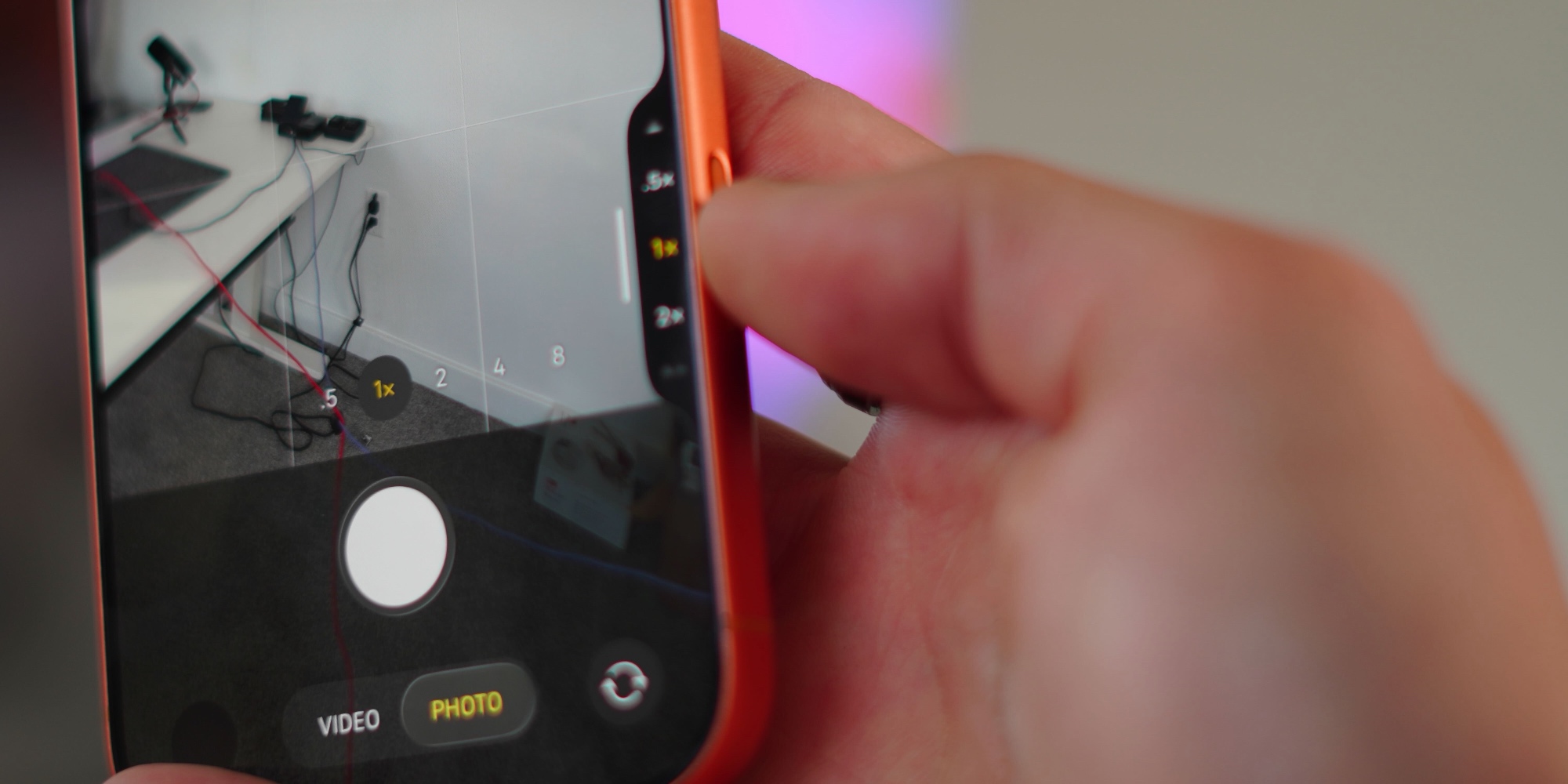
Last August, we got word that the iPhone 18 line would have a simplified Camera Control button—dropping capacitive features while keeping pressure sensitivity.
Essentially, it sounds like Apple is doing exactly what I manually did already: removing the fiddly extras while keeping the core of what makes Camera Control great.
I love using Camera Control as a dedicated launcher of the Camera app. And it’s been great for visual intelligence too, a feature I’ve found more use for over time.
My hope is that by revamping iPhone 18’s Camera Control, Apple will also add one or two small enhancements.
For example, it’d be nice to have the option of double-clicking Camera Control to launch into a specific Camera mode. I’d find that useful for quickly opening to the selfie camera.
In any case, iPhone 18 Pro’s Camera Control should offer a better experience overall for users by delivering a solid feature from the start, without the need to change a bunch of custom settings.
How do you use Camera Control on your iPhone now, and what do you want to see changed with iPhone 18 Pro? Let us know in the comments.
Best iPhone accessories
- 10-year AirTag battery case 2-pack
- MagSafe Car Mount for iPhone
- AirPods Pro 3
- Apple’s new AirTag 2 (1-pack / 4-pack)
- 100W USB-C fast charging power adapter


FTC: We use income earning auto affiliate links. More.




Comments