
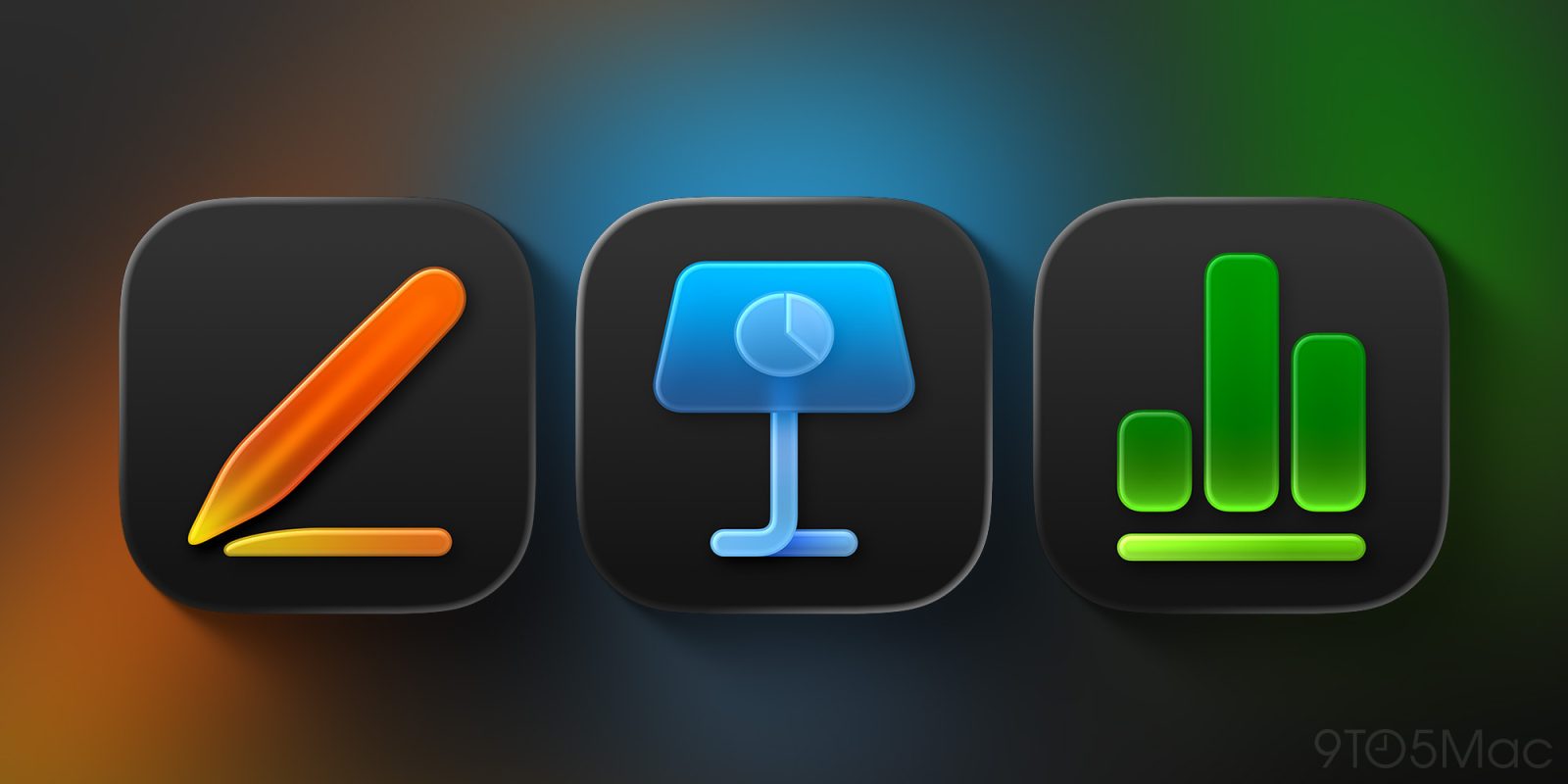
Apple has just made a change to its iWork lineup on the Mac, removing the old versions of Pages, Keynote, and Numbers from the App Store and leaving just the newer builds that support Apple Creator Studio.
iWork apps now only available in Creator Studio versions on the Mac
Earlier this year, Apple Creator Studio launched as a new bundle of pro-focused apps for creatives.
The bundle includes access to apps like Final Cut Pro, Pixelmator Pro, and Logic Pro, but also exclusive features in Apple’s free iWork apps: Pages, Keynote, and Numbers.
On the iPhone and iPad, Apple made the new Creator Studio features available as updates to the existing App Store releases.
On the Mac though, the rollout was a lot more confusing.
Apple kept the old iWork apps for Mac available on the App Store and launched entirely separate iWork versions with the Creator Studio features.
Starting today, though, that oddity is no more. Per Aaron Perris, Apple has officially removed the old Pages, Keynote, and Numbers apps from the App Store.
Top comment by M_Pro_Max_Ultra
They really messed up this transition - a couple weeks ago my colleague updated to the new version, whilst we were working on a shared Keynote doc together - not knowing it would have any impact. The next day my work on the doc was lost, and I was unable to open the doc without upgrading. It was a mess that I didn’t need 10min before class was about to start. This was not the “it just works” magic!
If you’ve previously downloaded these apps, you’ll still find them in your download history and can re-download from there. But new users will only see one option on the App Store: the Creator Studio-compatible apps.
To be clear: Pages, Keynote, and Numbers are still entirely free for download on the Mac. You don’t need to be a Creator Studio subscriber to use the vast majority of features.
However, one disadvantage of the freemium versions is that they include encouragements to subscribe to Creator Studio to unlock the full feature set.
Are you still using the old iWork apps, or have you moved on to the new versions? Let us know in the comments.
Best Mac accessories
- AirPods Pro 3 (limited-time $199 price)
- 100W USB-C power adapter for fast charging
- tomtoc protective MacBook sleeve bag
- Twelve South aluminum laptop stand for MacBooks
- Anker Docking Station USB-C with Ethernet, HDMI, SD, more


FTC: We use income earning auto affiliate links. More.



Comments