
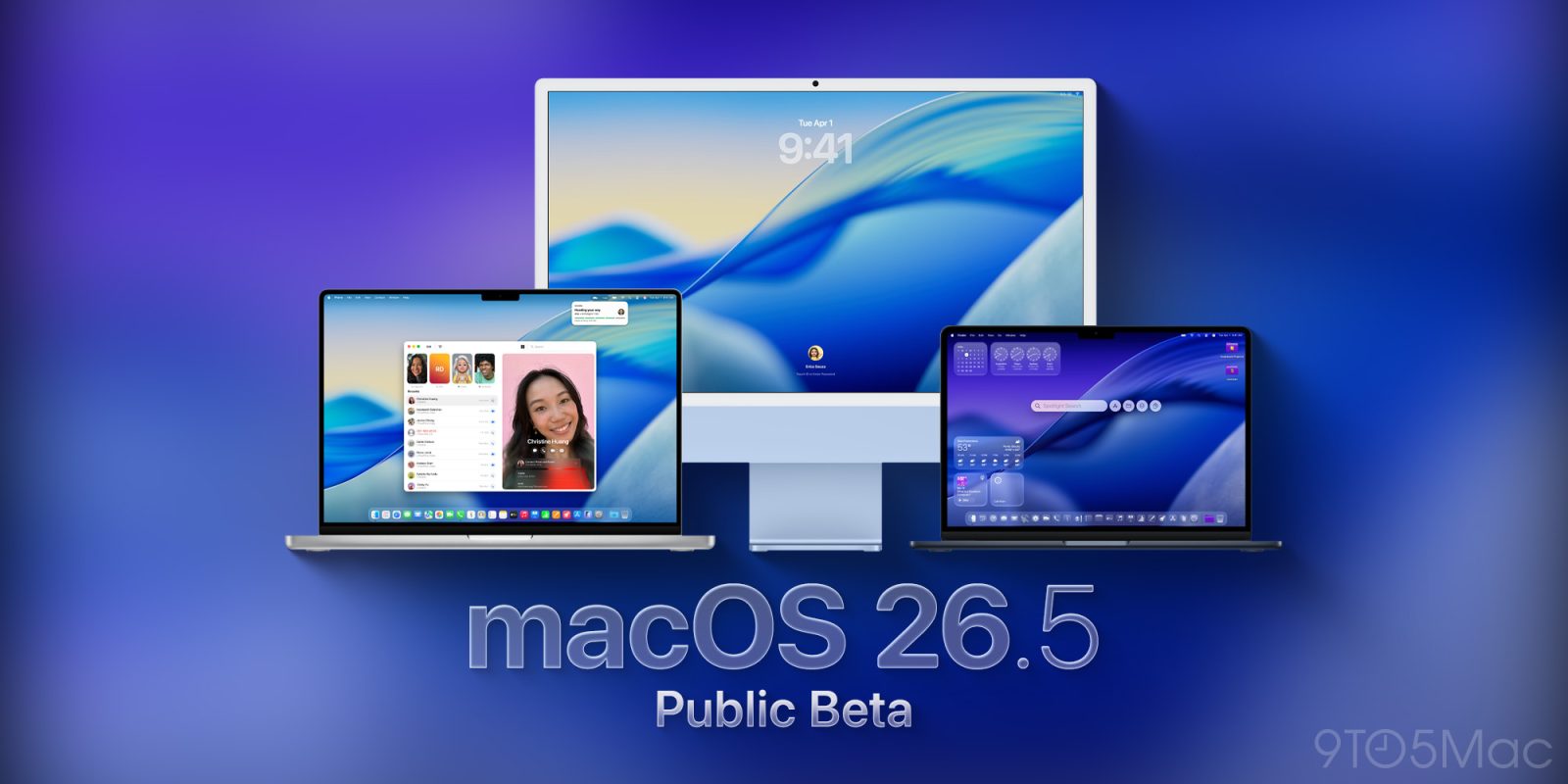
After skipping the second public beta for macOS 26.5 last week, Apple is rolling out macOS 26.5 public beta 2 right now, even though the company released macOS 26.5 beta 3 for developers yesterday. Here’s what to expect from this next update.
No new features so far
Apple released macOS 26.5 beta 3 yesterday and, like in the first two releases, the system didn’t include any new features.
Contrary to macOS 26.4, which introduced features such as the Charge Limit, and brought back the compact tab view in Safari, Apple seems to be making under-the-hood tweaks and adjustments, leaving the system stable enough to switch focus to macOS 27, which is set to be announced in less than two months at WWDC.
In any case, if you’re in the public beta program, you can now download macOS 26.3 beta 2, which has the same build version (25F5058e) as yesterday’s developer beta 3 release.
How to install macOS Tahoe 26.5 public beta 3
To install, the first thing you have to do is enroll in Apple’s public beta program at https://beta.apple.com/. Once you’re done, here’s the step-by-step:
- Open System Settings
- Go to General ⇾ Software Update
- Click the ‘i’ icon next to Beta Updates
- From the dropdown menu in the top-right, select the macOS Tahoe 26 Public Beta
- Hit ‘Done’
Did you spot any changes in today’s beta? Let us know in the comments.
Worth checking out on Amazon
- David Pogue – ’Apple: The First 50 Years’
- MacBook Neo
- Logitech MX Master 4
- AirPods Pro 3
- AirTag (2nd Generation) – 4 Pack
- Apple Watch Series 11
- Wireless CarPlay adapter


FTC: We use income earning auto affiliate links. More.



Comments