

Apple’s all-new M6 Mac mini, M5 Pro mini, and Mac Studio officially release tomorrow and, alongside the early pre-order deals on most of them, we are taking a look at some of our favorite Mac accessories here today.
Favorite Mac mini/Studio accessories
If you ask me, the best accessories for a Mac mini or Mac Studio are Apple’s Magic Keyboard, Magic Mouse, and a Studio Display. But some folks detest the Magic Mouse (they are wrong because the gesture action is a must-have, game-changing feature), but even I can admit the keyboard leaves something to be desired and the Magic Mouse just isn’t going to be ergonomic enough for some…I get it.
That said, let’s dive into some of our top picks, straight from Apple’s lineup alongside some third-party gear we use ourselves:
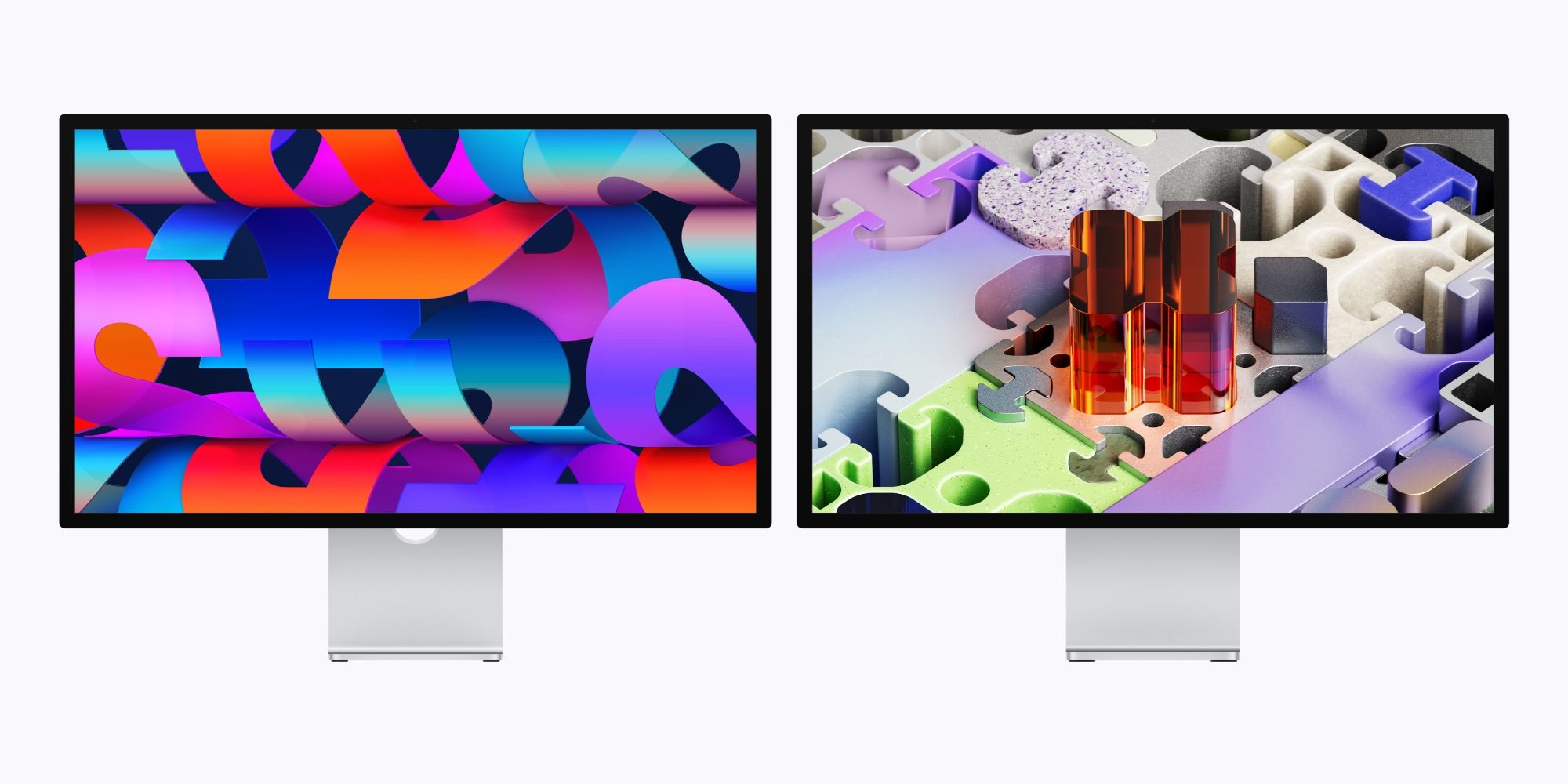
Justin – Apple Studio Display
We are starting with monitors here today – you’re going to need one of those and if not, perhaps a refresh is in order. You can land one of the lowest prices ever on Apple’s most affordable Studio Display right now at $240 off straight from Apple (if you’re quick), and I am including this as one of our top picks here today.
That said, I happen to use a Samsung Smart Monitor with my Mac mini. The M9 OLED is a pricey option, but it matches the Mac mini Apple aesthetic perfectly (it almost looks like an iMac in silver) and comes in at hundreds less than a Studio Display, measures 32-inches, and includes onboard streaming action, plus a whole lot more. There are, of course, loads of options, some more affordable than others, so I have tapped the in-house squad here to bolster my display picks with the screens they stare at all day too:
- Buy the ASUS ProArt (PA27JCV) 27-inch 5K USB-C monitor
- Buy the Samsung 32-inch OLED M9 Smart Monitor
- Buy the Dell UltraSharp 27 Thunderbolt Hub Monitor
- Buy the LG 27UP850K-W 27-inch Ultrafine 4K Monitor
- Buy the LG 32-inch UltraFine 6K Thunderbolt 5 Monitor
- Buy the BenQ PD2730S 27-inch 5K Thunderbolt 4 Monitor
- Buy the ASUS 32-inch ProArt 6K Monitor
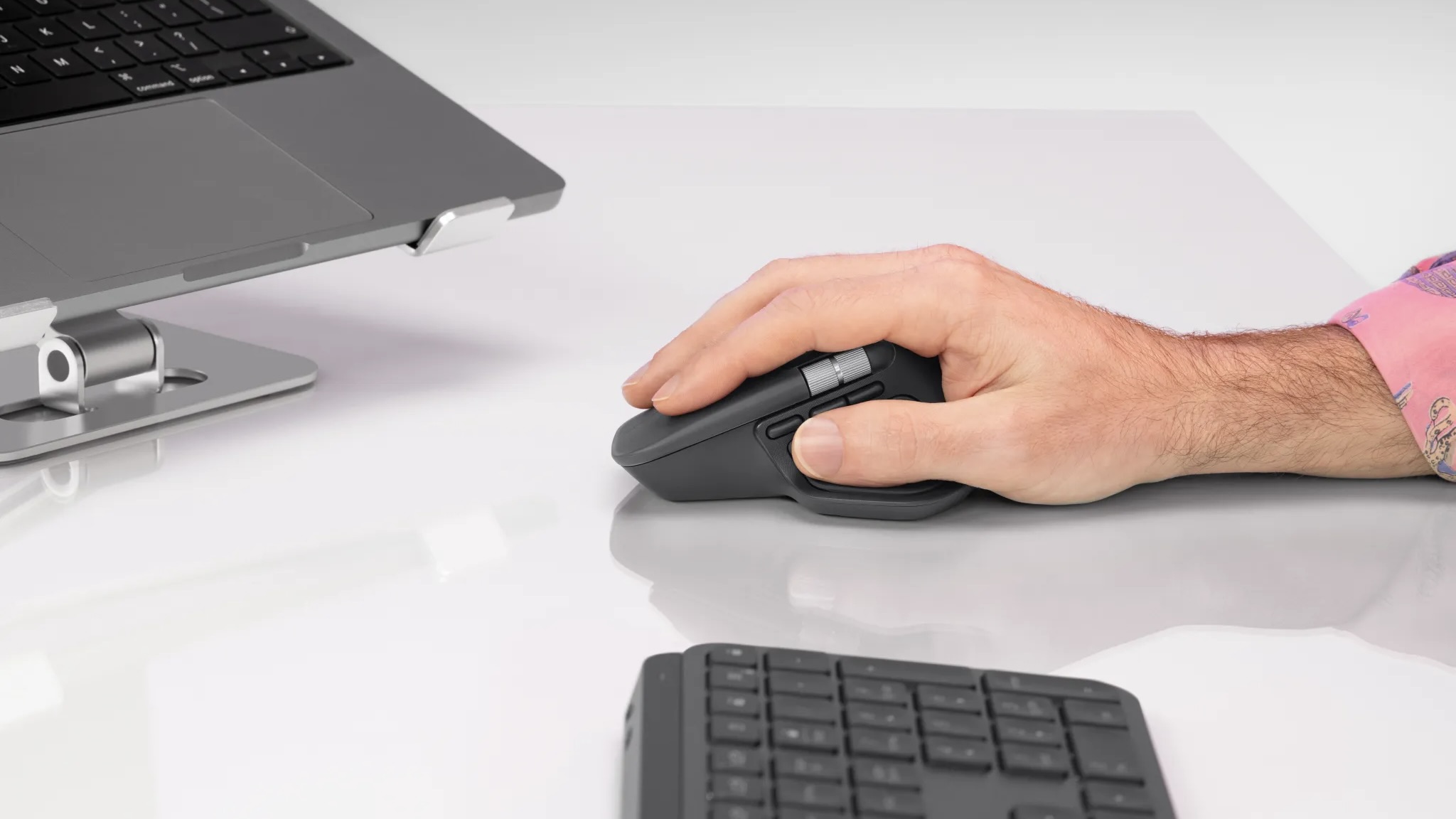
Chance – Logitech MX Master 4
If you buy a new Mac mini or Mac Studio, you’ll have to supply your own peripherals. My go-to mouse recommendation is the Logitech MX Master 4. It offers several new features over its predecessor, including haptic feedback, better connectivity, and more durable and comfortable materials. Logitech struck a great balance of modernizing the MX Master 3, while staying true to what made it so iconic.
As an honorable mention, the Logitech MX Vertical is another great option if you’re looking for something with a different take on ergonomics.

Michael – Satechi Hub & Stand with NVMe SSD Enclosure for Mac mini or Mac Studio
The Satechi Mac mini Hub & Stand is a simple way to add more storage and connectivity to your Mac mini. It has a built-in NVMe SSD enclosure, making it easy to add affordable extra storage without opening up the Mac mini. It also doubles as a USB hub, giving you convenient front-facing USB ports and an SD card reader for connecting accessories or transferring photos and videos. Installation is simple, and the whole thing sits neatly underneath your new Mac mini.
If you opted for a Mac Studio instead of a Mac mini, Satechi also makes a Hub & Stand designed specifically for the Mac Studio.
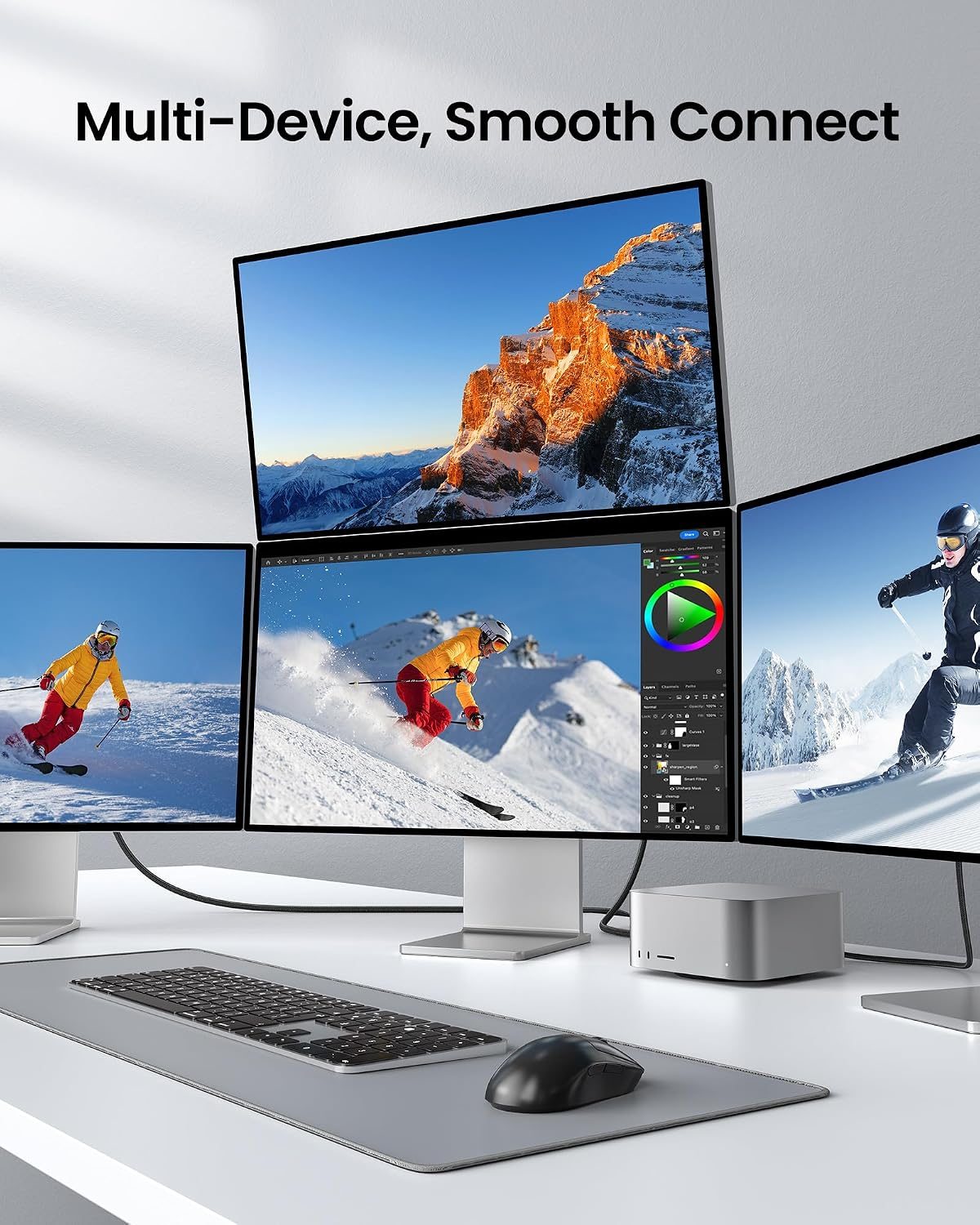
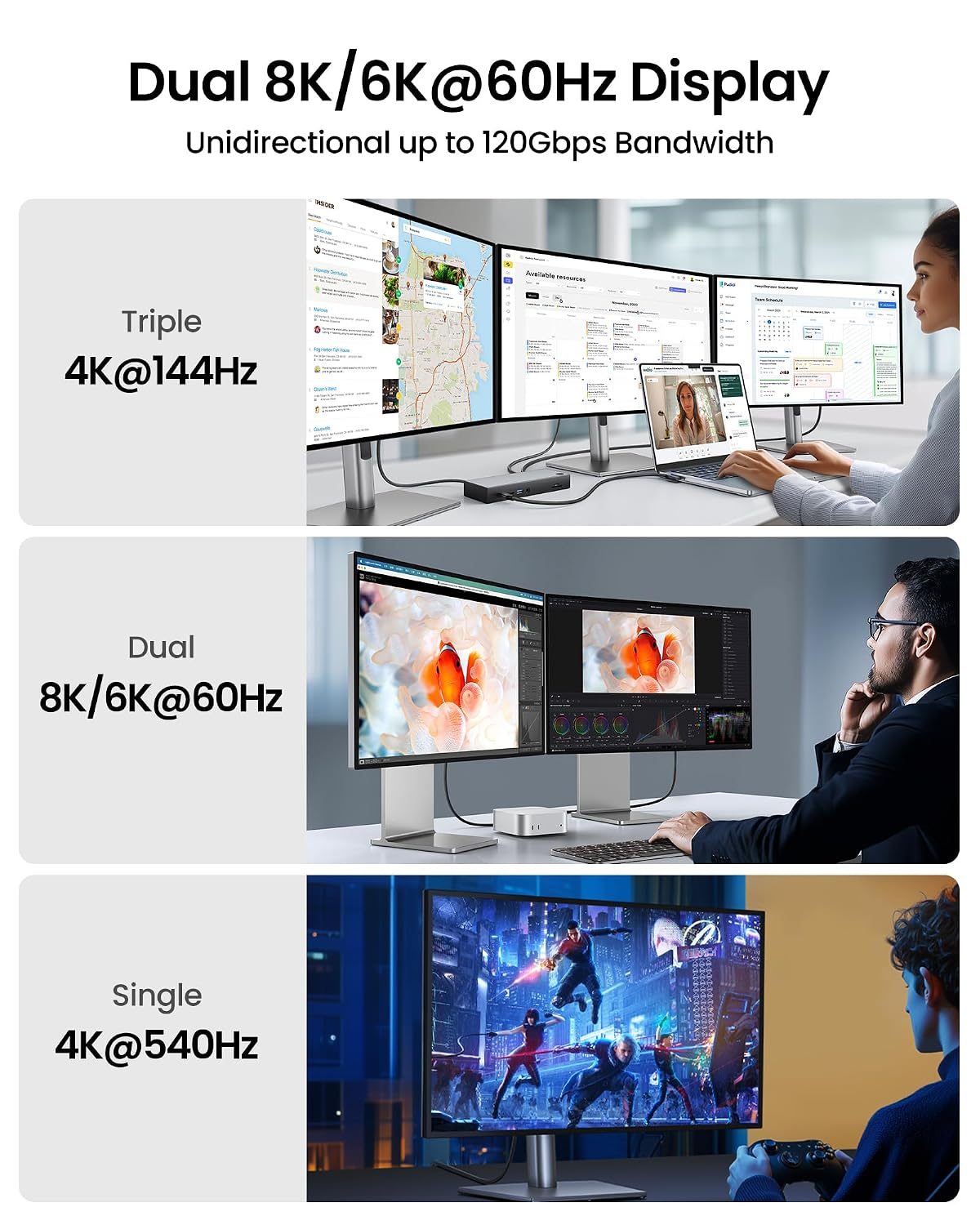
Simon – Silkland Right-Angle 240W Thunderbolt 5 Cable
A new Mac mini or Mac Studio looks perfect on your desk until cords show up. This is precisely why I recommend a right-angle solution like this. If you have your new Mac along the edge of your desk, it can head directly down underneath without jutting out. It supports up to 240W charging speeds and 120Gbps bandwidth. This Thunderbolt 5 cable is available in a variety of lengths and pricing kicks off from $26.
And if one HDMI port along the back of your Mac desktop is not enough, you can snag a 10-foot USB-C to HDMI Cable for under $14 too.
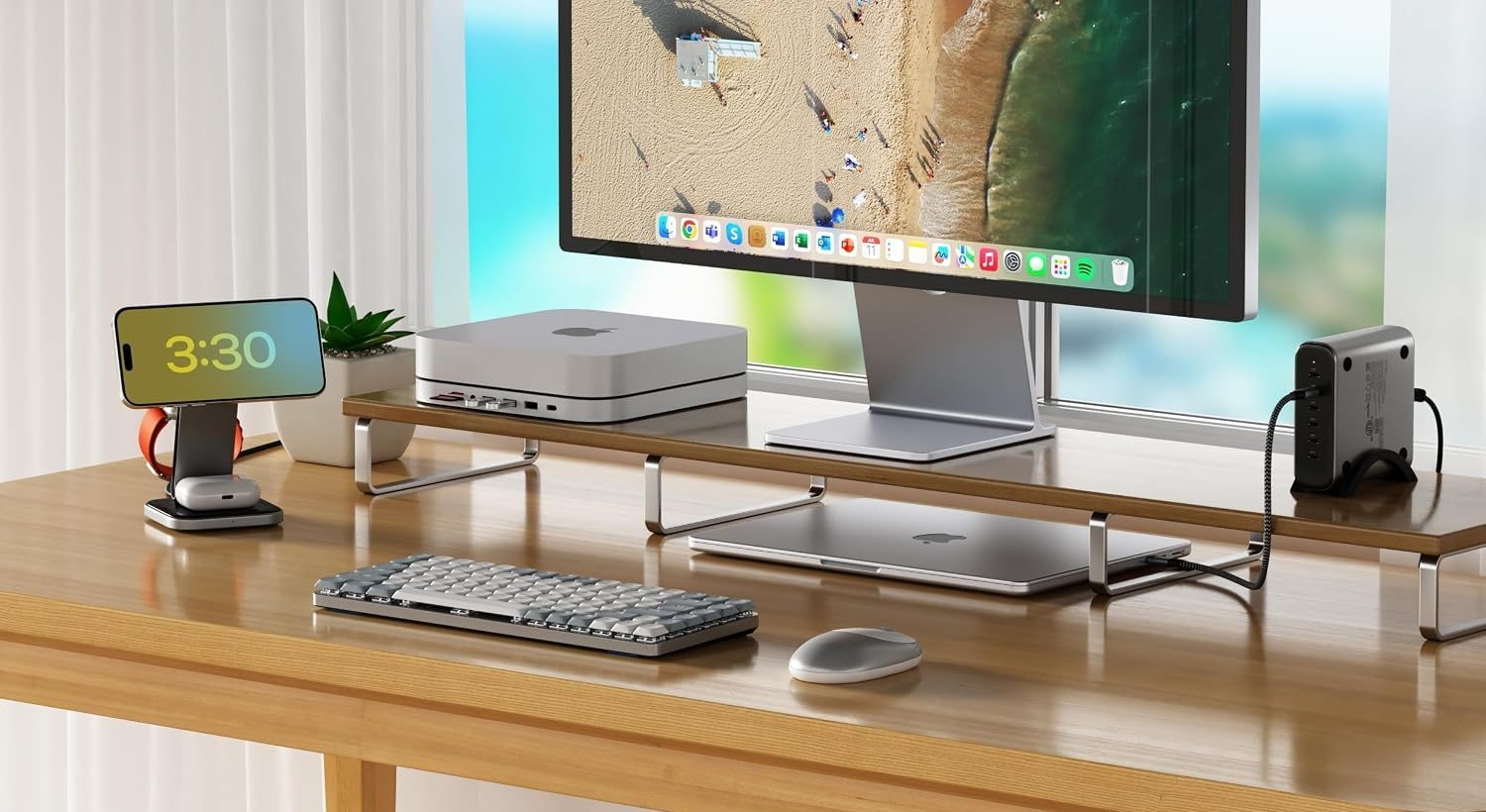
Karthik – Satechi SM1 75% mechanical keyboard
You’ll need a keyboard to go with your Mac mini, and if you’re planning to buy a new one, I’d go with the Satechi SM1 75% mechanical keyboard. Its compact layout keeps things clean without ditching useful keys like the function row and arrows, and the mechanical switches give it a much more satisfying typing feel than a typical low-profile board. The Light Gray/White finish also looks right at home next to a Mac mini, making it a particularly nice fit for a neat Apple-centric setup.
You can also go with something like the Keychron B1 Pro if you’d rather have an ultra-slim wireless keyboard with quiet scissor switches that’s better suited for office use.
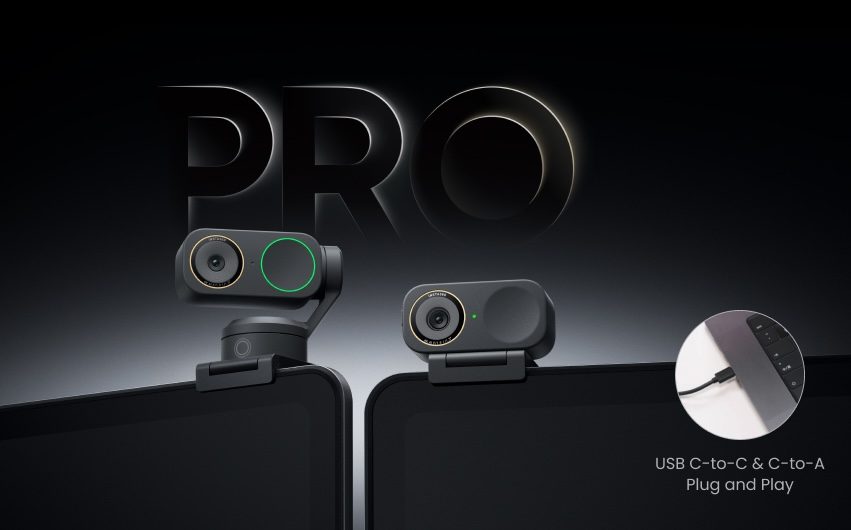
Rein – Insta360 Link 2 Pro 4K PTZ Webcam
You’re might be pairing your Mac Mini or Mac Studio with one of the brand’s monitors that may come with built-in webcams, but if you’re not, you’ll want to have the Insta360 models on your radar. That’s why I recommend going with the Insta360 Link 2 Pro 4K PTZ Webcam or one of its variants for your setup. You get sharper 4K resolution, not to mention the dual-mic system with beamforming directional pickup, AI-powered panning and tilting to follow movement, and the compatibility with various conference software, streaming platforms, and stream deck integration.
- Buy the Insta360 Link 2 Pro 4K PTZ Webcam
- Buy the Insta360 Link 2C Pro 4K Webcam
- Buy the Insta360 Link 2 4K PTZ Webcam
- Buy the Insta360 Link 2C 4K Webcam
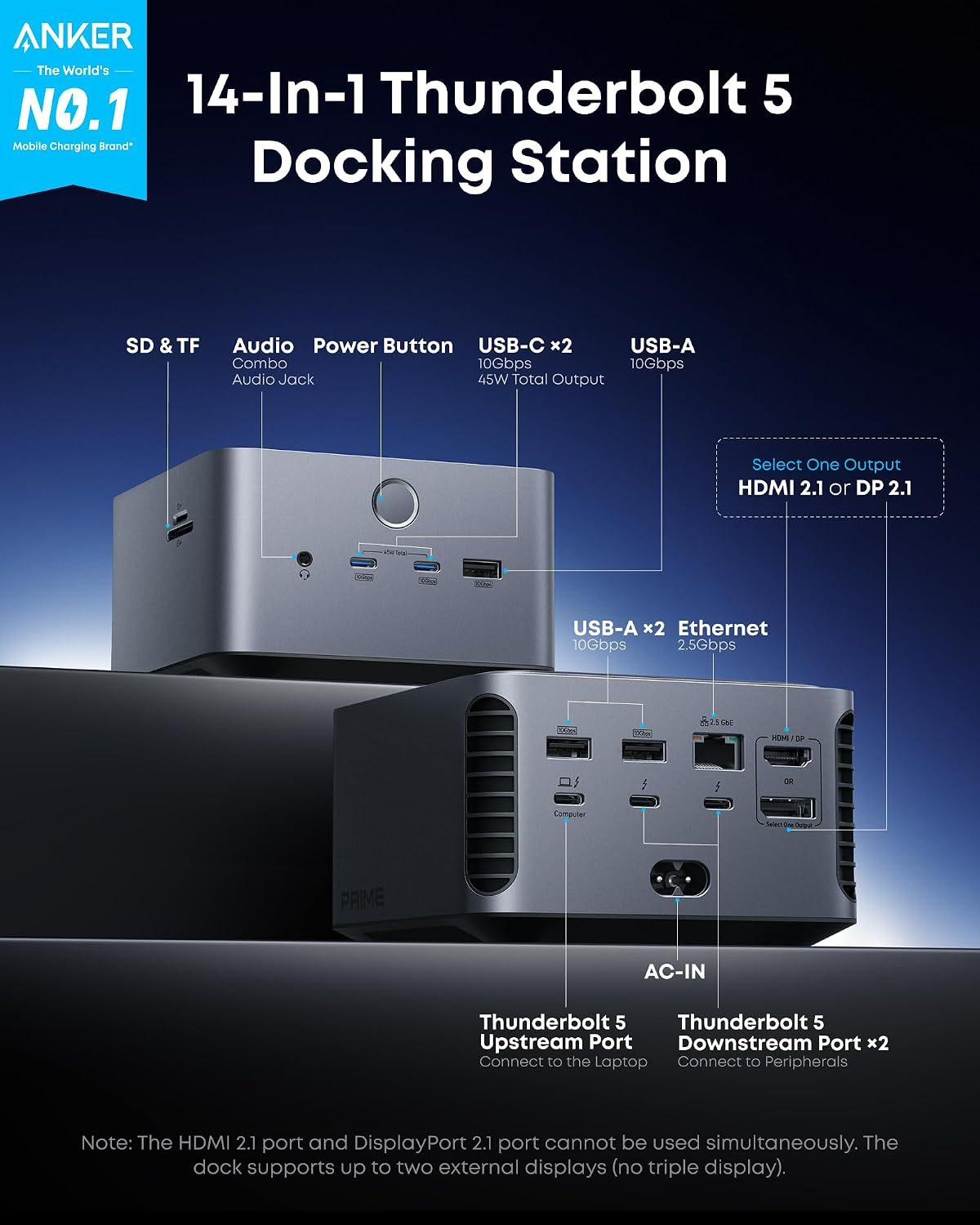
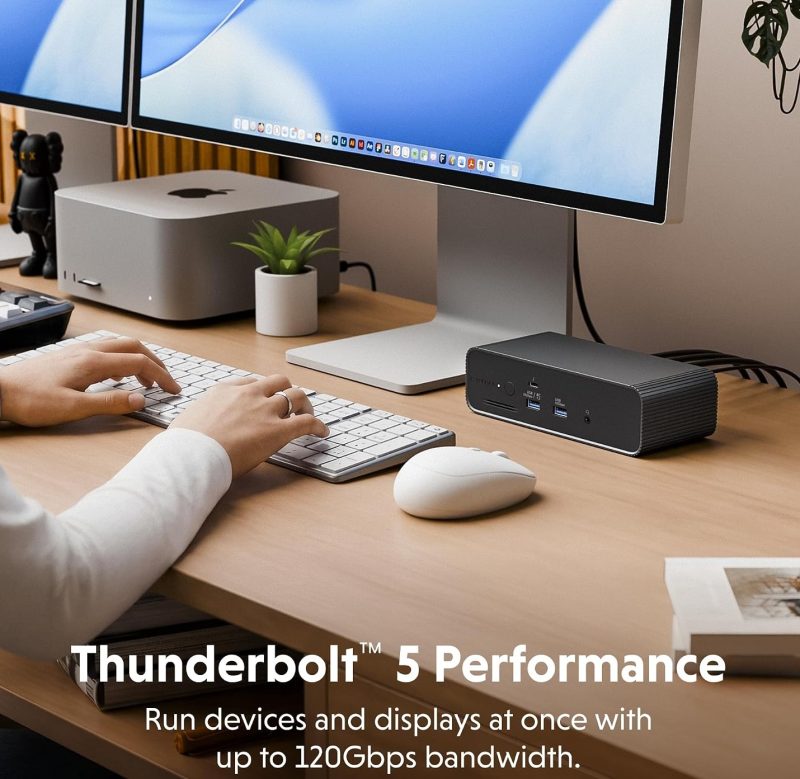

Honorable Mentions
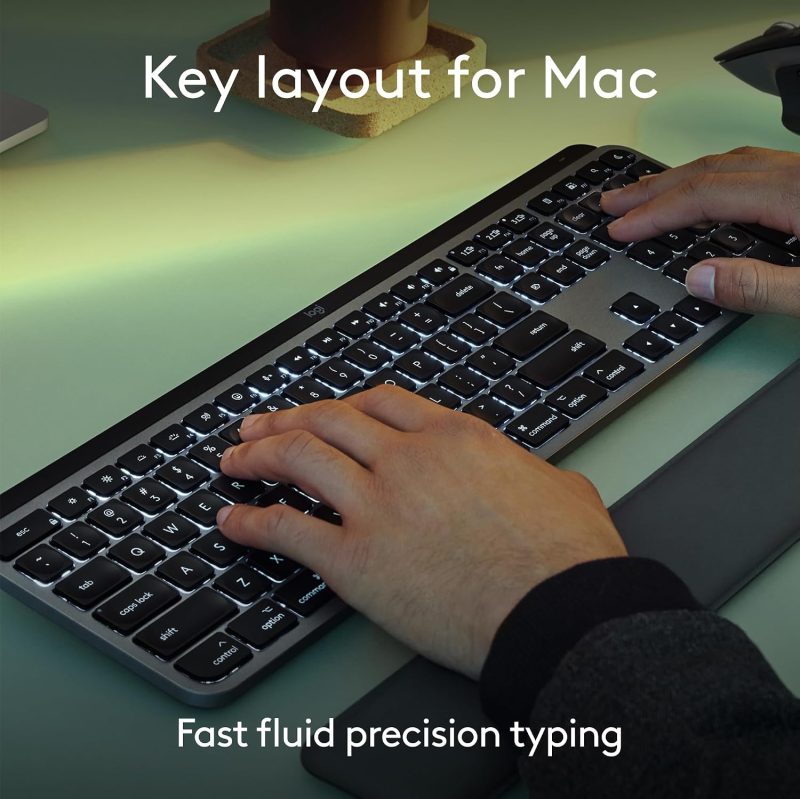
- Logitech MX Keys S Mac Wireless Keyboard
- Satechi Thunderbolt 5 CubeDock
- HyperDrive Next Thunderbolt 5 Dock with SSD Enclosure
- Anker Prime Thunderbolt 5 Docking Station
- Latest Apple Magic Keyboard
- Latest Apple Magic Mouse
Updating…


FTC: We use income earning auto affiliate links. More.



Comments