
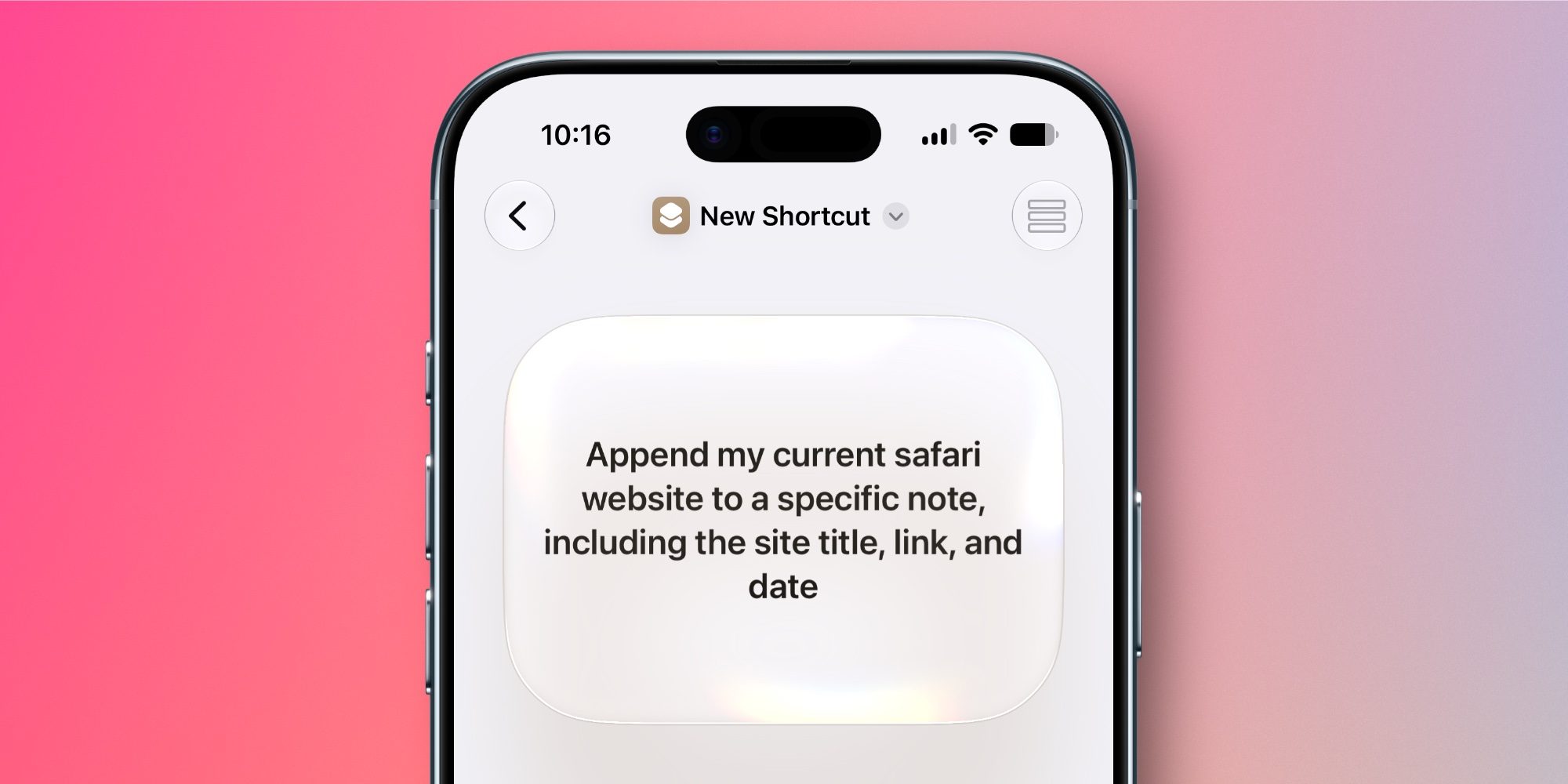
Apple’s Shortcuts app in iOS 27 adds a user-friendly new way to build shortcuts that I love, but it also adds 35+ new and improved actions and automations to the app. Here’s the full list.
Here’s everything new in iOS 27’s Shortcuts app
Apple has just published comprehensive notes detailing what’s new for the Shortcuts app in iOS 27 and its companion releases. Here are all of the brand new Shortcuts actions it mentions:
Messages
- “Send Tapback”
- “Mark as Read”
- “Delete Messages“
- ”Delete Conversations“
- “Open Inbox”
- “Search in Messages app”
Reminders
- “Edit List“
- “Create Groups”
- “Delete Groups”
- “Create Section”
- “Delete Sections”
VPN
- “Get Current VPN”
- “Find VPNs”
Shortcuts Storage
- “Get Stored Content”
- “Store Content”
- “Delete Stored Content”
- “Add Item to List“
General
- “Get Selected Text”
Photos
- “Favorite Photos”
- “Hide Photos”
- “Auto Enhance Photos”
- “Find Albums“
- “Delete Albums”
- “Open Photo”
Joining these new actions, iOS 27 upgrades existing Shortcuts actions to make them more powerful than before.
Improved Actions
- “Use Model” supports enhanced Apple Intelligence models
- “Use Model” can now get up-to-date information using the web
- “If” now supports “Otherwise If” for complex logic
- “Create Note” and “Append Text to Note” now support Markdown
- “Append Text to Note” can now append or prepend text to a specific section of a note
- “Send Message” now supports sending to group chats
- “Find Message” can now filter by sender
- “Get What’s On Screen” now returns more structured information about on-screen content
- “Extract Text From Image” can now extract tables or lists from images
- “Scan QR or Barcode” can now process a file directly (iOS, iPadOS, and macOS)
- “Set Volume” can now set volume for Alarms and Timers and System Sounds (iOS and iPadOS)
- “Get Network Details” now supports Ethernet interfaces
- “Location” can now reference a user’s home and work locations (iOS, iPadOS, and visionOS)
- “Get Travel Time” has new “Avoid Tolls” and “Avoid Highways” options (iOS, iPadOS, and visionOS)
Finally, Apple mentions that three automations are new in iOS 27.
Automations
- Notifications (“When I receive a notification from News”)
- Keyboard (“When my keyboard is connected”, iOS and iPadOS)
- Screenshot (“When a screenshot is saved”, iOS, iPadOS, and macOS)
Which new iOS 27 Shortcuts additions are your favorites? Let us know in the comments.
Best iPhone accessories
- MagSafe Car Mount for iPhone
- AirTag 2 (now only $24, down from $29)
- 10-year AirTag battery case
- 100W USB-C fast charging power adapter
- HomeKit Garage Door Opener


FTC: We use income earning auto affiliate links. More.


Comments