
iOS 27 is packed with new Apple Intelligence features, with Siri AI chief among them. But the Shortcuts app offers another standout AI upgrade in iOS 27 thanks to a new ‘describe a shortcut’ feature.
iOS 27 lets you describe the shortcut you want, and the Shortcuts app automatically builds it
I’ve always appreciated Apple’s Shortcuts app, but I’ll readily admit that I’m not among the app’s power users.
I can build basic shortcuts on my own, thanks largely to the work of Federico Viticci, and use the app daily for a few simple automations. But the vast majority of Shortcuts’ power is beyond my skillset.
iOS 27 has a major new feature that could change that, however. Now, thanks to Apple Intelligence, the way you build a shortcut is fundamentally easier and more accessible than ever.
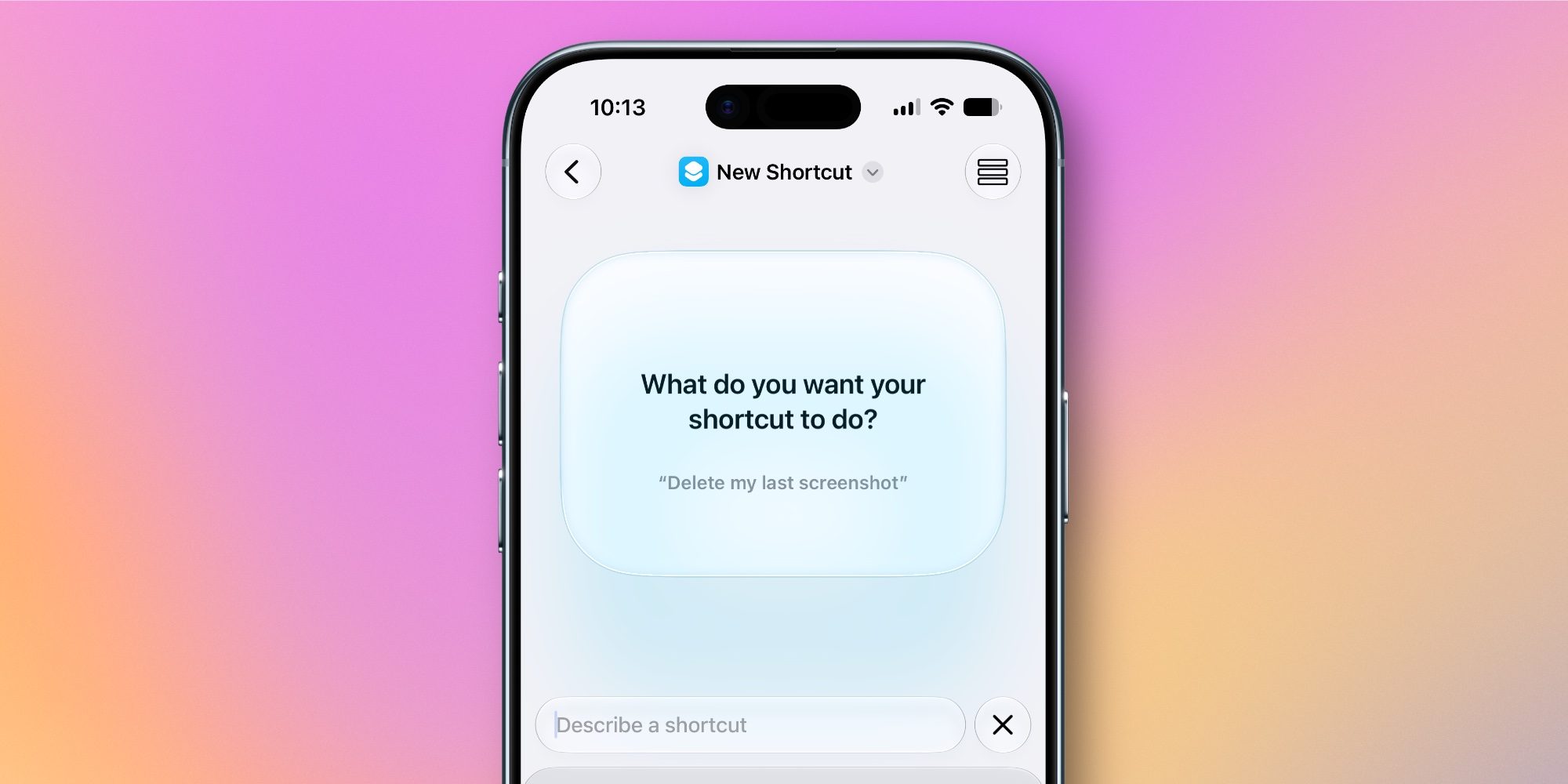
When you tap ‘New Shortcut,’ you’re now greeted by a screen that asks, “What do you want your shortcut to do?”
All you have to do is type out, in natural language, your answer to that question.
The app cycles through on-screen suggestions of things you can ask for. They’re all very basic, such as, “Draft a new note” or “Start a FaceTime.”
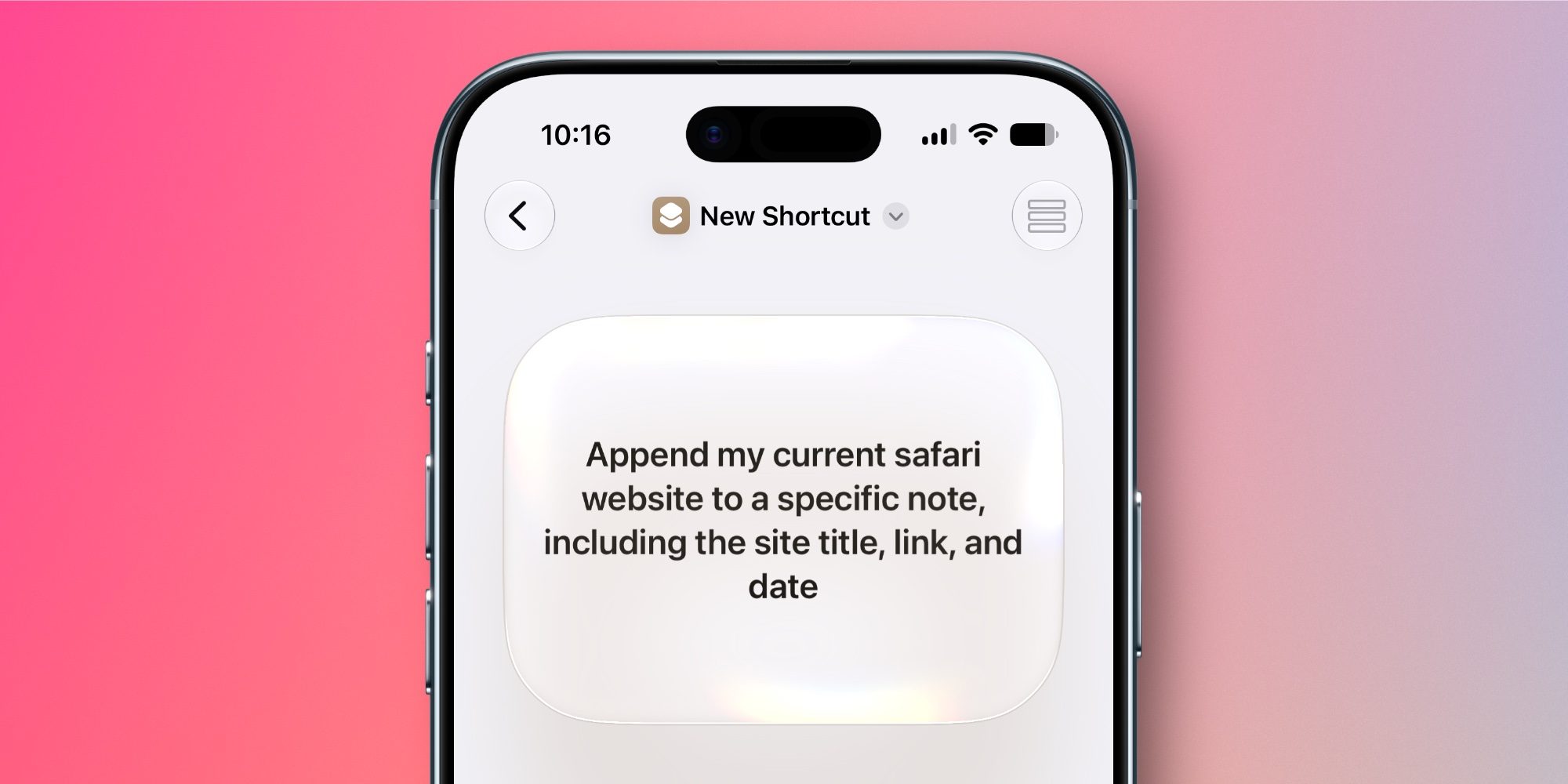
But as power users already know, the Shortcuts app can achieve much more than just basic automations. So the new ‘describe a shortcut’ feature lets you type complex requests too.
After you describe the shortcut you want, the app immediately gets to work building a shortcut to match your request.
If it needs more information from you, it will ask. And you can always further refine what it builds with new clarifications and changes. There’s always still the option to custom-build shortcuts the old way too.
Shortcuts’ new AI feature can’t do everything, but it’s a fantastic start, and should make personal automation accessible to more iPhone users than ever.
Have you used the new ‘describe a shortcut’ feature in iOS 27? Let us know in the comments.
Best iPhone accessories
- MagSafe Car Mount for iPhone
- 10-year AirTag battery case
- AirPods Pro 3
- 100W USB-C fast charging power adapter
- AirTag 2 (1-pack / 4-pack)


FTC: We use income earning auto affiliate links. More.



Comments