
iOS 27.2 is coming soon with several new features for iPhone users, including a Messages addition that was previously in the iOS 27 beta but later got pulled: Suggestions.
Messages ‘Suggestions’ return in iOS 27.2 after being pulled from iOS 27 beta
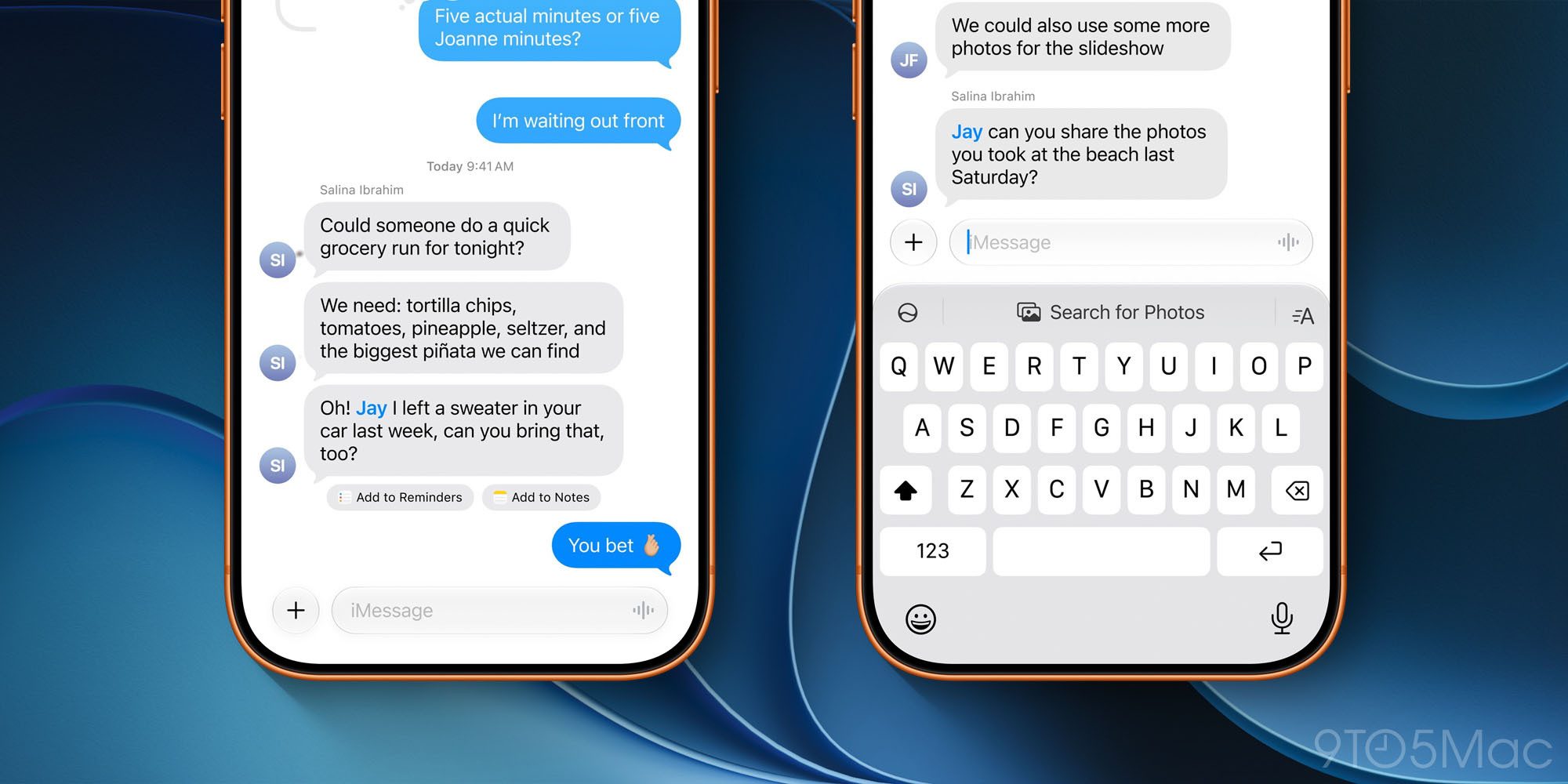
Throughout the iOS 27 beta this summer, one of my favorite AI features was a Messages addition that didn’t feel like AI at all: Suggestions.
Here’s what they do, per Apple:
Messages offers one-tap suggestions based on the context of users’ conversations, making it easier than ever to get things done, such as creating a reminder or a note. For example, if someone asks for photos, Messages can also help users find the right ones, recognizing keywords, locations, and people in their library to find the best options.
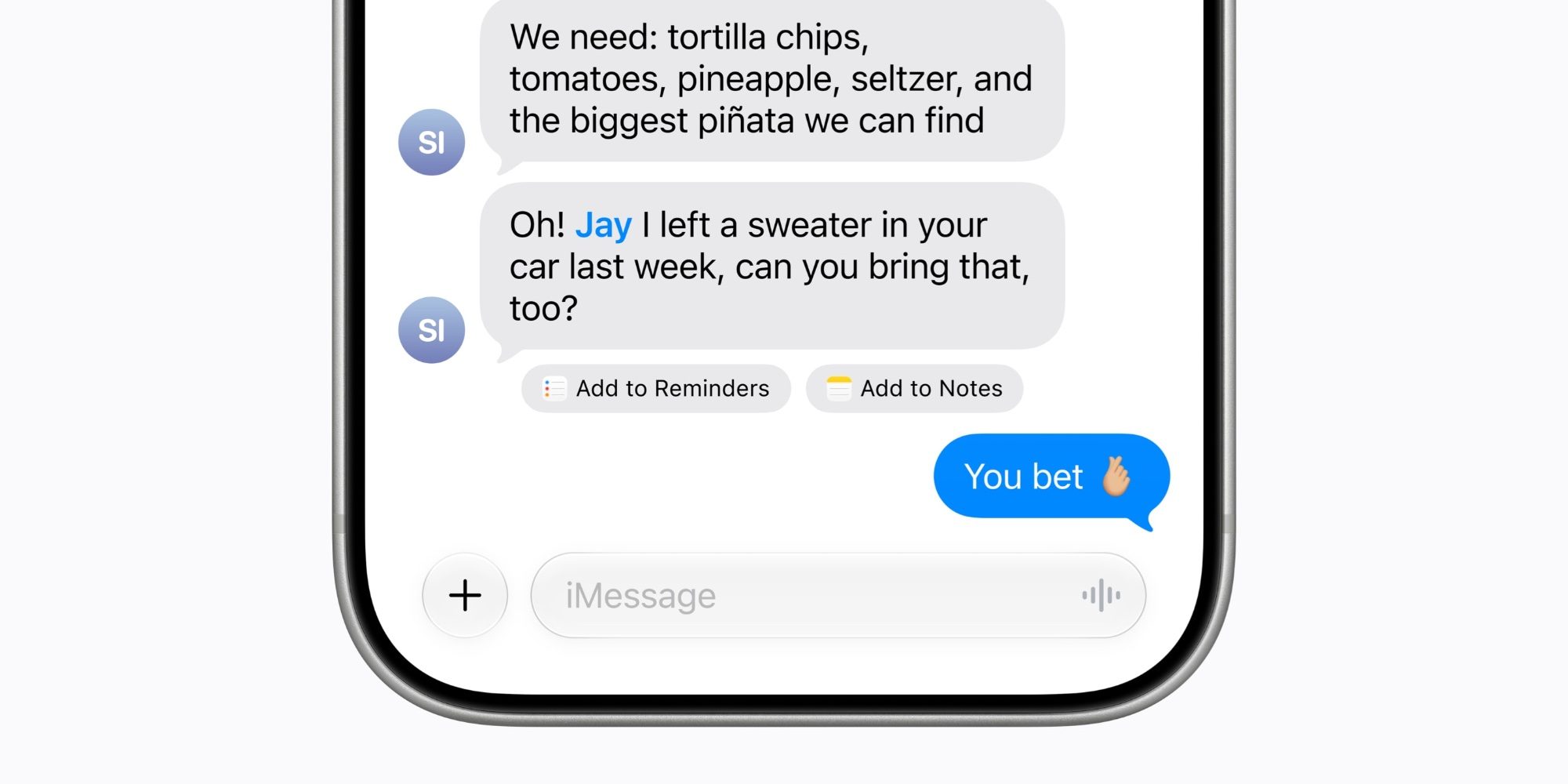
Suggestions appear as small, convenient action buttons beneath messages they’re relevant to.
As seen in the image below, if someone asks you to do something, you might see a suggestion to add to Reminders or Notes. Or if an event is mentioned, suggestions lets you easily add it to your calendar.
Suggestions worked well for me in the iOS 27 beta, but shortly before the fall public launch, Apple delayed the feature into a “future software update.”
Now in the iOS 27.2 beta, suggestions are back. And one way they’ve changed might explain why they were pulled in the first place.
As I mentioned, suggestions performed as expected for me during the summer. But if I had one complaint, it was that they sometimes appeared when a message’s context didn’t merit them. At times I saw suggestions to add things to Notes, Reminders, or Calendar when there wasn’t a clear justification for these recommendations.
But so far at least, in my testing of iOS 27.2 there are fewer suggestions appearing in my Messages conversations. When I see them, it’s always obvious why they’re being suggested.
Here’s hoping the feature makes the shipping version of iOS 27.2 in just a few weeks.
How have suggestions been working for you in iOS 27.2? Let us know in the comments.
Best iPhone accessories
- MagSafe Car Mount for iPhone
- 10-year AirTag battery case
- 100W USB-C fast charging power adapter
- AirTag 2 (now only $24, down from $29)
- HomeKit Garage Door Opener


FTC: We use income earning auto affiliate links. More.


Comments