
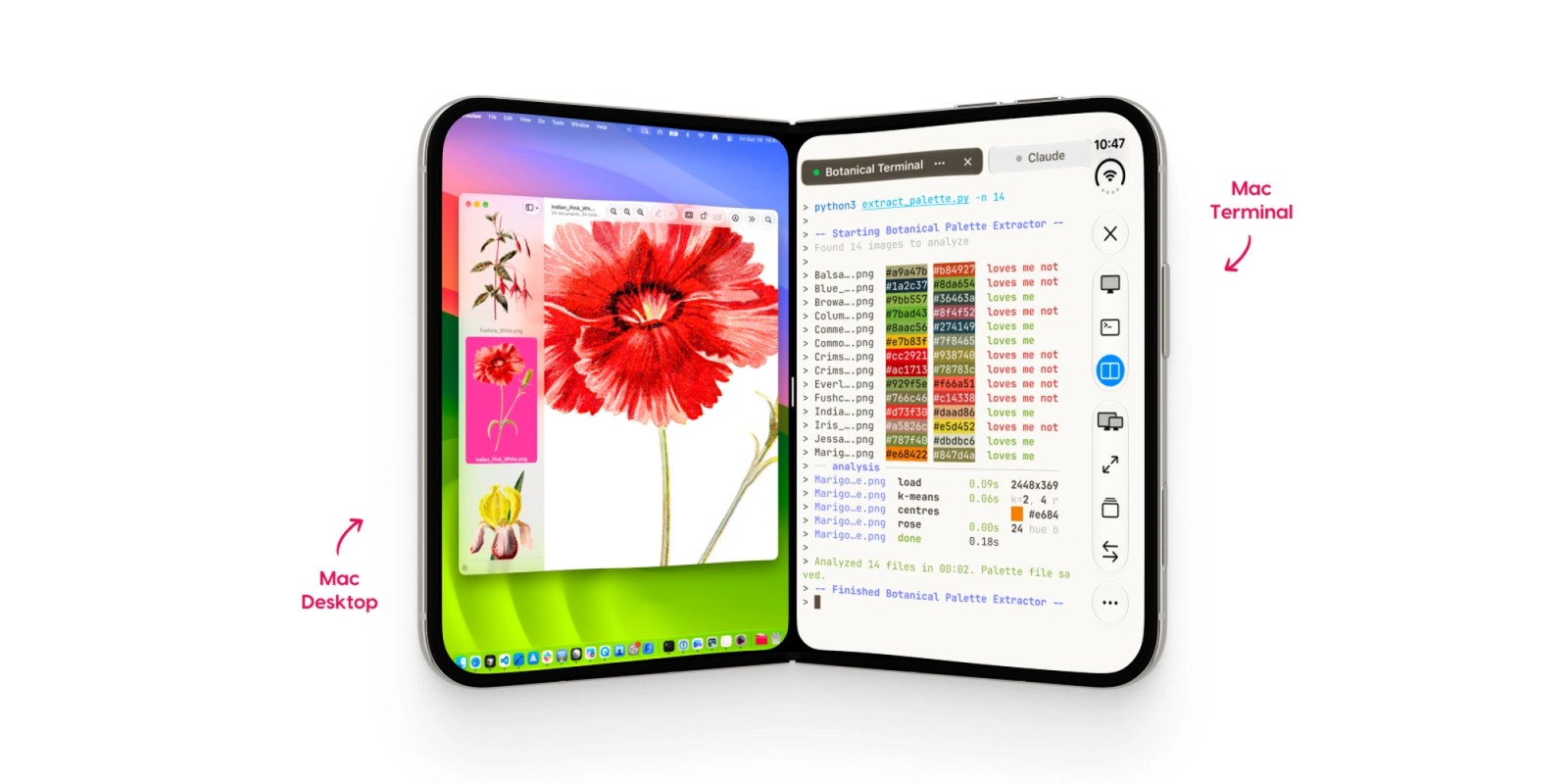
Astropad is out today with Workbench 1.4, the latest update to its remote desktop app for Mac. The release adds a built-in terminal, native iPhone Duo support, and a new way to transfer files between Macs.
Workbench first launched in April with a focus on accessing your Mac from an iPhone or iPad, including checking on AI agents while away from your desk. Version 1.3 arrived in August with faster streaming, a privacy curtain, picture-in-picture support, and tools for keeping unattended Macs accessible.
The big addition in Workbench 1.4 is the ability to switch between the remote desktop and terminal without reconnecting. A toolbar control lets users move between Screen and Terminal views. On Mac, the terminal opens in a separate window.
That means you can check logs, edit a script, or restart a process without opening a separate SSH app. Terminal sessions also keep running between connections, so you can start on an iPad and return later from an iPhone or another Mac.
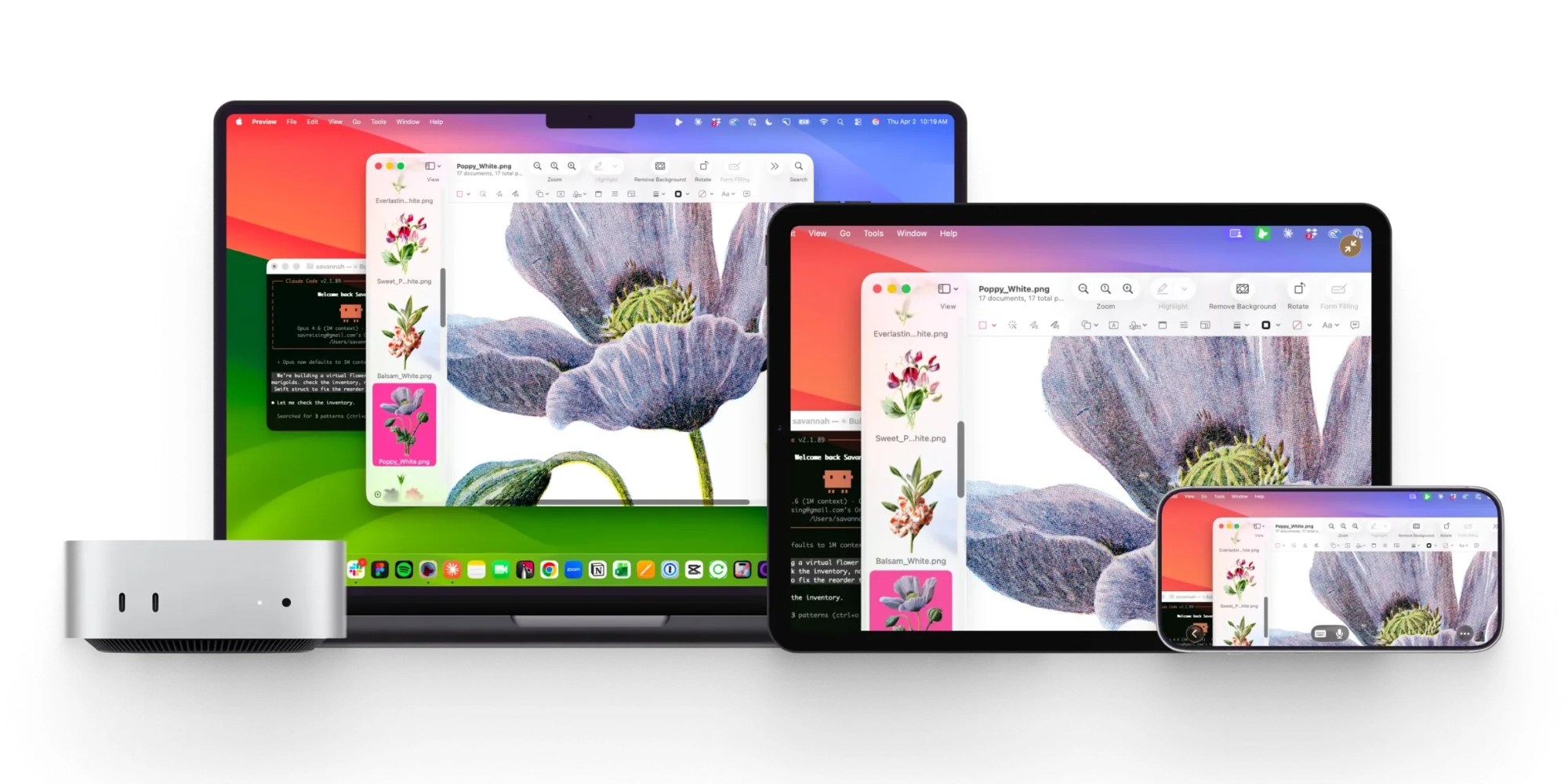
Voice input works with the terminal as well, letting users dictate prompts and commands. For Mac-to-Mac connections, Workbench now supports dragging and dropping files during terminal sessions.
Astropad says the update also runs natively on iPhone Duo, with support for keeping an agent visible in one pane while using the rest of the phone.
Workbench remains free for 20 minutes of access per day. Unlimited access is currently priced at $14.99/month or $79.99/year. The app requires macOS 15 or later, iOS 26 or later, or iPadOS 26 or later.
Do more with your Apple products
AirPods 5 | Apple’s newest wireless headphones
Apple AirTag 2 | Add Find My tracking to keys, bags, bikes, more
AirPods Pro 3 | Apple’s best wireless headphones


FTC: We use income earning auto affiliate links. More.


Comments