
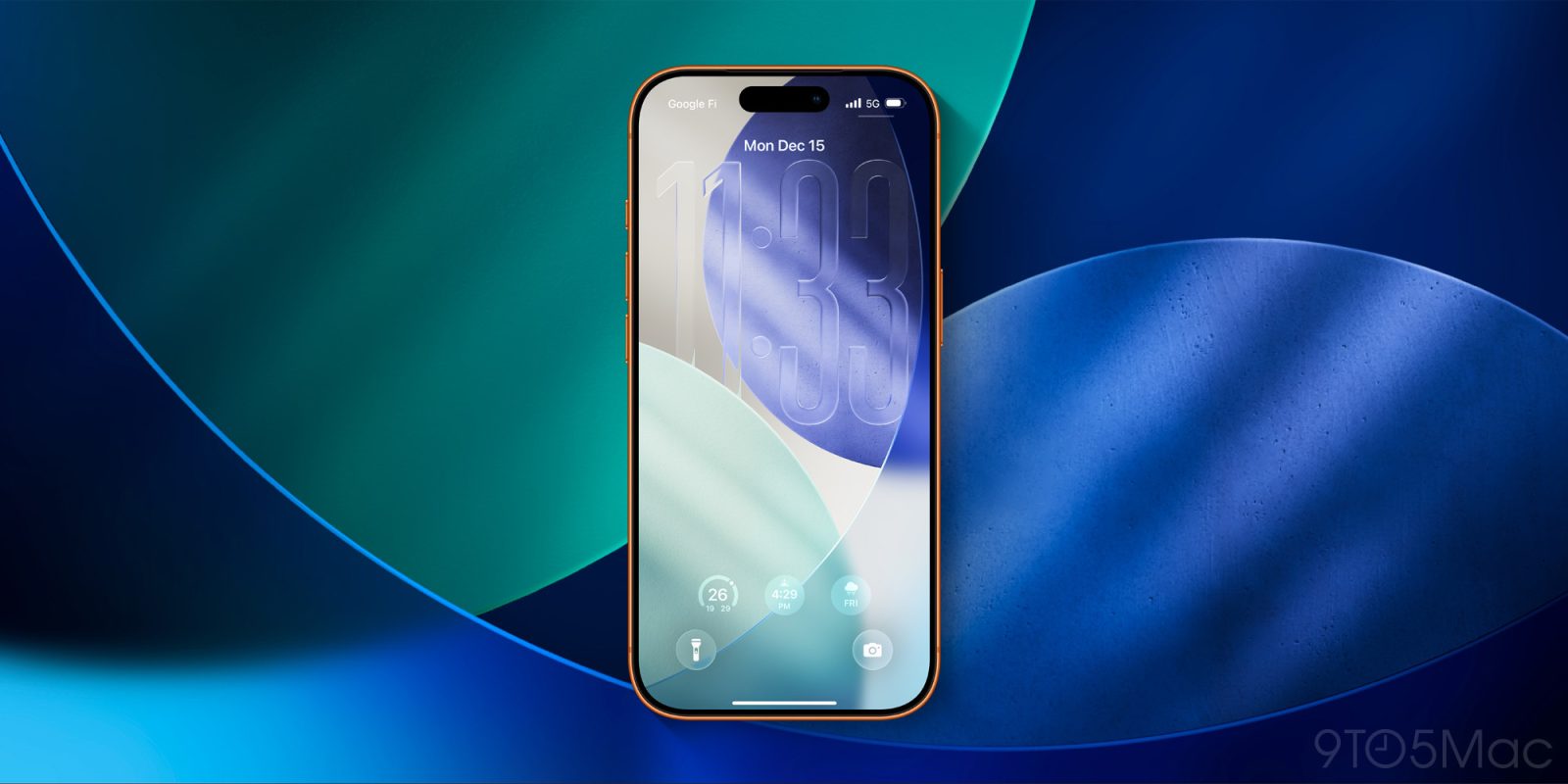
iOS 26.2 is here, packing a ton of new features for iPhone users, and also introducing several expansions of Liquid Glass. Here’s what’s new.
#1: Lock Screen clock slider

Ever since iOS 26 launched in September, Apple has offered the option to customize transparency for the Lock Screen clock.
But in iOS 26.2, that transparency slider has expanded so you can give the clock an even more dramatic Liquid Glass effect.
Additional Lock Screen time customization option lets you further adjust its appearance, giving the Liquid Glass material more or less opacity
To access the slider, go into the wallpaper editing mode by long-pressing on your Lock Screen. Then hit ‘Customize,’ tap the clock, and make sure the ‘Glass’ option is selected to see the slider.
#2: New Liquid Glass animations for popup menus, controls

When Apple first showed off Liquid Glass at WWDC, certain design elements had a bounce and fluidity that wasn’t entirely present in iOS 26.0 or 26.1.
But now in iOS 26.2, that original vision has been brought to fruition through new animations for popup menus and controls. Here’s what they look like in action:
These changes are available systemwide, impacting third-party apps that use Apple’s native APIs too. And they add a fresh bit of whimsy and fun to the iPhone experience.
#3: Measure app’s Level tool
Top comment by Robert
Wish we could turn liquid glass off completely. It’s an accessibility nightmare, and it seems of each update a few accessibility tweaks that would help get distorted more and more.
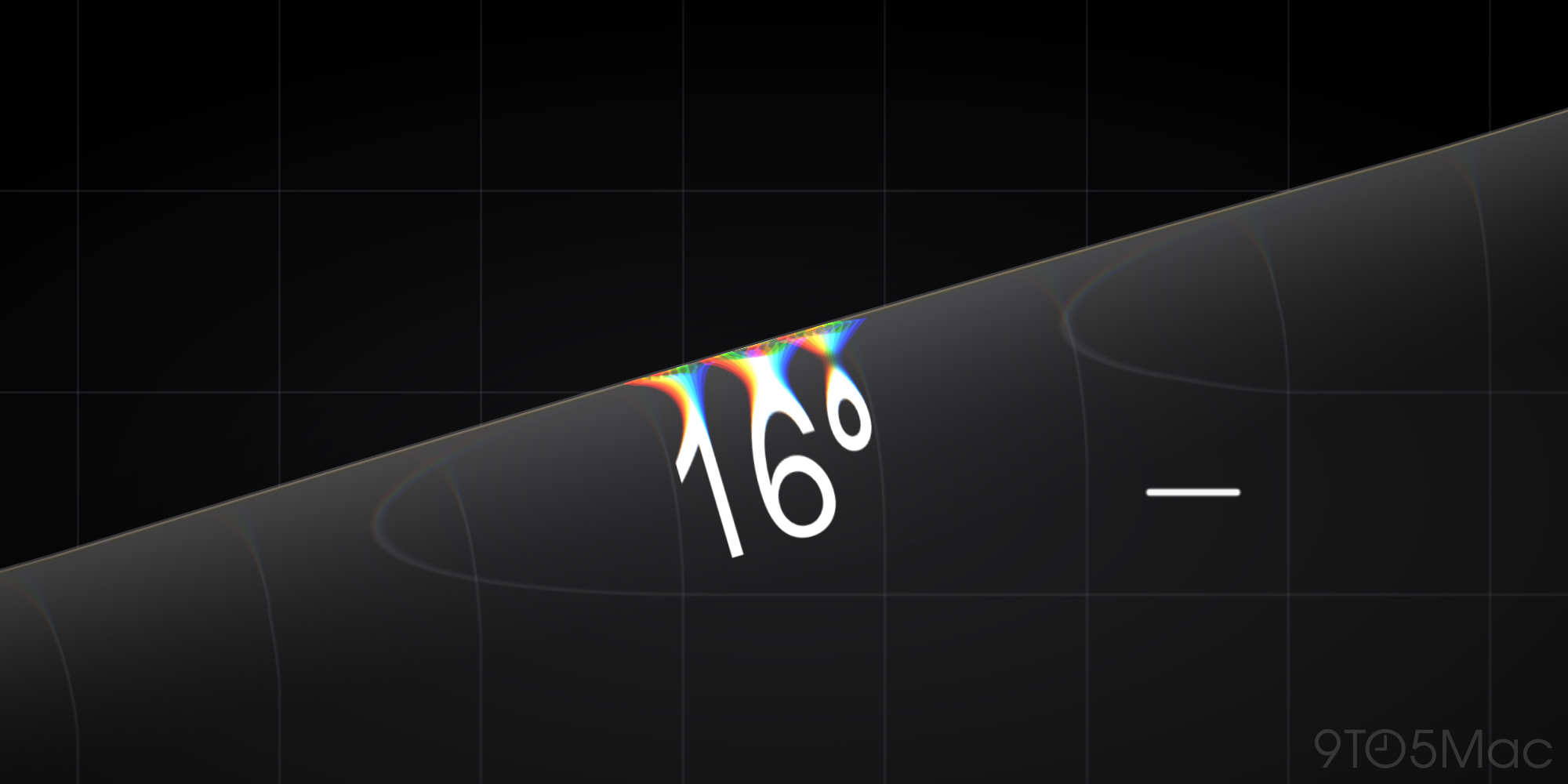
Liquid Glass continues spreading to more system apps, and the latest to get a refresh is the Measure app.
Measure’s built-in Level tool in iOS 26.2 has gotten a beautiful new Liquid Glass effect.
As you move your iPhone around, you’ll see the new glass design interact with the numbers on screen and the grid background.
What do you think of iOS 26.2’s new Liquid Glass changes? Let us know in the comments.
Best iPhone accessories
- AirTag 4-pack (now only $69, down from $99)
- AirPods Pro 3 (now only $209, down from $249)
- MagSafe Car Mount for iPhone
- 10-year AirTag battery case 2-pack
- 100W USB-C fast charging power adapter


FTC: We use income earning auto affiliate links. More.



Comments