
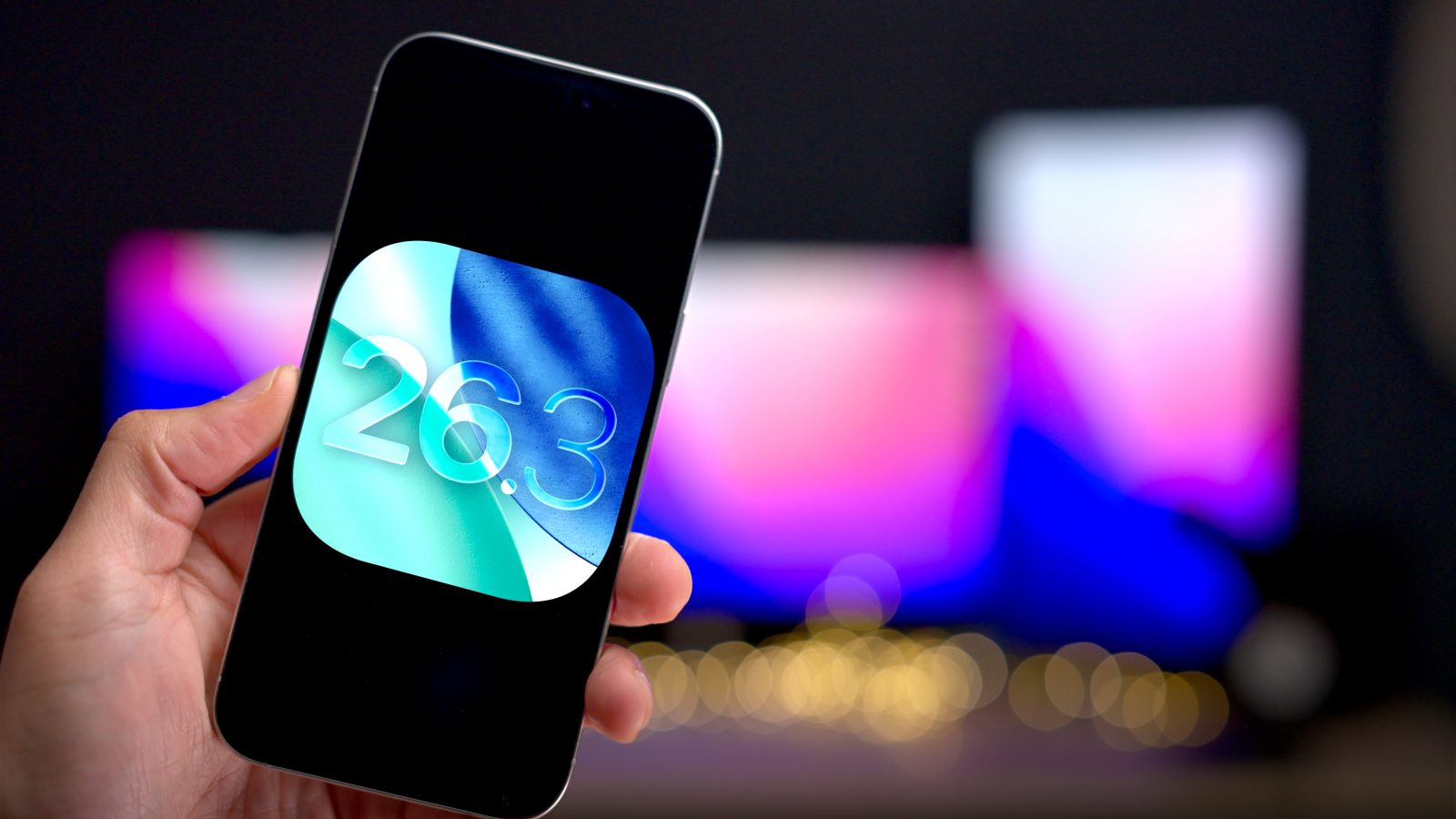
Apple just released the final version of iOS 26.3 to the public, and while it isn’t packed with new features, there are some notable additions worth exploring. Watch our hands-on video as we walk through everything new in iOS 26.3, and be sure to subscribe to 9to5mac on YouTube for more videos.
What’s new in iOS 26.3?
Transfer to Android
As part of a joint effort between Apple and Google to make switching between the two platforms easier, Apple is launching Transfer to Android in iOS 26.3. The feature, which can be found in Settings → General → Transfer or Reset iPhone → Transfer to Android, lets users transfer photos, messages, apps, and even phone numbers to a nearby device running the required version of Android Canary.

High-bandwidth Wi-Fi connection
Notably, Apple states that health data, Bluetooth-paired devices, and protected items are not available for transfer. However, the companies say that additional data types will be added as the testing process continues on both platforms.
iOS 26.3 includes several EU-mandated updates, including support for high-bandwidth Wi-Fi for peer-to-peer use. This new high-bandwidth network connectivity is the same one that’s powering the aforementioned Transfer to Android feature.
Video: iOS 26.3 changes and features
Subscribe to 9to5mac on YouTube for more videos
Proximity pairing for third-party devices
Another EU-mandated feature includes the ability to proximity pair third-party devices, similarly to how AirPods currently pair with an iPhone or iPad. This means that, at least in EU countries, third-party headphones and other devices from competing manufacturers will be placed on a more even playing field when it comes to initial setup experience and ease of use.
Notification forwarding
Arguably, one of the most controversial changes to come in the new 26.3 update is, you guessed it, another EU-mandated change. This time, though, the stakes are a bit higher, with Notification forwarding to third-party devices now on the table. Up until now, notifications originating from iOS could only be forwarded to other Apple hardware, the most prominent example being the Apple Watch. With iOS 26.3, users will be able to receive notifications on third-party devices, such as competing smart watches.
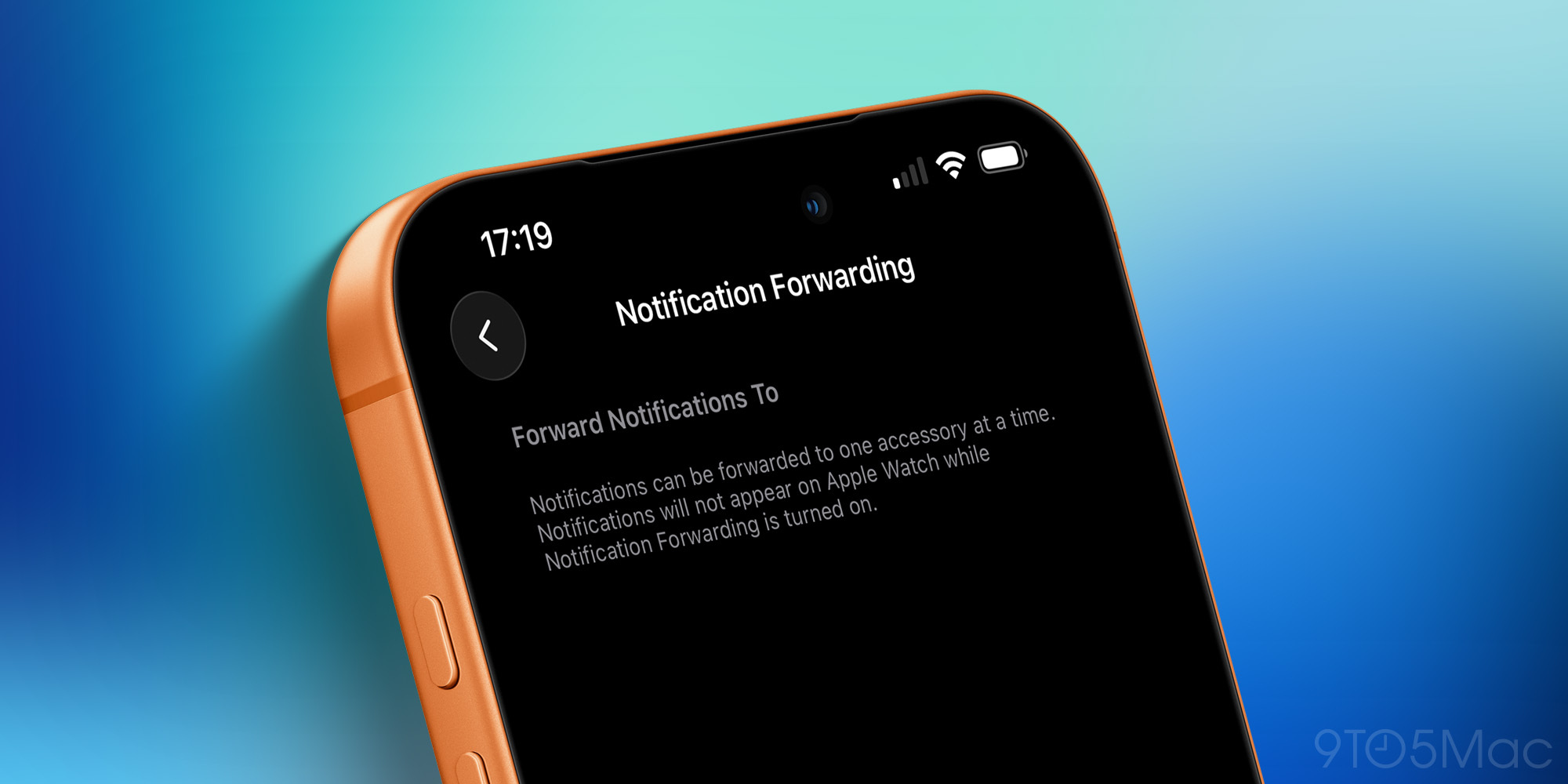
There are some caveats to this feature, though: Apple notes that only one device can receive notifications at a time. This means that if you want notifications forwarded to third-party devices, you’ll have to give up receiving notifications on Apple Watch.
More concerning, however, are the privacy and security implications of such a feature, as forwarded notifications could include user messages, emails, medical information, and any other notifications. Apple notes that it would also reveal data to other companies that even Apple itself cannot access.

Limit precise location
For devices sporting Apple-made cellular modems, like the iPhone 16e with its C1, and the iPhone Air and the M5 iPad Pro with their C1X modems, a brand-new privacy-oriented feature is rolling out.
Limit precise location works just like it sounds, limiting the information provided to cellular networks so they can only determine a less accurate location rather than pinpointing your exact street address. At this time, the feature is further limited to specific carriers, such as Boost Mobile in the US.
Wallpaper configuration tweaks
Finally, there are a few tweaks to the wallpaper gallery on iOS 26.3. Weather and Astronomy have been broken out into their own respective sections, with weather gaining a couple of pre-configured wallpaper layouts.
9to5Mac’s Take
Indeed, iOS 26.3 is hardly what most would consider a feature-filled update, but there are some new additions worth knowing about. More importantly, the release of iOS 26.3 means that the real big update, iOS 26.4 beta 1 with its Gemini-assisted Siri update, is close at hand.

What are your thoughts on the iOS 26.3 update? Sound off in the comments.


FTC: We use income earning auto affiliate links. More.





Comments