
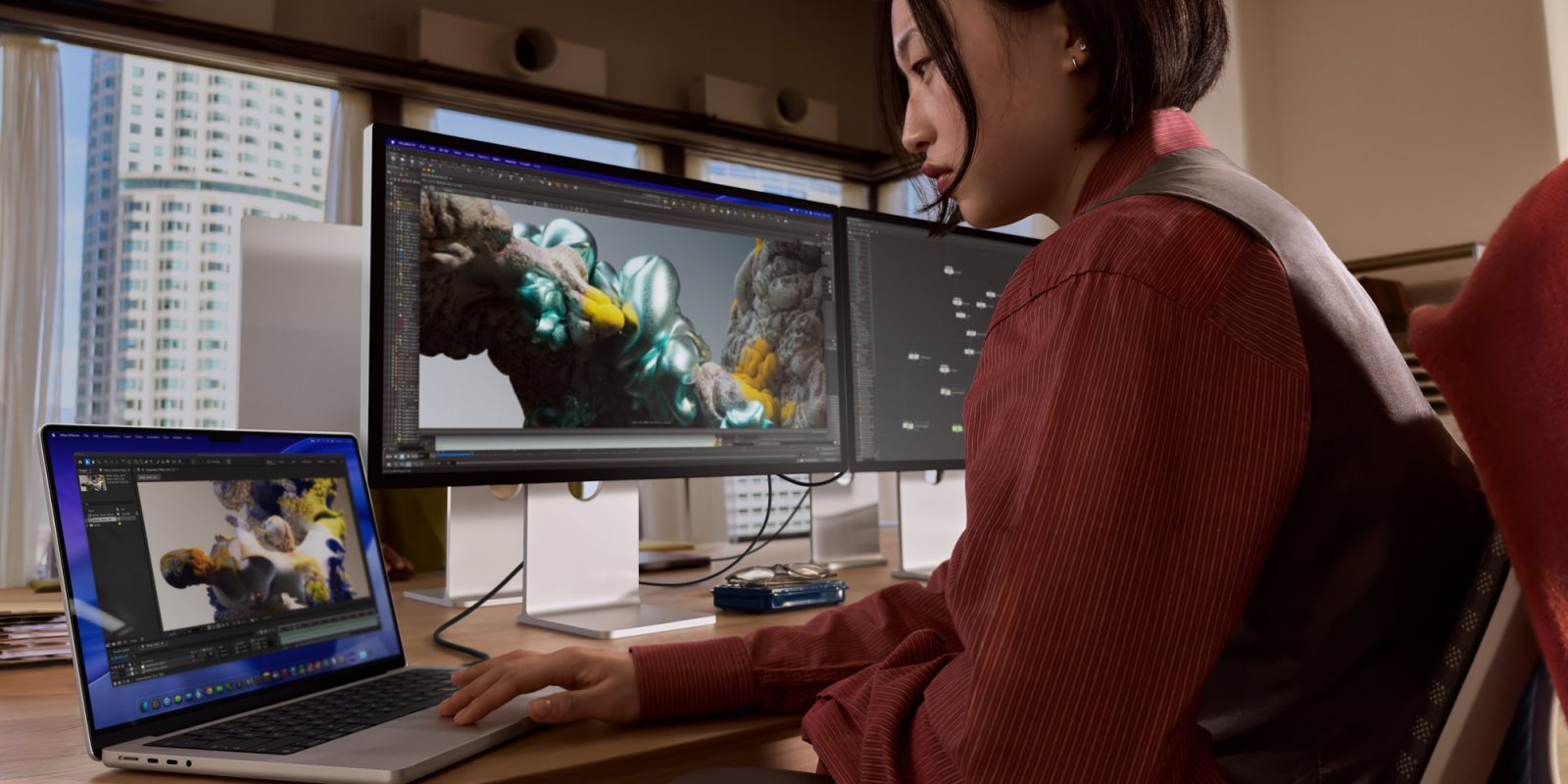
Apple’s run of updates continues today, with the rollout of new firmware for the recently launched Studio Display and Pro Display XDR. Here’s how to update.
Apple’s streak of updates continues
Over the past few hours, Apple has rolled out:
- iOS 26.4, iPadOS 26.4, macOS 26.4, watchOS 26.4, tvOS 26.4, and visionOS 26.4;
- Beta builds of these same operating systems;
- Updates to older system versions, including: iOS 18.7.7, iPadOS 18.7.7, macOS 15.7.5, macOS 14.8.5, watchOS 8.8.2, and watchOS 5.3.10;
- Firmware updates for AirPods Pro 3, AirPods Pro 2, and AirPods 4
Now, the company is also rolling out firmware updates for the new Studio Display and Studio Display XDR.
Apple has yet to detail what’s new in Studio Display Firmware 26.4, but you can install it by connecting your display to a Mac and heading to System Settings > Software Update.
If you own a new Studio Display or Studio Display XDr and notice any changes or bug fixes after installing the new firmware, let us know in the comments.
Worth checking out on Amazon
- David Pogue – ’Apple: The First 50 Years’
- MacBook Neo
- Logitech MX Master 4
- AirPods Pro 3
- AirTag (2nd Generation) – 4 Pack
- Apple Watch Series 11
- Wireless CarPlay adapter


FTC: We use income earning auto affiliate links. More.

You’re reading 9to5Mac — experts who break news about Apple and its surrounding ecosystem, day after day. Be sure to check out our homepage for all the latest news, and follow 9to5Mac on Twitter, Facebook, and LinkedIn to stay in the loop. Don’t know where to start? Check out our exclusive stories, reviews, how-tos, and subscribe to our YouTube channel


Comments