
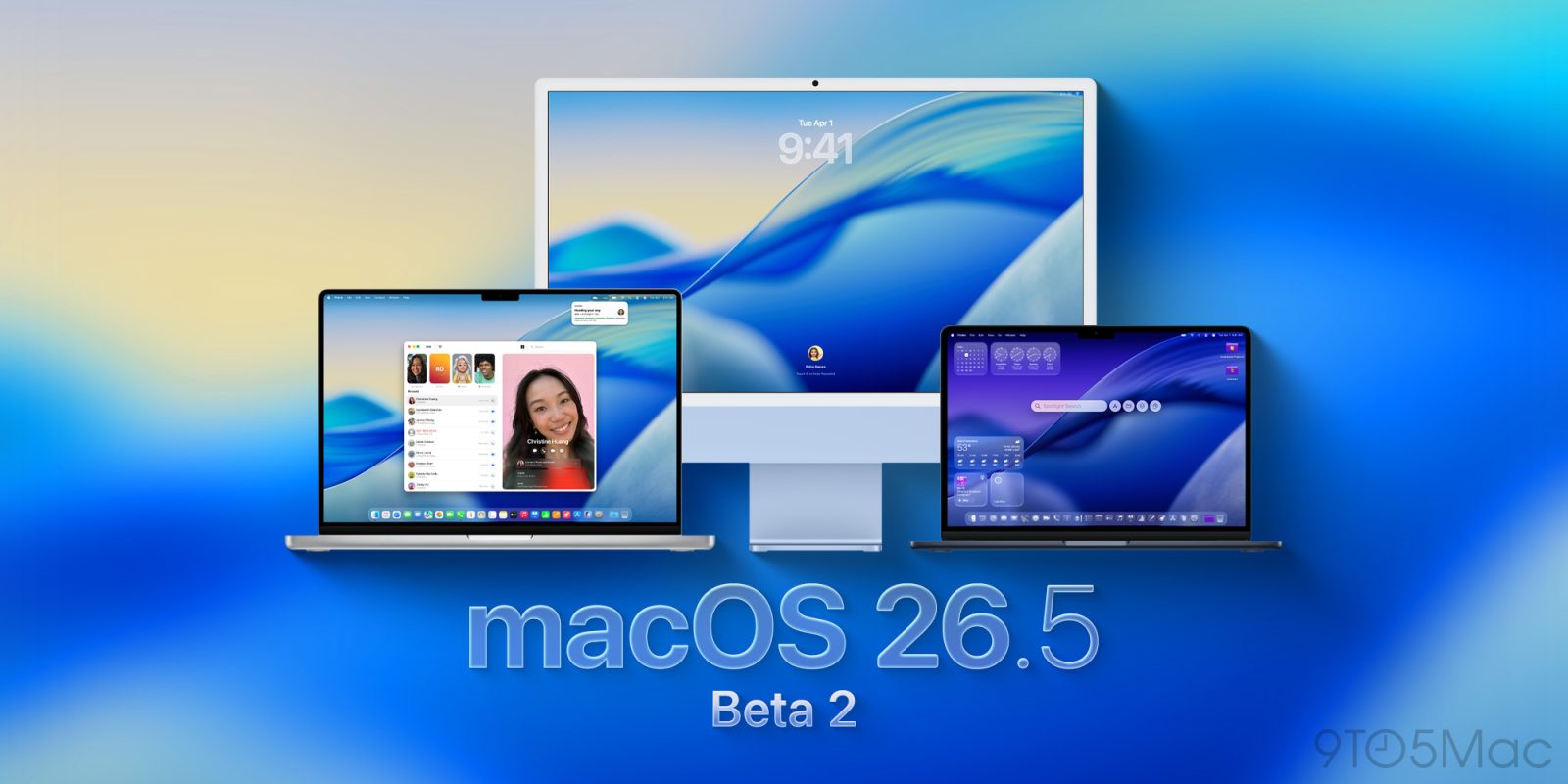
Apple is rolling out the second wave of developer betas for macOS 26.5 and its counterparts. Here are the details.
First developer beta was light on new features
Two weeks ago, Apple released macOS 26.5 beta 1, alongside iOS 26.5 beta 1, iPadOS 26.5 beta 1, and the rest of its operating systems.
Contrary to macOS 26.4, which brought back the compact tab view in Safari, and introduced the Charge Limit feature, it looks like the changes in macOS 26.5 will be limited to ecosystem-wide features.
That includes suggested places in Apple Maps, new App Store purchase options, and more.
Apple rolled out the first public beta of macOS 26.5 later that week, with the same release build as the first developer beta.
We’re already digging through the system to see whether Apple saved any new features for this release.
How to install the new beta
Here’s how to install the macOS Tahoe 26.5 developer beta 2:
- Backup your Mac
- Open System Settings
- Go to General ⇾ Software Update
- Click the ‘i’ icon next to Beta Updates
- From the dropdown menu in the top-right, select the macOS Developer Tahoe Beta
- Hit ‘Done’
Did you spot any changes in today’s betas? Let us know in the comments.
Worth checking out on Amazon
- David Pogue – ’Apple: The First 50 Years’
- MacBook Neo
- Logitech MX Master 4
- AirPods Pro 3
- AirTag (2nd Generation) – 4 Pack
- Apple Watch Series 11
- Wireless CarPlay adapter


FTC: We use income earning auto affiliate links. More.



Comments