
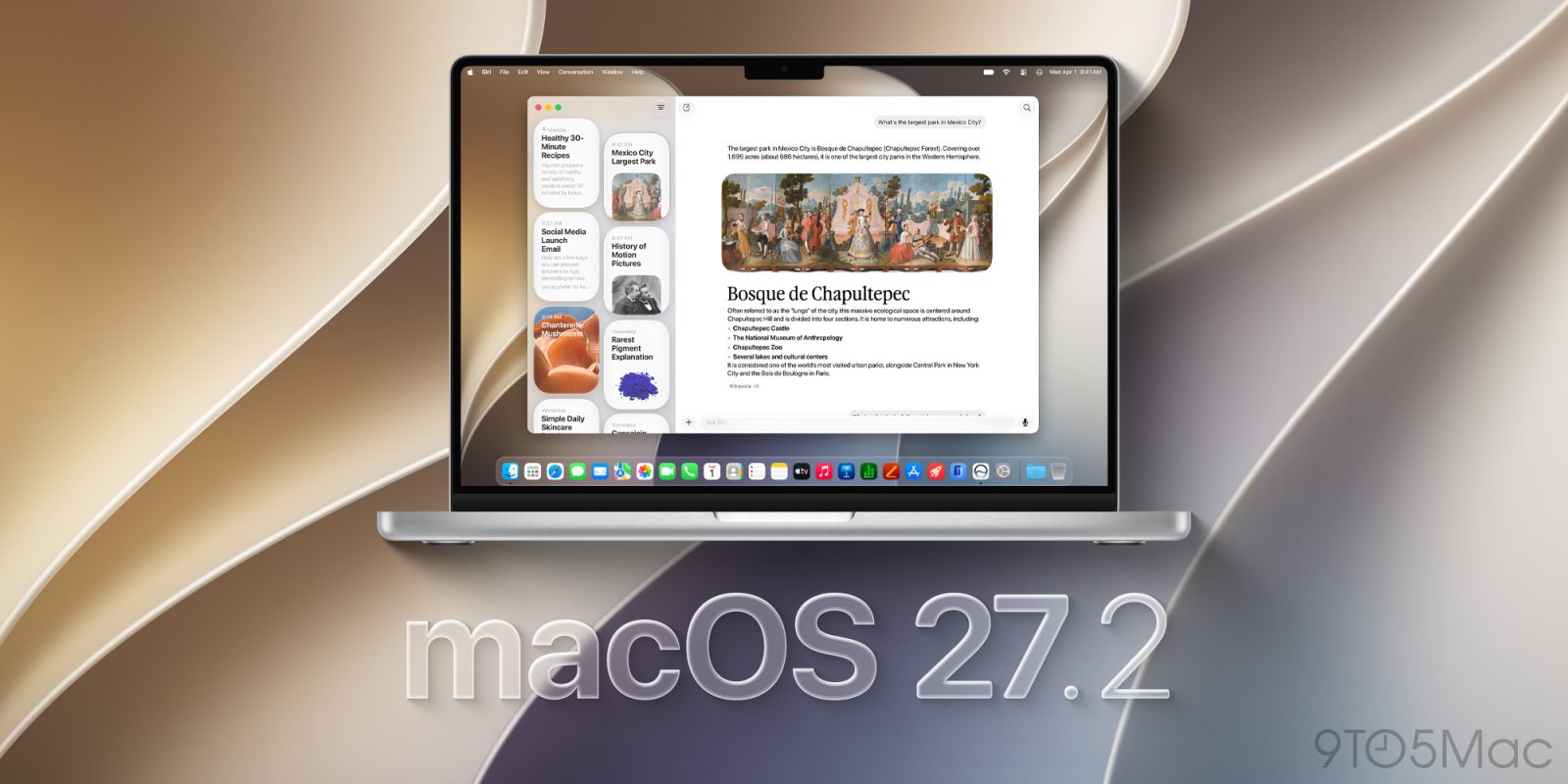
Mac users can now install macOS 27.2 Golden Gate, which expands the new Siri AI to five additional languages, making it available to millions more users. Here are the details.
Apple releases macOS 27.2 Golden Gate
During the “Surprise and Shine” event last September, Apple announced that Siri AI would soon expand support to five new languages, in addition to English, which was available at launch with macOS 27, iOS 27, and the rest of the 27 OS updates.
Today, with the release of macOS 27.2 and its counterparts, Siri AI is now available in French, Japanese, Korean, Portuguese, and Spanish.
The update also includes new gesture recognition tools in several built-in apps, which could be laying the groundwork for Apple’s upcoming touchscreen MacBook Pro, expected to be announced this Wednesday at the “Pro and Tell” event.
One minor change included in macOS 27.2 is the new Apple Music app icon, which replaces the familiar red-and-white design with a black-and-white version.
The change coincides with Apple’s unveiling of a new visual identity for Apple Music, featuring a colorful, sound-inspired logo. That said, it remains unclear whether that design will eventually make its way to the app icon, as Apple did with the recent Apple TV rebranding.
During the beta cycle for macOS 27.2, users reported a particularly frustrating bug that caused windows in Electron-based apps to randomly stop responding to dragging attempts. Restarting the Mac temporarily resolved the issue, but the problem could eventually return.
The bug appears to have been fixed in last week’s Release Candidate, which carried a different release build than today’s release, which is 26B123. Importantly, users with beta updates enabled may need to disable them to see the new build in Software Update.
Apple has yet to publish the release and security notes for macOS 27.2. Still, it’s a safe bet that the update also includes security fixes, so even if the new Siri AI languages aren’t relevant to you, installing it is still recommended.
Update: Here are Apple’s full release notes for macOS 27.2 Golden Gate:
Overview
The macOS 27.2 SDK provides support to develop apps for Mac computers running macOS 27.2 Golden Gate. The SDK comes bundled with Xcode 27.2. For information on the compatibility requirements for Xcode 27.2, see Xcode 27.2 Release Notes.
General
Resolved Issues
- Fixed: Xcode might crash when using code completion on macOS 27.2 beta. (186939138)
AppKit
Deprecations
- The
EnablePasteboardPrivacyDeveloperPreviewuser default has been removed. (186955507)Display Settings
Known Issues
- When an external display is connected, display settings might not be restored correctly, and the display arrangement might change. (188643179)
Notifications
Known Issues
- Mac computers with a clean install of this build might not prompt you to allow notifications for some apps, such as Calendar, Maps, Find My, Home, and Weather. (187312007)Workaround: Go to System Settings > Notifications to manually turn on notifications for the affected apps.
Shortcuts
Known Issues
- Describe a Shortcut might fail with the error “Something went wrong. Try again later.” (187499433)
StoreKit Testing in Xcode
Resolved Issues
- Fixed: Intro offer eligibility does not reset immediately after calling
SKTestSession.clearTransactions(). (183933307) (FB24137836)- Fixed: Changing the storefront or locale using
SKTestSessiondoesn’t propagate throughStorefront.updates. (184155259)- Fixed: Failed purchases using
SKTestSessionmight display error dialogs even whendialogsDisabledis set totrue. (184255116)Known Issues
- Making a purchase in-app for a subscription that is a member of a subscription bundle incorrectly allows the user to unbundle instead of throwing an error. (186018916)
Worth checking out on Amazon
- Apple HomeView
- Apple TV 4K (2026)i
- Apple Watch Series 12 | Ultra 4
- AirPods Pro 3 | AirPods 5
- AirTag (2nd Generation) – 4 Pack
- MacBook Neo
- Logitech MX Master 4


FTC: We use income earning auto affiliate links. More.


Comments