macOS Sonoma: Features, compatible Macs, and top stories
macOS Sonoma, or macOS 14, introduces new features and multiple enhancements. This includes improvements to iMessage, desktop widgets, aerial screensavers, a new Game Mode, and more.
Here’s what’s new with macOS Sonoma
Just like iOS 17 and iPadOS 17, iMessage on macOS Sonoma comes with a bunch of new features.
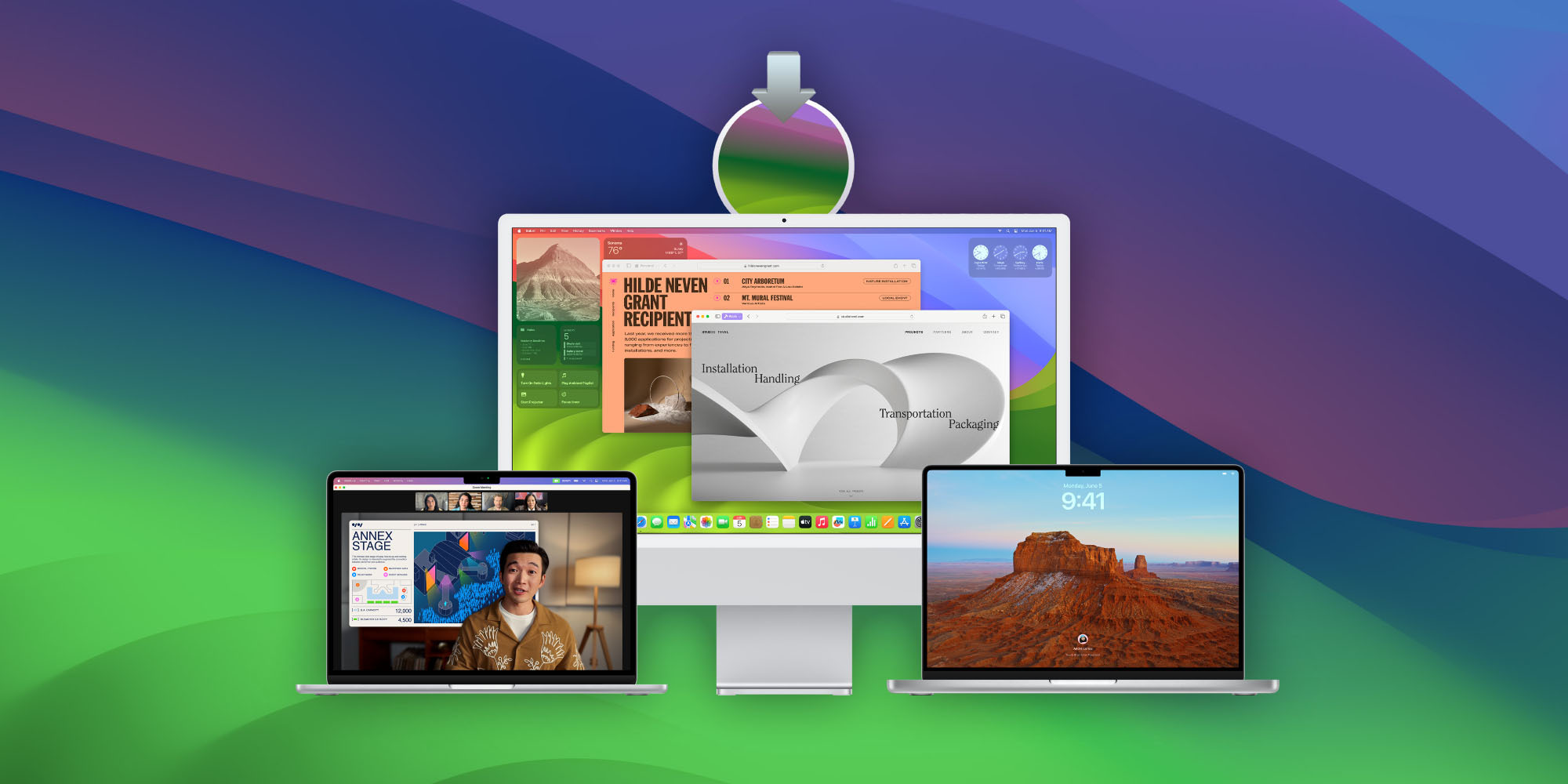
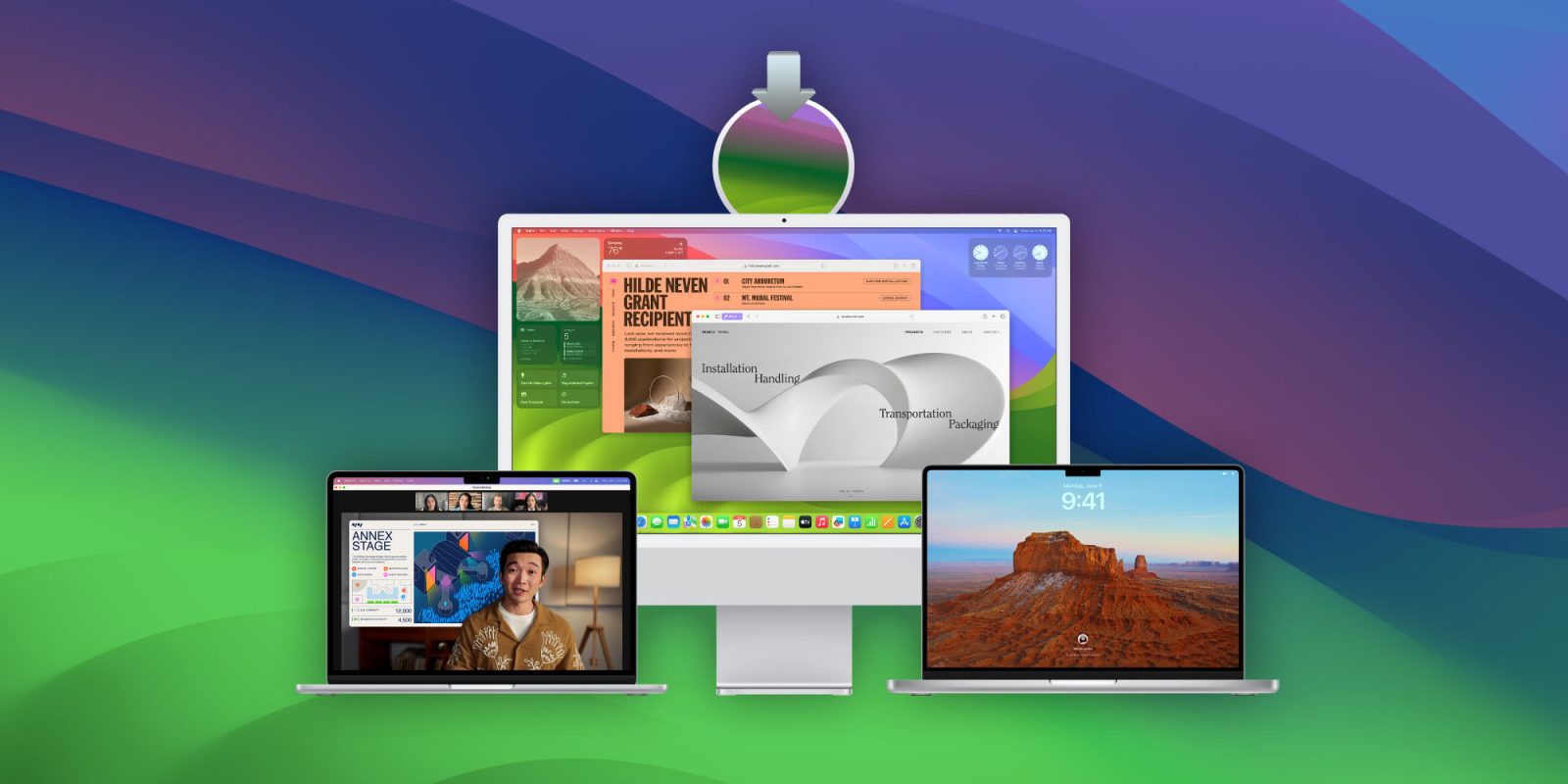
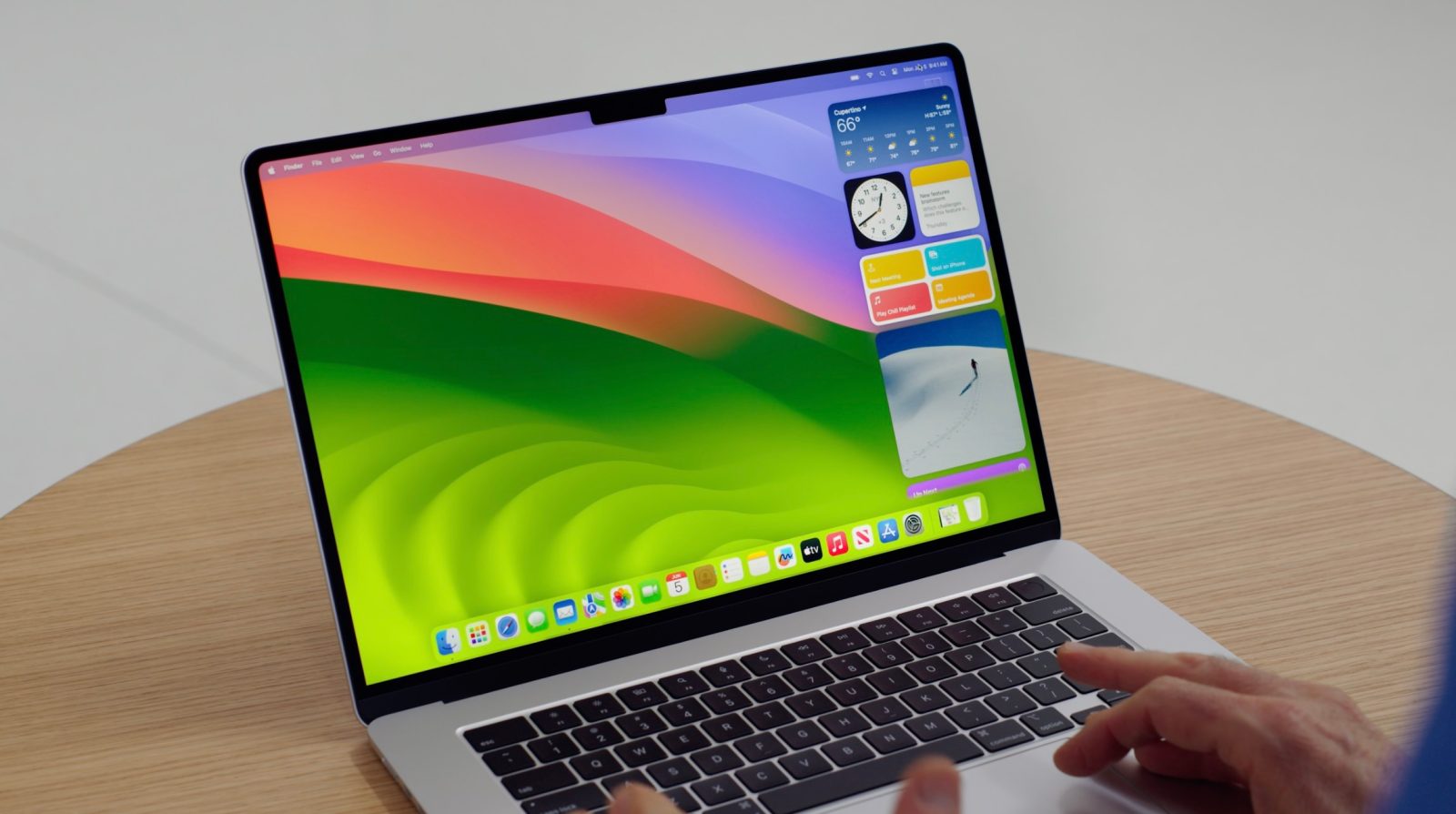
Perhaps the most notable is the new Lock Screen, which looks similar to what users find on the iPhone and iPad. But that’s not all, as macOS Sonoma comes with over 100 new wallpapers that become screensavers on the Lock Screen. Some of the new wallpapers come from Apple TV’s Aerial screensavers.
With macOS Sonoma, users can also place widgets on the desktop instead of keeping them hidden in the Notification Center. Apple has made it easier to hide all windows and show the desktop with just one click on the wallpaper. Similar to iOS 17 and iPadOS 17, macOS 14 features interactive widgets.
FaceTime users can now react with their hands to show 3D effects in real time during a video call. There are also new effects to show your image floating when sharing your screen with others.

Gamers will find new game-related features in macOS Sonoma, such as a Game Mode for better performance and a new API for porting Windows games to macOS. The Sonoma update also brings some of the features of iOS 17, such as new stickers in iMessage, improved web app support, and a better auto-correct keyboard.
macOS is the heart of the Mac, and with Sonoma, we’re making it even more delightful and productive to use,” said Craig Federighi, Apple’s senior vice president of Software Engineering. “We think users are going to love macOS Sonoma and the new ways it enables them to personalize with widgets and stunning new screen savers, see new levels of gaming performance, and gain powerful productivity for video conferencing and browsing with Safari.
Compatible Macs
These are the Mac computers compatible with macOS Sonoma:
- iMac 2019 and later
- iMac Pro 2017
- Mac Pro 2019 and later
- Mac Studio 2022 and later
- MacBook Air 2018 and later
- MacBook Pro 2018 and later
- Mac mini 2018 and later
You can check which Mac you have by clicking on the Apple menu and then About This Mac. If you have a compatible Mac, you can update to macOS 14 by going to System Settings > General > Software Update.