Apple releases macOS Tahoe 26.1, here’s everything new
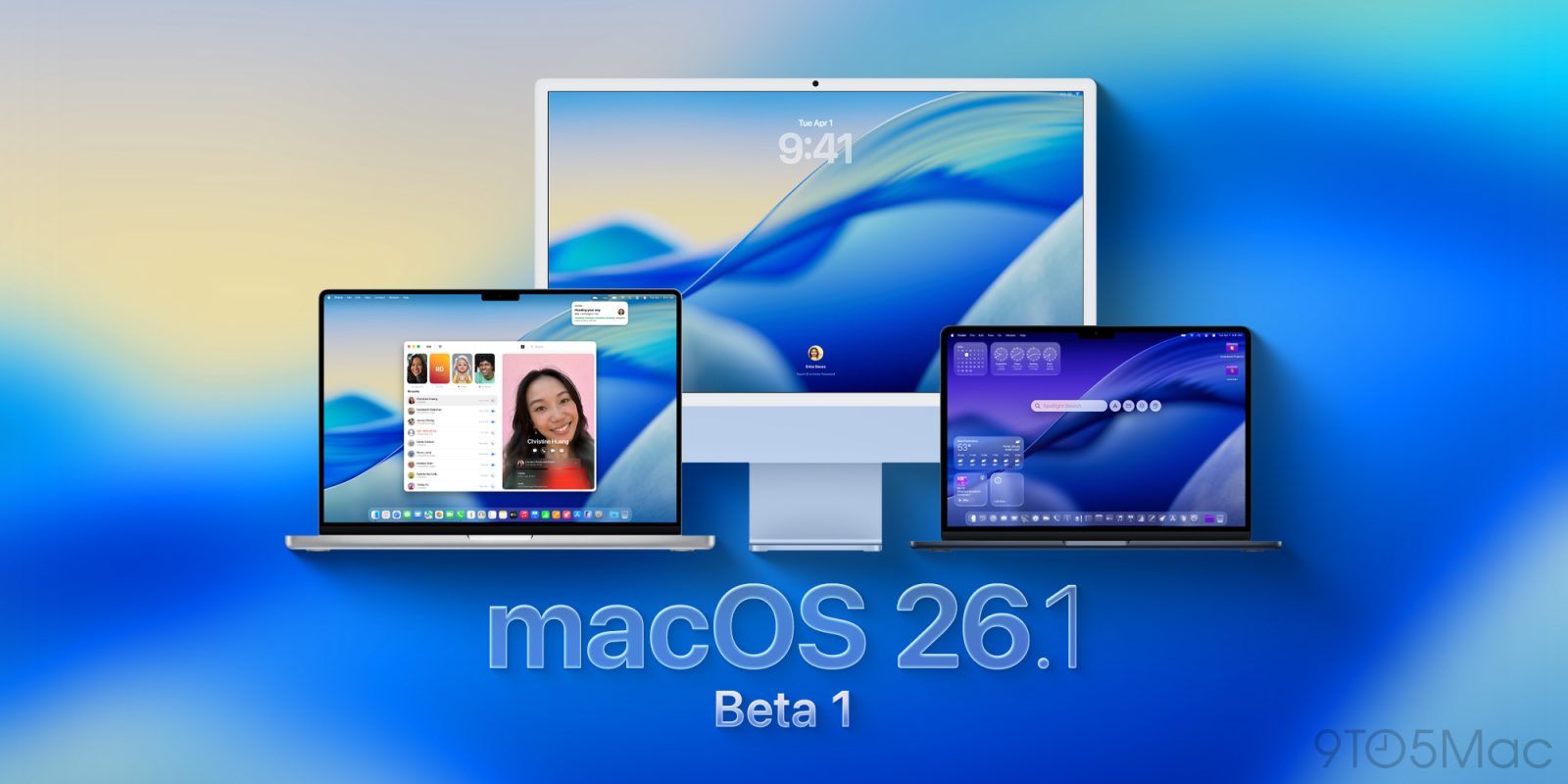
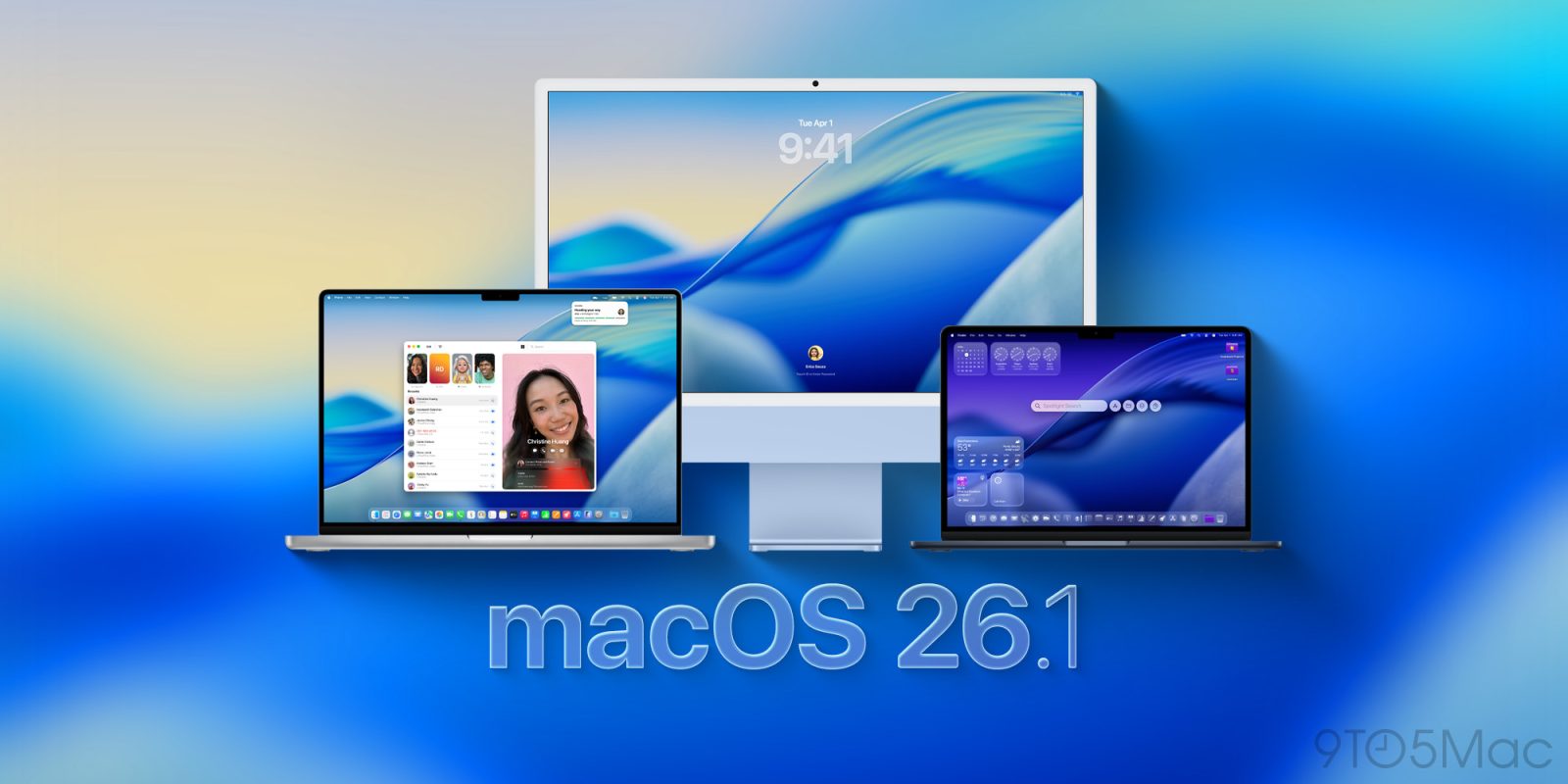
Alongside the usual bug fixes and performance improvements, macOS Tahoe 26.1 is rolling out right now. Here’s what’s new.
Expand Expanding Close
Alongside the usual bug fixes and performance improvements, macOS Tahoe 26.1 is rolling out right now. Here’s what’s new.
Expand Expanding Close
Apple has just shipped the RC (release candidate) of macOS Tahoe 26.1 to beta testers ahead of the public launch, here are Apple’s full release notes for what’s coming.
Expand Expanding Close
Following last week’s release, Apple is rolling out macOS 26.1 beta 4 for developers, as well as the public beta. Here’s what to expect from the update.
Expand Expanding Close
Following yesterday’s release of macOS Tahoe 26.1 developer beta 3, Apple has just released the equivalent public beta. Here’s what to expect from macOS Tahoe 26.1.
Expand Expanding Close
With the release of macOS 26 Tahoe last month, users began noticing a major GPU slowdown issue in popular Electron apps, due to their usage of a particular private API. Now, the Electron team has fixed the issue, and said fix is beginning to roll out in popular third party apps that utilize the framework.
Expand Expanding Close
One day after releasing macOS Tahoe 26.1 developer beta 2, Apple is now rolling out the second wave of public betas. Here’s what to expect.
Expand Expanding Close
Today alongside iOS 26.0.1 for iPhone, Apple has released macOS Tahoe 26.0.1 with a variety of bug fixes and security updates, including a fix for Mac Studio owners.
Expand Expanding Close
iPhone Mirroring debuted on the Mac last year as a standout new feature, and in macOS Tahoe it gets even better thanks to one key addition: Live Activities support.
Expand Expanding Close
With today’s rollout of developer betas for iOS 26.1, iPadOS 26.1, and macOS Tahoe 26.1, Apple began to lay the groundwork for adopting Anthropic’s protocol for agentic AI. Here’s what this means.
Expand Expanding Close
Following last week’s official release of macOS Tahoe 26, Apple is rolling out the first developer beta of macOS 26.1. Here’s what to expect.
Expand Expanding Close
If you want a Mac with built-in cellular, Apple hopefully has a solution coming soon. In the meantime though, macOS Tahoe has an upgrade that makes connecting to your iPhone via hotspot easier than ever.
Expand Expanding Close
iOS 26 launched this week alongside companion updates for Apple’s other platforms. There are so many new features in each update, it can be easy to miss some of the changes. Fortunately, Apple has published new comprehensive documents outlining every new feature in iOS 26, iPadOS 26, and macOS Tahoe.
Expand Expanding Close
While this is not the day Apple will release a revamped, LLM-powered Siri, today’s updates bring multiple welcome additions to the Apple Intelligence feature set. Here are some highlights.
Expand Expanding Close
While iOS may have taken much of the spotlight during the beta season since WWDC25, macOS Tahoe 26 packs multiple welcome features in the update rolling out right now across the world. Here’s what’s new.
Expand Expanding Close
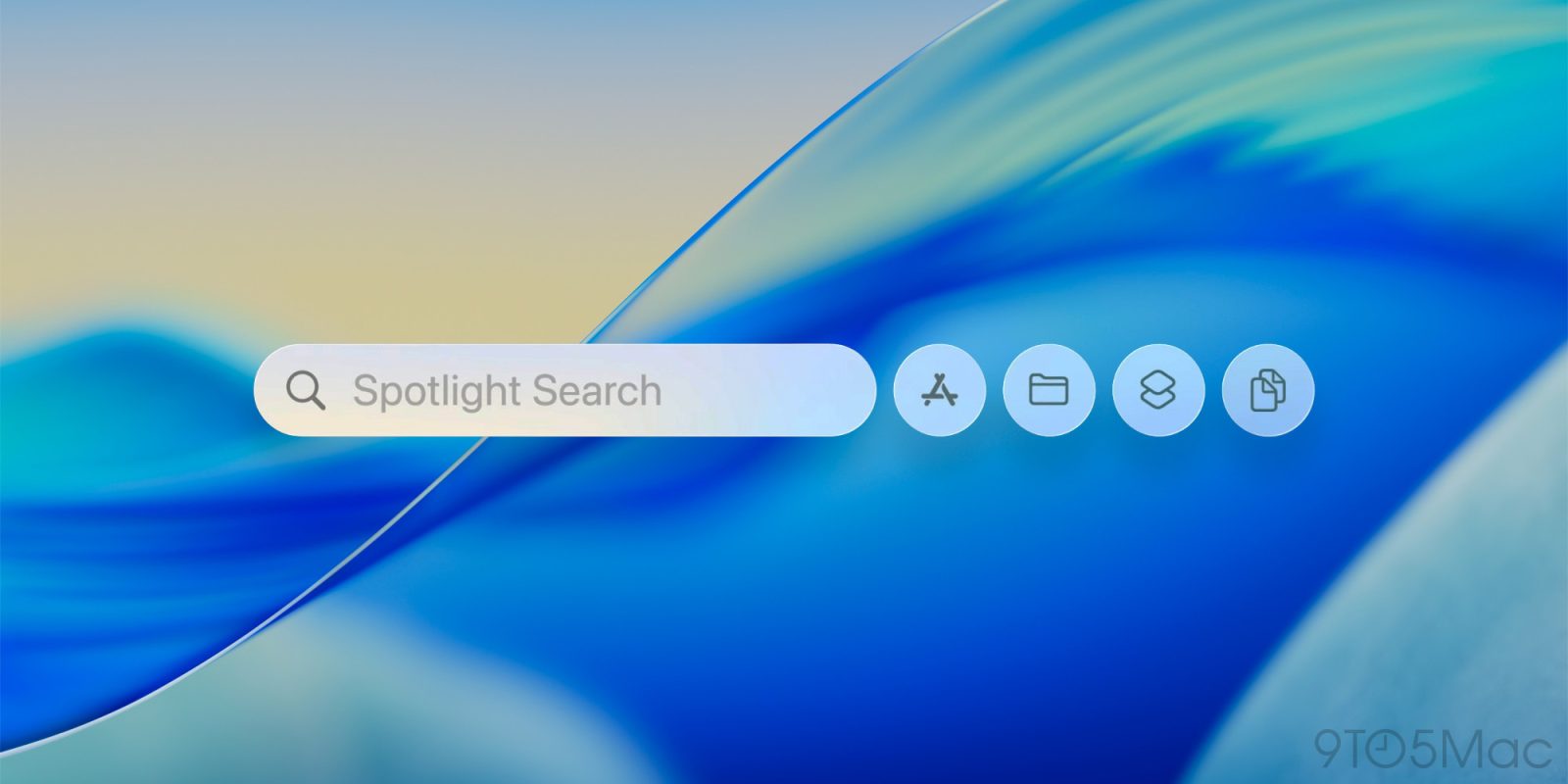
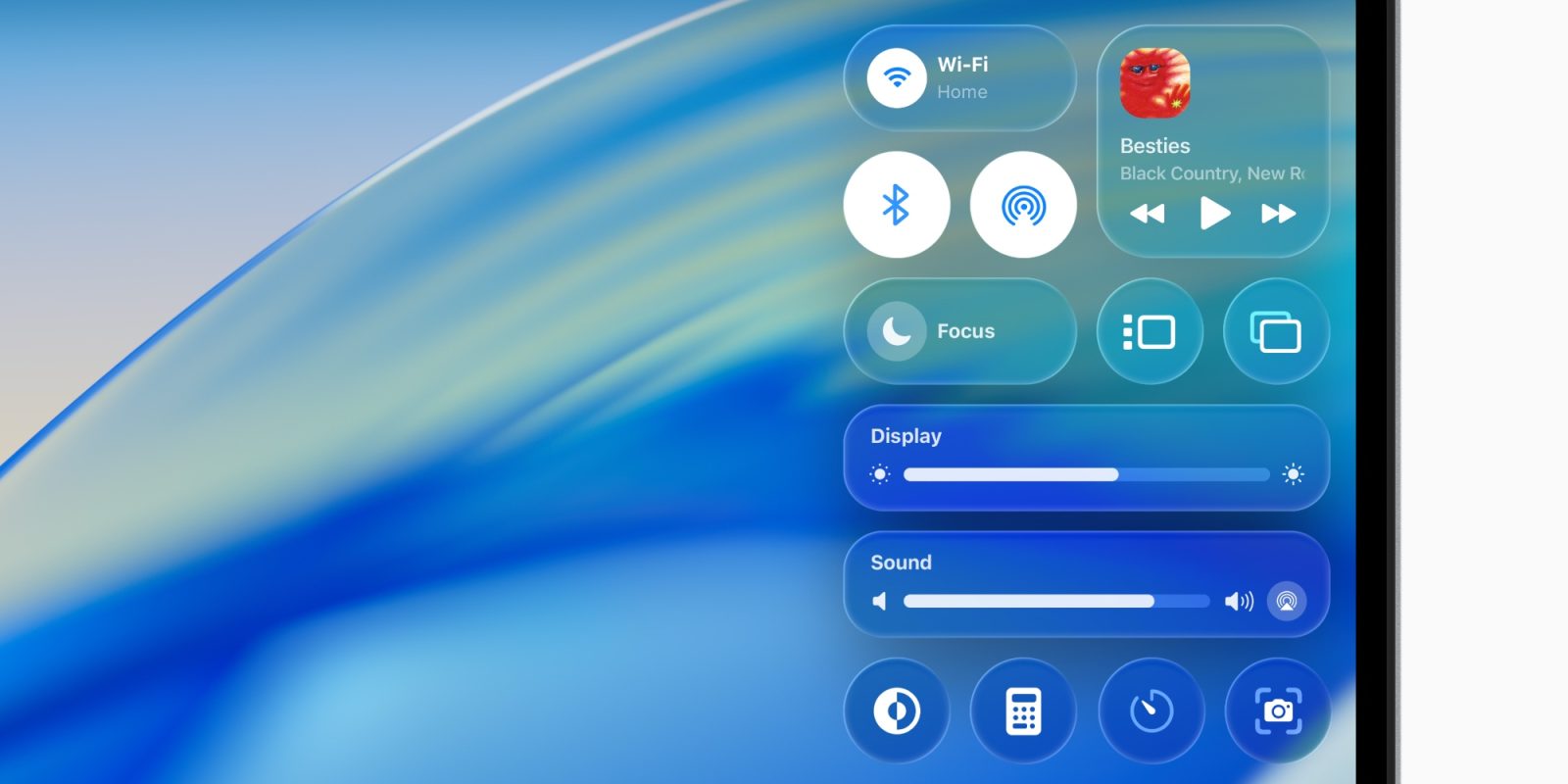
macOS Tahoe brings a lot of exciting updates to the Mac, like a supercharged Spotlight, Liquid Glass design, and three brand new apps. One of my personal macOS Tahoe favorites: Control Center is getting a lot of great upgrades. Here’s what’s new.
Expand Expanding Close
Following today’s iPhone 17 event, Apple has just released a new wave of software updates for beta testers. The RC (release candidate) versions of macOS Tahoe, iPadOS 26, and more are now available.
Expand Expanding Close
During today’s Awe Dropping event, Apple confirmed the release date of all the operating systems it announced during WWDC25, including macOS Tahoe 26. Here are the details.
Expand Expanding Close
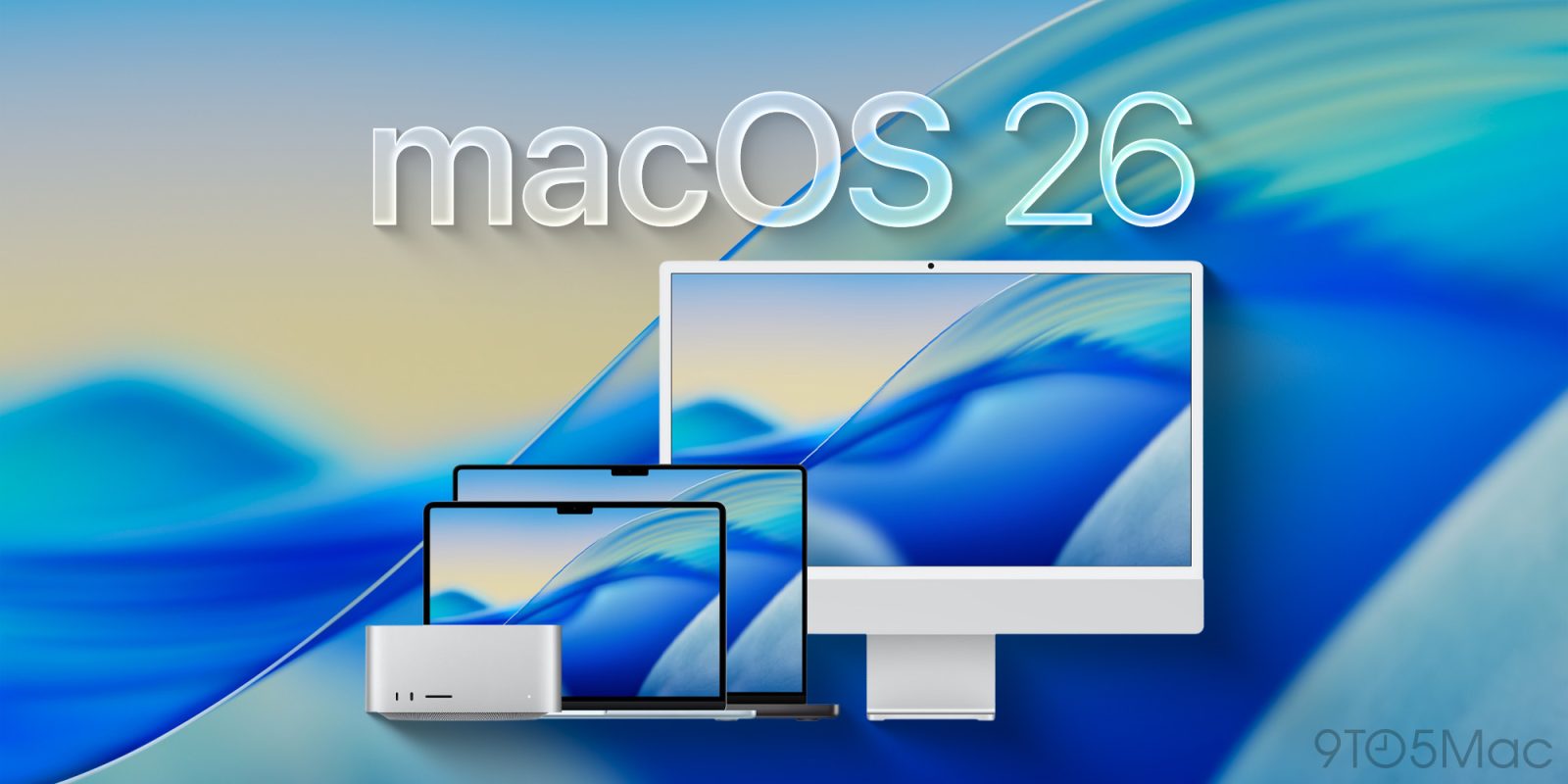
Apple’s next major software update for the Mac is macOS Tahoe, also known as macOS 26. Alongside the new Liquid Glass design and major Spotlight upgrades, macOS Tahoe will bring three new Apple apps to the Mac. Here’s what’s coming.
Expand Expanding Close
Apple is always adding new features to its software, but every now and then a change arrives that it’s hard to live without. One such killer feature lets you autofill two-factor authentication codes, and it’s getting even better in iOS 26 and macOS Tahoe this fall.
Expand Expanding Close
macOS Tahoe is a big update for Mac screensavers, with 15 brand new options coming. But there’s no need to wait to check them out, as all the new screensavers are available below.
Expand Expanding Close
With macOS Tahoe, Apple will be adding a bunch of new screen saver options, which you can also set as wallpapers. There are a couple new variants of the previously introduced Tahoe screen saver in beta 5, as well as around a dozen other options introduced in a previous beta that flew under the radar.
Expand Expanding Close
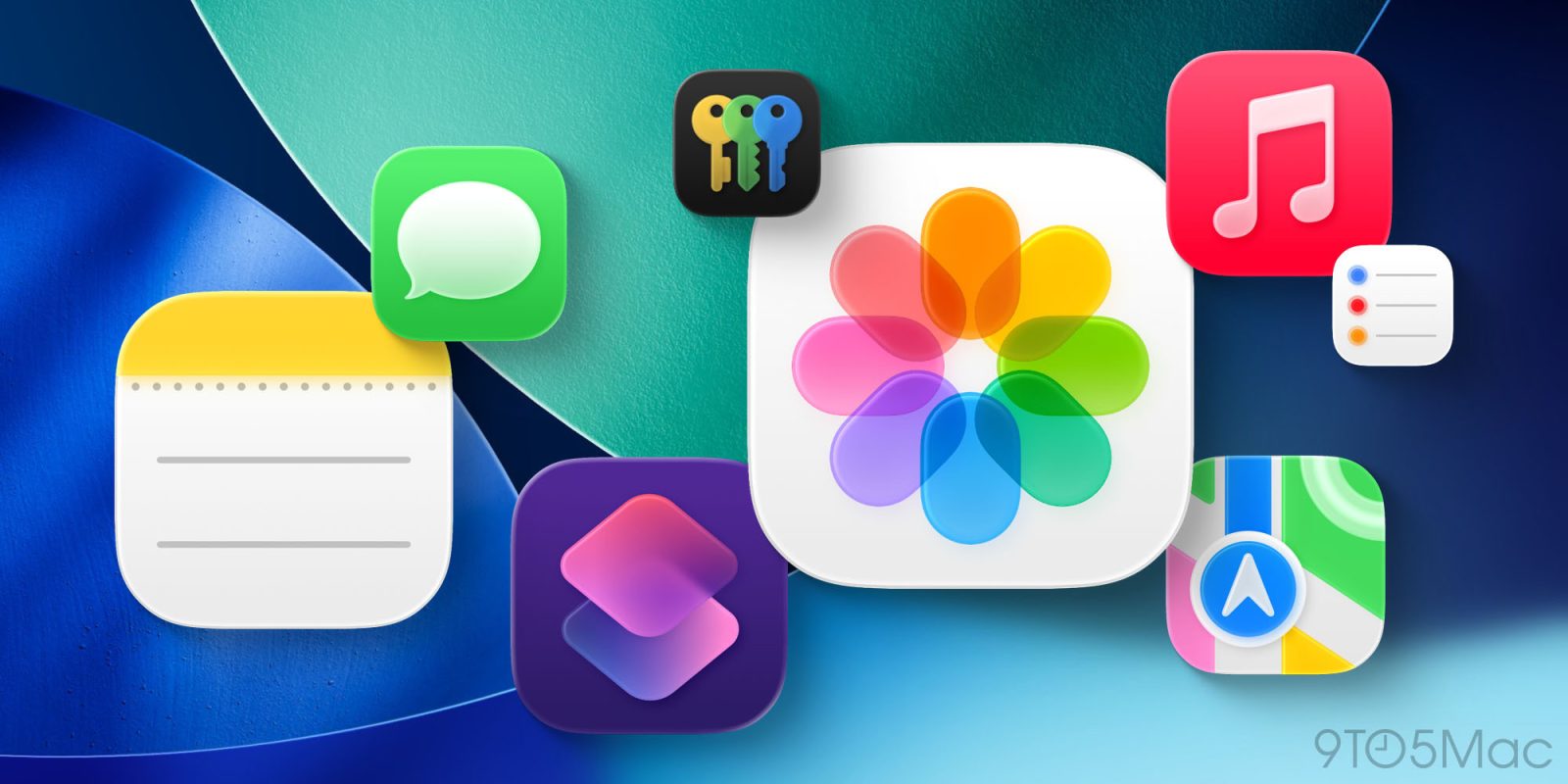
Yesterday I highlighted macOS Tahoe’s aggressive behavior of putting nonconforming app icons inside an ugly gray box of shame. The change seems to affect the Mac user experience more than it impacts the app developer. It makes the actual icon 20% smaller and 80% harder to recognize.
A great thing about the Mac, though, is the ability to customize app icons. This can be a temporary solution. You just need to track down an app icon that works. Here’s how to swap out app icons on macOS Tahoe and avoid the gray box effect.
Expand Expanding Close
9to5Mac is brought to you by CleanMyMac: Tidy up your Mac and iPhone today! Try 7 days free and use our code 9TO5MAC15 for 15% off. Also check out CleanMyPhone for your iPhone!
macOS Tahoe 26 gives your Mac a significant redesign, headlined by the new Liquid Glass design language. The update also brings new ways to personalize your Mac, with new icon tinting features, menu bar customization, and more.
Here’s how these new customization options work.
Expand Expanding Close

When it comes to iOS 26, Liquid Glass and legibility have been the subject of much discussion around the iPhone software redesign. On the Mac, however, app icon decisions have stirred up a lot of feelings for macOS Tahoe users. One change in particular arguably makes the Mac harder to use.
Expand Expanding Close