macOS Golden Gate 27 beta 1 now available, here’s how to install it

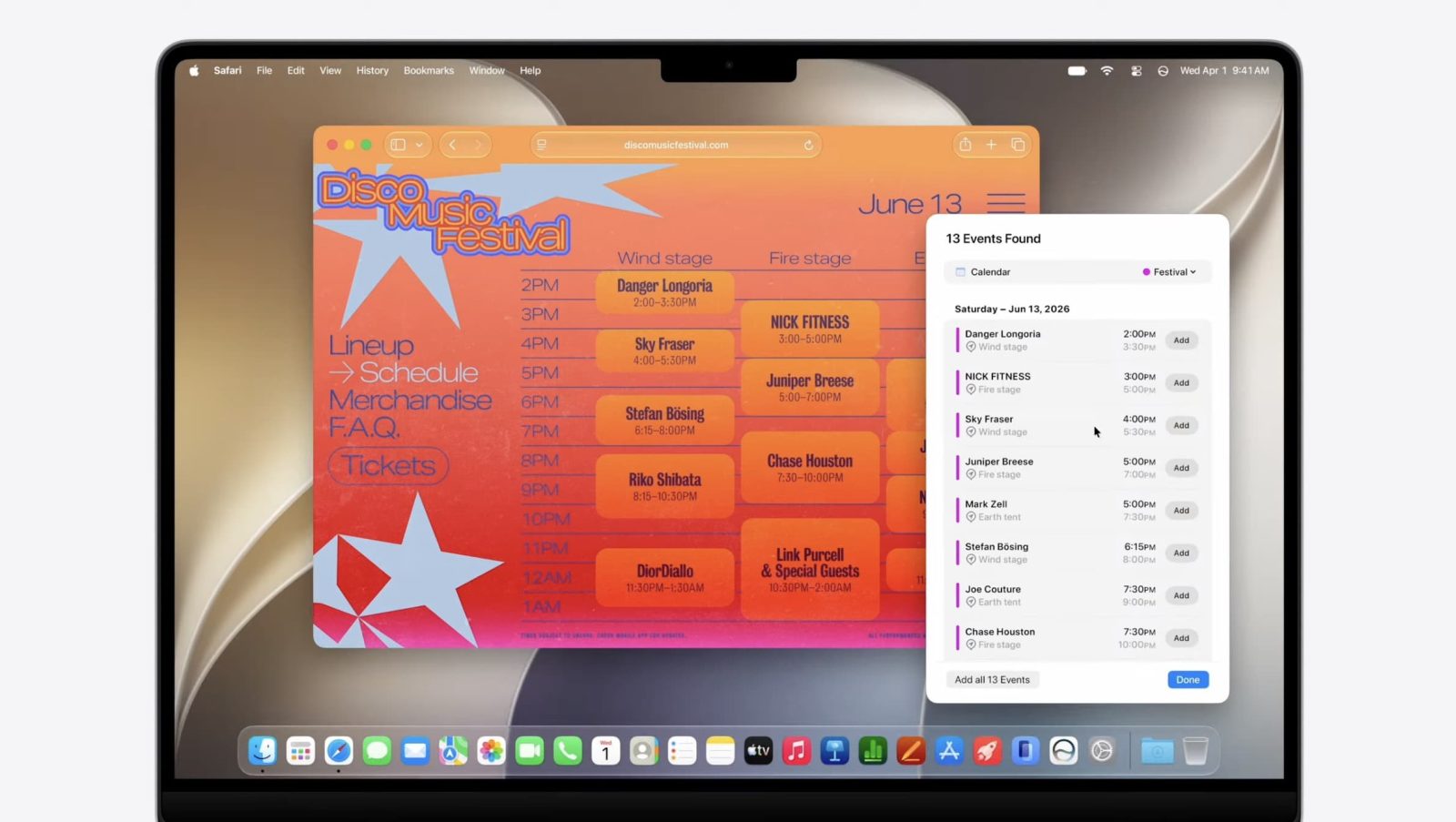
Apple is now rolling out macOS Golden Gate 27 beta 1 for developers. Here’s how to install it.
Expand Expanding Close
Apple is now rolling out macOS Golden Gate 27 beta 1 for developers. Here’s how to install it.
Expand Expanding Close

During the WWDC keynote today, Apple announced macOS Golden Gate 27, the next major OS version for the Mac. Here are the details.
Expand Expanding Close
A new post on Google’s Chromium blog shares the results of the latest Chrome performance benchmarks, including record scores on tests running on an M5 MacBook Pro. Here are the details.
Expand Expanding Close
Apple just rolled out macOS 26.5.1, which fixes a bug that had been causing Macs with the M5 Apple silicon to unexpectedly shut down under certain conditions. Here are the details.
Expand Expanding Close
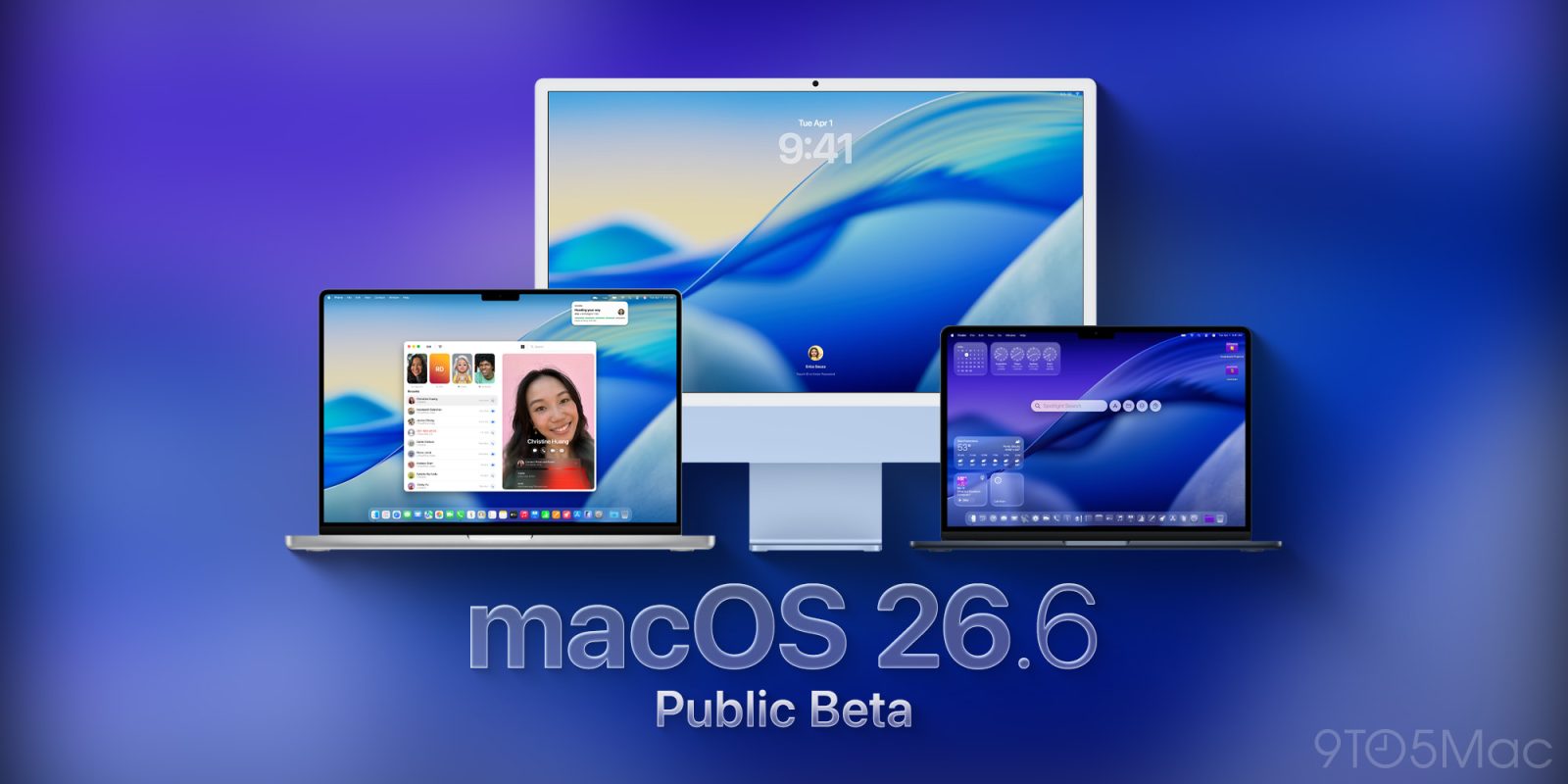
Following this week’s release of macOS 26.6 beta 1 for developers, Apple is now rolling out the first public beta build of the next version of macOS. Here’s what to expect.
Expand Expanding Close
Following the release of mcOS 26.5 earlier this month, Apple has now kicked off the next wave of betas for macOS 26.6. Here are the details.
Expand Expanding Close

Desk setups are ever evolving. Because so much of our workflow and desk revolves around tech, which changes constantly, the products we use every day naturally change alongside it. But one thing I’ve noticed over the years is that when I invest a little more in premium accessories, they tend to last much longer. There will always be a place for budget-conscious products, but the accessories I keep coming back to are usually well-built, thoughtfully designed, and that improve my overall workflow. I wanted to share some of my favorite premium desk accessories that would benefit anyone’s setup, whether for gaming, work, or leisure.
Expand Expanding Close

The team behind the first public macOS kernel memory corruption exploit on M5 silicon has shared fresh details on how Mythos Preview helped bypass a five-year Apple security effort in five days.
Expand Expanding Close
Apple has published the enterprise release notes for macOS 26.5, detailing several fixes for issues affecting managed Macs. Here are the details.
Expand Expanding Close

Anthropic’s Mythos AI model has famously been kept fairly secret due to its apparent risk to software systems around the world. And today a new report says Mythos was used to expose macOS security vulnerabilities that Apple is investigating now.
Expand Expanding Close

Bartender got even more useful today with the release of Bartender Pro and a new feature called Top Shelf, which turns the Mac’s notch into a space for widgets, file storage, clipboard management, Live Activities, and more. Here are the details.
Expand Expanding Close
Apple is rolling out macOS 26.5 to all Macs compatible with macOS Tahoe. Here’s what’s new.
Expand Expanding Close
Developers and public beta testerscan now download the first Release Candidate of macOS 26.5, ahead of the official rollout in the coming days. Here’s what to expect from macOS 26.5.
Expand Expanding Close
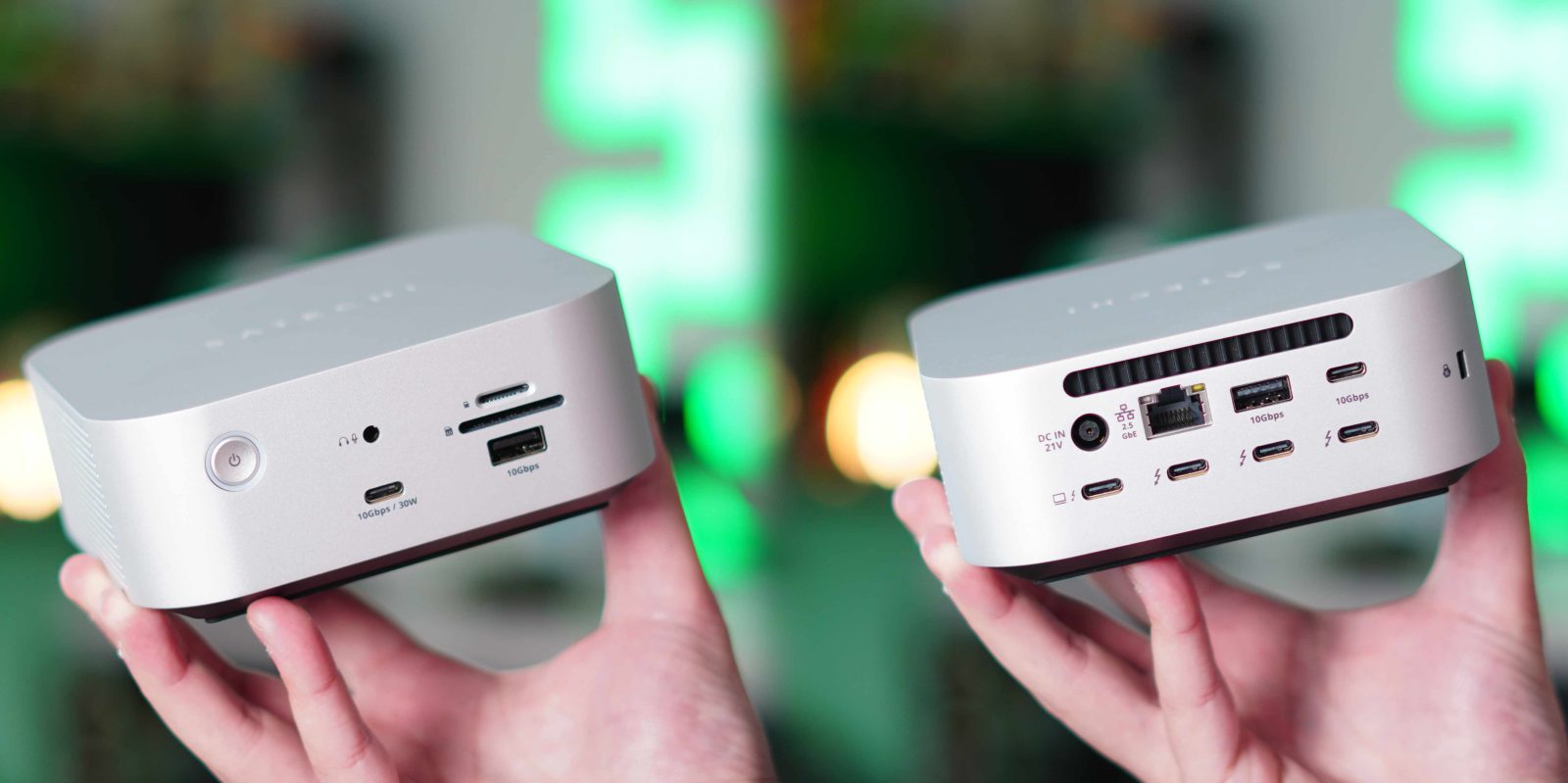
Thunderbolt 5 debuted in September 2023. It was introduced as the new Thunderbolt standard that would slowly begin to replace Thunderbolt 4. It entered the scene, and we saw a big jump forward in bandwidth, display support, and overall capability. But what I noticed is that it was relatively slow to roll out, and the products we saw that did implement Thunderbolt 5 only did that. They just switched from Thunderbolt 4 to Thunderbolt 5 and shipped the same product otherwise. So when I saw Satechi announce some actual changes and improvements to their Thunderbolt 5 CubeDock, I had to check it out. I have used it for over two weeks, and this is what you should know.
Expand Expanding Close
Update: Apple is now rolling out public beta 3 (which is mismatched with developer beta 4, since Apple skipped a public beta release a few weeks ago). macOS 25.4 public beta 3 has the same build number as macOS 26.4 developer beta 4 released earlier today.
Just a week after releasing macOS 26.5 beta 3, Apple is now rolling out the fourth beta, ahead of its official release in a few weeks. Here’s what to expect.
Expand Expanding Close
After skipping the second public beta for macOS 26.5 last week, Apple is rolling out macOS 26.5 public beta 2 right now, even though the company released macOS 26.5 beta 3 for developers yesterday. Here’s what to expect from this next update.
Expand Expanding Close
Even though Apple skipped macOS 26.5 public beta 2 after releasing the developer beta last week, Apple is now rolling out macOS 26.5 developer beta 3. Here’s what’s new so far.
Expand Expanding Close
Apple is rolling out the second wave of developer betas for macOS 26.5 and its counterparts. Here are the details.
Expand Expanding Close

There’s a section on Apple’s macOS 26 Tahoe site that reads “Calm in the brainstorm.” The tagline introduces the revamped version of Spotlight, but there’s another Mac experience that it’s even more applicable to for me.
Expand Expanding Close
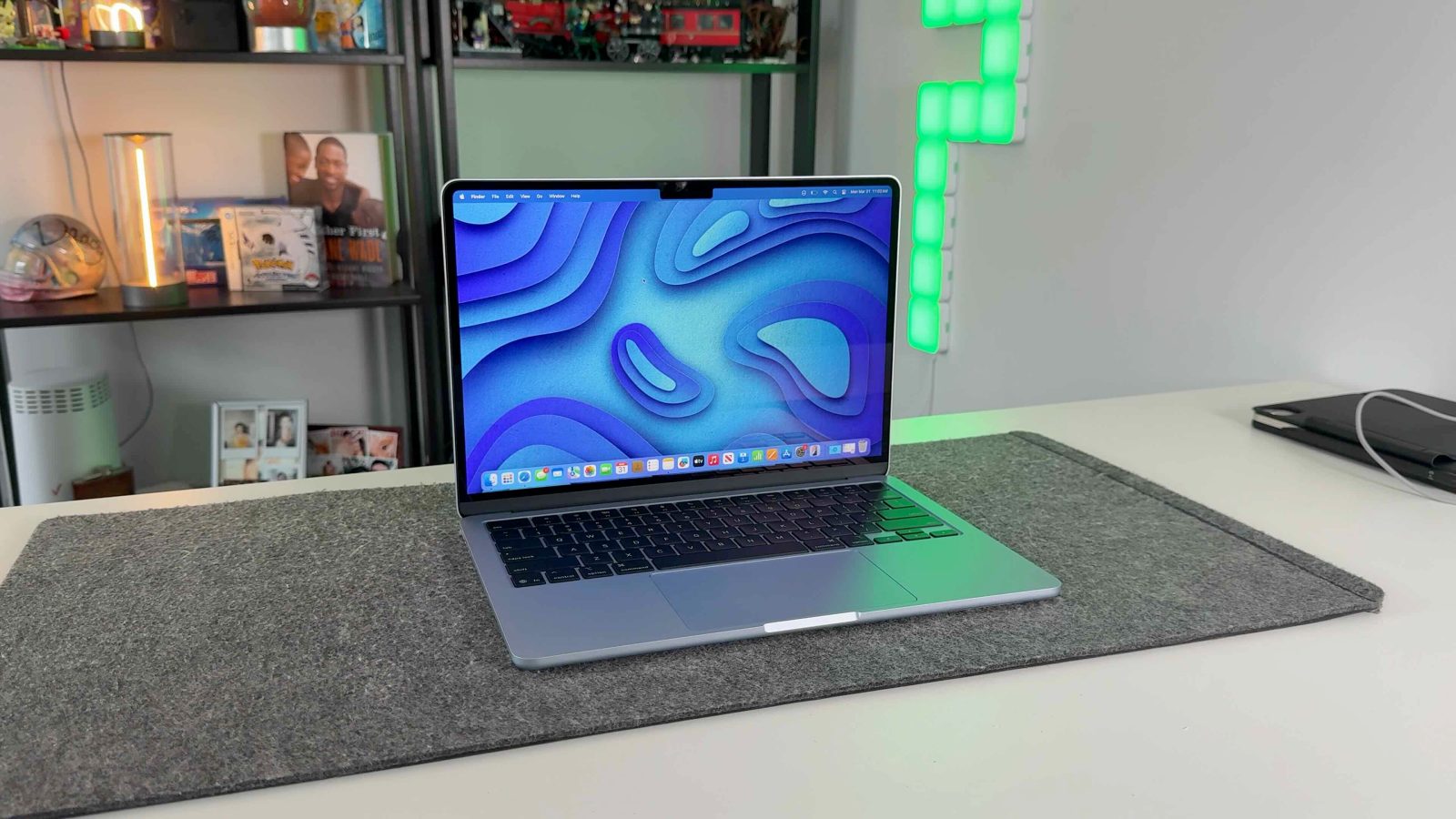
I would argue that Apple currently has its best MacBook lineup it’s ever offered. Since the release of the MacBook Neo, they now have a really strong option at every price point. But at the same time, there is a slight awkward issue. The MacBook Neo is now the default recommendation for anyone who just wants a Mac laptop, and if you need Pro-level features and hardware, you go with the MacBook Pro. So where does that leave the M5 MacBook Air? Who is the target customer now? The MacBook Air is no longer the de facto entry-level computer, but it’s also not as powerful as the Pro-level MacBooks, so who should buy the MacBook Air?
Expand Expanding Close
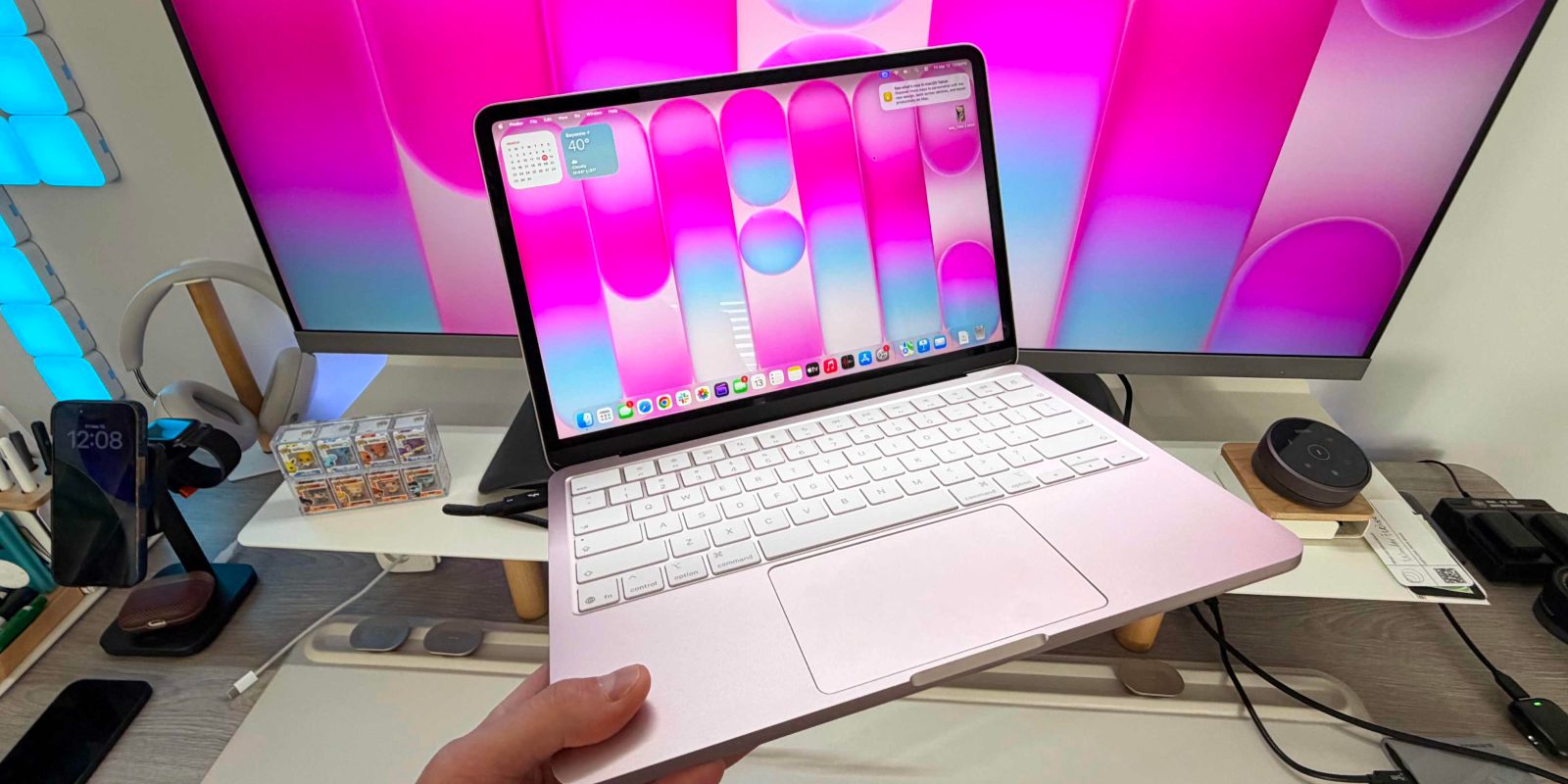
I’ve had the MacBook Neo for a month, and it’s been an absolute pleasure to use. The Neo has been one of the more exciting new Apple products in a while. It gives you insane value, amazing build quality, and great performance, especially for the price. But to get the price down to $599, Apple had to make some compromises. To elevate my experience a bit, I added a few budget-friendly accessories that I think anyone can add to their MacBook Neo setup!
Expand Expanding Close
Following the release of the first developer beta of macOS 26.5 earlier this week, it’s time for users in the Public Beta program to take the upcoming macOS version for a spin. Here’s what to expect.
Expand Expanding Close

There are 100s of different docking stations and USB-C hubs for your Mac mini. They all tend to look and do roughly the same thing: they add a variety of additional ports to your Mac. So when I saw this retro Macintosh-inspired docking station that not only adds ports to your Mac mini but also a display and perfectly slides on top of it, I knew I had to check it out. Late last year, I reviewed the Kickstarter version and loved it, but now it’s officially available everywhere, and they added an even better and faster 80Gbps version. Here is what you need to know.
Expand Expanding Close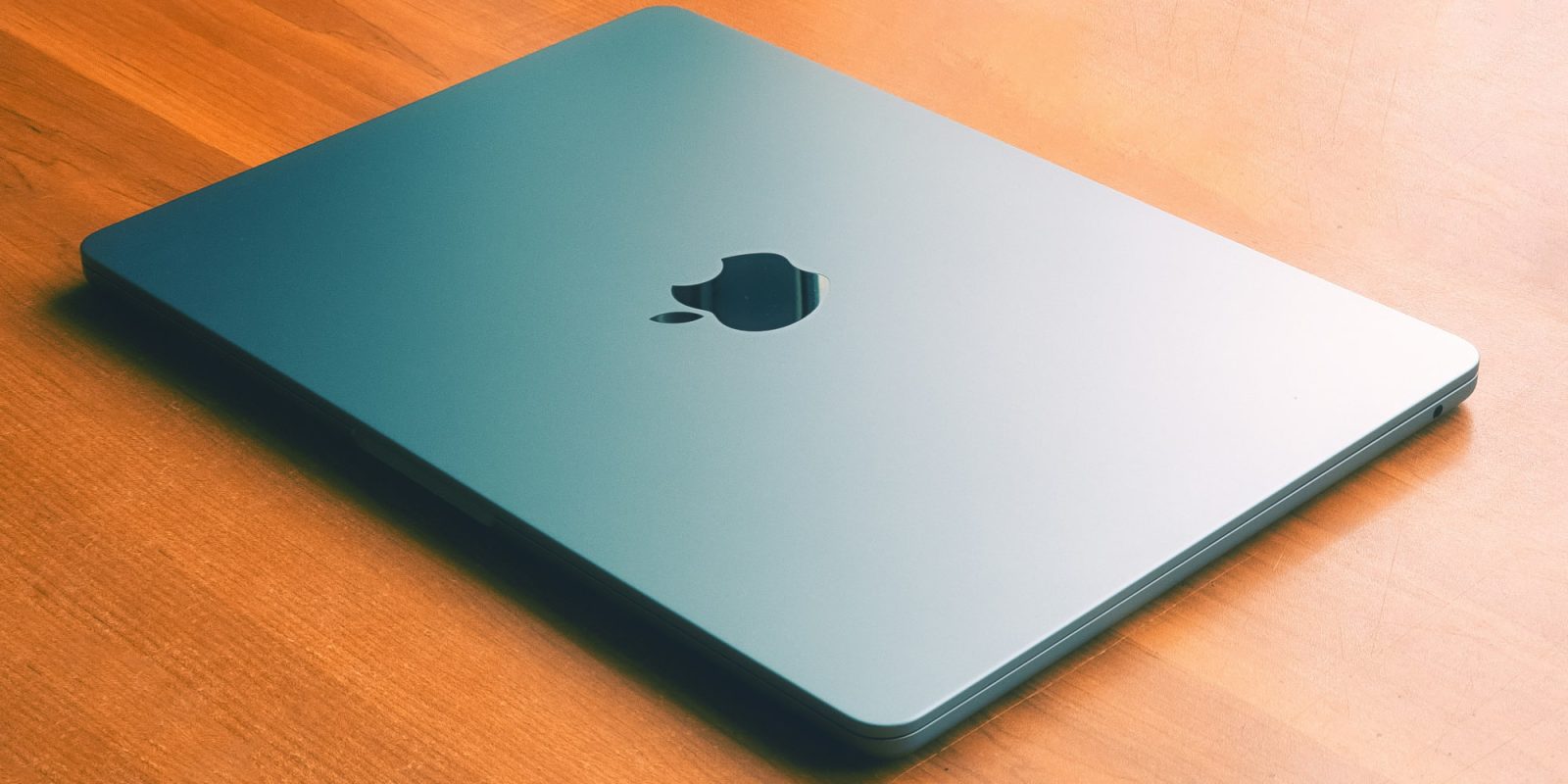
Less than a week after releasing macOS Sonoma 14.8.5 and macOS Sequoia 15.7.5, Apple has now seeded release candidates for their next updates. Here are the details.
Expand Expanding Close