
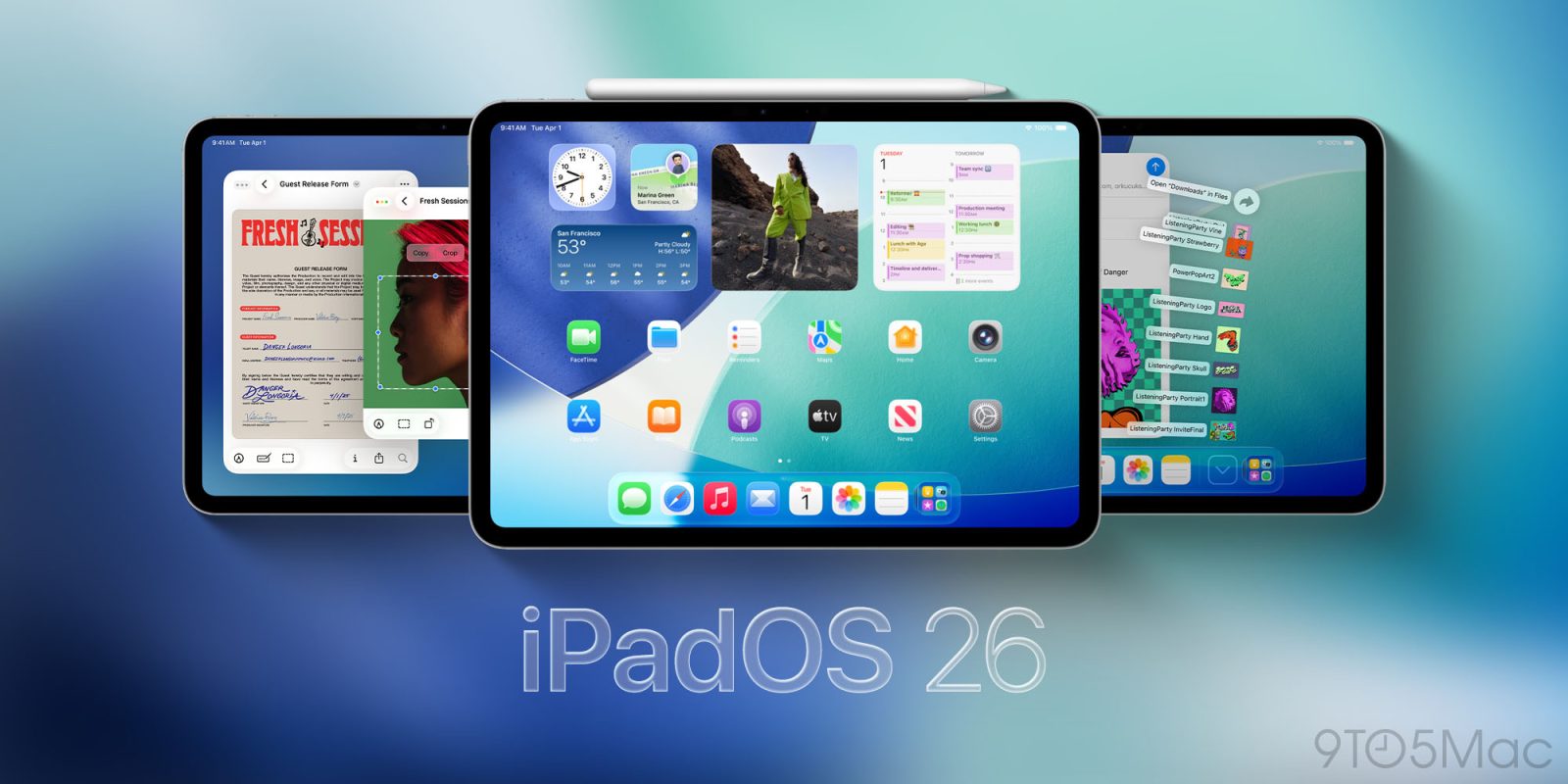
Apple has released iPadOS 26, its next major software update for iPad users—and it’s a big one. Here’s a rundown of what’s new in iPadOS 26.
How to install and device compatibility
iPadOS 26 is available to download from inside the iPad’s Settings app. You’ll find the update by going to Settings ⇾ General ⇾ Software Update.
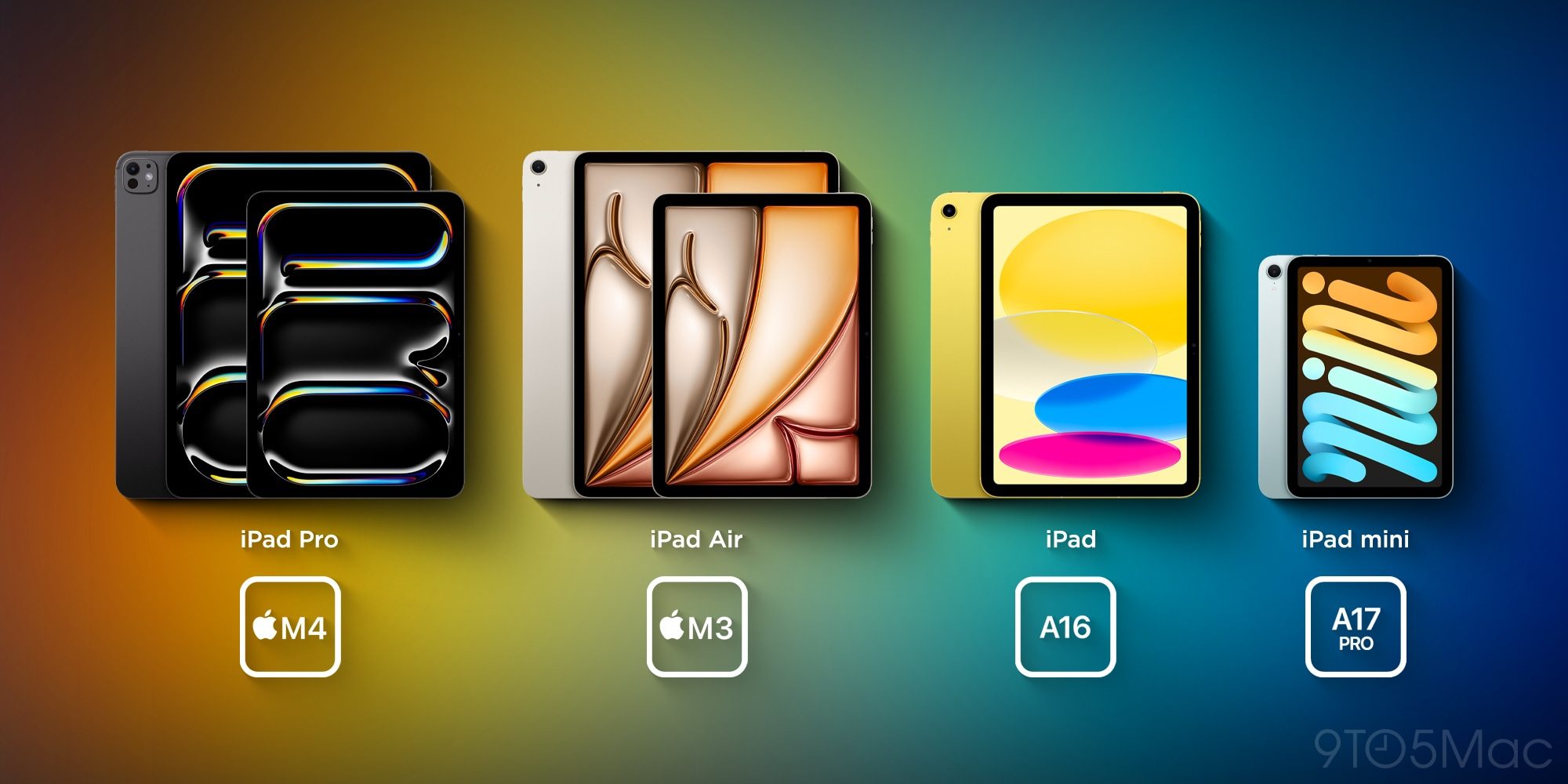
If your iPad can already run iPadOS 18, the most recent software version, then it almost certainly will support iPadOS 26 as well. There’s only one iPad model that’s been dropped this year: the base model iPad (7th generation).
Here’s the list of compatible iPad models:
- iPad Pro 13-inch (M4)
- iPad Pro 12.9-inch (3rd generation and later)
- iPad Pro 11-inch (1st generation and later)
- iPad Air (M2 and later)
- iPad Air (3rd generation and later)
- iPad mini (A17 Pro)
- iPad mini (5th generation and later)
- iPad (A16)
- iPad (8th generation and later)
iPadOS 26: New features for productivity and more
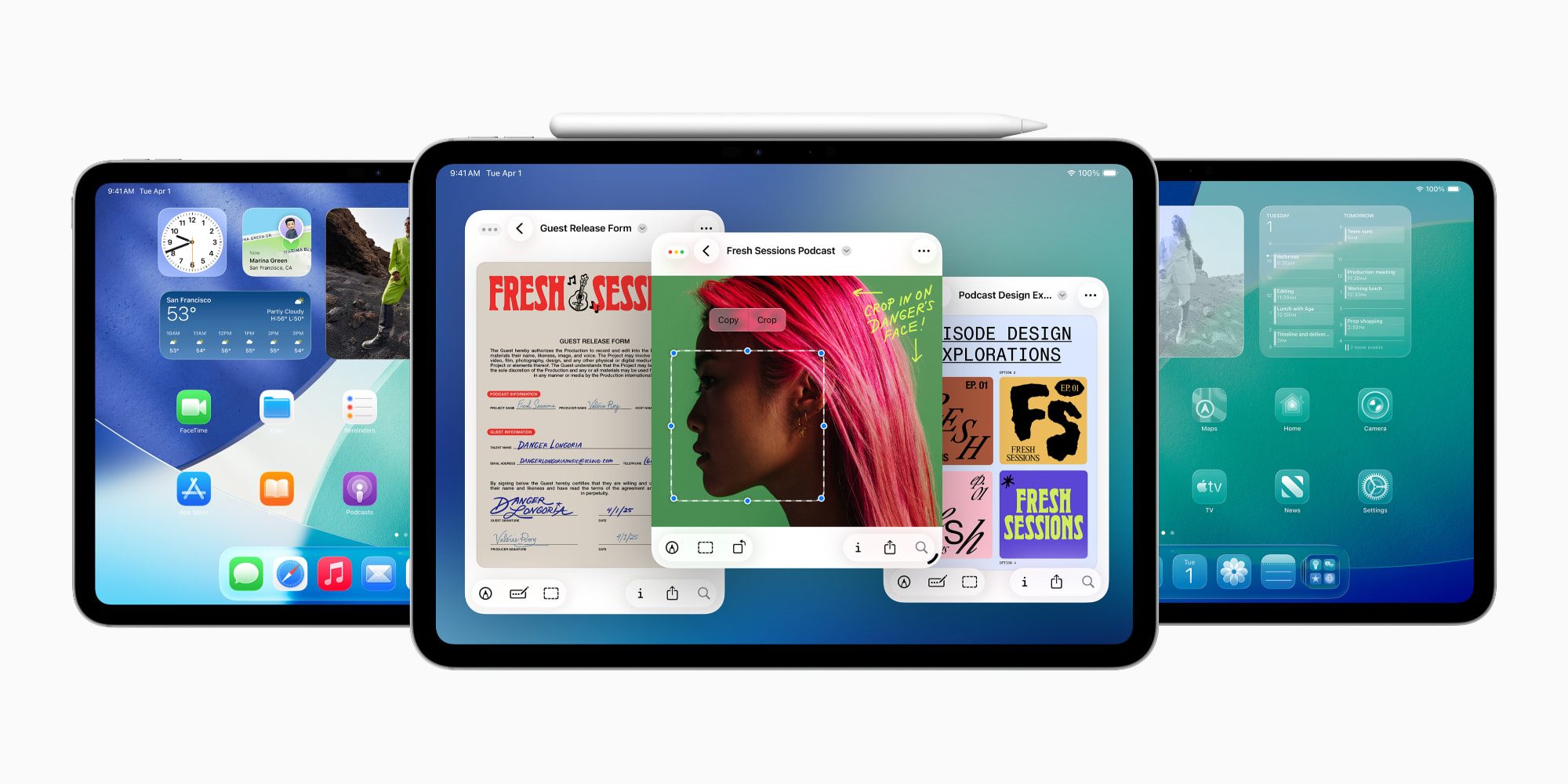
iPadOS 26 is easily the iPad’s biggest software upgrade ever.
A huge part of that achievement comes from productivity upgrades. Apple is making the iPad far more powerful as a Mac alternative, and that’s happening thanks to changes inspired by macOS.
New productivity features include:
- New app windowing system: Freely resize app windows and use many on-screen at once
- Menu bar comes to iPad: A new menu bar offers important app controls and shortcuts
- Dock gets versatile: Add more apps than ever, plus file folders, and keep the dock always on-screen
- File management upgrades: The Files app becomes more like Finder from macOS in capabilities
- Pointier, more precise cursor: Previously round cursor is now more precise and Mac-like
- Background Tasks with Live Activities: Run intensive processes that continue via Live Activities
- Audio recording tools: Local Capture, Voice Isolation, and a new Input Picker
Joining the productivity upgrades, iPadOS 26 also introduces Apple’s new Liquid Glass design that changes how the iPad software looks and feels. Liquid Glass is coming not only to iPad, but also the iPhone in iOS 26 and Apple’s entire lineup of platforms.
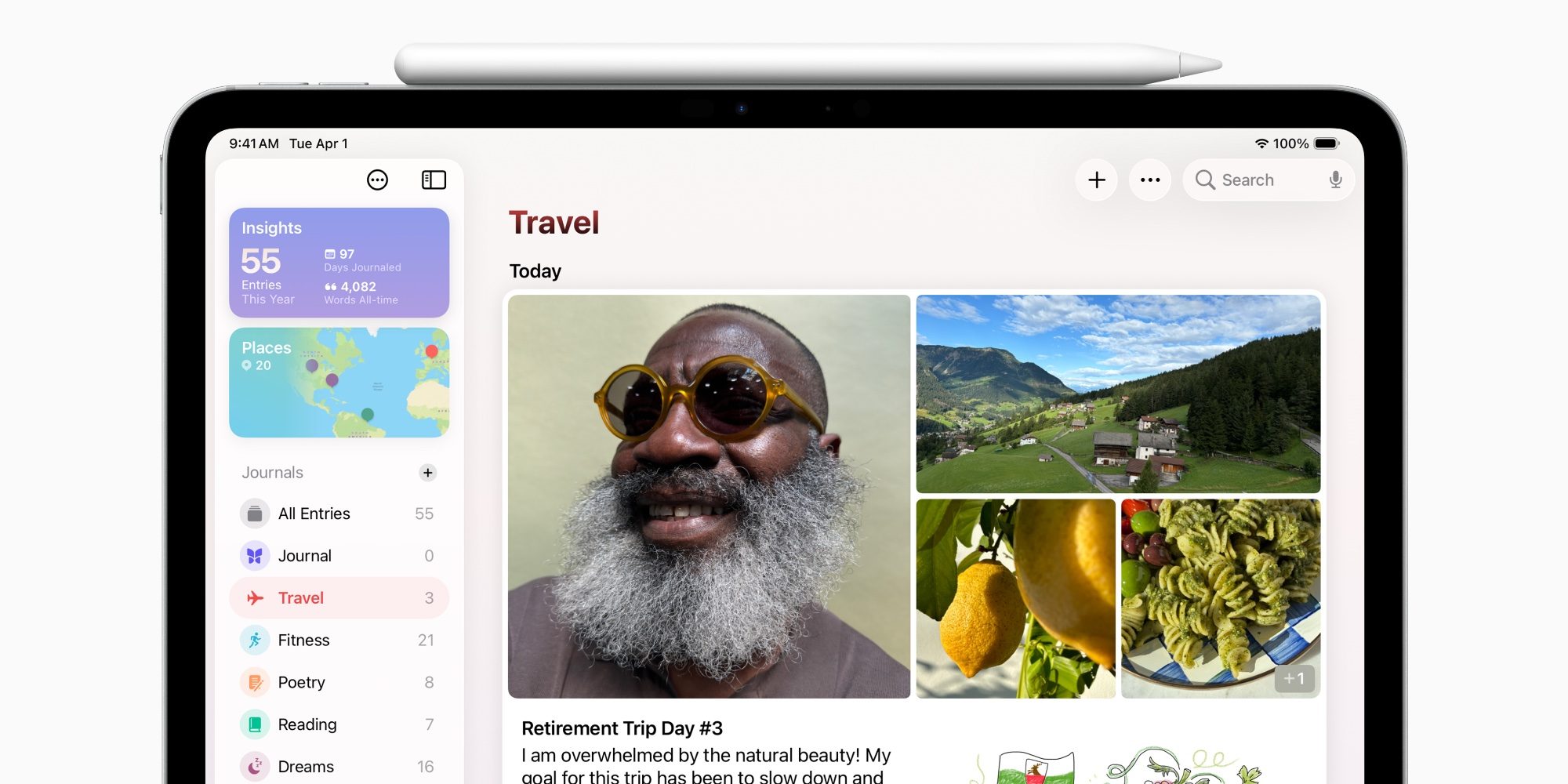
iPad users will find four brand new Apple apps in iPadOS 26:
- Journal: Apple’s journaling tool is now available on iPhone, iPad, and Mac
- Apple Games: Where all your game activity comes together
- Preview: A dedicated hub for viewing PDFs and images
- Phone: Via continuity features, manage phone calls on iPad
Finally, there are a bunch of welcome new features available in Apple’s existing iPad apps that users know and love. You can find overviews of everything new through these links: Messages, Music, Photos, Notes, Reminders, Maps, Passwords, Shortcuts.
9to5Mac’s Take
iPadOS 26 is a huge upgrade for iPad users—especially those who want to use the device for productivity.
Many of iPadOS 26’s new features provide the kind of powerful, Mac-like utility that iPad power users have been wanting for years.
But even if you don’t need a more powerful iPad, Apple still has plenty of new features to appreciate with its Liquid Glass design, brand new iPad apps such as Journal, and variety of updates to existing Apple apps.
Apple has taken the training wheels off the iPad with iPadOS 26. And as someone who works from an iPad Pro every day, I can’t remember there ever being such an exciting iPad software update.
Which new iPadOS 26 features are you most excited about? Let us know in the comments.
Best iPad accessories
- Apple Pencil Pro (now only $99, down from $129)
- 100W USB-C power adapter for fast charging
- AirPods Pro 3
- tomtoc Tablet sleeve bag for protection and style
- Baseus 10ft USB-C cable for extended reach


FTC: We use income earning auto affiliate links. More.



Comments