
In macOS 26.2, which will be released soon, Apple is introducing a new low-latency feature that lets you cluster several Macs together using Thunderbolt 5 at up to 80Gb/s. Among other potential use-cases, this feature may prove to be handy for AI developers and researchers looking to run massive local models by pooling together device resources.
This clustering capability won’t just be limited to high end machines like the Mac Studio, but will work with any Thunderbolt 5-enabled Mac, including the M4 Pro Mac mini. It’s perfect timing, because I just went hands-on with Sonnet’s new rack mount solution for the M4-era Mac mini, aptly titled RackMac mini.
The RackMac mini lets users mount up to three Mac mini machines in a standard 19-inch rack footprint, and features a handful of intelligent design decisions – like front power buttons – that make managing multiple machines easy. Watch our hands-on video as we take a closer look, and be sure to subscribe to 9to5Mac on YouTube for more.

Key features
- 2U Enclosure in standard 19-inch rack
- Secure up to three Mac minis within a single enclosure
- Front power buttons
- Open access to front ports
- Cable passthroughs
- Removable top cover
- Space for storage below Mac mini
- Optional Accessory Tray
Video: Sonnet RackMac mini review
Subscribe to 9to5mac on YouTube for more videos
The RackMac mini features the typical industrial grade rack mount design in a 19-inch 2U enclosure with room for up to three machines. The unit features all of the standard mounting holes for mounting inside a standard server rack.
To begin installation, remove the four Phillips screws on the rear of the unit that holds the top cover in place. Once removed, you can begin inserting each Mac mini.
In addition to a rubber strip that lines the underside of the top cover, preventing metal-on-metal contact, you’ll notice twelve removable non-marring plastic pylons that are mean to keep each Mac mini securely locked in place during transport. These, along with the circular bottom cutout, allow each Mac mini to nestle securely into each respective slot.
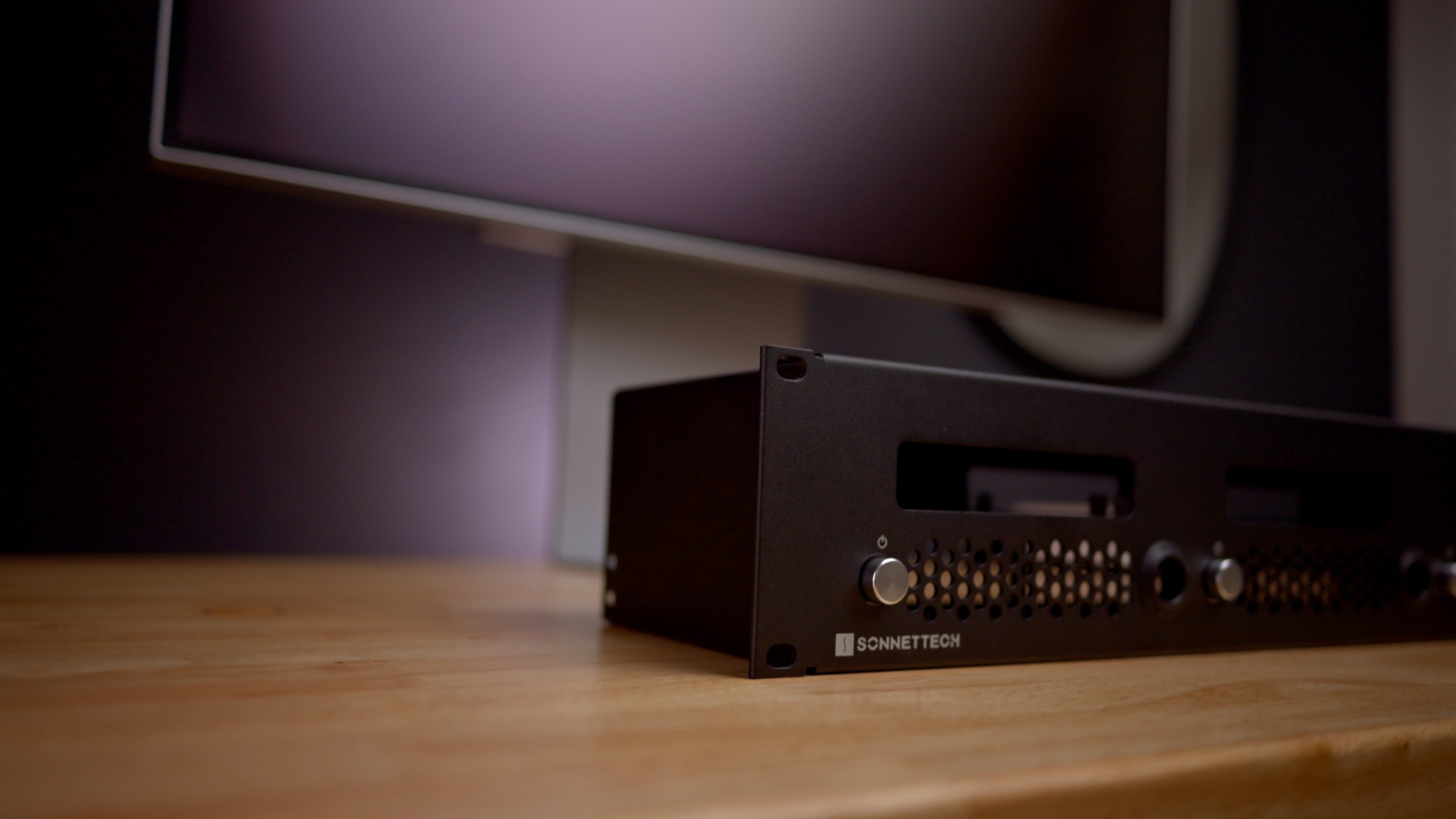
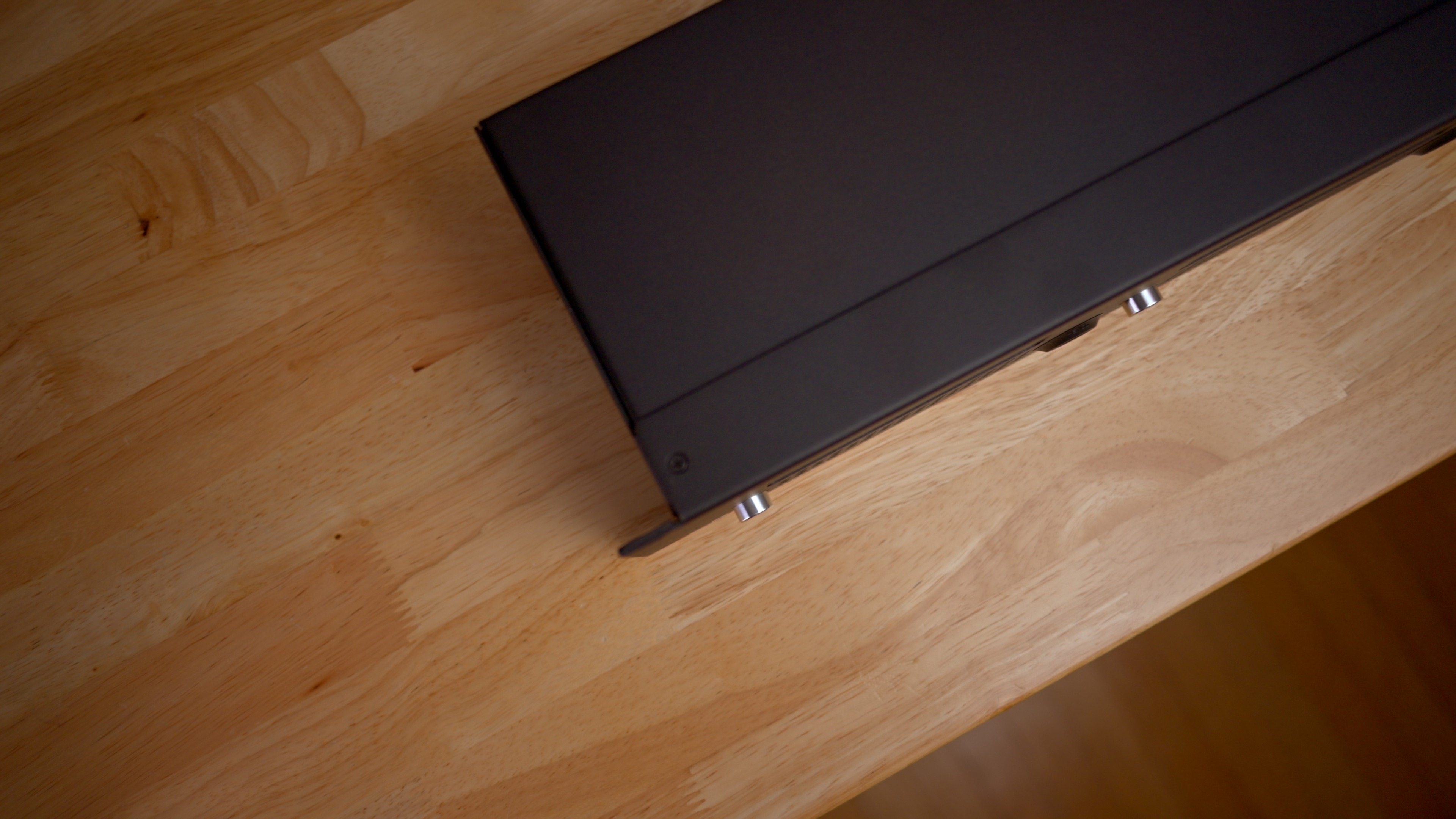
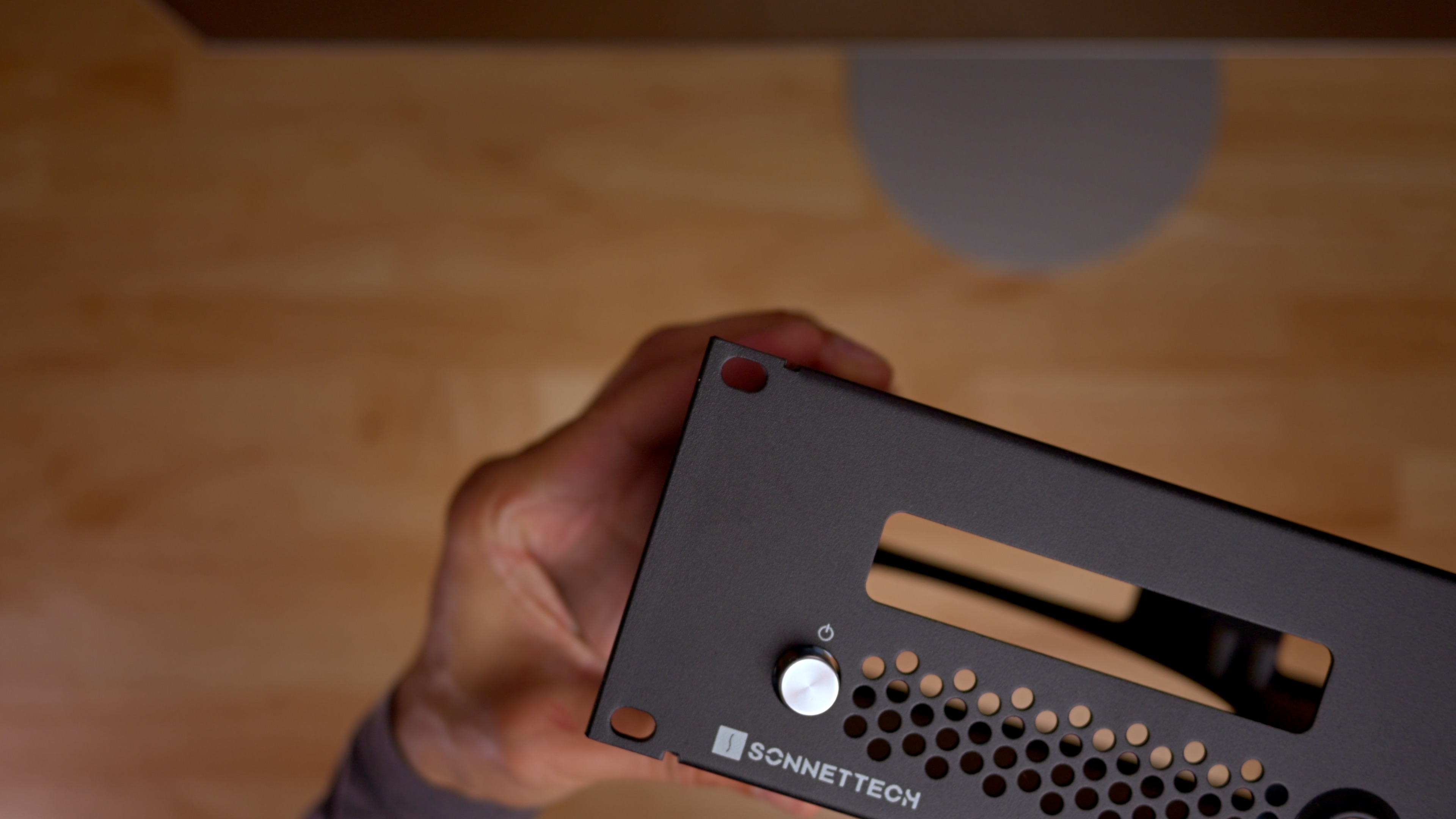
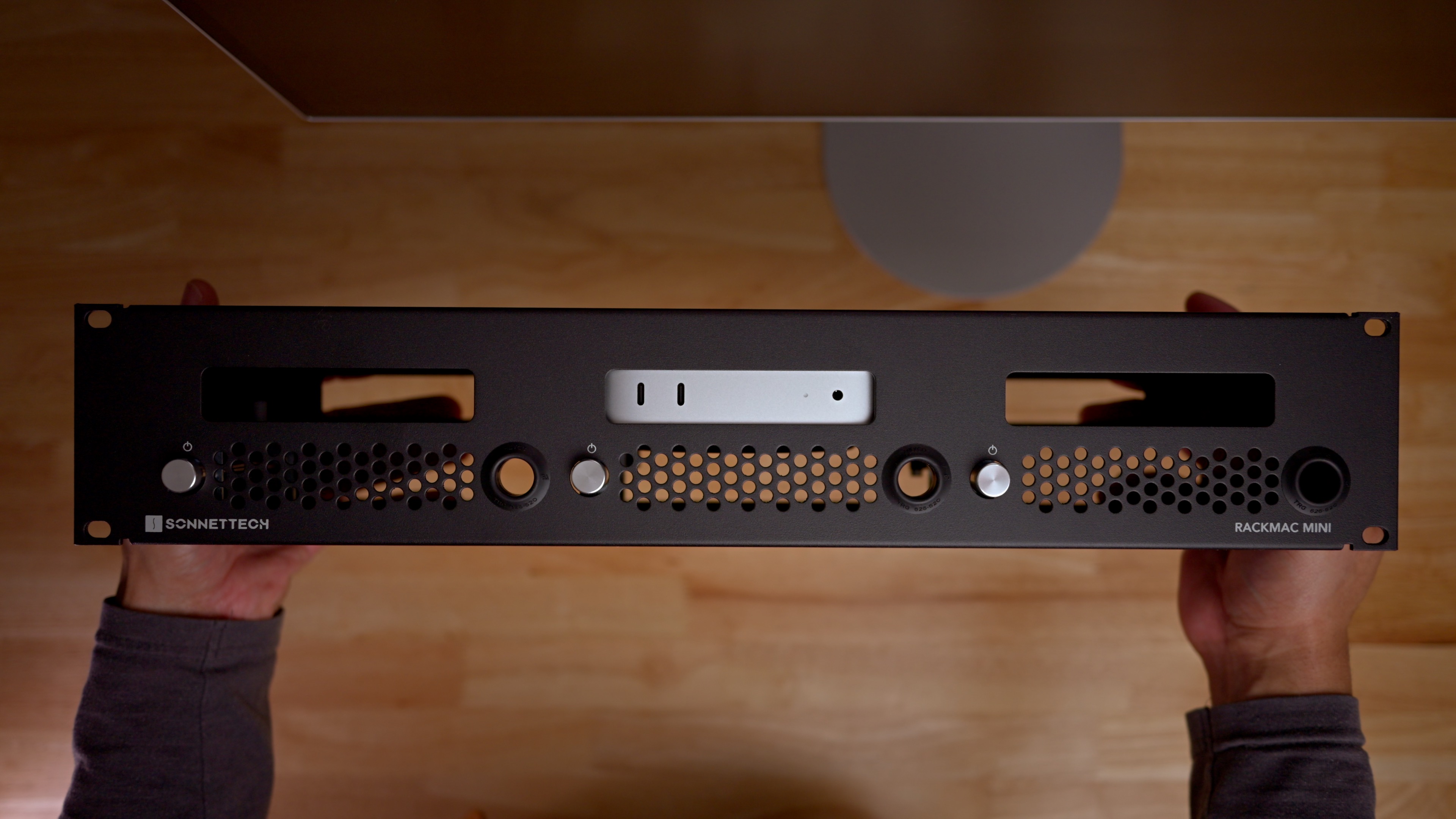
The RackMac mini is designed to support front to back airflow for each Mac, even when installed between other rack components. The bottom of the unit features room for the air intake and exhaust on the bottom of the machines, along with airflow holes on the front of the enclosure.
It’s clear that the RackMac mini was built from the ground up with the 2024 redesign in mind. Several cues make this readily apparent, including windows that provide open access to the Mac mini’s front and rear ports.
Related: Sonnet Mac Cuff mini review
If you’re looking to mount a single Mac under your desk, then the Sonnet Mac Cuff mini may be an option. Watch and read our full review for more details.
There’s also a dedicated passthrough opening for each installed Mac mini, enabling peripheral connections on either side of the unit. In addition, there is a storage area underneath each Mac for storing USB-connected SSDs and the like.

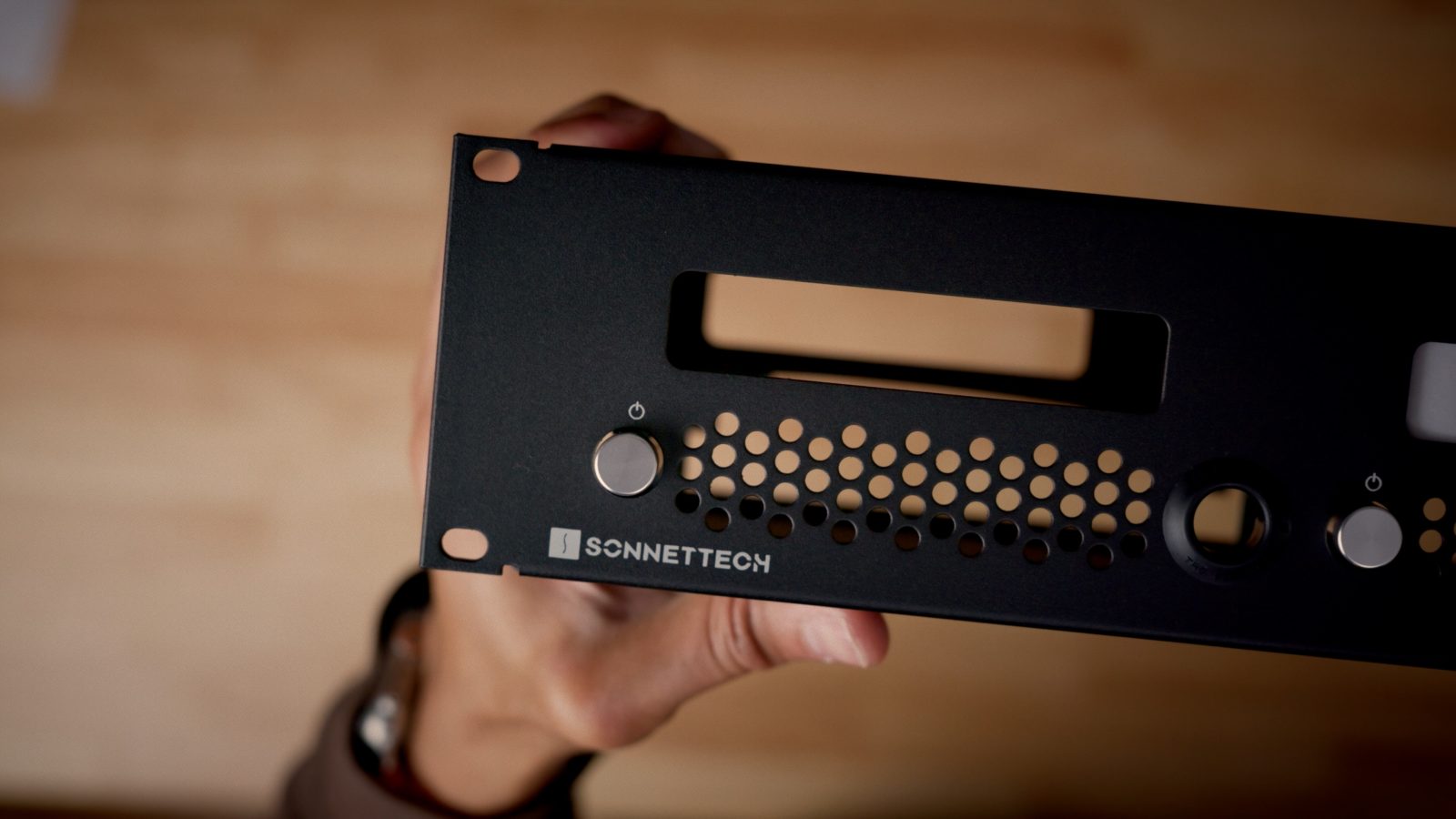
But perhaps the most interesting part of the RackMac mini is the front panel power buttons — one for each installed Mac mini. These buttons allow you to reliably operate the Mac mini’s bottom-facing power button from the front of the rack enclosure thanks to some handy engineering. This makes it easy to power on/off each device without performing any sort of wrist and finger gymnastics.
Sonnet offers an optional six-inch deep accessory tray to support storing accessories behind the Mac minis. Picture larger peripherals like storage devices, USB hubs, KVM switches, etc. The tray can be easily installed with four included Phillips screws.
9to5Mac’s take
The $349.99 RackMac mini isn’t the sexiest Mac mini accessory, but if you’re looking to manage multiple Macs in a convenient server-grade enclosure, then there’s no better option that I’m aware of. It’ll likely be a great accessory to complement the new cluster feature launching soon in macOS 26.2 for Thunderbolt 5 M4 Pro Mac minis.
What are your thoughts on the RackMac mini? Sound off in the comments below.


FTC: We use income earning auto affiliate links. More.






Comments