
Adobe has announced multiple AI-based features that are rolling out to Acrobat and Express, including the ability to create audio podcasts from files. Here are the details.
Over the past few weeks, Adobe has been rolling out multiple AI-related updates, including Photoshop, Acrobat, and Express integrations with ChatGPT, as well as GPT-Image 1.5 support in Firefly.
Today, the company announced a few new AI-powered features coming to Acrobat and Express:
Generate presentation

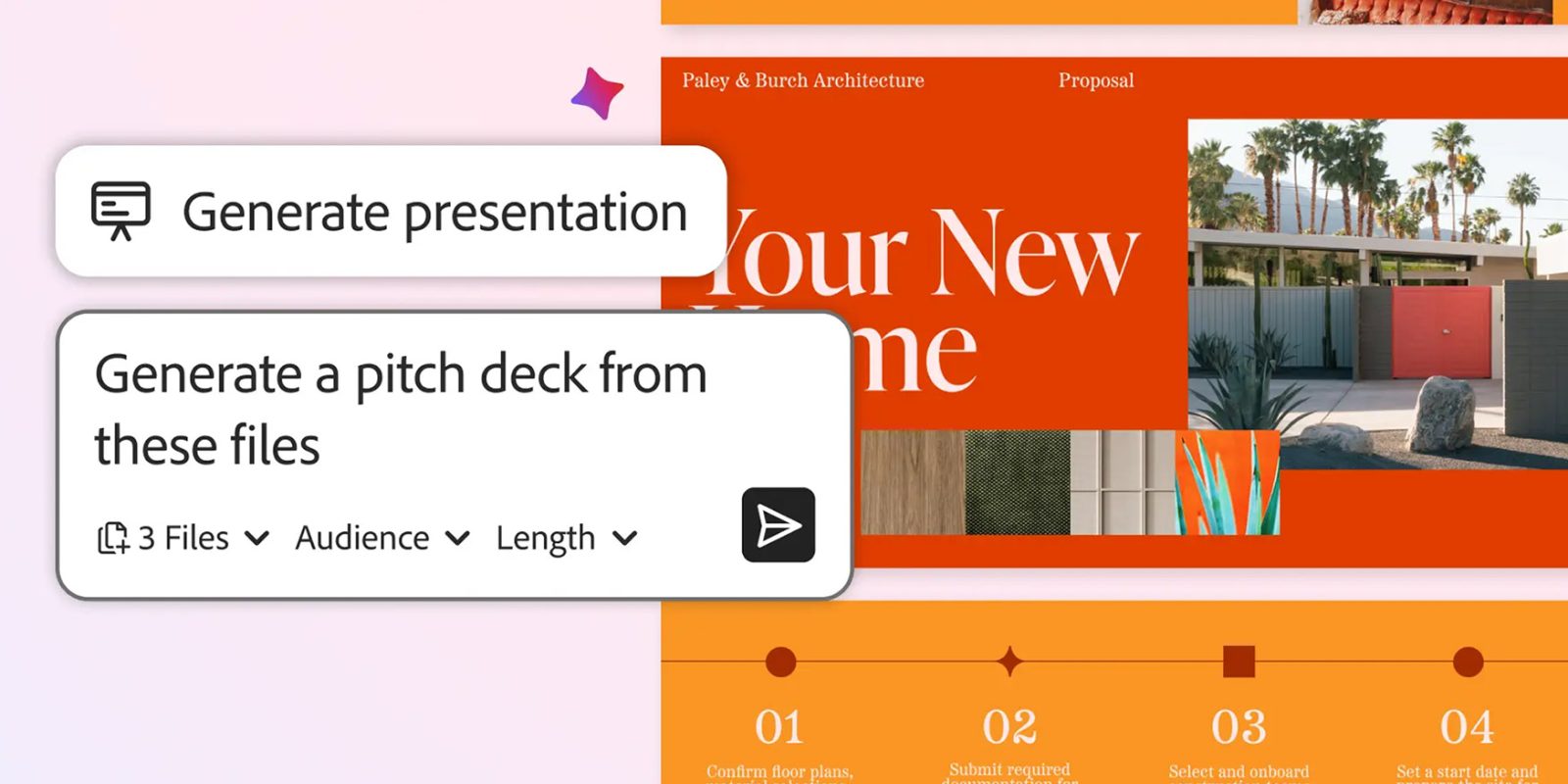
With the new ‘Generate presentation’ feature, users can now ask the AI to create a full-blown presentation based on the contents of a single document or multiple documents.
Here’s Adobe:
Let’s say you’re a small business owner who needs to land a new client. Bring your information — financial reports, product sheets, competitive intel and web pages — into PDF Spaces, an AI-powered knowledge hub within Acrobat that allows you to uncover actionable insights from files and links and collaborate easily with others. Ask AI Assistant to analyze the information and make a pitch deck that includes the client’s top pain points, and how your company can help.
According to the company, the AI Assistant will start by generating an outline before creating the full presentation using user-defined tone, length, and design preferences.
Under the hood, Adobe says that Acrobat and Express work together to create the presentation. Once the draft is done, users can further tweak the content, swap out images, change fonts, “and even animate your final slide to really make the ending pop,” before sharing it with the team.
Prompt-based PDF edits

This is the most straightforward feature from today’s announcement. Users can now type in their prompts for tasks like removing pages, tweaking text, inserting comments, or editing images, and Acrobat’s built-in AI Assistant will handle the heavy work.
In essence, as tricky as some people may find PDF editing, the prompt-based interface should reduce that friction, enabling tasks like adding e-signatures, setting passwords, and performing other advanced actions.
Adobe says that alongside this feature, a new Help Panel will offer “clear, step-by-step instructions and troubleshooting support via chat.”
Generate podcast
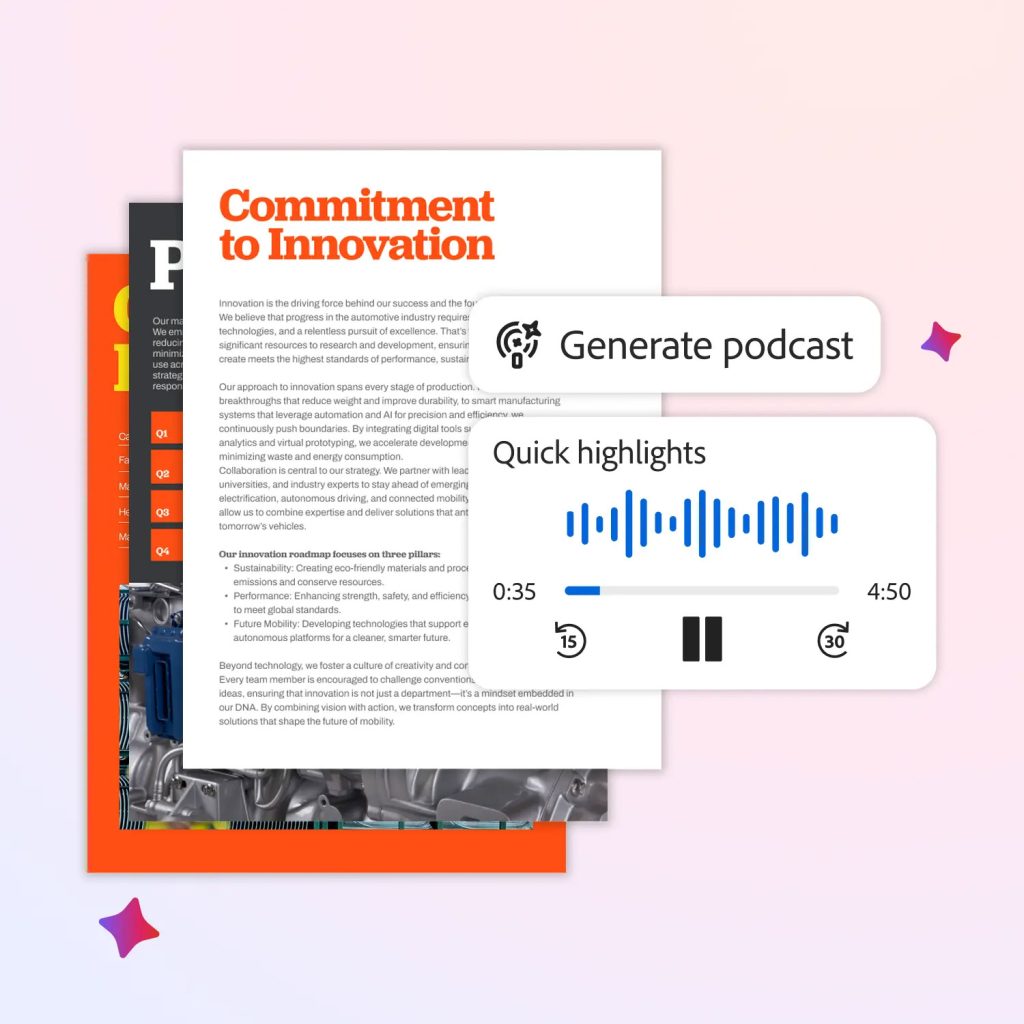
This is potentially the most useful feature in today’s releases. It lets users pull documents into PDF Space and ask Adobe’s AI Assistant to turn that content into a podcast-style summary, making it easy to listen on the go.
While it may not always fully replace actually reading these lengthy documents, this is a practical way to get oriented on a topic, especially when the material is dense or longer than the user can comfortably absorb in the moment.
Here’s Adobe on a few extra practical uses for the feature:
The Generate podcast feature in Acrobat can help you keep up and learn in your personal life, too. For example, turn educational guides into hand-free audio lessons about gardening. Keep up with local and world events with a daily news podcast designed just for you. Consolidate school newsletters, event calendars, and permission slips into a quick weekly audio update, to help keep your family organized while you’re on the go.
Collaboration on PDF Spaces

Adobe is also adding the ability for multiple users to collaborate on the same project within PDF Spaces.
This means teams can work from a shared set of documents, add files, leave notes, and comment in one centralized workspace.
To learn more about today’s announcements, follow this link.
Accessory deals on Amazon
- AirPods Pro 3
- Beats USB-C to USB-C Woven Short Cable
- Wireless CarPlay adapter
- Logitech MX Master 4
- Apple AirTag 4 Pack


FTC: We use income earning auto affiliate links. More.




Comments