
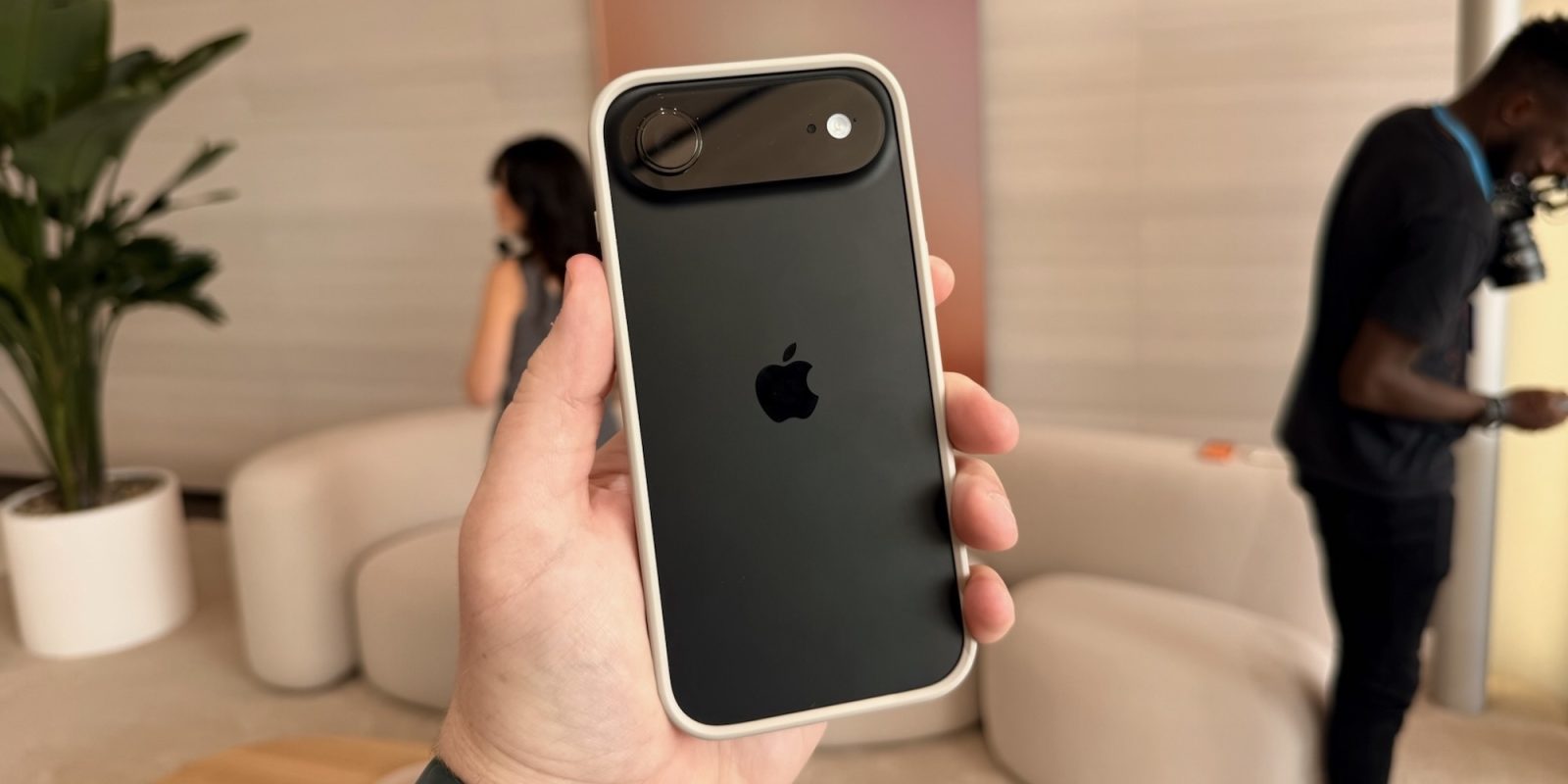
In a new support document today, Apple details a new iOS 26.3 feature exclusive to devices with an Apple modem: “limit precise location.”
Apple explains that this setting allows you to “limit some information that cellular networks may use to determine your location.”
When this setting is enabled, Apple says that information made available to cellular networks is limited. For example, cellular networks might only be able to determine a less precise location, such as “the neighborhood where your device is located” rather than more precise information like a street address.
“The setting doesn’t impact signal quality or user experience,” Apple explains. It also doesn’t impact the accuracy of data location shared with emergency responders. It only affects the location data available to cellular networks.
Here’s what Apple says you need to use this new feature:
- iPhone Air, iPhone 16e, or iPad Pro (M5) Wi-Fi + Cellular
- iOS 26.3 or later
- A supported carrier:
- Germany: Telekom
- United Kingdom: EE, BT
- United States: Boost Mobile
- Thailand: AIS, True
And here’s how to toggle the setting:
- Open Settings, then tap Cellular.
- Tap Cellular Data Options. If you have more than one phone number under SIMs, tap one of your lines.
- Scroll down to Limit Precise Location.
- Turn the setting on or off. You might be prompted to restart your device.
9to5Mac’s Take
This is a relatively niche feature as it stands right now, but the interesting part is that it’s a feature exclusive to devices powered by Apple’s in-house modem chips. That’s the C1X modem inside the iPad Pro and iPhone Air, and the C1 modem inside the iPhone 16e.
I reckon this is the first of many features that Apple will ship to devices with its own modem. The C2 modem is expected for the iPhone 18 Pro and Pro Max, opening this feature and others to more devices.
Best iPhone 17 accessories
- USB-C cable with built-in LED display
- Official Apple Silicone and TechWoven cases
- Apple Crossbody Strap
- Beats iPhone 17 cases with built-in kickstand
- Anker Nano multi-port USB-C charger
- Mujjo Leather Cases for iPhone 17
Follow Chance: Threads, Bluesky, Instagram, and Mastodon.


FTC: We use income earning auto affiliate links. More.




Comments