
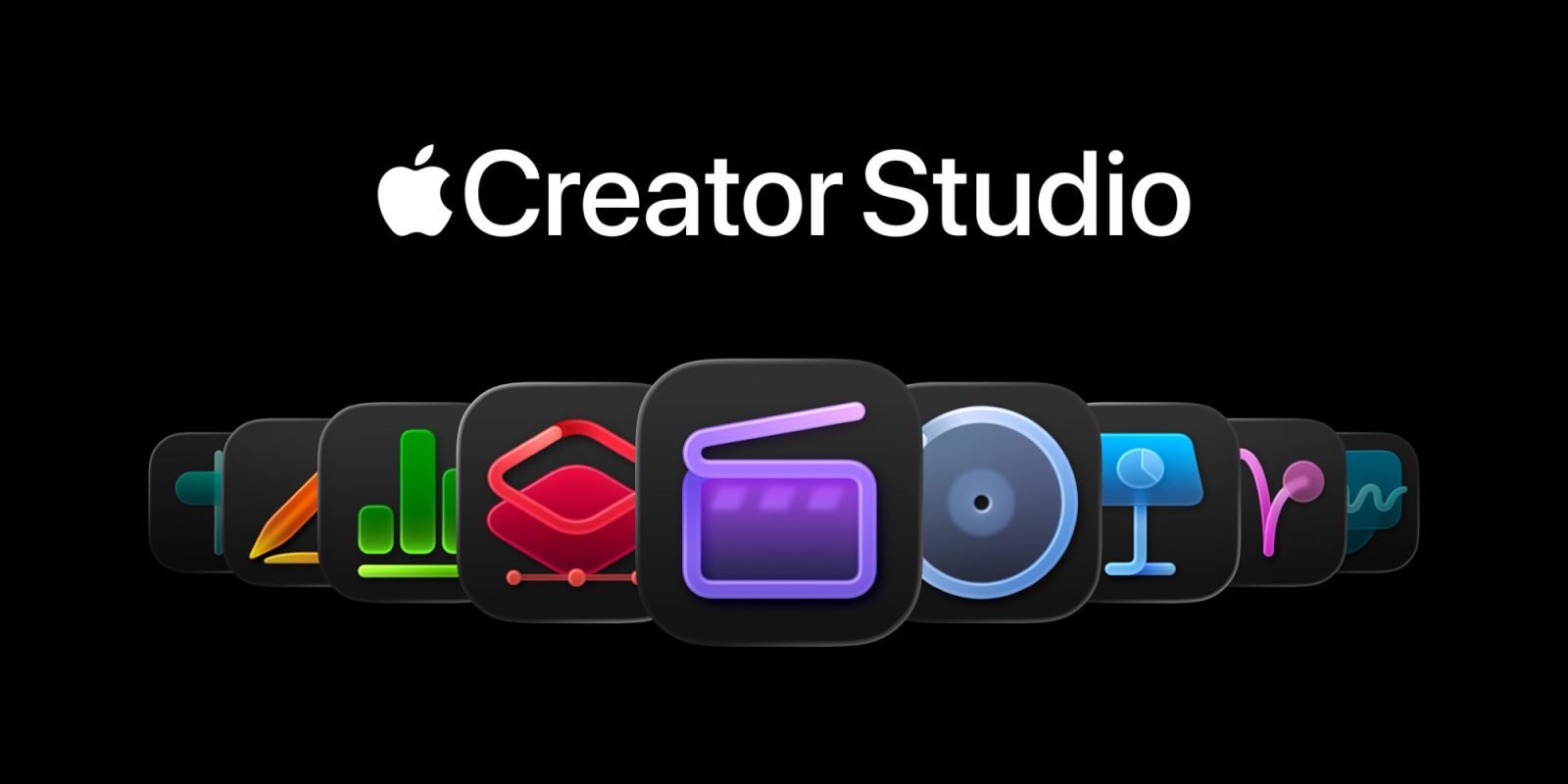
Two weeks ago, Apple announced its brand new Apple Creator Studio bundle, offering its suite of creative apps for a single subscription. Apple Creator Studio is set to launch today, and the first reviews and impressions have hit the web.
Head below for a full roundup. Apple has also published a new press release highlighting how creators are using the new Final Cut Pro features.
Apple’s Creator Studio is $12.99 per month or $129 per year. For educators and college students, pricing is just $2.99 per month or $29.99 per year.
Here’s what’s included in Apple Creator Studio:
- Final Cut Pro, Logic Pro, and Pixelmator Pro on Mac and iPad
- Motion, Compressor, and MainStage on Mac
- Intelligent features and premium content for Keynote, Pages, Numbers
- Intelligent features and premium content for Freeform on iPhone, iPad, and Mac (“later”)
Many of these apps have also added new features as part of this expansion. Final Cut Pro now has Transcript Search, Visual Search, and Beat Detection. Logic Pro has added new Chord ID, Synth Player, and Sound Library features.
While I’m not qualified to talk about the actual new features in Final Cut Pro and Logic Pro (I almost never use Final Cut and I use Logic Pro as a podcast editor), I’m confident in saying that this is a fantastic value proposition.
In particular, the education pricing for Apple Creator Studio is just fantastic. Anything that lowers the barrier of entry to these apps and encourages more younger people to try them is a huge win. While there is a lot of subscription fatigue right now, and it’s a valid feeling, the tradeoff in lowering the “getting started” cost for these apps is well worth it, I think.
I have spent time with Pages, Keynote, and Numbers in the last week. The new Content Hub is a nice touch and makes it easy to quickly get started with your creation. I do wonder how this will evolve in the future. Just how much stuff is Apple interested in putting in the Content Hub?
There are also new AI features in Keynote, including the ability to create a first draft of a presentation from a text outline or create presenter notes from existing slides. These features feel like table stakes for a presentation app in 2026, so I don’t think it makes sense to gate them behind the Apple Creator Studio paywall.
My instinct is that the launch of Creator Studio is going to give a lot of people reason to ditch their Adobe subscriptions — especially if you value creating on both the Mac and the iPad. It’s also a better option than “freemium” apps that nickel and dime you with upsells. Apple Creator Studio is an incredibly compelling option with a single, all-in-one price.
Here’s what the more qualified people have to say about Apple’s new Creator Studio bundle and the new features in each app.
Apple Creator Studio reviews
Here’s Kyle Barr at Gizmodo on the new Transcript Search feature in Final Cut Pro:
The feature worked fast and seamlessly when I tried it on an M5 MacBook Pro.
The transcriptions were also on point based on the videos I plugged into it. The only thing missing is a page that would grant users access to full audio transcriptions. That would be useful for me personally in my work as a tech journalist. For now, I’ll have to stick with Whisper for on-device transcription without paying a princely sum to services like Otter or Plaud.
Writing at Bloomberg, here’s Chris Welch on Pixelmator Pro:
So far, Pixelmator Pro for iPad has felt very familiar. It’s easiest to think of this as Creator Studio’s equivalent to Photoshop. You can do everything from illustration and design work involving countless layers to more straightforward photo editing.
On the Mac, Pixelmator Pro has been given a Liquid Glass makeover with increased translucency that brings it in line with the rest of Apple’s software. On the iPad, it’s been rebuilt for a touch-first interface for the first time and additional features to go with the Apple Pencil accessory.
The app was generally quick to perform any editing tasks I threw its way, though when it came to retouching, I found Adobe’s AI tools like generative fill and object removal to be more convincing than Pixelmator’s repair and clone tools. This is an area where Apple has some catching up to do. But as a general-purpose image creation tool, Pixelmator Pro is capable and intuitive.
Jacob Krol at TechRadar on what’s new in Logic Pro:
Logic Pro continues Apple’s more thoughtful approach to AI. The standout addition here is a new EDM-focused Session Player, dubbed Synth Player, which expands an area Apple has clearly been investing in for years with Logic Pro. Logic Pro treats AI like a collaborator here, acting as a virtual musician that helps you move ideas forward, experiment with structure, and play inside a digital studio. It can even play along, in real time or after you record a track of your own.
I’m not a musician by trade, but Logic Pro’s AI tools, including Session Players and Stem Splitter, feel less like automation and more like creative assistance. You’re still making the decisions, and the software may simply help you get there faster. That distinction matters, and it plays directly into Apple’s creative roots.
And if you haven’t given Stem Splitter a go, just try it with a recording of one of your favorite songs. It can, in seconds, split out the various elements of a track onto separate tracks within Logic – it’s super-functional.
Jason Snell at Six Colors on the new features in iWork:
I like the Content Hub, which is accessible from the toolbar and is searchable and filterable by media type. I was able to very quickly pick out a background image for a slide and an illustration to use on a birthday card, for example. I pay an annual subscription for access to a limited number of stock media images from a library; it’s very nice that Apple is rolling this library into the Creator Studio subscription.
I’m a little less excited about the templates, which feel “premium” more in the sense that they’re not available to the people who aren’t paying. They didn’t really feel that much more creator-focused than any other Keynote or Pages template would. Shouldn’t Apple be making an effort to make nicer templates for all users of those apps? Does the introduction of premium templates mean that Apple’s no longer motivated to create new templates for everyone else? The whole thing just hits me wrong.
Ben Rogerson at MusicRadar on Logic Pro’s Chord ID feature:
It’s not a totally brainless process – you still need to drag a region to the Chord Track so that it can be analysed and the chords displayed – but it’s quick, easy, and usually very effective. Yes, Chord ID sometimes gets a chord wrong – particularly when you’re giving it complex voicings to deal with – but these can be edited, and you’re usually left with a good starting point for the Session Players to work from. Said players don’t always get it right first time – just like plenty of real bandmates we’ve worked with – but, with a little persuasion/tweaking you can usually get them to perform how you want them to.
Elsewhere, iPad users are going to love the Quick Swipe comping – inherited from the Mac version, this makes total sense on a touchscreen. Choosing the best parts from different takes can now be done simply by touching and swiping, making vocal comping while on the move a breeze. It’s also a great use for your Apple Pencil, if you have one.
Michael Muchmore at PCMag put Adobe Creative Cloud head to head with Apple Creator Studio:
Adobe’s Creative Cloud offers more powerful apps across a broader range of disciplines, so it takes the win in this comparison. If you’re a creative professional, Adobe’s programs remain the ones you should learn to use. Apple’s Creator Studio suite lacks key tools for page layout and photo workflows, and its apps don’t support Android or Windows. You might not care about the latter if you work entirely within Apple’s ecosystem, but it can be a major issue in collaborative environments. For these reasons, we primarily recommend Creative Cloud. That said, Apple’s Creator Studio subscription can save you a significant amount of money if it includes everything you need, and we appreciate Apple’s serious effort to challenge Adobe’s supremacy.
Apple Creator Studio video reviews


FTC: We use income earning auto affiliate links. More.




Comments