
iOS 27 brings new features to Apple Wallet, Maps, Notes, Messages, and more—and it packs key upgrades for the Mail app too. Here’s everything new for Apple Mail in iOS 27.
Upgraded search
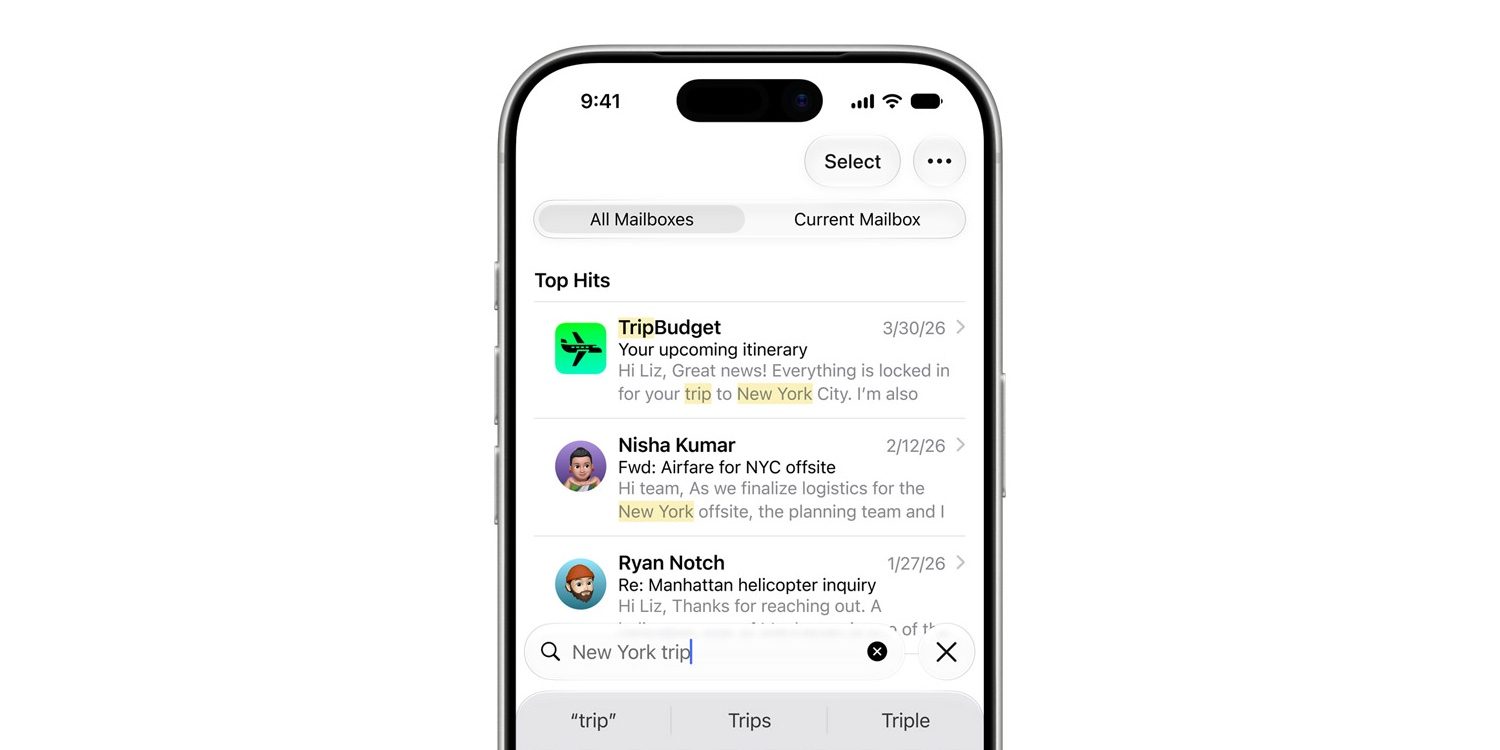
If you have much history using Apple Mail, you’ll know that its search feature hasn’t always been the best. But in iOS 27, search has gotten a big upgrade.
More relevant search in Mail. A new ranking system brings the most relevant results to the top to help you find what you need right away — even if it’s buried deep in your inbox.
I can’t count the number of times search has previously failed to find messages that I knew existed. So far in my testing, iOS 27 seems to have fixed that.
New suggestions that include third-party apps
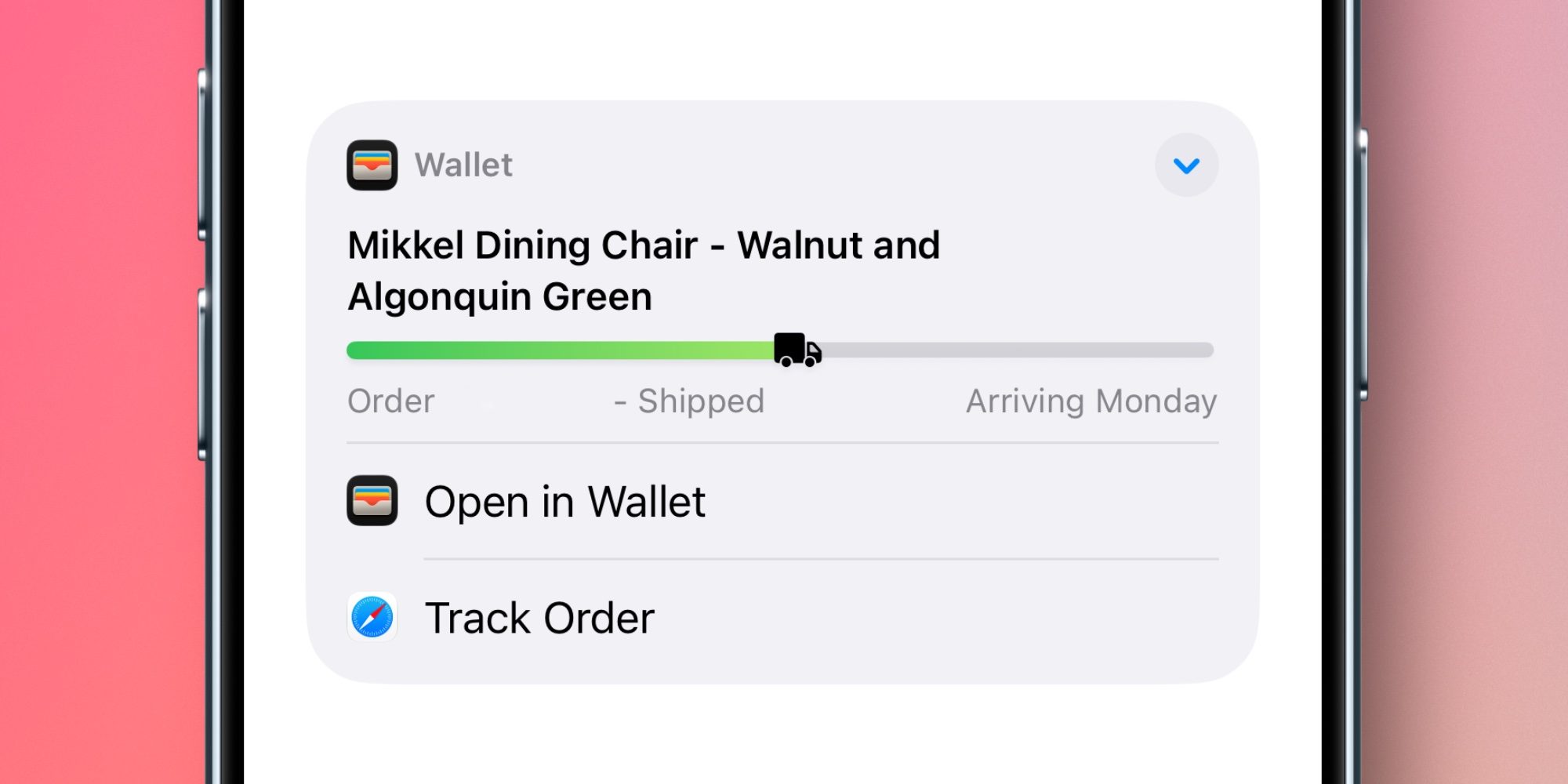
Suggestions at the top of messages have been in Apple Mail for years. But in iOS 27, they get a new, more flexible design and expand to support third-party apps.
When Mail detects that you might want to take action on the contents of an email, a suggestion might appear at the top of the message. These include: directions in Maps, creating events in Calendar, tracking a shipment with Apple Wallet, and more.
In iOS 27, third-party apps can offer suggestions too. And when multiple apps are available with suggested actions, there’s a drop-down menu to show you all available options.
Smart Reply improvements

Smart Reply is a keyboard feature that automatically surfaces reply options you can utilize with a single tap.
In iOS 27, the next generation of Apple Intelligence comes with improvements to Smart Reply.
Apple says that Smart Reply “can now draw on a user’s personalized writing style.” Essentially, rather than offering fairly generic reply options, now Smart Reply suggestions will actually sound a lot more like you.
Siri AI capabilities
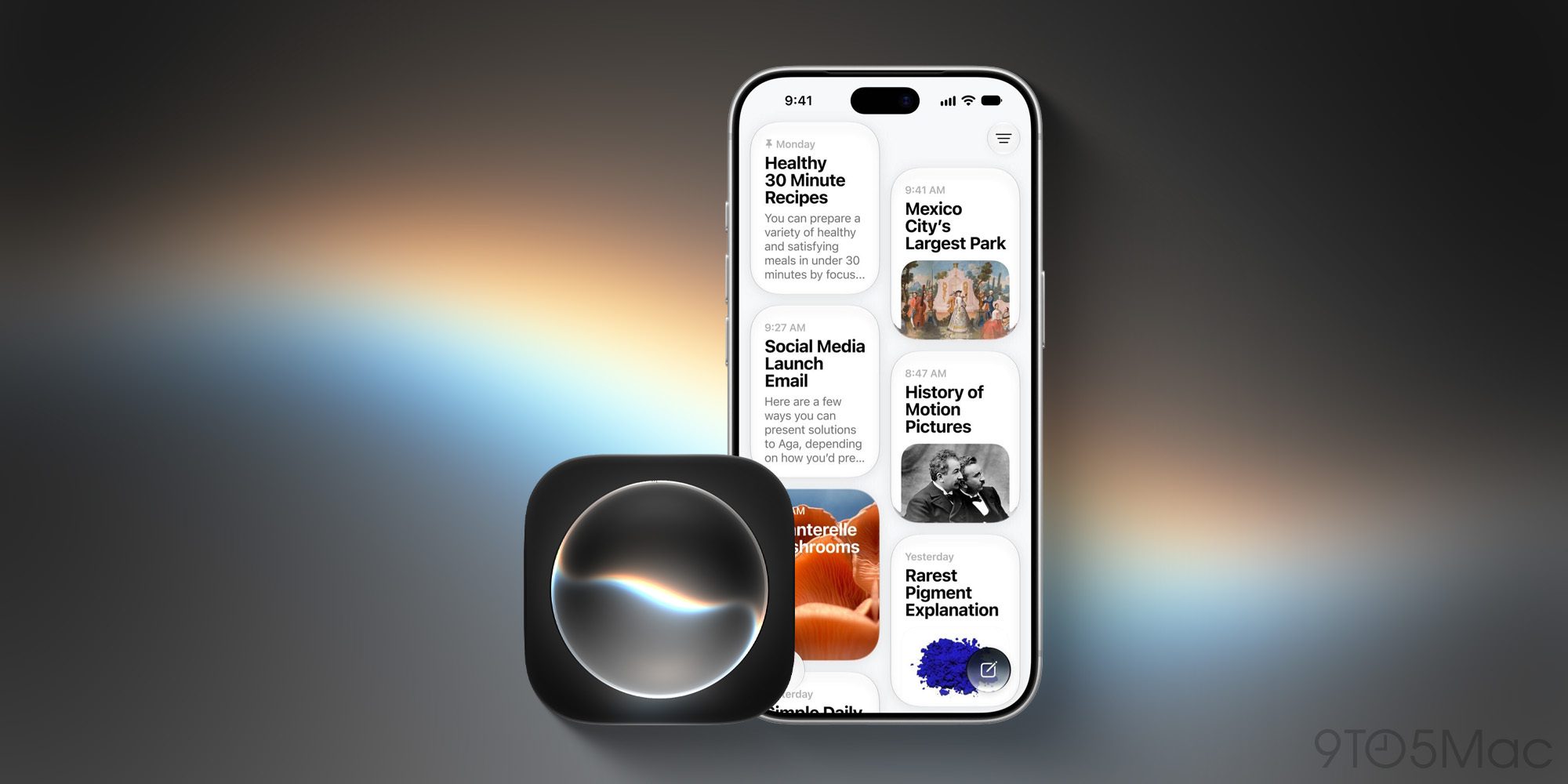
Apple has added ‘Ask Siri’ buttons throughout Apple Mail, just like the rest of its system apps. And Siri AI brings a bunch of new powers for Mail users.
One example I’ve seen several times on social media already is that you can ask Siri to delete all messages from a specific sender that’s spamming you.
Bug fixes
Beyond new features, Apple also says that iOS 27 makes the Mail app run better than ever thanks to bug fixes and performance improvements. Here are some specific examples given:
- Faster message loading in Mail
- More reliable search indexing in Mail
- Improved list formatting in Mail
- Improved unread badge accuracy in Mail
Which new Apple Mail features in iOS 27 are most exciting to you? Let us know in the comments.
Best iPhone accessories
- MagSafe Car Mount for iPhone
- 10-year AirTag battery case
- AirPods Pro 3 (now only $199, down from $249)
- 100W USB-C fast charging power adapter
- HomeKit Garage Door Opener


FTC: We use income earning auto affiliate links. More.



Comments