
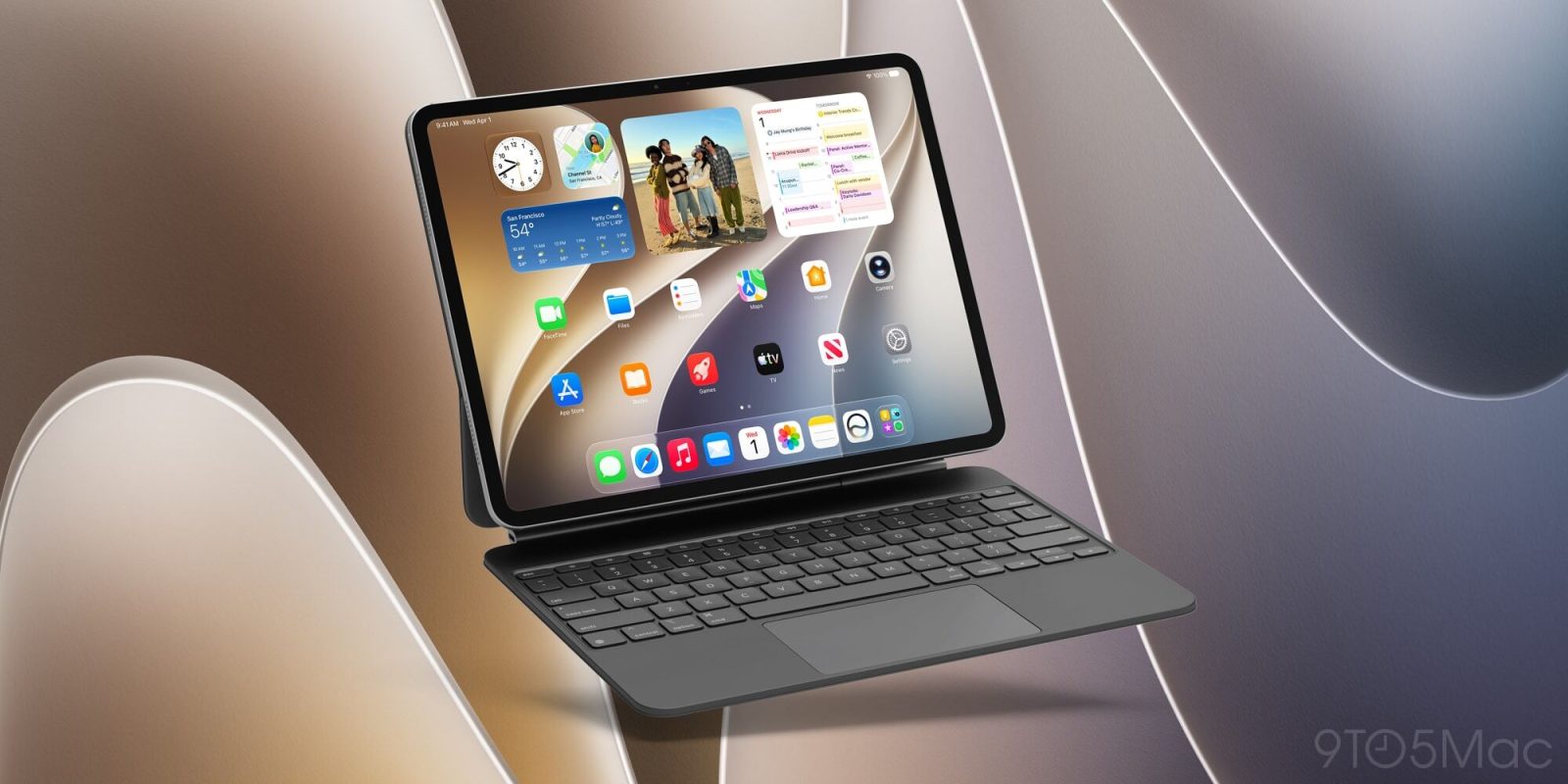
iPadOS 27 launches next month, with new features in apps like Notes, Messages, Calendar, Mail, and more. Here are a couple of systemwide iPadOS 27 features I’ve been loving.
#1: Menu bar and status bar improvements
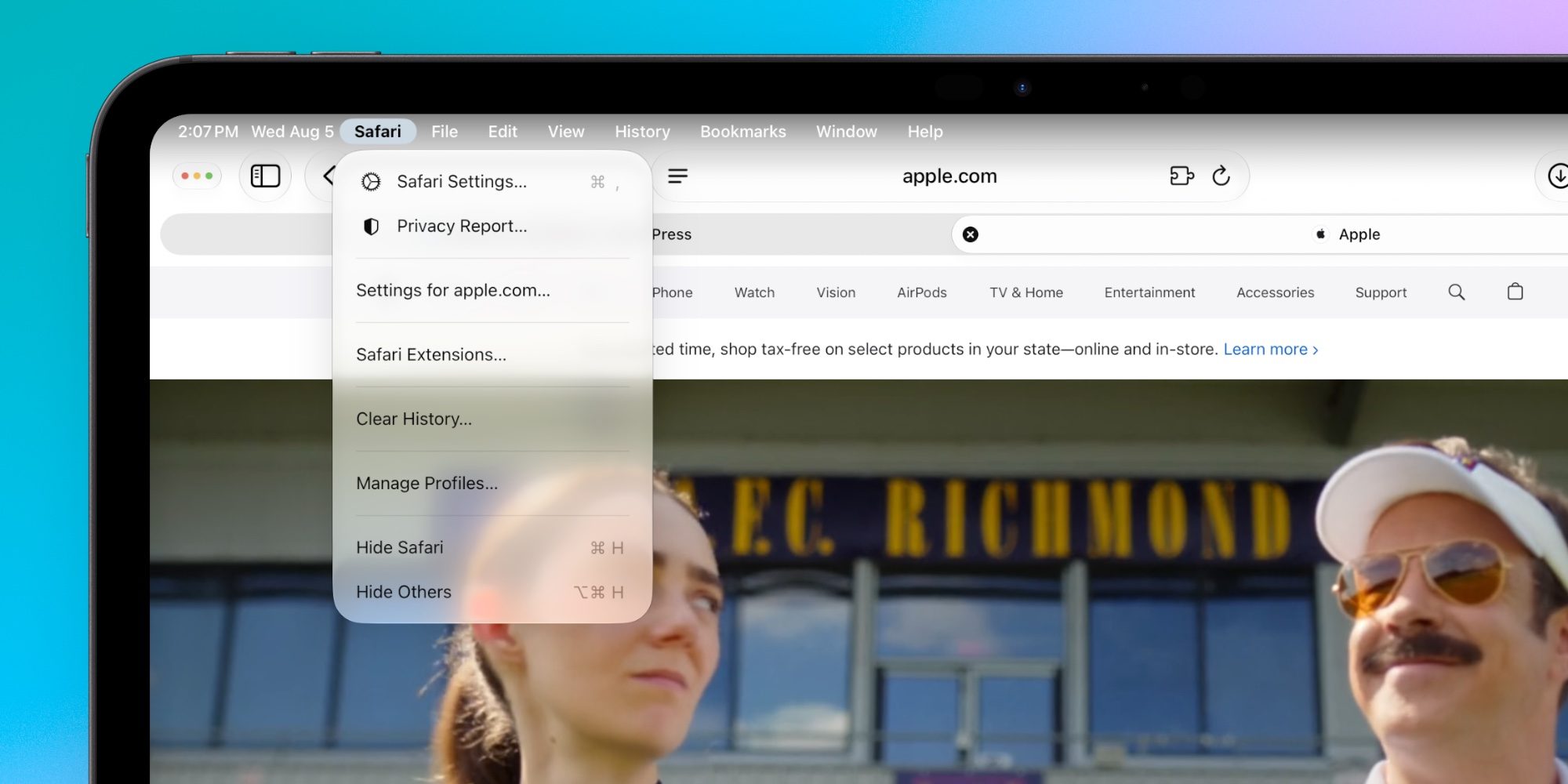
iPadOS 27 now lets you optionally keep the menu bar visible at all times
In iPadOS 26, you had to swipe down from the top of the screen to reveal the menu bar, or alternately move your trackpad cursor to the top. This was fine, but it differed from the Mac’s persistent menu bar.
Now iPadOS 27 lets you get more of that Mac-like experience. Inside Settings ⇾ Multitasking & Gestures there’s a new toggle: ‘Automatically Show and Hide Menu Bar.’ Make sure the toggle is off and the menu bar will stay visible at all times.
Second, the name for your active app is now always visible too, included with the status bar in the top-left part of the screen. This is another way iPadOS 27 borrows from the Mac.
Since the app name is in the status bar, it will be visible even if you opt to keep the menu bar hidden. Having the app name visible is especially helpful if you use keyboard shortcuts often, since shortcuts depend on the active app.
#2: CMD + Space for Siri AI and Spotlight
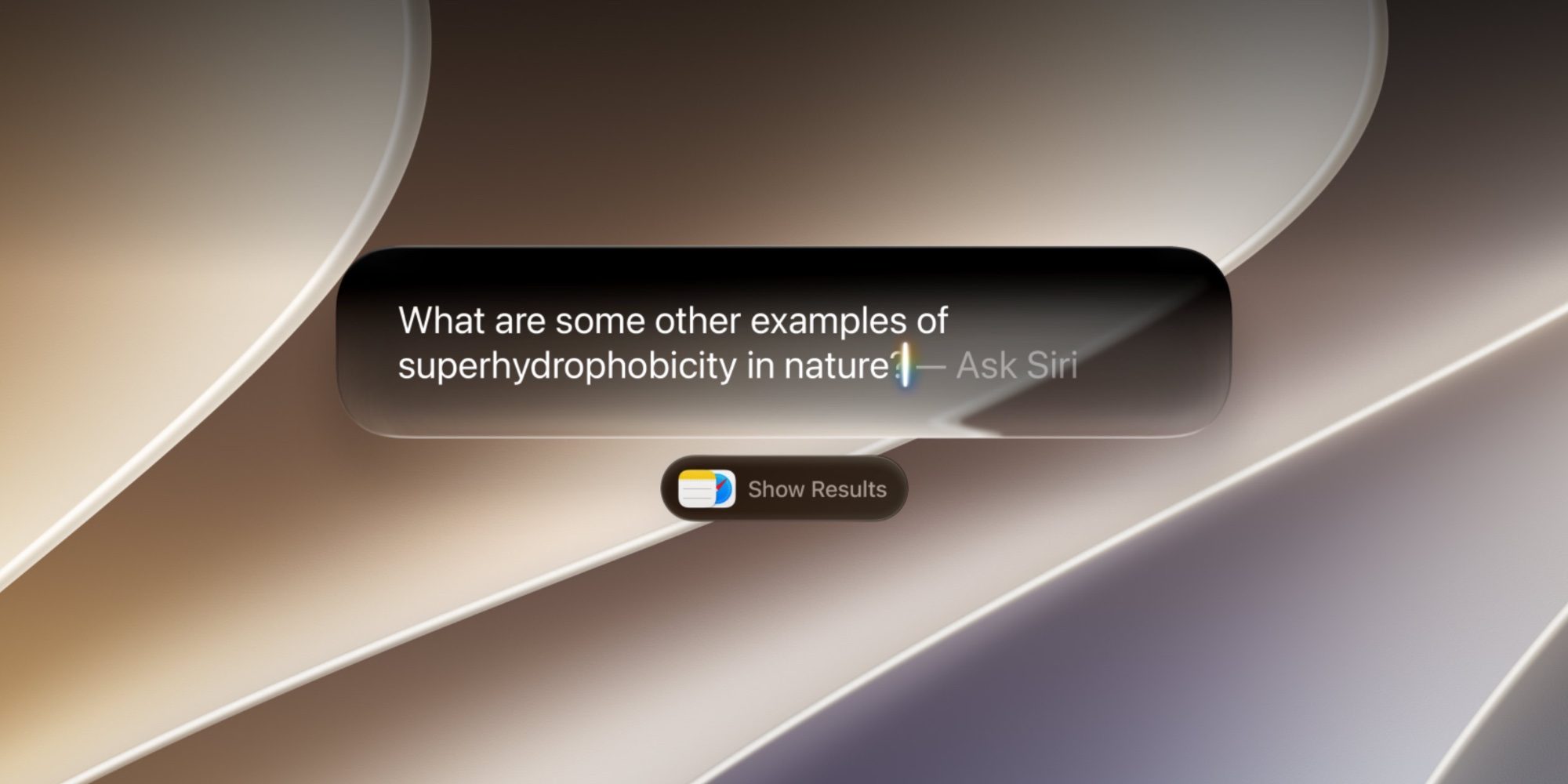
I keep my iPad Pro paired with a Magic Keyboard all the time, and while CMD + Space has always been useful, iPadOS 27 makes it more valuable than ever.
That’s because the new Spotlight is not only better at search, it also bakes in Siri AI’s full capabilities. With a keyboard attached, it’s quick and convenient to ping Siri in an instant.
I’ve found myself using CMD + Space all the time now that Siri is a full-fledged AI assistant. And I love that access to the full Spotlight feature set is accessible via the same shortcut.
In my experience, iPadOS does a great job determining whether your query should ultimately be directed to Siri or Spotlight. So from a user standpoint, you don’t have to even think about it—just type.
What are some of your top iPadOS 27 features and changes so far? Let us know in the comments.
*Shop at Apple with 15% discount on certified refurbished
Best iPad accessories
- AirPods Pro 3 (now only $189, down from $249)
- 100W USB-C fast charging power adapter
- tomtoc Tablet sleeve bag for protection and style
- Baseus 10ft USB-C cable for extended reach
- Apple Pencil Pro


FTC: We use income earning auto affiliate links. More.


Comments