
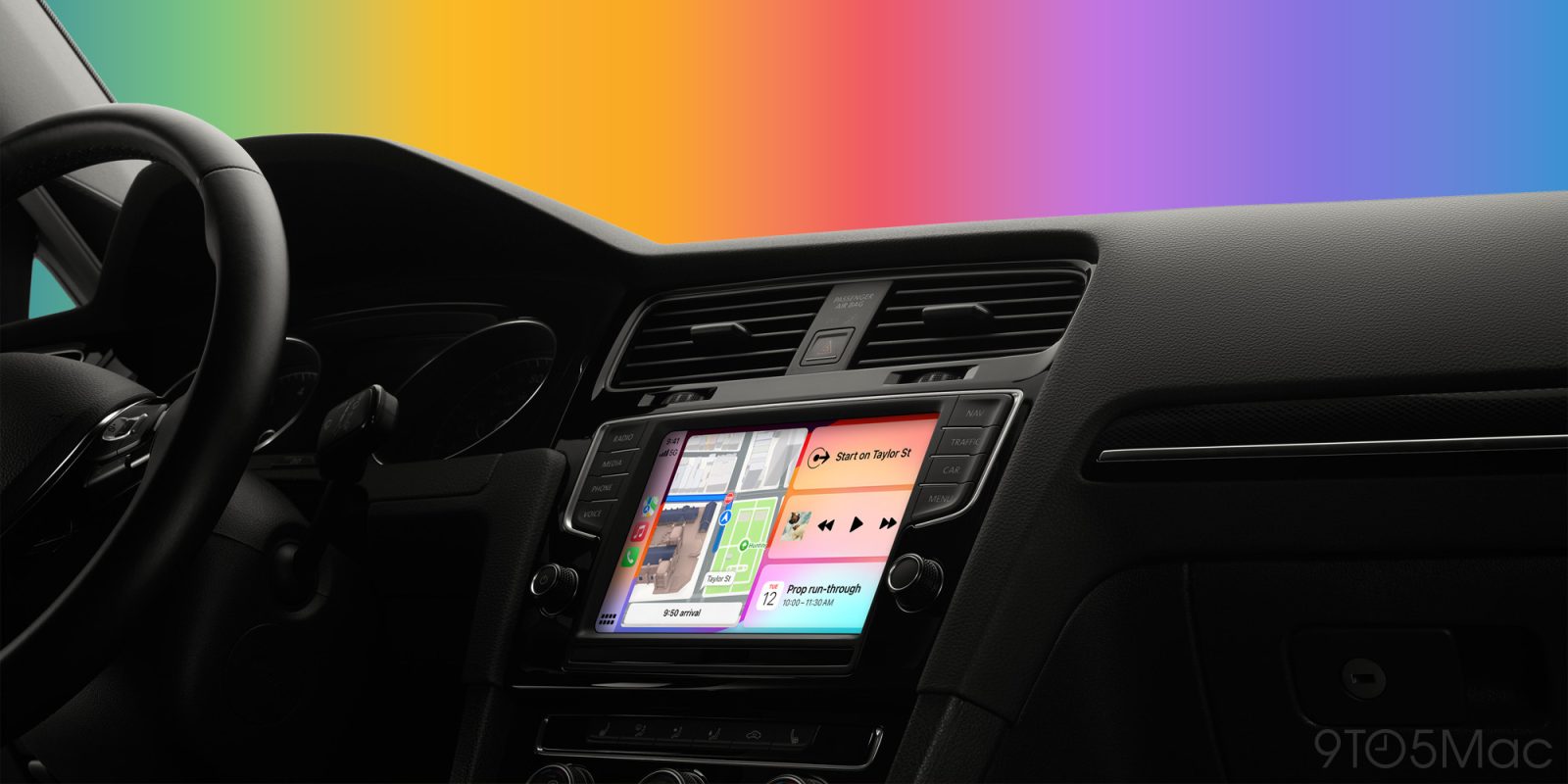
Do wireless CarPlay adapters actually work? Many years ago, I bought a new car that came with wired Apple CarPlay. I really wanted wireless CarPlay, but replacing the whole entertainment system didn’t make sense. Fortunately, there are popular solutions for turning standard CarPlay into wireless CarPlay, and they work with iOS 27 and Apple’s latest iPhones.
Adding wireless CarPlay is simple
Setting up a wireless CarPlay adapter is as easy as pairing with wireless CarPlay.
Connect the adapter to your car’s USB port that powers wired CarPlay, then pair your iPhone to the adapter over Bluetooth from the Settings app.
I tried my adapter when it arrived just to check if it paired. Then I had a total surprise-and-delight moment a few days later.
I took a short drive across town with my iPhone in my pocket without thinking about the adapter. Then CarPlay just appeared on my screen automatically after a few seconds.

The most important thing is that steering wheel controls for volume, track skipping, and voice input all work. I’ve been incredibly happy with the Carlink system for years.
I highly recommend trying Carlink if you already have CarPlay but wish it was wireless. At just $43.99 today, the price is dramatically more affordable than buying an aftermarket wireless CarPlay head unit and paying for installation.
See also: 120+ CarPlay apps to upgrade your iPhone experience on the road + Best CarPlay tips and tricks.
Do more with your Apple products
AirPods 5 | Apple’s newest wireless headphones
Apple AirTag 2 | Add Find My tracking to keys, bags, bikes, more
AirPods Pro 3 | Apple’s best wireless headphones


FTC: We use income earning auto affiliate links. More.


Comments