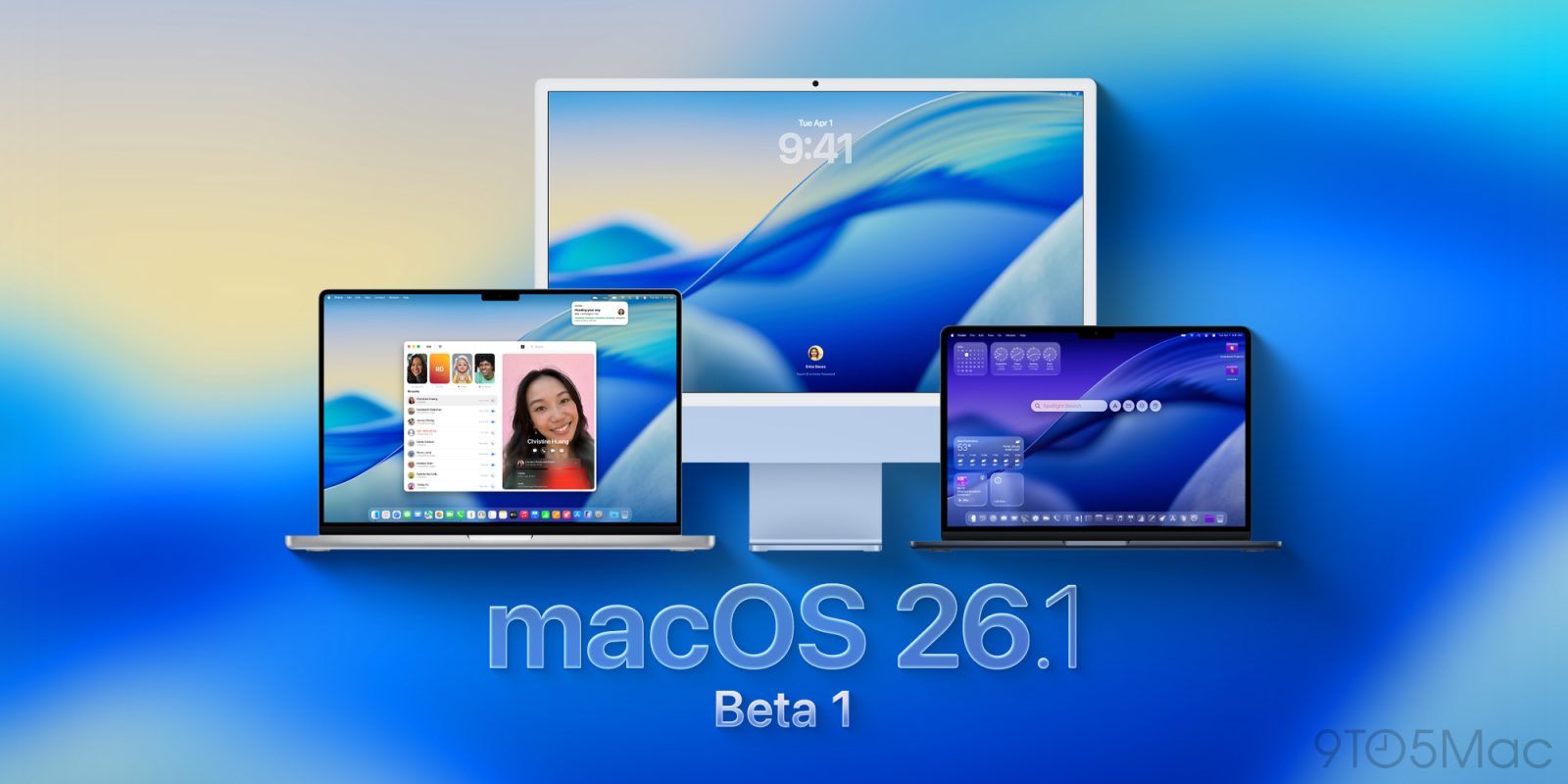
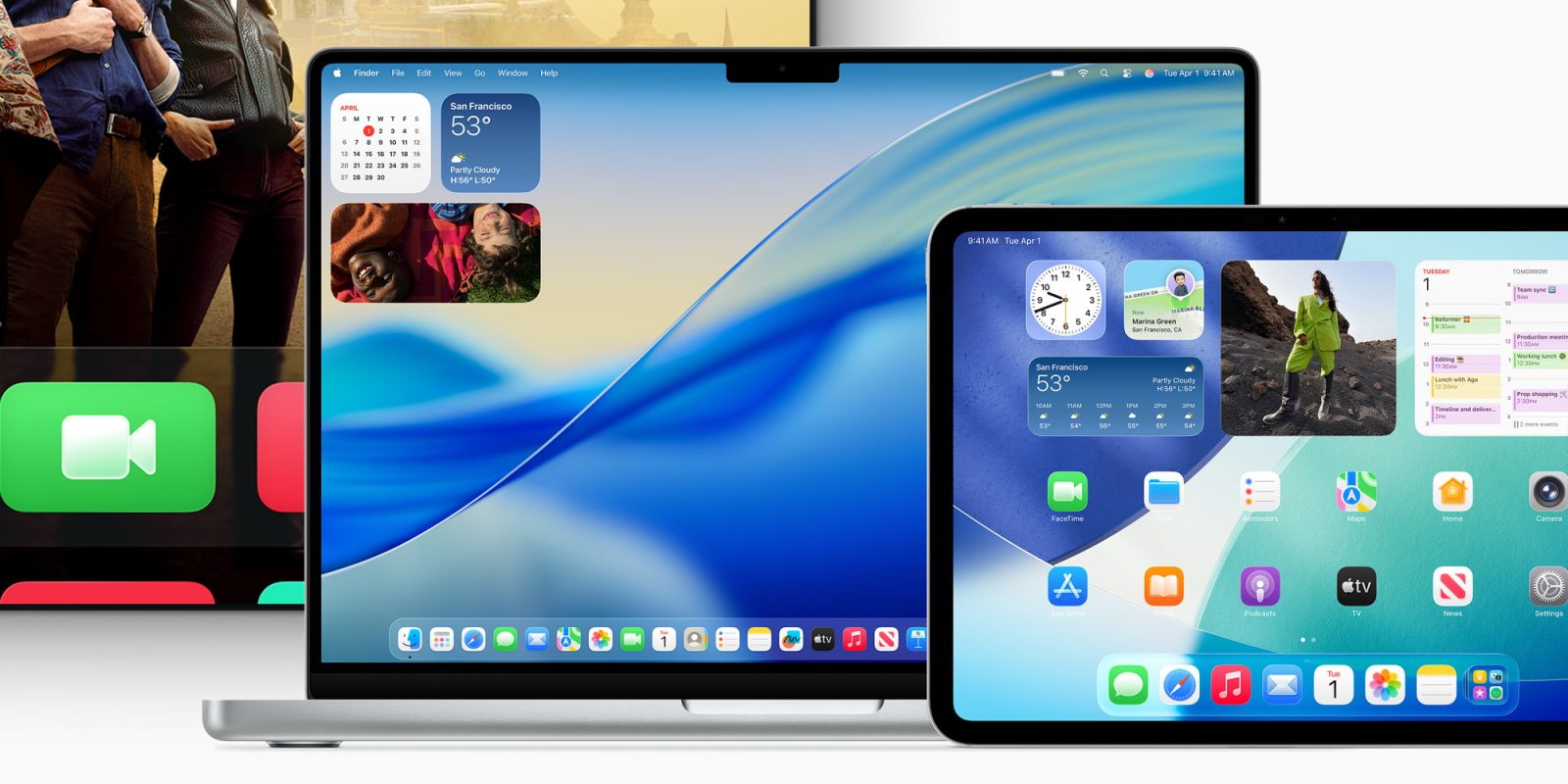
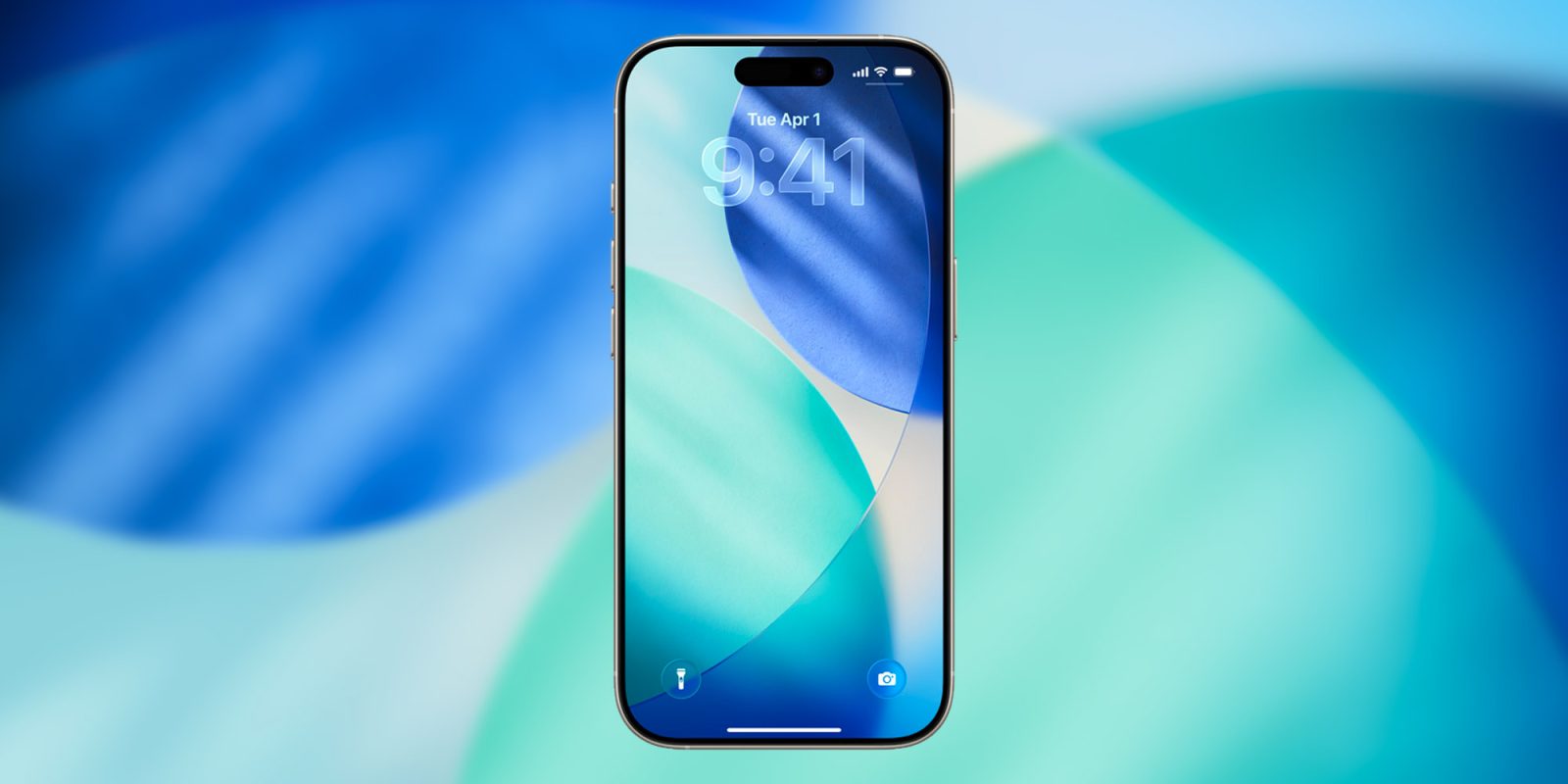
During today’s Awe Dropping event, Apple confirmed the release date of all the operating systems it announced during WWDC25, including macOS Tahoe 26. Here are the details.
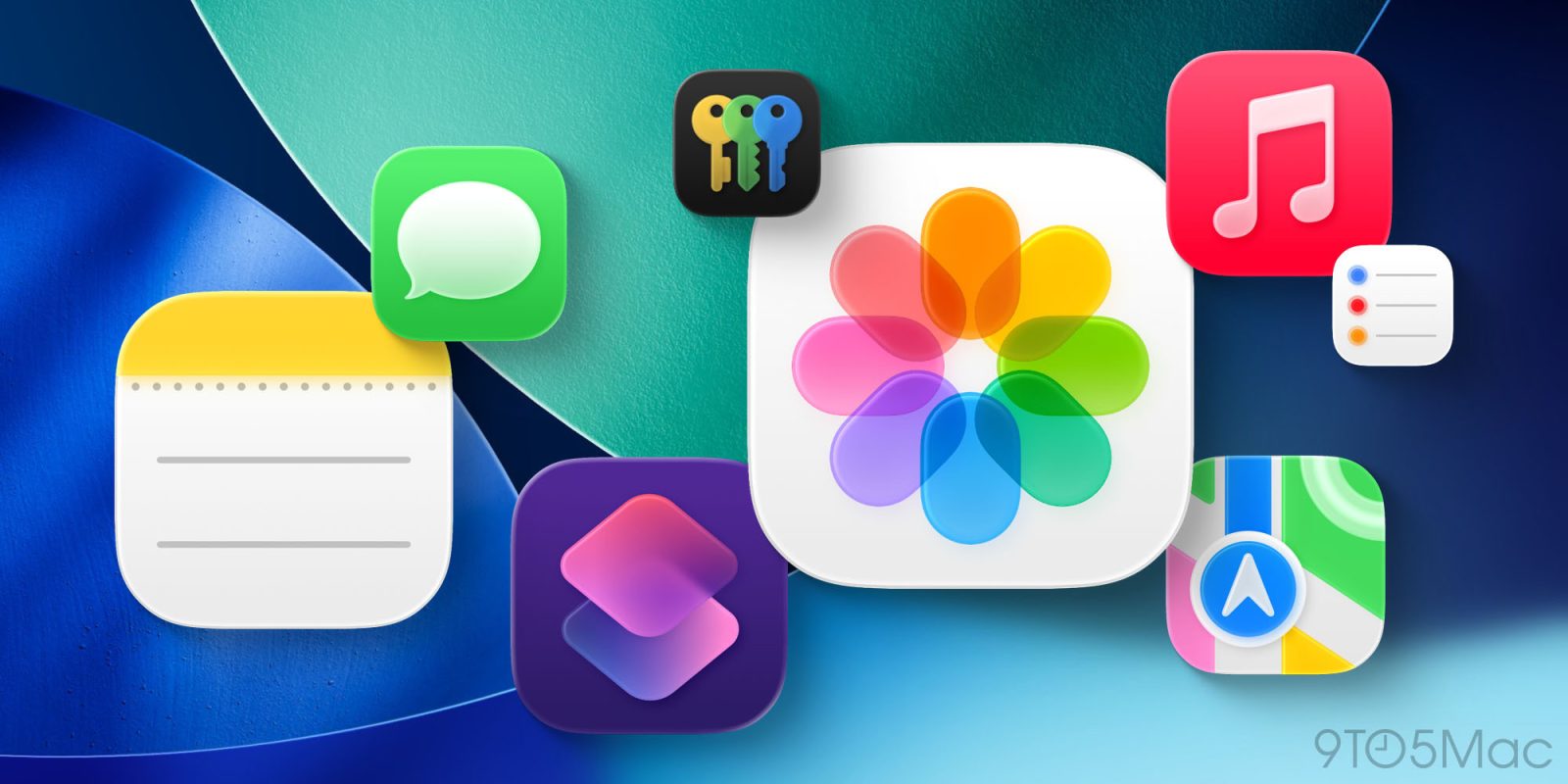
Apple’s next major software update for the Mac is macOS Tahoe, also known as macOS 26. Alongside the new Liquid Glass design and major Spotlight upgrades, macOS Tahoe will bring three new Apple apps to the Mac. Here’s what’s coming.
Apple is always adding new features to its software, but every now and then a change arrives that it’s hard to live without. One such killer feature lets you autofill two-factor authentication codes, and it’s getting even better in iOS 26 and macOS Tahoe this fall.
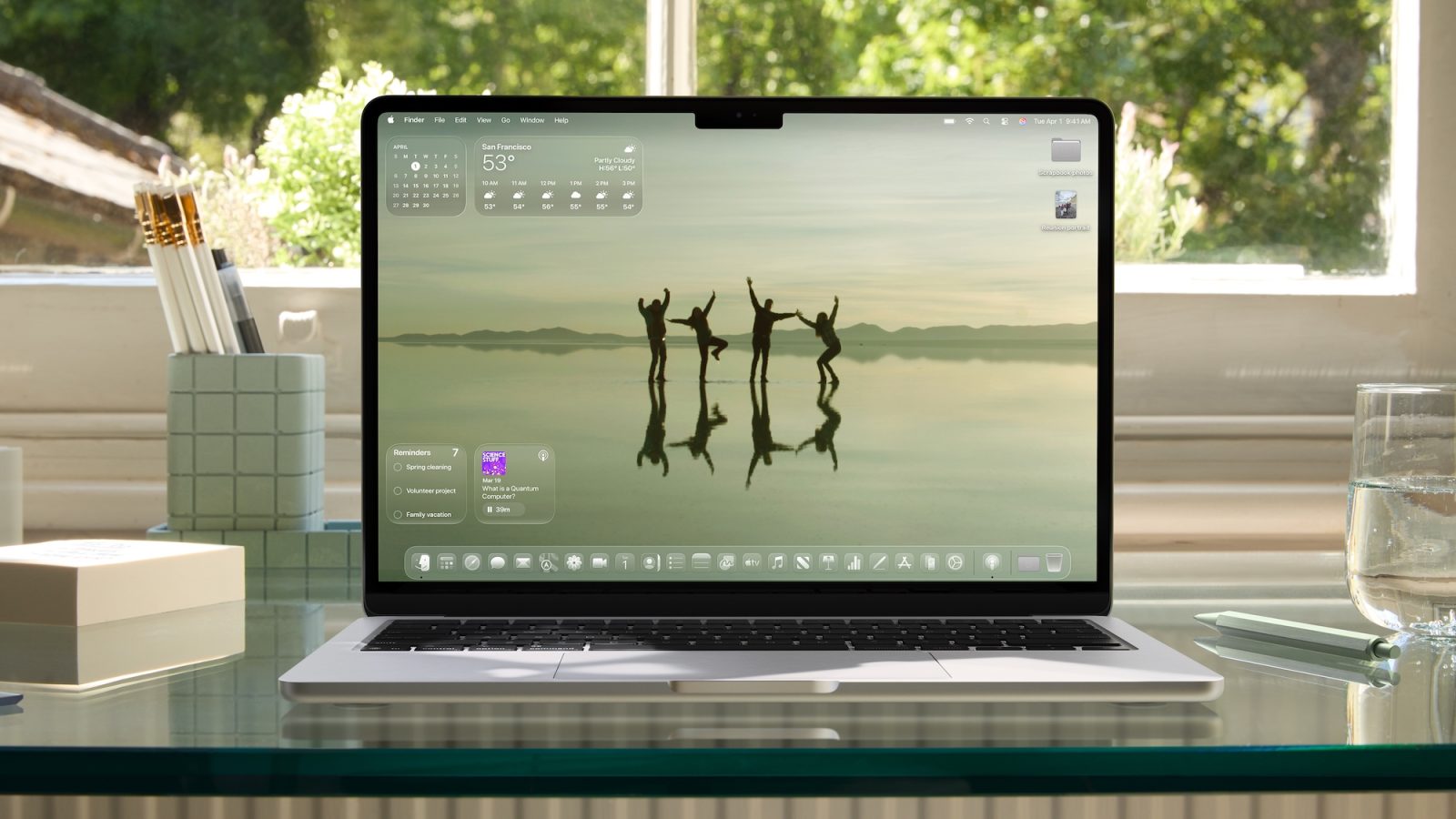
macOS Tahoe is a big update for Mac screensavers, with 15 brand new options coming. But there’s no need to wait to check them out, as all the new screensavers are available below.
There’s a section on Apple’s macOS 26 preview site that reads “Calm in the brainstorm.” The tagline introduces the revamped version of Spotlight, but there’s another Mac experience that it’s more applicable to for me.
With macOS Tahoe, Apple will be adding a bunch of new screen saver options, which you can also set as wallpapers. There are a couple new variants of the previously introduced Tahoe screen saver in beta 5, as well as around a dozen other options introduced in a previous beta that flew under the radar.
Yesterday I highlighted macOS Tahoe’s aggressive behavior of putting nonconforming app icons inside an ugly gray box of shame. The change seems to affect the Mac user experience more than it impacts the app developer. It makes the actual icon 20% smaller and 80% harder to recognize.
A great thing about the Mac, though, is the ability to customize app icons. This can be a temporary solution. You just need to track down an app icon that works. Here’s how to swap out app icons on macOS Tahoe and avoid the gray box effect.
9to5Mac is brought to you by CleanMyMac: Tidy up your Mac and iPhone today! Try 7 days free and use our code 9TO5MAC15 for 15% off. Also check out CleanMyPhone for your iPhone!
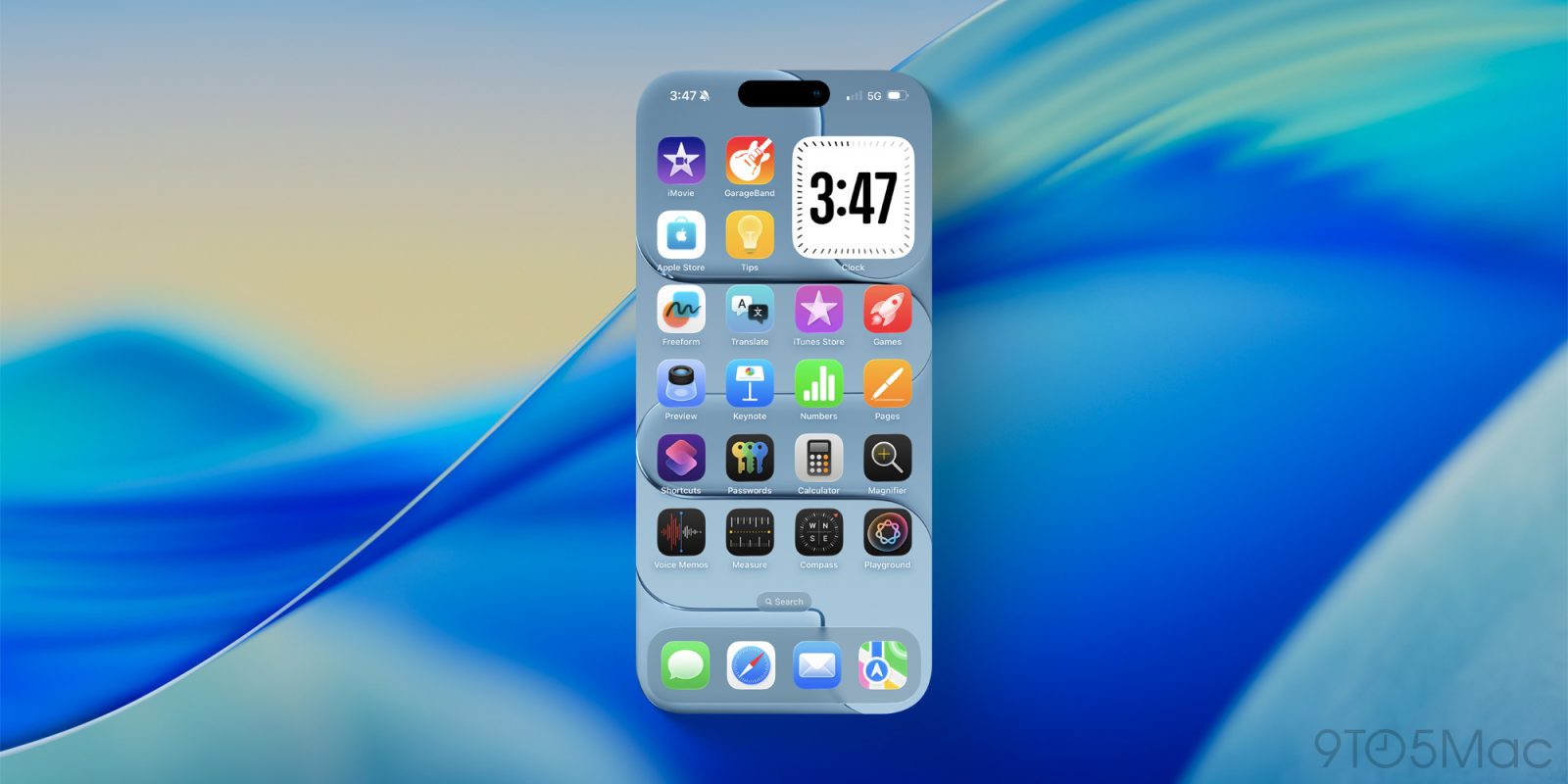
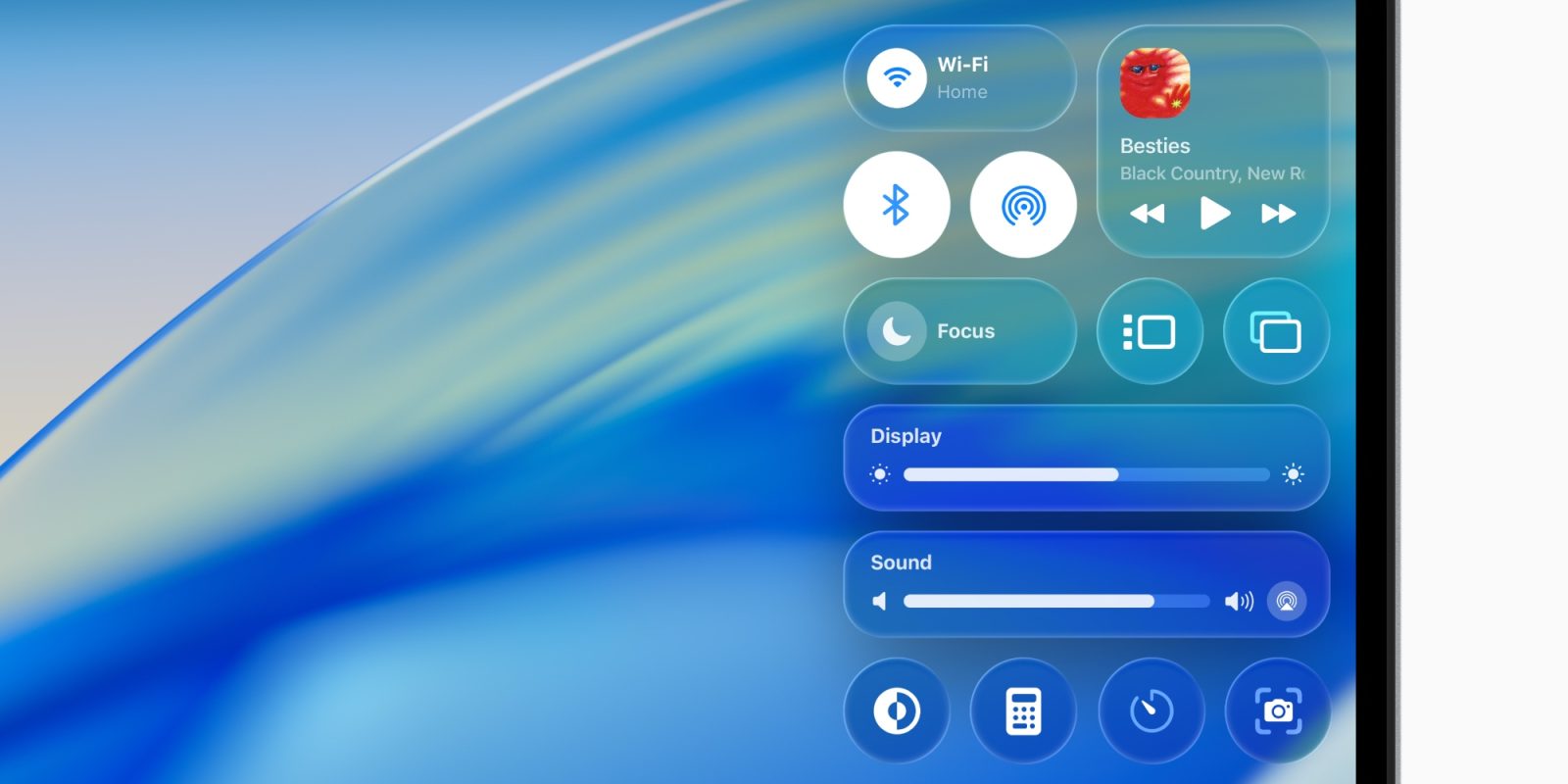
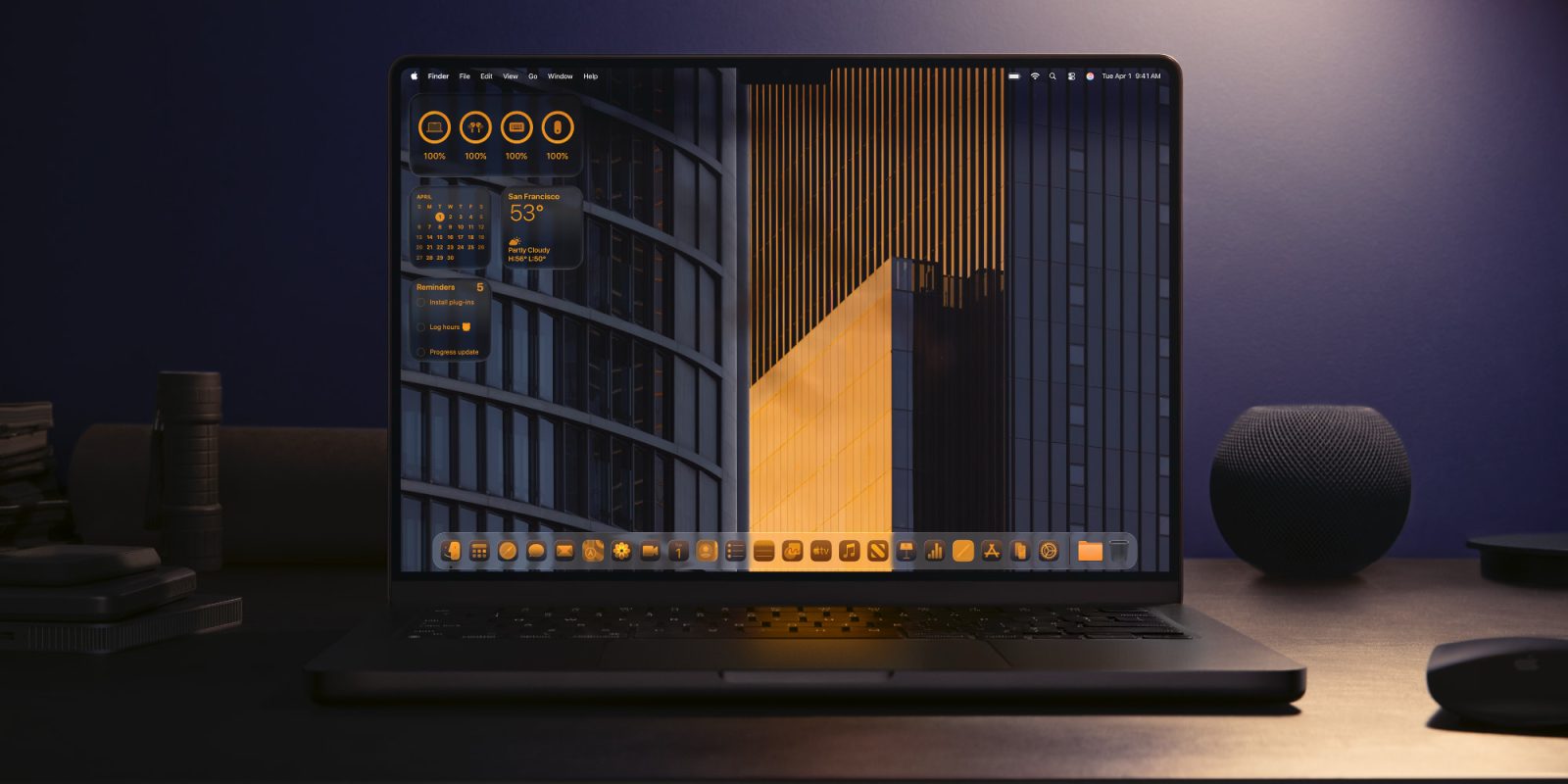
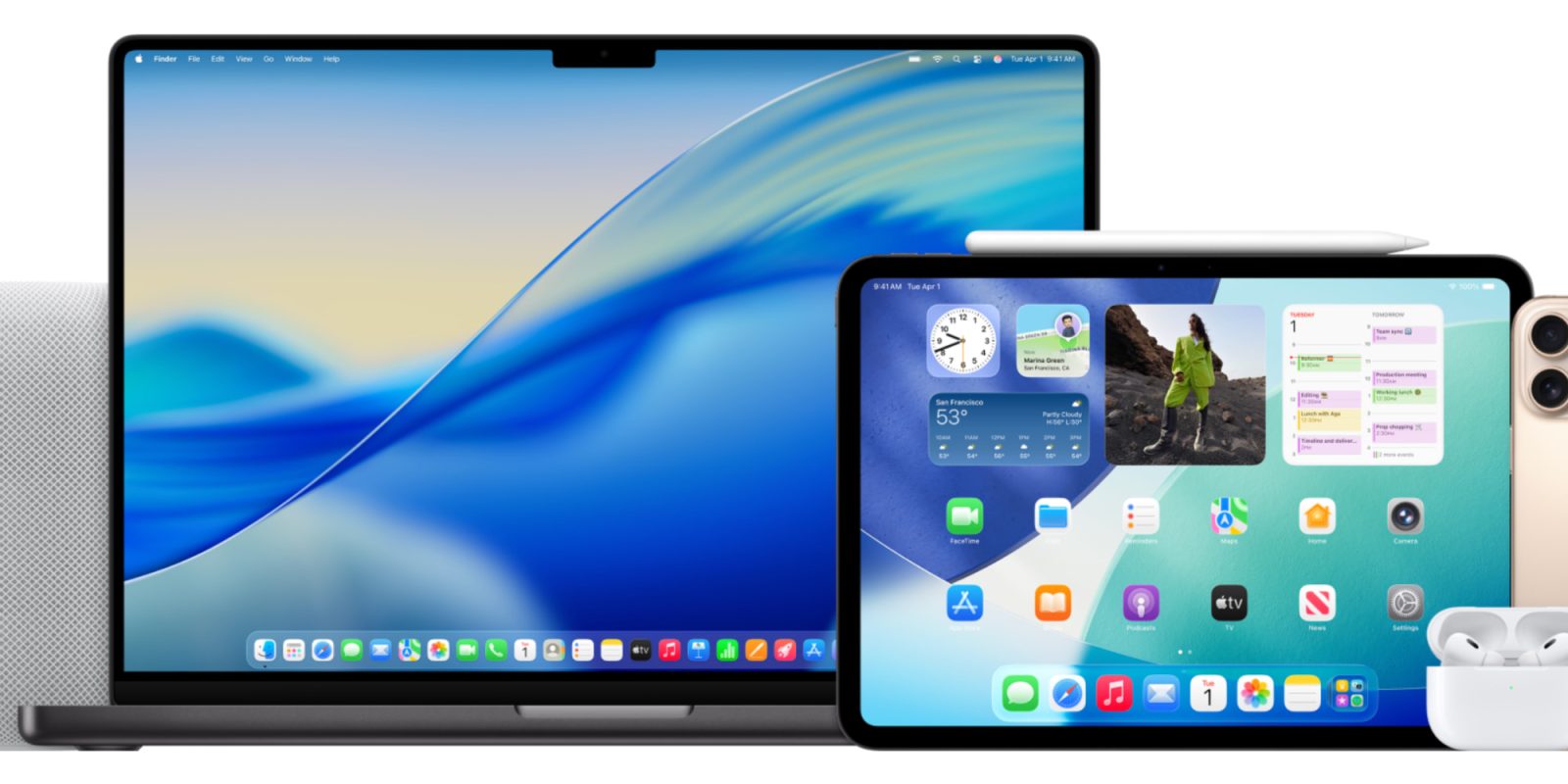
macOS Tahoe 26 gives your Mac a significant redesign, headlined by the new Liquid Glass design language. The update also brings new ways to personalize your Mac, with new icon tinting features, menu bar customization, and more.
When it comes to iOS 26, Liquid Glass and legibility have been the subject of much discussion around the iPhone software redesign. On the Mac, however, app icon decisions have stirred up a lot of feelings for macOS Tahoe users. One change in particular arguably makes the Mac harder to use.
The Shortcuts app is getting several upgrades in iOS 26 and macOS Tahoe that unlock brand new possibilities for automation on Apple platforms. Here’s what’s coming.
A lot has been said about iPadOS 26 bringing many powerful Mac-like features to the iPad. While that’s true, the exchange is also mutual. Apple has several iPad-inspired changes coming to the Mac in macOS Tahoe. Here’s what’s new.
How dead is FireWire support in macOS Tahoe 26? As dead as the iPod, as far as the Mac is concerned, which is at least a little sad. Stephen Hackett checked.
In classic 512 Pixels fashion, he’s conjured together a real world demonstration using a battle-tested FireWire 800 cable-connected drive, two Thunderbolt adapters including a Thunderbolt 2 to 3 dongle, and a Mac. Woof.
If you’re still rocking a first-generation iPod or, like me, are holding on to an old FireWire external drive for dear life, this one might hit hard: the first developer beta of macOS 26 Tahoe appears to have dropped support for the FireWire 400 and 800 standards.
Apple’s Journal app is coming to the iPad and Mac as part of iPadOS 26 and macOS Tahoe, and several brand new features will be included too—even on iPhone.
One of Apple’s most delightful software additions in recent years has been Live Activities, the iPhone feature that’s only gotten better over time. In macOS Tahoe and iPadOS 26, Live Activities are coming to the Mac and iPad too, but each in a very different way. Here’s how they’ll work.
During the Platforms State of the Union at WWDC, Apple just announced that macOS 26 Tahoe will be the last release of macOS that supports Intel. That means from next year, major new versions of Apple’s desktop operating system will only run on Apple Silicon Macs (that is, 2020 M1 models and newer).
Of course, Intel Macs will continue to get critical security updates for some time thereafter. But users should not expect to be able to update to get new features from macOS 27 onwards, as no Intel Mac will be supported on macOS 27.