

WhatsApp announced a pair of anti-spyware security improvements today, including a new ‘Strict Account Settings’ mode and behind-the-scenes changes to protect user data.
WhatsApp debuts ‘Strict Account Settings’ option and details another key privacy improvement
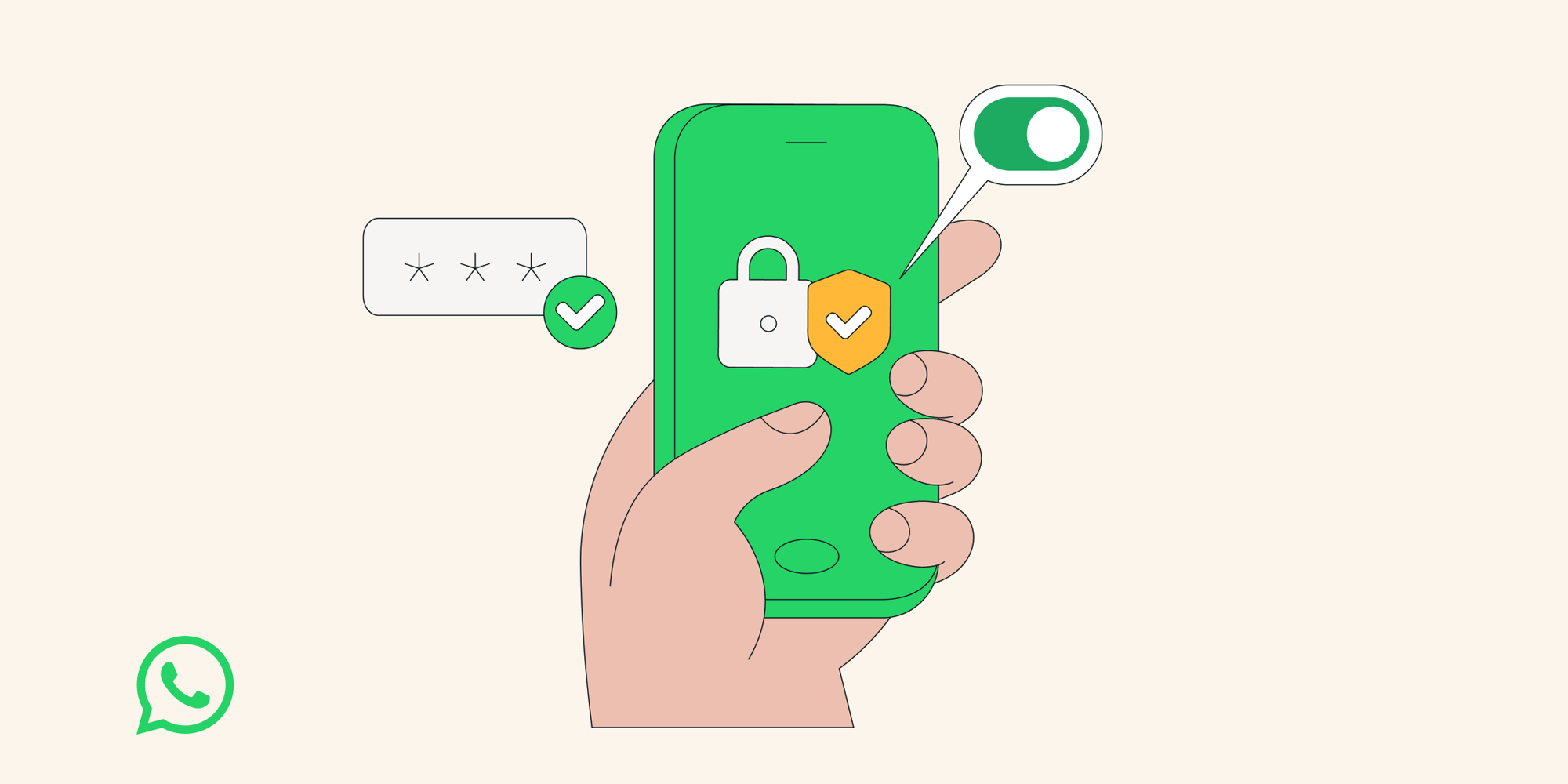
If you’re concerned about privacy and security when using WhatsApp, the service has a pair of announcements today that could help put your mind at ease.
First, WhatsApp is rolling out a new lockdown-style ‘Strict Account Settings’ mode.
Available inside Settings ⇾ Privacy ⇾ Advanced, users will be able to activate this mode for the absolute maximum level of security.
If you turn this on, certain account settings will lock to the most restrictive settings, and it will limit how your WhatsApp works in some ways, like blocking attachments and media from people not in your contacts.
Anyone can activate the feature once it fully rolls out. However, WhatsApp says it is intended for users who “may need extreme safeguards against rare and highly-sophisticated cyber attacks.” Journalists and public-facing figures are a couple examples given.
Even if you choose not to use ‘Strict Account Settings’ though, WhatsApp says it recently strengthened user privacy protections in another way.
We’ve also rolled out a programming language called Rust behind the scenes to help keep your photos, videos, and messages safe from things like spyware, so you can share and chat with confidence.
Full details on the transition to Rust are available here, but there’s no action to take on any individual’s part. This change simply bolsters protections for all users.
For all the latest on new WhatsApp features and changes, you can find our full coverage here.
Do you plan to enable the new ‘Strict Account Settings’ mode? Let us know in the comments.
Best iPhone accessories
- AirPods Pro 3 (now only $199, down from $249)
- 10-year AirTag battery case 2-pack
- MagSafe Car Mount for iPhone
- HomeKit Garage Door Opener
- 100W USB-C fast charging power adapter


FTC: We use income earning auto affiliate links. More.



Comments