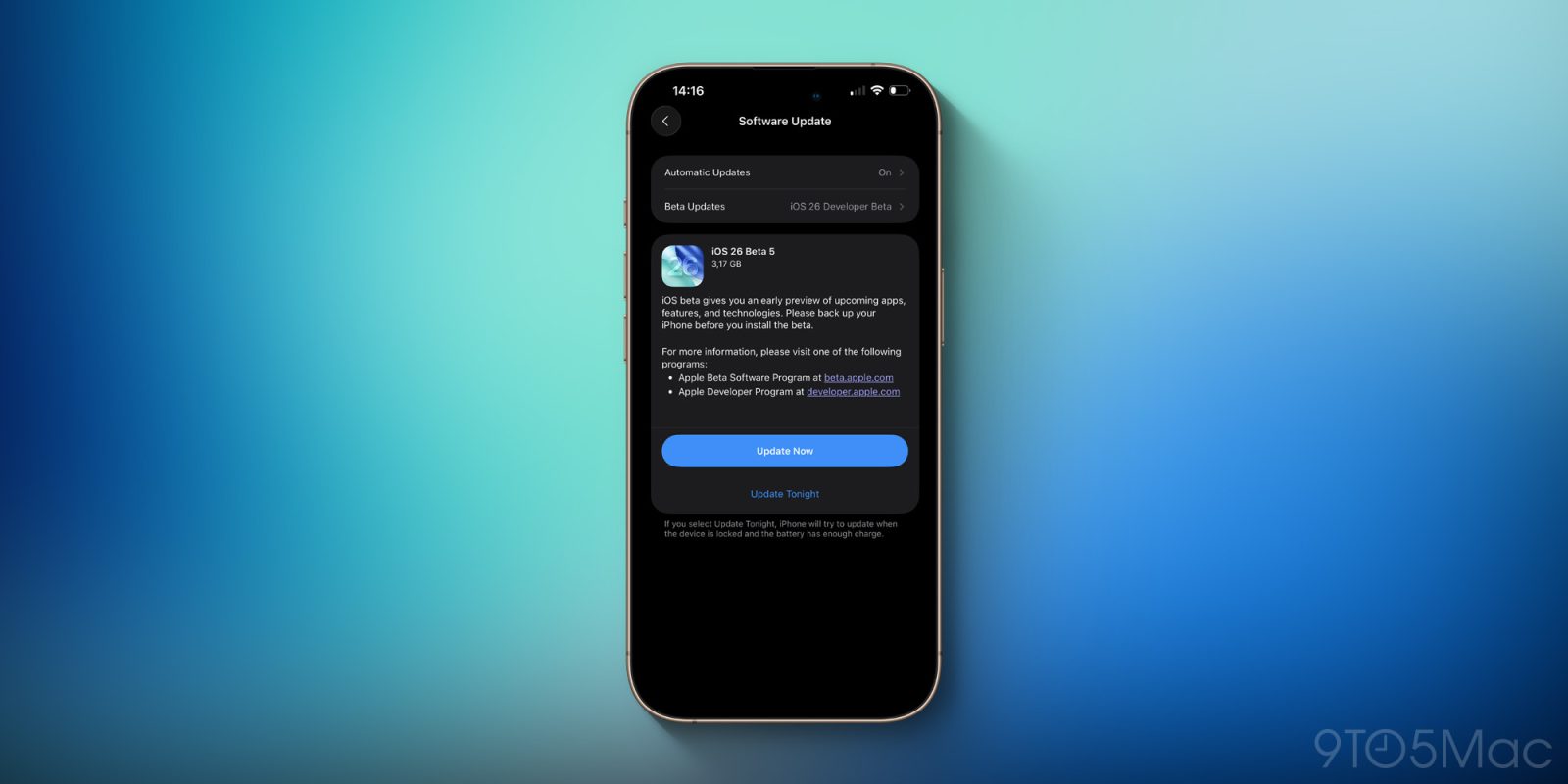
How to uninstall the iOS 26 beta, with or without a backup
Did you regret installing the iOS 26 beta or the iPadOS 26 beta? Here’s the step-by-step to downgrade your iPhone or iPad to a previous, non-beta version.
Expand Expanding Close
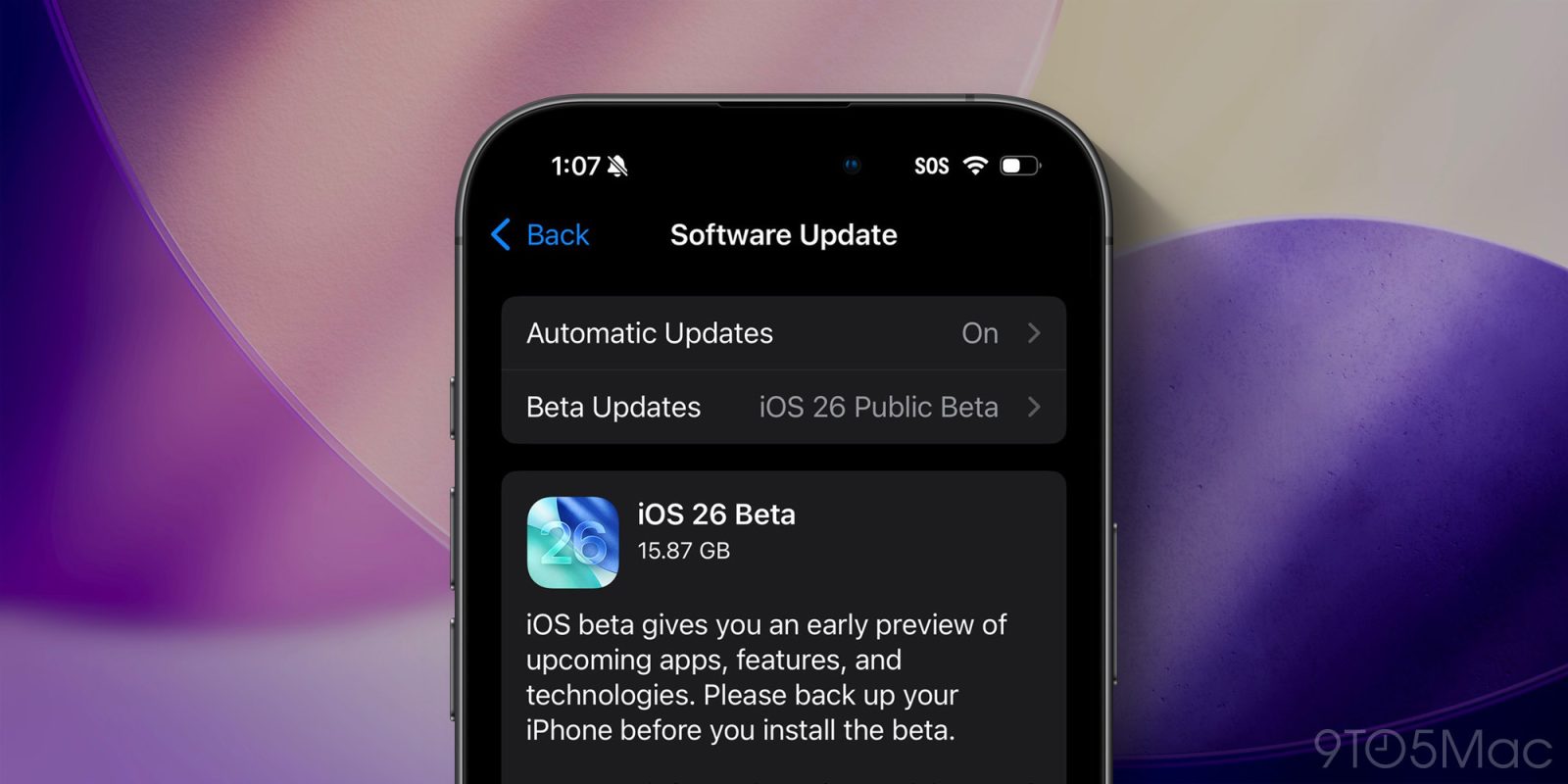
Did you regret installing the iOS 26 beta or the iPadOS 26 beta? Here’s the step-by-step to downgrade your iPhone or iPad to a previous, non-beta version.
Expand Expanding Close
Introduced for Private Browsing sessions in Safari 17.0, Advanced Fingerprinting Protection was also optionally available for regular non-private sessions. With iOS 26, it will be enabled by default. Here’s what that means.
Expand Expanding Close
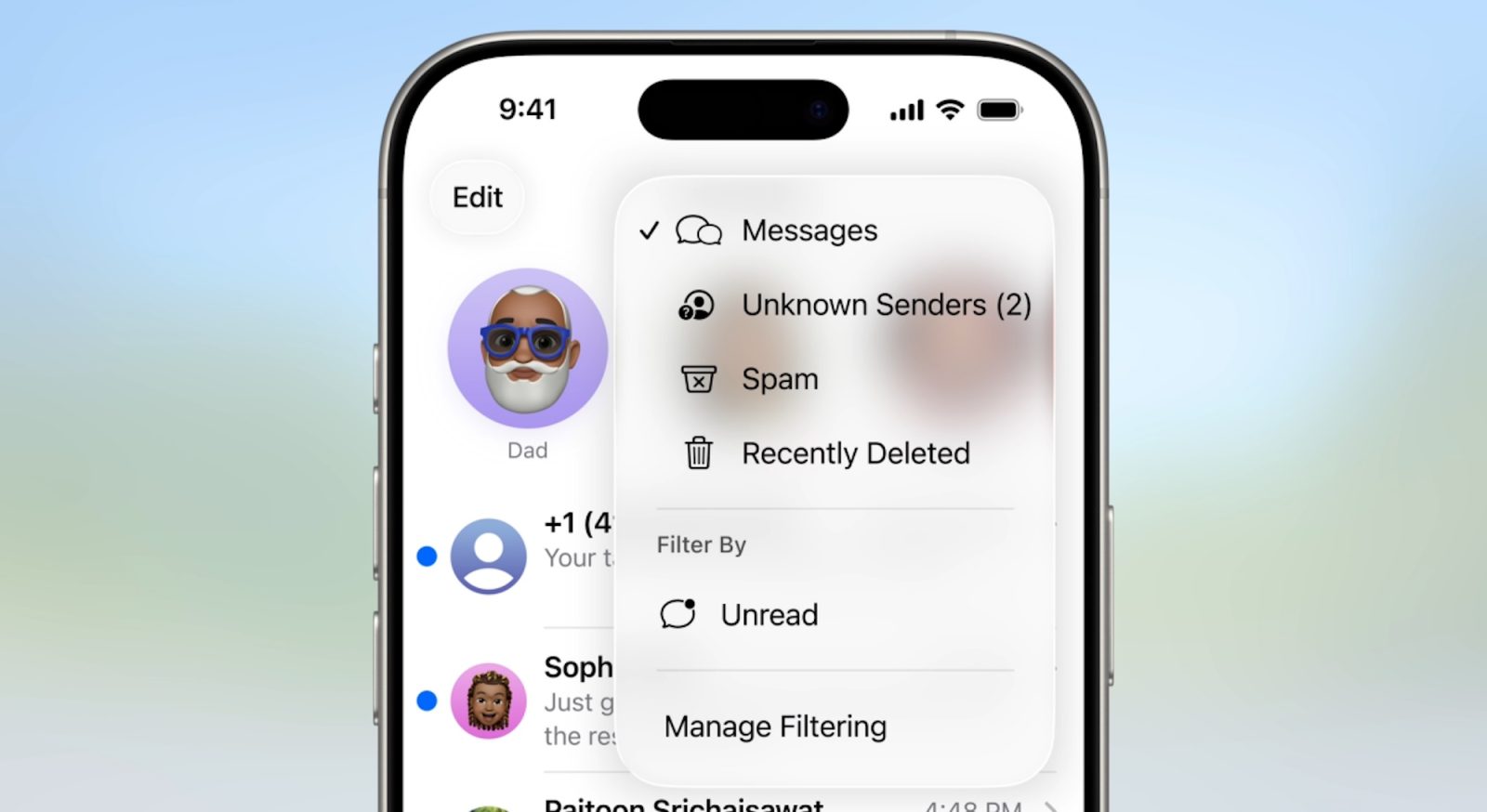
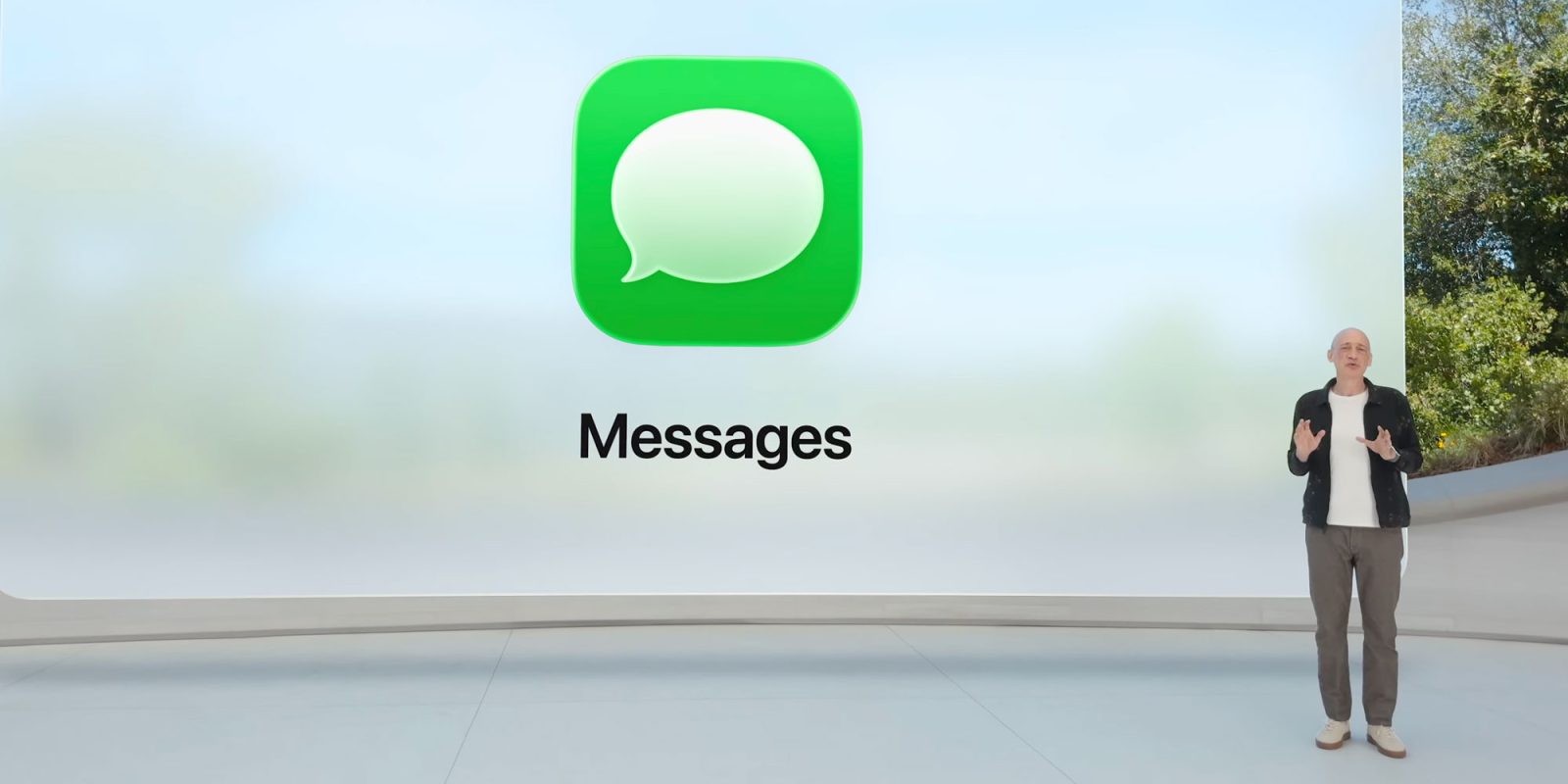
iOS 26 adds a new opt-in filtering system to the Messages app that tucks away messages from “Unknown Senders” into a separate tab.
Punchbowl News (via Daring Fireball and Political Wire) reports that Republicans in Washington, D.C. are already freaking out about the fundraising implications of this new feature, warning that it “could cost them $25 million in fundraising revenue.”
Expand Expanding Close
The iPhone’s default ringtone has become an iconic sound, but in iOS 26 Apple has a brand new ringtone option available as an alternative for users. Here’s what is sounds like.
Expand Expanding Close
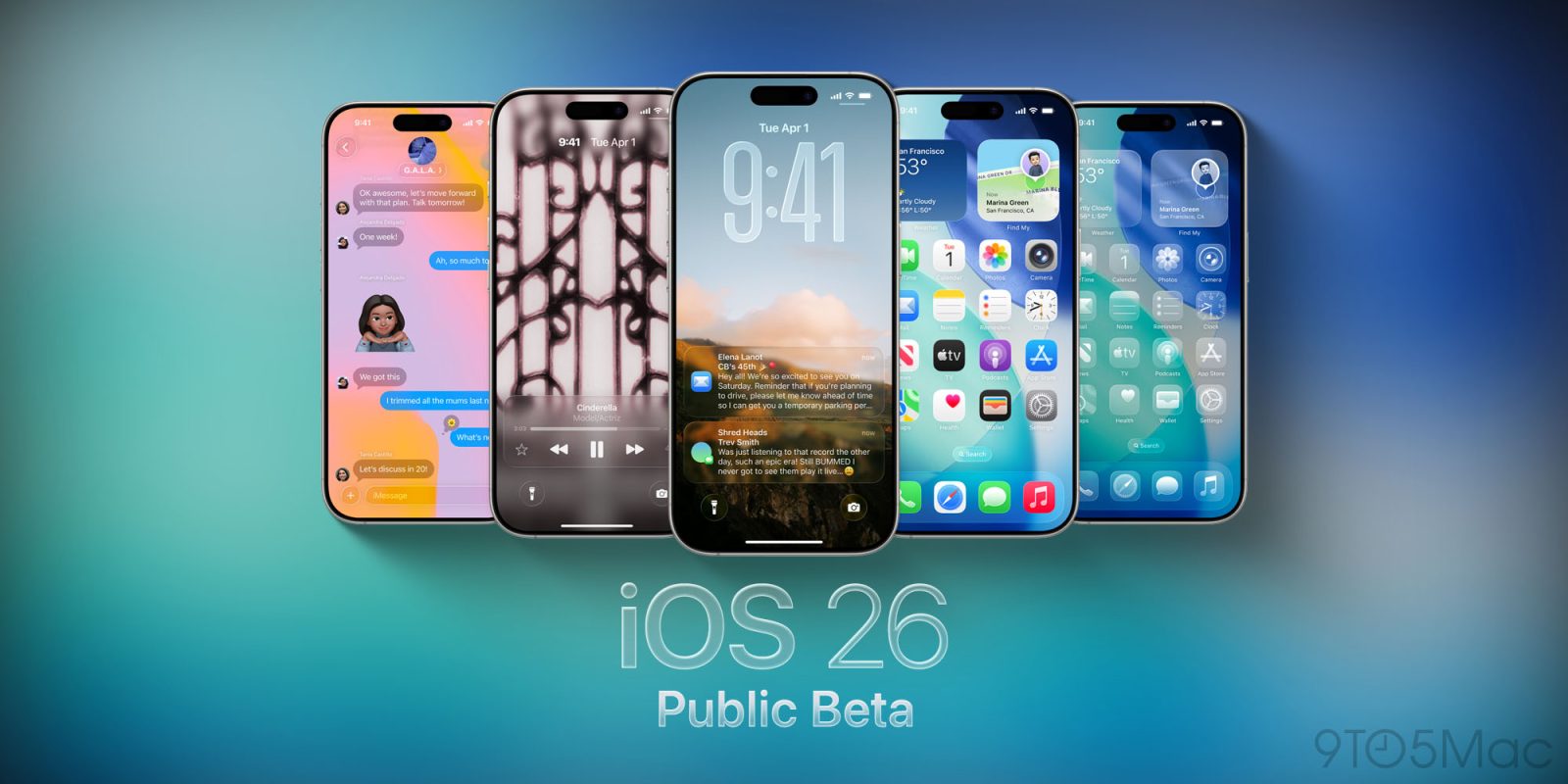
The iOS 26 public beta is now available, giving iPhone users everywhere the option to try Apple’s latest and greatest features. This year, you can check out Liquid Glass, new Messages features, and more.
Here’s how to install the iOS 26 public beta on your iPhone (for free!)…
Expand Expanding Close
The iOS 26 public beta is now available, the next major update for iPhone software. iOS 26 brings an all-new Liquid Glass design, updates to your favorite iPhone apps and features, and much more.
Expand Expanding Close
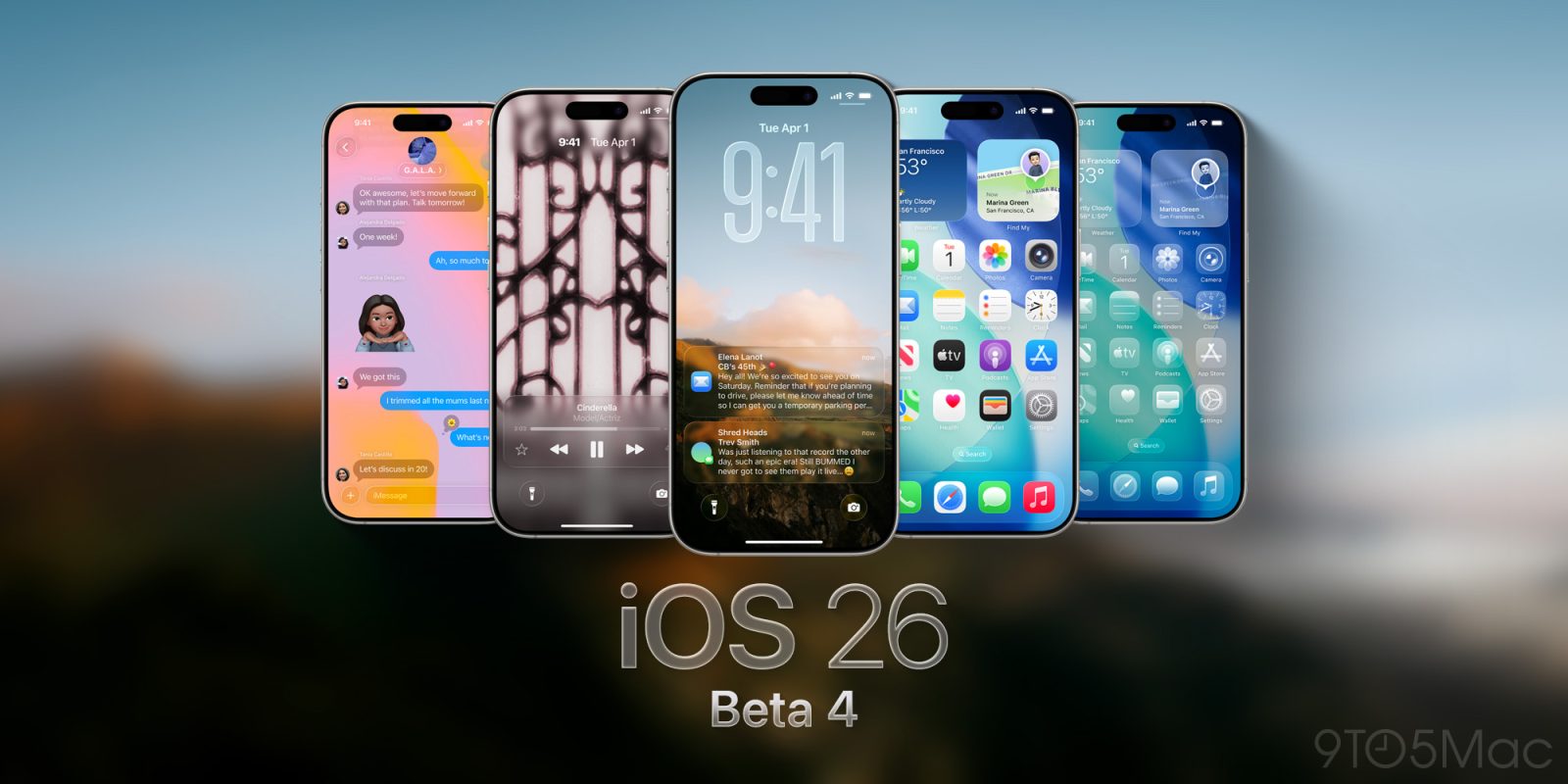
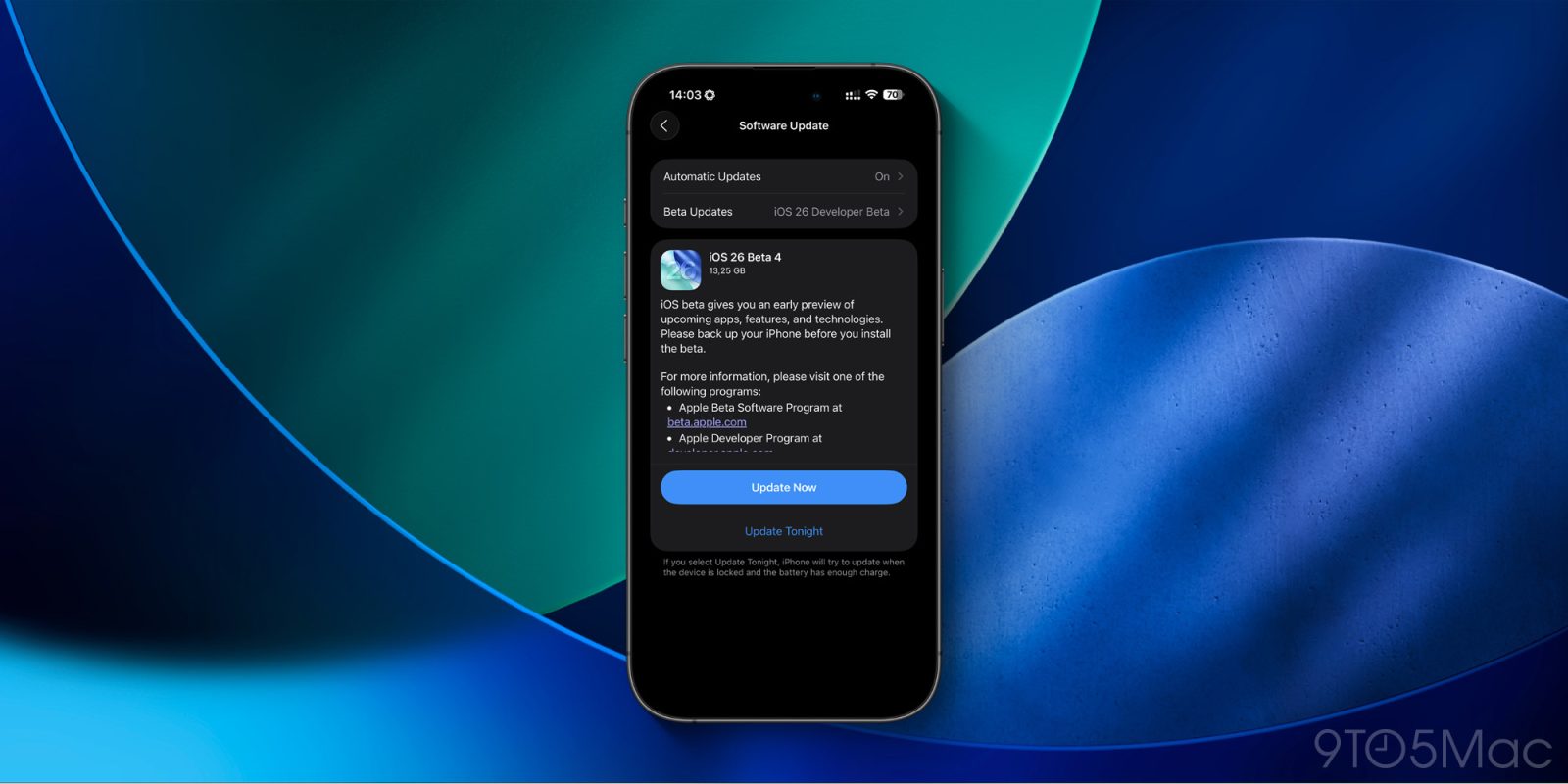
Apple has released a revised version of iOS 26 and iPadOS 26 beta 4 for iPhone and iPad. This is the second revision to an iOS 26 developer beta version, following a small revision to iOS 26 beta 1 for some iPhones.
Expand Expanding Close
While even tech-savvy users can fall for elaborate phishing scams, most attacks are designed to target less technically inclined people.
With that in mind, the new Messages app in iOS 26 introduces (or better yet, removes) two things that could make a pretty big difference in keeping users safe, regardless of how familiar they may be with phishing tactics.
Expand Expanding Close
Earlier today we saw iOS 26 code suggesting that an Apple Watch sleep score feature is in development, with a percentage score indicating your readiness to tackle the day ahead. The feature also provides a more condensed graphical representation of your sleep stages than is currently available.
What is shown and described looks like a very close match for two features provided by the Oura smart ring, so here’s a look at how those work …
Expand Expanding Close
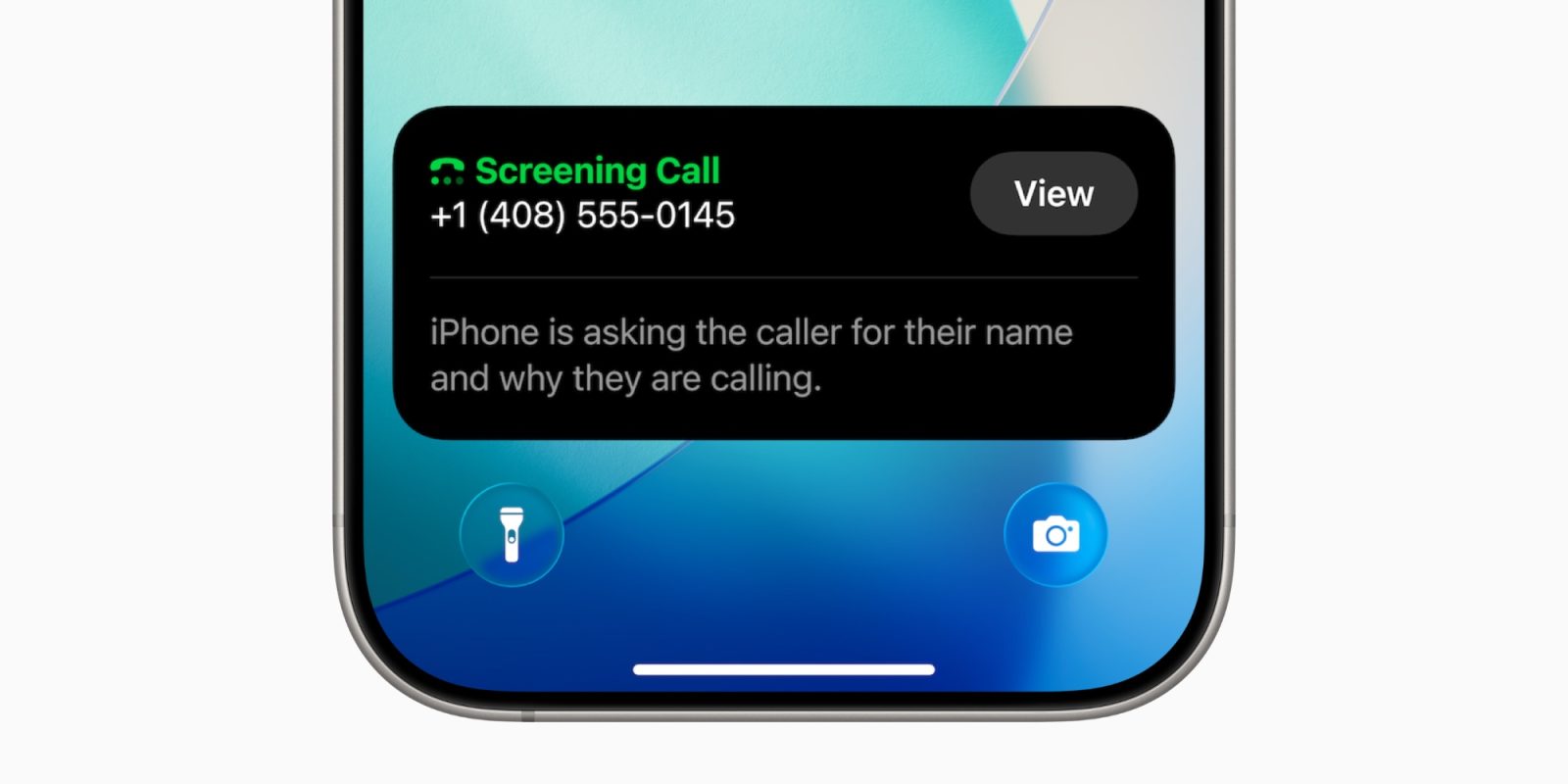
If you’re running the developer beta on your iPhone and get a lot of spam or robocalls, you might have noticed that the Silence Unknown Callers feature had gone missing, at least for some users. With today’s beta release, it’s back, now integrated as part of the new Call Screening feature.
Expand Expanding Close
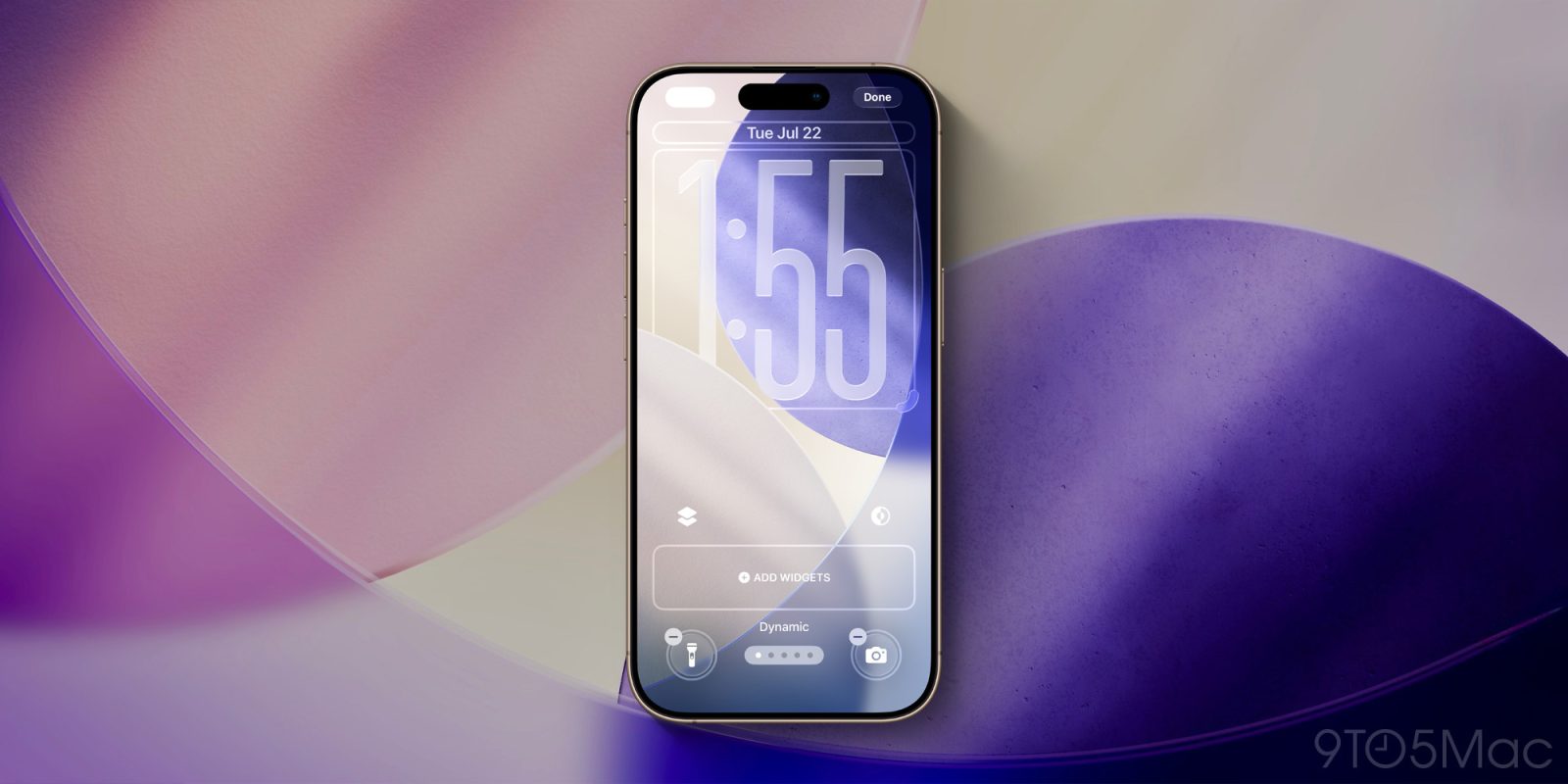
iOS 26 beta 4 is available now, and the public beta is expected soon too. Besides adding more liquid back into the Liquid Glass design, the new beta also introduces a new Dynamic wallpaper option. Here are the details.
Expand Expanding Close
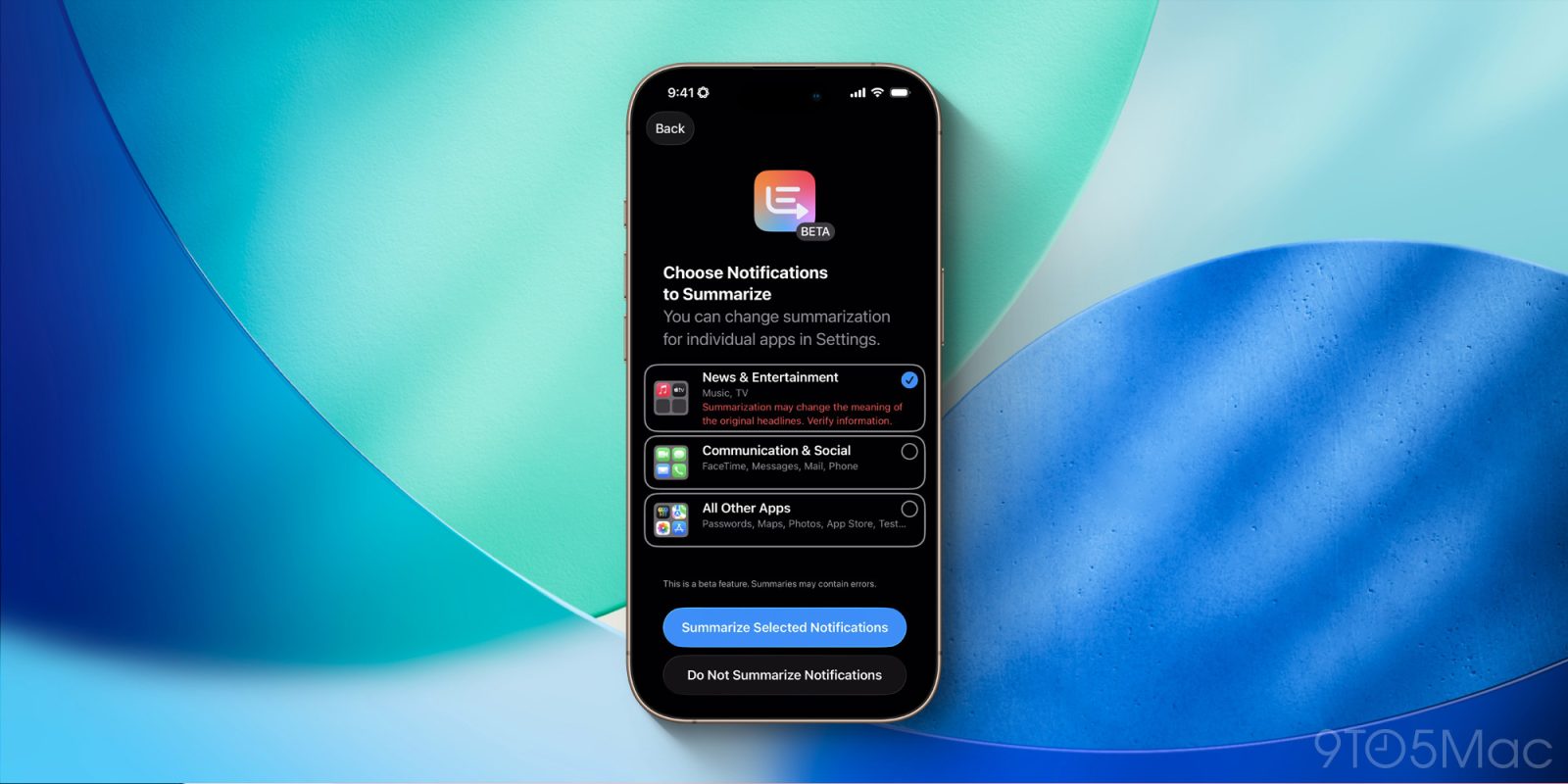
Alongside new design changes, iOS 26 beta 4 also re-enables Apple Intelligence notification summaries for the News & Entertainment category of apps.
As you may remember, Apple disabled this feature in January after a handful of botched summaries went viral…
Expand Expanding Close
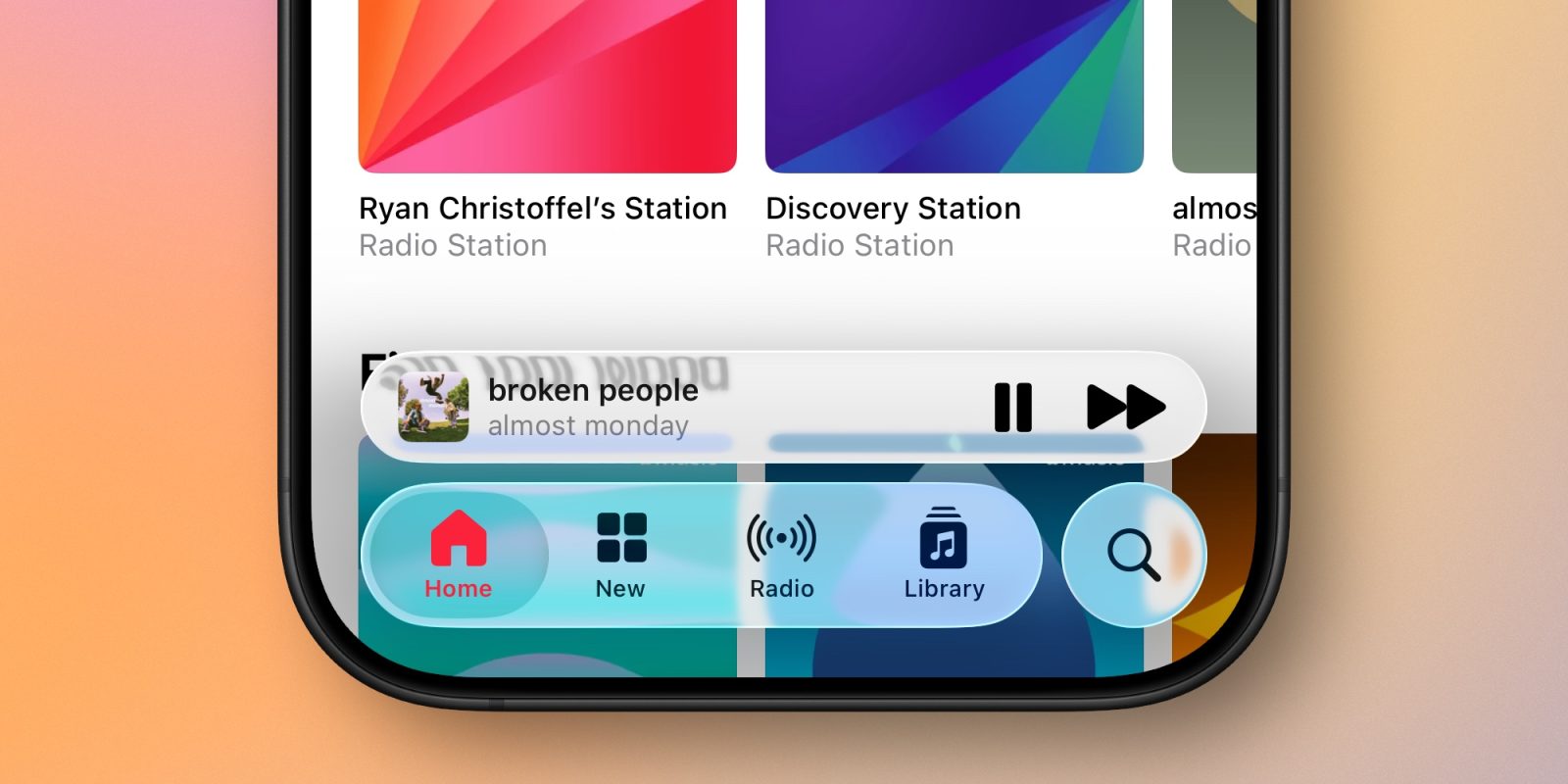
iOS 26 beta 4 has just been released, and one of the biggest question on many testers’ minds has been answered. After dialing back its redesign in beta 3, Apple has now infused more ‘liquid’ into the Liquid Glass design once again.
Expand Expanding Close
iOS 26 beta 4 is out now for iPhones on the developer beta release cycle. Below we’re collecting all of the iOS 26 beta 4 changes compared to the previous version.
Expand Expanding Close
Apple changed a few Liquid Glass elements in iOS 26 developer beta 3 and got a lot of online feedback. Now we’re on to iOS 26 beta 4, which will surely be compared under the microscope in as much detail in this season of change.
Expand Expanding Close
If you’re at all interested in Apple’s services, Apple One has long been a great option for bundling them together and saving a little money. And over time, new features have continually been added to Apple’s various services. Here are the most recent ways Apple One has gotten better, and a preview of what’s coming next in iOS 26.
Expand Expanding Close
Today is World Emoji Day, and the organization that decides which new emoji your iPhone gets has announced this year’s latest crop. Here are the new emoji that will be added in an upcoming version of iOS 26.
Expand Expanding Close
Genmoji launched last December in iOS 18.2 as a new Apple Intelligence feature for creating custom emoji. And in iOS 26, Apple has upgraded Genmoji with several new capabilities that will hit your iPhone soon. Here’s what’s new.
Expand Expanding Close
iOS 26 brings a lot of changes to the iPhone. While the biggest highlight—the Liquid Glass redesign—is available on all iPhones that can run iOS 26, there are several features in the new update that require newer iPhone models and Apple Intelligence. Here are the features and their device requirements.
Expand Expanding Close
Liquid Glass is the theme of Apple’s big cross-platform redesign this year. The new design is coming to Apple’s TV app too in iOS 26 and tvOS 26, joined by some other UI updates. Here’s what’s new.
Expand Expanding Close
Screenshots in iOS 26 are changing in a big way, with new powers that will provide more reasons than ever to take a screenshot on your iPhone. Here’s what’s new.
Expand Expanding Close
iOS 26 has been in beta testing with developers for over a month, and there’s still been no public beta release yet. Apple has only confirmed a July launch, but according to Mark Gurman, there’s a specific day next week being targeted.
Expand Expanding Close
Apple Maps is full of updates as part of iOS 26, including a new Liquid Glass design and Preferred Routes proactive feature.
Another notable new feature is Visited Places. Here’s how it works…
Expand Expanding Close
Apple Maps gets new features nearly every year, and iOS 26 is no exception. One brand new addition in iOS 26 could make Apple Maps vital for your daily commute, even if you don’t use it for navigation: proactive commute notifications.
Expand Expanding Close