
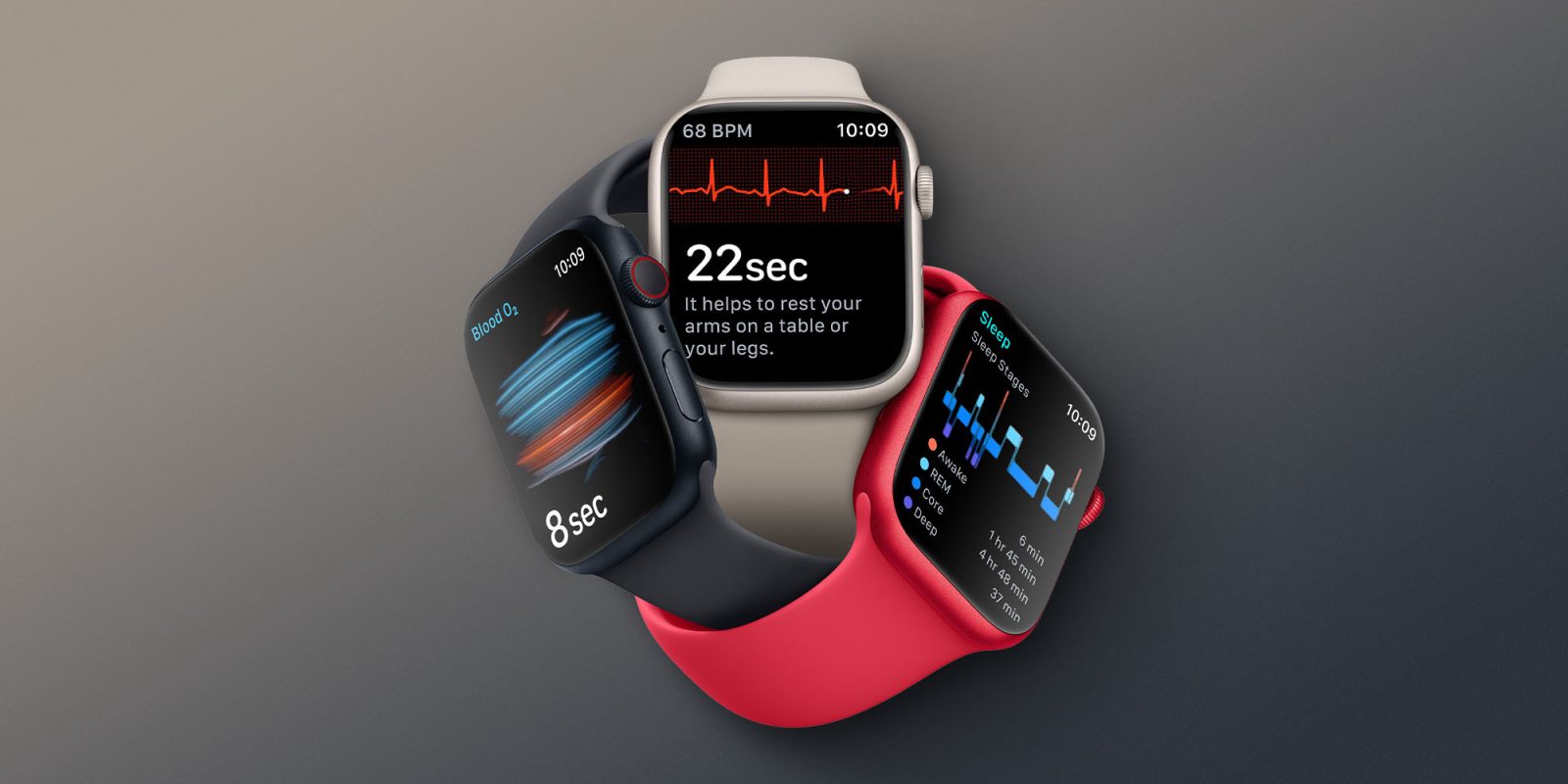
Alongside iOS 16.4, Apple has released the RC version of watchOS 9.4 to developers and public beta testers today. Apple has also shared the final release notes for watchOS 9.4, revealing everything new for Apple Watch users with this update.
What’s new in watchOS 9.4?
In conjunction with watchOS 9.4, Apple is rolling out Cycling Tracking and AFib history features to Apple Watch users in new countries. The company is also making a much-needed tweak to wake-up alarms on Apple Watch:
- Wake-up alarms are no longer silenced with cover to mute gesture to avoid accidental cancellations during sleep
- Cycle Tracking with retrospective ovulation estimates and cycle deviation alerts now supported in Moldova and Ukraine
- AFib History now available in Colombia, Malaysia, Moldova, Thailand, and Ukraine
Here’s how Apple describes AFib history:
AFib is a chronic condition, but the amount of time people spend in AFib can change. People with AFib often live healthy, active lives. The amount of time your heart is in AFib can potentially be reduced with regular exercise, a heart-healthy diet, a healthy weight, and treatment of other medical conditions that could worsen AFib. If left untreated, AFib can lead to heart failure or blood clots that may lead to stroke.
AFib History gives long-term visibility into the amount of time your heart shows signs of AFib, also known as AFib burden, so you can share this information with your physician for richer conversations.
Top comment by flyastroapple
watchOS 9.4 makes a significant change for serious runners. with 9.0 they introduced "Running Power" a metric which tries to estimate real time physical effort while running. It takes into account stride length and type, incline, weather, HR and more. The idea is that if you are running up a hill slowly you might be working just as hard as sprinting down a hill etc. With Running Power you can target EFFORT rates for workouts rather than speed, time, HR etc. which all varies day to day based on terrain, temperature, and more. The problem? Apple unlike ALL other competitors drops the running power metric to a value of 0 when you begin to walk. This means a runner who is doing intervals with walk breaks or a runner running up a steep incline that forces them to walk, suddenly begins recording effort levels of 0 when they walk. This horribly skews the overall workout "running power" estimate because periods of time record no effort at all. Walking still requires effort after all, in particular uphill, into the wind etc.! With watchOS 9.4 Apple adopts an estimated value of effort for walking (lower than running of course) which gives a more realistic value of overall effort for workouts where you aren't able to run the entire workout, and is the same as others do like Garmin. This makes Running Power now fully usable as a training value for all serious runners.
You can also learn more about Apple Watch’s Cycle Tracking features on Apple’s website right here.
Now that the “Release Candidate” version of watchOS 9.4 is available to beta testers, we expect the update to be released publicly as soon as next week. Apple is also beta testing iOS 16.4, iPadOS 16.4, macOS 13.3, and tvOS 16.4. These updates are also expected to be released next week.
If you spot anything else new in watchOS 9.4, let us know down in the comments.
Follow Chance: Twitter, Instagram, and Mastodon


FTC: We use income earning auto affiliate links. More.



Comments