
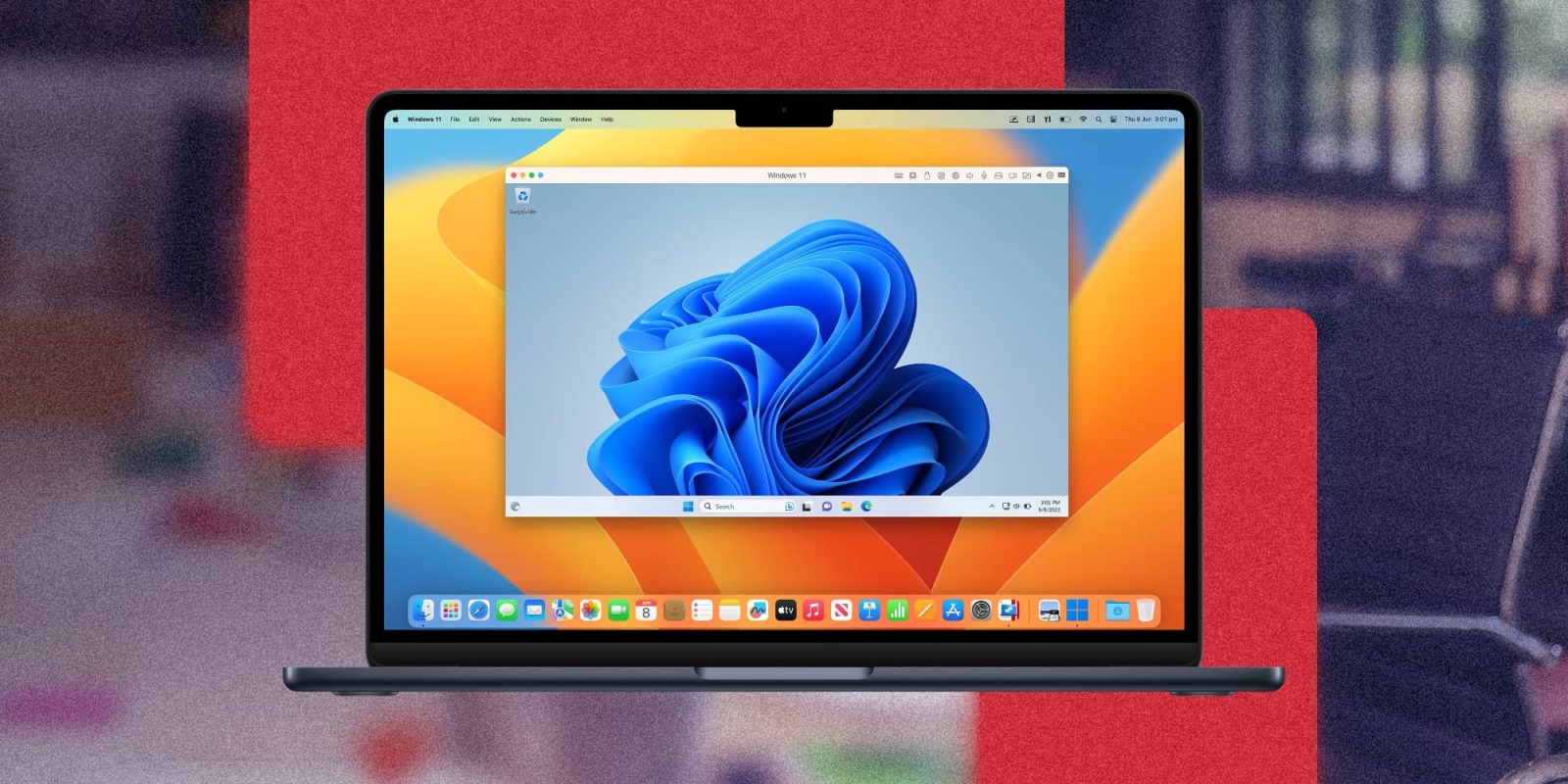
Parallels Desktop, the popular tool for running virtual machines on macOS, released an update earlier this year to fully support Windows 11 on M3 Macs. Following this update, the software is now getting some new features, including improved support for Windows games and a new clipboard sync mode.
Parallels Desktop 19 updated with improvements
As detailed by Parallels on its website, version 19.3 of Parallels Desktop for macOS comes with new features and multiple enhancements. Many Mac users play Windows games on their machines using Parallels Desktop. And according to the company, the update fixes graphic rendering bugs in games such as Genshin Impact, Rise of Kingdoms, and Dark Souls II.
Top comment by Christo
I just checked the update notes. They are discontinuing a load of features, saying they are "not business critical" Well removing the ability to boot a VM automatically on Mac boot certainly is business critical for us as all of our Parallels Macs need to be able to recover from a crash that results in a reboot even if unattended. We run a bunch of Macs as VM servers and users access the VMs by Remote Desktop. This currently works well as even when a Parallels crash causes a reboot, the user is typically back on within a few minutes without human intervention.
Without this feature, this workflow is not viable and I have to immediately stop further investment in cool and efficient Apple Silicon boxes and start transitioning to hot and hungry Intel-based Hyper-V servers while upgrading UPSs.
Not happy.
For users of the Pro and Business versions, Parallels Desktop now provides a new clipboard sync mode that makes copying and pasting between the Mac and virtual machines more flexible. Users can choose to enable copy and paste from Mac to Windows and vice versa, only from one way to the other, or completely disable clipboard sync.
When working with a Linux virtual machine, users will also get the new clipboard sync modes. In addition, Parallels says that the update makes trackpad scrolling smoother on Linux. It’s also easier to install Ubuntu on Apple Silicon Macs thanks to the Express Installation mode.
The new version of Parallels Desktop also improves performance for Apple Silicon Macs and lets users adjust the settings of a virtual machine through an easy UI.
Innovations continue with Parallels Desktop 19 for Mac, offering a cutting-edge and reliable virtual computer inside your Mac, complete with a refreshed design. Benefit from enhanced compatibility with macOS Sonoma 14 and richer virtual machine functionality on Apple silicon Mac computers.
You can try Parallels Desktop for free. Check out the Parallels website for details on license prices.
Read also
- You can now run Windows on your iPhone, iPad, and Mac using streaming Windows App
- Apple goes in-depth on how it’s turning the Mac into a leading gaming platform


FTC: We use income earning auto affiliate links. More.



Comments