9to5Mac Product of the Year: iPhone 17


Listen to a recap of the top stories of the day from 9to5Mac. 9to5Mac Daily is available on iTunes and Apple’s Podcasts app, Stitcher, TuneIn, Google Play, or through our dedicated RSS feed for Overcast and other podcast players.
Sponsored by Roborock: Save on Roborock’s flagship vacuums — but hurry, these deals won’t last long!

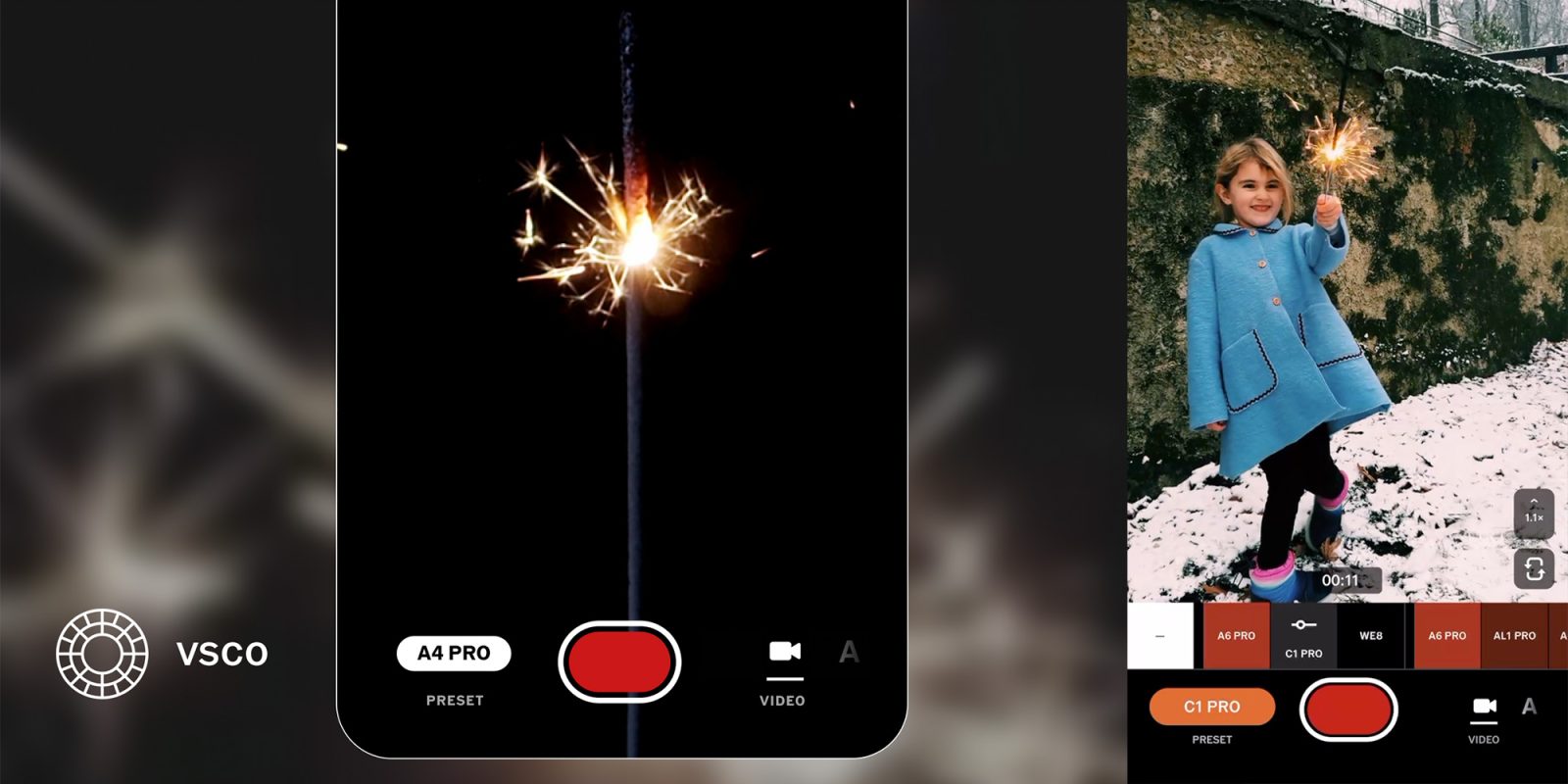
You can now shoot video from the VSCO Capture app, and apply more than 50 VSCO filter presets as you’re doing it. Here are the details.
Expand Expanding Close

iOS 26.2 is the latest iPhone update, with excellent new features for Reminders, Podcasts, and Apple Music. There are also a couple key CarPlay changes in iOS 26.2, here’s what’s new.
Expand Expanding Close

Apple released a ton of new hardware this year, ranging from new iPhones to iPads to Macs and more. Here’s a recap of all the new products Apple introduced this year.
Expand Expanding Close
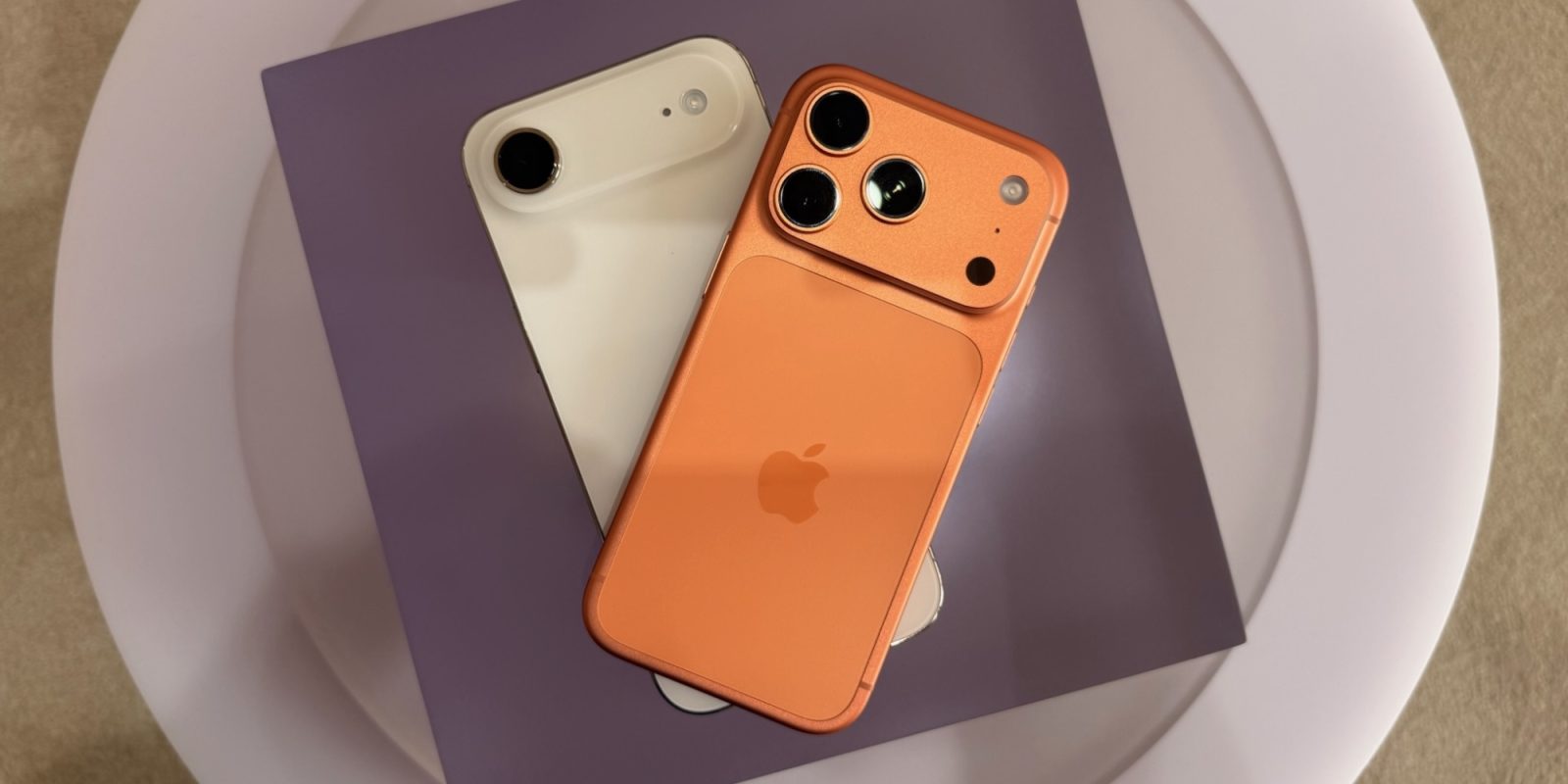
iPhone 17 Pro has proven a huge hit with users, whereas the iPhone Air—despite strong reviews from owners—has reportedly sold poorly. But rumors indicate two iPhone 17 Pro features could be added to the iPhone Air 2, which might help the next-generation product prove more successful.
Expand Expanding Close

Philips Hue bulbs are one of the easiest ways to give your existing light fixtures smart home capabilities, including through Apple’s HomeKit platform. The problem with Philips Hue bulbs, however, is that whenever a wall light switch is flipped off, the smart lights become unresponsive.
The Lutron Aurora dimmer is a simple yet ingenious way to solve this problem, and it should be at the top of every smart home fan’s holiday wish list.
Expand Expanding Close
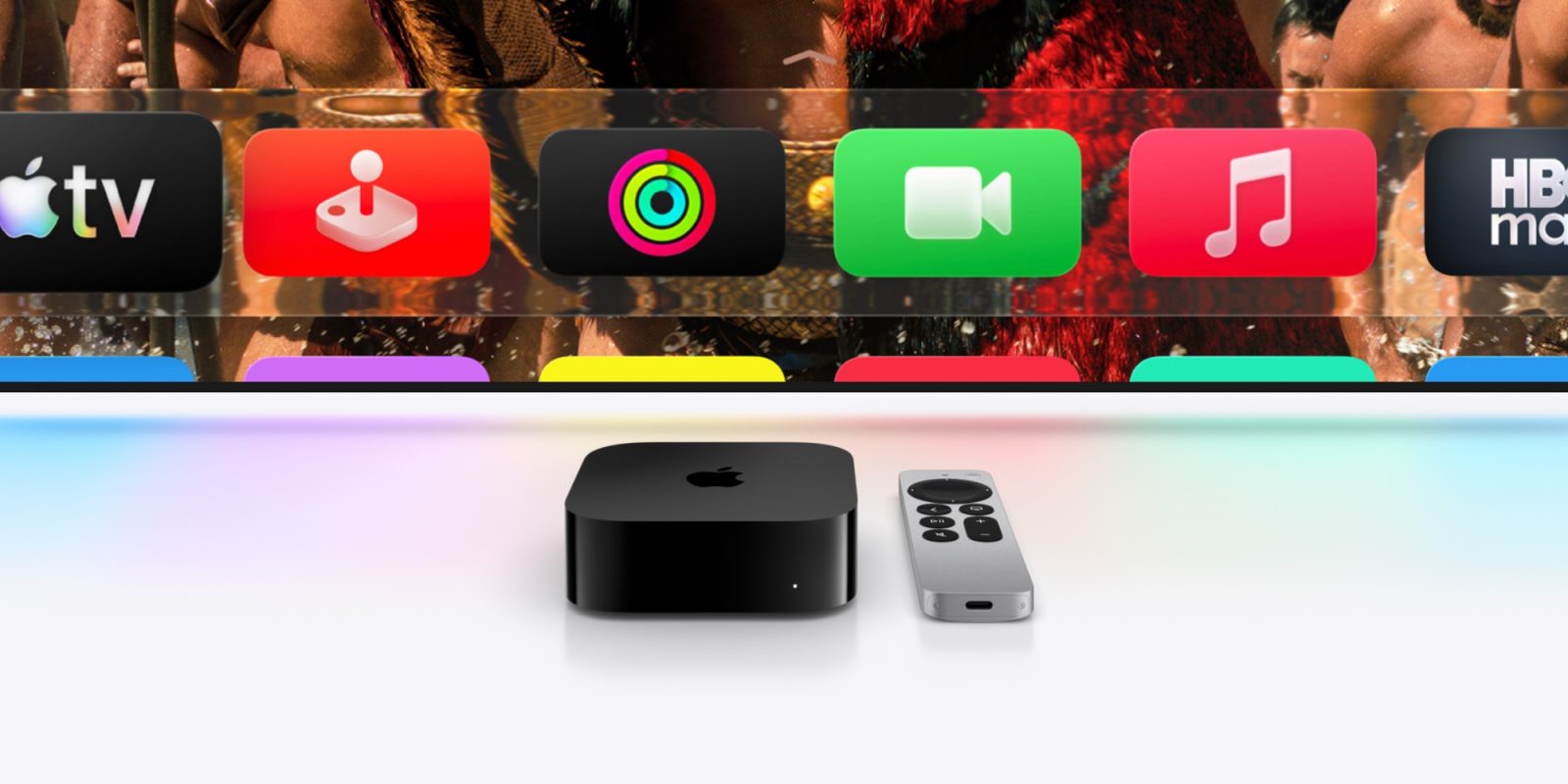
A new Apple TV 4K has long been rumored, and current expectations are for a launch in early 2026. Here’s what rumors say is coming.
Expand Expanding Close
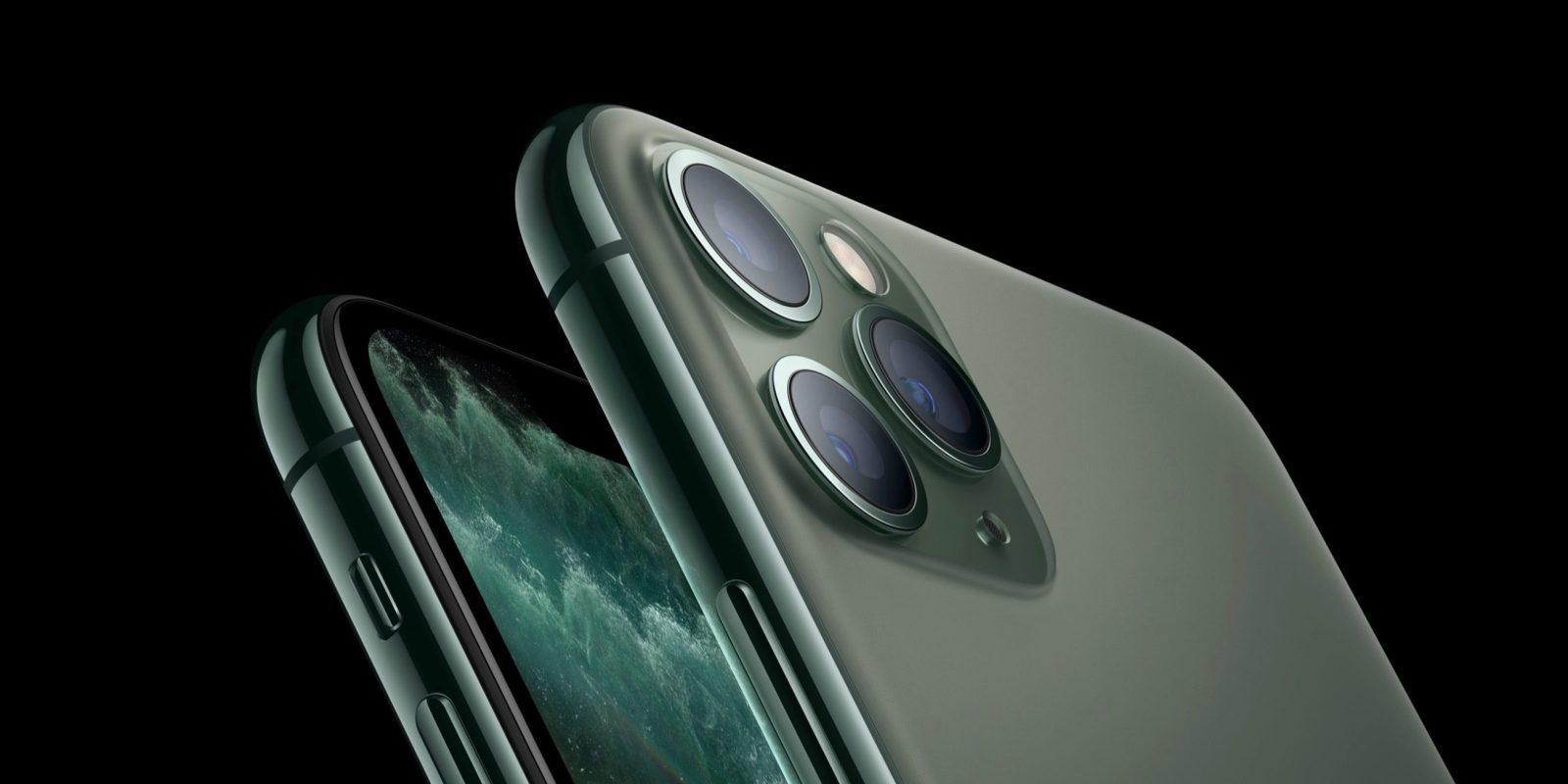
Apple keeps a running list of products dubbed ‘vintage’ and ‘obsolete,’ and the latest additions to that list include the iPhone 11 Pro, Apple Watch Series 5, and more.
Expand Expanding Close

The Apple Health app on iPhone is a powerful way to track all facets of your health. Whether it’s recording data from your Apple Watch, importing records straight from your doctor, or integration with third-party apps, there’s something for everyone.
Here’s how to get the most out of the Apple Health app, especially if you’re really trying to live healthier in 2026.
Expand Expanding Close
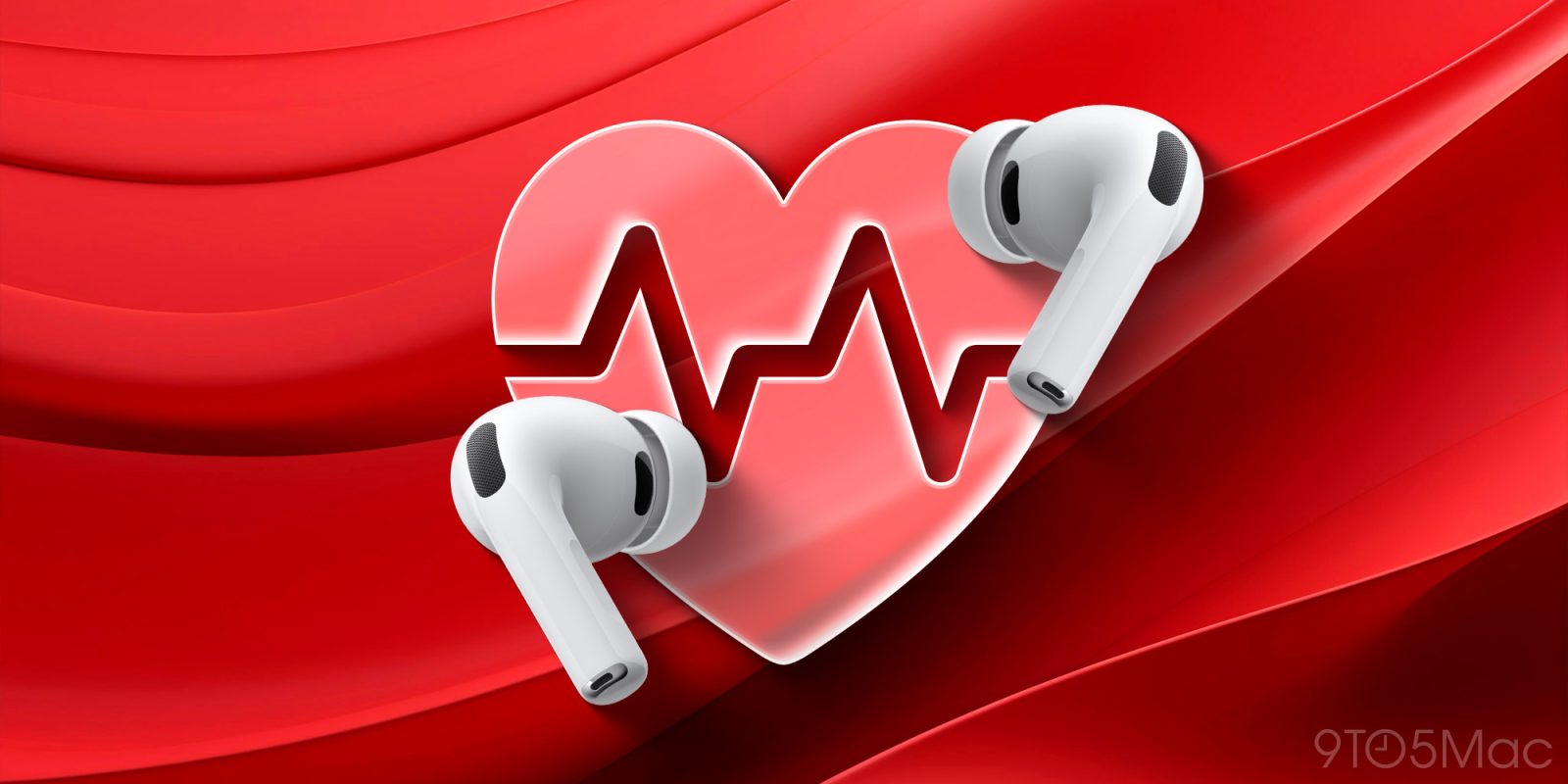
AirPods Pro 3 are a fantastic upgrade over their already-strong predecessor, and one underrated advantage of the new model is a powerful health feature: heart rate sensing. Here’s how to use it.
Expand Expanding Close
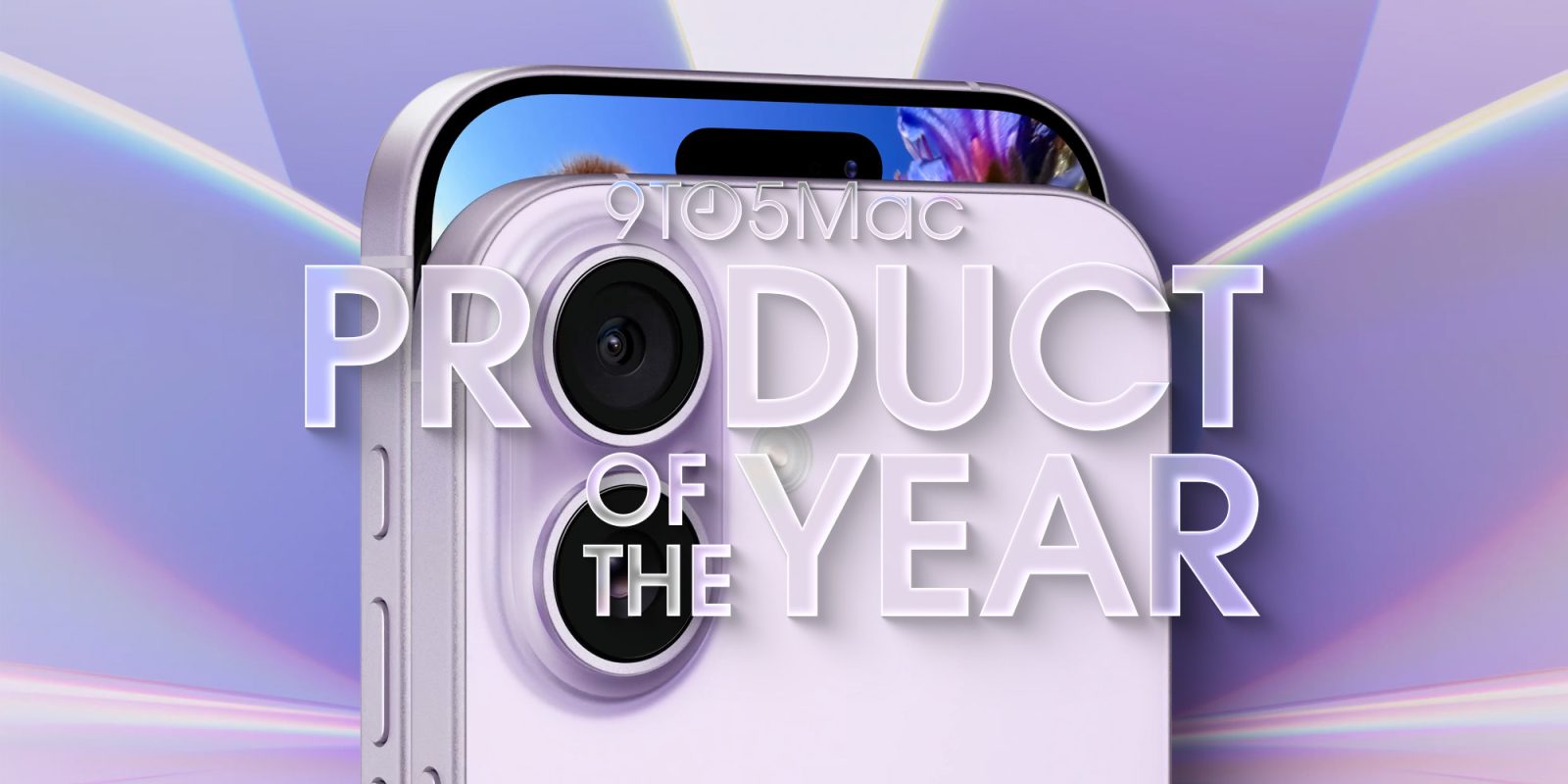
As 2025 comes to a close, it’s time to reflect on Apple’s year and determine what stood out most. It was an exciting year for Apple fans, ranging from new hardware like the iPhone 17, AirPods Pro 3, and new Macs. One of those updates, however, sits above the rest.
Here’s why we decided to crown the iPhone 17 as this year’s 9to5Mac Product of the Year.
Expand Expanding Close

Apple TV kicks off 2026 with a packed slate of returning series in January, including a years-delayed espionage thriller, a beloved comedy, one of the best-reviewed shows on the streamer, and more. Here’s everything new coming to Apple TV in January.
Expand Expanding Close
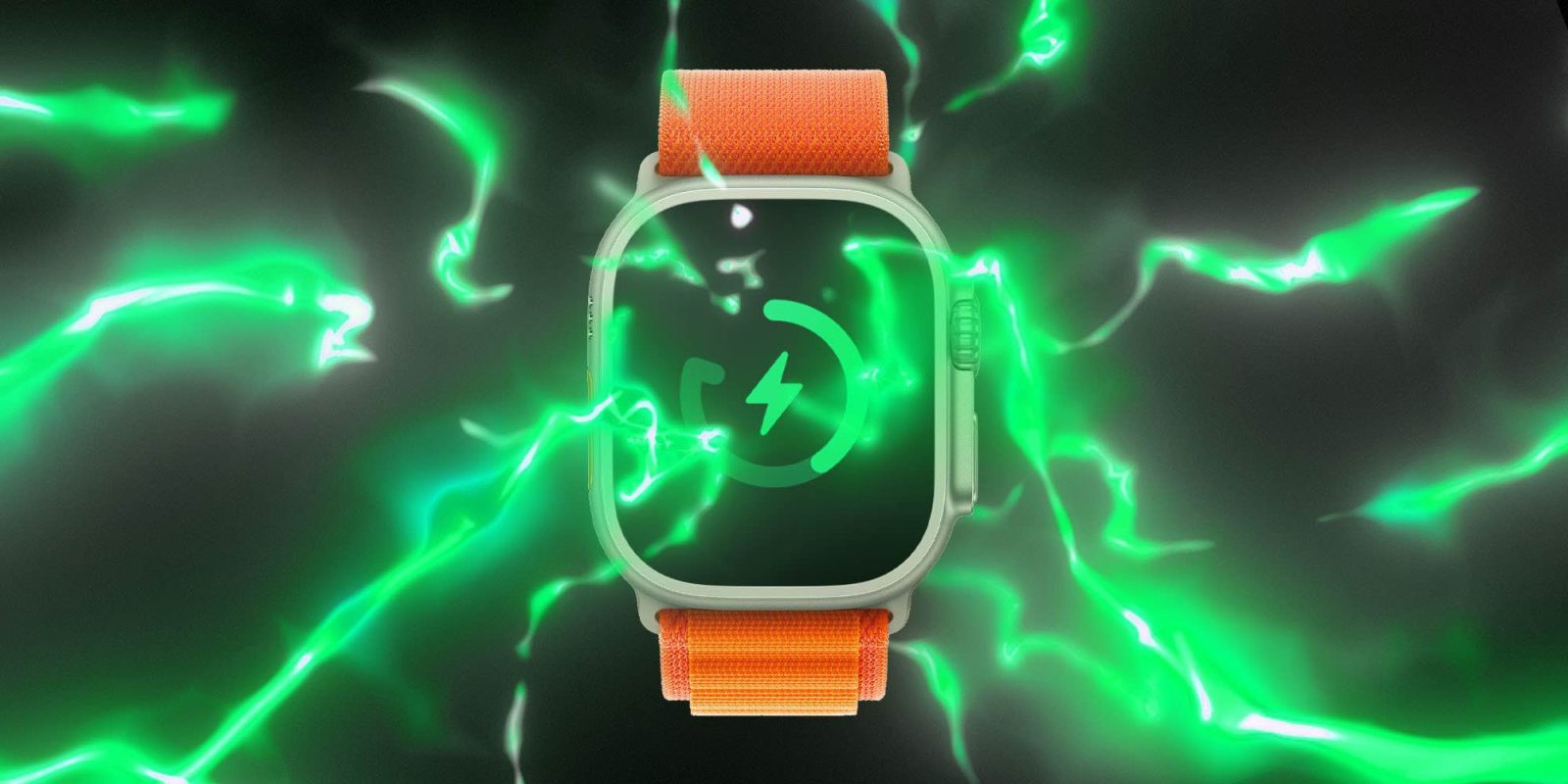
One of the more useful changes to recent Apple Watch models is support for fast charging. This allows you to quickly top off your Apple Watch battery at much faster speeds than before. This includes the latest Apple Watch Series 11 and Apple Watch Ultra 3, as well as several previous models.
There are a few things to remember, and you don’t get everything you need in the box…
Expand Expanding Close
When Apple released iOS 18.4 to everyone earlier this year, it came with a big upgrade to the Home app. Users can now add robot vacuums to HomeKit for the first time thanks to the Matter smart home standard.
Here are the robot vacuums compatible with HomeKit…
Expand Expanding Close
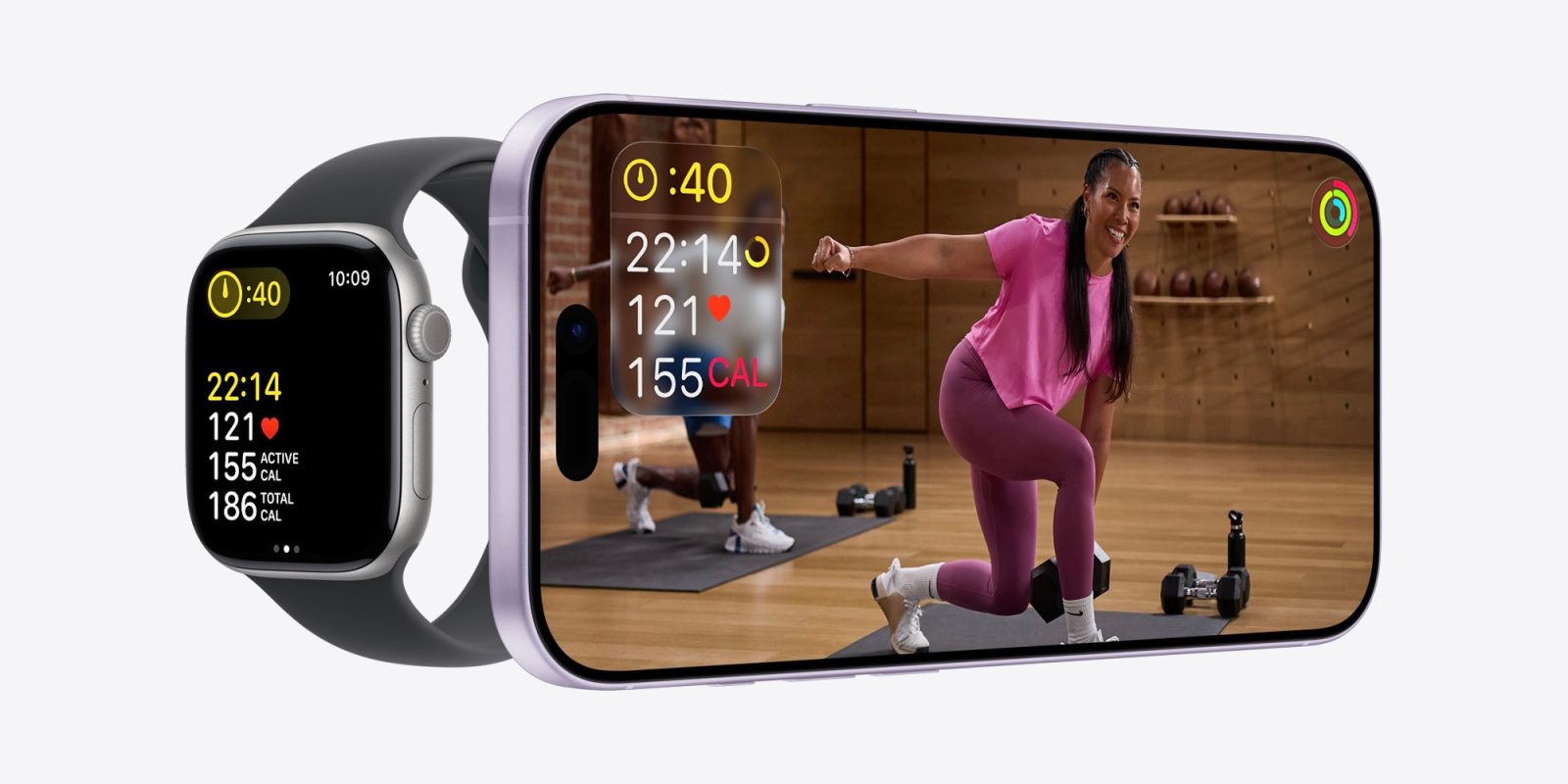
Apple has published a fun teaser on the Apple Fitness+ Instagram account, promoting what it promises to be “something big” that will land on the service next year. Watch it below.
Expand Expanding Close

9to5Mac Security Bite is exclusively brought to you by Mosyle, the only Apple Unified Platform. Making Apple devices work-ready and enterprise-safe is all we do. Our unique integrated approach to management and security combines state-of-the-art Apple-specific security solutions for fully automated Hardening & Compliance, Next Generation EDR, AI-powered Zero Trust, and exclusive Privilege Management with the most powerful and modern Apple MDM on the market. The result is a totally automated Apple Unified Platform currently trusted by over 45,000 organizations to make millions of Apple devices work-ready with no effort and at an affordable cost. Request your EXTENDED TRIAL today and understand why Mosyle is everything you need to work with Apple.
Let’s say you have screenshots of sensitive information sitting on your desktop that you’d like to password protect. You know that images of tax, banking, wire transfer forms, etc. in the clear can easily be viewed by anyone with physical or remote access to your machine, but you’re unsure how to secure them. Unfortunately, macOS Preview doesn’t support file-level password protection, but there are quick workarounds that don’t require third-party software or downloading anything not already on your Mac.
Expand Expanding Close
Update, December 30, 4:44 p.m. ET: (RED) has now confirmed that the $3 million donation cap was reached. Find new details below.
(RED) confirmed today that Apple will donate $5 for every qualifying purchase made via Apple Pay through December 7. Here’s how you can contribute.
Expand Expanding Close
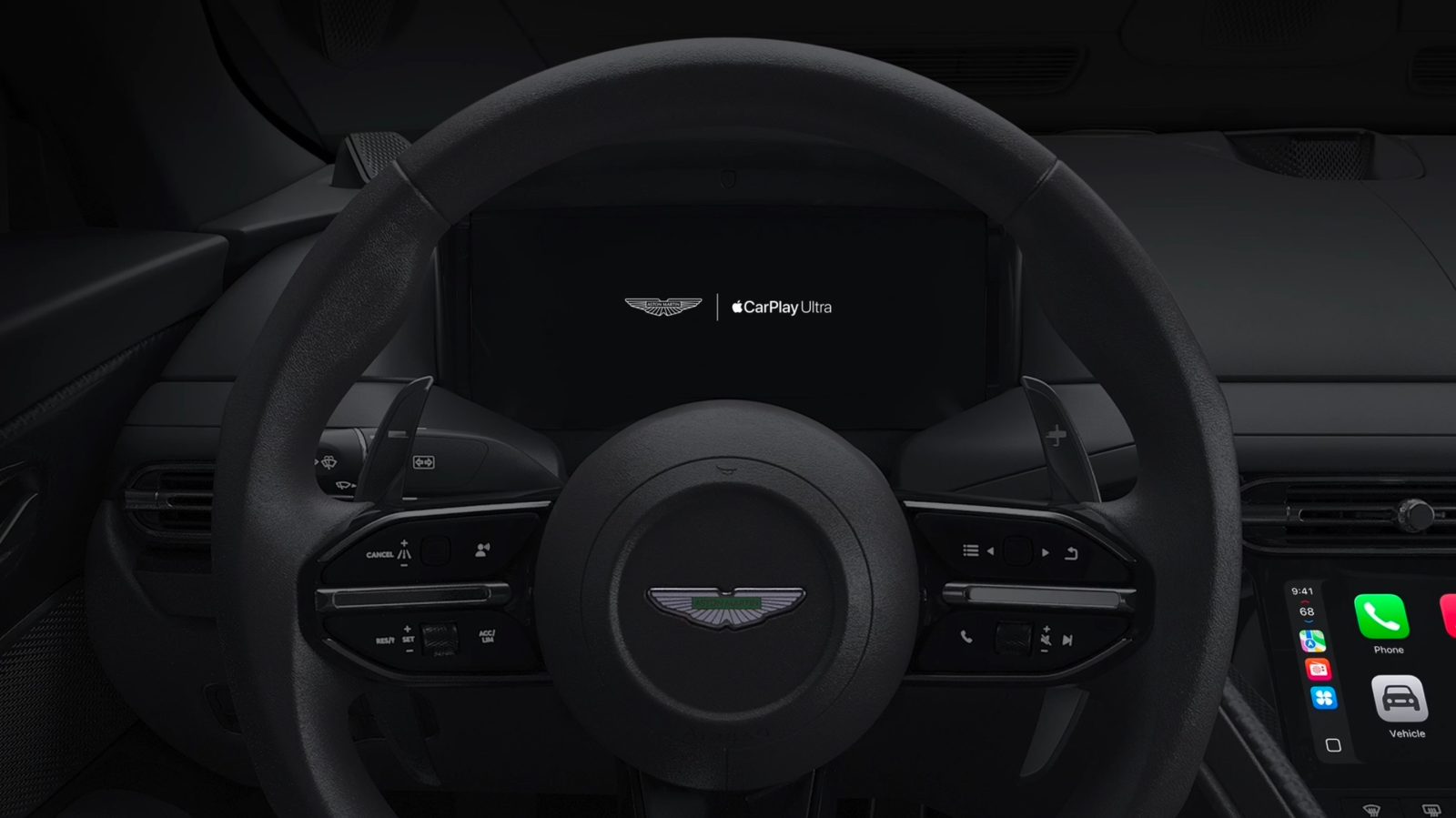
Earlier this year, Apple officially announced CarPlay Ultra, the next-generation version of CarPlay that it first teased way back at WWDC 2022.
CarPlay Ultra began rolling out in May to Aston Martin owners in the United States and Canada. What about other automakers? Here’s what we know.
Expand Expanding Close

Apple updated its entire lineup of Apple Watch models this year, introducing the Apple Watch SE 3, Apple Watch Series 11, and Apple Ultra 3. Here’s what you need to know about Apple Watch SE 3 vs Apple Watch Series 11.
Plus, you can currently save $100 on the Apple Watch Series 11.
Expand Expanding Close
Listen to a recap of the top stories of the day from 9to5Mac. 9to5Mac Daily is available on iTunes and Apple’s Podcasts app, Stitcher, TuneIn, Google Play, or through our dedicated RSS feed for Overcast and other podcast players.
Sponsored by Roborock: Save on Roborock’s flagship vacuums — but hurry, these deals won’t last long!
Apple’s Fitness app on iPhone started out as a companion to the Apple Watch’s Activity rings. But recently in iOS 26, Fitness expanded in several ways, including for users who don’t own an Apple Watch. Here are three recent changes that can help complement your new year’s goals.
Expand Expanding Close
A new TrendForce report outlines the challenges notebook makers are expected to face in 2026, with surging memory prices chief among them. Apple, however, is expected to be less exposed. Here are the details.
Expand Expanding Close
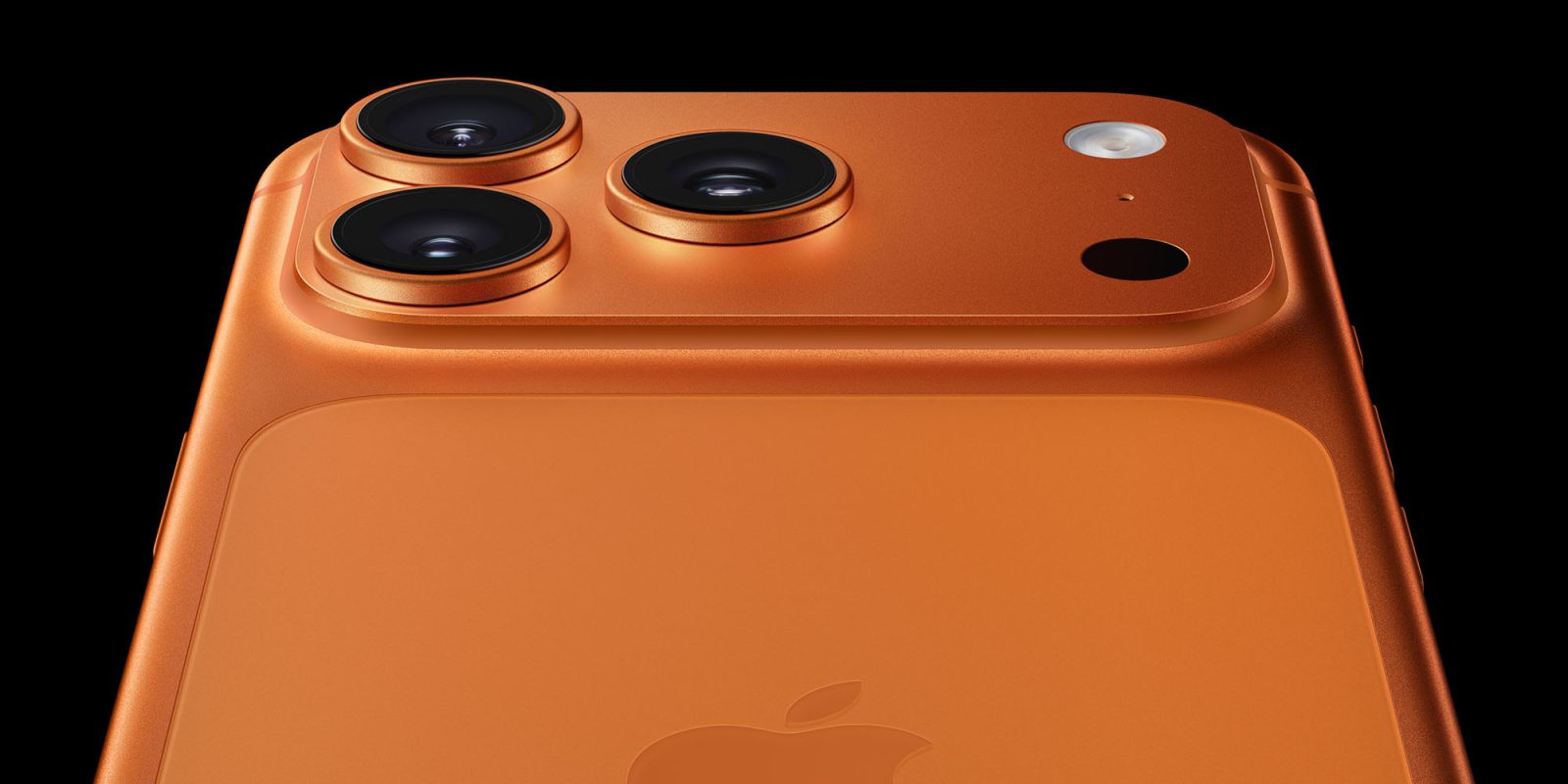
It’s not uncommon for new iPhone models to introduce issues for a small subset of users. With iPhone 17 Pro and Pro Max, it seems a number of users have encountered a strange speaker hiss when charging.
Expand Expanding Close
Benjamin and Chance return from the holiday break with some classic stories of tech support from the trenches. Also, iOS 26 Hold Assist proves better in theory than in reality based on listener feedback, and we do some Ask9to5Mac to close out 2025.
And in Happy Hour Plus, Benjamin and Chance debate what should be 9to5Mac’s Product of the Year. Subscribe at 9to5mac.com/join.


