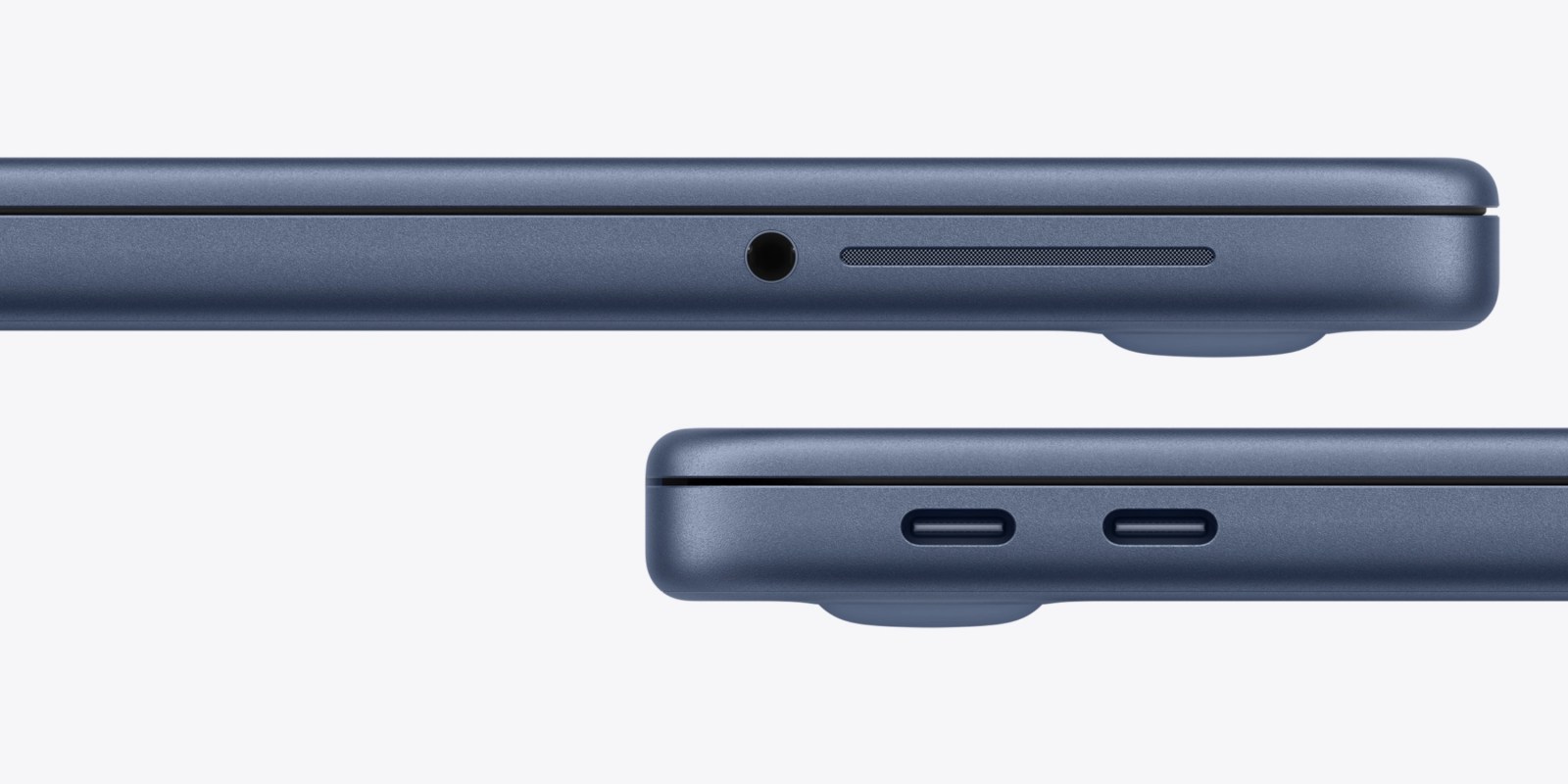
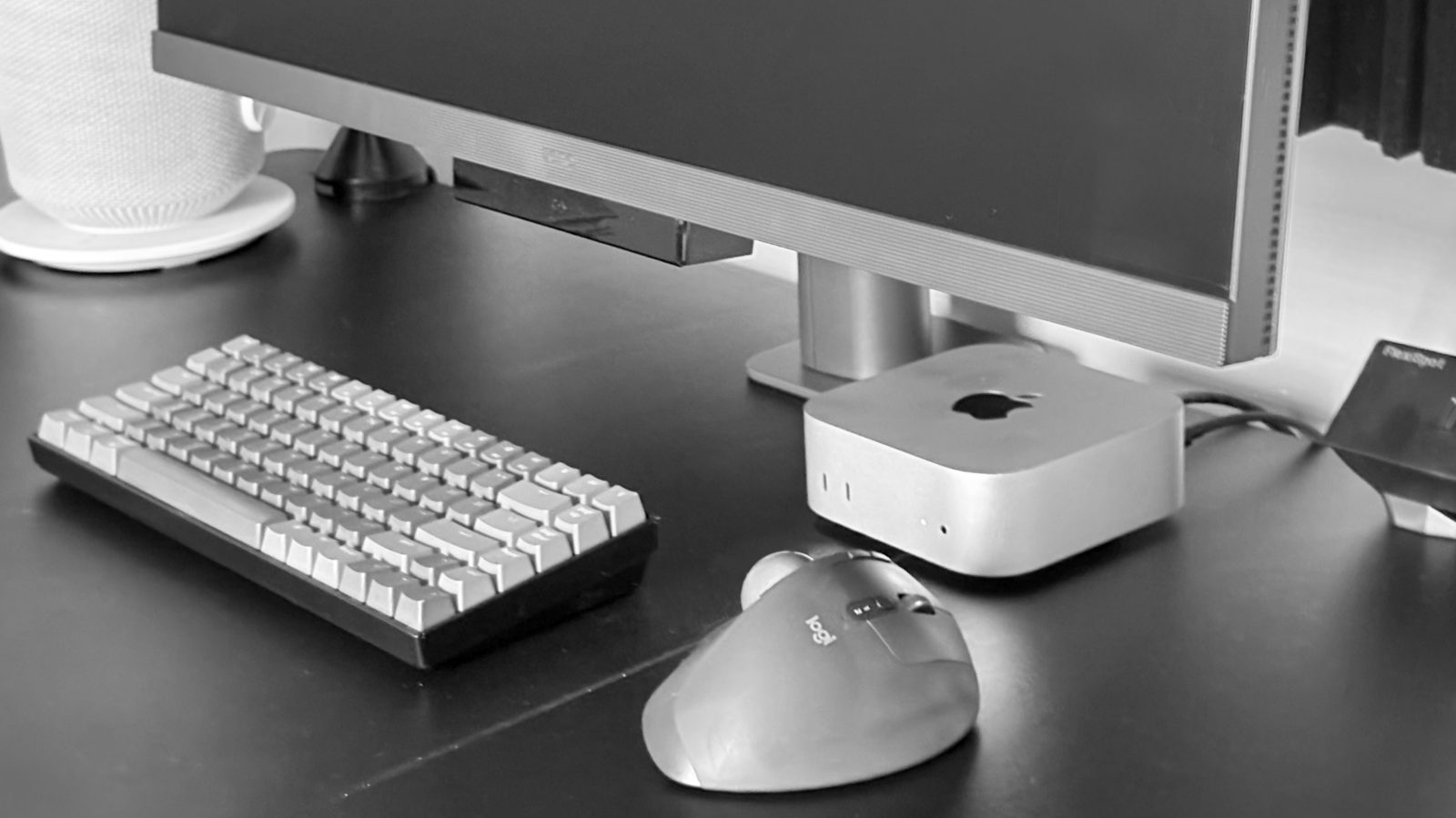
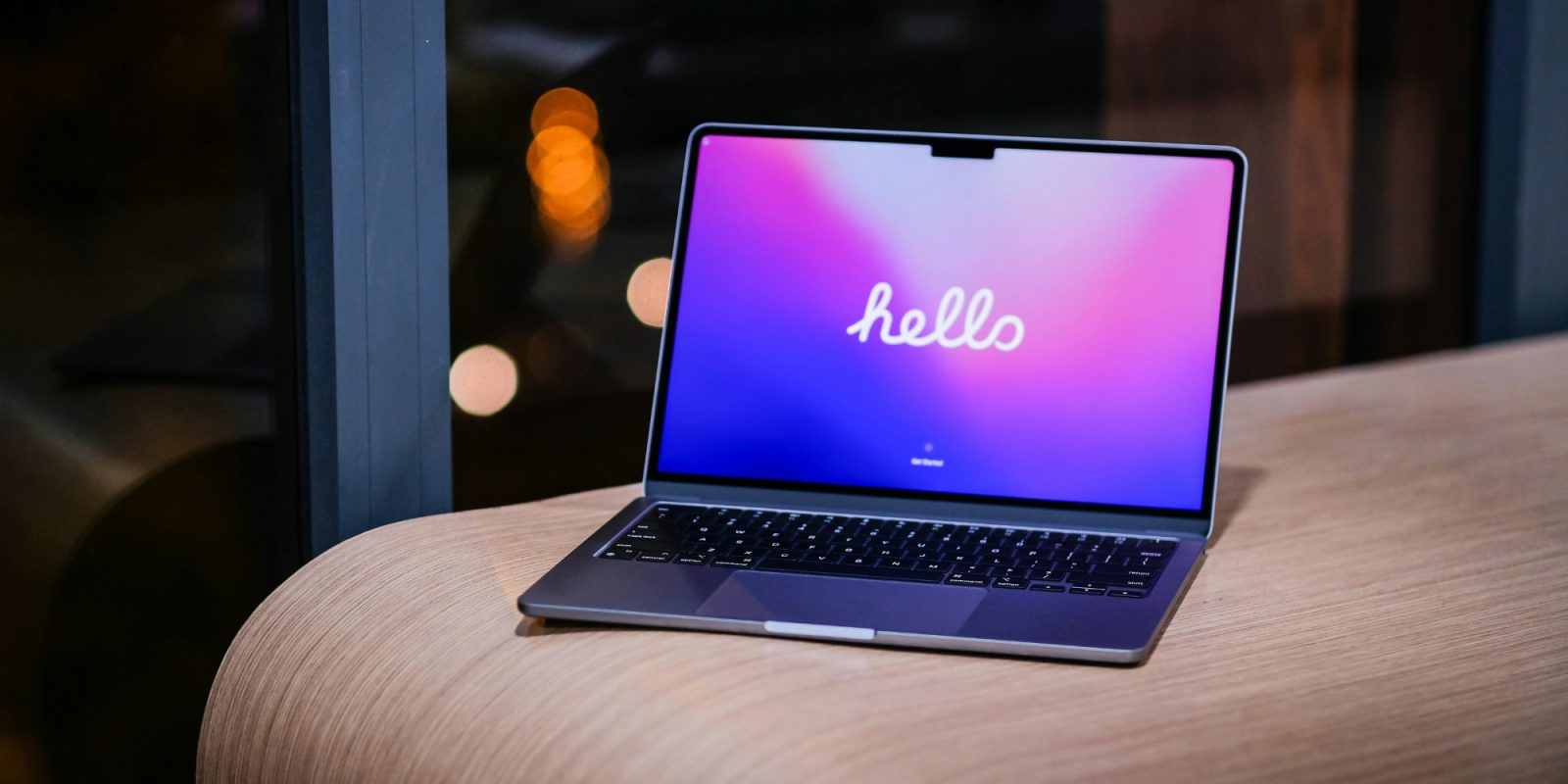
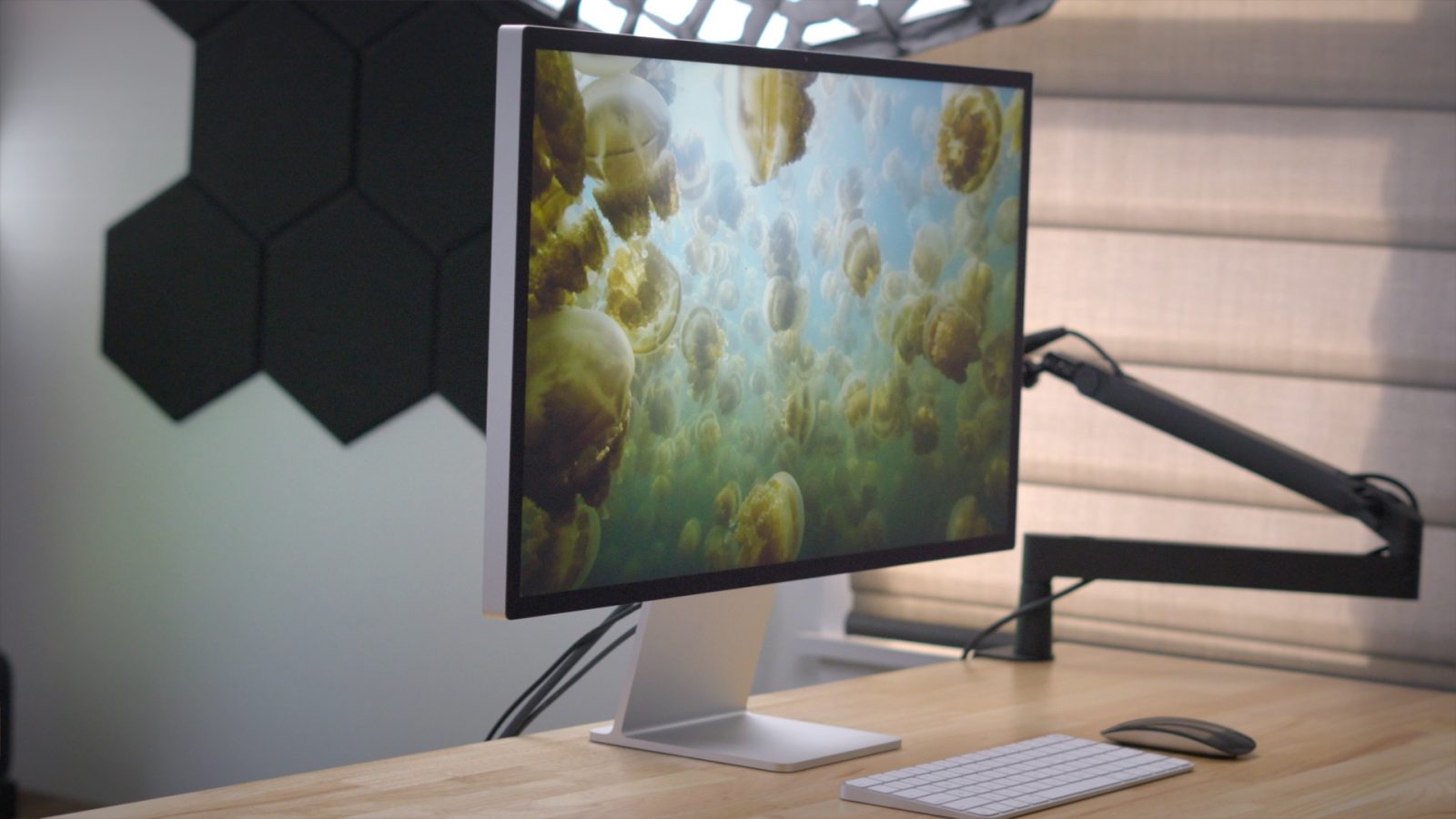
MacBook Neo is a great laptop for users who almost never use an external display. If you do connect MacBook Neo to a monitor, there are a couple of things to know.
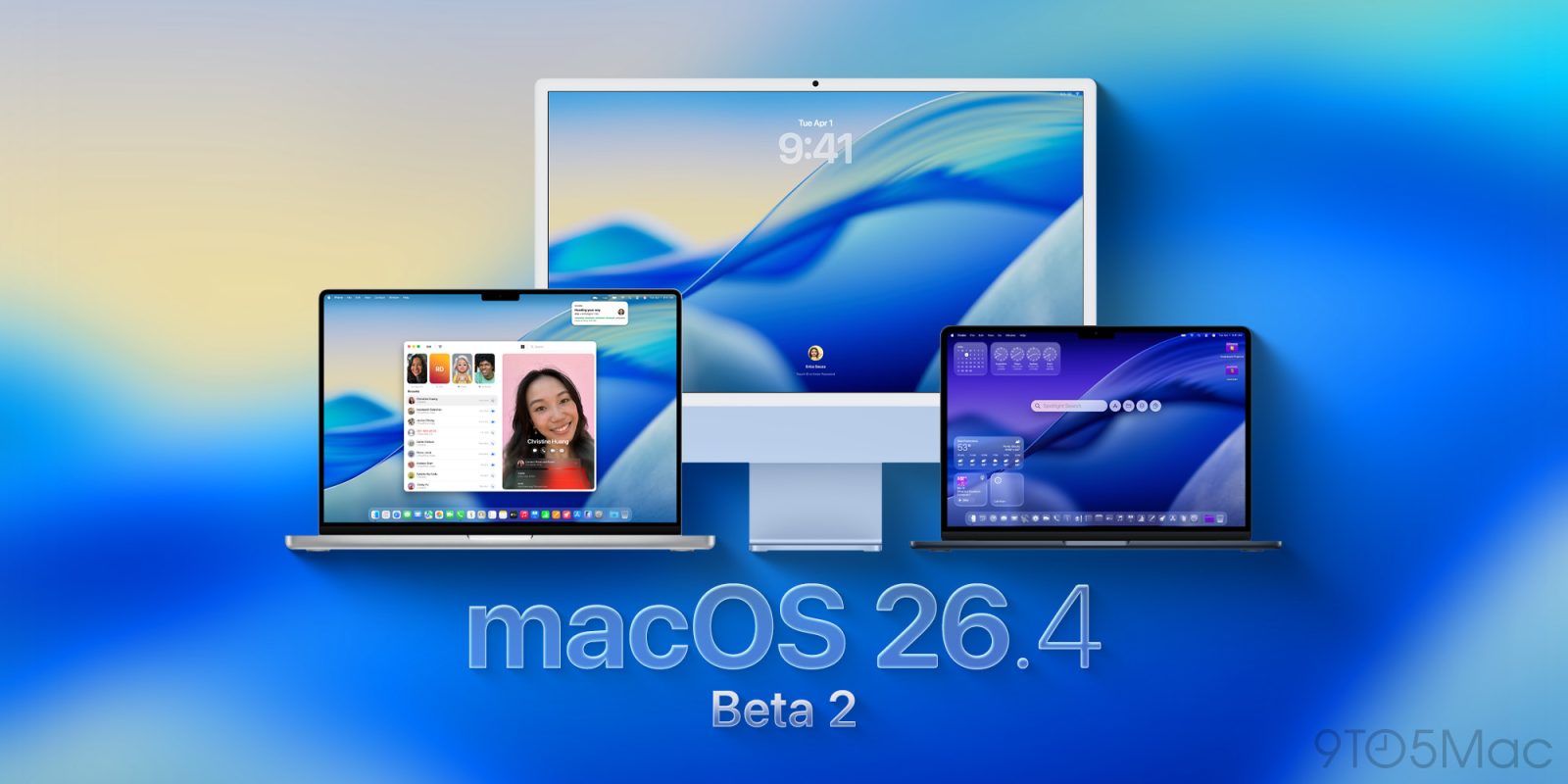
Following today’s announcement of the new MacBook Neo, and yesterday’s release of the developer version of macOS 26.4 beta 3, the public beta is rolling out now. Here’s what’s coming.
Apple confirms on its website that both iPadOS 26.3.1 and macOS 26.3.1 software releases are coming before the new iOS 26.4 iPhone update is released. This likely means that iOS 26.3.1 for iPhone is also confirmed.
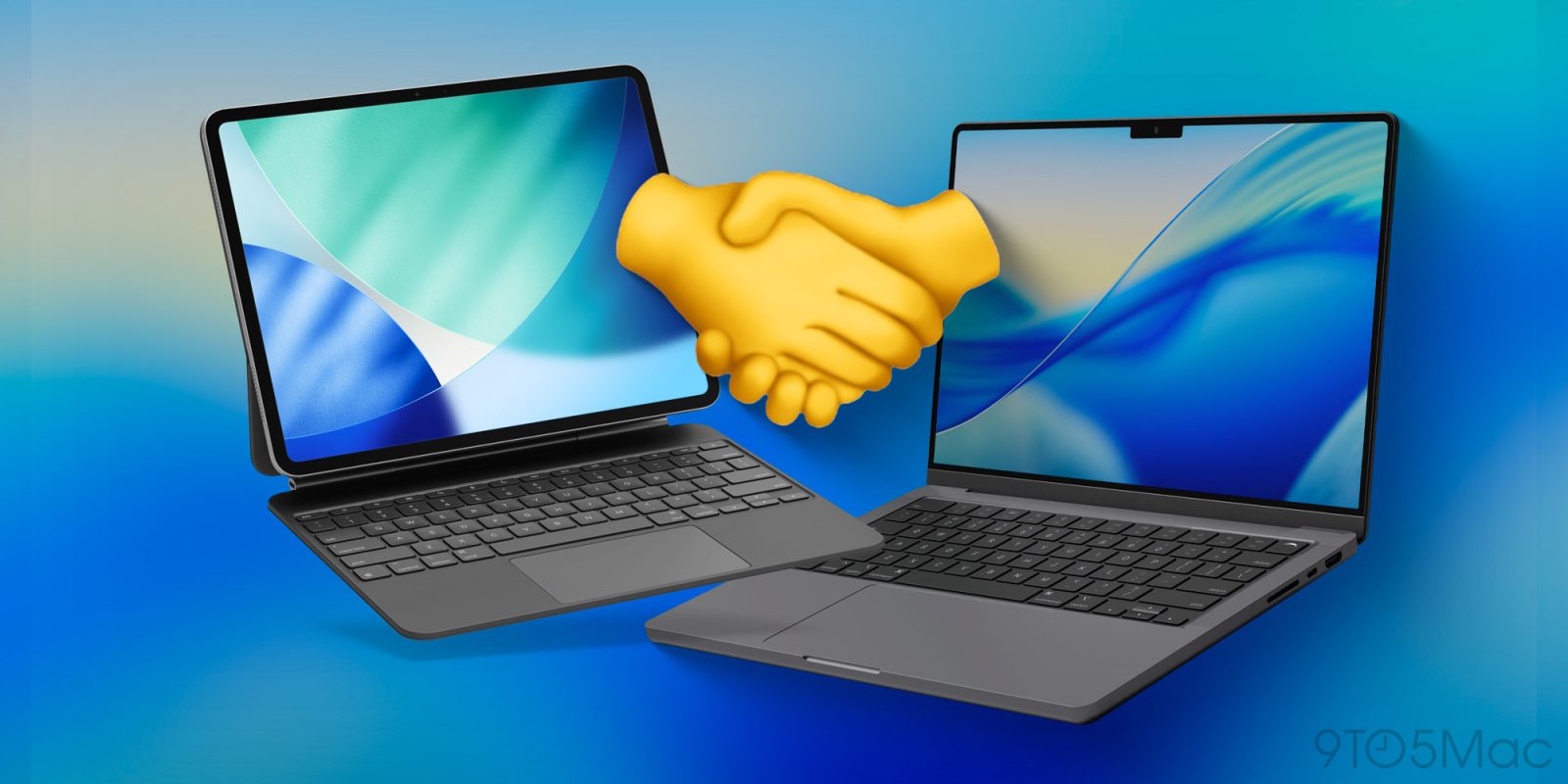
I have been a hardcore iPad user for almost a decade now. I have used it as my main computer and dealt with all the ups and downs. But one of the biggest misconceptions about the iPad is that it is trying to compete with the MacBook when, in reality, they were built to work in tandem. It is not until you have them side by side that you start to see the magic and power that is the Apple walled garden. Features like Universal Control, Sidecar, Handoff, and continuity tools create “aha” moments that genuinely change how you work. So I wanted to put a list together of some of those amazing magic ecosystem moments that iPadOS and MacOS give you together.
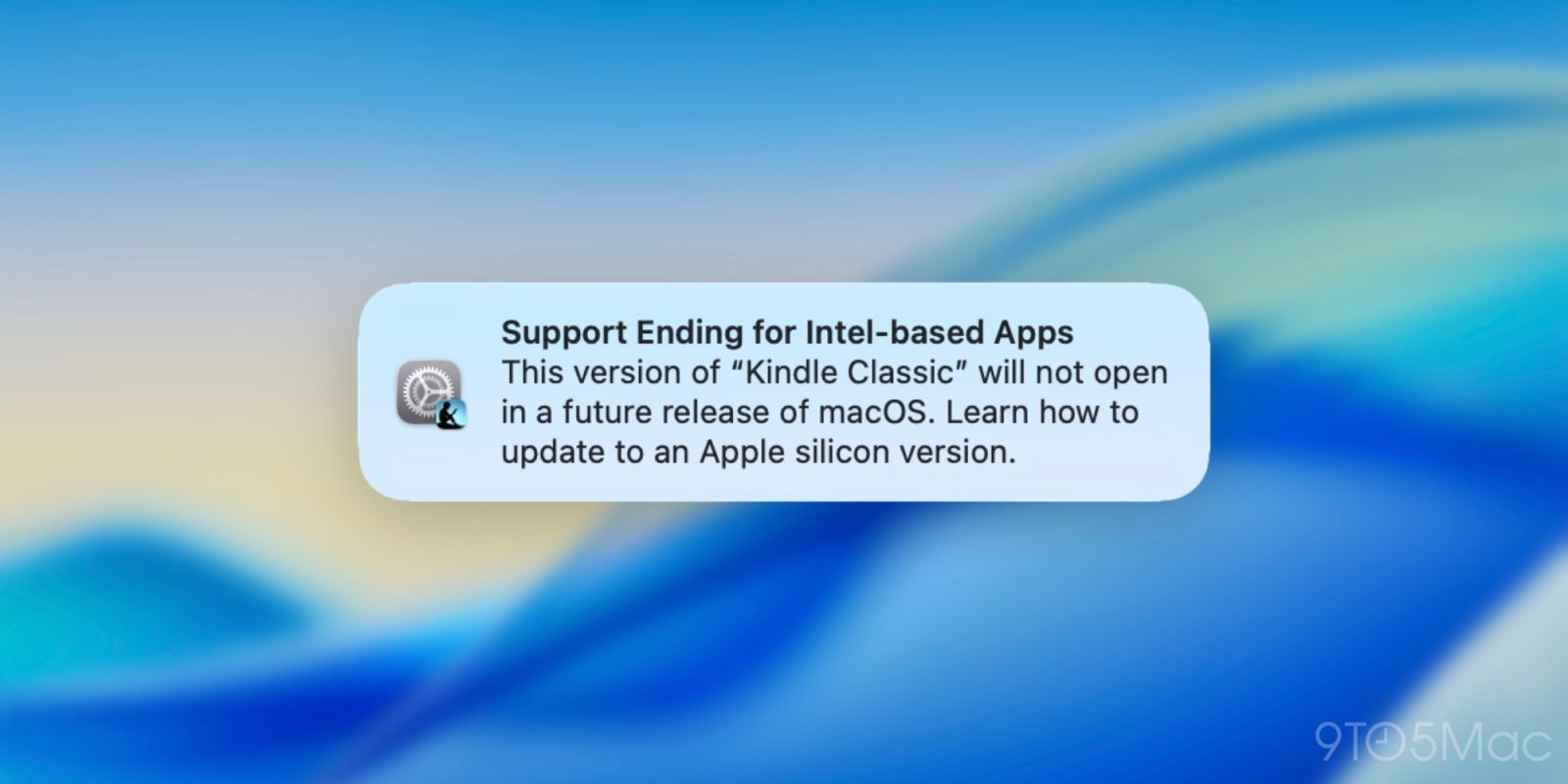
Last June at WWDC25, Apple announced that Rosetta 2, the software that translates Intel apps for Apple silicon, would be discontinued starting after macOS 27. Now, Apple will begin notifying users of apps that will soon be incompatible.
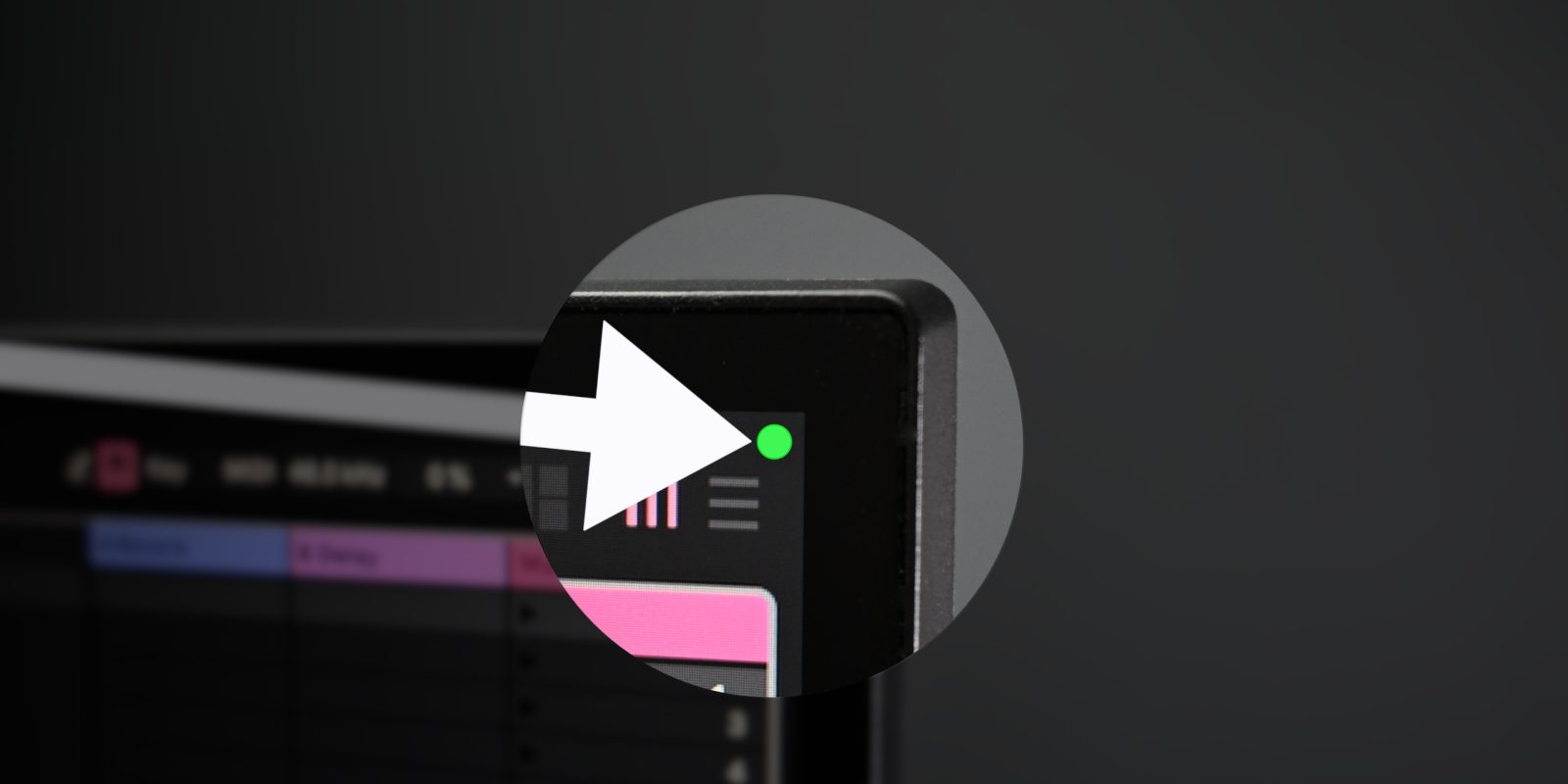
Apple includes privacy indicators in the upper-right corner of your Mac’s display to indicate when critical hardware is in use. An orange indicator means your microphone is in use, while a green indicator suggests the camera is in use. These indicators help users stay diligent about apps that may be using the camera or microphone legitimately or, in the worst case, unscrupulously.
While I appreciate having these indicators, they can become a distraction when taking screenshots or recording my Mac’s external display. Thankfully, Apple provides a solution to address the issue without compromising privacy.
With the release of macOS Sonoma back in 2023, Apple introduced a new High Performance screen sharing feature for the Mac’s native Screen Sharing application. This mode dramatically increases the usefulness of screen sharing. Responsiveness is improved, stereo sound output from the native Mac is enabled, and HDR is available, among other features.
Users working with professional apps like Final Cut Pro or Logic Pro will find that High Performance screen sharing significantly enhances the experience using those apps via a Screen Sharing connection with few downsides. Watch my hands-on video walkthrough to learn more, and be sure to subscribe to 9to5mac on YouTube for more videos.
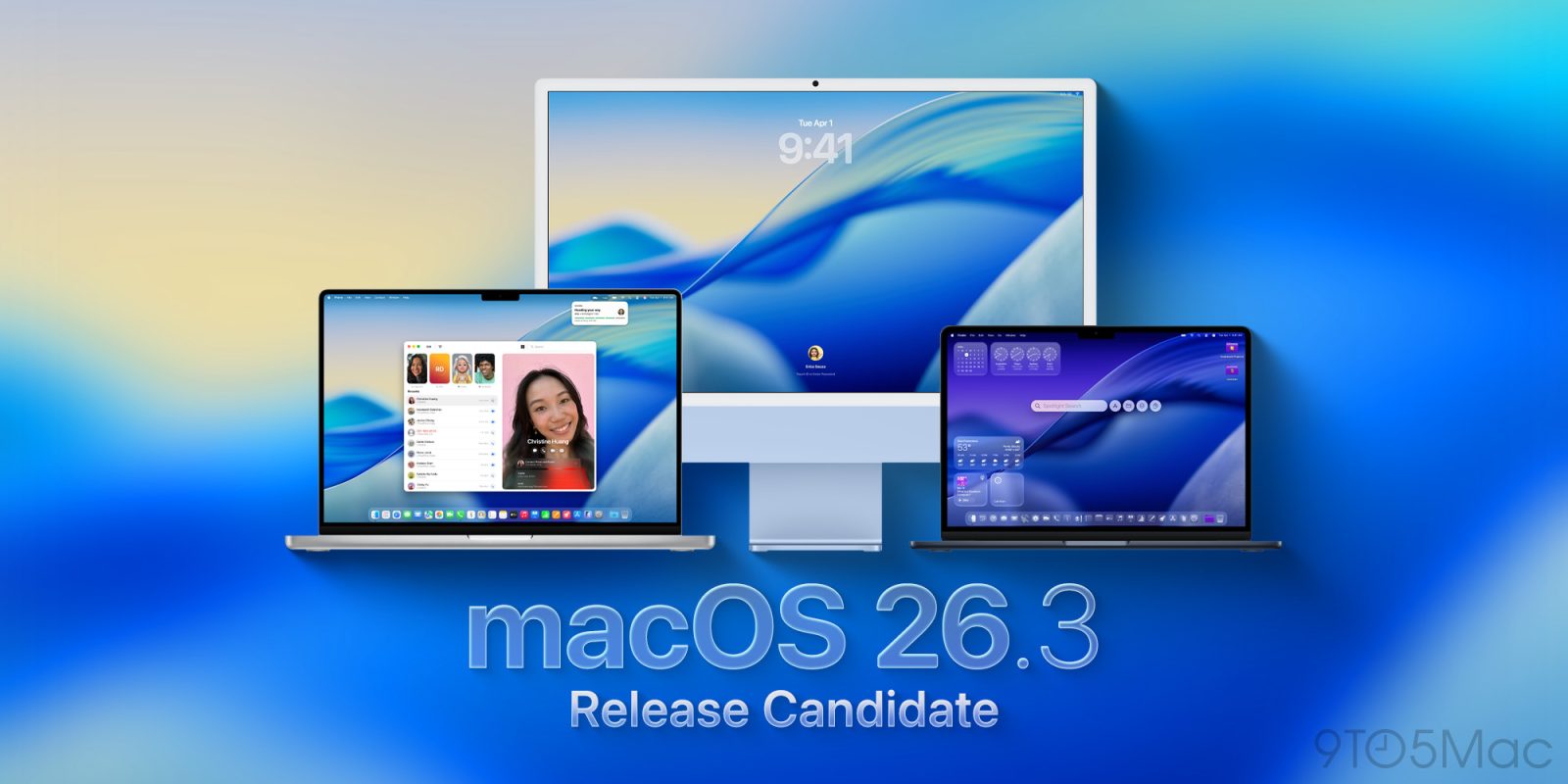
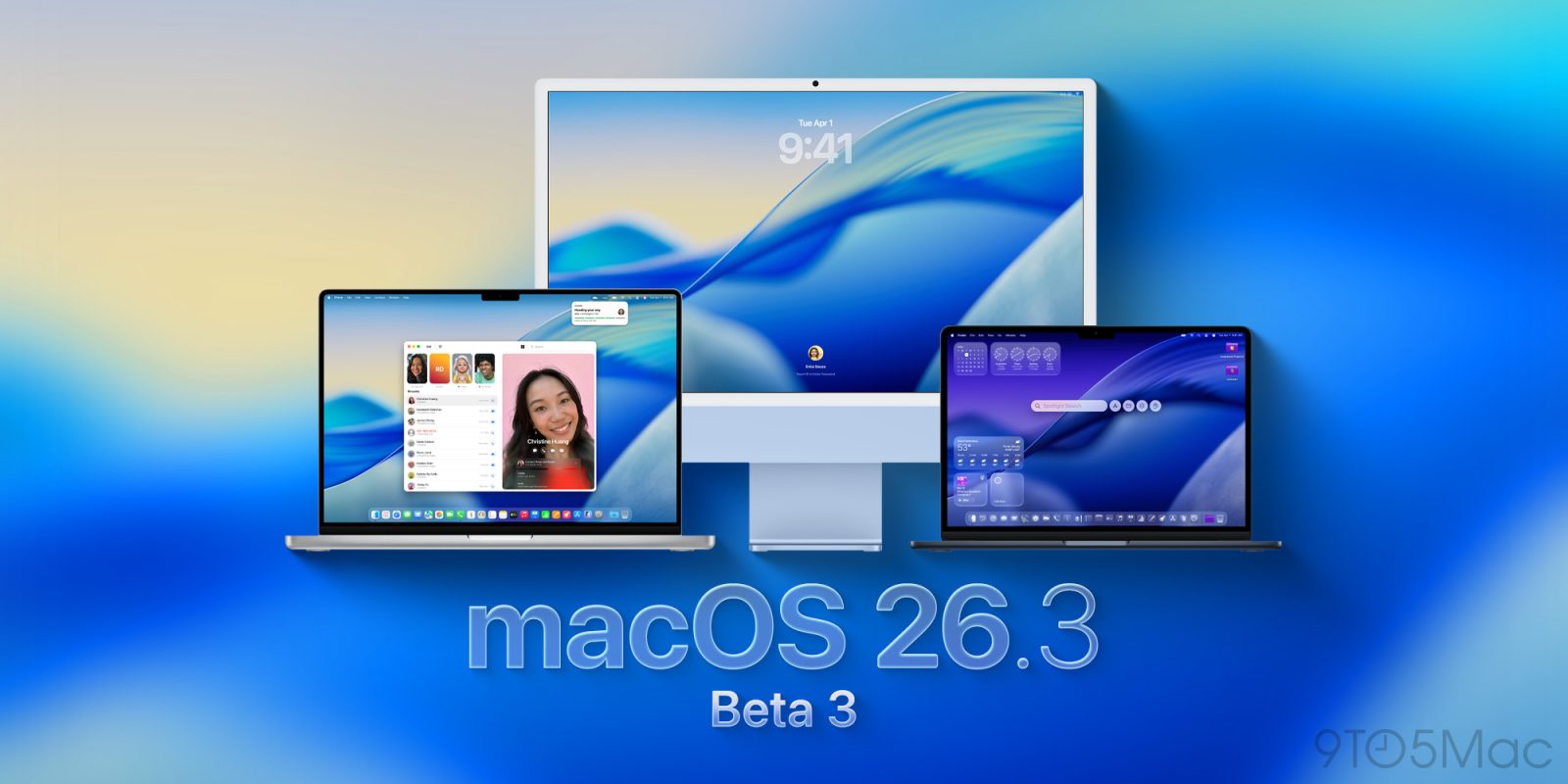
After three beta releases, Apple is moving macOS Tahoe 26.3 to the Release Candidate stage, ahead of the upcoming official release in the coming days. Here’s what to expect from the update.
A new website takes Apple’s most persistent software bugs and reframes them as a hilarious scoreboard, using intentionally over-the-top math to estimate how many collective human hours they’ve supposedly wasted over the years.
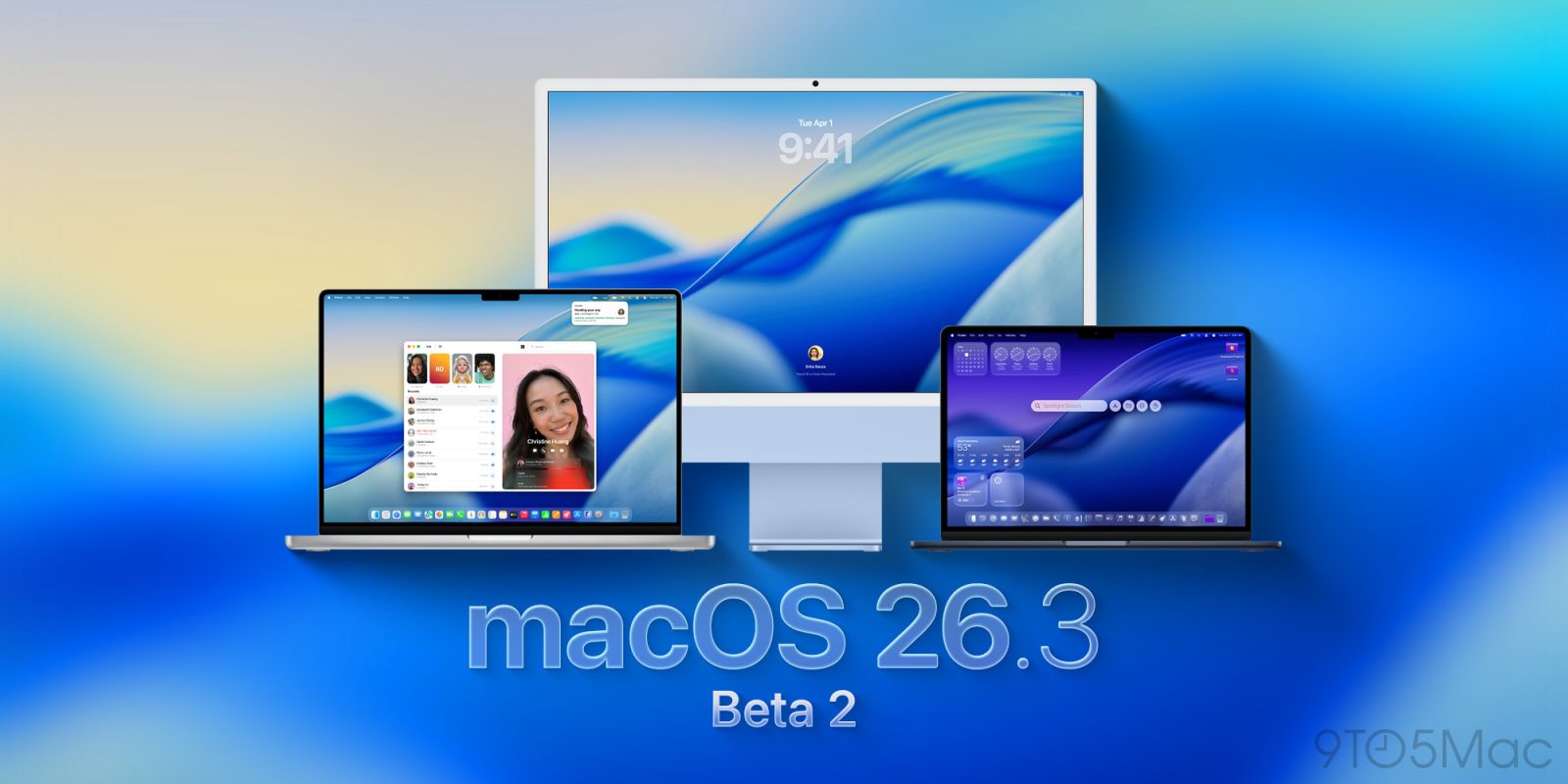
Kicking off the 2026 beta period, Apple is rolling out today macOS 26.3 beta 2 for developers, alongside beta 2 releases for iOS 26.3, iPadOS 26.3, and more. Here’s what’s new.
macOS Tahoe app icons came under fire late last year with commenters describing them as “terrible” and “objectively bad.” In our poll, 9to5Mac readers had exceedingly mixed views.
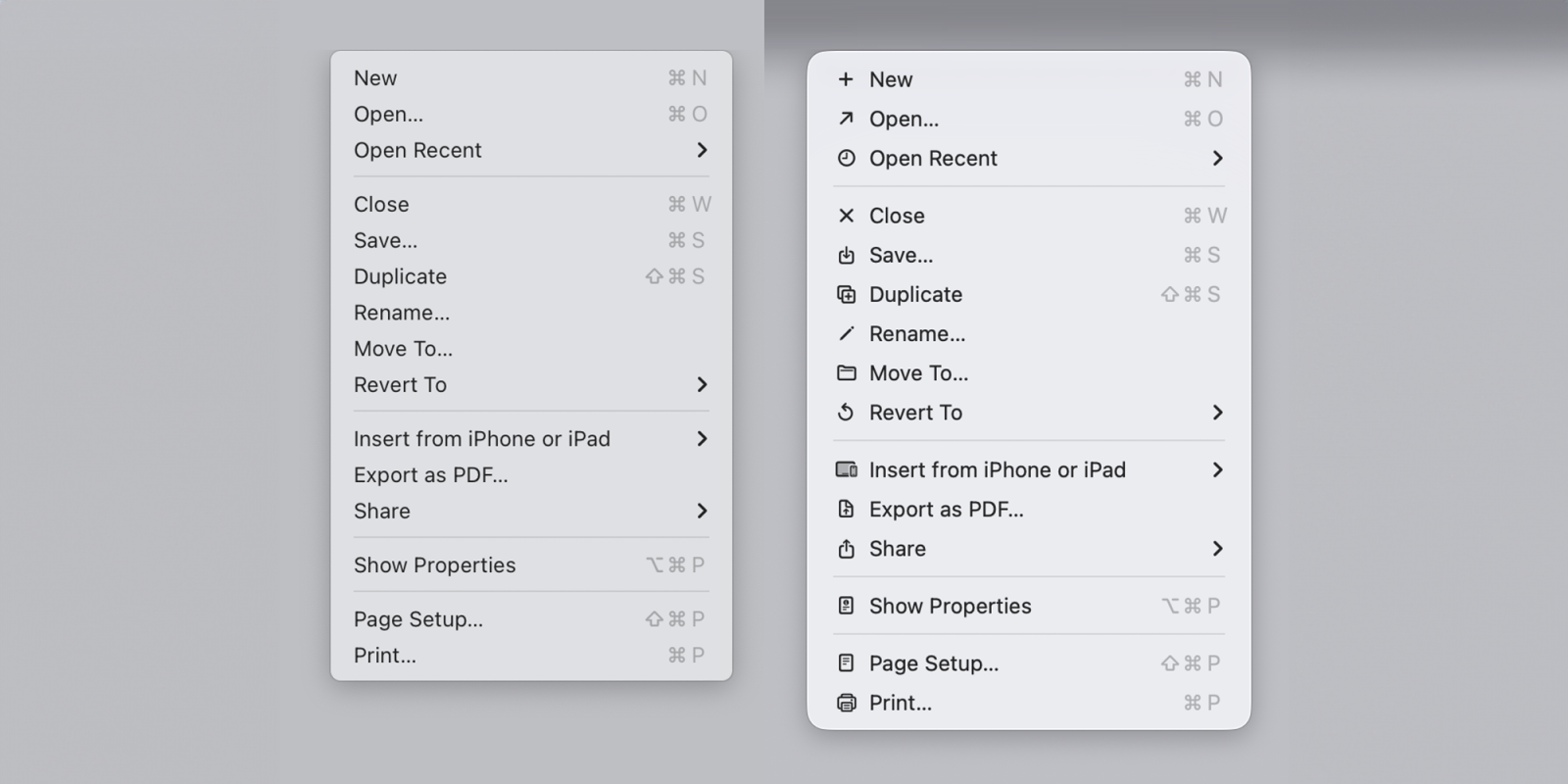
Software engineer Nikita Prokopov has now drawn attention to the icons used within menus and pointed out that they almost exactly mirror the approach which Apple’s Macintosh Human Interface Guidelines advised against back in 1992 …
Whether you just got your first Mac or upgraded to a brand-new machine, it’s always helpful to get started on the right set of tools. Here are the very first apps I usually install as soon as I get a new Mac.
If you’ve noticed odd screen flickering since installing macOS Tahoe, you’re not alone. A growing number of users are reporting brief but distracting display flickers, particularly when using Apple’s Studio Display.
After releasing the first developer beta of macOS Tahoe 26.3 earlier this week, Apple is already rolling out its public counterpart. Here’s what to expect.