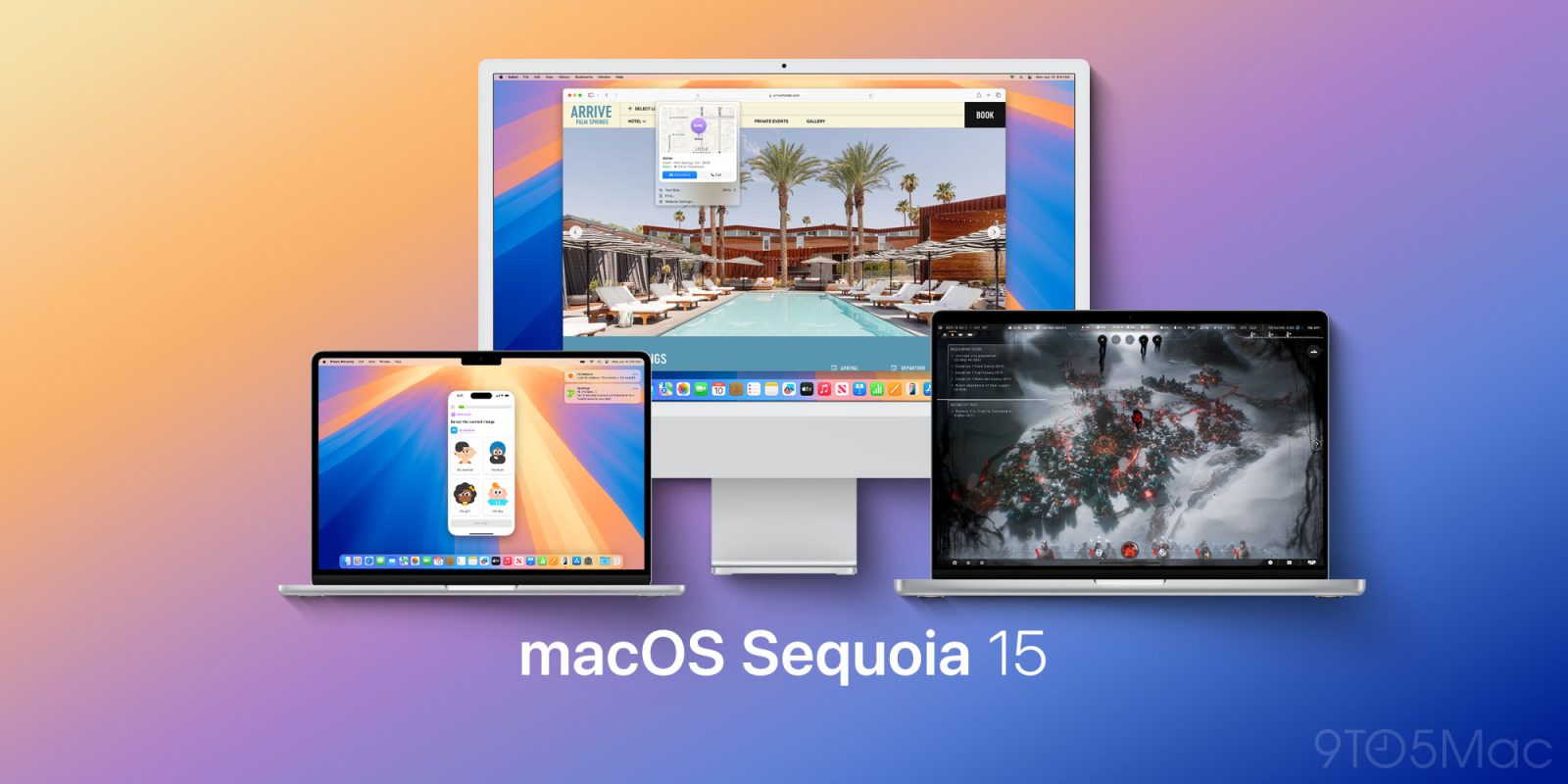
macOS Sonoma 14.8.8 and macOS Sequoia 15.7.8 now available

In addition to macOS 26.6, Apple is also rolling out macOS Sonoma 14.8.8 and macOS Sequoia 15.7.8 with important bug fixes. Here are the details.
Expand Expanding Close
In addition to macOS 26.6, Apple is also rolling out macOS Sonoma 14.8.8 and macOS Sequoia 15.7.8 with important bug fixes. Here are the details.
Expand Expanding Close
Continuing Apple’s extended test period for macOS Sonoma 14.8.8 and macOS Sequoia 15.7.8, the company is now rolling out the seventh Release Candidate for both systems. Here are the details.
Expand Expanding Close
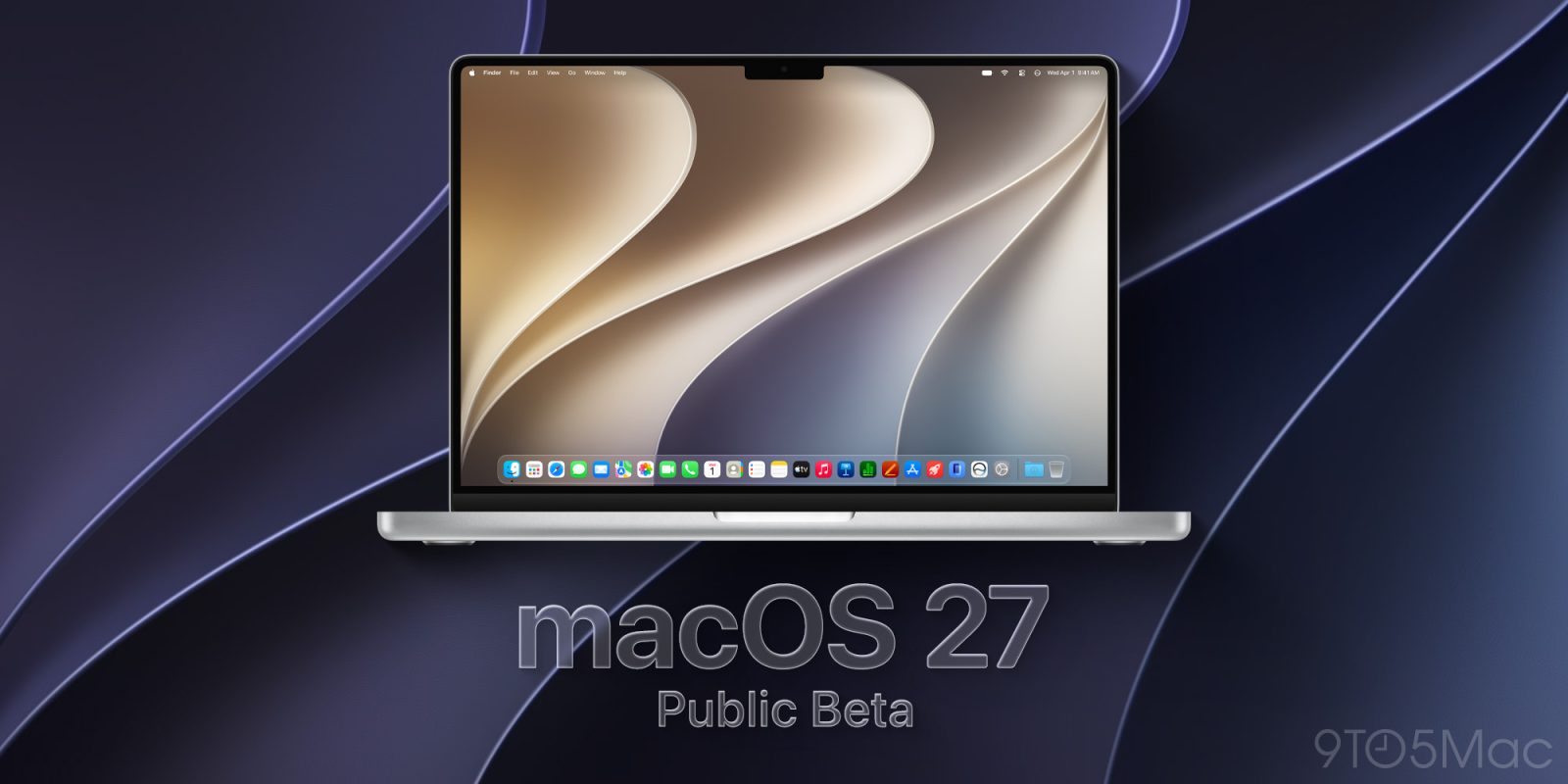
Just a few days after releasing macOS 27 Golden Gate developer beta 4, Apple is now rolling out the second public beta of macOS 27. Here’s how to install it.
Expand Expanding Close
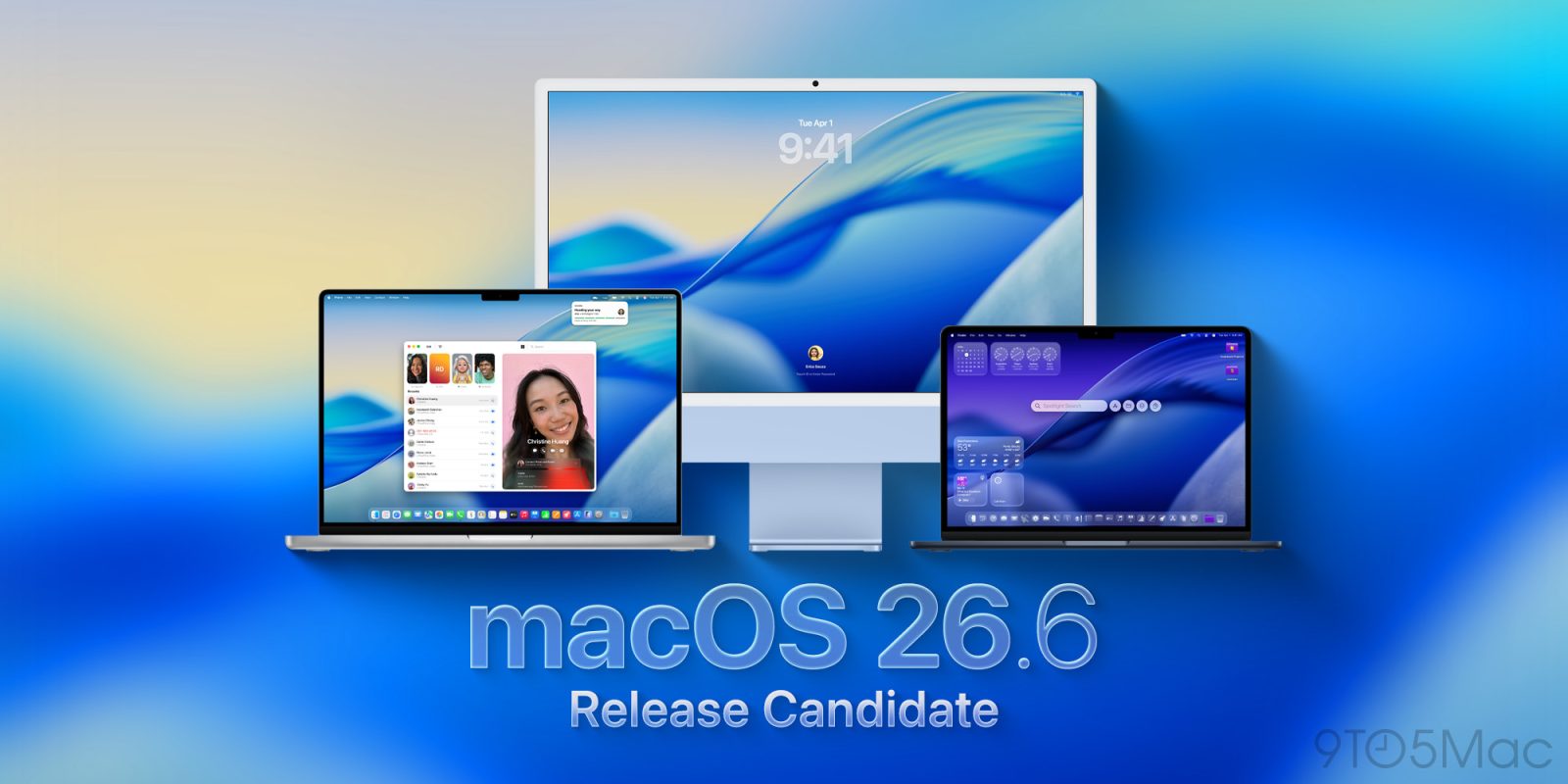
Apple is rolling out the first developer and public release candidates for macOS 26.6, ahead of the system’s official release. Here’s what’s new.
Expand Expanding Close
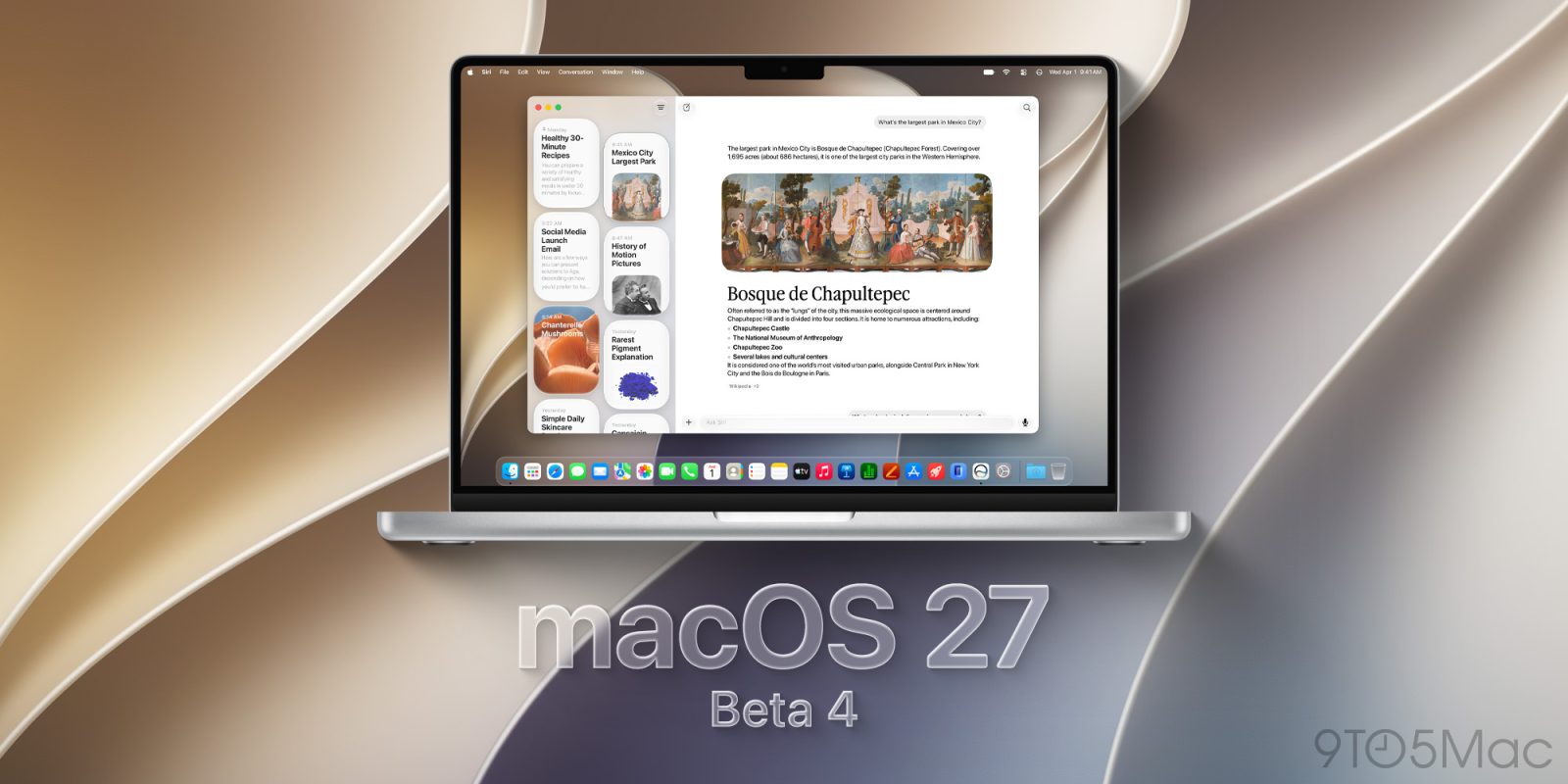
Just a few days after kicking off the public beta season and releasing a revised version of macOS 27 developer beta 3, Apple is now rolling out macOS 27 developer beta 4. Here are the details.
Expand Expanding Close

While macOS is generally very stable, there are times when an app will crash and your Mac will offer to send a diagnostic report to Apple.
A new form of Mac malware has been discovered, which creates fake versions of this form, requesting your Mac password as part of the data collection. If you comply, it will get access to a huge range of personal data, including your password managers and cryptocurrency wallets …
Expand Expanding Close
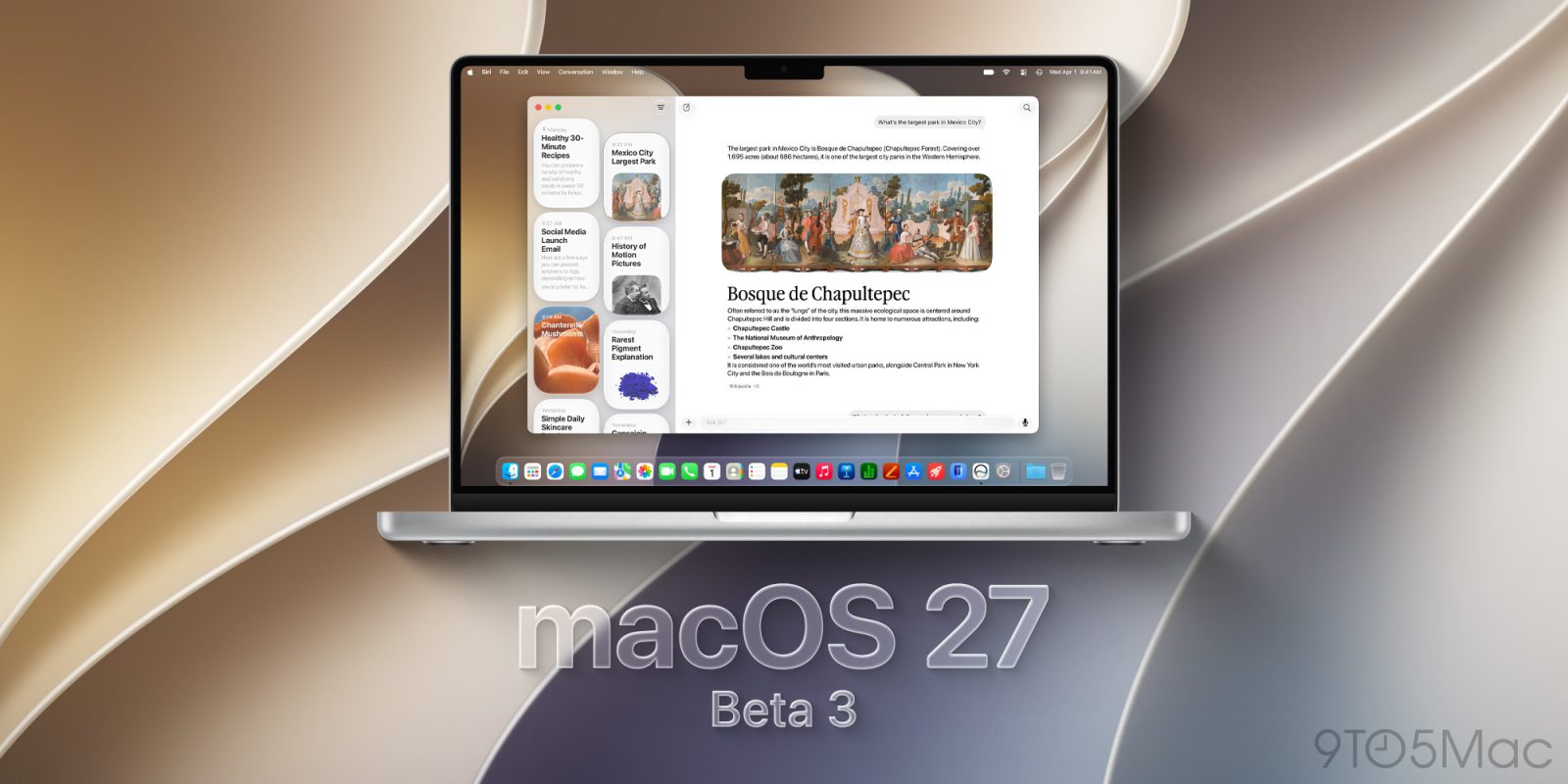
In addition to releasing the first wave of public betas for iPadOS 27 and macOS 27 Golden Gate, Apple also rolled out revised versions of these developer betas with new build numbers. Here are the details.
Expand Expanding Close
After three rounds of developer betas, Apple is now rolling out the first public beta of macOS 27. Here’s how to install it.
Expand Expanding Close
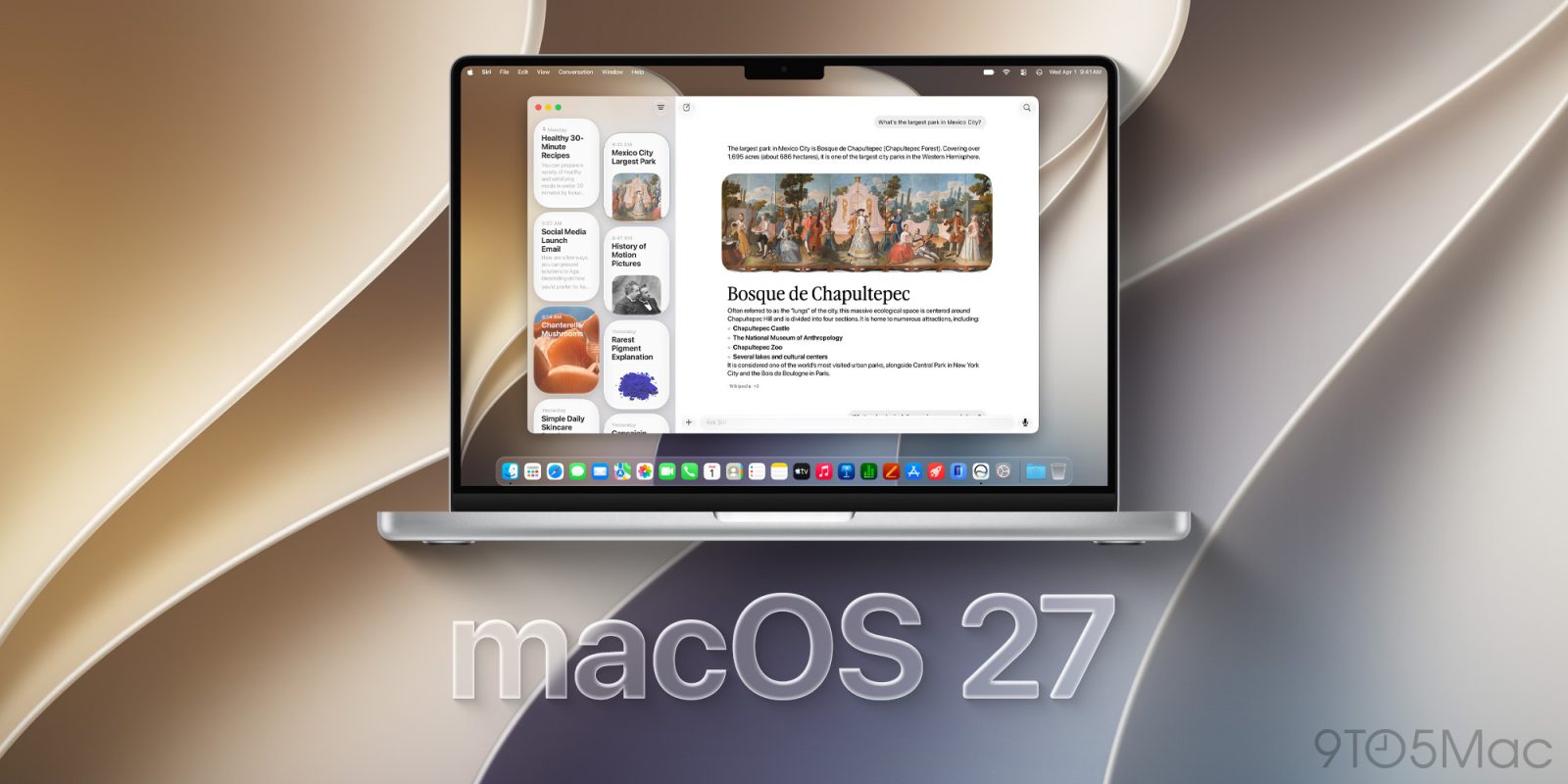
Today’s macOS 27 Golden Gate beta 3 release includes two new wallpaper and screen saver options for your Mac.
Expand Expanding Close
Update July 7, 4:17 p.m. ET: Public betas are also now available.
After releasing a rare third RC for macOS Sonoma 14.8.8 and Sequoia 15.7.8 late last month, the company is now rolling out a fourth version alongside macOS 26.6 beta 4 and macOS 27 beta 3. Here are the details.
Expand Expanding Close
Two weeks after releasing macOS 27 Golden Gate beta 2, Apple is now rolling out beta 3 for developers. Here are the details.
Expand Expanding Close
Update July 7, 4:18 p.m. ET: The public beta is also now available.
A week after releasing macOS 26.6 developer beta 3, Apple is now rolling out the fourth beta for developers, ahead of the system’s official rollout. Here’s what to expect.
Expand Expanding Close
Update, June 30: The public RCs are now available as well.
In addition to several betas released today, Apple is also rolling out new release candidates for macOS Sonoma 14.8.8 and macOS Sequoia 15.7.8. Here are the details.
Expand Expanding Close
In addition to iOS and iPadOS 26.5.2, Apple is also rolling out macOS 26.5.2. Here are the details.
Expand Expanding Close
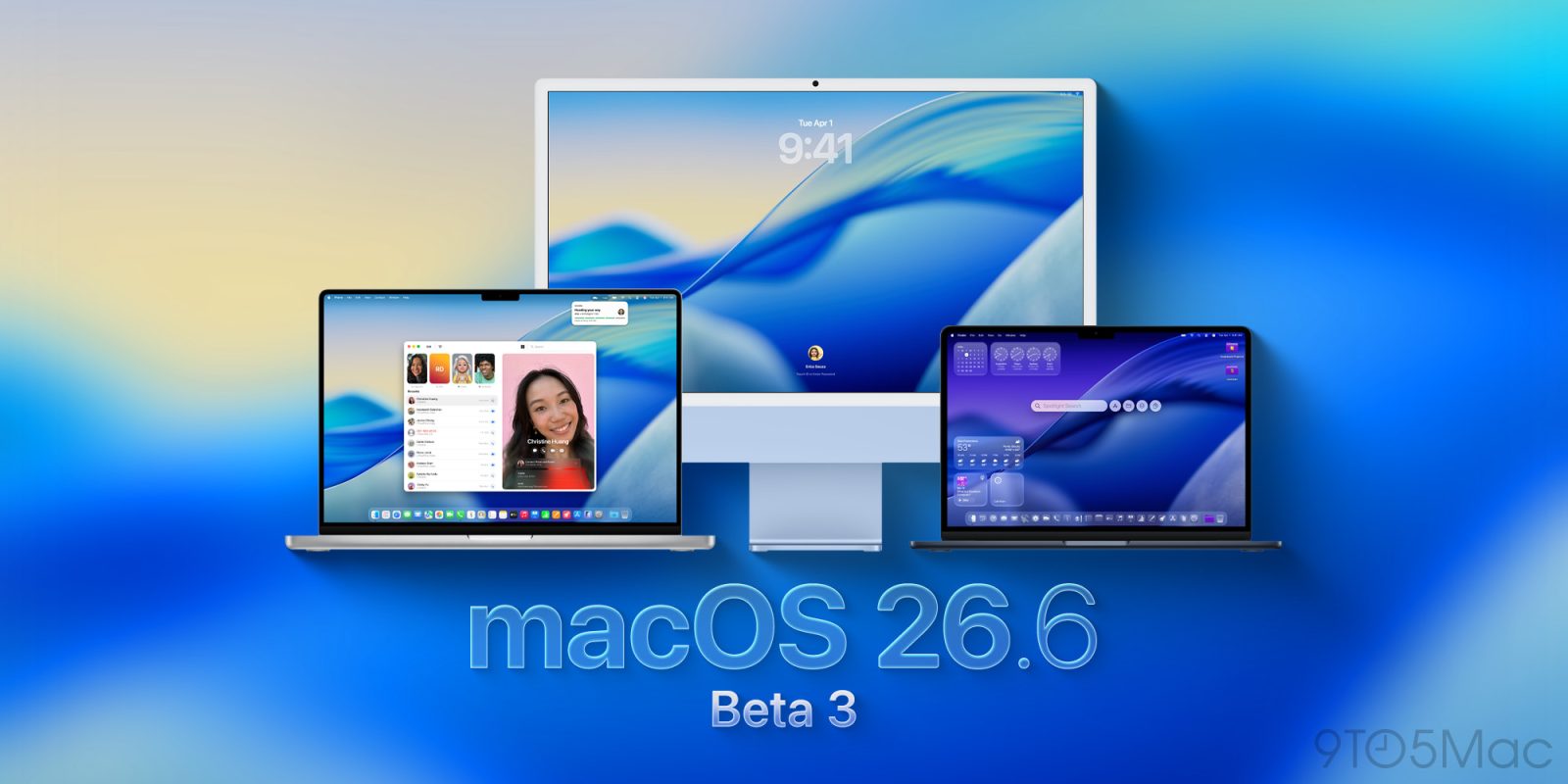
Update, June 30: The public beta is now available as well.
Two weeks after releasing macOS 26.6 developer beta 2, Apple is now rolling out beta 3 for developers, ahead of the system’s official rollout. Here’s what to expect.
Expand Expanding Close
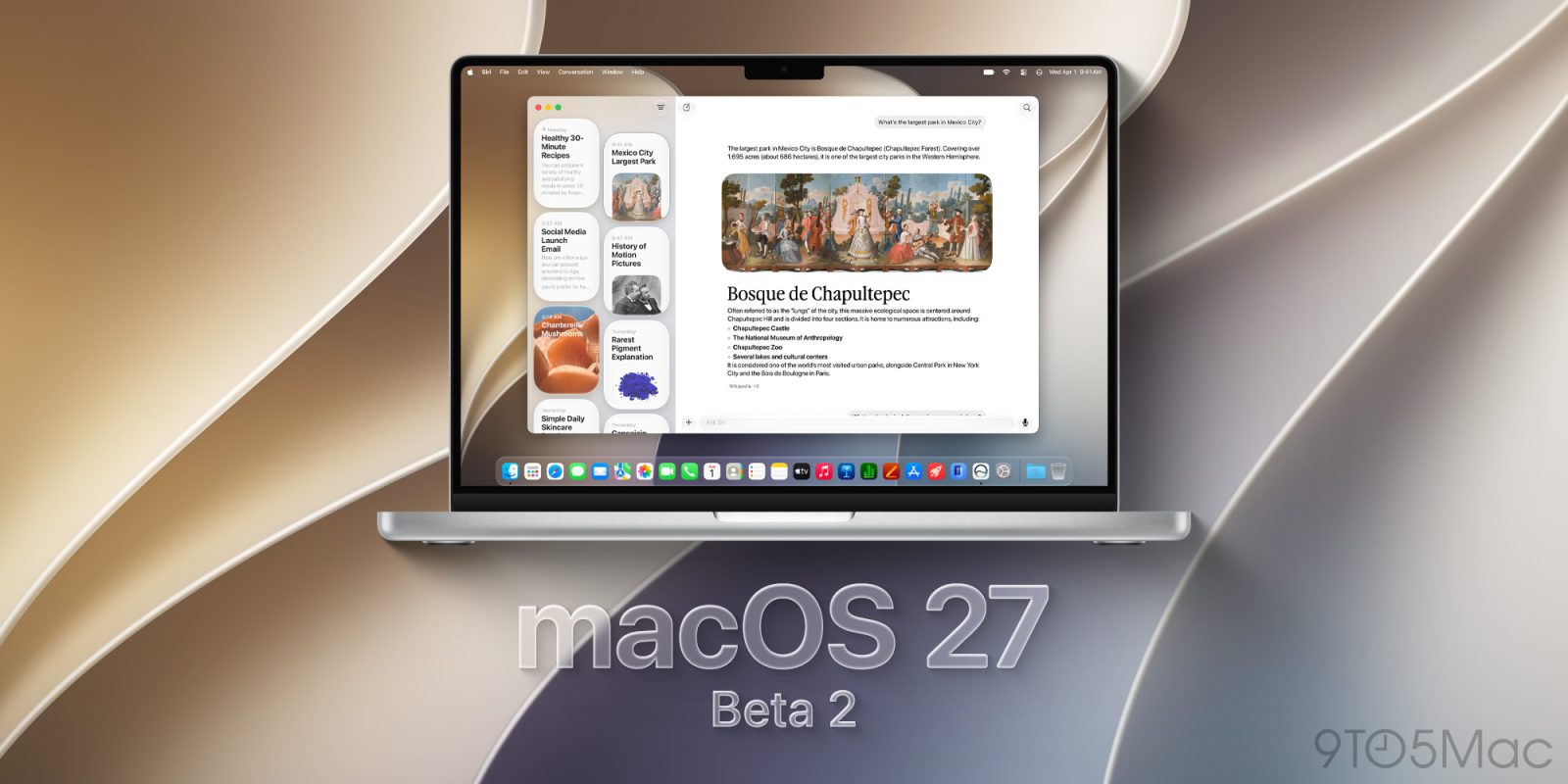
Following the first beta rolled out after WWDC, Apple is now rolling out the second developer beta of macOS 27 Golden Gate. Here are the details.
Expand Expanding Close
Among Apple’s slate of software platforms, macOS is an outlier in having its own brand name (e.g., macOS Golden Gate) instead of just a number. But some new signs indicate Apple may be shifting toward number versioning.
Expand Expanding Close
Update, June 16, 1:18 p.m. ET: Apple has now released the public betas 2 for these same system versions. The original post follows below.
After last week’s release of the first developer betas for the operating systems announced during the WWDC keynote, Apple is now releasing a new round of betas for its current software lineup. Here are the details.
Expand Expanding Close
Update, June 16, 1:18 p.m. ET: The public betas are now available. The orignal post follows below.
In addition to releasing macOS Tahoe 26.6 developer beta 2 today, Apple also seeded Release Candidates for two older versions of macOS. Here are the details.
Expand Expanding Close
macOS is designed to put your Mac to sleep when it is not being used. That is usually exactly what you want. Sleep saves power, protects battery life, and keeps a MacBook from running when it is closed and stuffed in a bag.
Sometimes tasks like downloads, backups, remote sessions, and AI coding need a temporary exception. Fortunately, there are some great Mac apps for giving you this control.
Expand Expanding Close

One addition to macOS 27 Golden Gate that went unmentioned during yesterday’s WWDC keynote was the fact that the system has improved its ultrawide display support. Here are the details.
Expand Expanding Close
macOS 27 includes several additions and improvements in Safari, including optional AI-powered features that help organize tabs and keep users up to date on changes to the websites they’re watching. Here’s everything new.
Expand Expanding Close
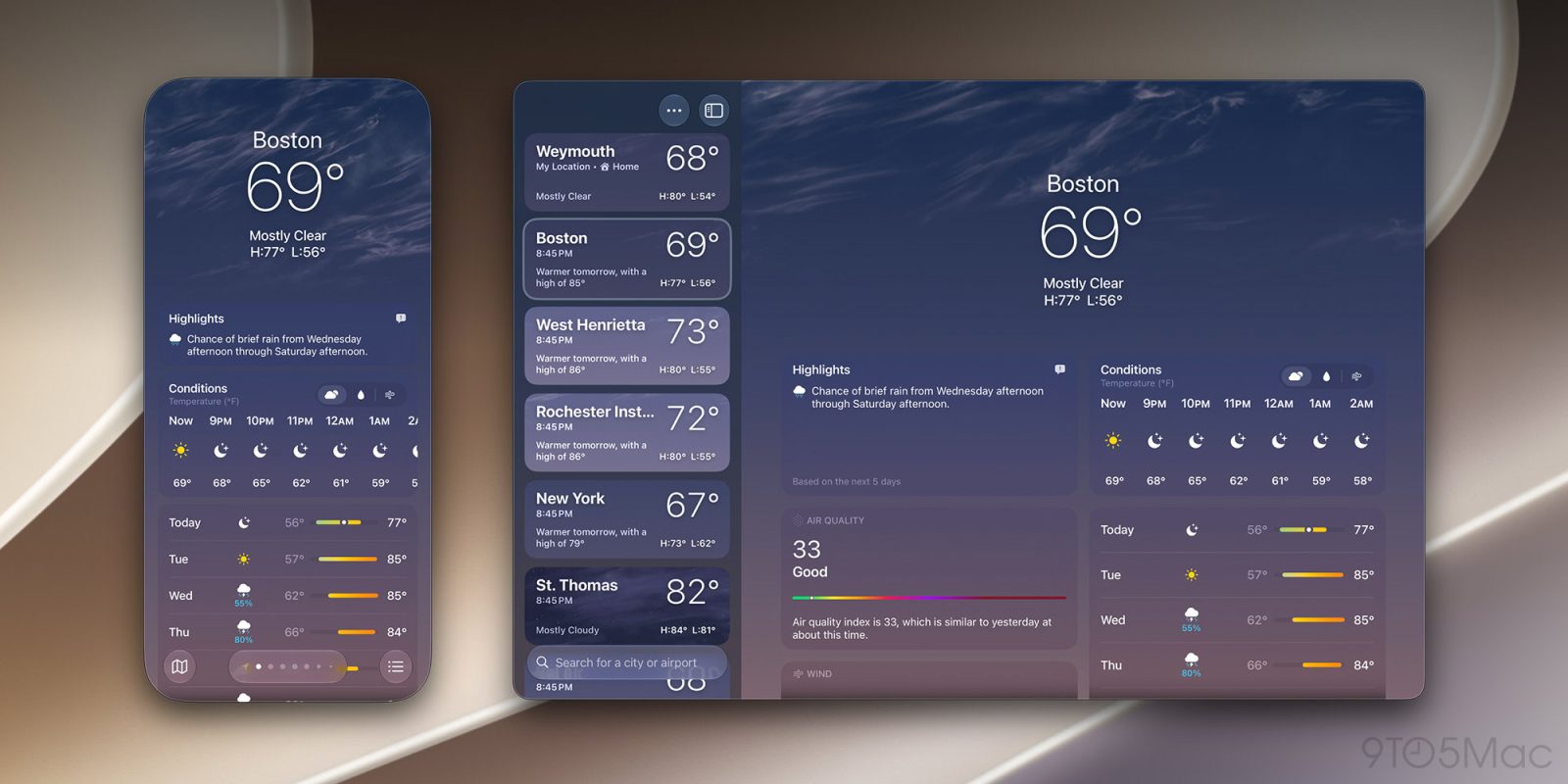
Among the new features in macOS 27 Golden Gate is the ability to resize the iPhone Mirroring window using additional aspect ratios. Here are the details.
Expand Expanding Close
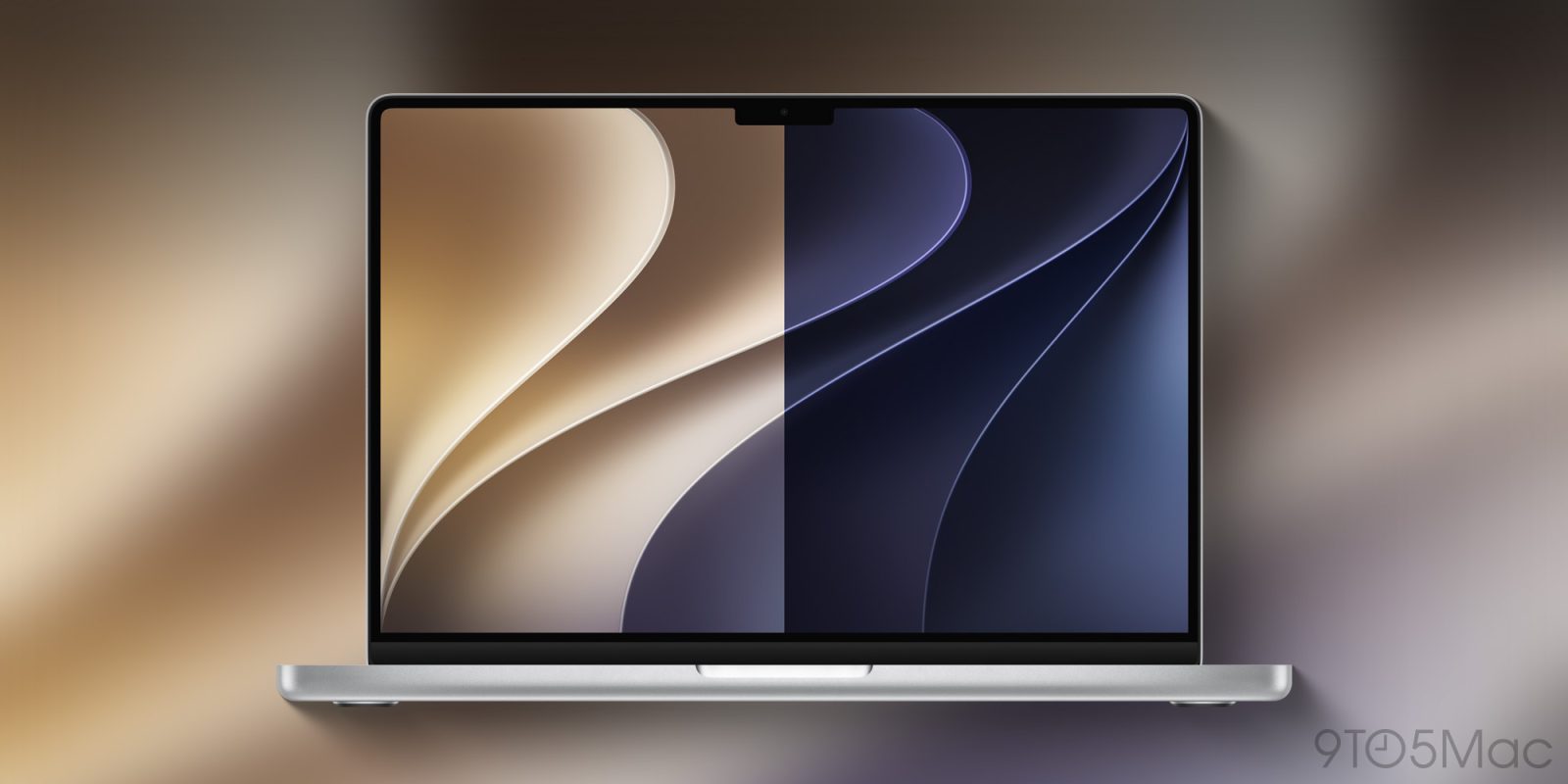
And even though macOS 27 Golden Gate won’t launch for a few more months, you can already get the new light and dark wallpapers from the gallery below.
Expand Expanding Close