iOS

See All Stories

The world’s most advanced mobile operating system

iOS is Apple’s mobile operating system that runs on iPhone, iPad, and iPod touch. Historically, Apple releases a new iOS version once a year, the current version is iOS 13.

In 2007, Steve Jobs introduced the iPhone and iPhone OS. During the event, Jobs referred to the operating system as OS X because it shared a similar Unix core compared to the Mac. When Apple launched the iPhone SDK a year later, they officially changed the name to iPhone OS.

In the summer of 2008, Apple added the App Store to iPhone OS with version 2.0, and this set the stage for the “app economy” that we still enjoy to this day.

Version 3.0 was released in 2009, and it included copy/paste, MMS support, Spotlight, mobile tethering, and push notifications for 3rd party apps.

In version 4, Apple finally renamed iPhone OS to iOS (with the iPad sharing the same software). The major features were multitasking and FaceTime.

iOS 5.0 introduced Notification Center, iMessage, Siri, and iCloud.

iOS 6.0 removes Google Maps in favor of Apple Maps and added the Passbook app (now known as Wallet).

Version 7.0 brought a dramatic redesign of iOS with a new font, flatter icons, a and new Photos app. The redesign was led by Jony Ive.

Version iOS 8.0, Apple finally allowed third-party keyboards and the ability to share files from different apps.

Version 9.0 included Apple Maps, an overhauled Notes app, and multitasking for iPad.

Version 10.0 included an SDK for Siri, Maps, and iMessages.

Version 11.0 included a new iPad Dock, Customizable Control center, drag and drop on iPad, and the Files app with third-party integration.

Version 12.0 added Screen Time features for managing your time on devices, the Shortcuts app, ARKit 2.0, and Memoji.

iOS 13 added Dark Mode, swipe-style typing, a redesigned share sheet, made app downloads 50% smaller, 2x faster app launch speed, Memoji Stickers and Memoji Makeup, HomeKit-enabled routers and HomeKit Secure Video, a new “Sign in with Apple” option for logging into third-party services, all-new Apple Maps, and much more.

Compatible Devices with iOS 13

  • iPhone 11
  • iPhone 11 Pro
  • iPhone 11 Pro Max
  • iPhone XS
  • iPhone XS Max
  • iPhone XR
  • iPhone X
  • iPhone 8
  • iPhone 8 Plus
  • iPhone 7
  • iPhone 7 Plus
  • iPhone 6s
  • iPhone 6s Plus
  • iPhone SE
  • iPod touch (7th generation)
iOS 26.4.1 fixes iPhone bug that stopped iCloud data from syncing, including Apple Passwords

iOS 26.4.1 is available today. While the official release notes were vague, a thread on the developer forums indicates it actually fixes a significant bug related to iCloud data syncing.

Developers had noticed that iPhones running 26.4 would stop receiving iCloud change notifications, which impacted cloud data sync for apps that use CloudKit framework, including Apple’s own Passwords app. Apple has now addressed this regression with the just-released iOS 26.4.1 version.

Expand Expanding Close

iOS 26.4.1 now available for iPhone users, here’s what’s fixed

Update 4:51 p.m. ET: iOS 26.4.1 fixes an iCloud syncing bug that impacted Apple’s apps as well as many third-party apps. The update also enables Stolen Device Protection for enterprise devices.


Apple has released iOS 26.4.1 for iPhone users today alongside iPadOS 26.4.1 for iPad. The update comes just over two weeks after the release of iOS 26.4.

Expand Expanding Close

Turn your wired CarPlay into wireless

Do wireless CarPlay adapters actually work? Several years ago, I bought a new car that came with wired Apple CarPlay. I really wanted wireless CarPlay, but replacing the whole entertainment system didn’t make sense. Fortunately, there are popular solutions for turning standard CarPlay into wireless CarPlay, and they work with iOS 26 and Apple’s newest iPhones.

Expand Expanding Close

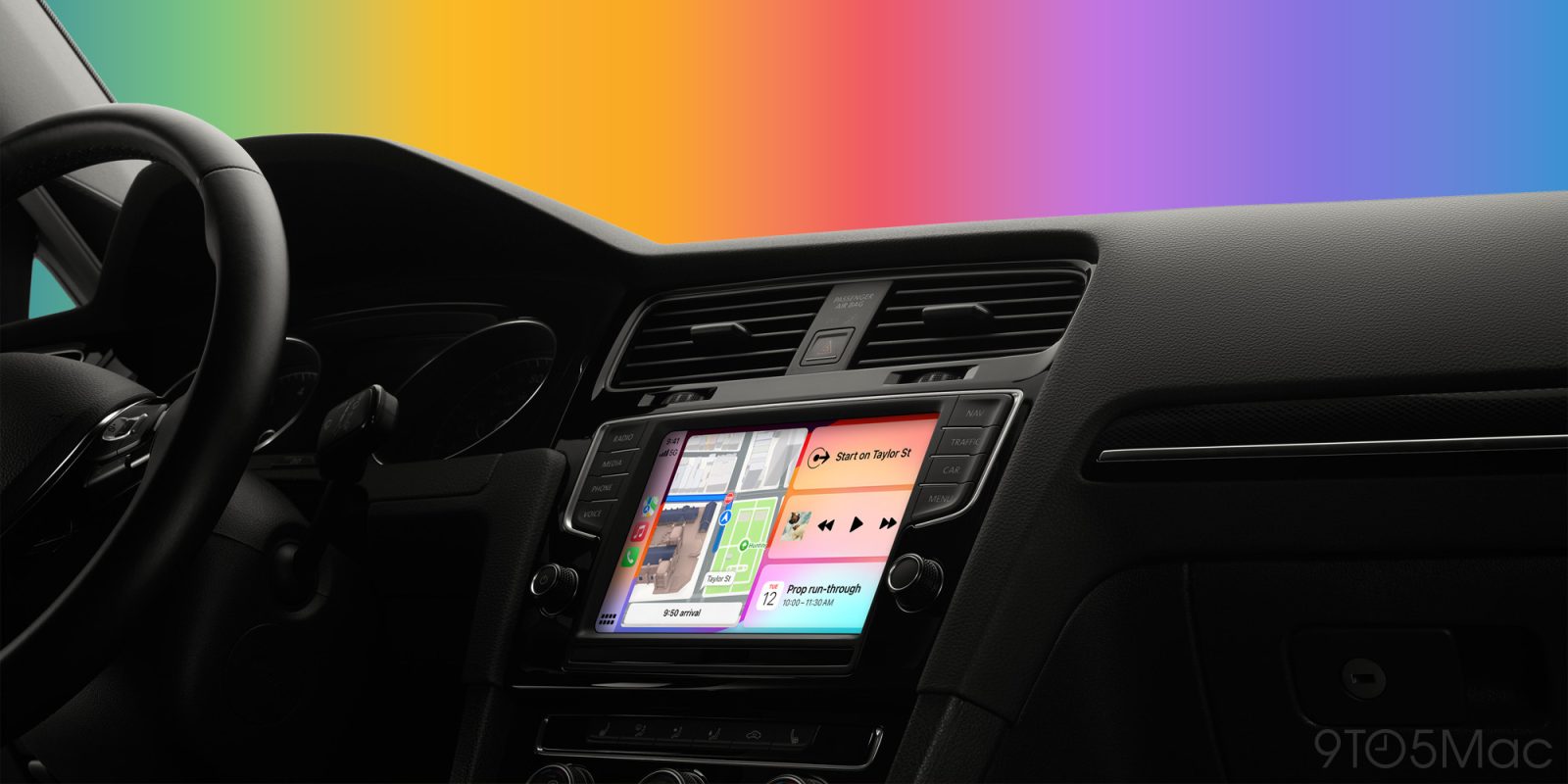
The best CarPlay tips and tricks

Apple CarPlay Guide 9to5Mac

For the vast majority of people, CarPlay is a must-have. Apple’s in-car experience provides a vastly superior infotainment experience than most options from carmakers. There’s quick access to your favorite apps, integration with Siri, seamless connectivity, and more.

Here are all of my favorite tips and tricks for making sure you’re getting the most out of your CarPlay experience…

Expand Expanding Close

AirPods Max 2 vs Pro 3: Which should you actually buy?

I have avoided the AirPods Max since their original release in 2020. I could never justify the $550 price tag, especially when the AirPods Pro line was much cheaper, offered more features, and had a more convenient form factor. I knew there was a target customer for these high-end headphones, but at the time, it wasn’t me. Then Apple dropped the true successor to the Gen 1 AirPods Max and added a lot of the features and internal hardware that the AirPods Pro 3 received earlier in 2025. So I decided to pick up a pair, and while the AirPods Max 2 are objectively great headphones, what it truly did was show me just how incredible the AirPods Pro 3 are. Let me explain.

Expand Expanding Close

These are my favorite budget-friendly iPhone 17e accessories

Apple finally gave the iPhone 17e the meaningful updates it originally deserved. The 17e offers better performance with the A19 chip, stronger connectivity with the new C1X chip, and MagSafe (which also supports faster 15W wireless charging)! At just $599, it feels like an entry-level iPhone that isn’t full of compromises, and I think it will be the new default iPhone for most people. The most exciting addition has to be MagSafe, which unlocks thousands of new accessories for the 17e. Here are some of my favorites (most of these will work with any iPhone).

Expand Expanding Close