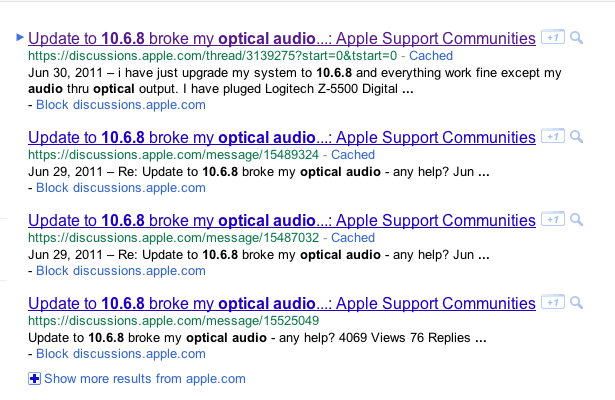
When updating the MacOS, bugs are usually a part of the ordeal. After upgrading to 10.6.8, 9to5Mac readers have had printers connected via their networks drop, optical audio out stop working, and some Parallels bugs. Never fear, there are fixes for all of these problems: Expand Expanding Close
Today only, MacUpdate offers downloads of Yellow Mug Software’s EasyBatchPhoto 3 for Mac for $12. That’s $12 off and the lowest price we could find for this batch photo compression, resizing, and conversion software. Click here for more information. Expand Expanding Close
Today, Apple supplied educators and businesses with instructions on how to upgrade to the upcoming OS X Lion release. The document is pasted after the break:
Today only, MacUpdate has FX Studio Pro for $19.99. That’s half off of retail and the lowest price we’ve ever seen for this powerful post-processing photo editor for both professional photographers and amateurs.
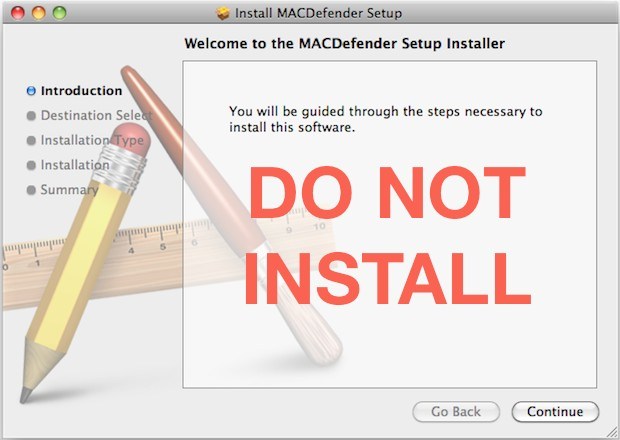
Apple has announced in a new support document that an update to Mac OS X will be issued in “the coming days” to find and squash malware. This malware comes through supposed anti-virus software that is actually built to steal private information like credit card numbers.
In the coming days, Apple will deliver a Mac OS X software update that will automatically find and remove Mac Defender malware and its known variants. The update will also help protect users by providing an explicit warning if they download this malware.
In the meantime, Apple is now offering a manual resolution for users who wish to remove and find malware as soon as possible. The solution is pasted after the break. This upcoming software update may be a simple security patch or may even be a part of Mac OS X 10.6.8, which Apple has already seeded twice to developers.
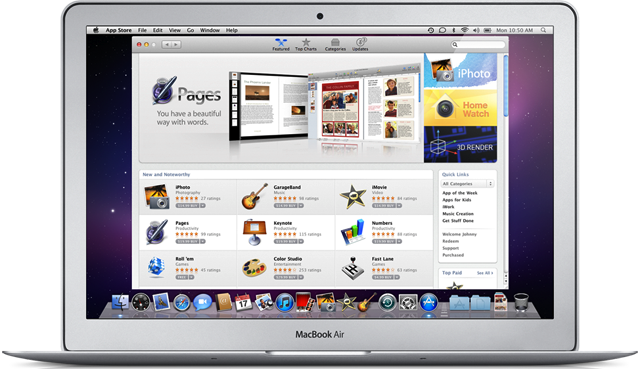
Apple has informed developers of applications and widgets on Apple’s downloads website that the site will be closing down come January 6th when the Mac App Store opens for business. Apple believes that the Mac App Store will truly be the best place to get Mac apps and this is another indication of that. One feature the downloads site has is access to Dashboard widgets. No word on whether the Mac App Store will be home to dashboard widgets and if not, Apple should think about leaving that portion up online.
Thank you for making the Mac OS X Download site a great destination with apps that offer users new ways to work, play, learn, and create on their Mac. We recently announced that on January 6, 2011, the Mac App Store will open to users around the world, presenting you with an exciting, new opportunity to reach millions of customers. Since the introduction of the App Store in 2008, we’ve been thrilled with the incredible support from developers and the enthusiastic response from users. Now we’re bringing the revolutionary experience of the App Store to Mac OS X. Because we believe the Mac App Store will be the best destination for users to discover, purchase, and download your apps, we will no longer offer apps on the Mac OS X Downloads site. Instead, beginning January 6, we will be directing users to explore the range of apps available on the Mac App Store. We appreciate your support of the Mac platform and hope you’ll take advantage of this new opportunity to showcase your apps to even more users. To learn how you can offer your apps on the Mac App Store, visit the Apple Developer website at <http://developer.apple.com/programs/mac/>.
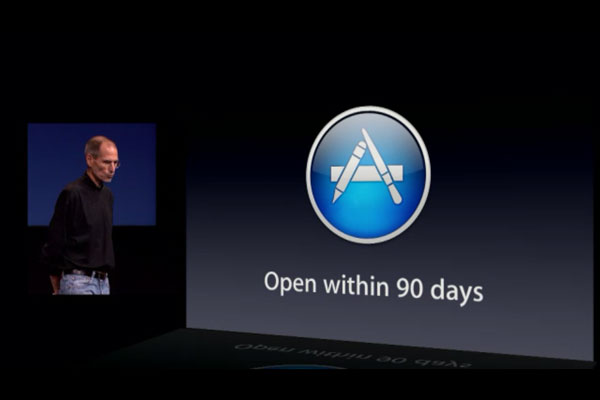
Apple this morning confirmed it intends opening its Mac App Store on Thursday, January 6.
The store will be available in 90 countries at launch and will feature both paid and free apps in various categories.
“The App Store revolutionized mobile apps,” said Steve Jobs, Apple’s CEO. “We hope to do the same for PC apps with the Mac App Store by making finding and buying PC apps easy and fun. We can’t wait to get started on January 6.”
Oh and Devs? You need to submit apps by Dec 31 to be in the grand opening.
Apple generates more column inches of coverage than any other firm on the planet. Love or loathe, millions worldwide are fascinated by what happens in Cupertino — and that’s probably why the company is now one of the biggest in the world dominating the smartphone and tablet industries.
What follows are some of the most essential titles any Apple watcher should read and own if they really want to build up their understanding of the company.
We’ve been watching Apple at work and play for a long, long time. We consider these to be the key titles to help boost understanding of the history and philosophy of the company.
We know that Mac website editors across the planet have a few books forever in the shelf behind their desk, and we figured it would be of some interest if told you which books they are.
So, whether it’s to satisfy your own curiousity, or for a Christmas or birthday present for an Apple fan, we think you really can’t go wrong with any one or all of these titles. Read on…
We’ve come across an interesting Apple job listing today noting the different operating systems which power Apple’s North Carolina data center. The most interesting system mentioned is Mac OS X. With Xserves on the way out is Apple really stacking the place up with Mac Pro/Mac Mini server machines? Not bloody likely!
Our data center environment consists of Mac OS X, IBM/AIX, Sun/Solaris, and Linux systems. Though this position is focused primarily on Red Hat Linux and Oracle Enterprise Linux, you should also understand SAN, RAID, file system, and IP networking technology.
So the question is: Is Mac OS X running on Macs (old Xserves?) or is it running virtualized on data center hardware? We’d heard some rumblings of such a virtualized Mac OSX running on vSphere a few months ago. Such a setup would make sense in this situation.