Apple Intelligence

See All Stories
Apple Intelligence

Apple unveiled its suite of AI features back at WWDC24 back in June, dubbed Apple Intelligence. The feature set requires an iPhone 15 Pro or later for iPhone, and an M1 chip or later for iPad and Mac. The great thing about Apple Intelligence is that most of these features run on device, prioritizing privacy.

The features below are currently available in iOS 18.1 beta, which should release to the public in October. Additional features will be coming later.

Writing Tools

One of the top Apple Intelligence features is Writing Tools, allowing you to quickly proofread, rewrite, or change the tone of your writing. It isn’t intended to generate completely new text, and it instead focuses on improving your writing.

This feature is available practically anywhere you’re able to write. Just select some text, and you should see Writing Tools in a context menu.
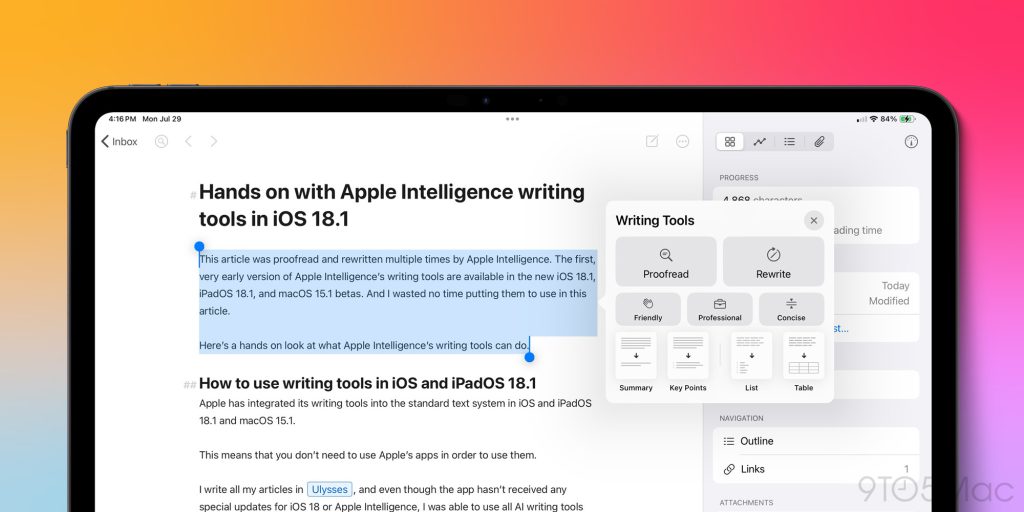
Apple Intelligence writing tools in iPadOS 18.1

Apple Intelligence Summaries

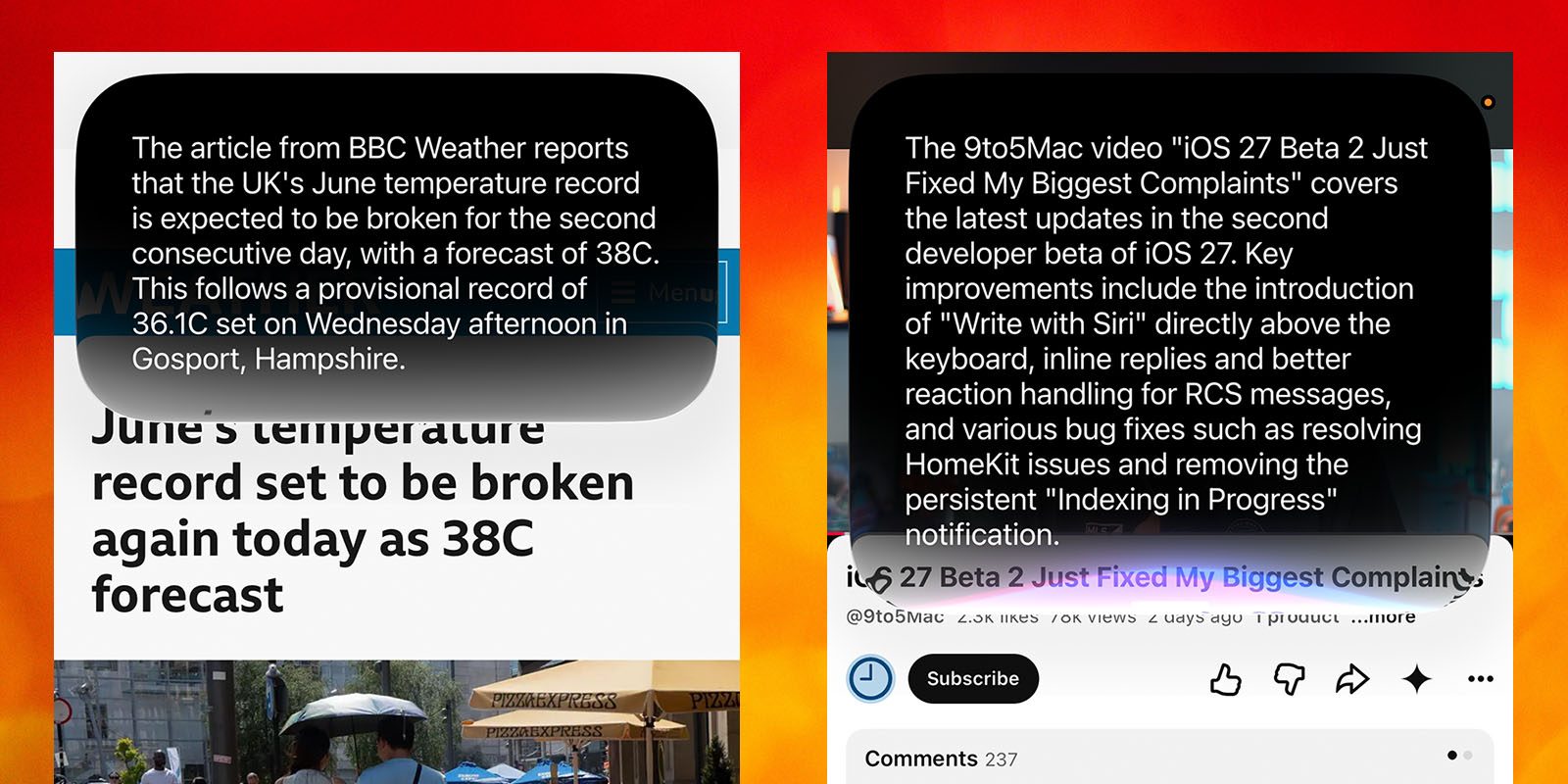
Apple Intelligence aims to help you out by providing summaries in everyday places, such as Notifications, Mail, and Safari. If you have a stack of notifications from one app, Apple Intelligence will try to summarize all of them into a one liner, that way you can keep up with everything going on with a quick glance, which is particularly helpful in group chats.

In Mail, it’ll also summarize emails from the Mail list view, which is far more useful than just seeing the first two lines of the email. If you tap into the email, you can also see a more detailed summary, still saving you time if you don’t want to read a whole email.

You can also use it to summarize articles in Reader Mode while in Safari.
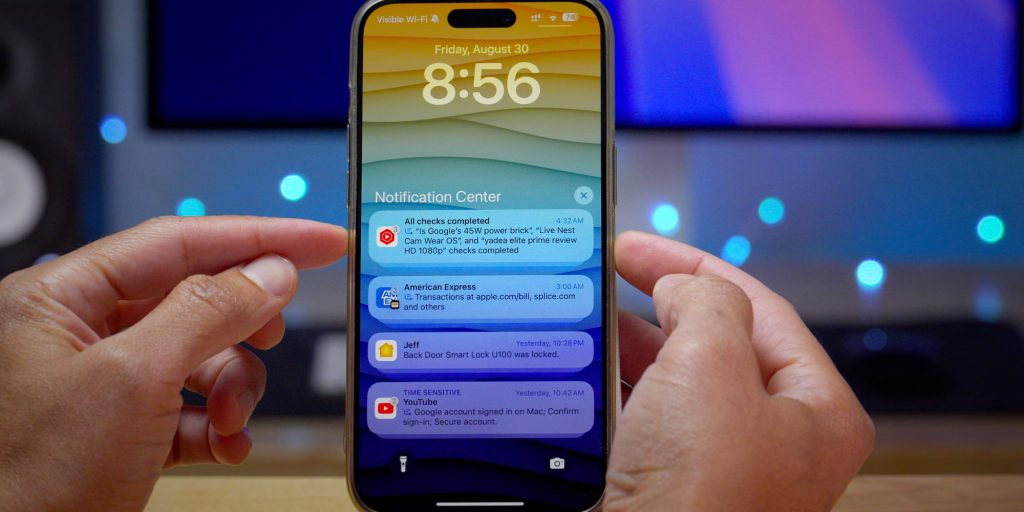
Apple Intelligence notification summaries

New Focus Mode option

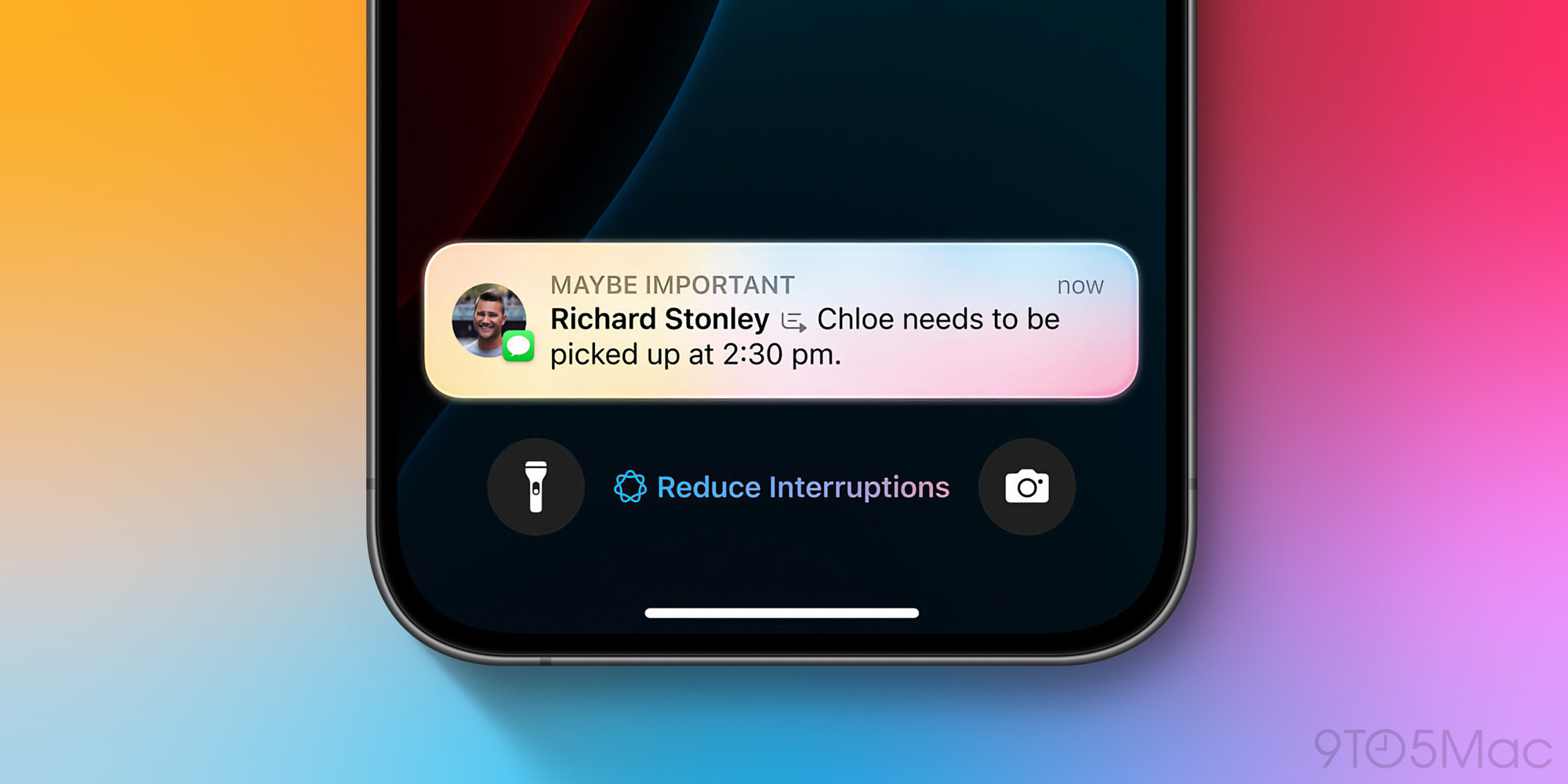
With Apple Intelligence, you can enable a new setting called “Intelligent Breakthrough & Silencing” on any focus mode, which will allow any app to break through your Focus Mode, if Apple Intelligence determines that it might be important.

For example, you might have iMessage notifications disabled from non co-workers while in your Work focus. However, if a family member texts you with something urgent, you should get notified still.
Memory Creation

In the Photos app, you can create a Memory Movie with just a short description. You could write something like “hanging with friends in Los Angeles in June”, and it’ll gather a bunch of photos and create a movie for you, containing all of those memories.
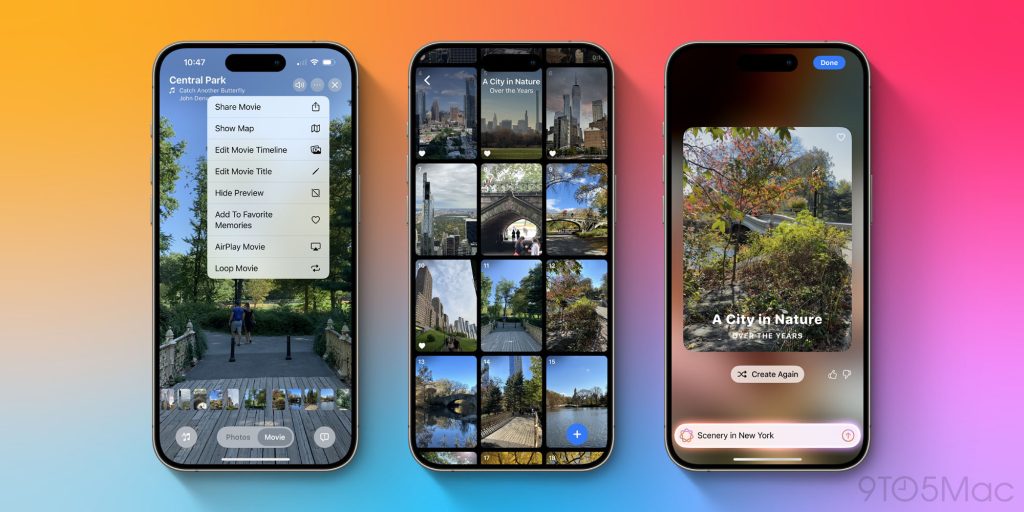
Photos with Apple Intelligence in iOS 18.1

Clean Up

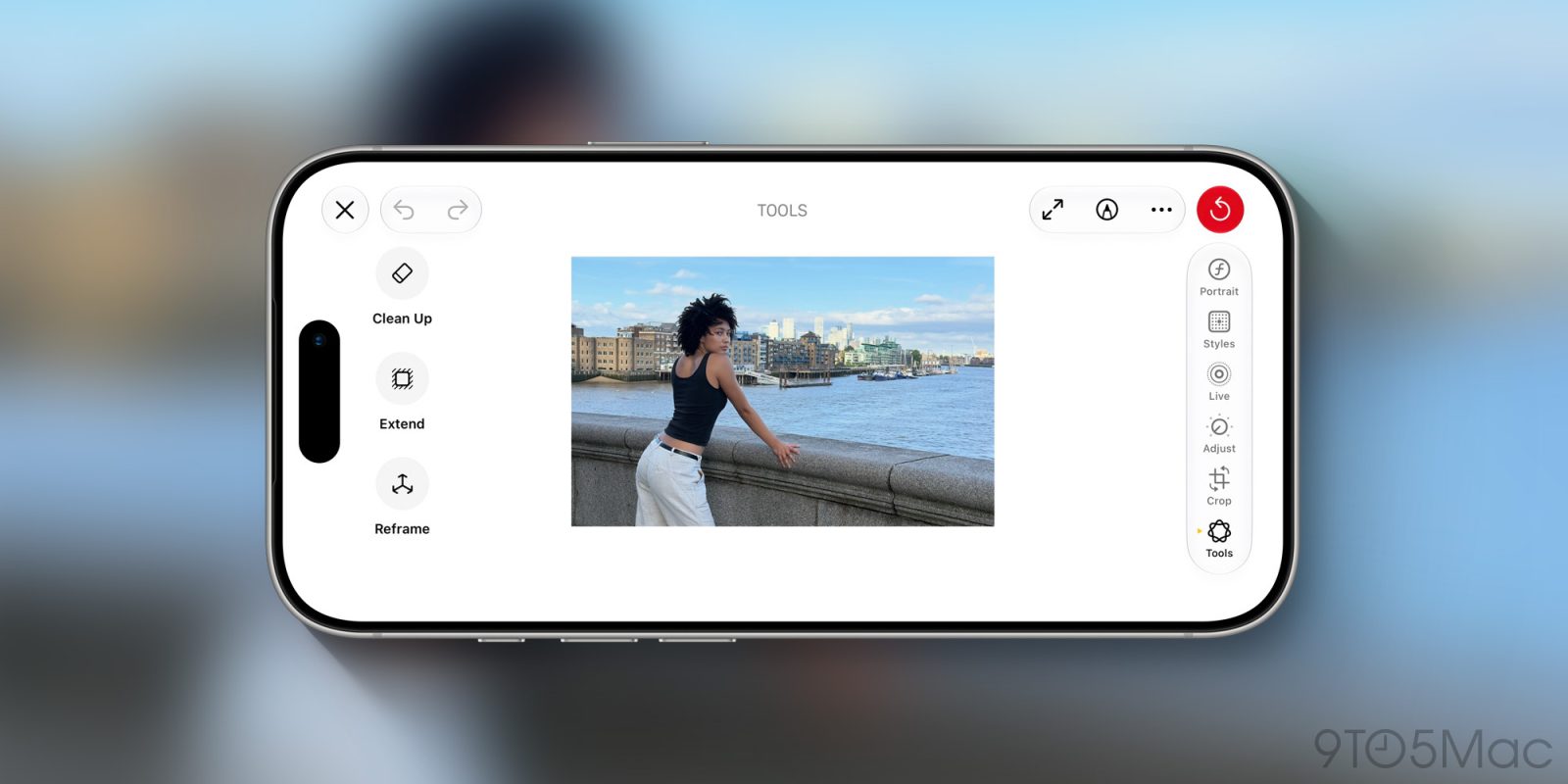
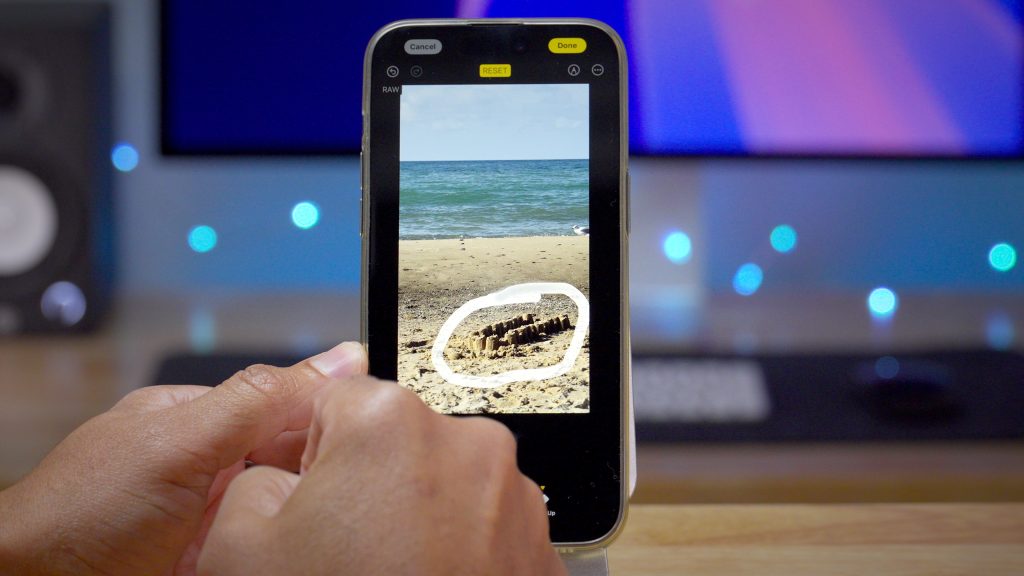
With the new Photos app, you can use Apple Intelligence to clean up your photos. If someone’s in the background and you’d like to remove them, you can simply draw a line around them, and the system will intelligently remove them from the photo and replace the background.

You can also remove random background objects that seem out of place, to make your photo look less cluttered.
Coming later

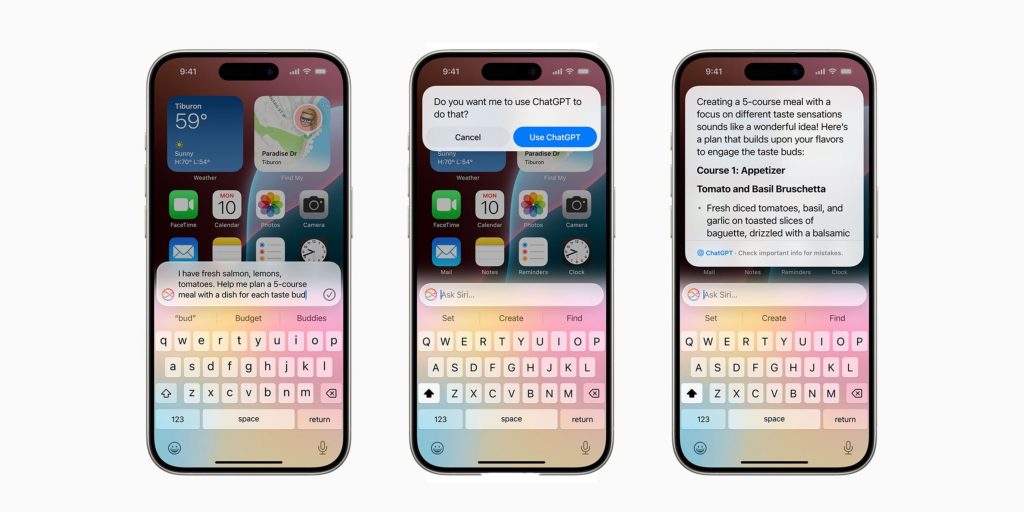
This is just the beginning of Apple Intelligence, and more features should come later. Later this year, we should get support for ChatGPT within Siri. And next year, the all new Siri should begin rolling out, allowing you to ask Siri more complex questions and actually get proper answers, thanks to Apple Intelligence. The new Siri will also have personal context, and should be able to properly assist you with your day.

Apple’s image generation features, such as Genmoji and Image Playground, are also on the roadmap, but not yet available in beta.
Apple Intelligence ChatGPT iOS 18

Apple reaches agreement with Chinese government on Apple Intelligence rollout

Apple reaches agreement with Chinese government on Apple Intelligence rollout | Colorful abstract image reminiscent of the Siri animation

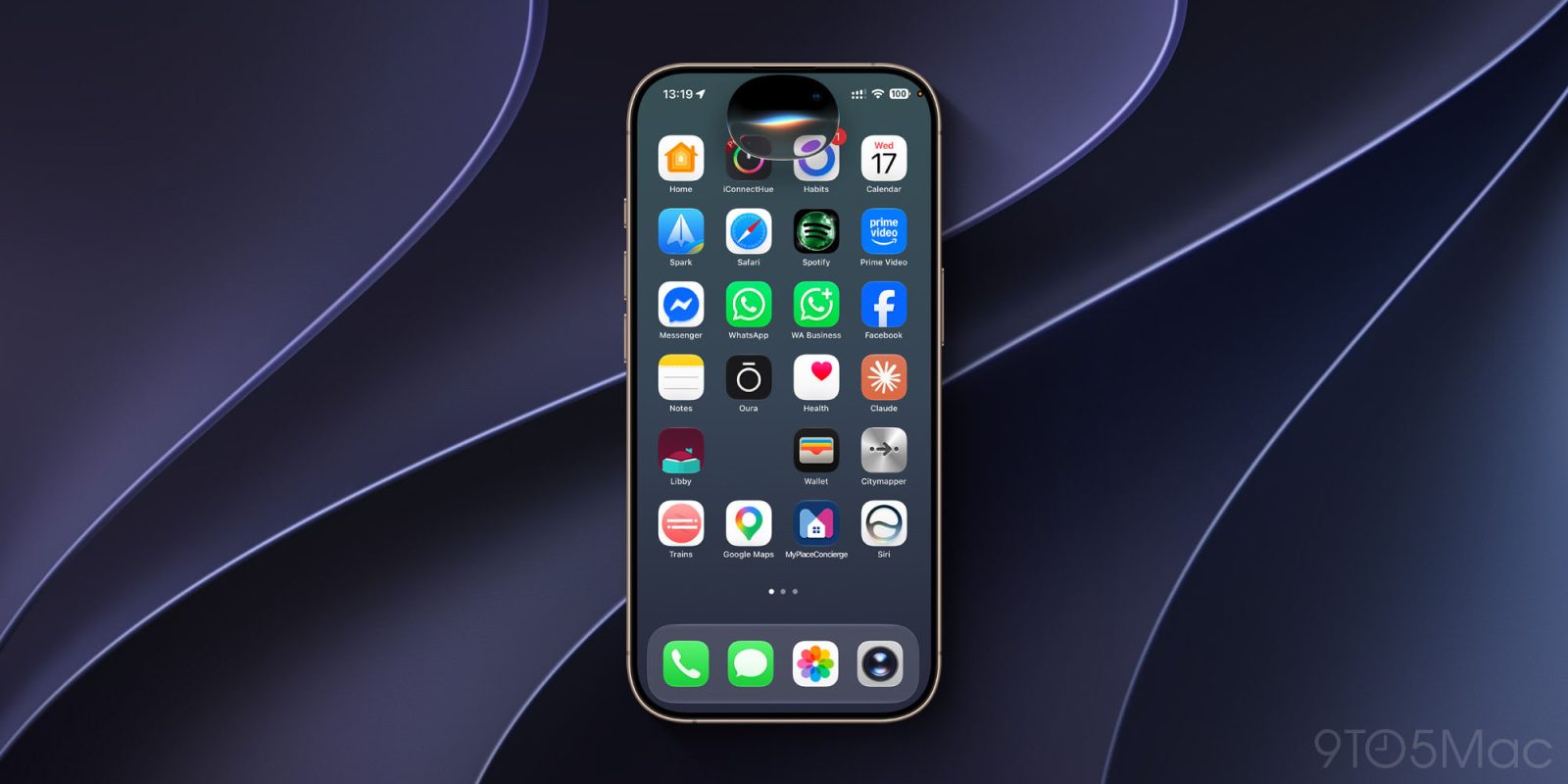
The new Siri and other Apple Intelligence features are currently only supported in the iOS 27 beta in English in a small number of countries, but Apple has promised that they will “quickly expand” to additional countries and languages.

China posed a particular challenge for the company as the law there only permits partnering with a Chinese AI company. A report today says that Apple has now reached agreement on this, and will be using two different models …

Expand Expanding Close

AAPL stock rallies 15% as investors favor AI caution and welcome price increases

AAPL stock rallies 15% as investors favor AI caution and welcome price increases | Image shows a purely illustrative stock photo of a trading graph

Apple stock slid significantly downwards in the wake of the WWDC keynote, with some attributing that to disappointment in the company’s AI announcements.

While we disagreed with that analysis, investors do now seem to be welcoming the company’s caution when it comes to AI spending, with the stock rallying 15% since that June low …

Expand Expanding Close

These are my favorite new Messages features in iOS 27 [Video]

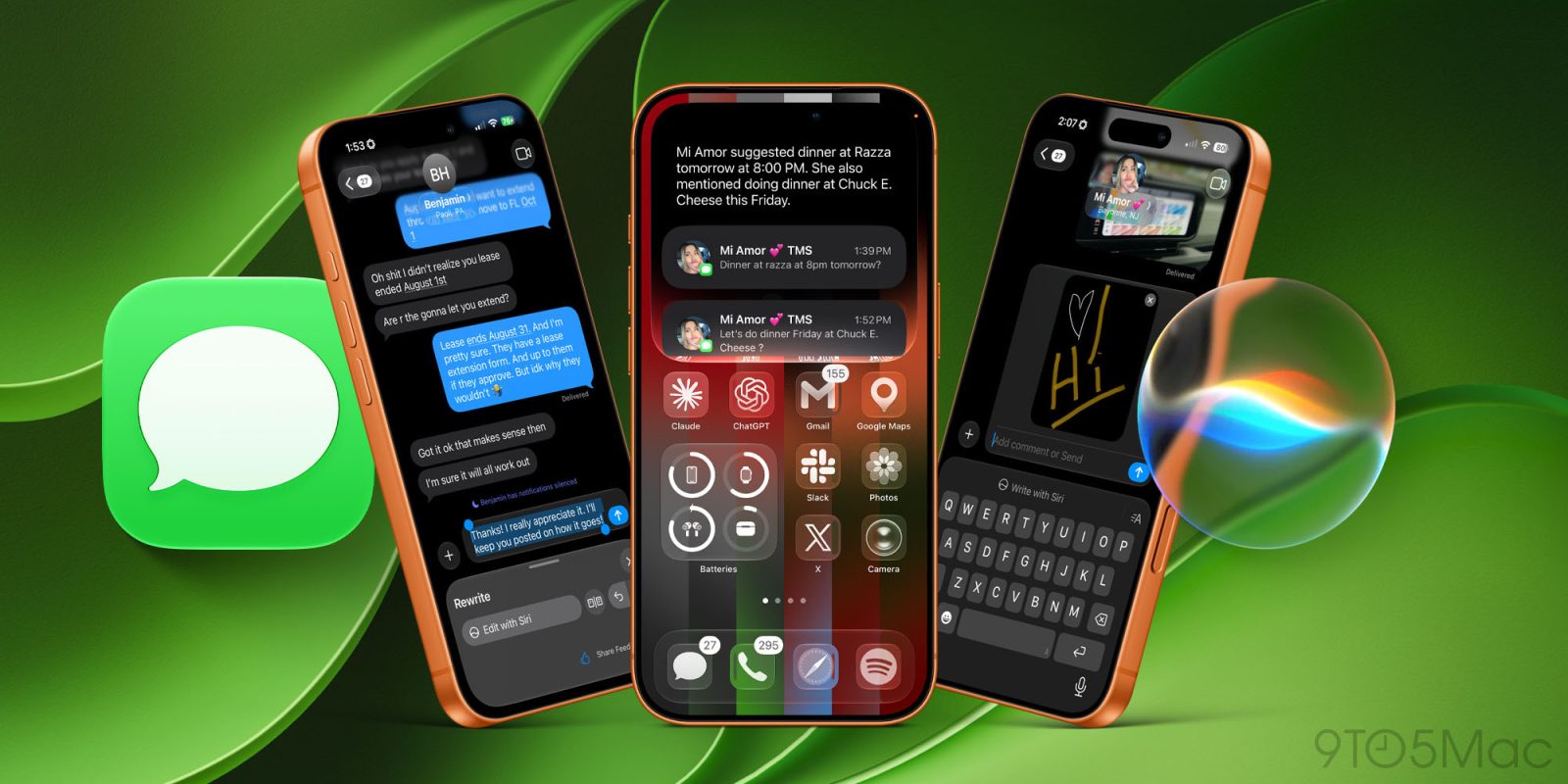
If you were to just look at the Messages app in iOS 27, you might not think much has changed, but that is far from the truth. Under the hood, Apple has completely revamped the Messages experience, making it faster, smarter, and much less frustrating. From simple little setting toggles for dictation or voice memos to the amazing Siri integrations, the Messages app has gotten much more capable in every way. I wanted to share some of my favorite features that are both quality-of-life features and features I am still wowed by. Here are four of the best features that iOS 27 brought to the Messages app.

Expand Expanding Close

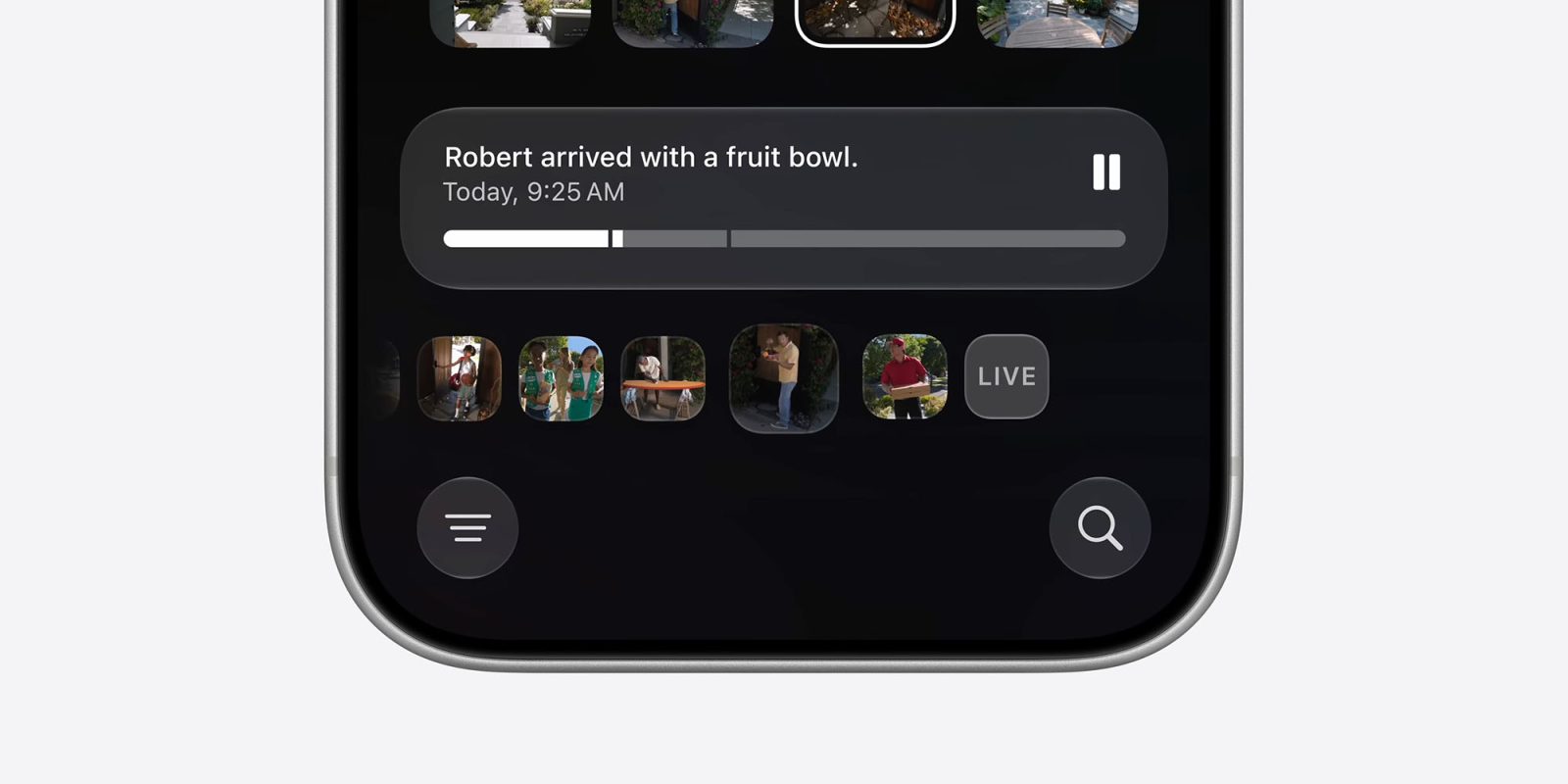
I’m disappointed Apple will charge for AI security camera features in the Home app

I'm disappointed Apple will charge for AI security camera features in the Home app | Image shows a screenshot of the Home app saying that Robert arrived with a fruit bowl

One of the things tucked away in the small print of macOS 27 beta 3 is the news that you’ll need a 2TB iCloud+ subscription in order to use the new AI features for home security cameras in the Apple Home app.

While some are suggesting that we shouldn’t be too surprised by this, I do find it a somewhat disappointing move by Apple

Expand Expanding Close

Here’s why I think the AI photo features in iOS 27 are so well considered

Here's why I think the AI photo features in iOS 27 are so well considered | A screenshot showing the new AI photo tools

In my roundup of what I saw as the 11 key AI features announced by Apple at this year’s WWDC, I said that the camera features seemed extremely well thought through.

In the two weeks since, my view has been very much reinforced. The Clean Up tool is now significantly more powerful, while the Reframe and Extend tools address similar real-life needs …

Expand Expanding Close

Feature Request: Apple Intelligence provides a new opportunity to block junk notifications

Apple Intelligence provides a new opportunity to block junk notifications | Photo shows a man holding up his hand in a stop gesture

Looking back, I was surprised to see it’s been more than eight years since I put my iPhone on a notifications diet. My iPhone is a far calmer place because of this.

But there’s another long-standing issue with notifications: there’s still no way to separate useful ones from marketing and other junk …

Expand Expanding Close

These are the best iPadOS 27 features you should try [Video]

Last year, Apple blew me away with the new multitasking features in iPadOS 26. It felt like a true step forward, giving us a more Mac-like experience. This year, iPadOS 27 aimed to tighten everything up and give us the best version of iPadOS we have ever seen. The update might not have been as flashy as last year’s, but it has made my iPad smarter, faster, more capable, and the performance now feels drastically improved. There are 100s of new small tweaks and changes, but I wanted to share my five favorite features you need to try.

Expand Expanding Close

Craig Federighi and Greg Joswiak talk Siri AI and more in new interview [Video]

On the heels of Apple’s WWDC keynote this week, Greg Joswiak and Craig Federighi sat down with Laurie Segall on the Mostly Human podcast. During the conversation, Federighi and Joz talked in-depth about Apple’s new Siri AI and Apple Intelligence announcements, the company’s broader approach to AI, and more.

Expand Expanding Close

Siri demos in keynote were a little slow, but that’s good-ish news

Siri demos in keynote were a little slow, but that's good-ish news | Screenshot of one of the Siri demos

A number of people have been complaining that the new Siri demos during the keynote videos were a little on the slow side. There were notable lags of several seconds between Siri requests and the task being carried out.

But while the ideal we’re aiming for is for AI tasks to be carried out as quickly as possible, what we saw is kind of good news …

Expand Expanding Close

Apple’s AI announcements: One big question, and 11 key features

Here are my 12 takeouts from Apple's AI announcements | Apple Intelligence seen on multiple devices

Almost two years after Apple first showed off a video promoting the new Siri and lots of exciting new Apple Intelligence features, that future has finally arrived – at least in first beta form.

The company had a lot of ground to make up. Obviously, the test will be how well the new features work in real life usage, but let’s start with what seemed to me to be the most important things the company announced …

Expand Expanding Close

How impressed were you by Apple’s AI announcements at WWDC? [Poll]

How impressed were you by Apple's AI announcements at WWDC? | New Siri animation shown

Ahead of yesterday’s keynote, we asked you how optimistic you were about what the company was likely to announce. The executive summary was that there was absolutely no consensus.

Votes were split very evenly between very optimistic, somewhat optimistic and not very. So now that you’ve heard what Apple had to say, what were your impressions … ?

Expand Expanding Close