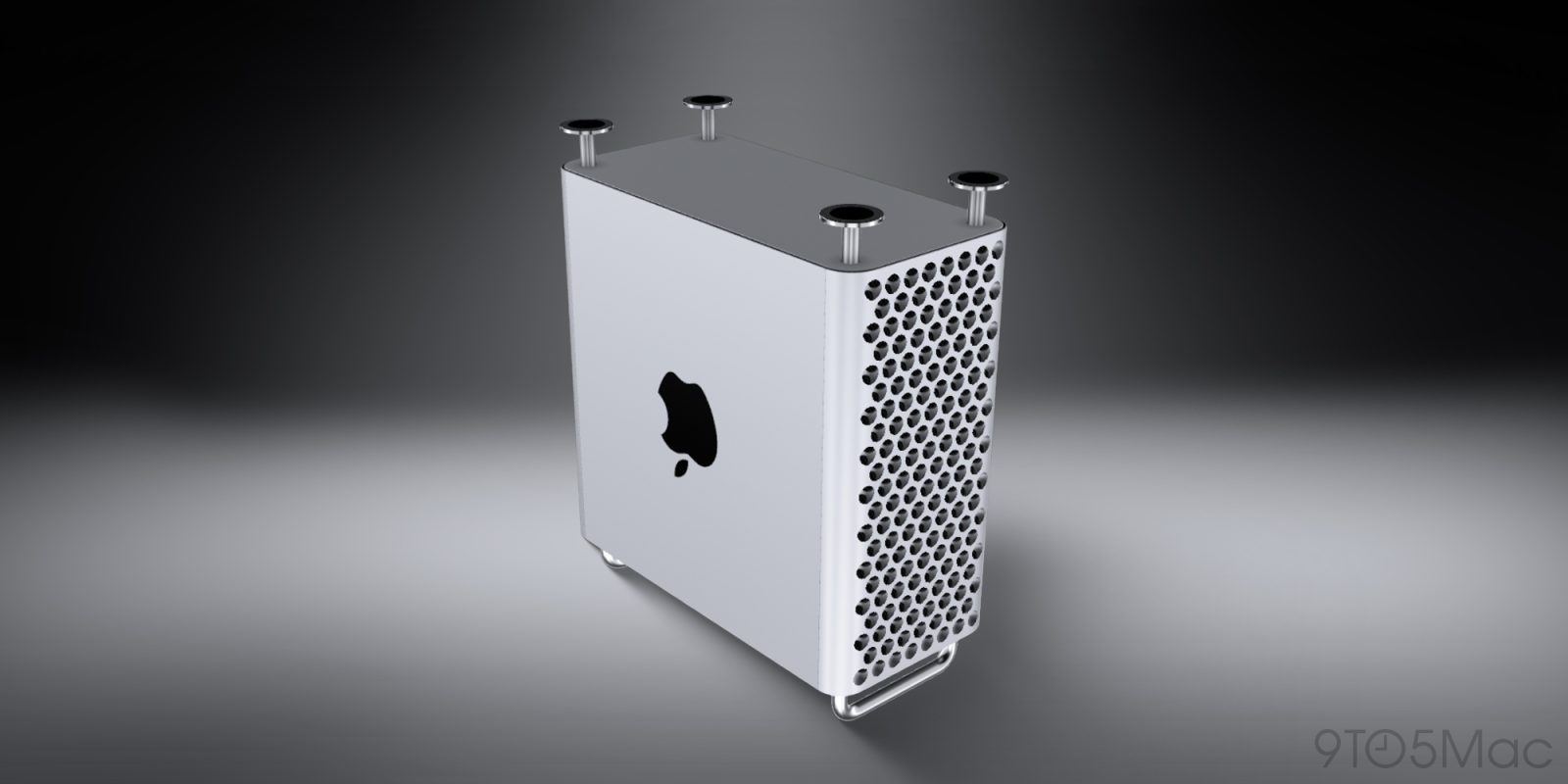
Apple discontinues the Mac Pro with no plans for future hardware


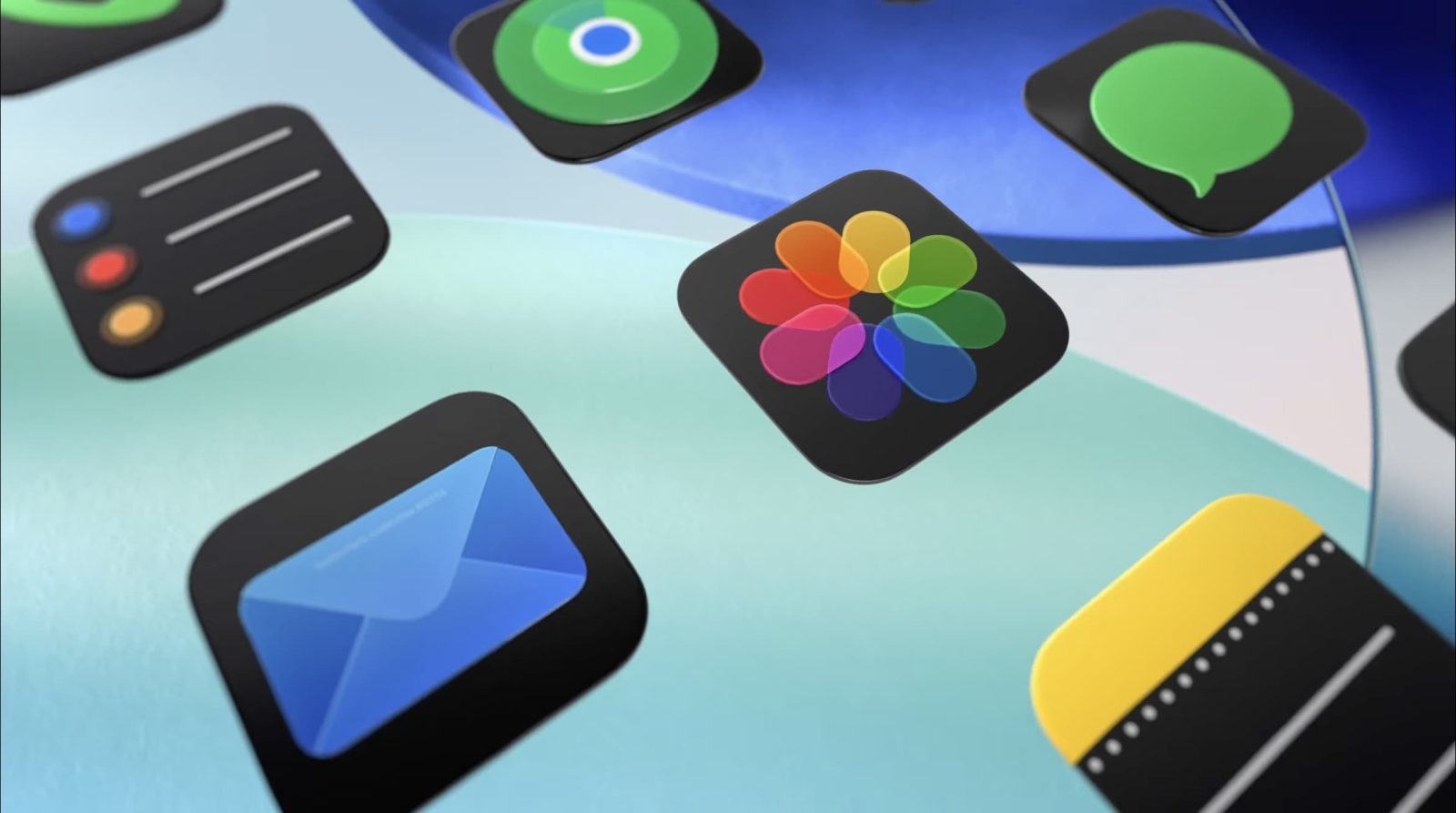
With such a significant update to the look and feel of Apple devices, it’s not surprising that design and UI professionals have things to say about the new Liquid Glass design language.
As you might expect, views are mixed, but it’s notable how willing people are to give Apple time to refine the look based on reactions to the early betas …
Expand Expanding Close
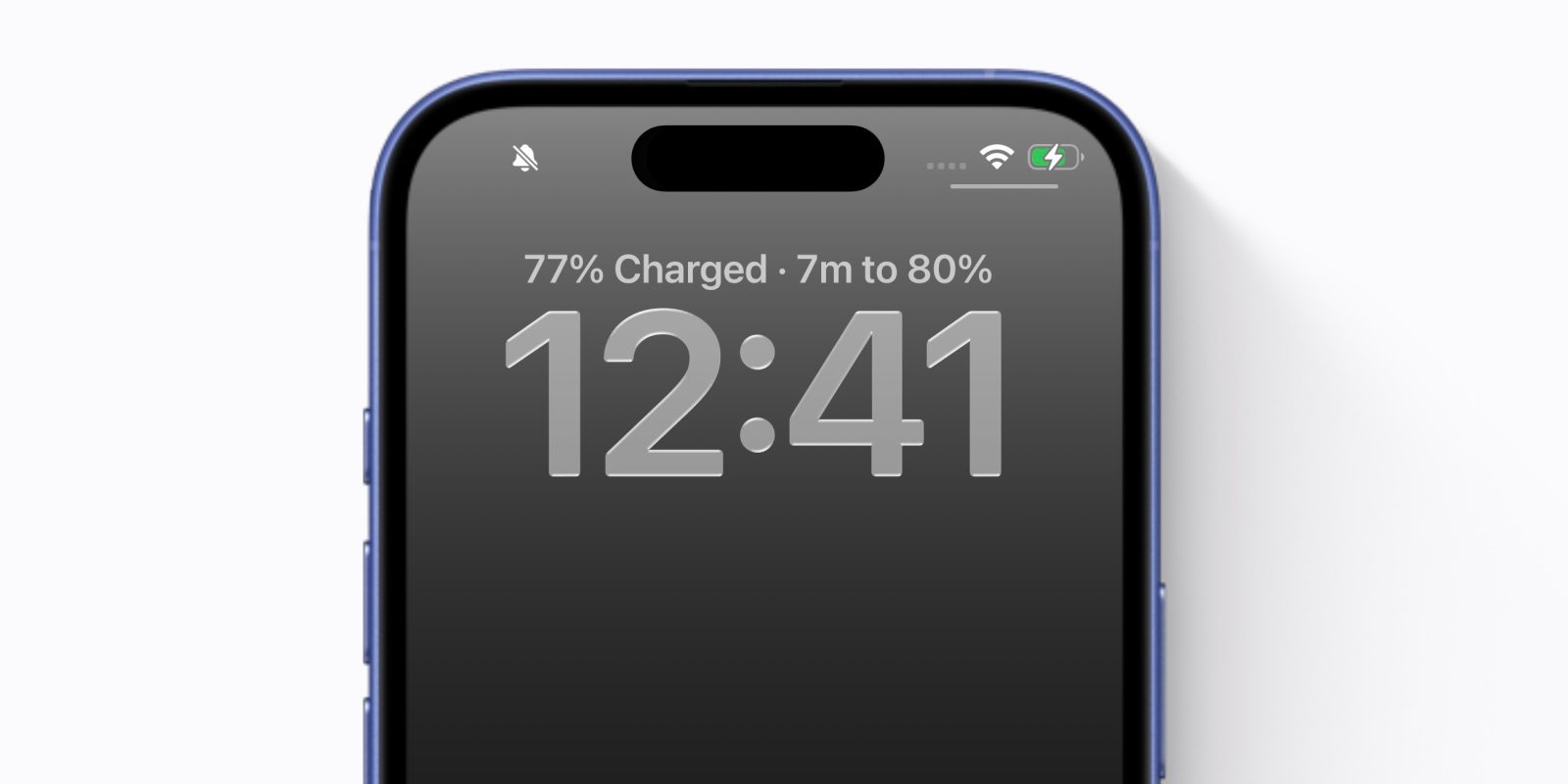
iPhone battery settings get a nice update in iOS 26, including a new intelligent battery saver mode called Adaptive Power. The iPhone will also now track extra battery stats, like your average power consumption throughout the day.
But perhaps the most notable enhancement is that the iPhone can now tell you exactly how long it will take for your battery to charge. Right at the top of your lock screen, when plugged in to power, your phone will now show the estimated time to charge until it hits 80%.
Expand Expanding Close
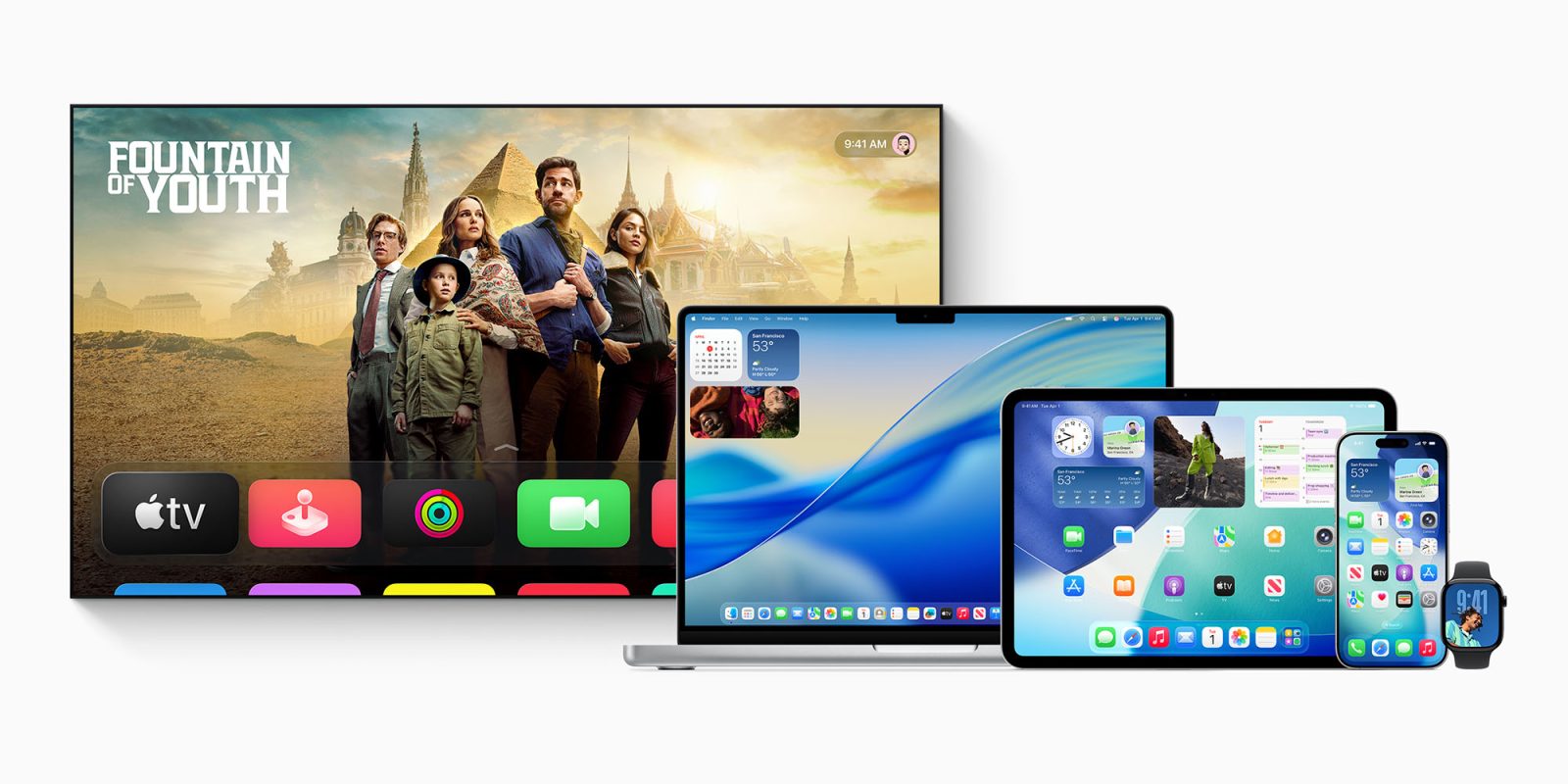
While Apple quickly dismissed major Siri improvements as coming next year, the company still announced a lot at WWDC 2025. From a whole new look across all Apple devices to full-on windowing on iPads, it was a fast-paced event with a lot to cover.
Here’s a roundup of all the major announcements – please take our poll on your favorites of these, and share your reactions in the comments …
Expand Expanding Close
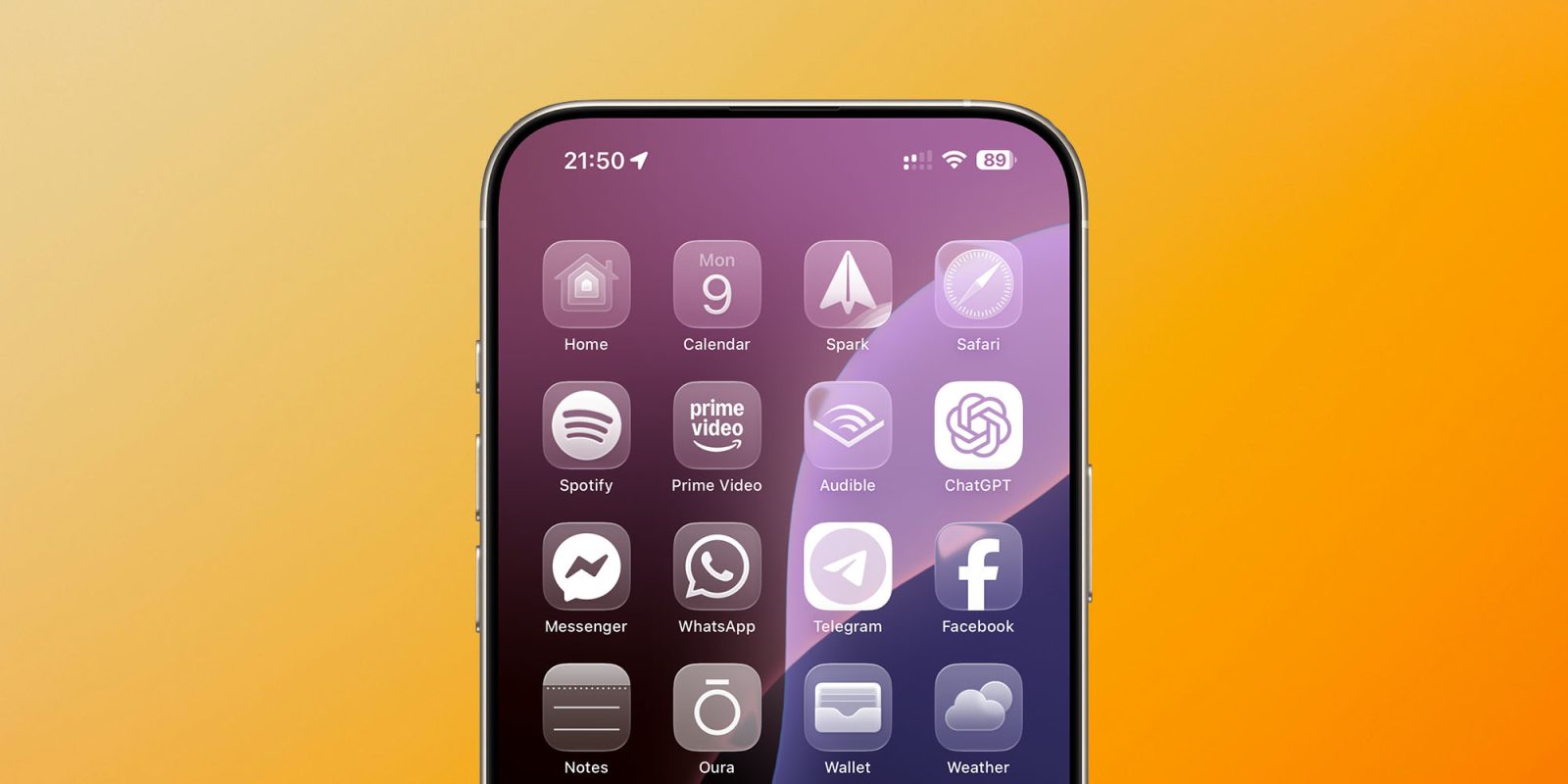
Apple said yesterday that iOS 26 was its biggest update to the look and feel of the iPhone since iOS 7, with the same visual design language used across all the company’s devices.
It’s certainly a pretty dramatic change, depending on how far you want to take the look. For example, in addition to the ‘tint’ options we got in iOS 18, there’s a new ‘Clear’ option to make all our app icons monochrome glass – which you can see above …
Expand Expanding Close
Apple @ Work is exclusively brought to you by Mosyle, the only Apple Unified Platform. Mosyle is the only solution that integrates in a single professional-grade platform all the solutions necessary to seamlessly and automatically deploy, manage & protect Apple devices at work. Over 45,000 organizations trust Mosyle to make millions of Apple devices work-ready with no effort and at an affordable cost. Request your EXTENDED TRIAL today and understand why Mosyle is everything you need to work with Apple.
In this episode of Apple @ Work, I talk with David Faugno from 1Password about the company’s recent announcements at RSAC.


Turns out you don’t need an Aston Martin to have a new CarPlay experience in 2025. That’s because iOS 26 brings a fresh coat of paint and some new features to CarPlay for everyone.
Expand Expanding Close
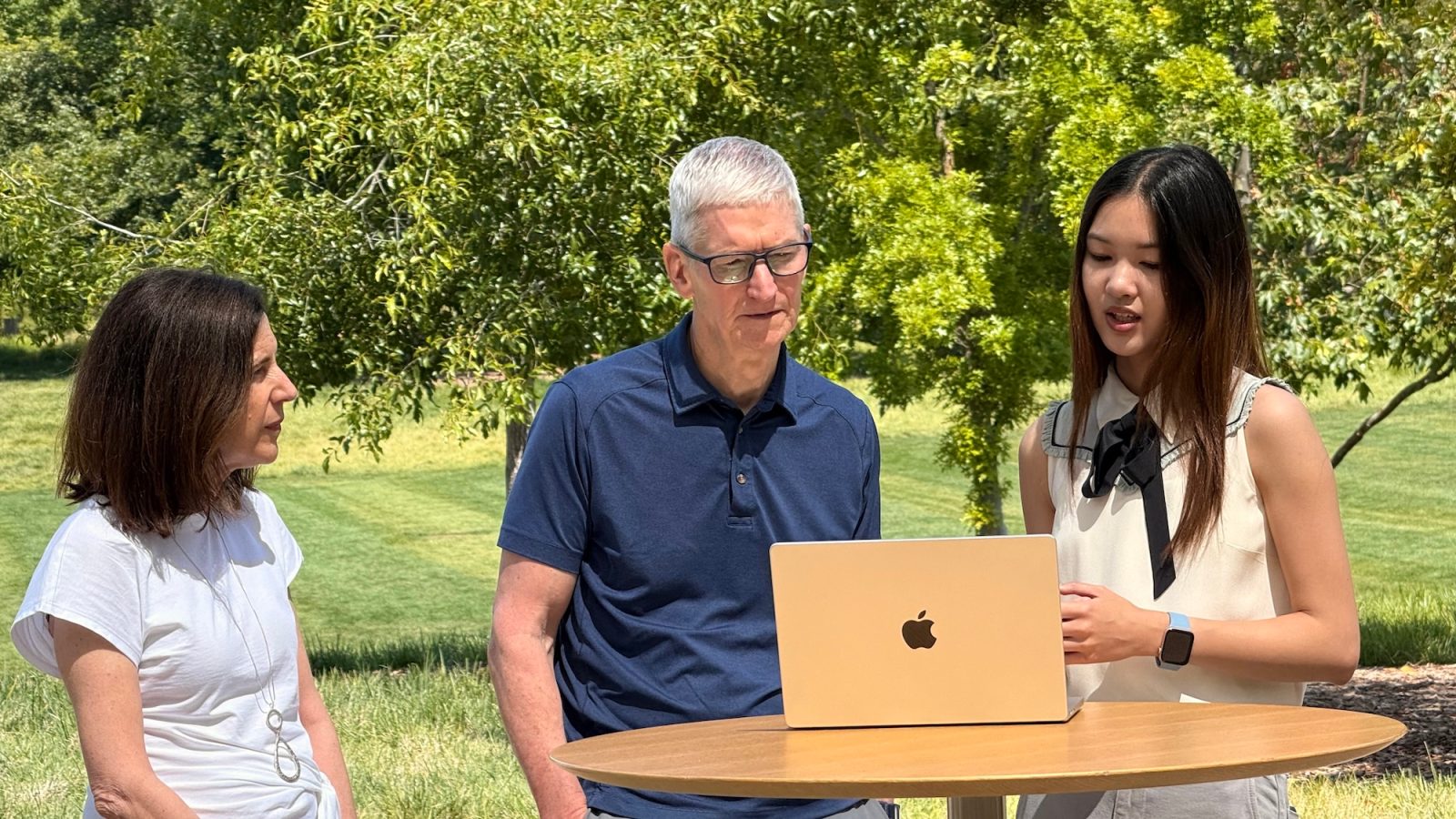
I’m fortunate enough to be in Cupertino this week for WWDC. For me, things kicked off on Sunday, when I had the honor of visiting Apple Park to watch a selection of this year’s Swift Student Challenge Distinguished Winners present their apps to Apple executives.
Expand Expanding Close
Listen to a recap of the top stories of the day from 9to5Mac. 9to5Mac Daily is available on iTunes and Apple’s Podcasts app, Stitcher, TuneIn, Google Play, or through our dedicated RSS feed for Overcast and other podcast players.
Sponsored by iMazing: iMazing 3 is a comprehensive platform for Apple device management with complete device control for backup management, data transfer capabilities, and much more. Try it now.
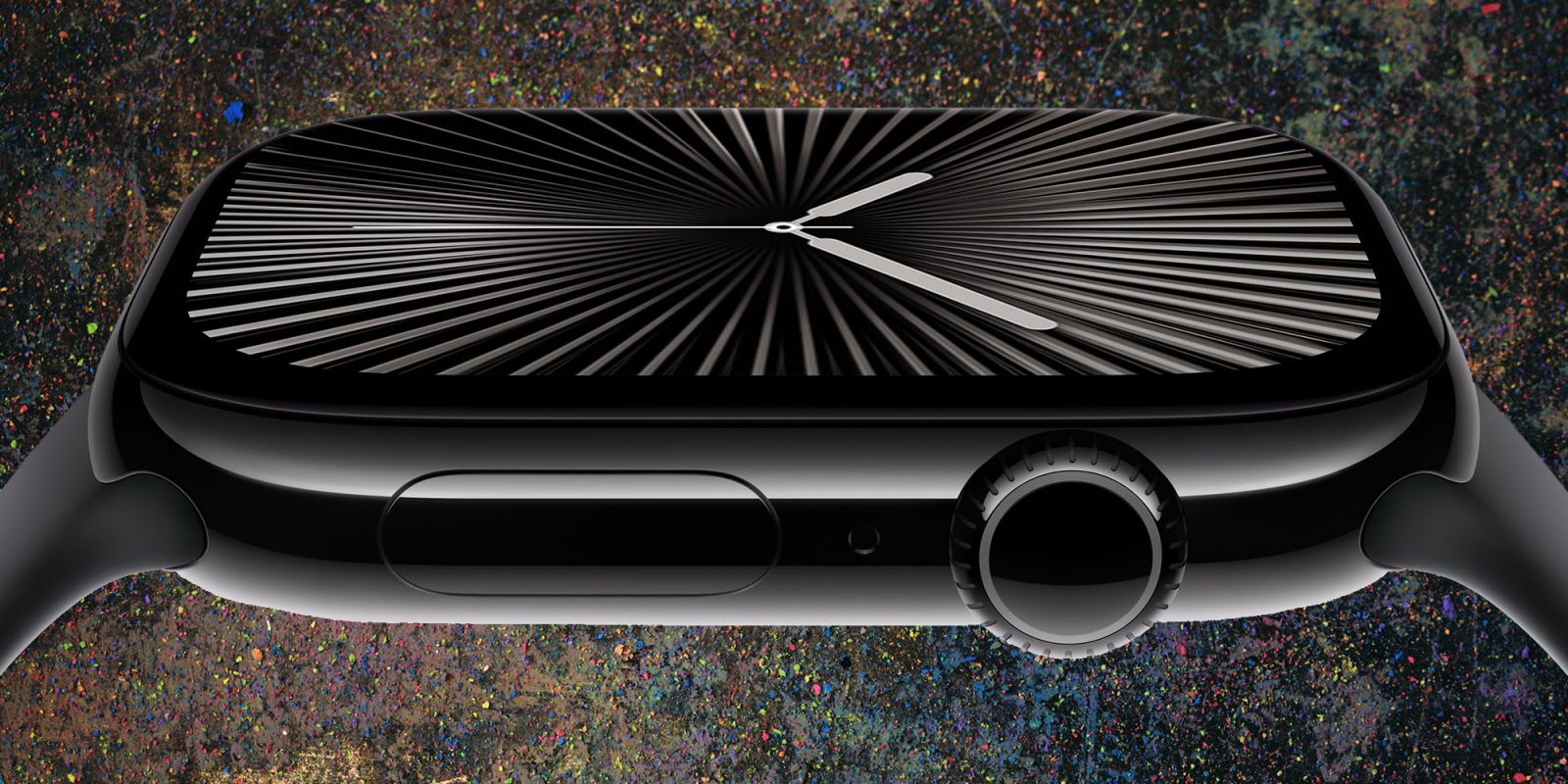
Apple Watch Series 10 features an upgraded display with a faster refresh rate. This enables select watch faces to display a ticking seconds indicator even in always-on mode. However, most watch faces don’t actually take advantage of the new hardware yet. The watchOS 26 software update coming this fall will change that.
Expand Expanding Close
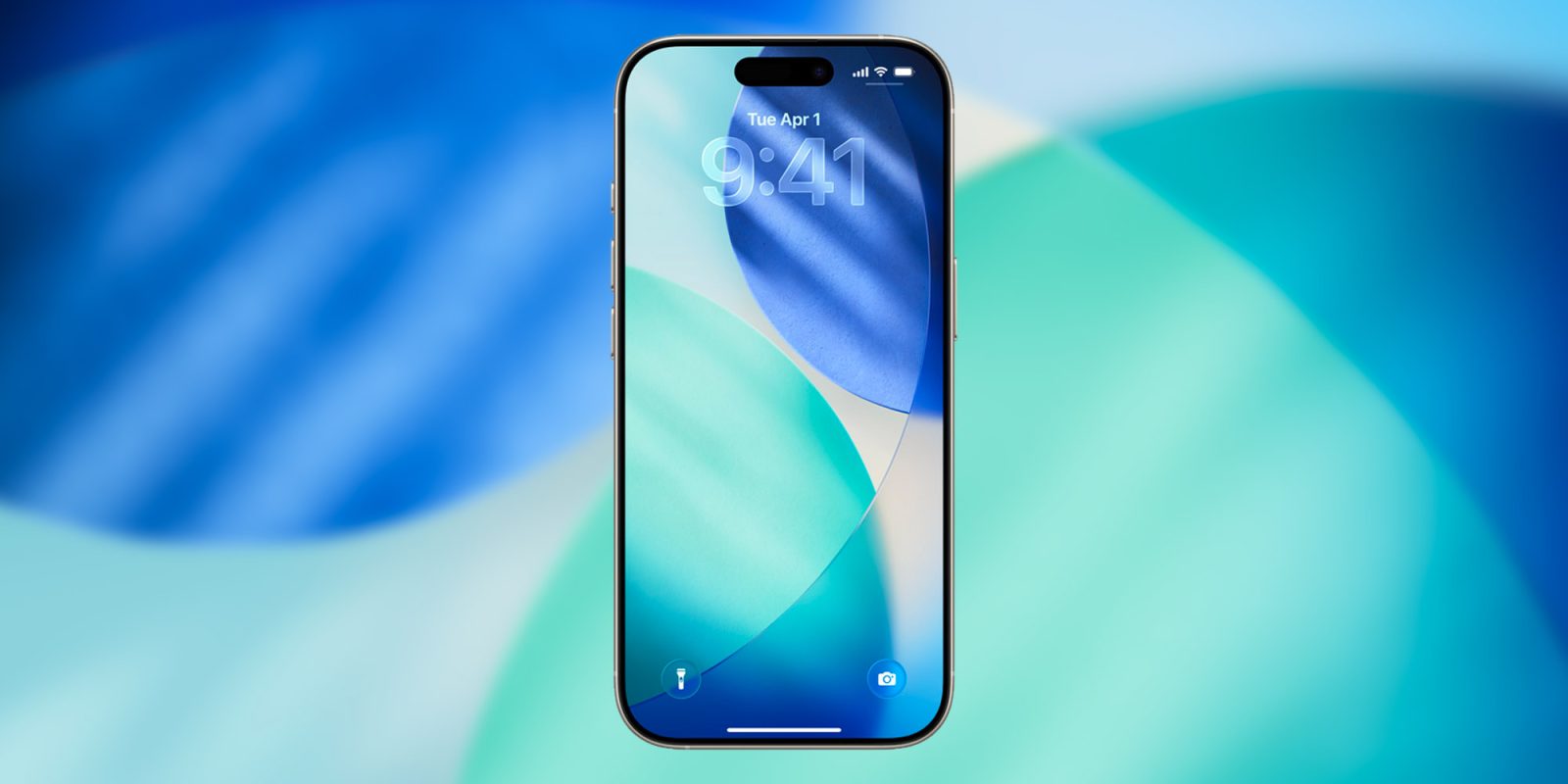
Right after the WWDC 2025 keynote, Apple released the first developer beta for iOS 26. As usual, the new system comes with a fresh set of default wallpapers to match its updated design language, and you can download them right here.
Expand Expanding Close
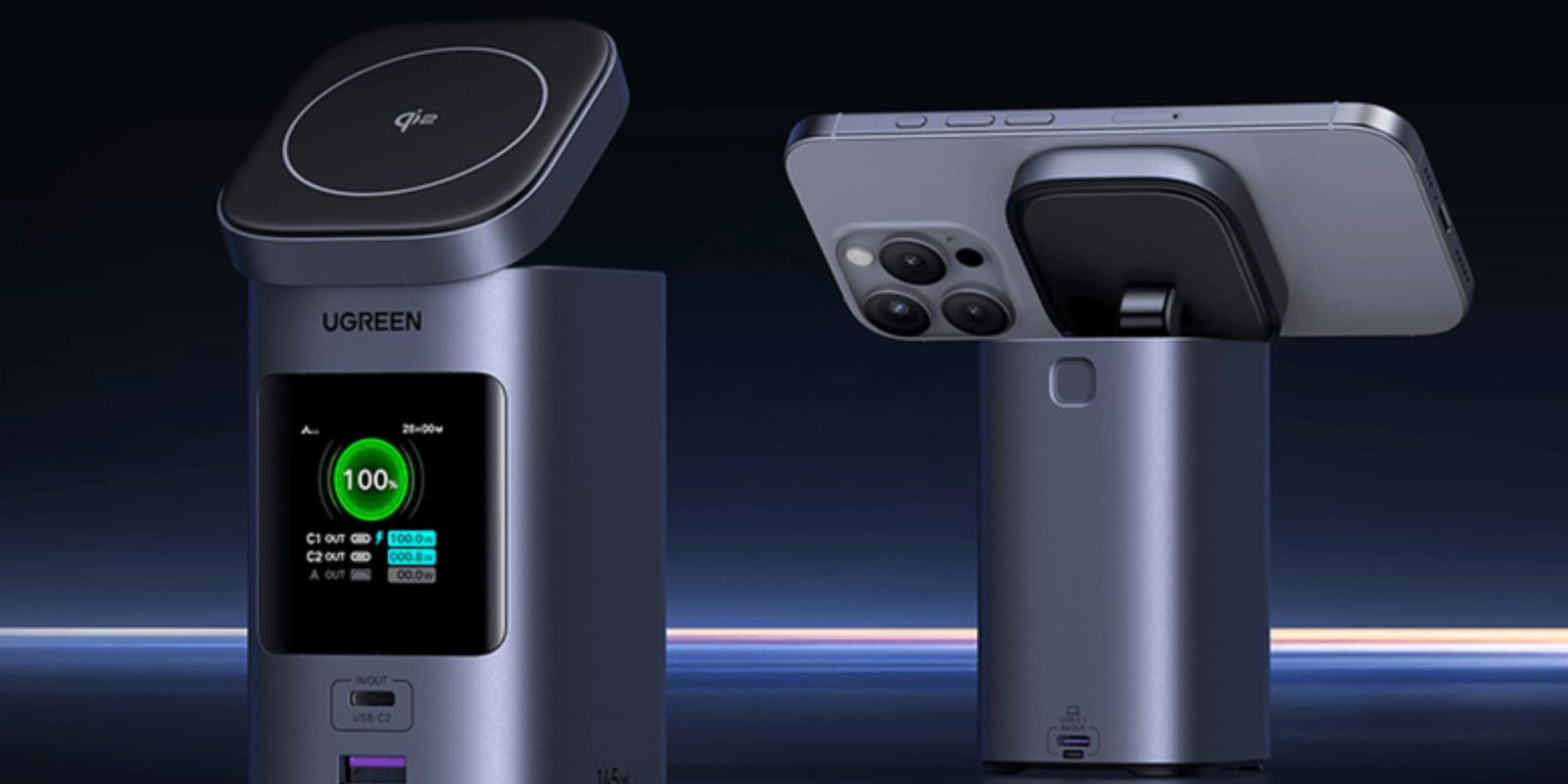
Over the years, I’ve tested my fair share of portable battery packs and desk docks. Most of them fall into two categories: slim and convenient or bulky and powerful. The UGREEN Nexode Power Bank manages to be both. It’s MagSafe compatible, supports Qi2, and has enough power to top off a MacBook Pro in less than an hour. If you’re looking for one device that can charge your whole Apple setup at once, this might be the one. I use it daily.
Expand Expanding Close

With the WWDC 2025 keynote officially in the books, Apple has released the first developer beta for macOS Tahoe 26. The new system comes with light and dark default wallpapers to match their updated design language, and you can download them right here.
Expand Expanding Close
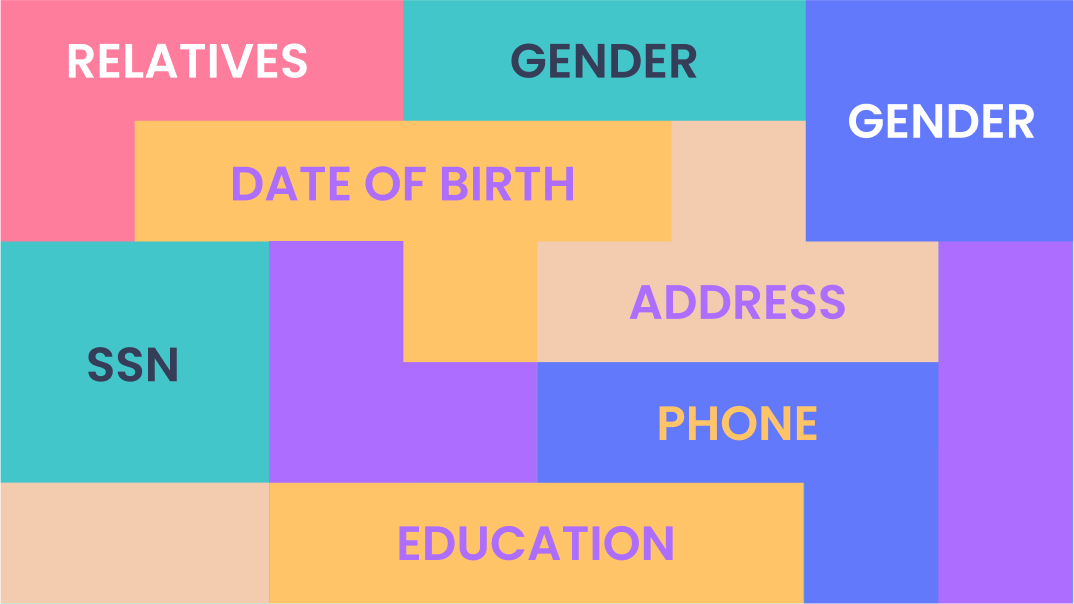
Try searching your full name online right now and see what surfaces. Within a few clicks, you’re likely seeing your home address, phone number, age, and even details about family members.
If that’s what a simple search turns up, just imagine what malicious actors can find when their business relies on exploiting your personal data. If there was a big red delete button, you’d set a new record for how fast you could smash it!
The problem is there isn’t one, unless you know where to look…
Expand Expanding Close
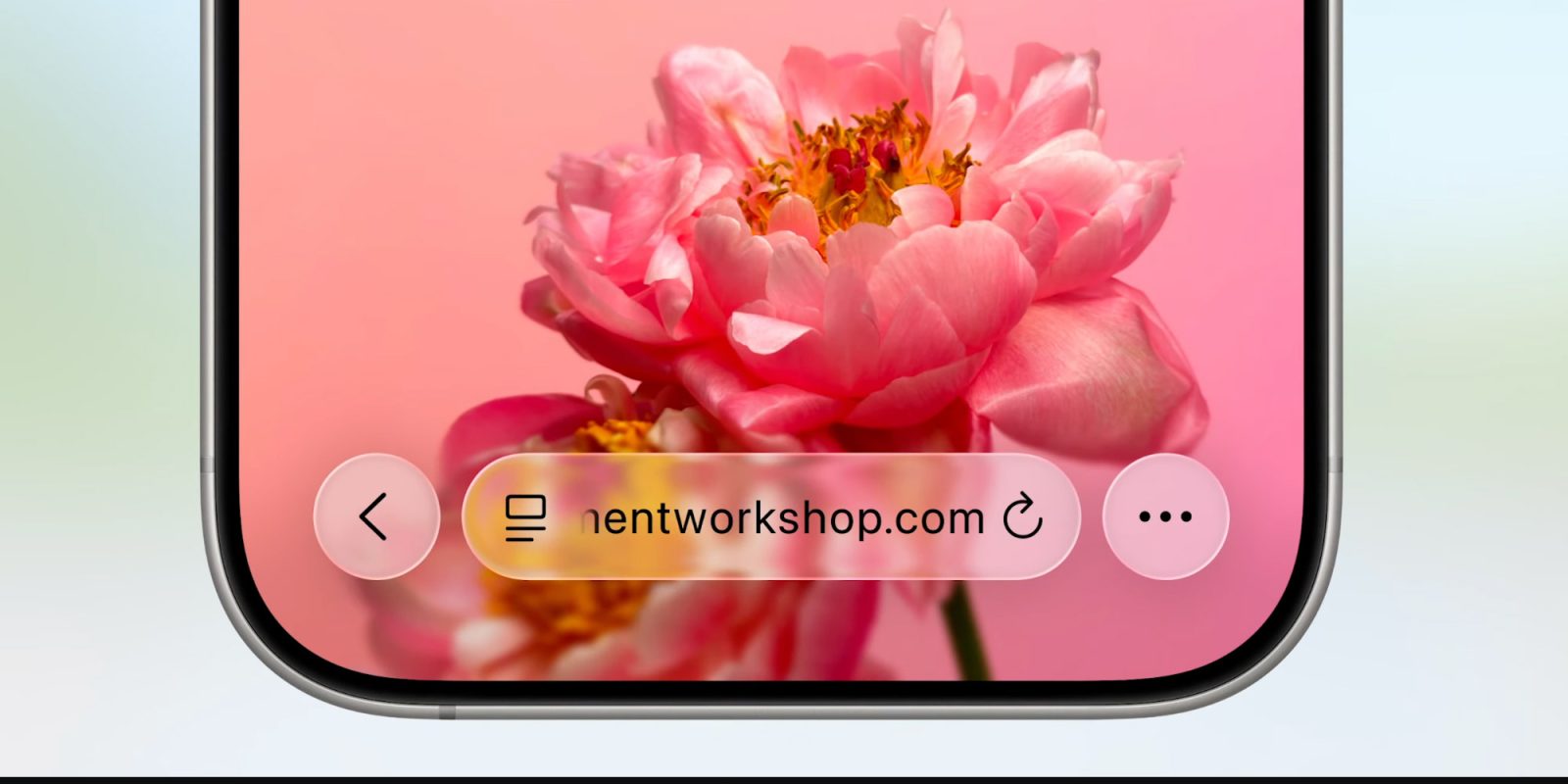
Today, Apple unveiled a new Safari interface for iOS 26, bringing its new UI to the system browser. Here’s what it looks like.
Expand Expanding Close
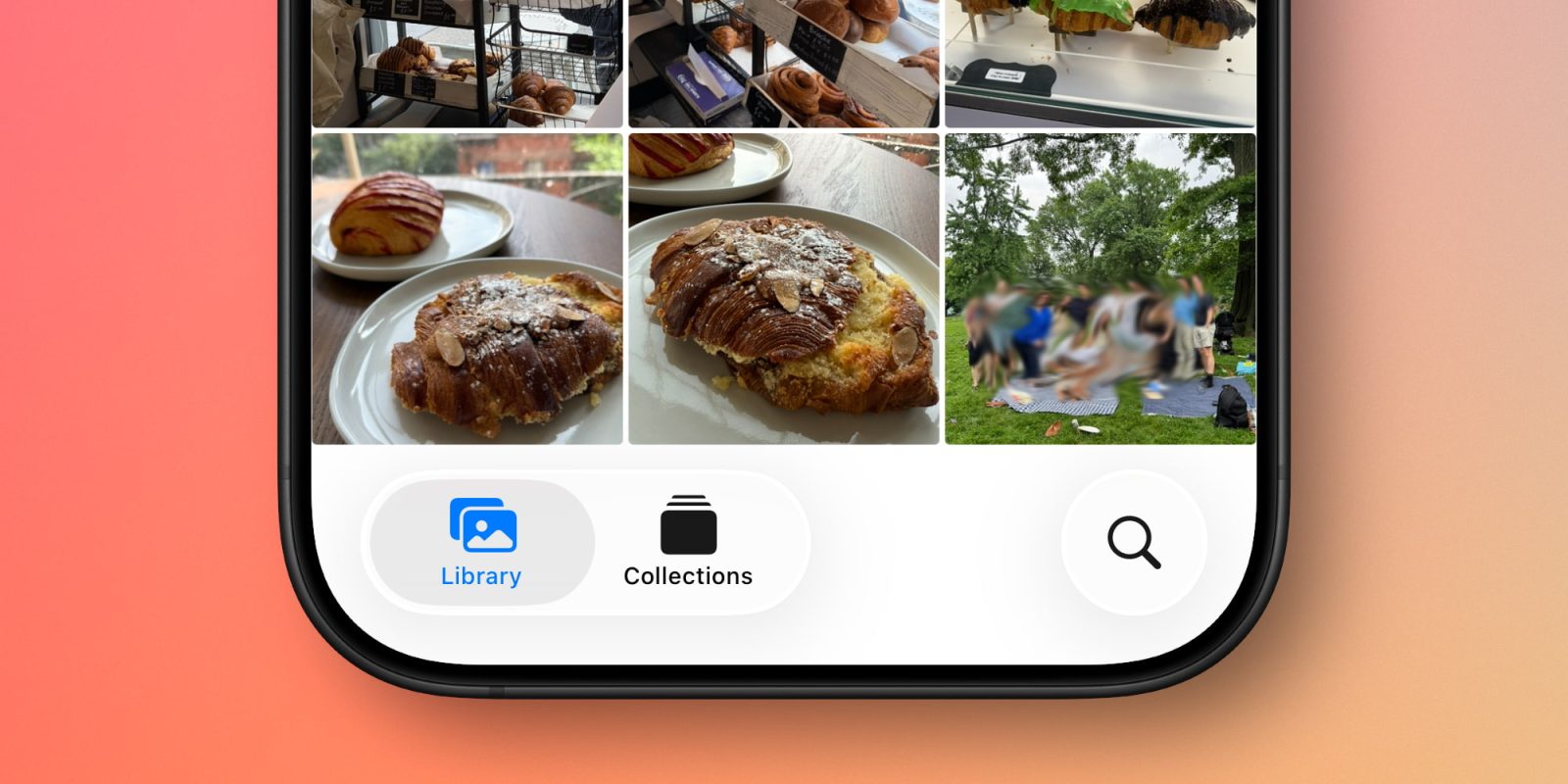
Apple’s Photos app underwent major changes last year in iOS 18. But this year in iOS 26, Photos has reversed course on the single biggest aspect of that overhaul: the tab bar is back.
Expand Expanding Close
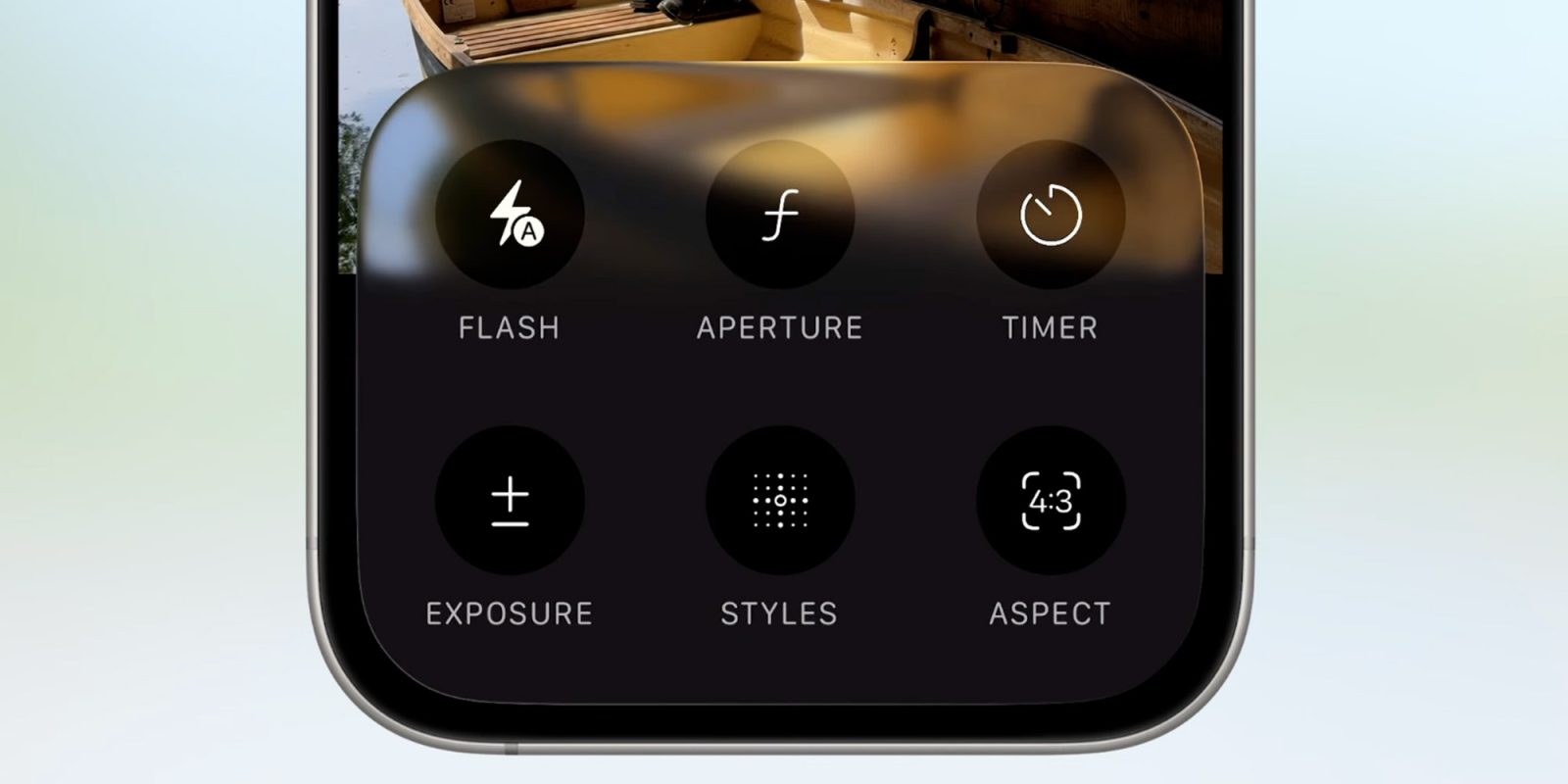
With iOS 26, Apple is redesigning the Camera app to make it more streamlined and easier to use. Here’s what it looks like.
Expand Expanding Close

During the Platforms State of the Union at WWDC, Apple just announced that macOS 26 Tahoe will be the last release of macOS that supports Intel. That means from next year, major new versions of Apple’s desktop operating system will only run on Apple Silicon Macs (that is, 2020 M1 models and newer).
Of course, Intel Macs will continue to get critical security updates for some time thereafter. But users should not expect to be able to update to get new features from macOS 27 onwards, as no Intel Mac will be supported on macOS 27.
Expand Expanding Close

iPadOS 26 introduces major new windowing features designed to upgrade the iPad’s multitasking experience. But with those new features, two longstanding multitasking features have been removed: Split View and Slide Over are no longer supported in iPadOS 26.
Expand Expanding Close
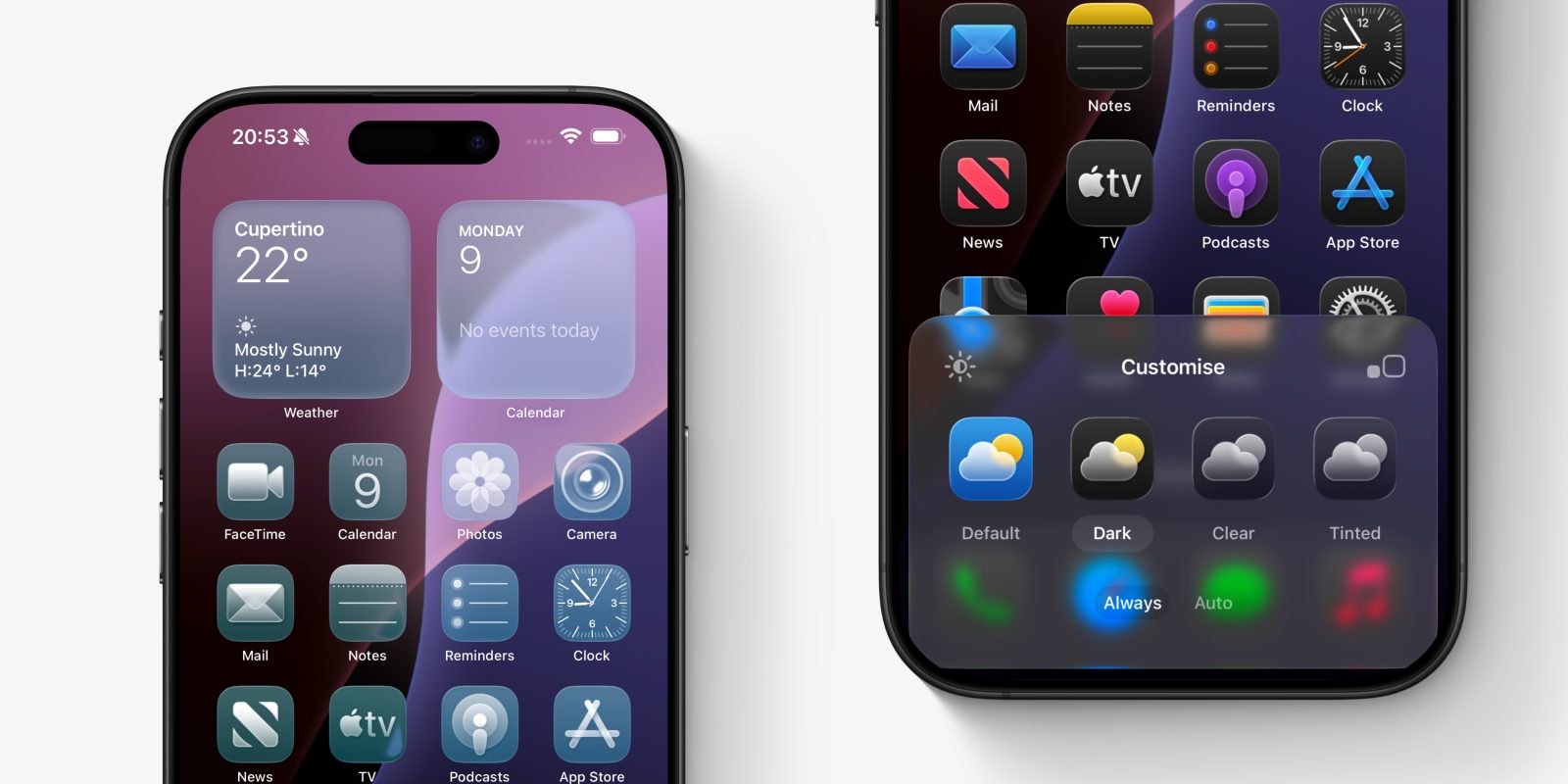
The iPhone home screen gets a brand new look with iOS 26, thanks to a visual overhaul featuring a brand new set of icons for all of Apple’s apps, as well as glass and reflection effects throughout.
There are also more ways than ever for you to customize your icons, with new tinting options and styles. Here’s everything new.
Expand Expanding Close
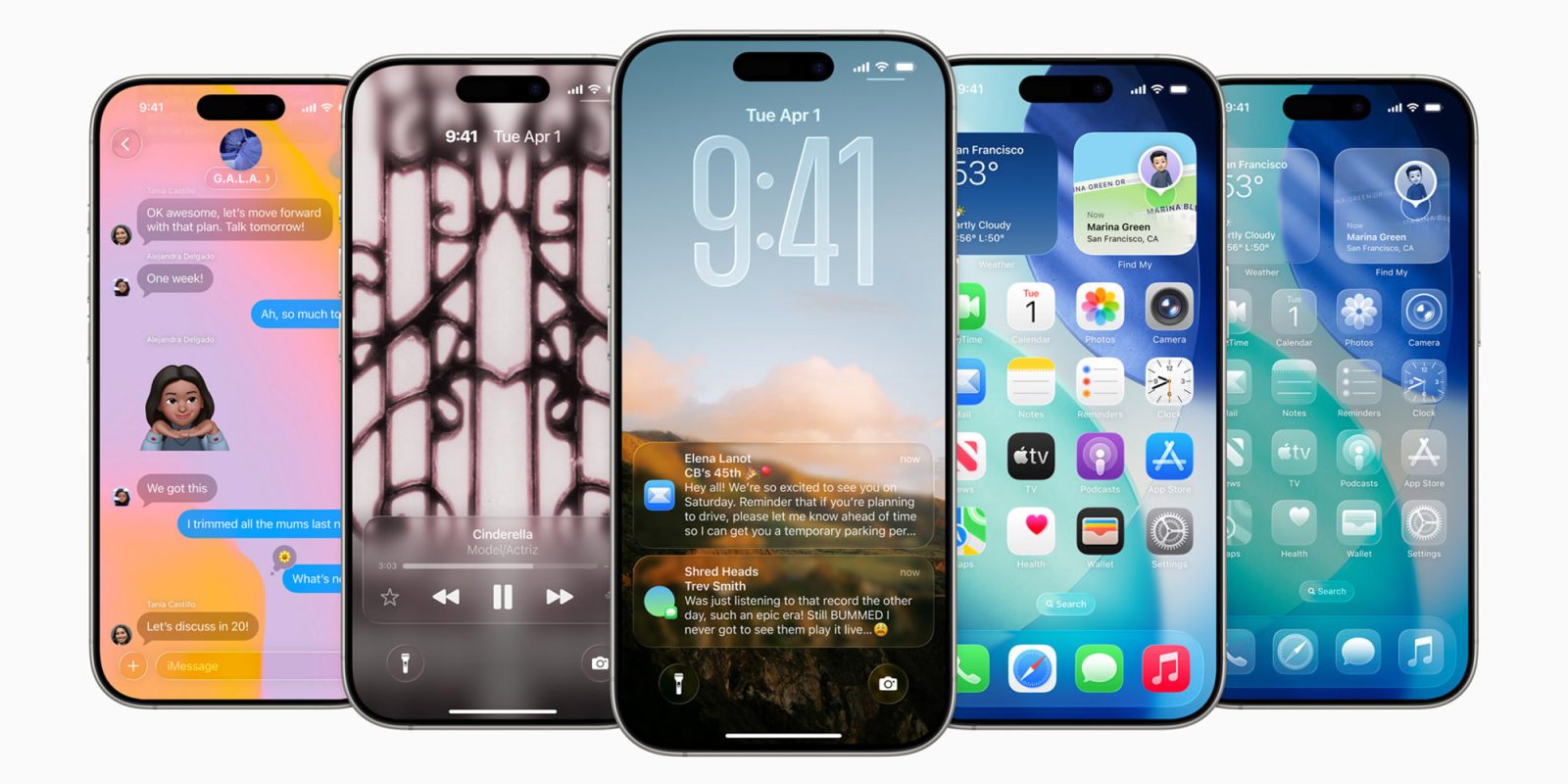
Apple has redesigned the iOS 26 Lock Screen to take full advantage of Liquid Glass, its new unifying UI vision that encompasses all its operating systems. With dynamic fonts, 3D effects, and an animated Now Playing interface, Apple really knocked this one out of the park. Here’s what’s new.
Expand Expanding Close
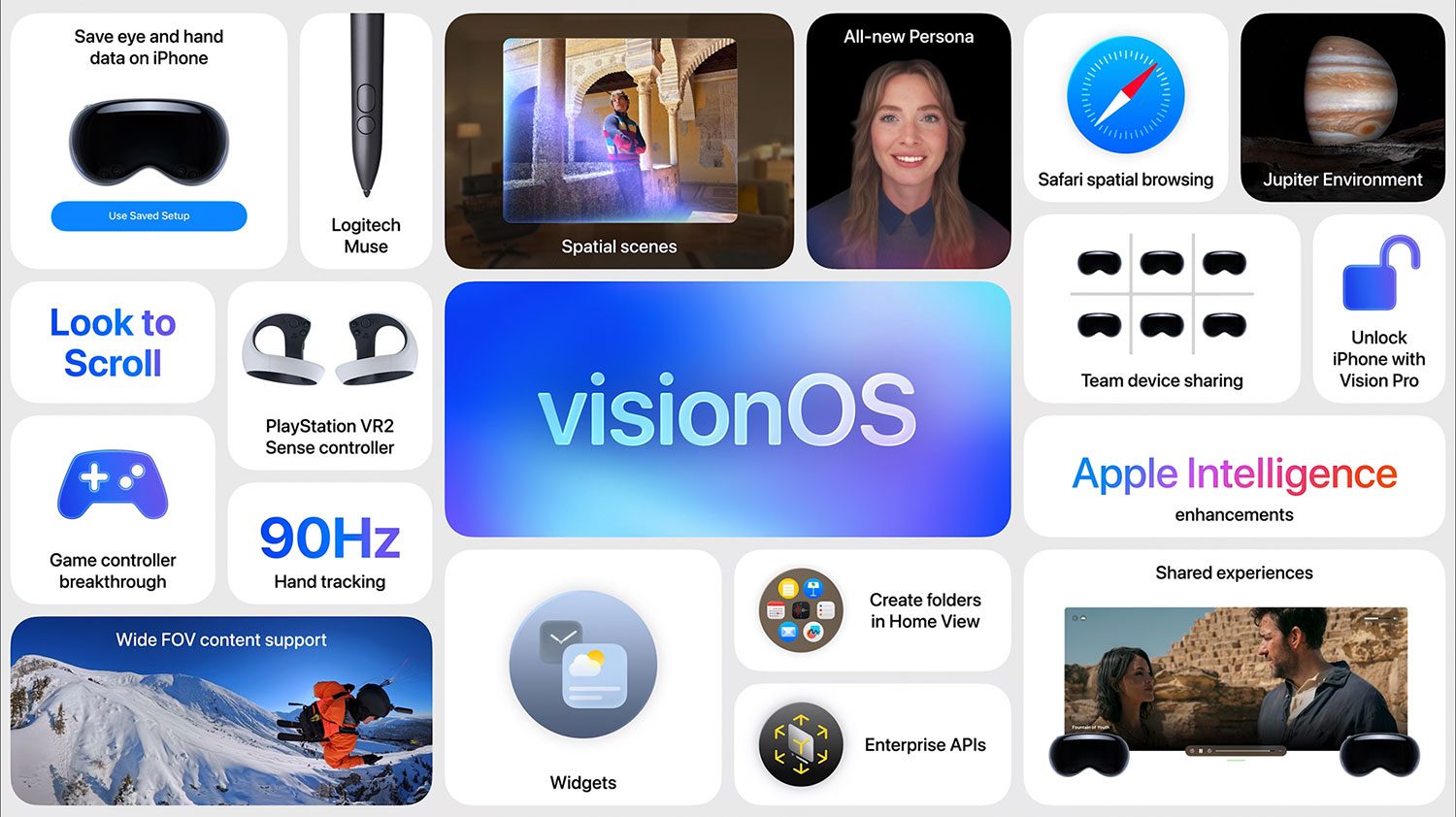
Apple just wrapped up its WWDC25 keynote, and visionOS 26 is now available as a developer beta, alongside the rest of its platforms. Here’s how to install it.
Expand Expanding Close

If you stuck around until the very end of Apple’s WWDC 2025 keynote, you caught one of the most delightfully unexpected moments of the event: a full-blown soul performance titled “6 out of 5 ⭐️”, with lyrics pulled entirely from App Store reviews.
Expand Expanding Close
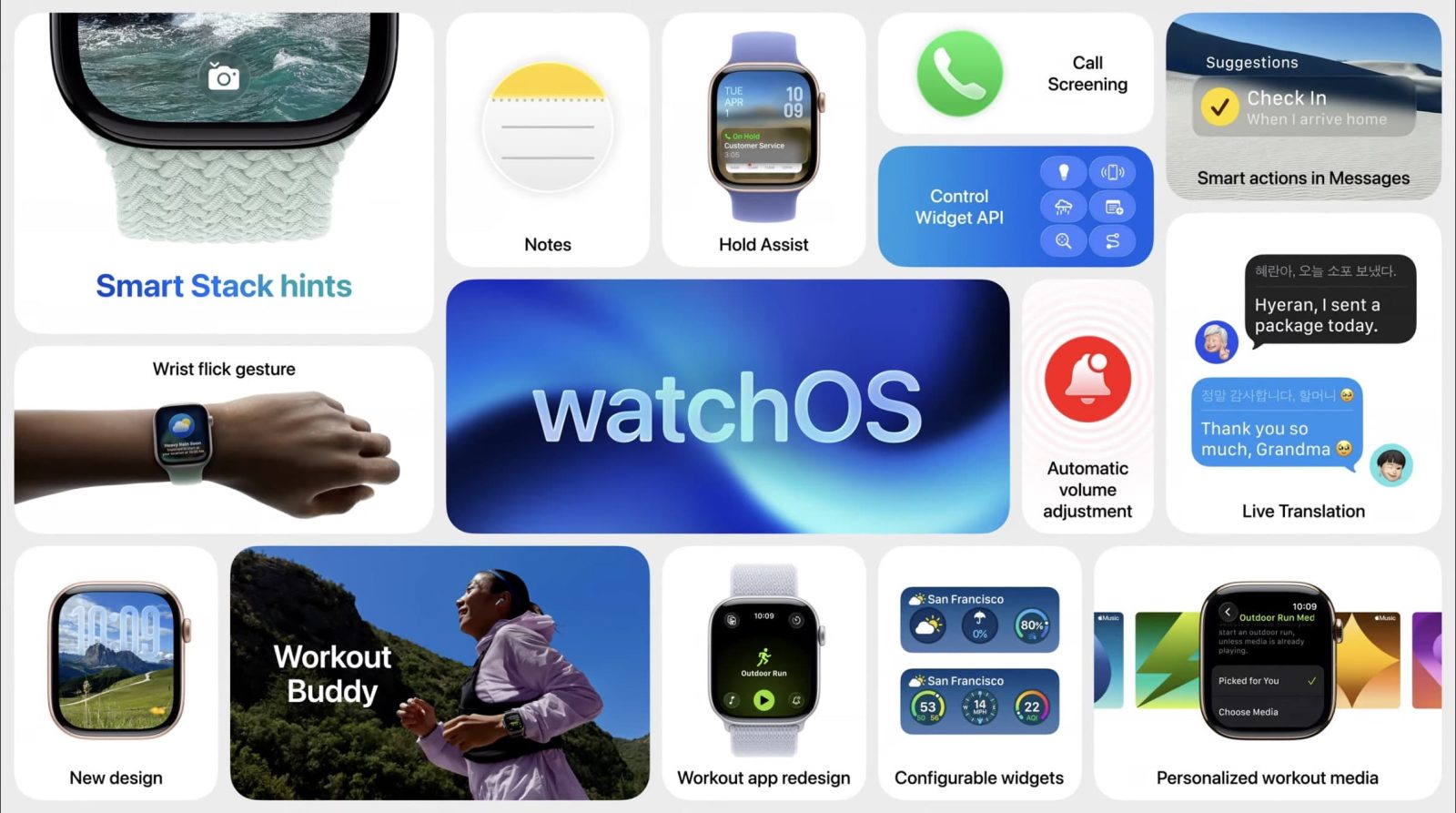
Following its introduction during today’s WWDC keynote, Apple has now released watchOS 26 developer beta 1. Here’s what you should know.
Expand Expanding Close
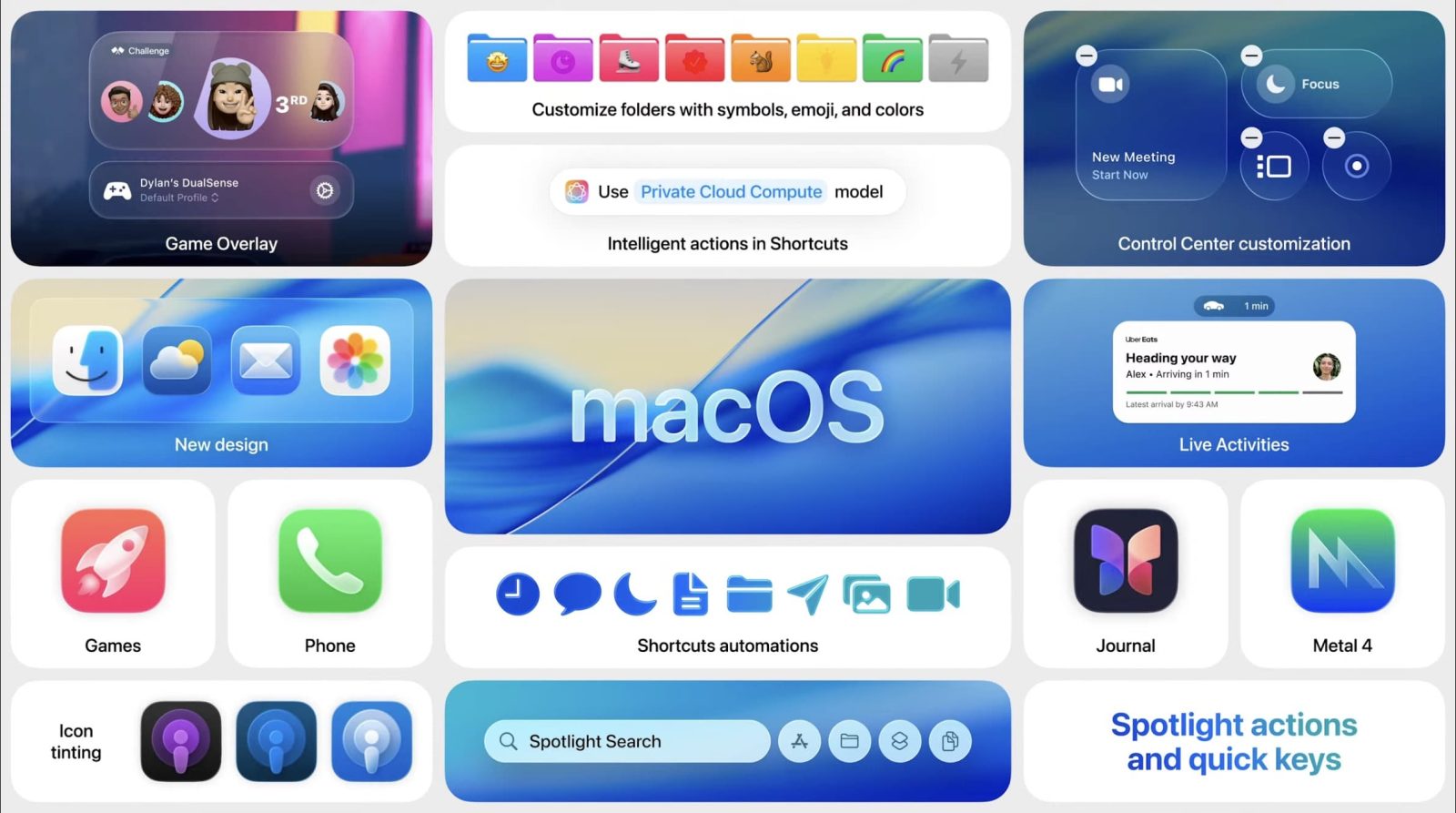
Apple just wrapped up its WWDC 2025 keynote, unveiling new features across all its platforms, including iOS 26 and watchOS 26. As expected, the first developer beta of macOS Tahoe 26 is already live. Here’s how to install it.
Expand Expanding Close


