Jeff is the head of video content production for 9to5. He joined 9to5Mac in 2016, producing videos, walkthroughs, how-tos, written tutorials, and reviews. He takes pride in explaining things simply, clearly, and concisely. Jeff’s videos have been watched hundreds of millions of times by people seeking to learn more about today’s tech. Subscribe to 9to5Mac on YouTube to catch Jeff’s latest videos.
iOS Decoded is Jeff’s flagship video series that breaks down what’s new in iOS betas, including behind-the-scenes deep dives into undiscovered features and exclusive details on the iOS roadmap.
Jeff also produces a weekly podcast, alongside co-host Fernando Silva, entitled 9to5Mac Overtime. A video-first podcast, 9to5Mac Overtime airs weekly on our YouTube channel, but can also be enjoyed in audio form via Apple Podcasts, or your podcast app of choice.
A discussion of the new Siri on iOS 18.1 beta 1, Apple Intelligence writing tools, new summaries in the Messages and Mail apps, phone call recording, AI-assisted memory video creation, and more.
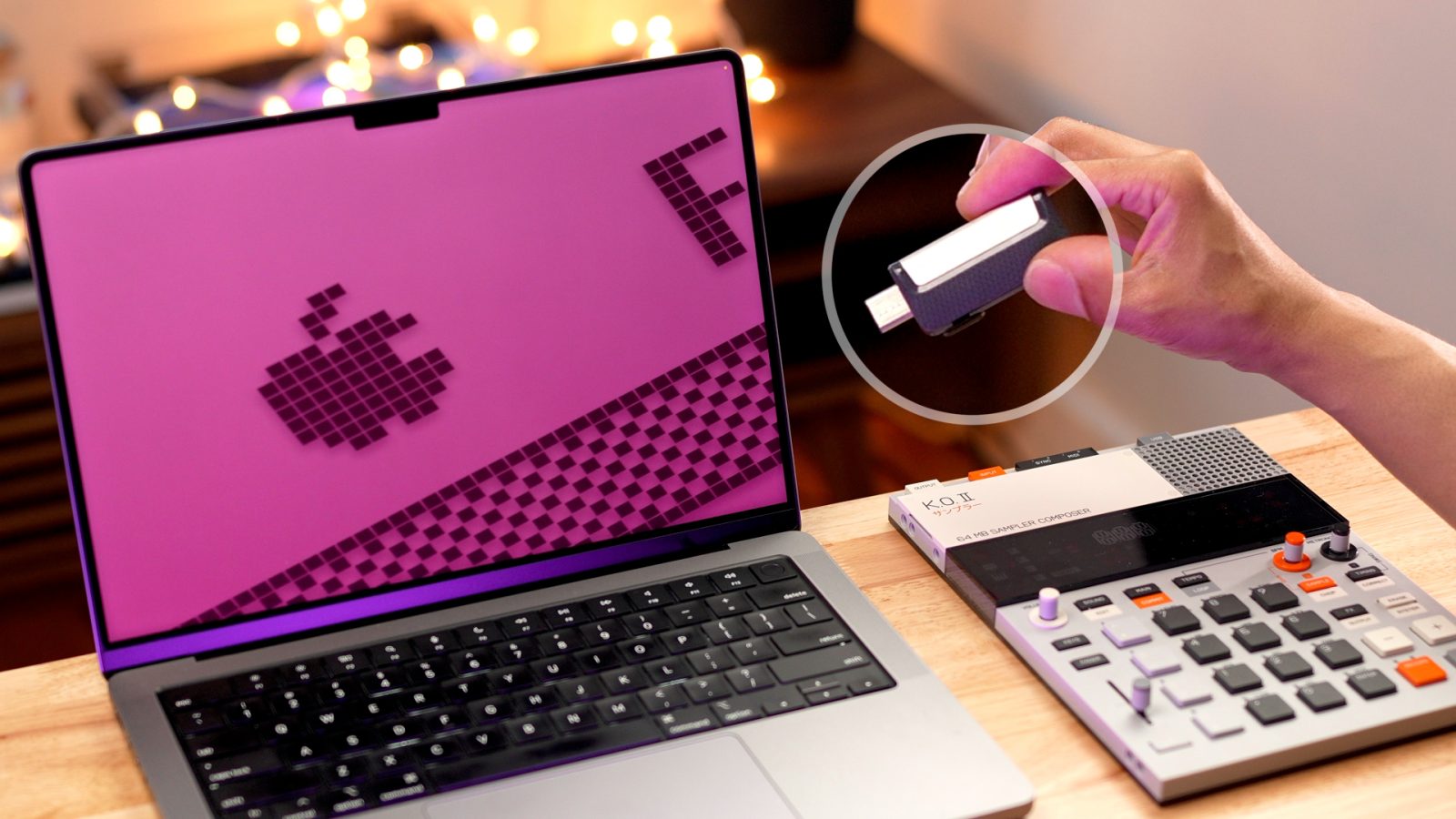
In this tutorial, I’ll show you how to turn a USB drive into a macOS Sequoia USB installer. Having a USB installer is useful for performing upgrades to Sequoia across multiple Macs, among other use cases. Watch my full video walkthrough, and be sure to subscribe to 9to5Mac on YouTube for more Mac guides, how-tos, reviews, etc.
Before we begin, it’s important to note that a USB installer is not a requirement to install macOS 15. Upon its release, you’ll be able to use the App Store to download Sequoia or install macOS via Recovery mode. As noted at the beginning, one of the primary benefits of creating a Sequoia USB install drive is that it allows you to install it across multiple Macs.
This week’s episode 023 is about Apple Vision Pro and VisionOS 2, Mac and macOS Sequoia, classic Macintosh System 6 wallpaper, window tiling, and more. It also includes all sorts of other interesting observations from around the world of tech and beyond.
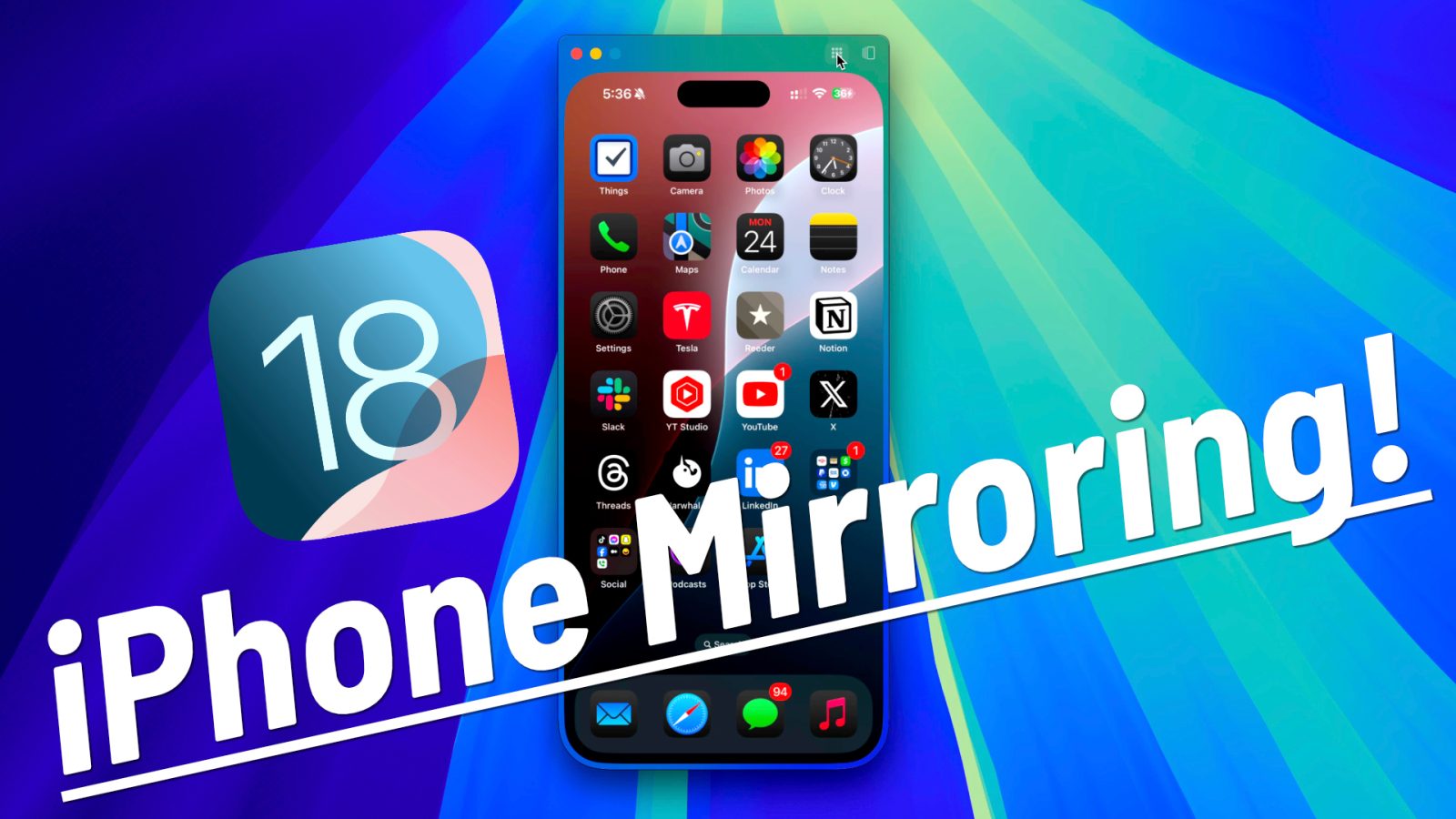
Yesterday, Apple released the second beta for iOS 18 and macOS 10.15 Sequoia, and it arrived featuring one of the headline components shared between both OSes. iPhone Mirroring, a feature that lets you both mirror and fully control an iPhone via Continuity, is now available in the latest betas.
In this hands-on video, we test-drive iPhone Mirroring to showcase its capabilities. We also include an iPhone Mirroring FAQ with the most frequently asked questions answered. Be sure to watch our full hands-on with iOS 18 for more, and subscribe to 9to5Mac on YouTube for upcoming coverage of iOS 18 and macOS Sequoia.
I recently did a deep dive into the macOS 15 Sequoia beta. Some of the headline features, like iPhone Mirroring, and Apple Intelligence, have yet to launch, but we can expect iPhone Mirroring to arrive with today’s release of beta 2. Yet, even without those features, there are more than enough changes and updates found in macOS Sequoia to keep things interesting!
In this hands-on video, I walk through dozens of new macOS Sequoia changes and features. Catch a glimpse of what’s new inside, and be sure to subscribe to 9to5Mac on YouTube for more macOS 10.5 walkthroughs and tutorials.
Apple today released highly-anticipated updates to both Final Cut Pro for iPad and Final Cut Pro for Mac. The iPad version, now called Final Cut Pro for iPad 2, takes full advantage of the new iPad Pro with M4 chip. Apple notes that it enables up to 2x faster rendering and supports up to 4x more streams of ProRes RAW than with the M1 iPad Pro.
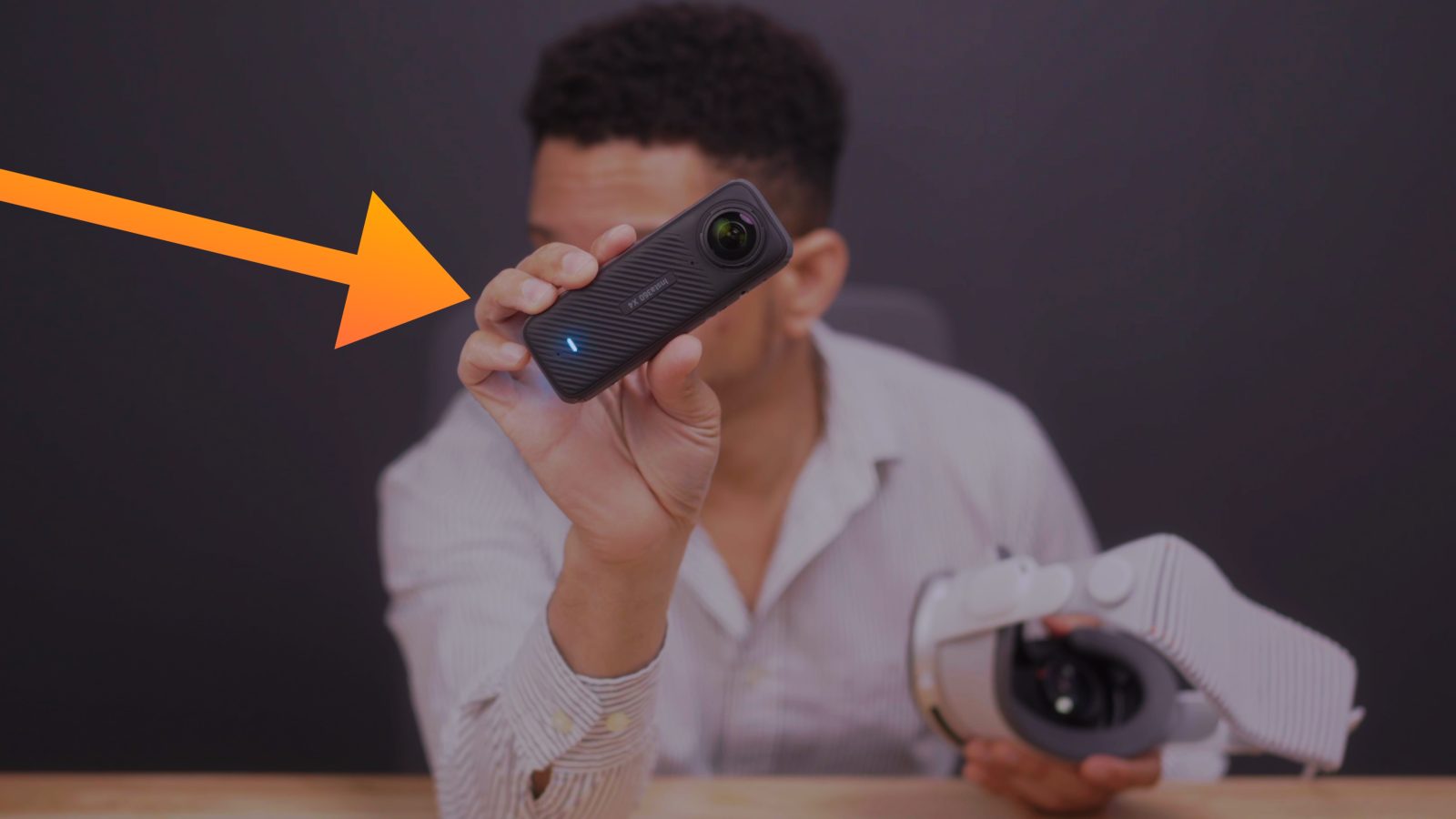
If you’re looking for a way to add 360-degree videos to your Apple Vision Pro, then the Insta360 X4 might be the easiest and most affordable way for you to do so. With this 8K action camera, you can easily shoot, convert, and send high-quality 360-degree video to Apple Vision Pro for watching with full immersion.
This week’s episode is all about WWDC 2024, with a primary focus on iOS 18. Fernando and Jeff discuss visionOS 2, their favorite iOS 18 features, and more.
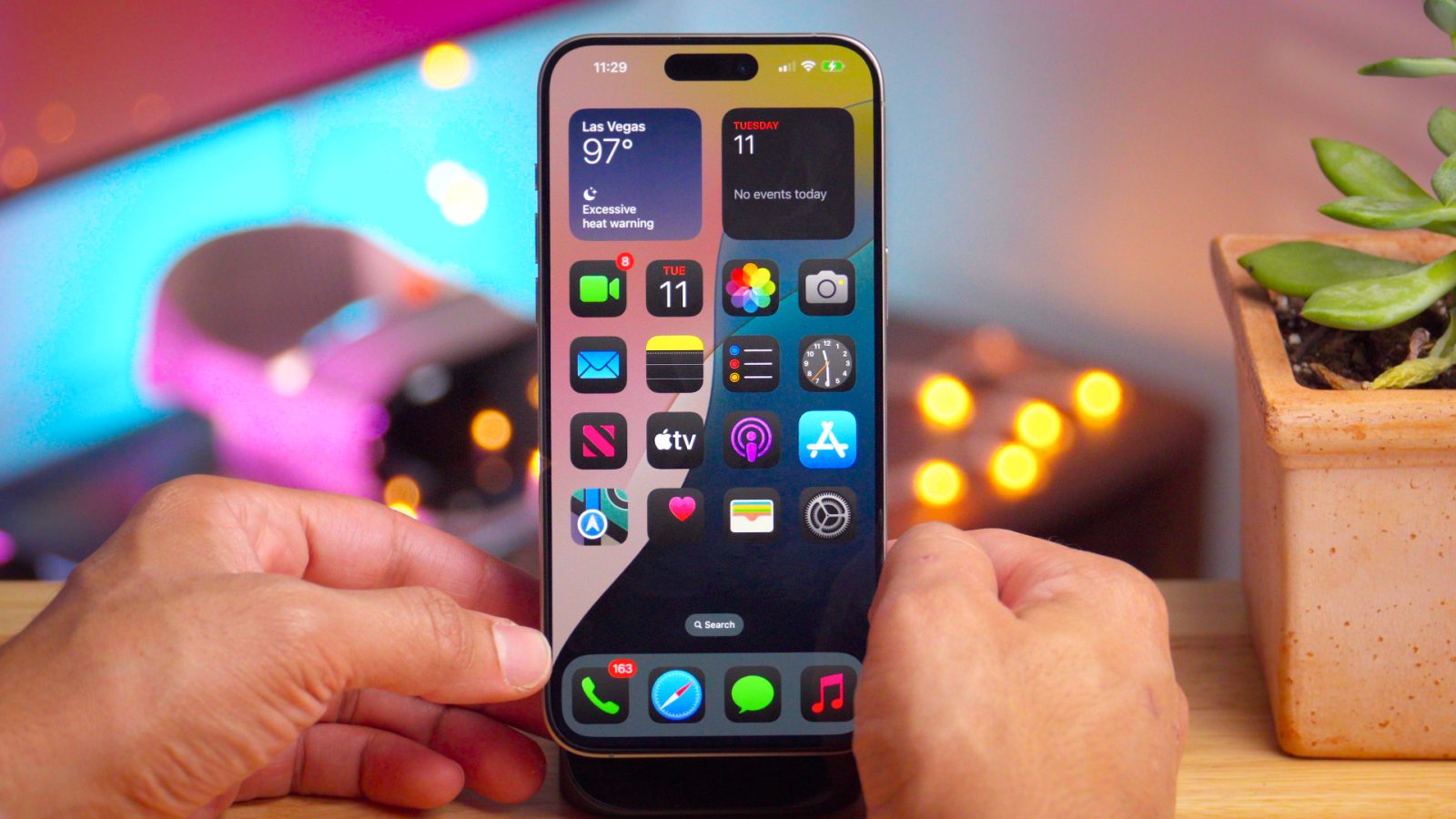
In this initial hands-on walkthrough, I discuss 18 of my favorite new changes and features from the first iOS 18 beta for iPhone. I explain why you should be excited about new long-awaited updates to the iOS Calendar app, Reminders, Notes, Messages, and more. Watch our hands-on video, and be sure to subscribe to 9to5Mac on YouTube for more hands-on iOS 18 coverage.
In this episode, Fernando and Jeff discuss WWDC iOS 18 leaks, exploring how much more information we’re getting about the software side of things compared to previous years. We also discuss the challenges and joys of establishing a workflow on iPadOS. From setting up shortcuts (not just the app) to managing files and timelines in Final Cut, we share our experiences and tips. Plus, we marvel at the power of ChatGPT for generating quirky podcast titles and enhancing productivity.
Fernando and Jeff discuss using iPad Pro exclusively over Mac, favorite iPad Pro features, and the one must have sleeper accessory for Apple’s new tablet.
I’ve been using the new M4 iPad Pro for the last week exclusively, resisting any urge to use my MacBook Pro as a crutch. Needless to say, it’s been an enlightening, interesting, and dare I say, a fun experience on a lot of fronts. My biggest takeaway? The iPad has flaws, but iPadOS does not need to be macOS to make it a good computer.
We’re excited to announce the launch of something new for the amazing 9to5Mac community: YouTube channel memberships! This is your opportunity to directly support the channel you love and unlock some fun perks as a result.
Why support the channel?
9to5Mac has been going strong on YouTube for eight years and is inching closer to one million subscribers. Your support helps us to continue growing and creating the in-depth video content you love. We provide in-depth iOS guides, walkthroughs, tutorials, news, reviews, and, most recently, the 9to5Mac Overtime podcast.
Of course, our YouTube content will always remain free and accessible, and you are not obligated to become a channel member. However, for those who especially appreciate our work, here is your chance to support us directly.
On this latest episode of Overtime, Fernando and Jeff discuss Apple Podcast reviews, May 7th iPad event, NAB 2024, and getting the most out of iPhone while traveling.
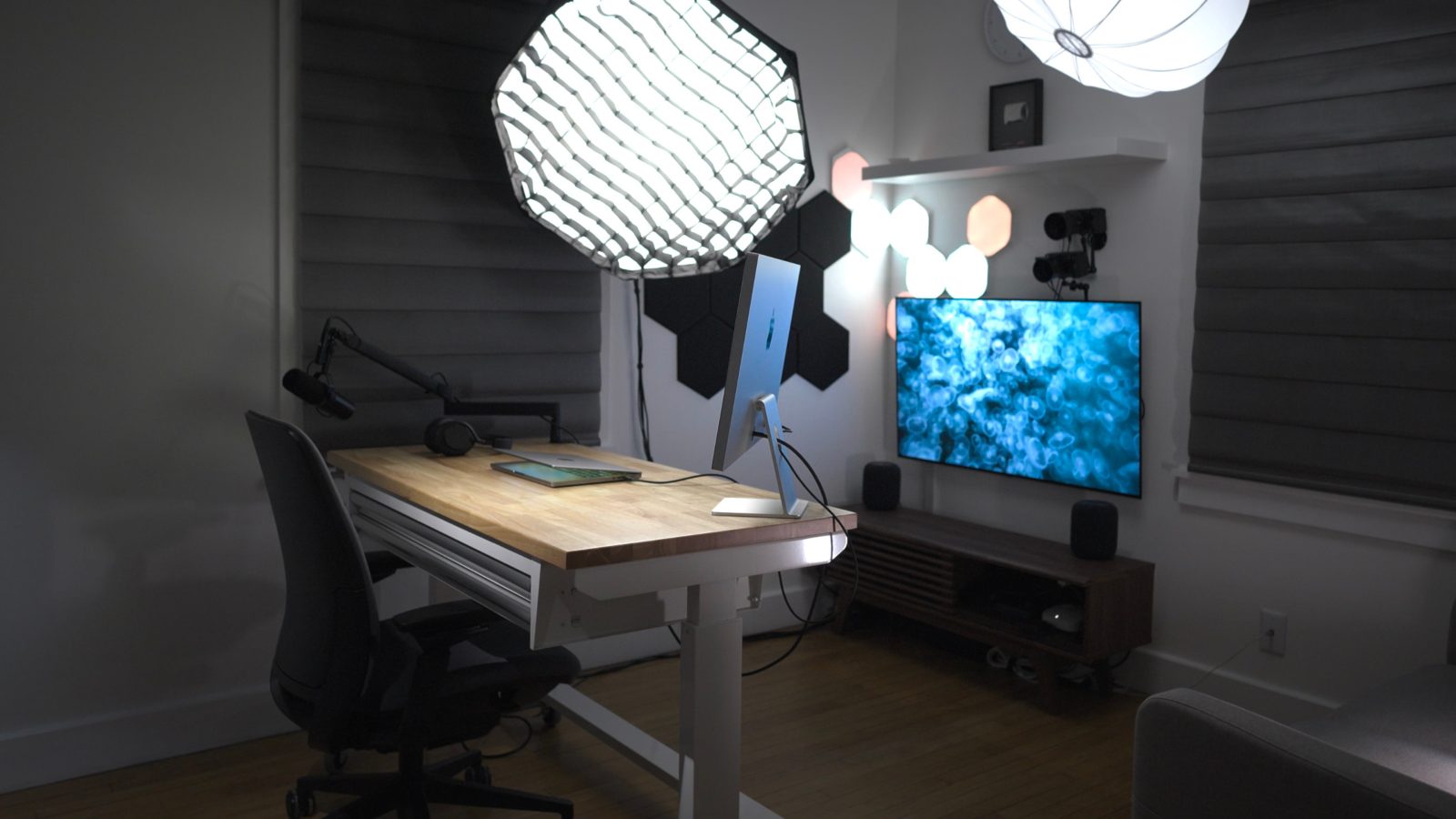
After years of waffling, I decided that it was time to update my workspace to be more friendly to on-camera work, reviews, tutorials, product photography, podcasting, etc. Instead of having a space that I sometimes use for work, sometimes for study and entertainment, and sometimes for editing, I decided to switch it up and wholly dedicate it to video and photo production.
This setup is primarily powered by a 14-inch MacBook Pro connected to a single Thunderbolt cable. It’s also made possible by a whole host of software, including MovieRecorder, a pricey but fantastic application from Softron. MovieRecorder allows me to simultaneously record high-quality HEVC-encoded video in a multi-cam setup from multiple cameras directly to my computer, bypassing SD Cards of CFexpress cards entirely.
As you’ll see in my hands-on video, I’ve done many other things to customize my setup for productivity, and I hope you find it enlightening and fun. Be sure to subscribe to 9to5Mac on YouTube for more videos like this.
NAB, a camera and production-focused trade show, is one of the events I look forward to annually – this year was no different. NAB 2024 was chock full of new hardware and software releases that will affect large productions with pro cameras all the way down to small at-home productions with an iPhone serving as an A-cam.
In this hands-on video, I traverse the showroom floor of the Las Vegas Convention Center in search of some of the best of NAB 2024 from an Apple user’s perspective. I cover some exciting new updates to the amazing LumaFusion mobile video editing app, an exciting newcomer in Prismatic that promises to enhance production workflows, an update to the Blackmagic Camera app, Promise’s upcoming Thunderbolt 5 RAID enclosure, the Atomos Ninja Phone, and lots of new iPhone and iPad-centric hardware as well. Watch our hands-on, and be sure to subscribe to 9to5Mac on YouTube for more videos.
Jeff and Fernando talk about AltStore launching in the EU, the Delta Nintendo Emulator officially arriving in the App Store, iOS 17.5 beta changes and features, the upcoming 12.9-inch iPad Air with mini LED display, iPad Magic Keyboard conjecture, flying with Apple Vision Pro, and NAB 2024. It’s a jam-packed, fun-filled show, don’t miss it!
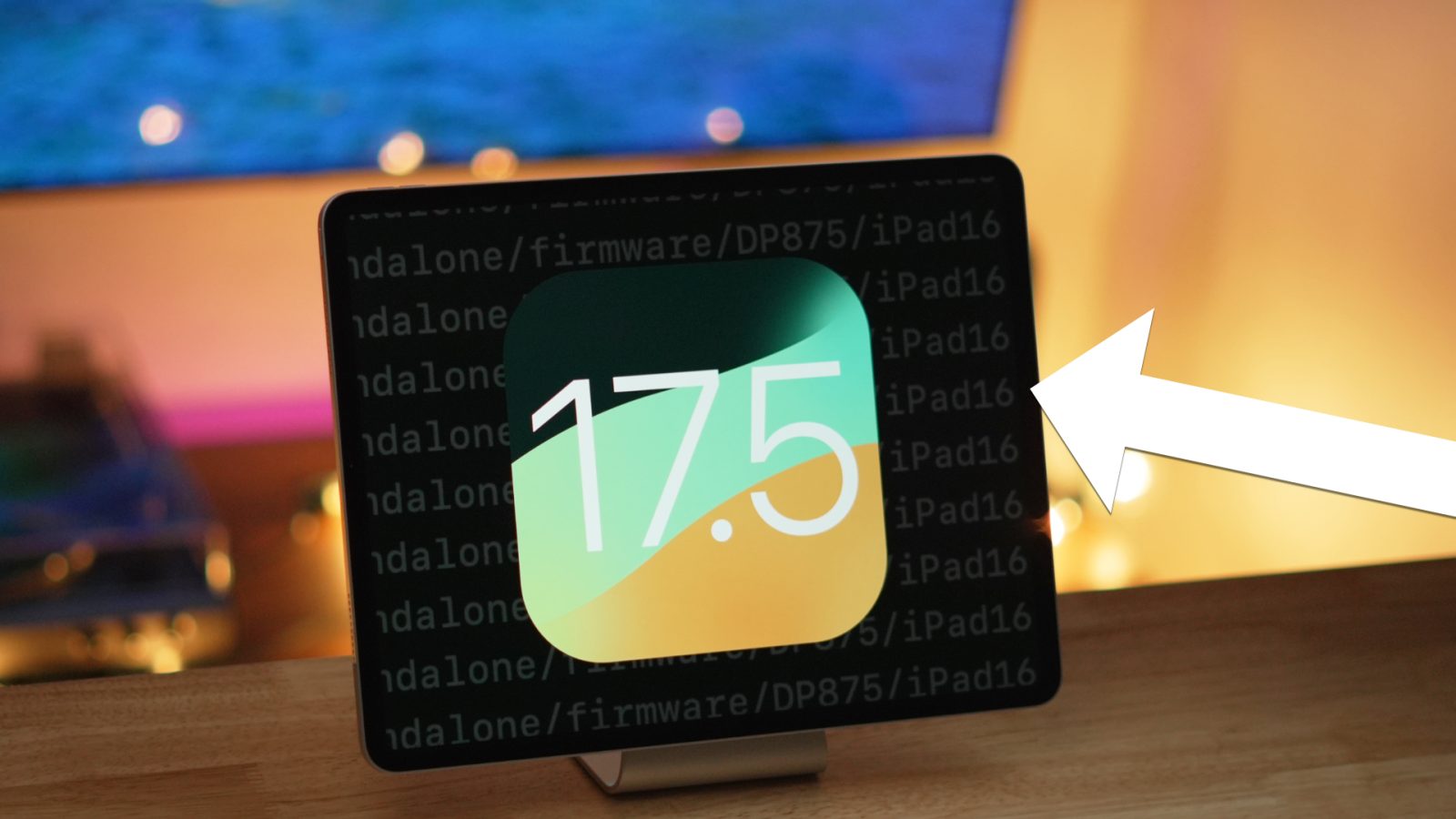
In this hands-on video, we review everything new in the initial iOS 17.5 developer beta. We also discuss how iOS 17.5 beta 1 reveals new details about the 2024 iPad Pro, scheduled to launch next month. Watch our in-depth walkthrough, and subscribe to 9to5Mac on YouTube for more.
9to5Mac’s Zac Hall joins Jeff Benjamin in this week’s episode of Overtime to discuss Visioneers, his new Apple Vision Pro podcast, and his origin story with 9to5Mac.