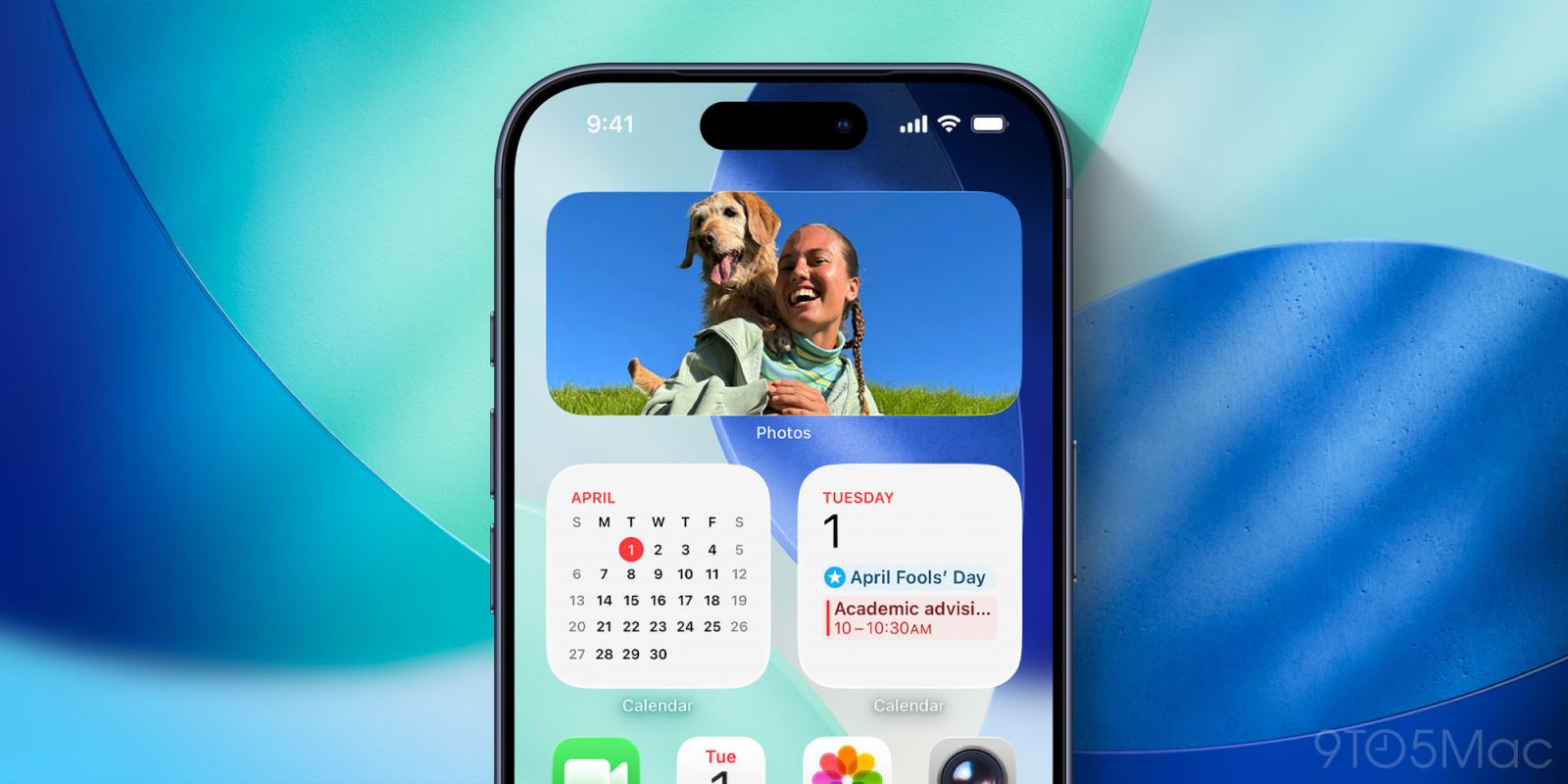
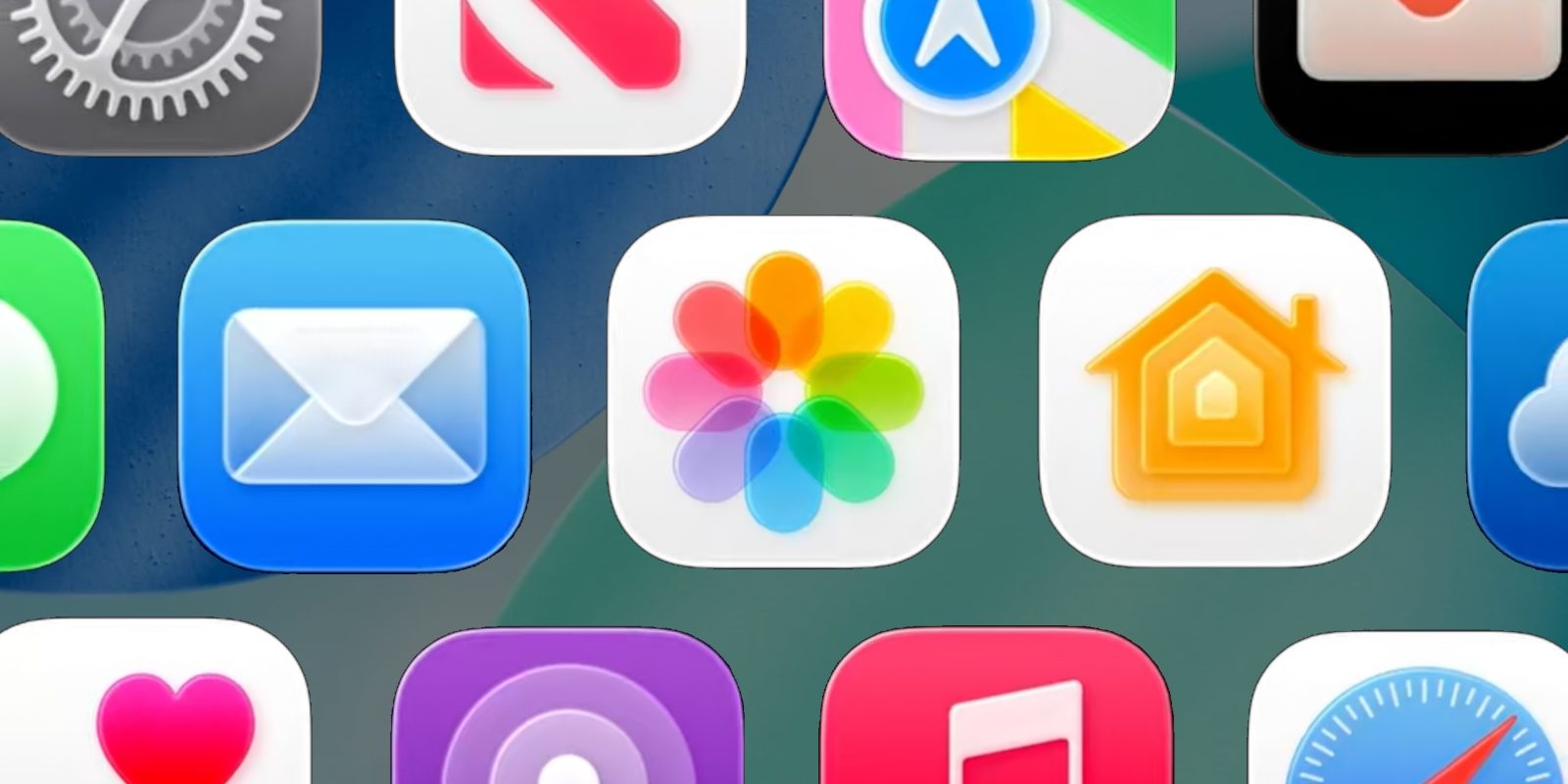
iOS 26.4 just added brand new widgets for the iPhone’s Home Screen, but you might not know that fairly recently, Apple also upgraded its popular Photos widget in two ways.
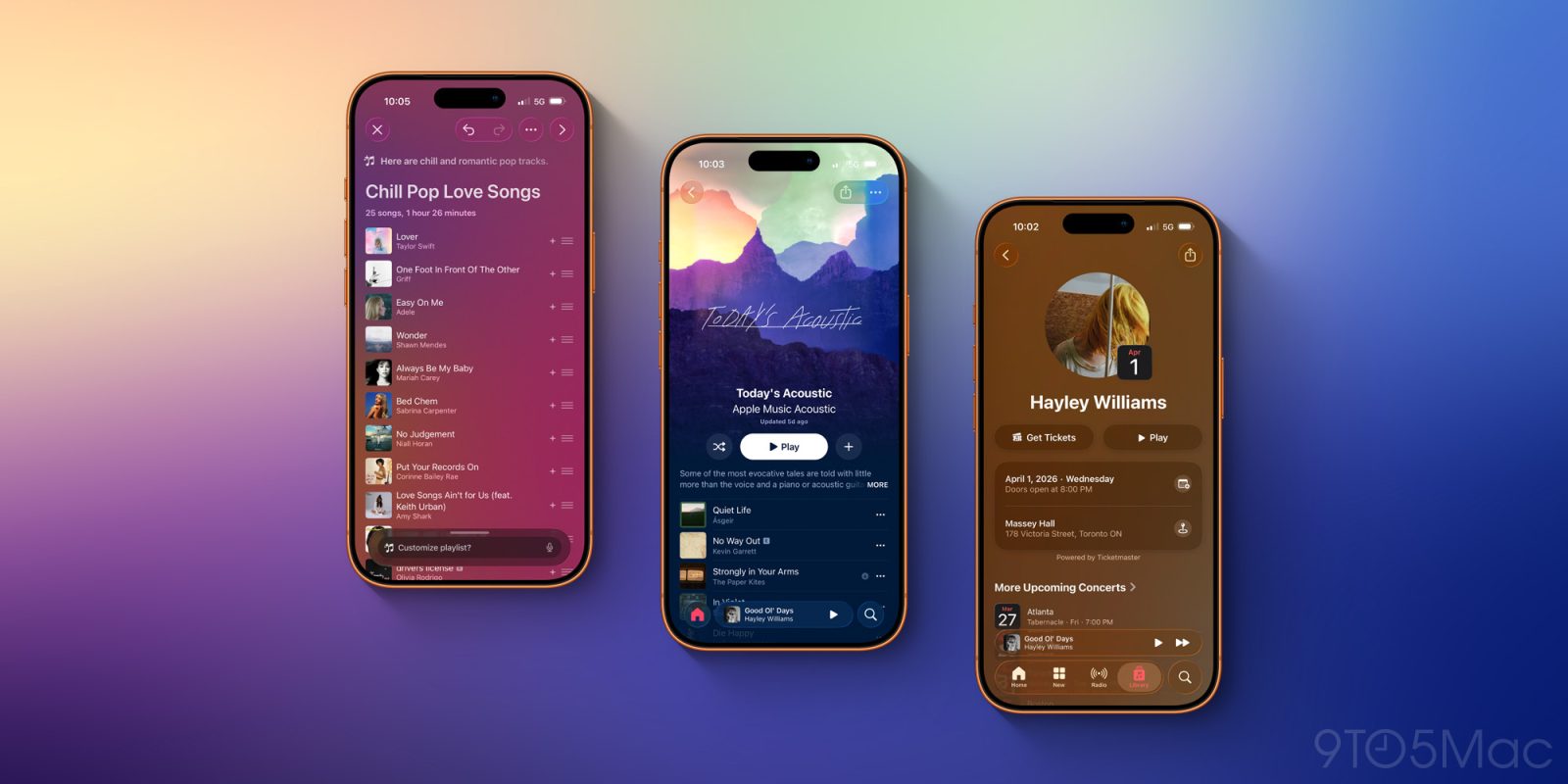
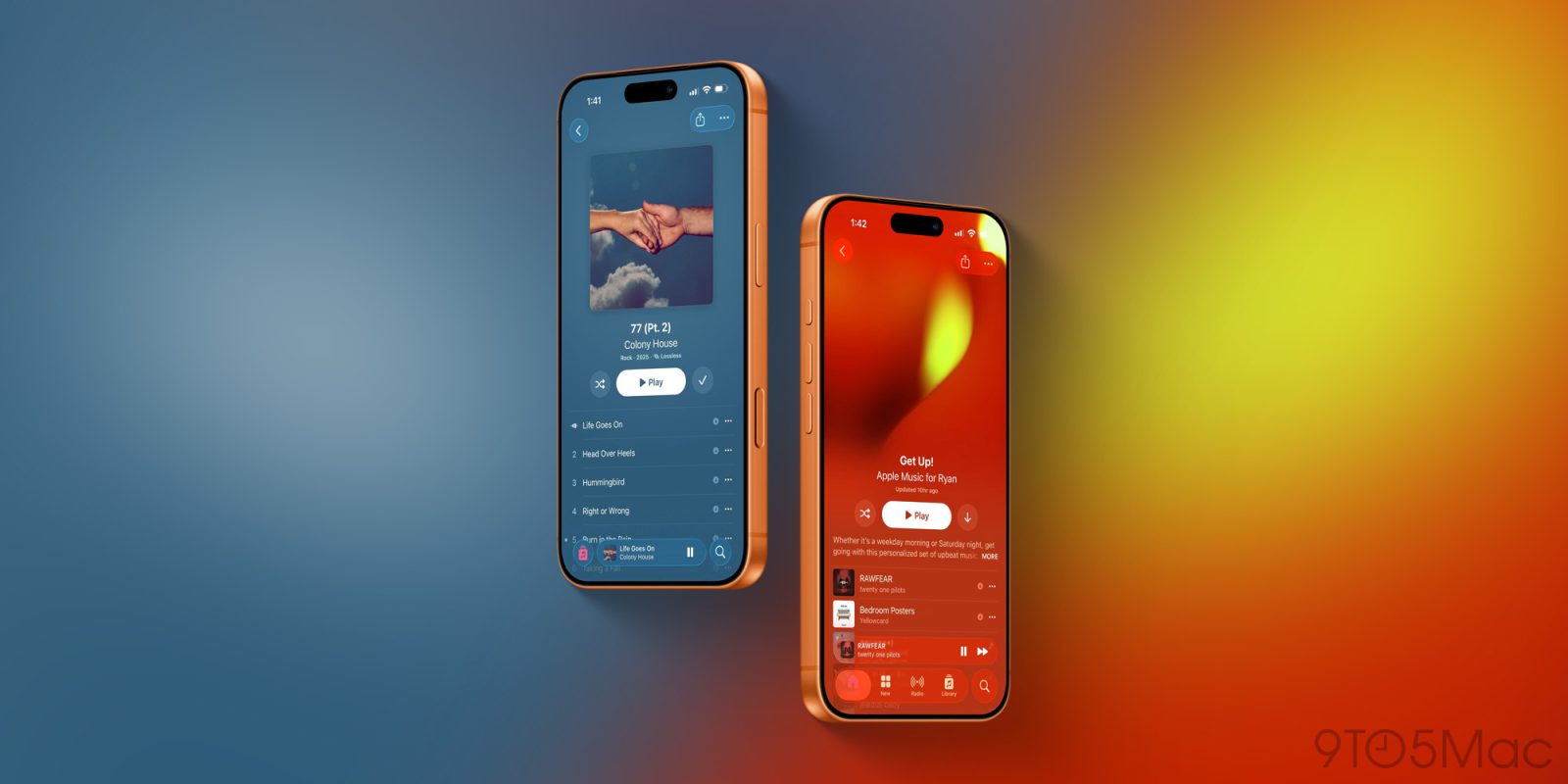
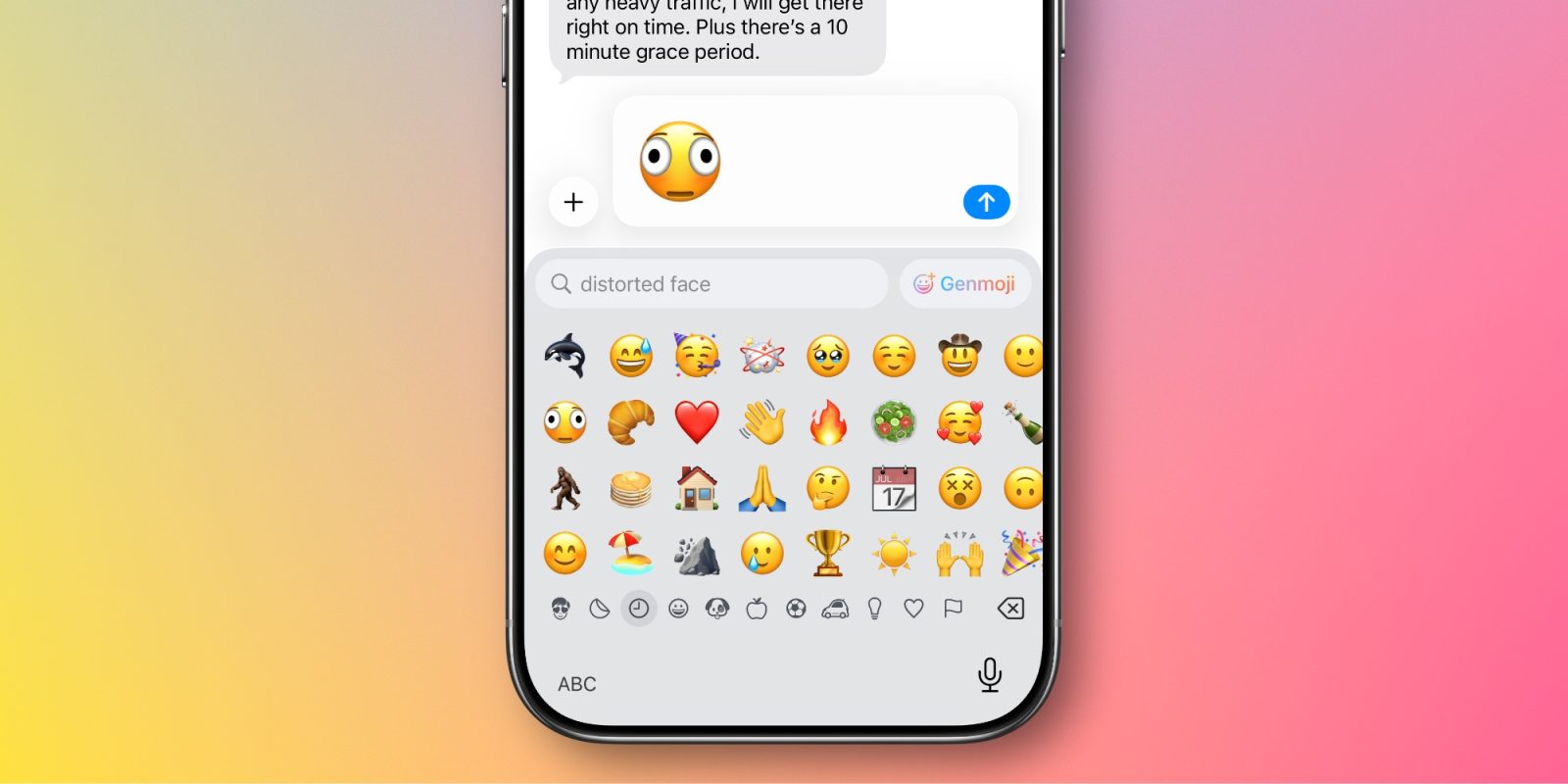
Apple released iOS 26.4 to everyone this week, bringing new emojis, updates to Apple Music, and more to iPhone users everywhere.
Now, attention is shifting to iOS 26.5 among loyal 9to5Mac readers. We’ve received a lot of questions about when the first iOS 26.5 beta will be released, so here’s what we know based on history.
9to5Mac Security Bite is exclusively brought to you by Mosyle, the only Apple Unified Platform.Making Apple devices work-ready and enterprise-safe is all we do. Our unique integrated approach to management and security combines state-of-the-art Apple-specific security solutions for fully automated Hardening & Compliance, Next Generation EDR, AI-powered Zero Trust, and exclusive Privilege Management with the most powerful and modern Apple MDM on the market. The result is a totally automated Apple Unified Platform currently trusted by over 45,000 organizations to make millions of Apple devices work-ready with no effort and at an affordable cost. Request your EXTENDED TRIAL today and understand why Mosyle is everything you need to work with Apple.
On Tuesday, along with the wide release of iOS 26.4, which had been in beta up until then, Apple dropped a hefty list of security patches addressing over 35 vulnerabilities. While most single-point releases usually come with a large number of fixes, there are a handful of notable ones here I want to bring attention to.
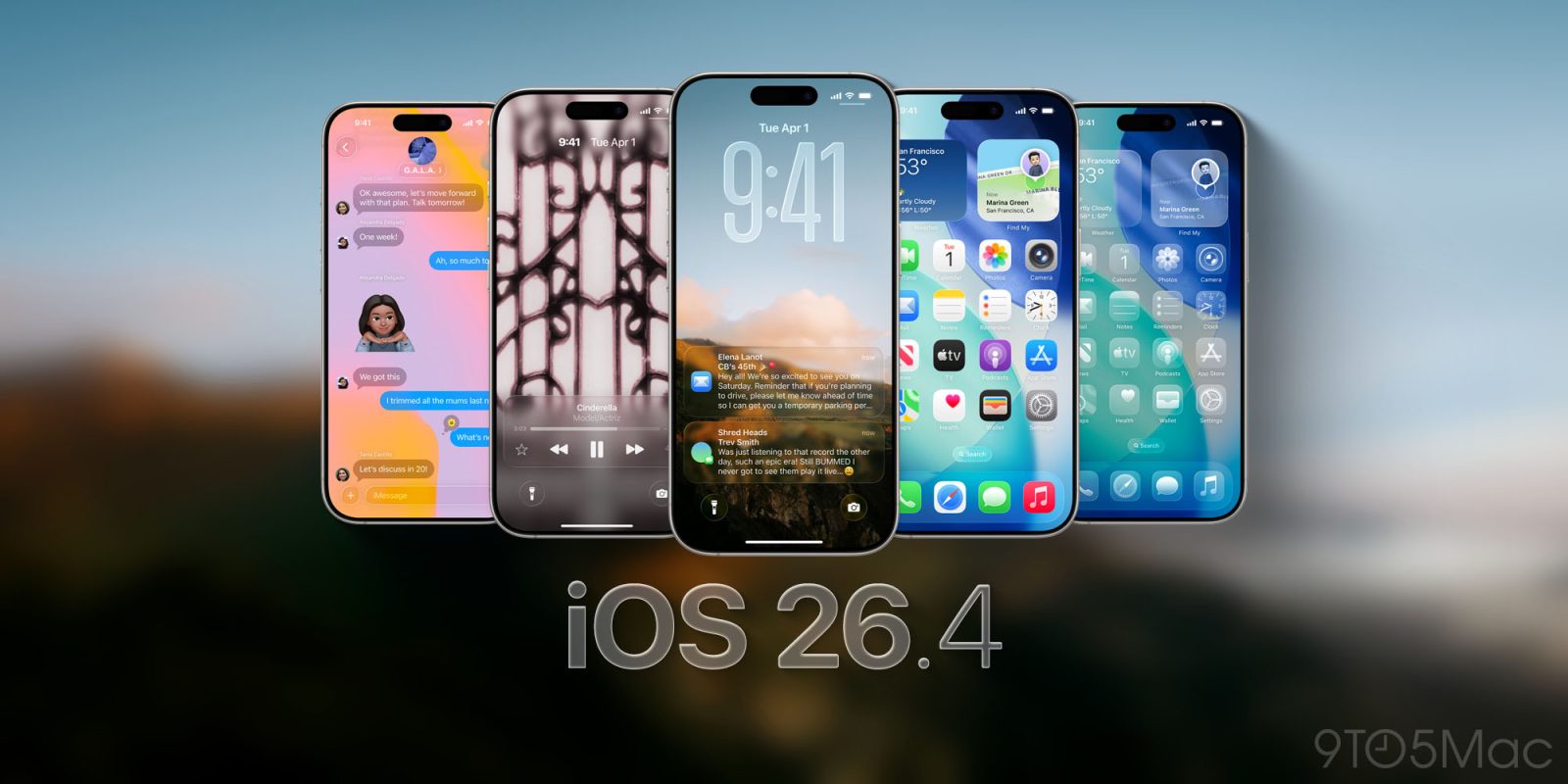
iOS 26.4 is now available for everyone. The update adds a range of new features to iPhone, including upgrades to Apple Music, Apple Podcasts, Messages, and more.
Here are all of the new iPhone features in iOS 26.4, plus everything else you need to know.
iOS 26.4 launched yesterday with new emoji and plenty of new features. Additionally, iOS 26.4 brings over 35 key security fixes for your iPhone per Apple’s detailed release notes.
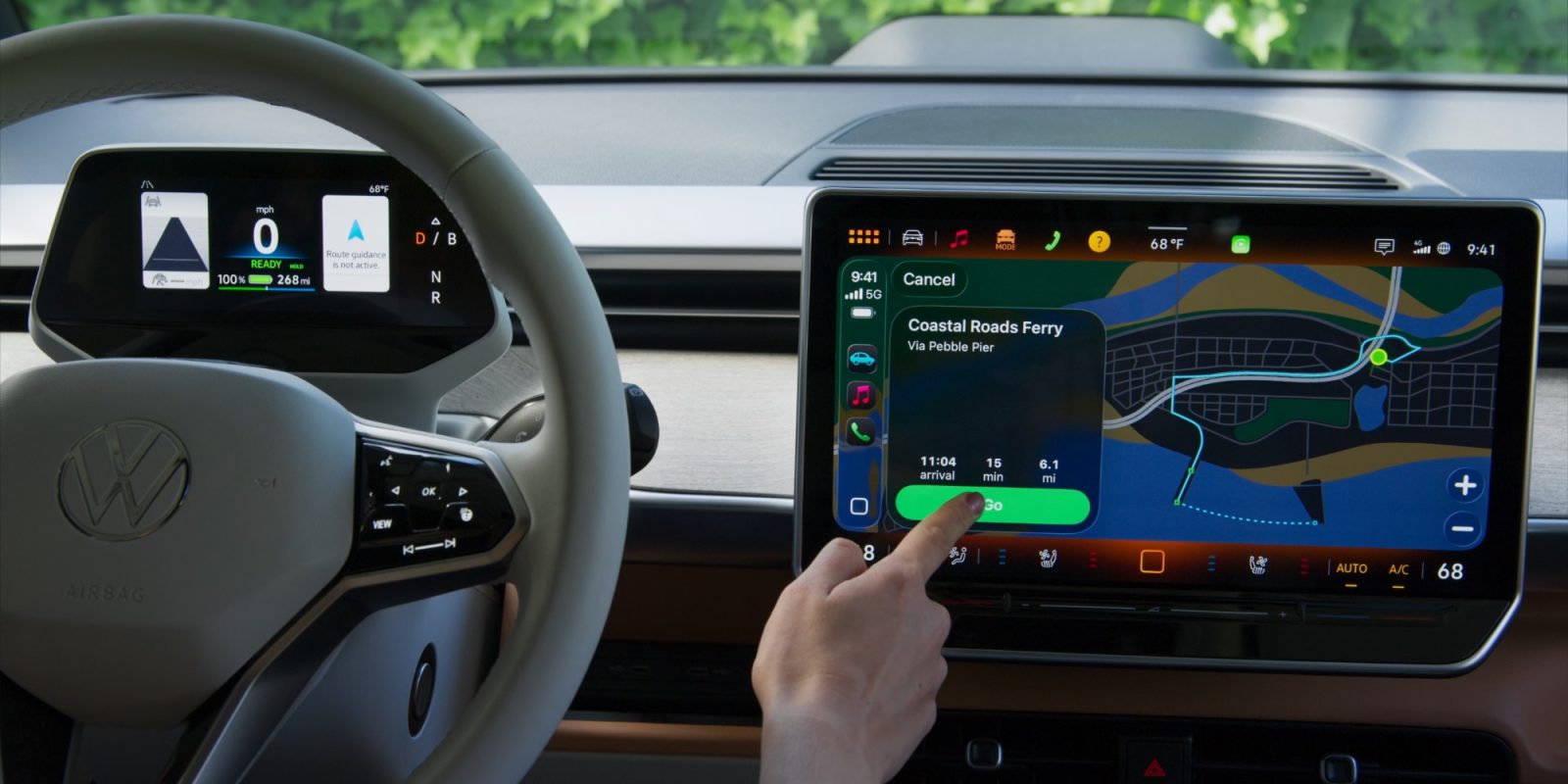
iOS 26.4 was released today, and with the update CarPlay adds two new features for users, while also laying the groundwork for another big upgrade soon.
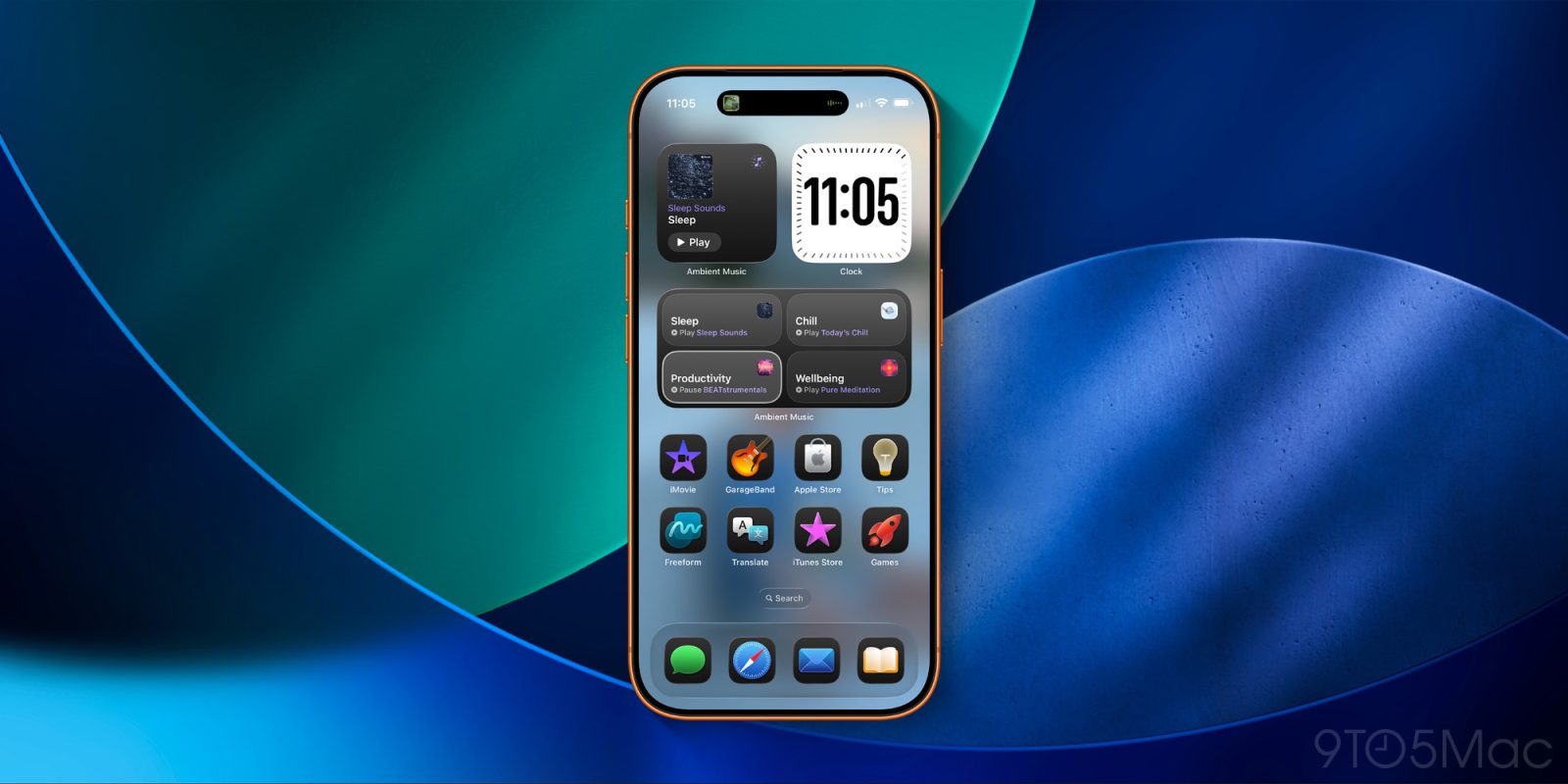
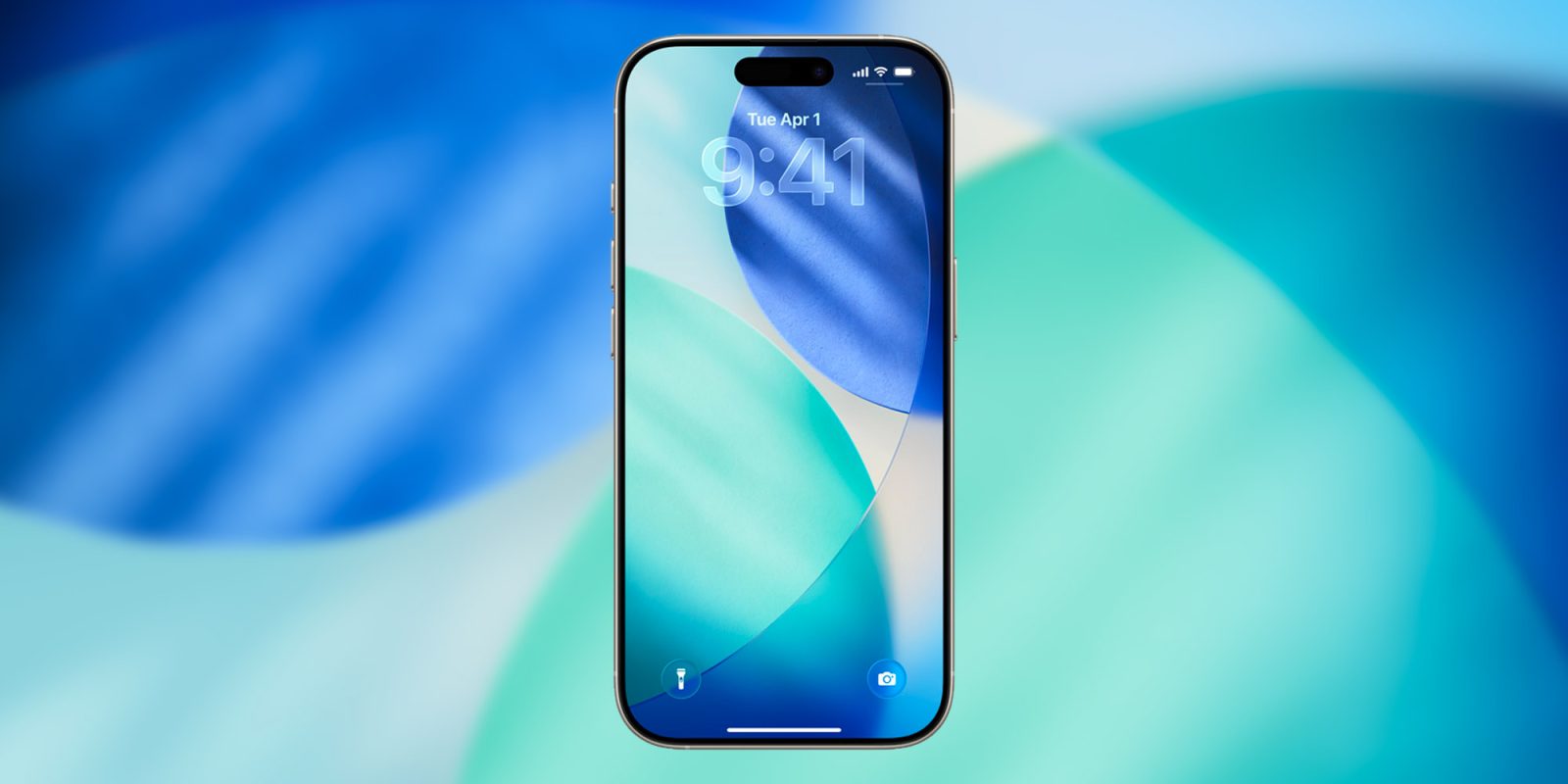
iOS 26.4 comes packed with many new features, including brand new Ambient Music widgets that can be added to the iPhone’s Home Screen. Here are the details.
iOS 26.4 is almost here, with a launch likely just days away. The update is packed with a lot of new features, including three that have a good chance of becoming daily go-tos for users.
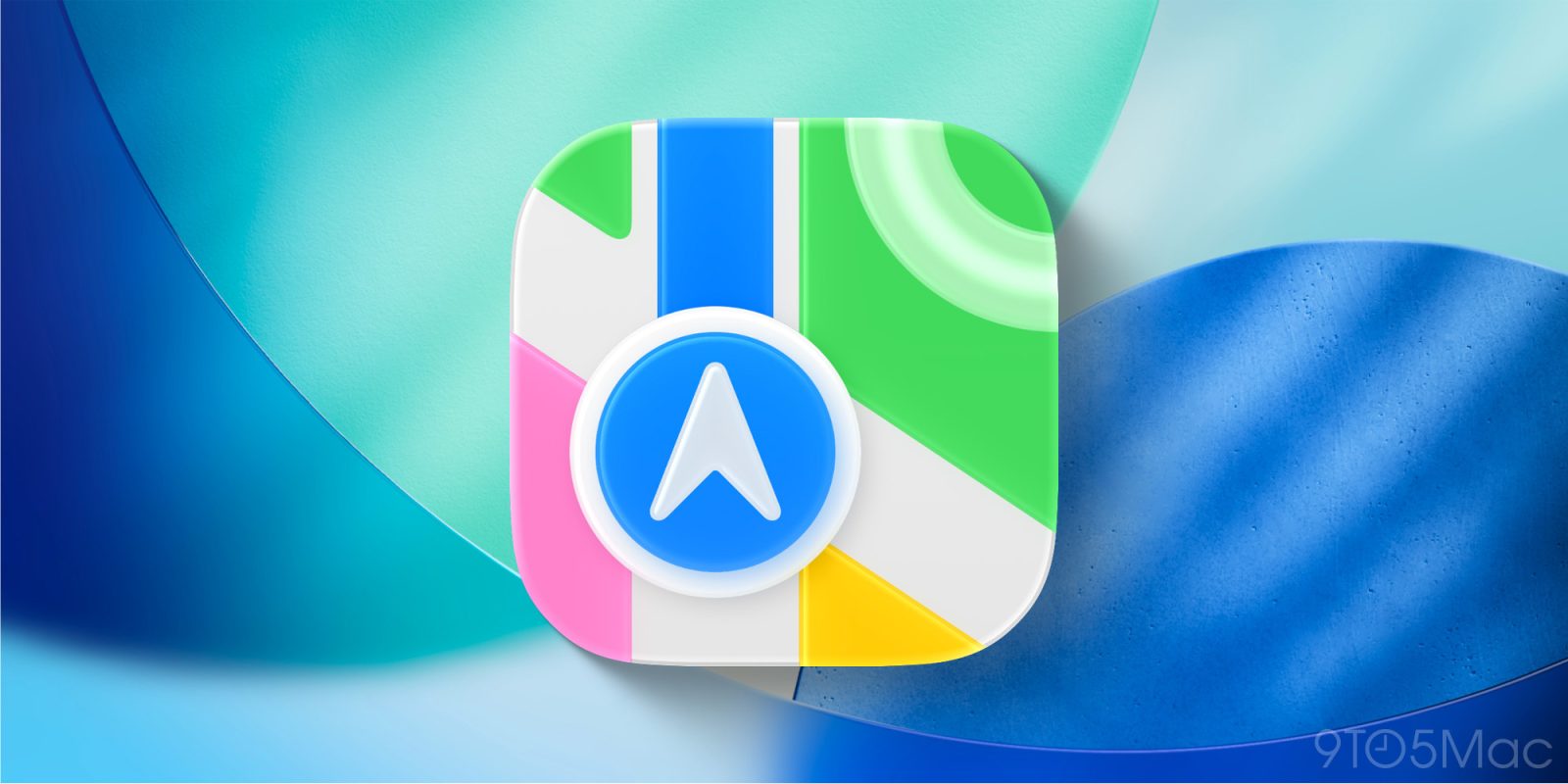
Apple Maps in iOS 26 benefits from several new features, but the personal standout for me—Visited Places—has become a favorite for an unexpected reason.
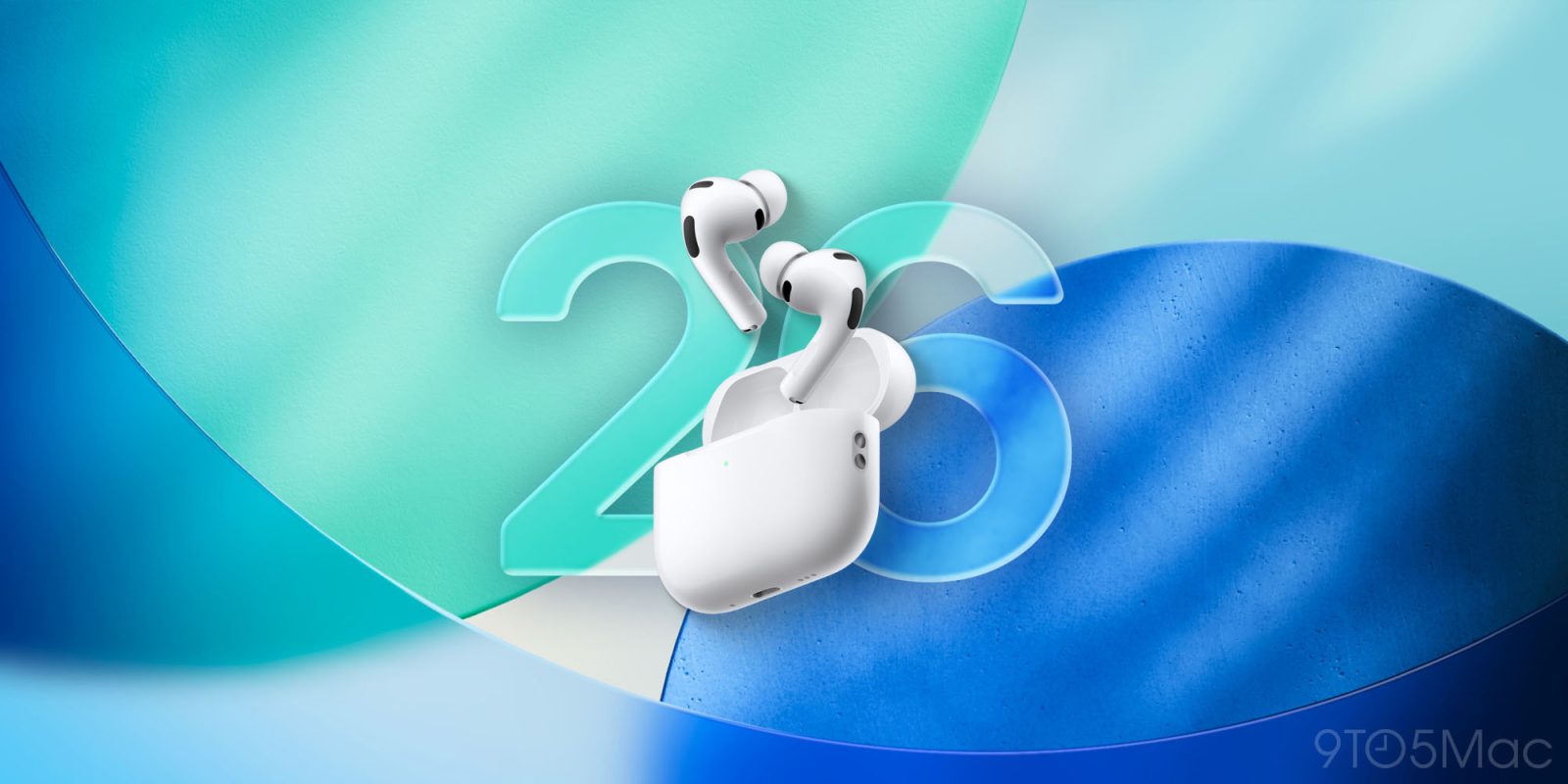
AirPods have long supported touch controls via the earbuds’ stems, but the list of supported actions and gestures has grown substantially over time—including in iOS 26. Here are all of the 10+ hidden controls now offered by AirPods Pro.
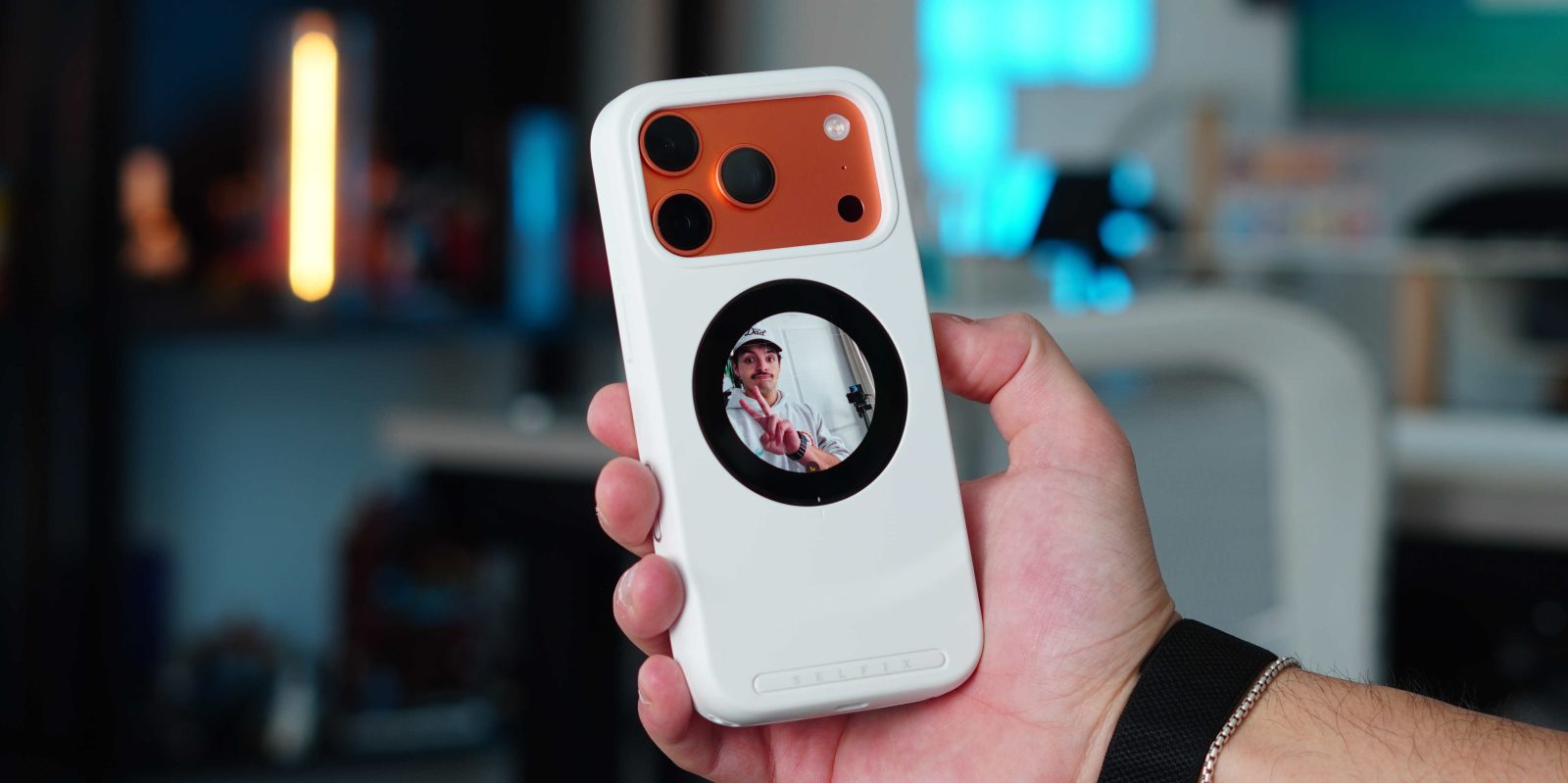
I love cases and accessories that look great but also serve multiple functions. Whether it’s a case with a built-in kick stand or a MagSafe battery that doubles as a charger for multiple devices, I am always looking for gear that solves more than one problem. So when I saw the new Selfix case i knew I had to try it out because of just how much it can do. It is a case and storage expander that adds a display on the rear, which acts as a viewfinder when taking selfies with the main camera. Here is what you should know about it.
Did you know that your iPhone can replicate your voice, letting you enter text prompts that are spoken aloud in a voice that sounds eerily like you? The feature is called Personal Voice, and in iOS 26 it got a lot better.