iOS

See All Stories

The world’s most advanced mobile operating system

iOS is Apple’s mobile operating system that runs on iPhone, iPad, and iPod touch. Historically, Apple releases a new iOS version once a year, the current version is iOS 13.

In 2007, Steve Jobs introduced the iPhone and iPhone OS. During the event, Jobs referred to the operating system as OS X because it shared a similar Unix core compared to the Mac. When Apple launched the iPhone SDK a year later, they officially changed the name to iPhone OS.

In the summer of 2008, Apple added the App Store to iPhone OS with version 2.0, and this set the stage for the “app economy” that we still enjoy to this day.

Version 3.0 was released in 2009, and it included copy/paste, MMS support, Spotlight, mobile tethering, and push notifications for 3rd party apps.

In version 4, Apple finally renamed iPhone OS to iOS (with the iPad sharing the same software). The major features were multitasking and FaceTime.

iOS 5.0 introduced Notification Center, iMessage, Siri, and iCloud.

iOS 6.0 removes Google Maps in favor of Apple Maps and added the Passbook app (now known as Wallet).

Version 7.0 brought a dramatic redesign of iOS with a new font, flatter icons, a and new Photos app. The redesign was led by Jony Ive.

Version iOS 8.0, Apple finally allowed third-party keyboards and the ability to share files from different apps.

Version 9.0 included Apple Maps, an overhauled Notes app, and multitasking for iPad.

Version 10.0 included an SDK for Siri, Maps, and iMessages.

Version 11.0 included a new iPad Dock, Customizable Control center, drag and drop on iPad, and the Files app with third-party integration.

Version 12.0 added Screen Time features for managing your time on devices, the Shortcuts app, ARKit 2.0, and Memoji.

iOS 13 added Dark Mode, swipe-style typing, a redesigned share sheet, made app downloads 50% smaller, 2x faster app launch speed, Memoji Stickers and Memoji Makeup, HomeKit-enabled routers and HomeKit Secure Video, a new “Sign in with Apple” option for logging into third-party services, all-new Apple Maps, and much more.

Compatible Devices with iOS 13

  • iPhone 11
  • iPhone 11 Pro
  • iPhone 11 Pro Max
  • iPhone XS
  • iPhone XS Max
  • iPhone XR
  • iPhone X
  • iPhone 8
  • iPhone 8 Plus
  • iPhone 7
  • iPhone 7 Plus
  • iPhone 6s
  • iPhone 6s Plus
  • iPhone SE
  • iPod touch (7th generation)
iOS 26.4 beta 2 changes and features: hints at upcoming upgrades [Video]

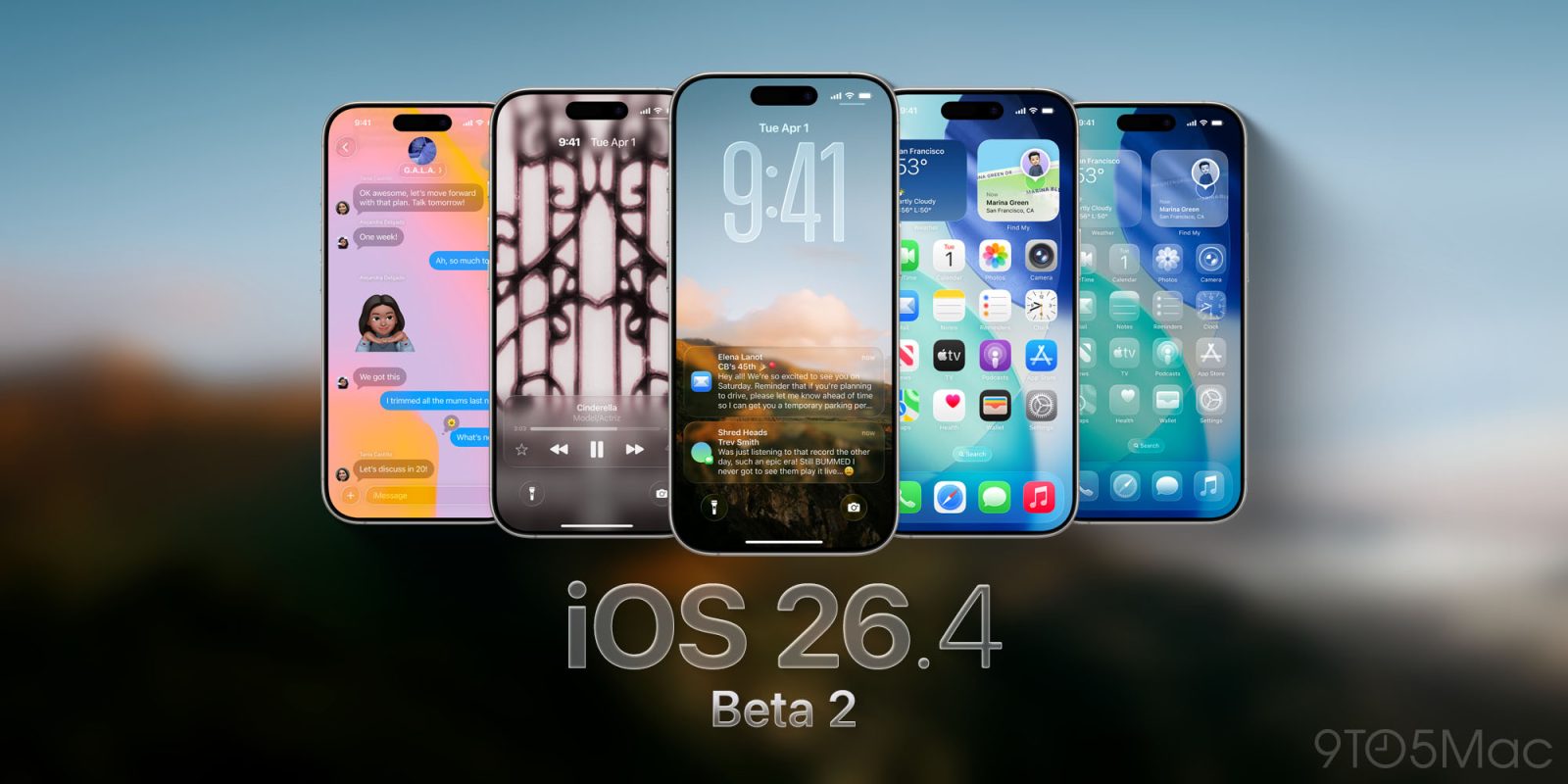
iOS 26.4 Beta 2

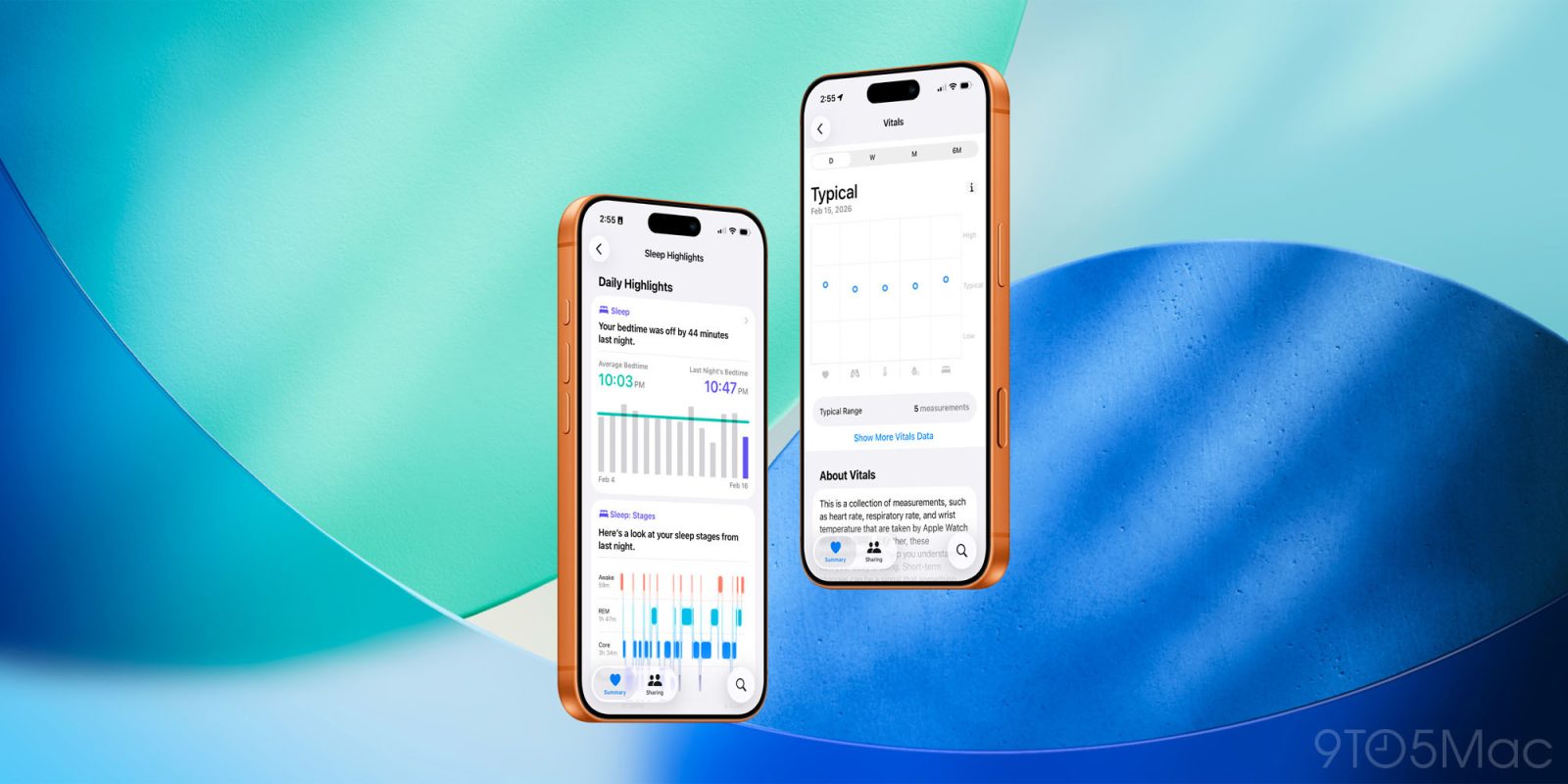
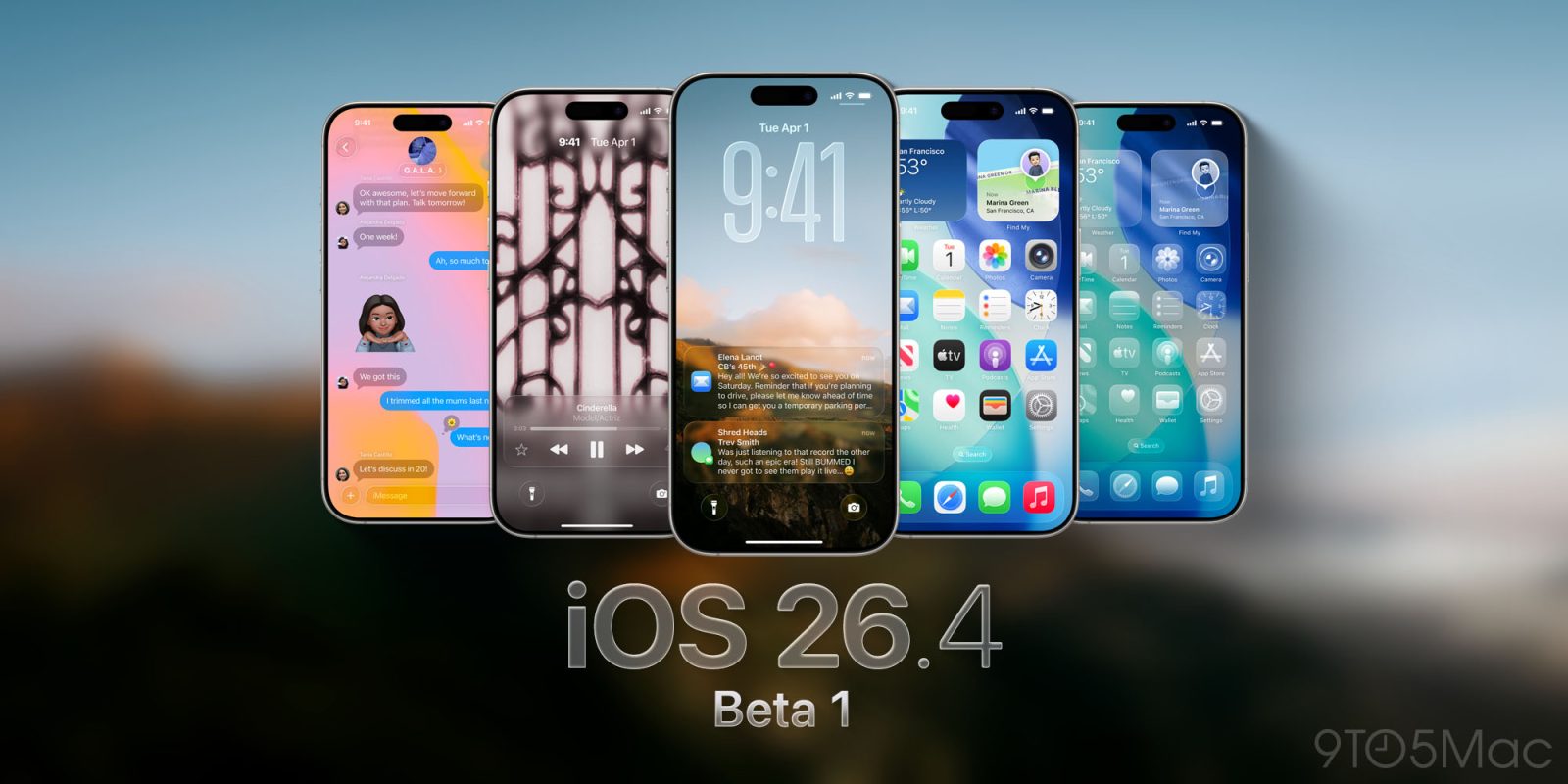
Although it lacked the much-anticipated new Google Gemini-powered Siri features, the initial iOS 26.4 beta release was still jam-packed with new changes. As a result, we showcased over 40 new updates in our iOS 26.4 Beta 1 walkthrough.

The second iOS 26.4 Beta doesn’t include nearly as many changes, but there are still several new additions and updates to consider. There’s also some interesting under-the-hood stuff that hasn’t been discussed yet. This includes an upcoming redesign of the permissions prompt, a new NSPredicateValidating protocol, and more clues about Apple’s upcoming Studio Display refresh.

In this latest episode of iOS Decoded, we explore 10 new features and changes in iOS 26.4 beta 2. Watch the full walkthrough, and be sure to subscribe to 9to5Mac for more.

Expand Expanding Close

iOS 26.4 beta 1: Notification Forwarding onboarding, allow search on iCloud․com, and more [Video]

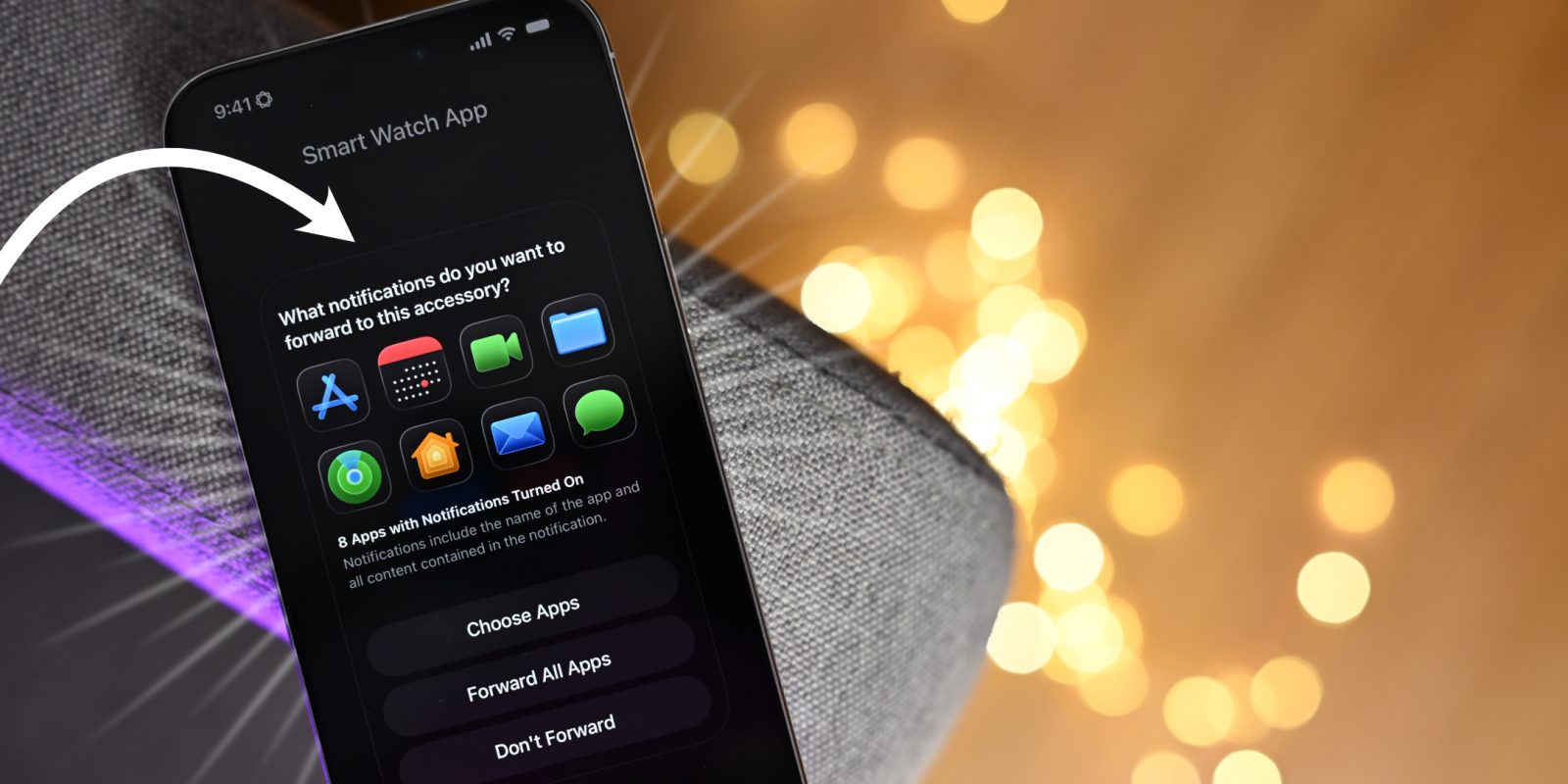
In this new episode of iOS Decoded, we take a deep dive into what’s new in iOS 26.4 beta 1, with in-depth looks at dozens of new features and changes. For example, we get our first look at the Notification Forwarding setup for third-party smart watches and other hardware devices in the EU, along with new iCloud.com functionality that brings secure Photos and iCloud Drive search to the web.

In this post, we’ll consider five standout features included with the update, but watch the full video for a look at everything new, and be sure to subscribe to 9to5Mac on YouTube for more in-depth walkthroughs.

Expand Expanding Close

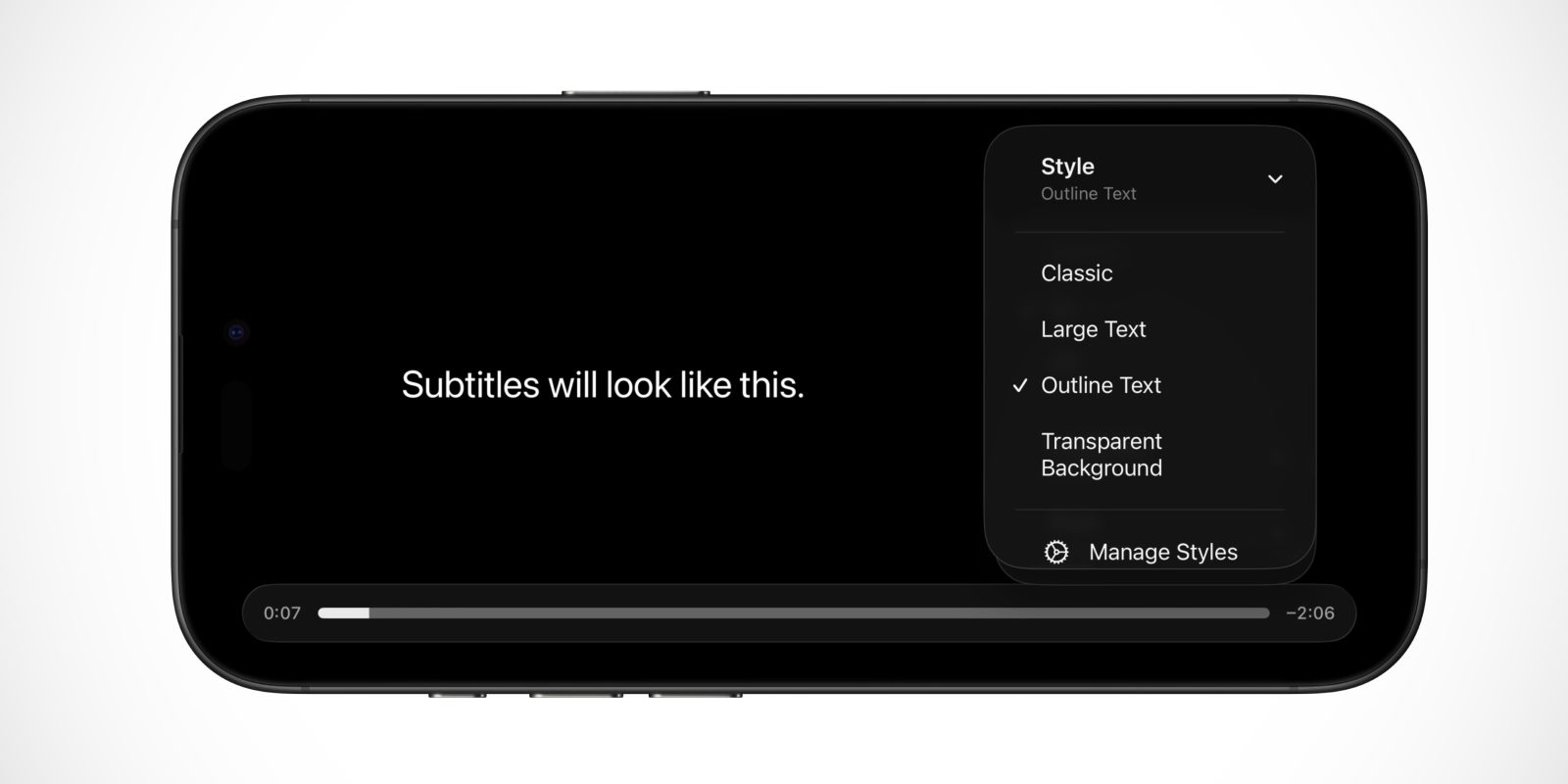
Apple is making it easier to customize how subtitles look on iPhone

The usage of subtitles and captions in TV shows and movies is ever increasing, both due to the popularity of foreign language content and Hollywood’s inability to produce an audio track where the person speaking is sufficiently intelligible.

With iOS 26.4, Apple is improving the subtitles experience in the native video player on iPhone and iPad, and a similar change is rolling out to Apple TV with tvOS 26.4 …

Expand Expanding Close

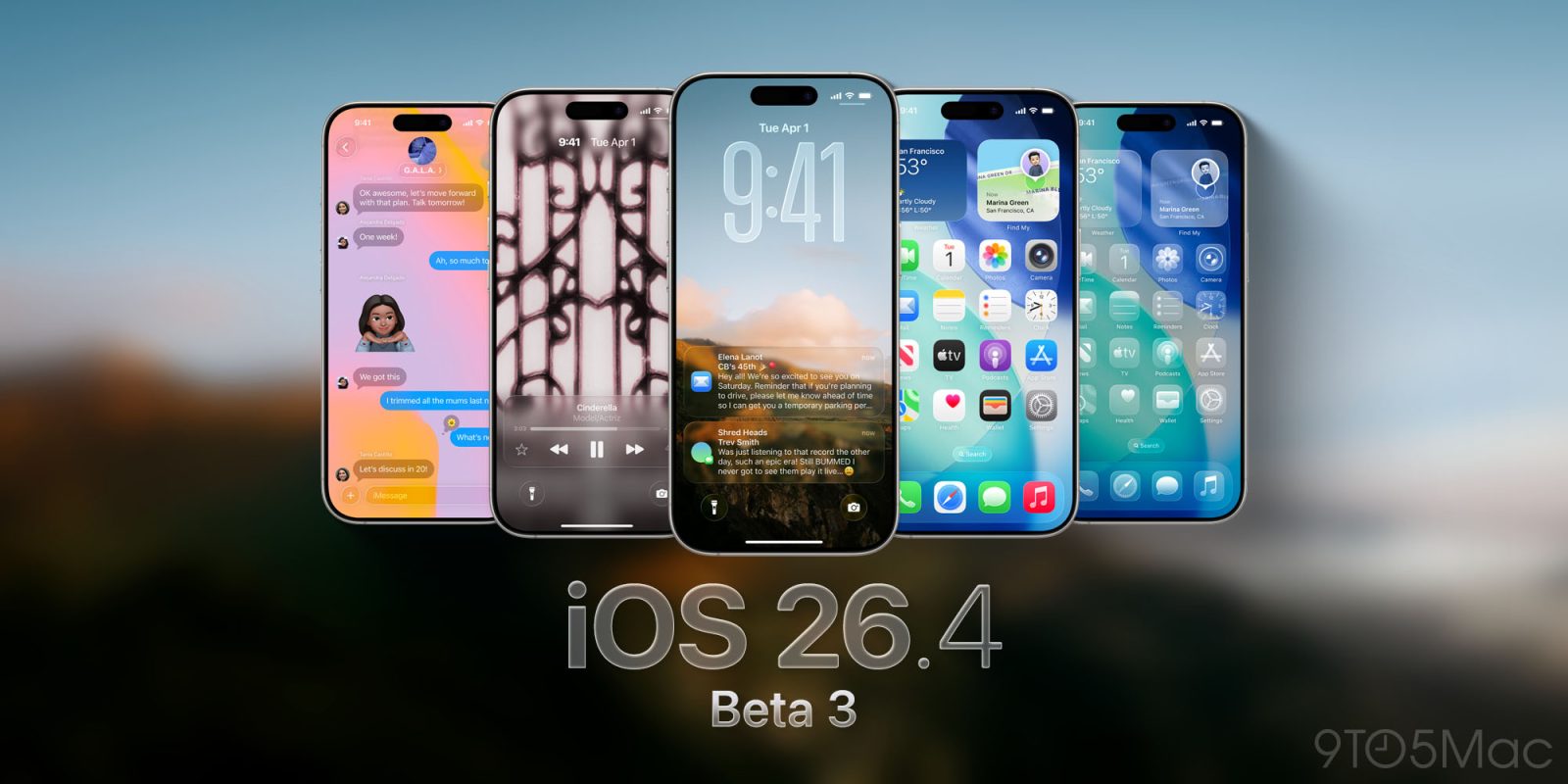
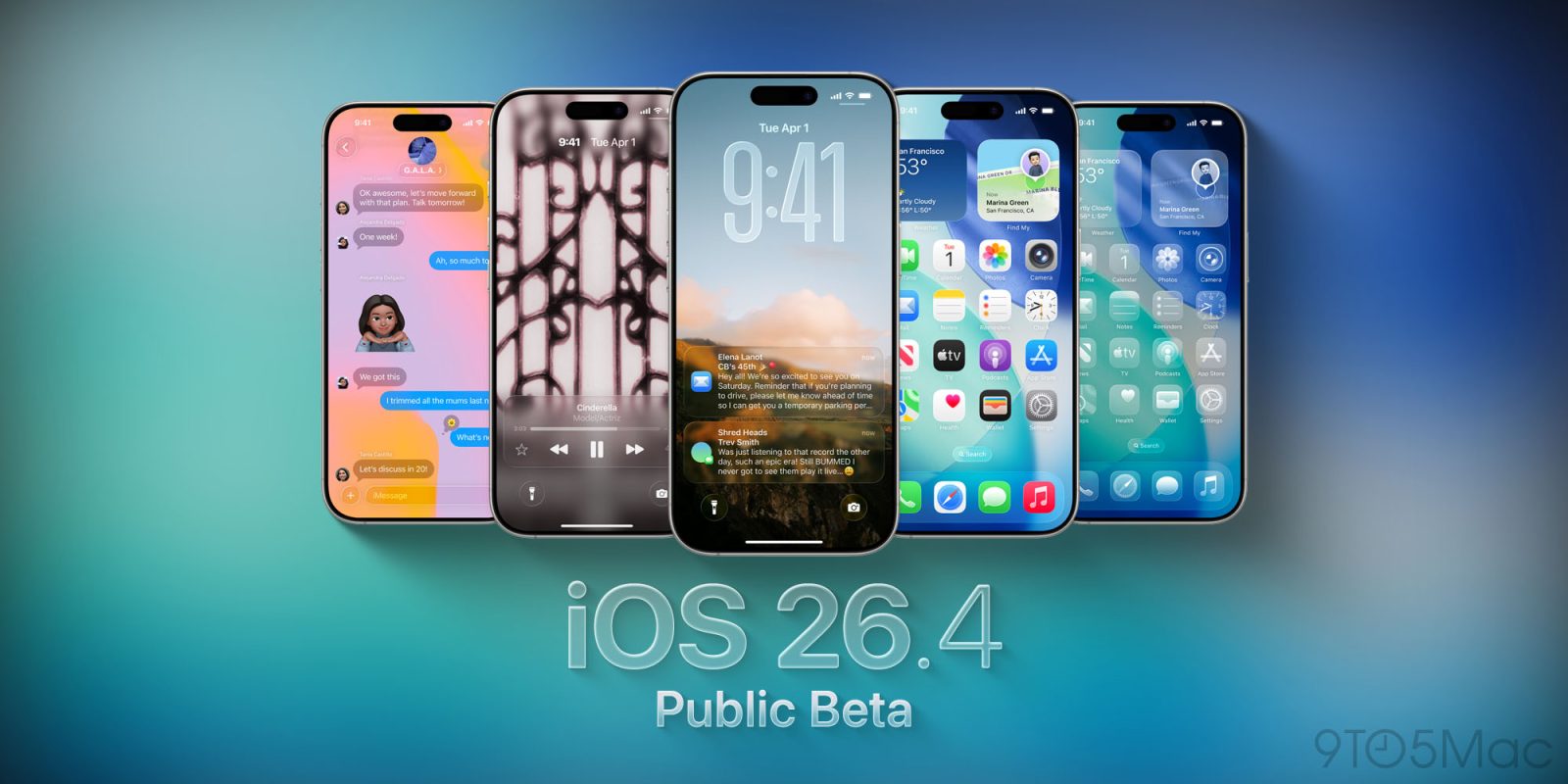
iOS 26.4 beta 1: Here are the new iPhone features

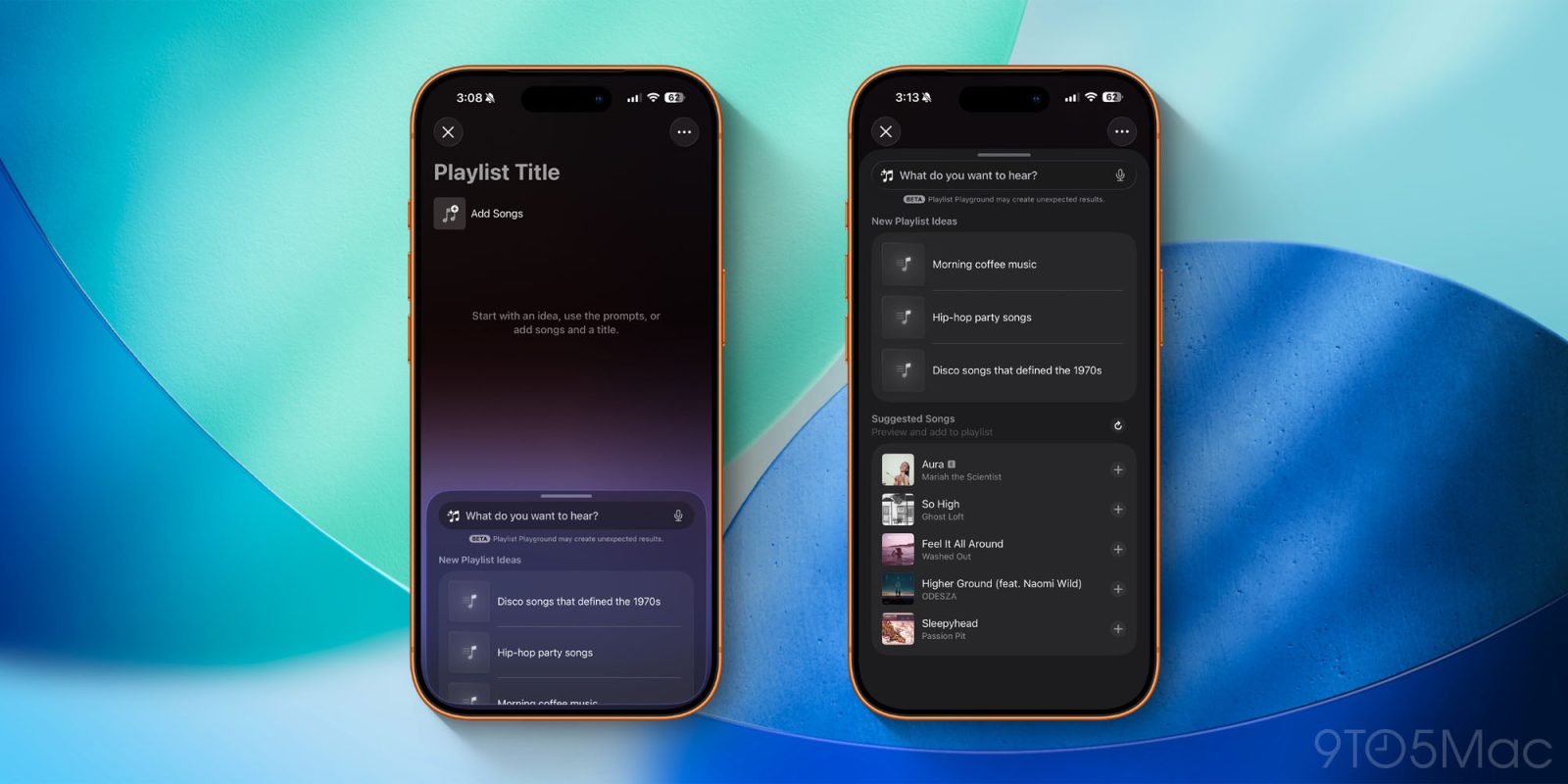
iOS 26.4 beta 1 is now available in beta for developers. The update includes a ton of new features and changes for iPhone users. There are new changes to the Music app, Messages, Apple Podcasts, and much more. Head below for the full roundup of all the new features in iOS 26.4 beta 1.


Update February 17, 2026: Now available for public beta testers as well.

Expand Expanding Close

iOS 26.4 beta adds support for testing end-to-end encrypted RCS messaging

Apple added RCS support to iPhone with iOS 18.1, enabling richer cross-platform messaging between iPhone and Android users. This included things like typing indicators, read receipts, and high-resolution photo and video attachments.

Last March, Apple announced its plans to add support for end-to-end encryption for RCS messages.

Now, iOS 26.4 beta 1, which is rolling out today, adds an early way to test end-to-end encrypted RCS messaging on iPhone.

Expand Expanding Close

These Apple Wallet features helped me replace my physical wallet [Video]

When most people think of the Apple Wallet app, they think of just Apple Pay. They think it’s a way to pay for things digitally instead of using a physical card. While this is true, the Apple Wallet App can do so much more and is quietly becoming one of the most useful apps on your iPhone. It can give you public transit access, a form of digital keys for your home or car, peer-to-peer payments, and even storing your physical card information (finally!). Apple Wallet in iOS 26 can realistically replace most of what people still carry in their pockets, as it has for me. If you’ve only used it for Apple Pay, you’re honestly missing the best parts. Here are some of the best Apple Wallet features!

Expand Expanding Close

Apple reportedly pushing back Gemini-powered Siri features beyond iOS 26.4

The past few days brought two encouraging signs for the new Siri | Liquid Glass style new Siri icon

Despite inking a deal with Google to use Gemini AI as the brains behind upgraded Siri, Apple is reportedly facing internal challenges in getting the final product ready for prime time. The reported delays could stretch into iOS 27 this fall. Apple first announced a more capable version of Siri in 2024; that update hasn’t shipped yet.

Expand Expanding Close