Author

Avatar for Jeff Benjamin

Jeff Benjamin

Jeff Benjamin

Jeff is the head of video content production for 9to5. He joined 9to5Mac in 2016, producing videos, walkthroughs, how-tos, written tutorials, and reviews. He takes pride in explaining things simply, clearly, and concisely. Jeff’s videos have been watched hundreds of millions of times by people seeking to learn more about today’s tech. Subscribe to 9to5Mac on YouTube to catch Jeff’s latest videos.

iOS Decoded is Jeff’s flagship video series that breaks down what’s new in iOS betas, including behind-the-scenes deep dives into undiscovered features and exclusive details on the iOS roadmap. 

Jeff also produces a weekly podcast, alongside co-host Fernando Silva, entitled 9to5Mac Overtime. A video-first podcast, 9to5Mac Overtime airs weekly on our YouTube channel, but can also be enjoyed in audio form via Apple Podcasts, or your podcast app of choice.

Have a tip or exclusive? Connect with Jeff!

Connect with Jeff Benjamin

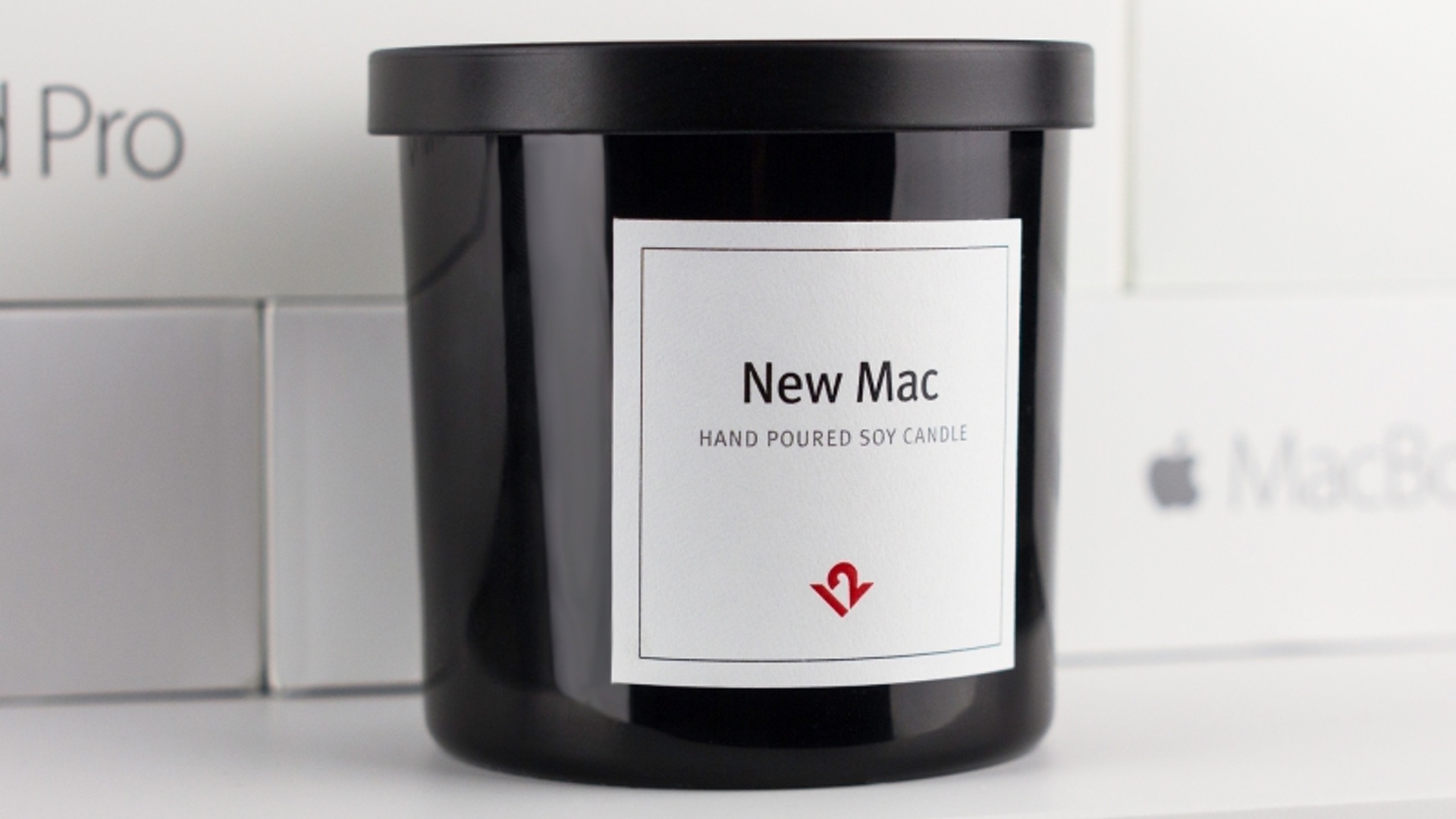
Love that new Mac smell? Now you can buy a candle that smells like a freshly-opened Apple product

Site default logo image

new-mac-candle-twelvesouth

I thought it was just me, but apparently I’m not the only one who tends to take a long extended whiff every time I crack open a new Apple product. There’s just something about the smell that’s so ridiculously pleasing to the senses.

Apparently the fine folks over at Apple accessory maker TwelveSouth feel the same, as it’s introduced a new candle that smells just like a freshly-opened Mac. Seriously, and there’s more…
Expand
Expanding
Close

Site default logo image

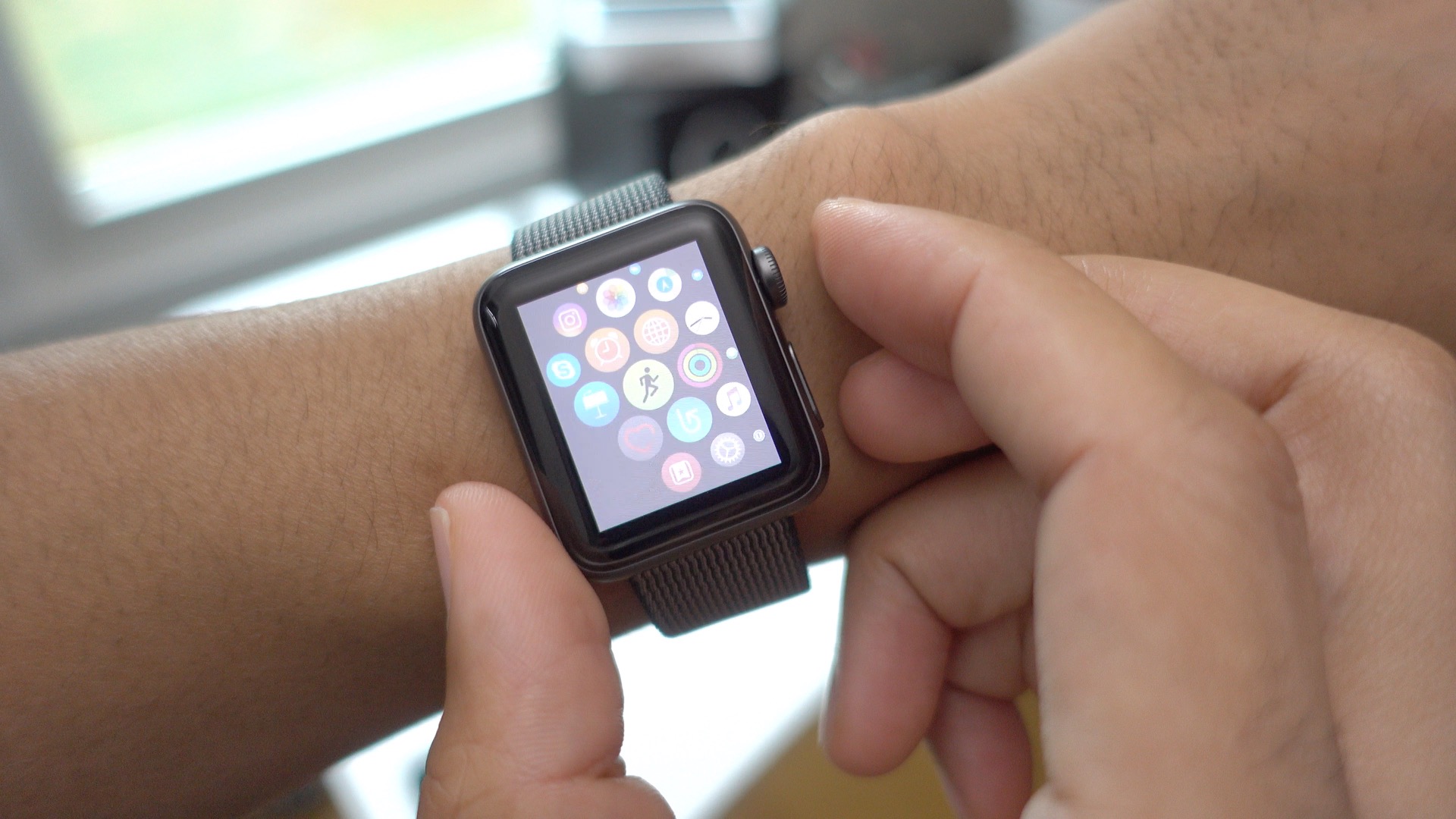
Apple Watch: How to enable and spice up watchOS 3 screenshots [Video]

apple-watch-watchos-3-screenshot

Unlike previous versions of watchOS, the ability to take screenshots is disabled by default in watchOS 3. Screenshots are disabled due to the fact that the screenshot-taking shortcut overlaps functionality used by the Workout app.

In watchOS 3, it’s possible to stop and start in-progress workouts by pressing the Digital Crown and Side button simultaneously. It just so happens that this is the exact same gesture used to take Apple Watch screenshots.
Expand
Expanding
Close

Hands-on: ProCam 4’s new iPhone 7 Plus-exclusive 3D photo feature [Video]

Site default logo image

procam-4-iphone-7-plus-isight-duo

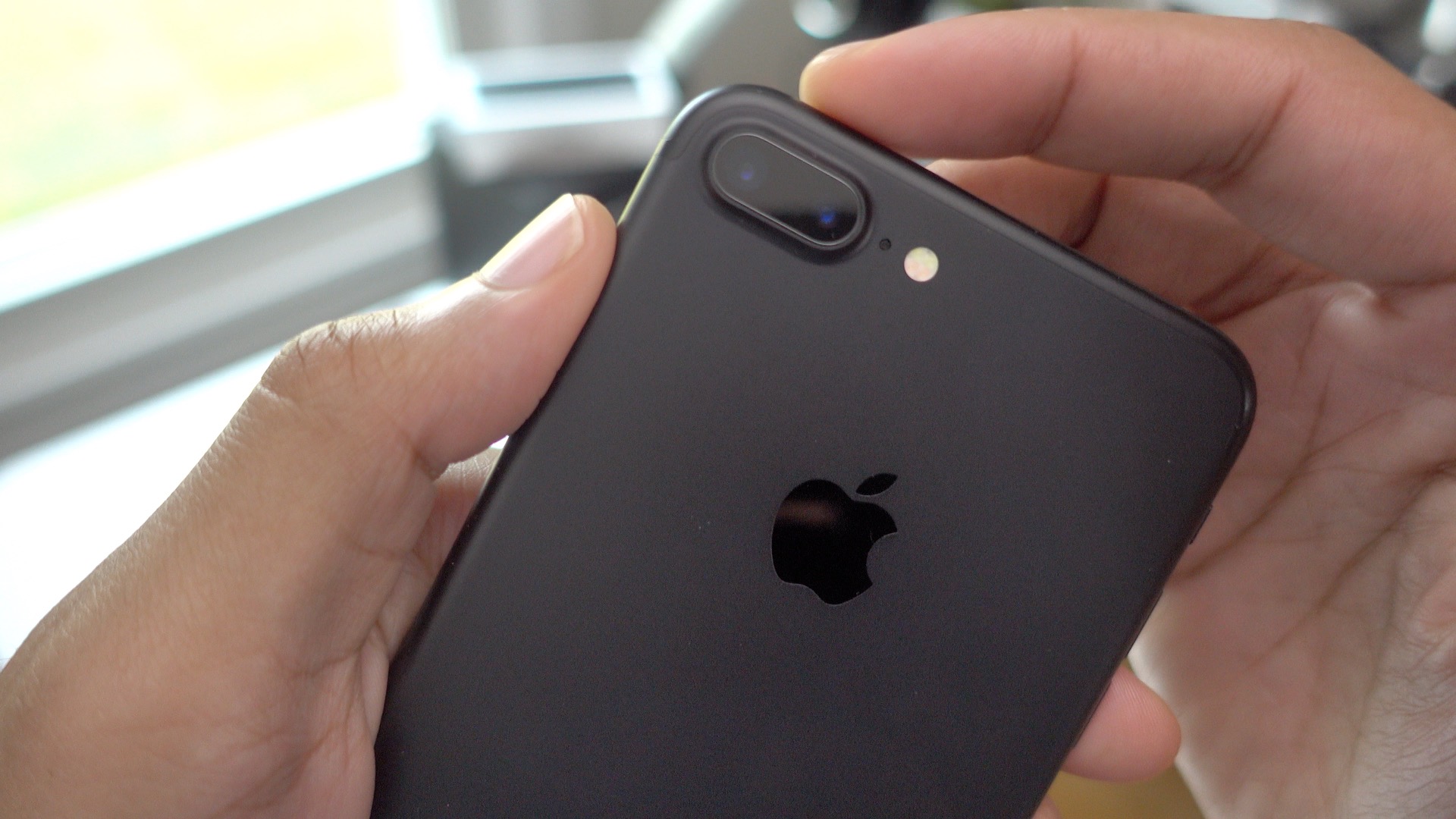
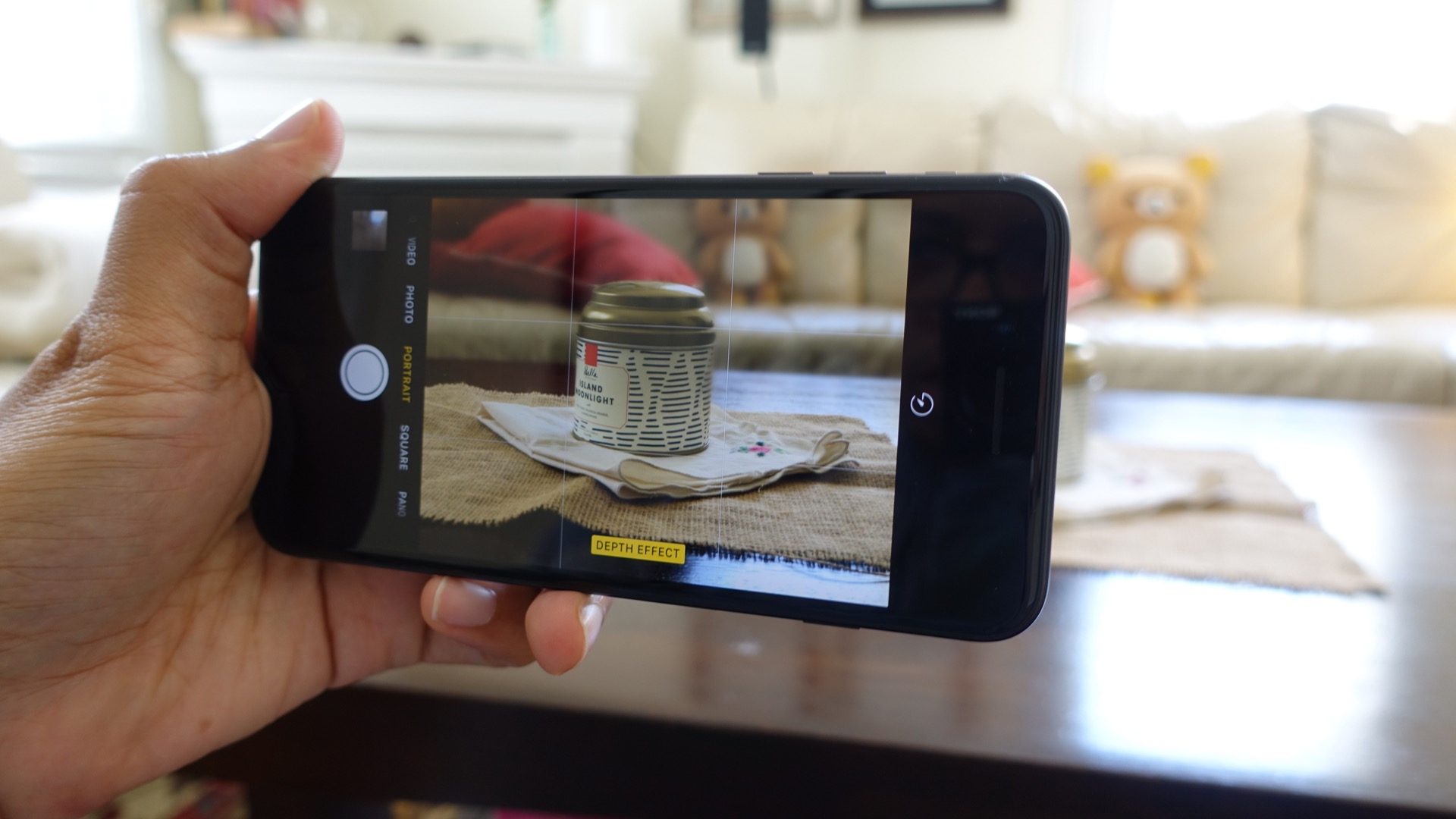
ProCam 4, an advanced photo and video app for iOS, has been updated to support the iPhone 7 Plus iSight Duo camera. Not only will users find basic support for switching between the wide angle and telephoto lenses, but you’ll also find a new 3D Photos mode. This mode allows users to wield both cameras to take faux “3D” wigglegram photos and save them as GIF animations or videos.
Expand
Expanding
Close

Quick Look: Tile Slim – a thinner version of the handy Bluetooth tracker [Video]

Site default logo image

tile-slim-hands-on

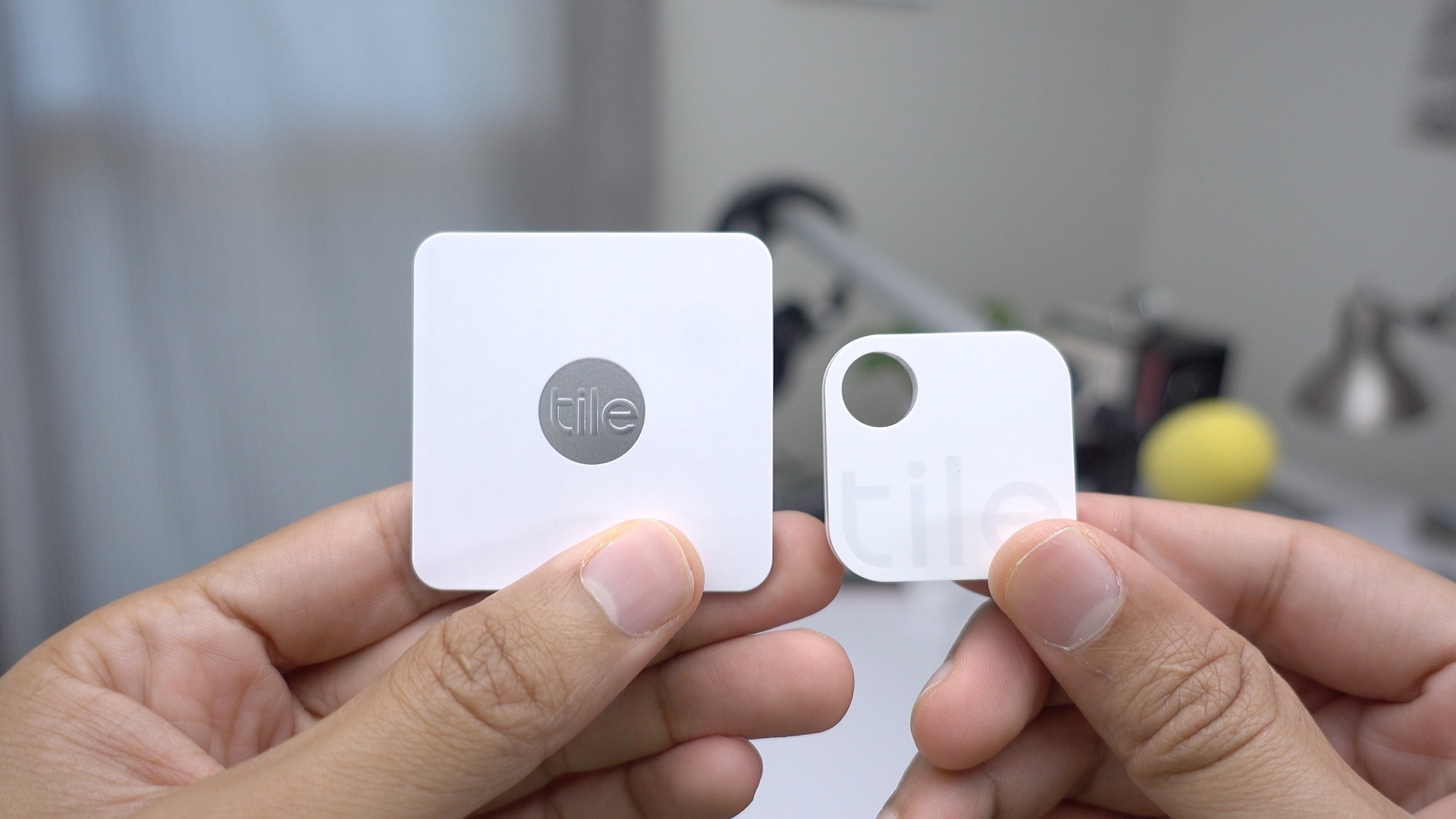
If you often find yourself misplacing your wallet or other valuable items around the house, then the Tile Slim ($29.99) may be worth your consideration. The Tile Slim, like the original Tile, is a Bluetooth tracker that allows you to quickly home in on items within your general vicinity.

The Tile Slim’s thinner form factor makes it much more practical for tight spaces such as wallets or portfolios. Check out our brief hands-on video inside to see how it compares to the original Tile.
Expand
Expanding
Close

Kickstarter: $10 iLDOCK will let you charge your iPhone 7 and use headphones simultaneously

Site default logo image

ildock-iphone-7-3-5mm-and-charge

A new Kickstarter campaign is hoping to solve two issues associated with the new iPhone 7 and iPhone 7 Plus. A). the lack of a 3.5mm headphone port, and B). the inability to charge the iPhone 7 while listening to music.

To be fair, Apple does include a Lightning to 3.5mm Headphone Jack Adapter in the iPhone 7 box, so I wouldn’t go as far as to call that a real problem, but the inability to charge and listen to headphones at the same time may pose a legitimate issue for some.

If funded, the Kickstarter campaign for the iLDOCK hopes to launch a small Lightning-enabled dongle that brings back the 3.5mm headphone jack, and features a Lightning input for charging.
Expand
Expanding
Close

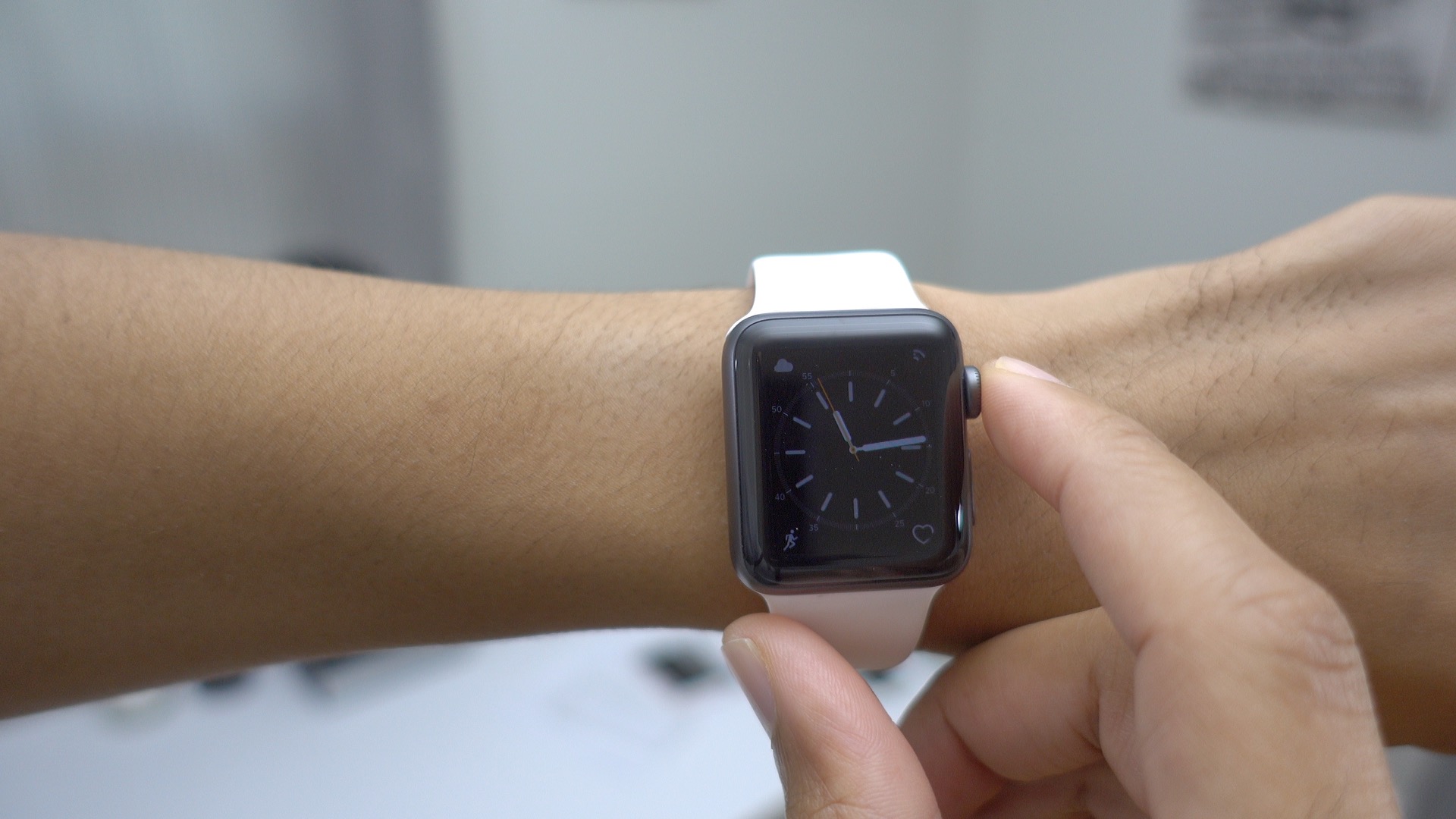
How-To: Gradually wake the Apple Watch Series 2 with the Digital Crown [Video]

Site default logo image

wake-screen-on-crown-up-watchos-3-apple-watch-series-1-and-apple-watch-series-2

If you’re an Apple Watch Series 2 owner, you’ll find a new feature in watchOS 3 that allows you to gradually wake the screen using the Digital Crown. This is a handy feature for those moments when you wish to view the display in a subtle manner without fully turning on the screen. Watch our video overview inside to see it in action.
Expand
Expanding
Close

How-To: Prioritize app downloads on iOS 10 after performing a restore [Video]

Site default logo image

prioritize-app-download-ios-10-restore

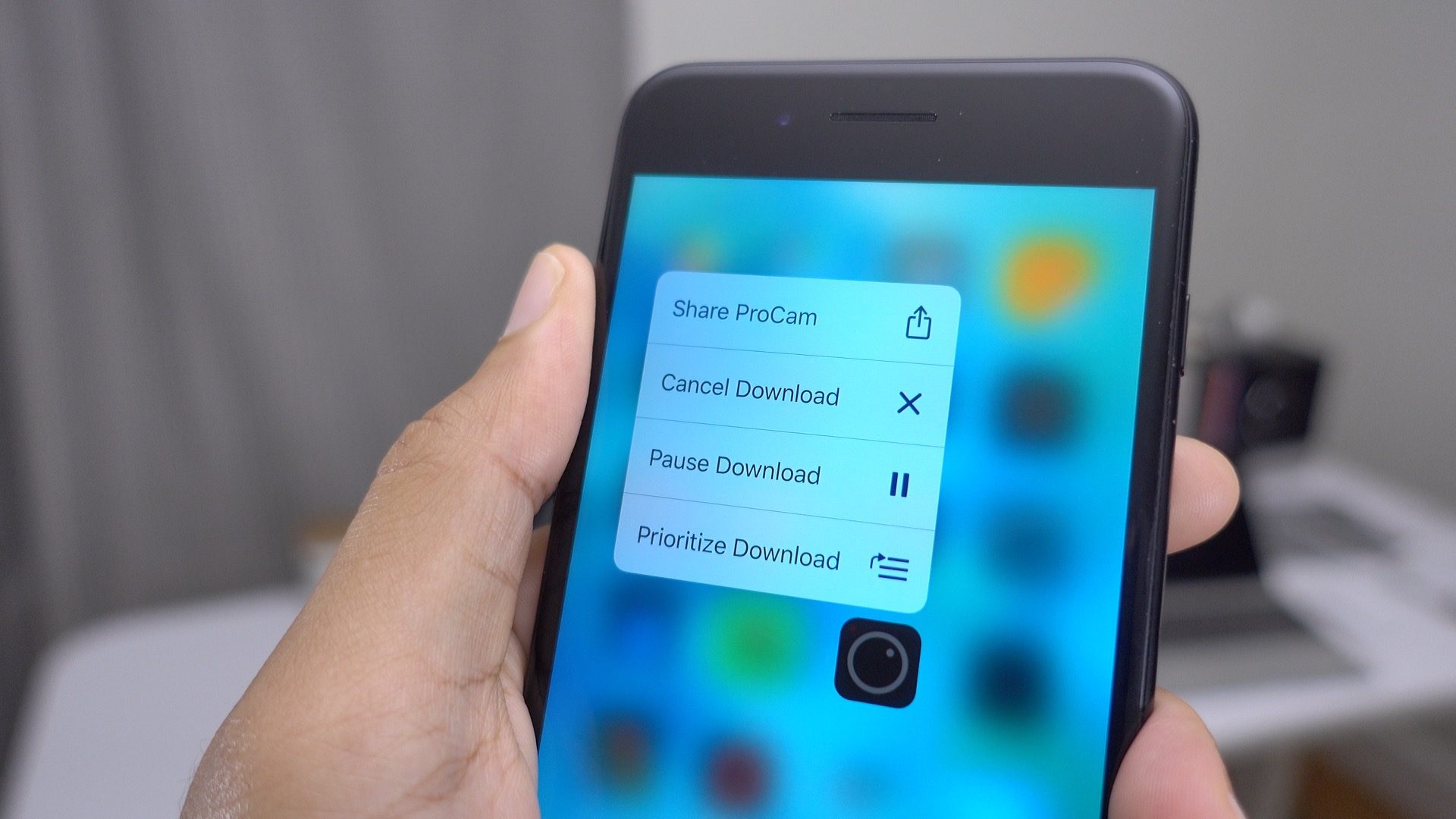
Have you ever wanted to give priority to the most important apps during an iOS restore? Perhaps the app that you’re waiting for is a much-needed password management app used to facilitate logins? Or perhaps it’s some other mission critical app that you need ASAP.

In iOS 10, it’s now easy to pause app downloads, cancel downloads, and give priority to the most important apps. Watch our brief video walkthrough as we show you how.
Expand
Expanding
Close

Hands-on: How the new Lightning EarPods compare to the old 3.5mm EarPods [Video]

Site default logo image

lightning-earpods-vs-3-5mm-earpods-iphone-7

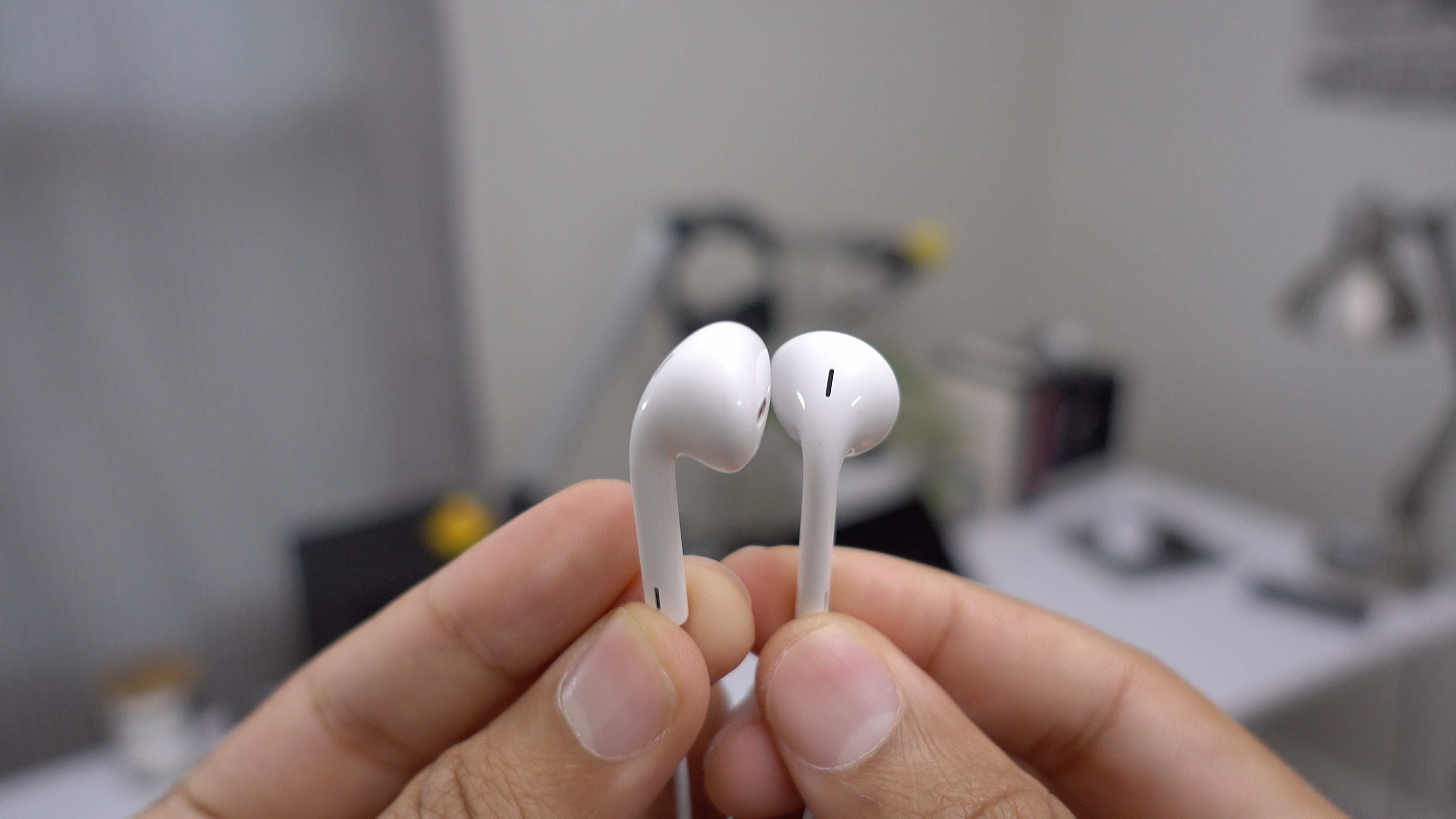
It’s going on two weeks since the iPhone 7 first went on sale, which means that many of us have had time to sit back and digest the experience. We covered the iPhone 7 via an unboxing video with a glance at some of the device’s top features, but now we’ll take a closer look at the new Lightning EarPods versus the old EarPods with 3.5mm headphone jack.
Expand
Expanding
Close

You shouldn’t get the iPhone 7 Smart Battery Case wet, but that didn’t stop this developer from putting it to the test

Site default logo image

iphone-7-smart-battery-case-opened-wet-3

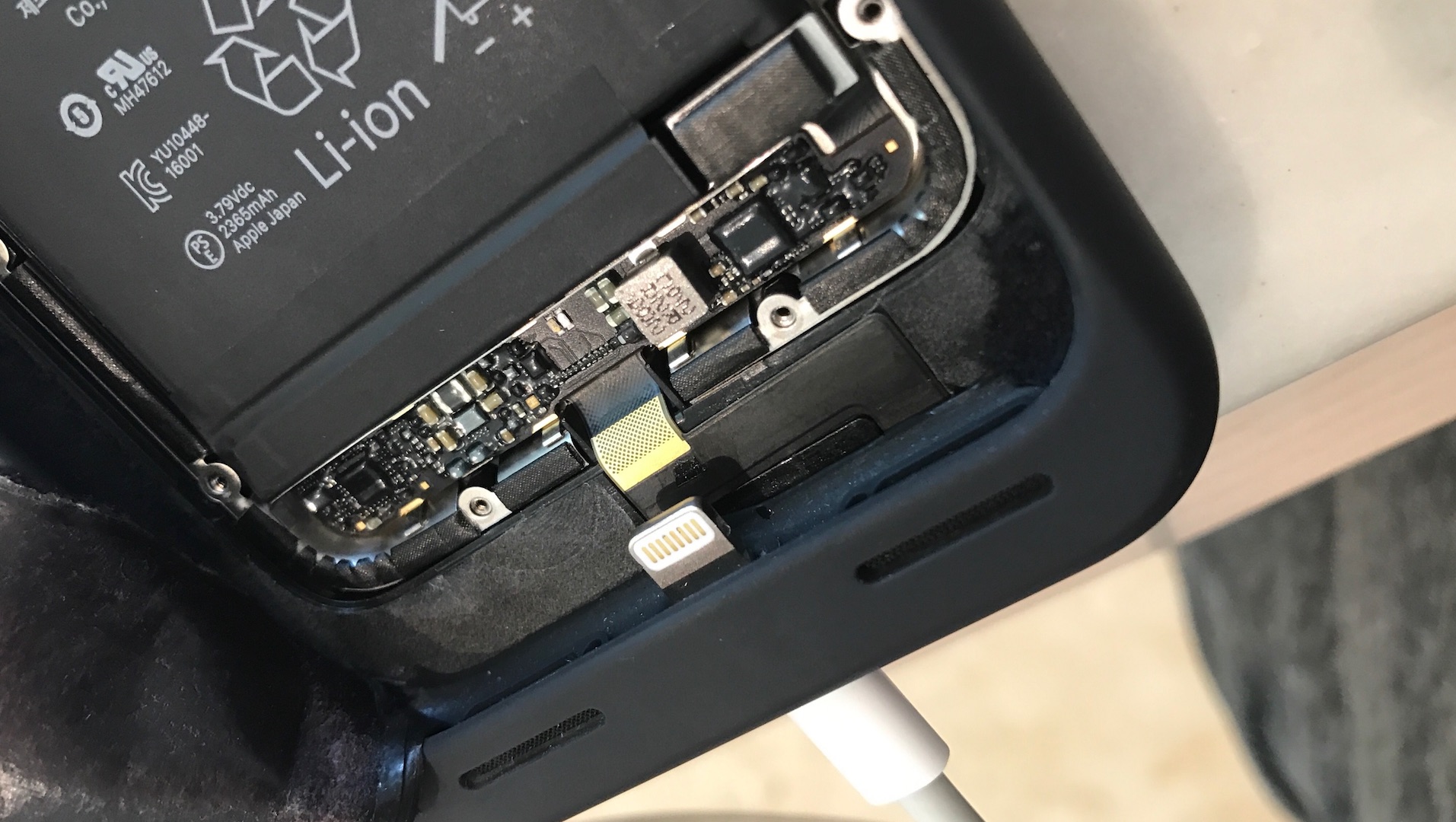
The iPhone 7 is Apple’s first officially water resistant phone. We put this water resistance to the test on video in our recent post about the top iPhone 7 features. Some people have also wondered how cases might fare when subjected to water. A case like Apple’s iPhone 7 Silicone Case would be okay, but I certainly wouldn’t recommend submerging Apple’s iPhone 7 Leather Case.

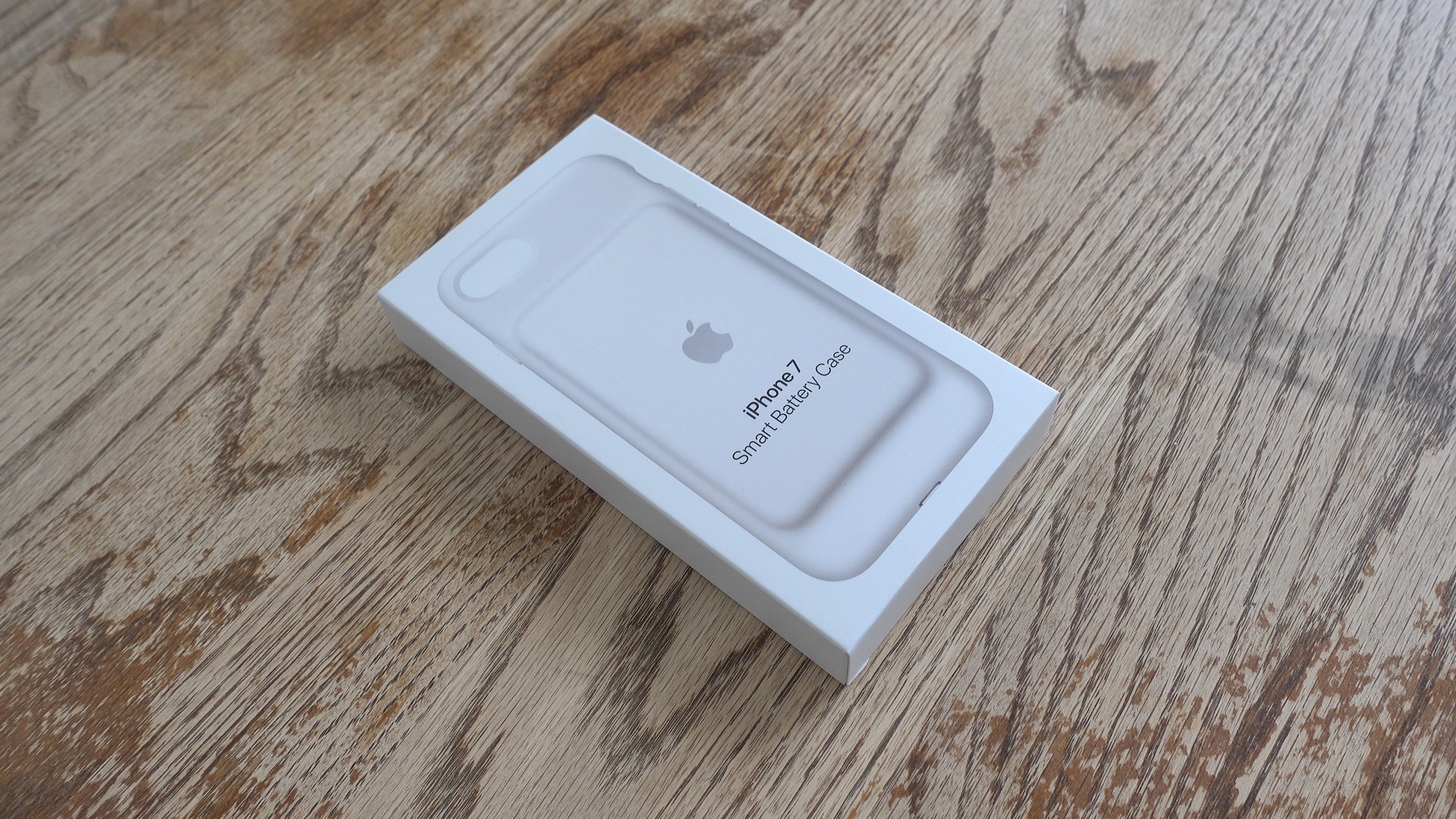
What about the iPhone 7 Smart Battery Case? It features the same material used in the silicone case, yet includes a 2365 mAh battery sealed inside. Is it safe to get the Smart Battery Case wet? Apple’s official response to that question is a very unambiguous no. Yet, that didn’t stop AirParrot Remote developer, Squirrels, from testing the limits of the case’s potential water resistance while on a company retreat.


Expand
Expanding
Close

iOS 10: How to use the new Home app to control HomeKit devices [Video]

Site default logo image

homekit-ios-10-hands-on

Controlling smart home devices with your iPhone or iPad is far from a new concept, but in iOS 10, Apple is lending much more focus to home automation. It’s all thanks to the new built-in Home app that ships with iOS 10 and watchOS 3.

Resident Apple HomeKit enthusiast, Zac Hall, already wrote a thorough walkthrough of the new Home app during the initial iOS 10 beta period, but now that iOS 10 and watchOS 3 are shipping, it’s only right to give it another in-depth visit with a corresponding walkthrough.


Expand
Expanding
Close

Feature Request: iPhone 7 stereo speakers amplify the need for Music app landscape support

Site default logo image

music-app-landscape-iphone-7-stereo-sound

Not only is the iPhone 7 capable of outputting louder sound, but it also features two speakers that are capable of producing true stereo output.

The two speakers — one in the bottom of the iPhone, and one in the earpiece — are a first for an iPhone. Although the iPhone 7 doesn’t feature the four-speaker ensemble found on the iPad Pro, it is capable of producing true stereo-separated sound that your ears can perceive while the phone is oriented in landscape mode.

There’s just one problem. Unlike other apps, the iPhone Music app doesn’t yet support landscape mode…


Expand
Expanding
Close

Hands-on: iPhone 7 Smart Battery Case – the good, the bad and the ugly [Video]

Site default logo image

iphone-7-smart-battery-case

Despite its weird looks, I’ve long been a fan of Apple’s Smart Battery Case for the iPhone 6s. It’s a case that not only protects my device, but it gives me confidence that my iPhone will stay alive for the entire duration of a real world working day.

That said, the Smart Battery Case adds significant bulk to the iPhone, and its odd looks will certainly be a turnoff to no less than a few. But if you’re looking for one of the best ways to ensure that your iPhone will still have power at the end of busy day, the Smart Battery Case is a capable accessory.

Should iPhone 7 owners consider using the new slightly-redesigned Smart Battery Case, and what exactly has changed the second time around?
Expand
Expanding
Close

Site default logo image

See how iPhone 7 Plus’s 3GB RAM performs against iPhone 7’s 2GB with our Safari tab test [Video]

ram-test-s

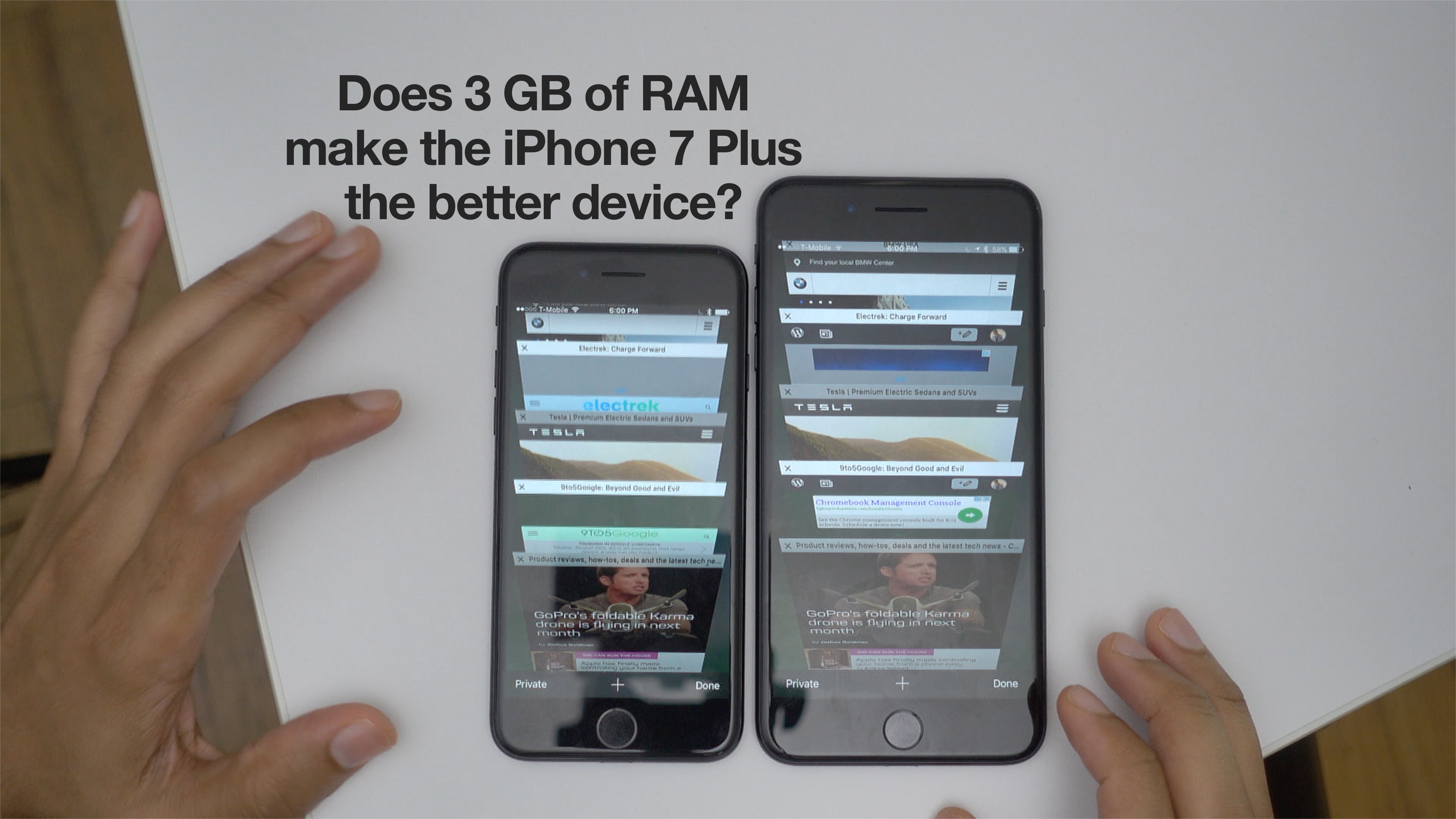
Apple never comments on the amount of RAM it adds to its mobile devices, but it’s now well-known that the iPhone 7 Plus, with its 3 GB of RAM, has the most memory of any iPhone ever. Only the 4 GB-equipped 12.9″ iPad Pro bests the iPhone 7 Plus in this regard.

It’s largely speculated that the added RAM is there to help out with image processing in concert with the iPhone 7 Plus’ iSight Duo camera. Of course, this is Apple, so many questions remain that will likely go unanswered, but it seems like a logical explanation.

The standard-sized iPhone 7 still has 2 GB of RAM, which, after the dramatic performance differences yielded the last time there was a big RAM increase, may make some people think twice about buying the smaller version. But after an admittedly unscientific test or two, the amount of RAM probably shouldn’t be the top item on your priority list.
Expand
Expanding
Close

Top new Apple Watch Series 1 and Series 2 features – which one should you buy? [Video]

Site default logo image

apple-watch-sport-vs-apple-watch-series-1-vs-apple-watch-series-2

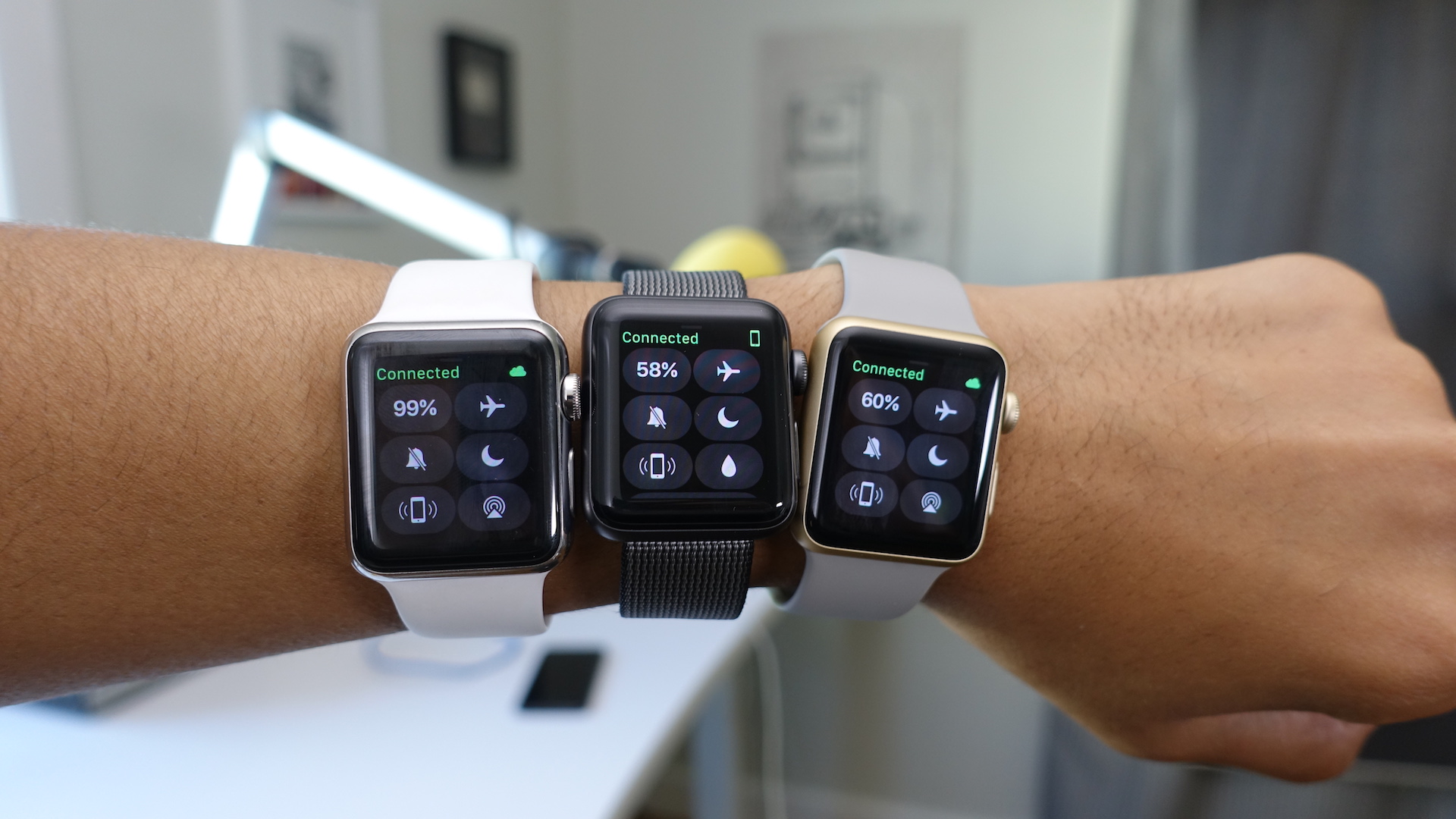
Along with the iPhone 7, I was able to go hands-on with both new flavors of Apple Watch: The Apple Watch Series 1 and Series 2.

Apple Watch Series 1 doesn’t contain much new in the way of features, but it does come with a faster processor, which makes it worth considering. Series 2 is a larger upgrade, but depending on how you use your Apple Watch, it might not be large enough to warrant an extra $100.

Whatever the case may be, both new watches are much better than the notoriously slow original Apple Watch, which Apple no longer sells. Another thing that flew the coop with this latest update is the somewhat confusing Apple Watch Sport nomenclature. Now, it’s just Apple Watch, and you can get it in either Series 1 or Series 2.

Watch our hands-on video for an explanation of the new Apple Watch and a look at several of its new features.
Expand
Expanding
Close

iPhone 7: How to force restart, enter Recovery Mode, and enter DFU mode

Site default logo image

force-restart-iphone-7

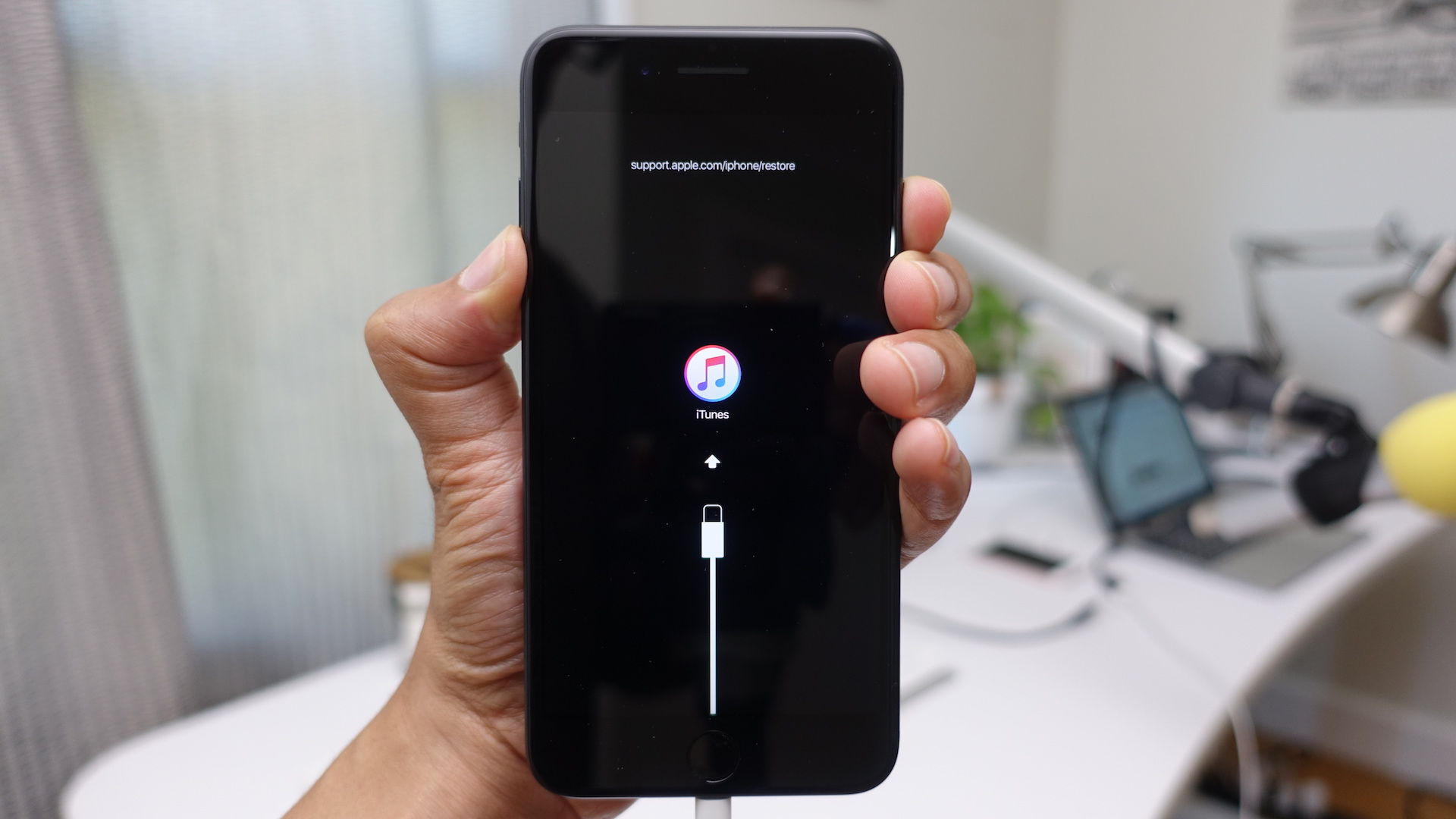
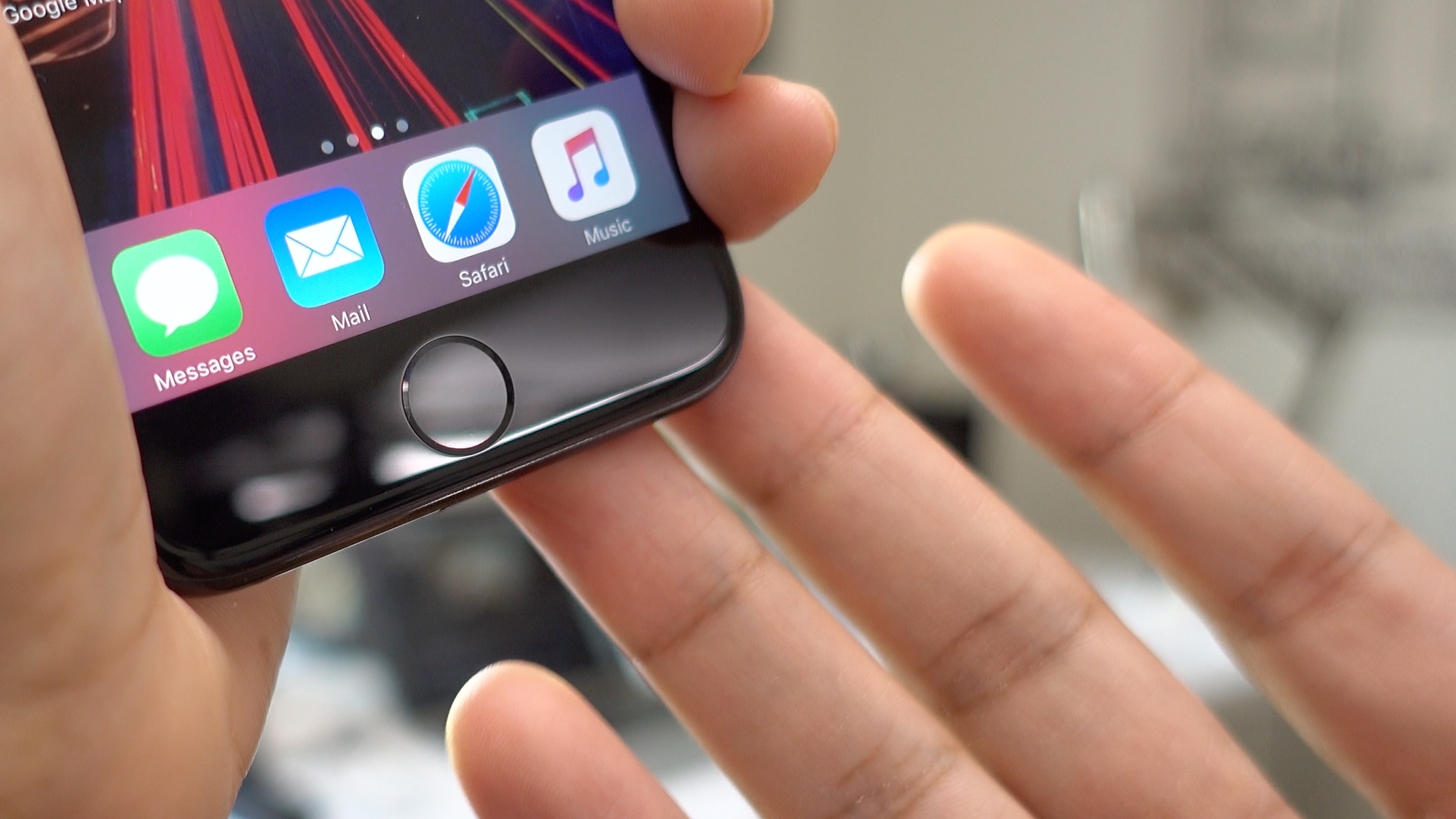
Since the Home button on iPhone 7 isn’t a mechanical button anymore, and is instead a capacitive solid-state button controlled by software, it’s no surprise that performing hard resets, entering recovery, and entering into DFU mode no longer works the same way on iPhone 7.

The good news is that you’ll only need to adopt a new button combination to perform each of these tasks. Have a look at our full video walkthrough, and we’ll show you how.

Expand
Expanding
Close

Top new iPhone 7 features + some not-so-good features [Video]

Site default logo image

iphone-7

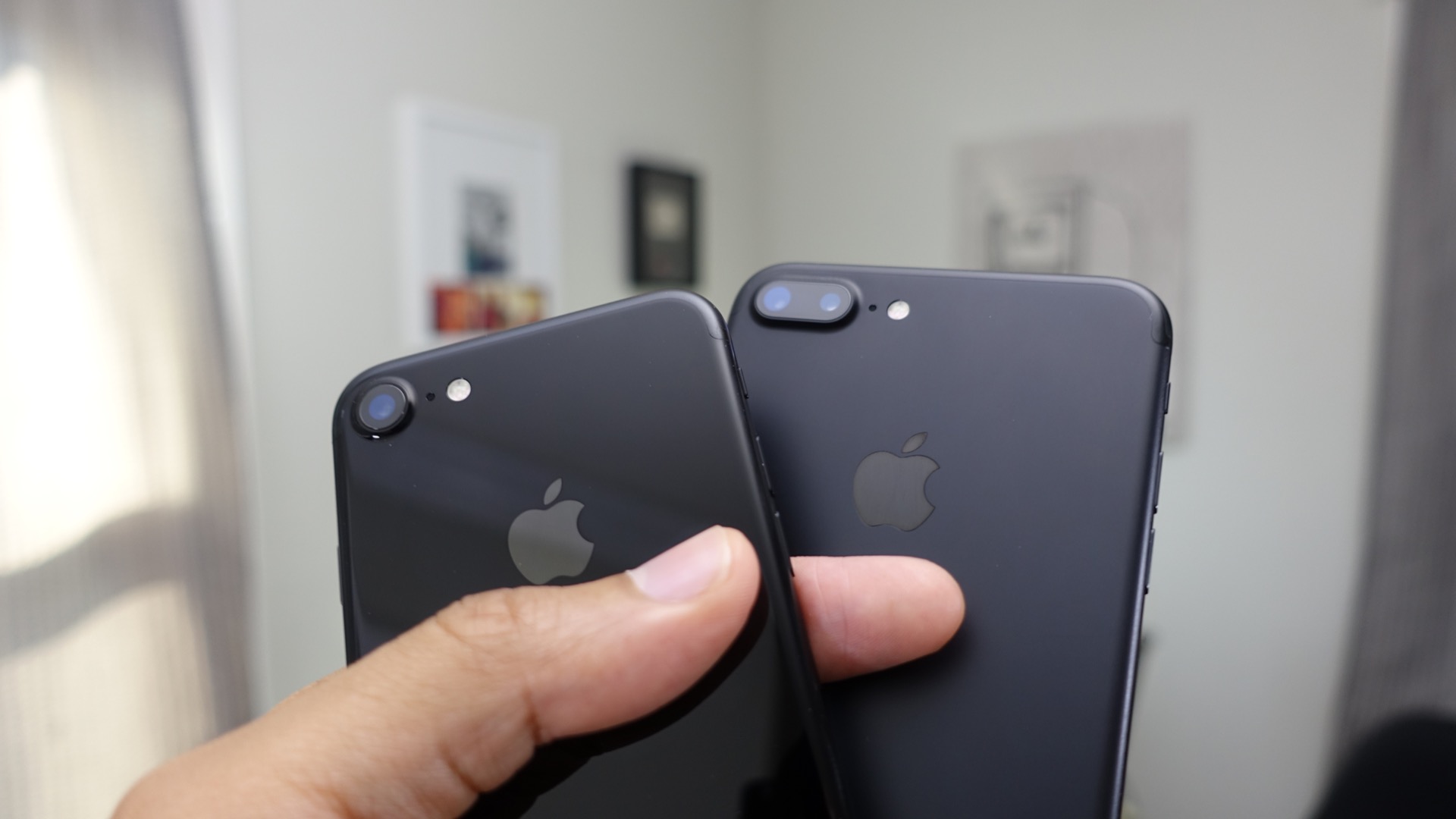
Yesterday was the official release day for the iPhone 7 and iPhone 7 Plus, and some of us were fortunate enough to be able to pick up our units early on Friday morning. For those of you who plan on getting an iPhone 7, or for those of you who still might be on the fence, have a look at our top features hands-on commentary. Not only do we discuss numerous top iPhone 7 and iPhone 7 Plus features, but we also touch on a few of the hardware’s disappointing areas as well.
Expand
Expanding
Close
Hands-on: Beats Solo3 Wireless — the first available headphones featuring Apple’s new W1 chip [Video]

Site default logo image
beats-solo3

Apple made a big, polarizing splash when it announced its new wireless AirPods during last week’s iPhone 7 keynote. The AirPods, which are completely devoid of any wires, were met with plenty of mixed reactions online. Whether or not you agree with the design of the AirPods is one thing, but the new W1 wireless chip, Apple’s first, is promising to bring a better overall wireless audio experience to the masses.

Unfortunately, the AirPods don’t ship until late October, so unless you’re among the few who received early review units, you’ll have to wait until the fall before you can experience the $159 wireless earphones for yourself. That said, you can still take Apple’s new wireless W1 chip for a spin, arguably the most important component of its AirPods, anyway.

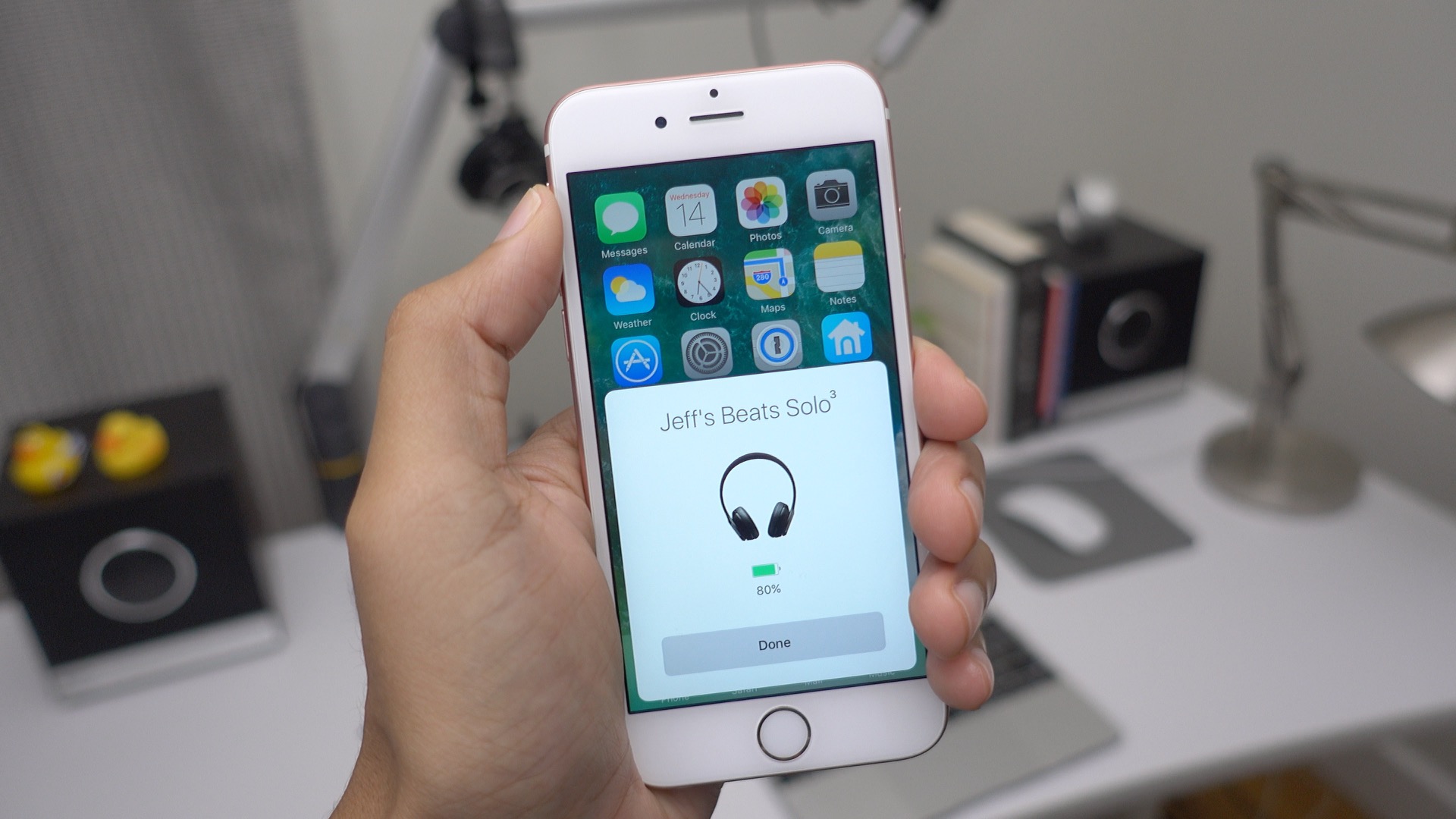
The W1 wireless chip is not only embedded in Apple’s AirPods, you’ll find the same chip tucked away in several pairs of new Beats-branded headphones as well. The just-released Beats Solo3 On-Ear Wireless Headphones, for instance, have the distinction of being the first product to hit the market with a W1 chip nestled inside. As such, we felt that it was only right to provide you with a hands-on look at this compelling new wireless headphone option.

Expand Expanding Close
iOS 10: How to use stickers, iMessages apps, Digital Touch, rich links, and more in the new Messages app [Video]

Site default logo image

messages-app-ios-10-yt

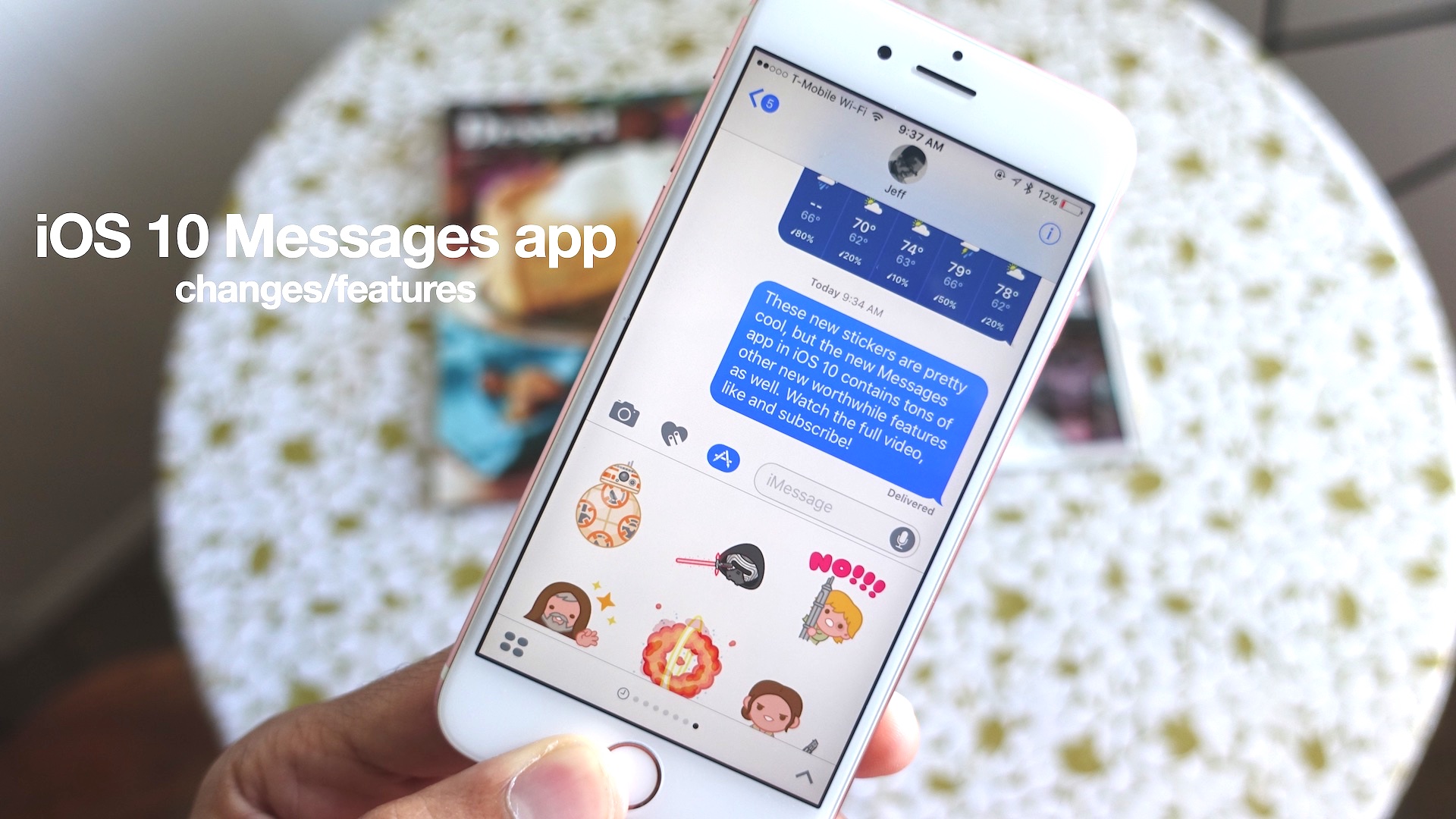
The Messages app is the most frequently used app on iOS, so it makes sense that Apple would lend it plenty of attention in iOS 10. It’s safe to say that the stock Messages app received, by far, the most significant overhaul of all default apps in iOS 10, as it is now a feature-laden package that leverages photos, videos, and Snapchat-inspired markup elements.

Messages in iOS 10 even brings about a dedicated iMessage App Store for adding additional functionality such as stickers, animated GIFs and third-party app extensions that run right within the Messages app interface. Updated emoji features, inline music and video playback, and brand new effects add a new dimension to Apple’s most popular iOS app.

Expand
Expanding
Close
Apple launches iMessage App Store with various iMessage apps, games, and sticker packs

Site default logo image

imessage-app-store-launch-ios-10

Let the deluge begin… Not long after the Super Mario Run iMessage sticker pack was made available to iOS 10 users, Apple has unleashed the entire iMessage App Store. The iMessage App Store, which is available for iOS 10 users, features sticker packs from companies like Disney, Bandai Namco, Sanrio, and others.

In addition to the sticker packs, the iMessage App Store features full-fledged iMessage apps and games. Several of the apps that were demonstrated during the WWDC 2016 keynote are here, such as Square Cash, OpenTable, and JibJab.

The iMessage App Store is only available for iOS 10 beta users today, but if you’re not already on the beta, you’ll only need to wait one more day, as iOS 10 is scheduled to go live tomorrow.


Expand
Expanding
Close