iOS 16: New features, iPhone compatibility, release date

iOS 16 brings one of the most important updates for the iPhone’s Lock Screen since iOS 7. With improvements for Focus Mode, more continuity capabilities, and tweaks to Messages, there’s a lot to take advantage of with this operating system.
Table of contents
New features in iOS 16
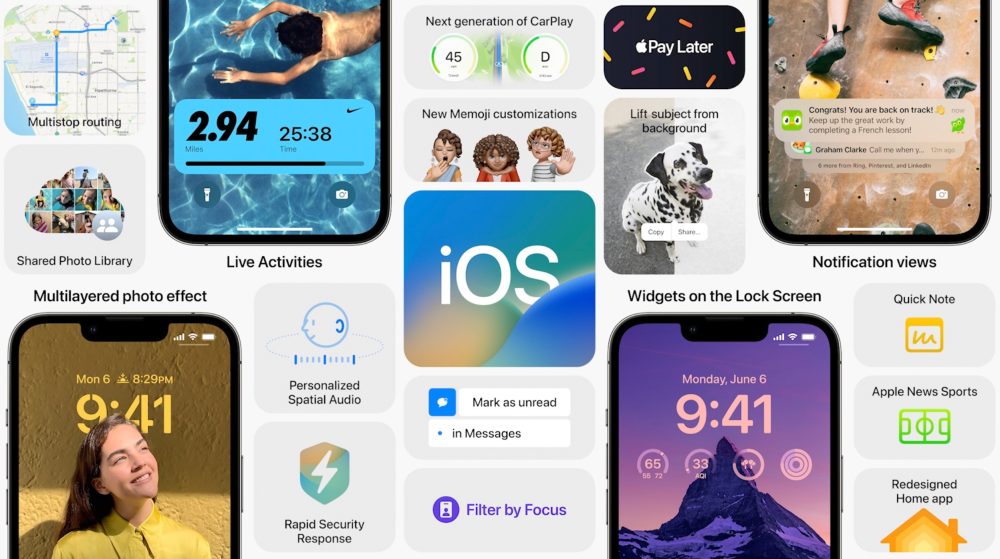
With iOS 15, Apple introduced Live Text, Focus Modes, a redesigned Safari, and lots of new tweaks for FaceTime and iMessage. Now, with iOS 16, Apple is improving all these experiences while bringing a revamped Lock Screen, which Craig Federighi called “an act of love” in an interview.
Here’s what’s new with iOS 16.
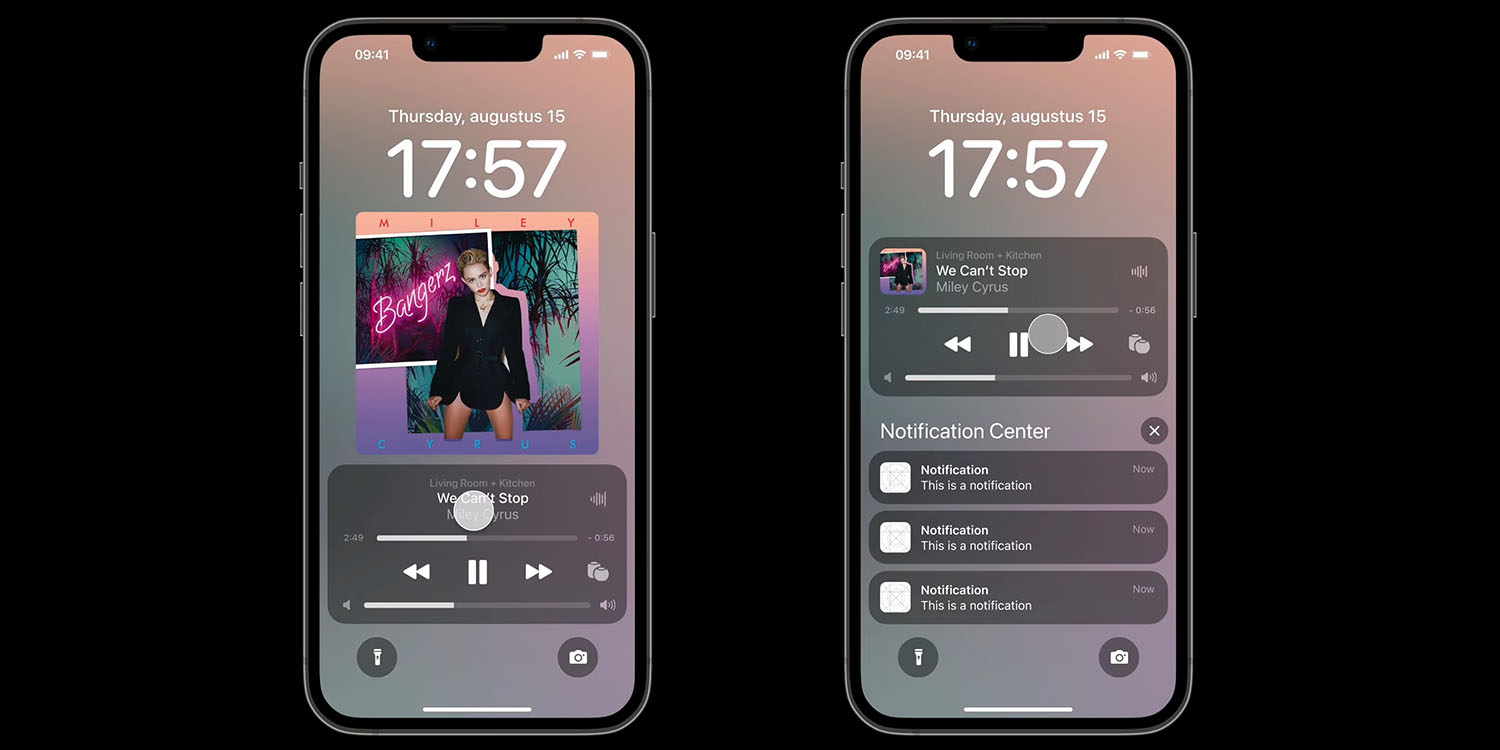
New Lock Screen, revamped notification center, and deeper Focus Mode integration
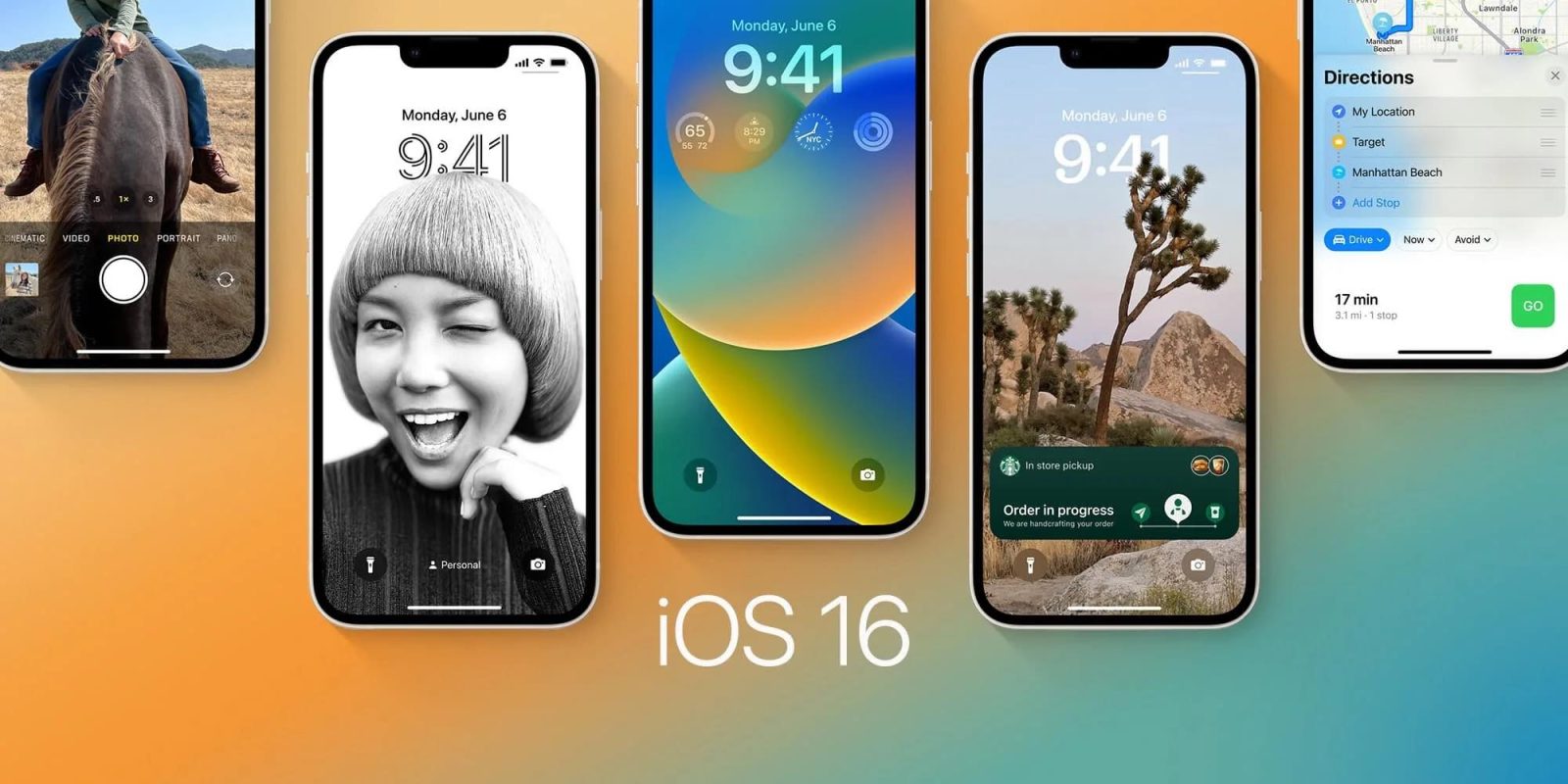
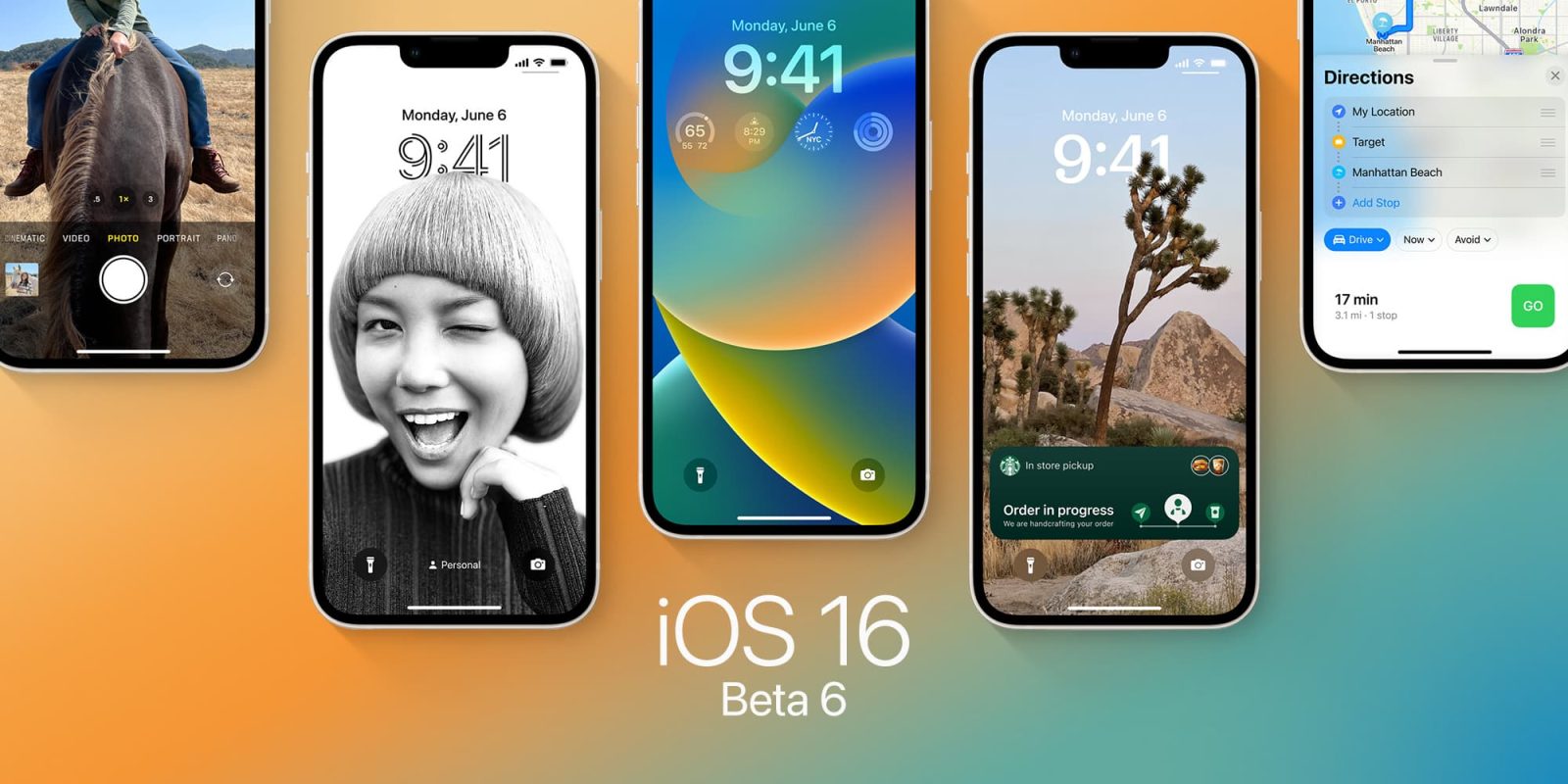
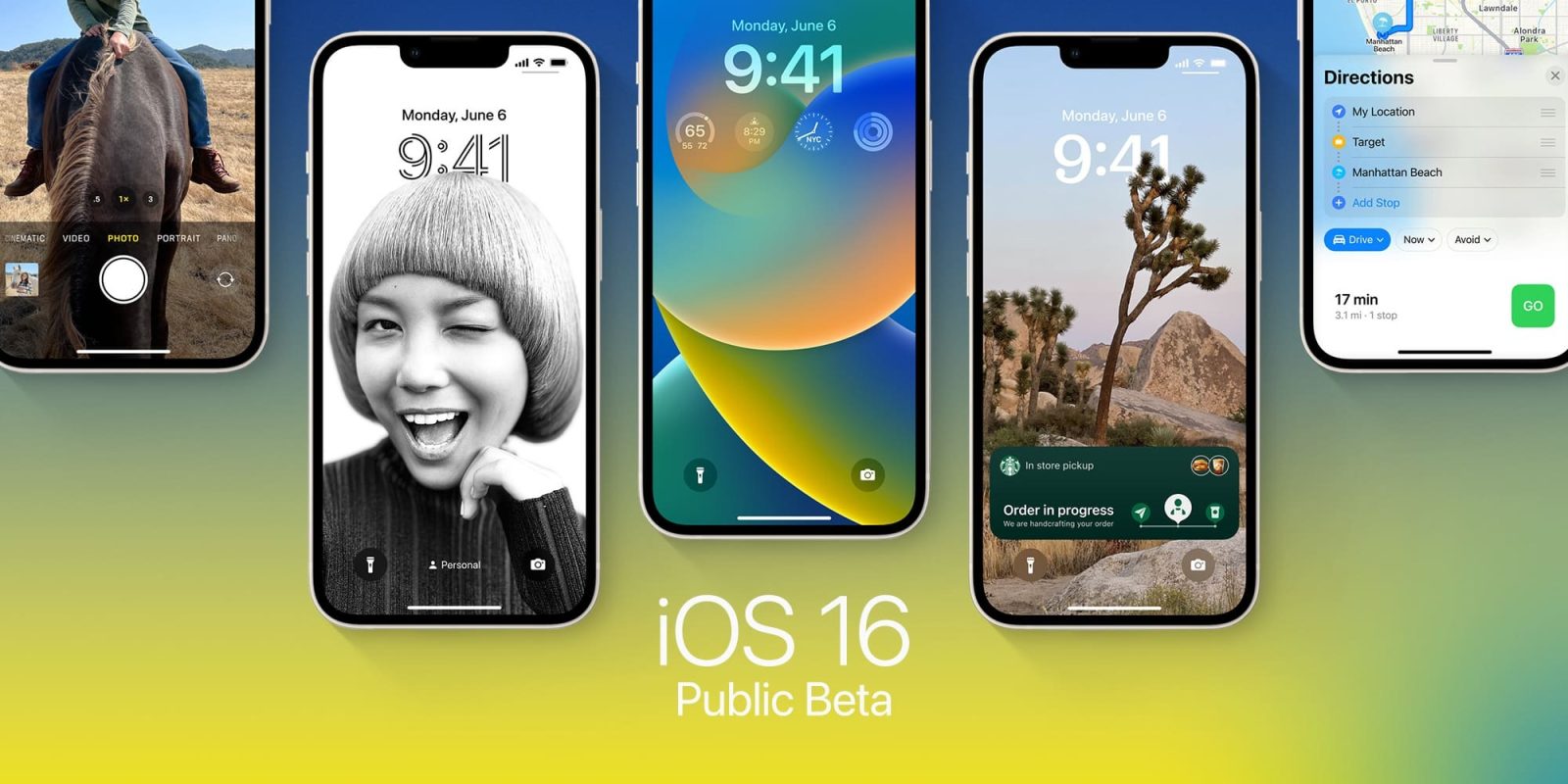
The new Lock Screen is Apple’s main bet with iOS 16. You can customize the font, color, or placement of elements on your Lock Screen by tapping the element. There are new font styles and color choices that allow you to customize the look of the date and time.
With Widgets and a new API, users can add third-party widgets to the Lock Screen. In a future update, Live Activities will show ongoing sports games or track the progress of your Uber ride, for example.
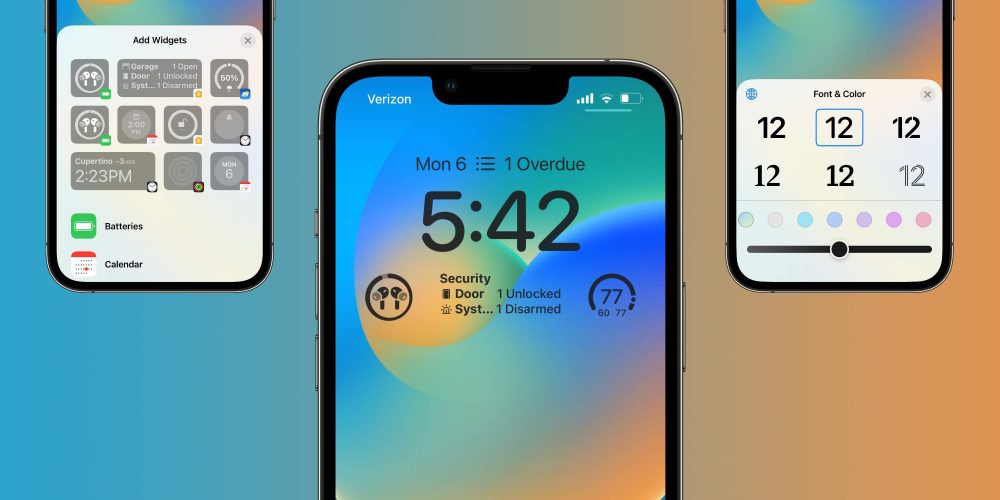
iOS 16 will suggest photos and styles, and the best part is that it’s deeply integrated with Focus Mode. Depending on your Focus, you can change the lock screen wallpaper, style, and even widgets.
Focus Mode also can be turned on at a set time, location, or while using a certain app. Last but not least, with Focus filters, you can set boundaries within Apple apps like Calendar, Mail, Messages, and Safari.
To finish this section, the revamped notification center now shows notifications from the bottom to the top. The system also hides better notifications depending on your Focus Mode.
Messages, FaceTime, and Safari
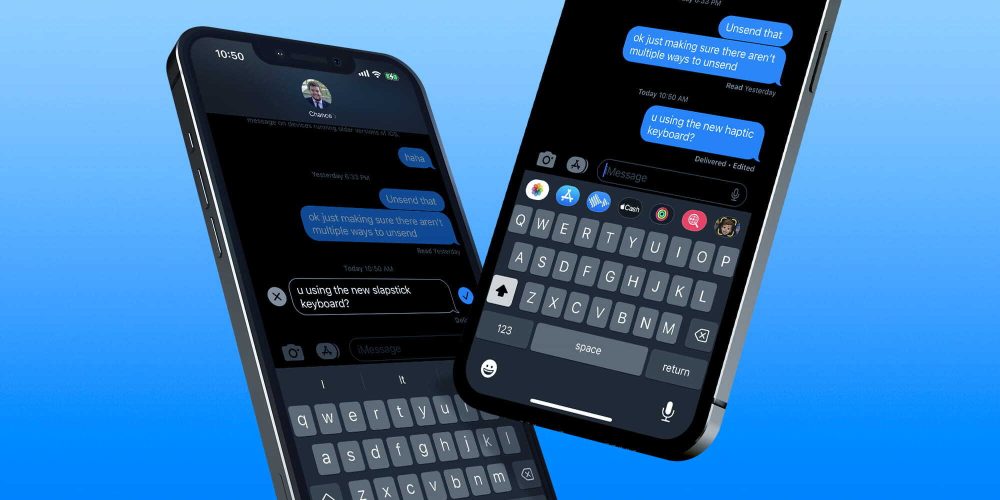
Three apps that Apple focused with iOS 15 are also very important on iOS 16. Messages have three main new features:
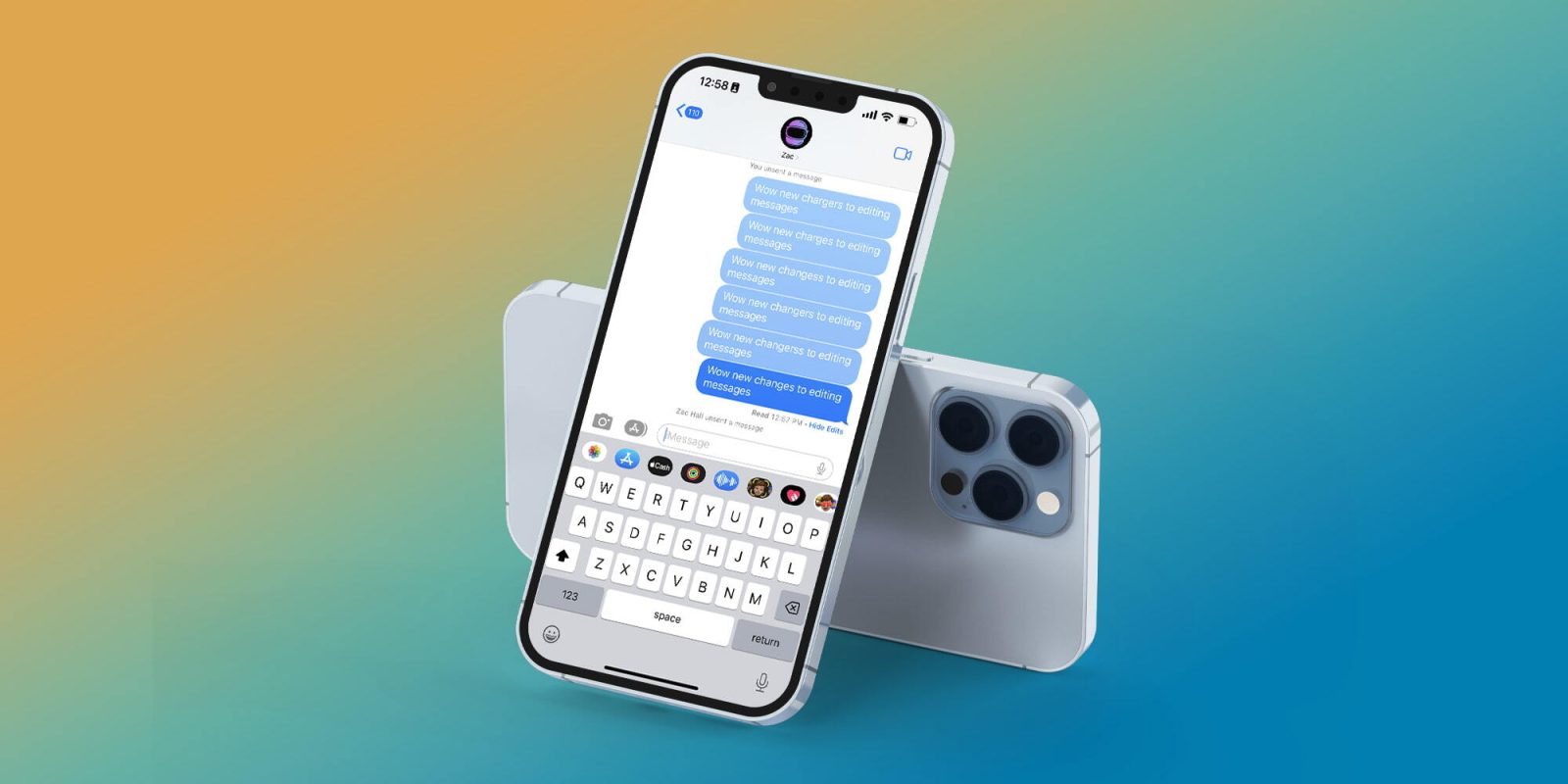
- Edit a message: During 15 minutes, users can make up to 5 edits to a given message, and recipients will be able to see a record of edits made to the message;
- Undo send: Unsend any message for up to 2 minutes after sending it;
- Mark as unread: Mark messages as unread when you don’t have time to respond but want to be sure to reply to the sender later.
With iOS 16, Apple is bringing handoff in FaceTime, which lets you move calls seamlessly from your iPhone to your Mac or iPad, and vice versa. The company is also adding Live Captions in FaceTime, letting you see automatically transcribed dialogue integrated into your video calls.
Last but not least, Safari now has Shared Tab Groups, web push notifications coming in 2023, and new web extension APIs.
Live Text in video, Dictation, and Maps improvements

Introduced with iOS 15, Live Text now work in videos when you pause them in iOS 16. You can use functions like copy and paste, lookup, and translate.
Apple is also bringing an all-new Dictation experience since you can move fluidly between voice and touch. With selected phones, you can insert emojis using your voice while dictating on the device. It also features automatic punctuation such as commas, periods, and question marks for you as you dictate.
Finally, another great feature arriving with Apple Maps is multi-stop routing. It even syncs between devices, so you can plan a route with multiple stops on your Mac and it syncs to your iPhone. Learn more about everything new with Apple Maps here.
iOS 16 features that won’t be available at launch
With the release of iOS 16, Apple said some of the features previously announced during the WWDC 2022 keynote won’t be available at launch, such as:
- Live Activities: Live Activities help you stay on top of things that are happening in real-time, right from your Lock Screen;
- Live Activities API: Follow an ongoing sports game or track the progress of your ride or order with just a glance. Glance at Live Activities from your favorite third-party apps with the new developer API;
- Freeform app: Users will have a canvas for diagramming new projects, and having real-time collaboration while chatting via iMessage or FaceTime. This whiteboard has plenty of space for lots of people working together by writing or drawing;
- Matter support: This won’t launch until sometime later this year. Matter is a new smart home connectivity standard that will enable compatible accessories to work together seamlessly, across platforms;
- iCloud Shared Photo Library: It gives families a new way to share photos seamlessly with a separate iCloud library that up to six users can collaborate on, contribute to, and enjoy. Users can choose to share existing photos from their personal libraries, or share based on a start date or people in the photos
Device compatibility
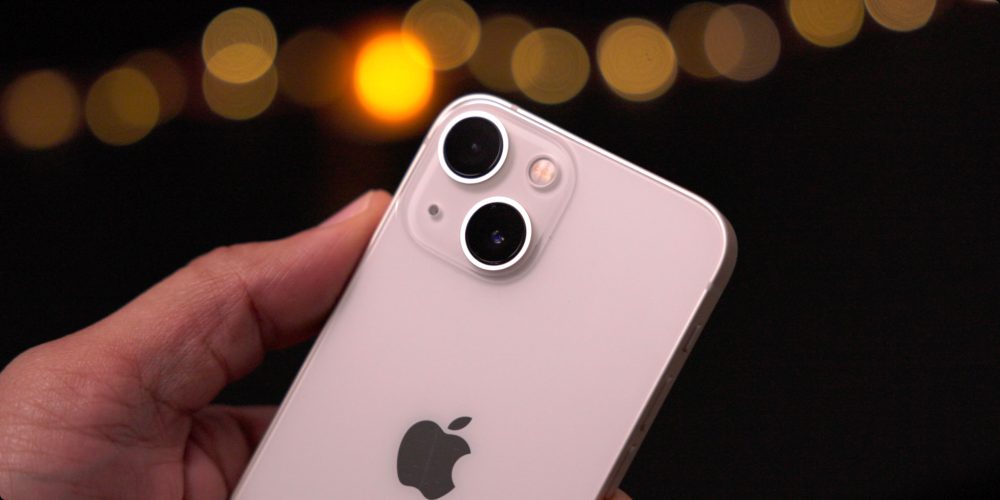
Apple surprised users by removing not only the iPhone 6s, but also the iPhone 7 and the first-gen iPhone SE from the list of devices receiving iOS 16. No iPod touch also supports this software update.
- iPhone 8 and 8 Plus
- iPhone X
- iPhone XR, XS, and XS Max
- iPhone 11
- iPhone 11 Pro and 11 Pro Max
- iPhone 12 mini and iPhone 12
- iPhone 12 Pro and iPhone 12 Pro Max
- iPhone 13 mini and iPhone 13
- iPhone 13 Pro and iPhone 13 Pro Max
- iPhone 14 and iPhone 14 Plus
- iPhone 14 Pro and iPhone 14 Pro Max
- iPhone SE (2nd gen)
- iPhone SE (3rd gen)
That said, it’s not because your iPhone is receiving iOS 16 that it will have all the features.
When will iOS 16 come out?
iOS 16 was announced on June 6, during WWDC 2022’s keynote. With the public beta available a month later, users can download the new iPhone operating system on September 12.
How to install the iOS 16 public beta?
- Make a fresh backup of your iPhone or iPad
- On your iPhone or iPad, head to Apple’s public beta website
- Tap the arrow in the top right corner, sign in if you’re not already
- Now make sure you’re on the iOS “Guide for Public Betas”
- Swipe down and under the Get Started section, tap enroll your iOS device
- Swipe down again and tap Download Profile
- Tap Allow to download the profile, hit Close
- Head to Settings on your device and tap Profile Downloaded near the top
- Tap Install in the top right corner, enter your passcode if needed
- Read the consent agreement, then tap Install two more times
- Your iPhone or iPad will prompt you to restart to complete the changes
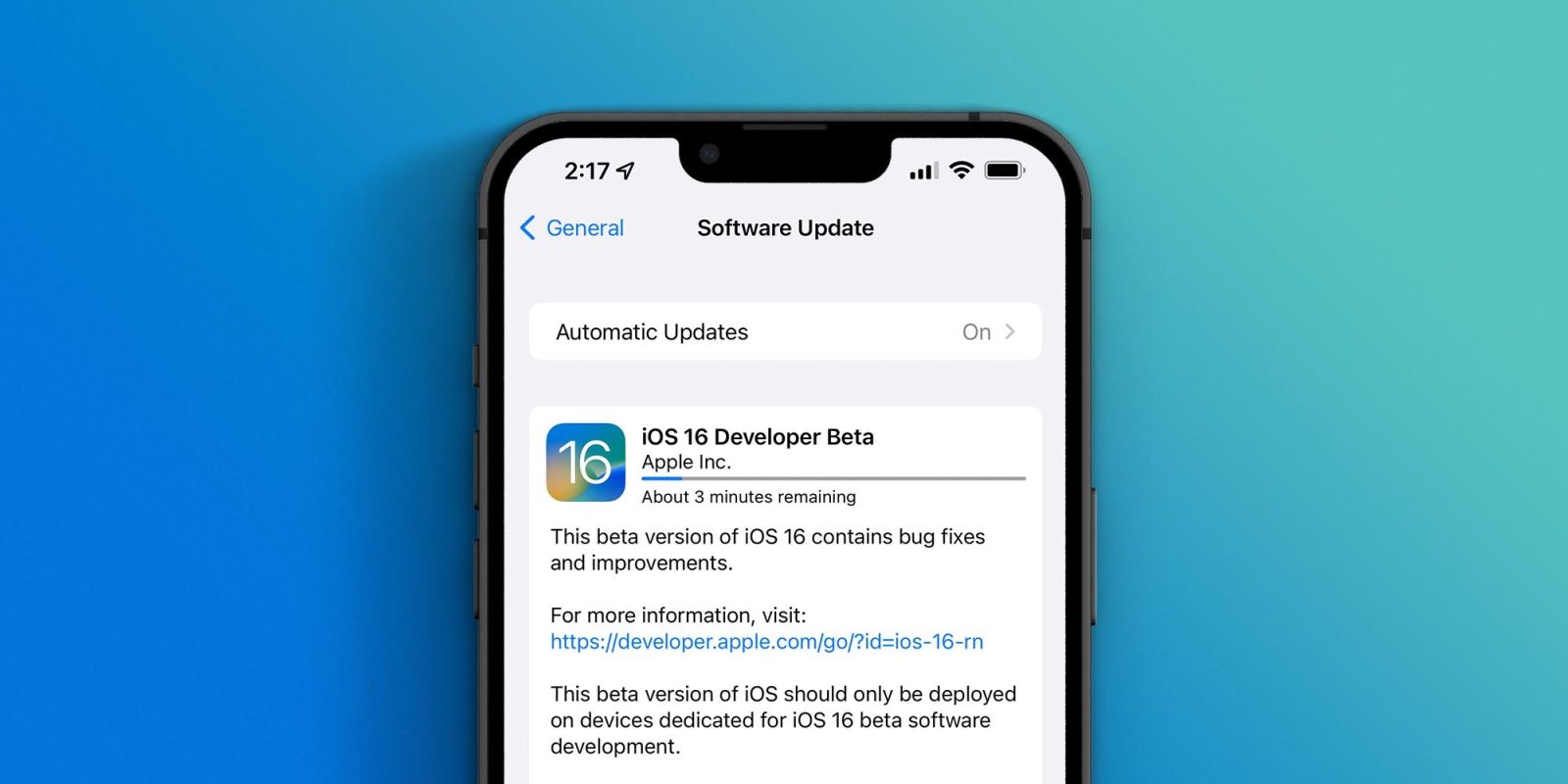
- After it reboots, head back to Settings > General > Software update
- You should see iOS 16 public beta available, tap Download and Install