iOS 26

See All Stories

iOS 26.1 beta 4 adds new setting to tone down Liquid Glass transparency

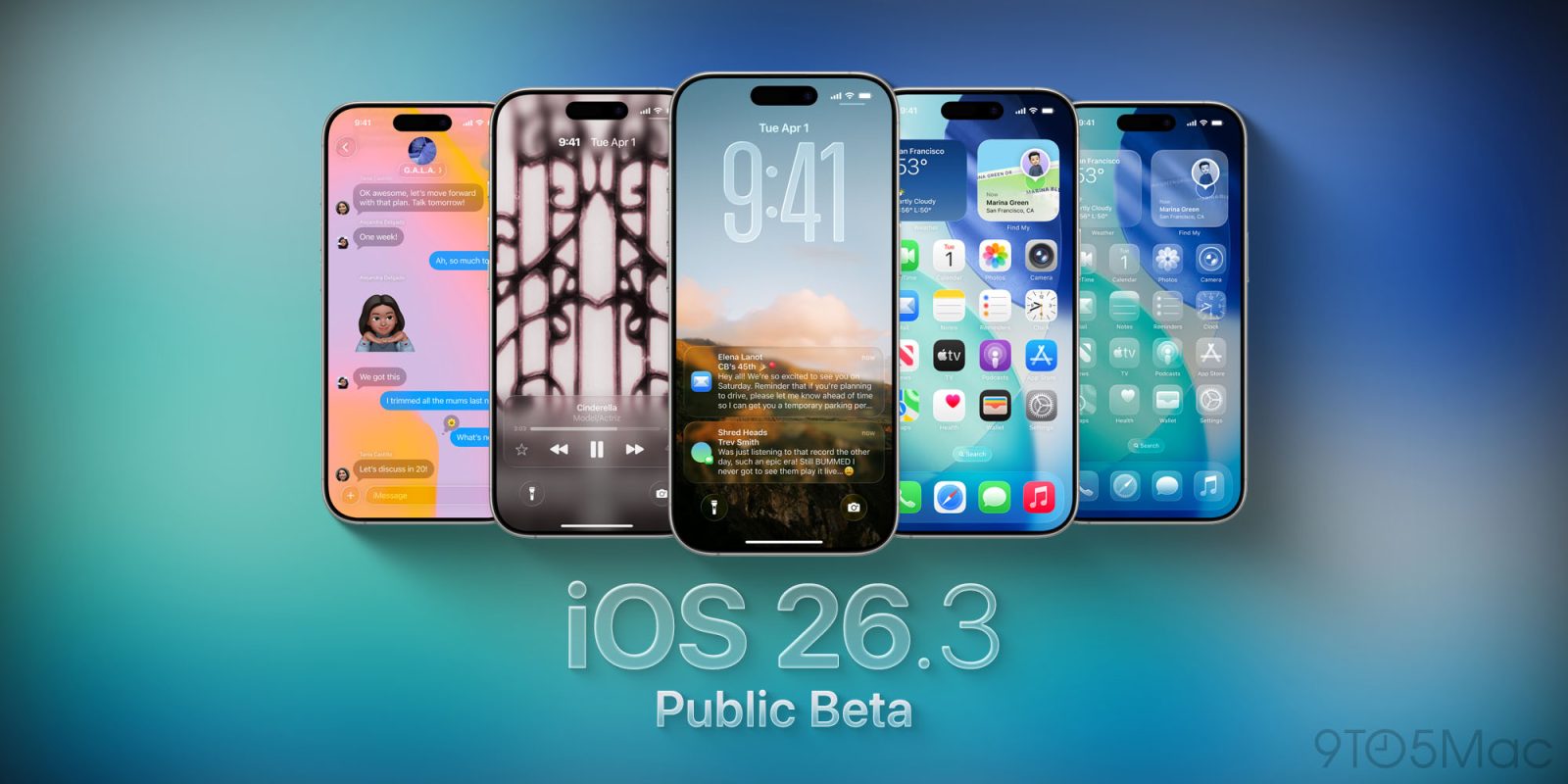
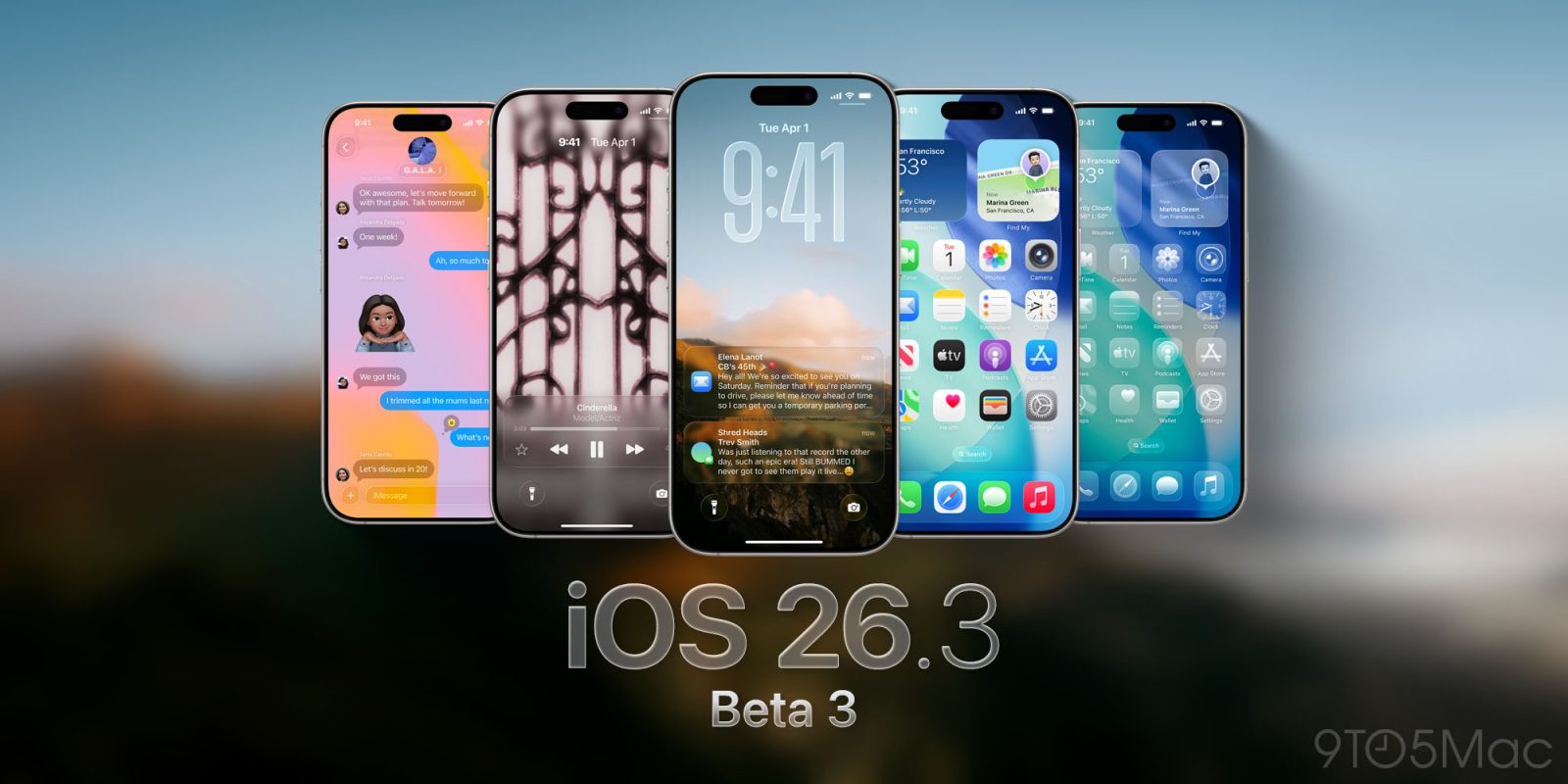
iOS 26 introduced a bold new Liquid Glass design, bringing transparency and fluidity throughout the iPhone’s interface. iPadOS 26 and macOS 26 brought similar designs to the iPad and Mac, respectively.

Not a fan of that design? Well, iOS 26.1 beta 4 is now available, and it introduces a new option to choose a more opaque look for Liquid Glass. The same option is also available on Mac and iPad.

Expand Expanding Close

These key Messages upgrades are still missing from iOS 26, at least for now

Earlier this year, Apple confirmed that it’d be supporting end-to-end encryption with RCS in a future software update. At the time, iOS 18 was still the latest version of iOS – thus implying that the upgrade would come as part of the next round of software – iOS 26.

So far, end-to-end encryption is yet to ship. That’s not the only thing though. The upgrade to end-to-end encryption would’ve also necessitated other major upgrades to the RCS protocol, and as of iOS 26.1 beta, it’s all still missing.

Expand Expanding Close

PSA: If you don’t like the new Preview app on iOS 26, there’s an easy fix for it

With iOS 26, Apple introduced a new app on iPhone and iPad: Preview. This app has been on the Mac for a long time, and as the name suggests, it serves as a system-wide file preview of sorts, that way you don’t need an app to view every file.

While this app may be intuitive on the iPad, I’ve found it rather cumbersome on the iPhone. Luckily, there’s a rather simple fix for it.

Expand Expanding Close

The ultimate guide to turning Liquid Glass down or off across all your Apple devices

The ultimate guide to turning Liquid Glass down or off across all your Apple devices | Apple image showing it on different devices

While I’m generally a fan of the Liquid Glass user interface, not everybody is. For some, it fails usability tests, while others are just not keen on the aesthetics.

Fortunately Apple allows a huge amount of control over the effects, and Adam Engst over at TidBITs has put together the ultimate guide for this …

Expand Expanding Close
RIP Clips: Apple abandons its quirky short-form video app

In 2017, Apple launched a brand new app called Clips, a creative video app that originally could only make square aspect ratio movies. It had fun effects, automatic subtitle captions, and more. However, in a world of social video apps like TikTok, Clips never really gained traction.

After being dormant in the App Store for a while now, the company is finally pulling the plug. As confirmed by a new support document, Clips is no longer getting any app updates and has been pulled from the App Store.

Expand Expanding Close