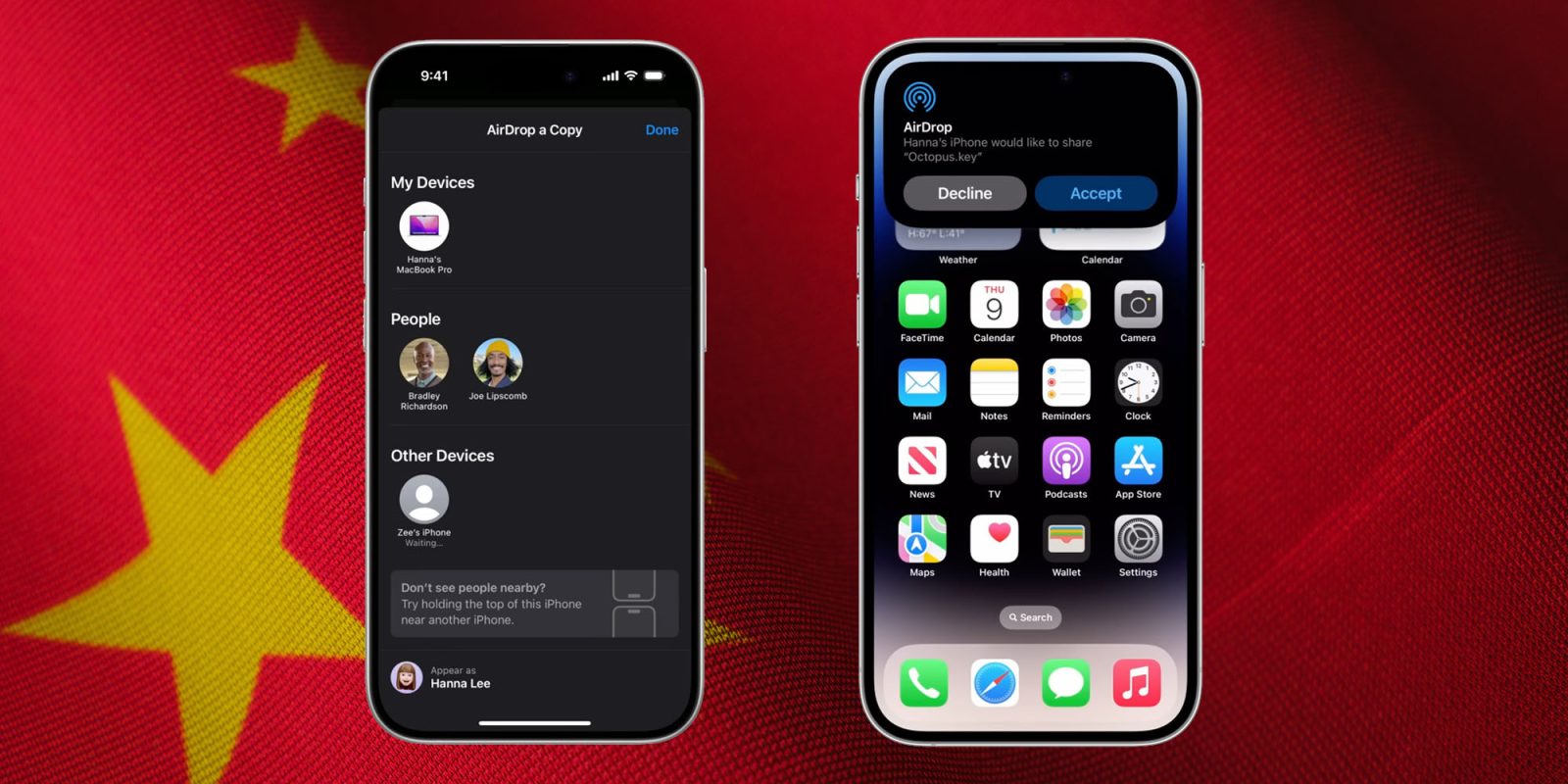
Three AirDrop vulnerabilities have been discovered by security researchers, affecting both iPhone and Mac, with similar ones found in Android’s Quick Share.
An attacker could easily exploit the vulnerabilities to cause AirDrop, AirPlay, Handoff, Universal Clipboard, and Continuity Camera to crash and remain unavailable for as long as the attack continues …
We can argue endlessly about how innovative Apple is as a company, and indeed many people do. Personally, I would argue that some of its greatest innovations have been in the seemingly smallest of features, and AirDrop is one of these.
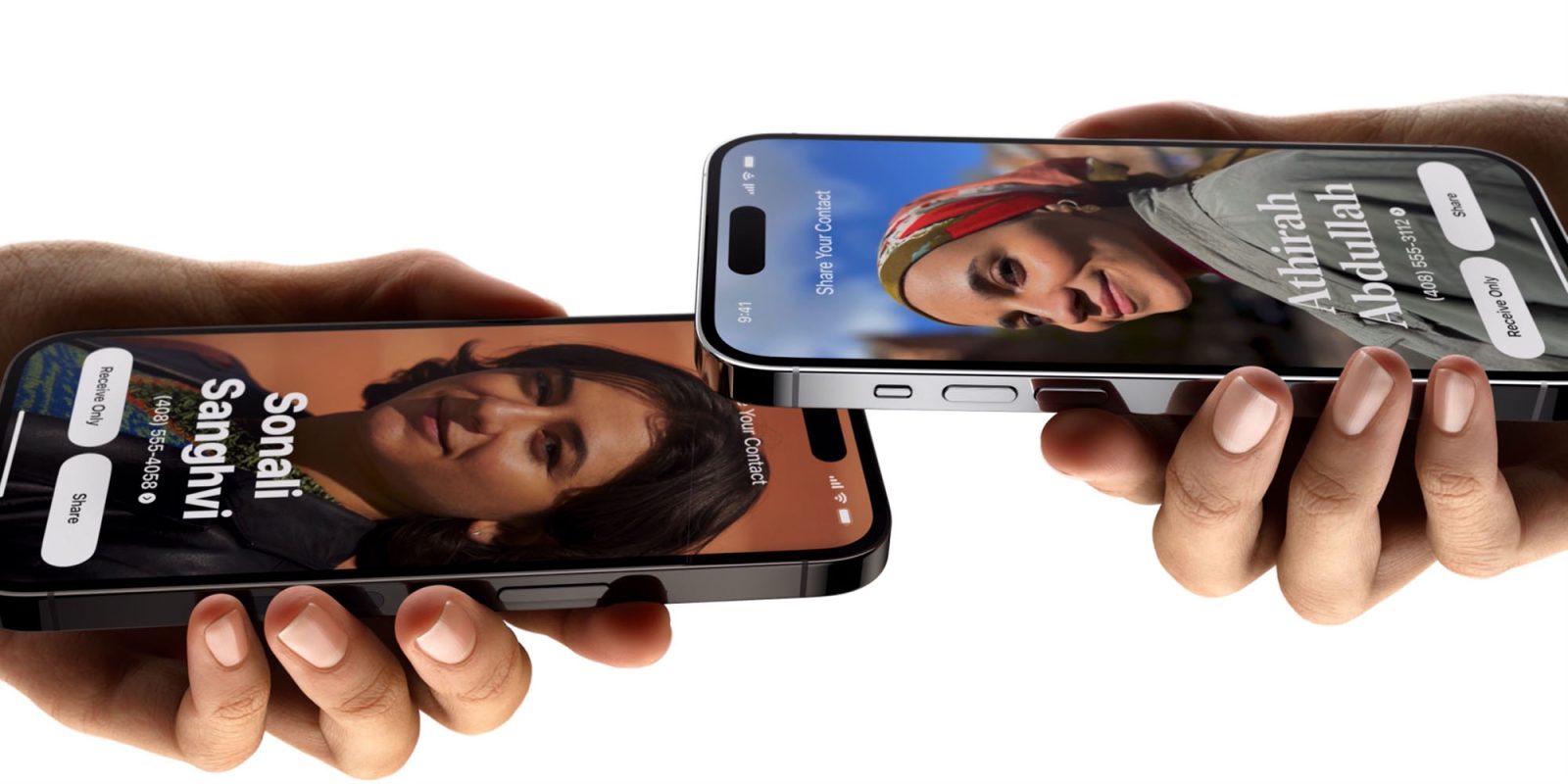
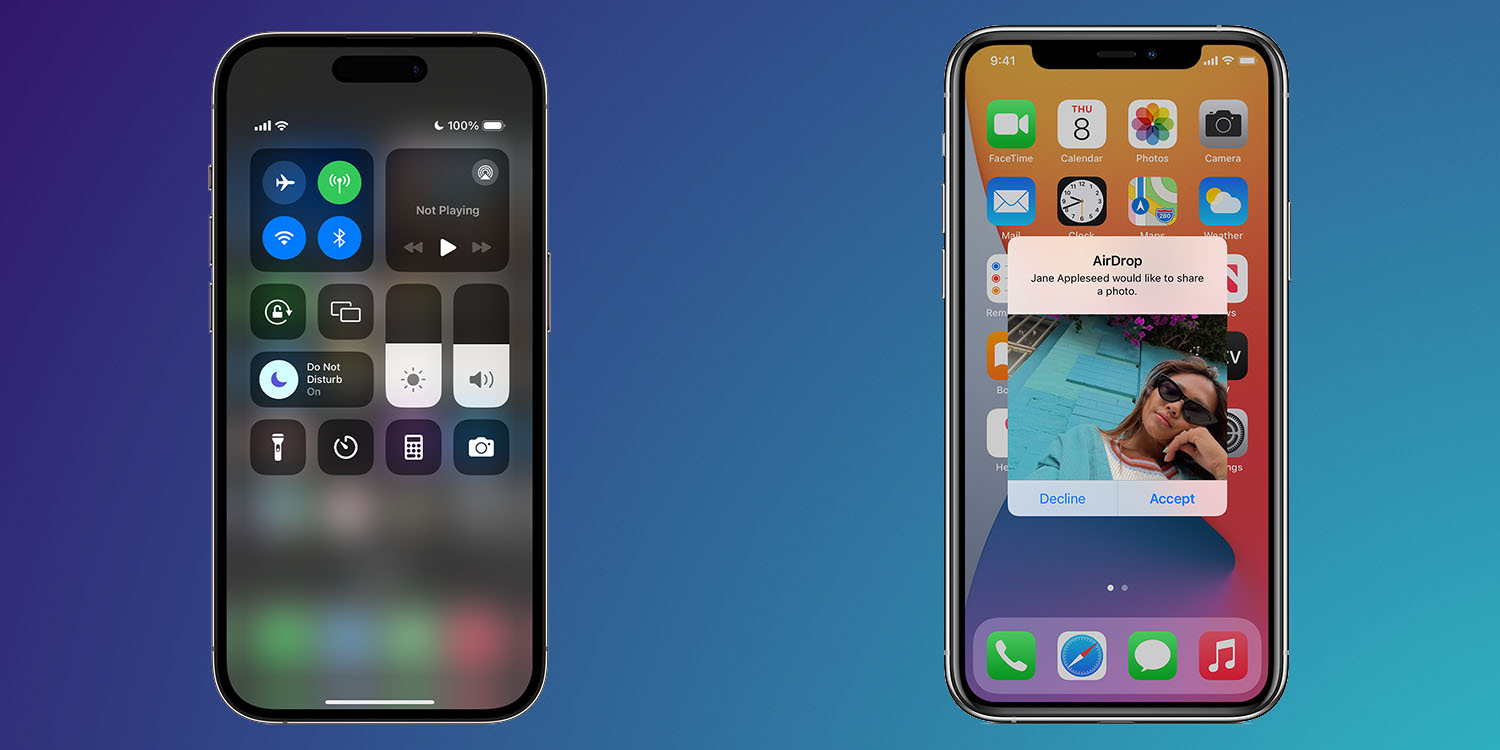
AirDrop is a really simple and convenient way to move a document from one of our Apple devices to another, as well as to exchange files and information with other iPhone users. The introduction of NameDrop in iOS 17 was a particularly great application of the tech in my view …
iOS 26.2 arrived last month, packing a bunch of brand new features, including an enhancement to AirDrop called ‘AirDrop codes.’ Here’s how the new feature works.
iOS 26.2 beta 3 arrived today, and while it’s relatively light on new features, the update has revealed a new AirDrop upgrade that had previously only been hinted at.
Apple’s tight grip on local wireless sharing is finally loosening, even if rather reactively. With iOS 26, developers are getting a new API that allows third-party apps to discover and connect nearby devices over Wi-Fi, without needing an internet connection. Here’s how it’ll work.
The legal battle between Apple and the European Union is showing no signs of easing up. A possible consequence of the latest round is that Apple could end up removing AirDrop functionality from iPhones sold in the EU.
Apple has appealed a key part of the Digital Markets Act that would require it to make certain features available to third-party companies, and given its hardline attitude so far, there could be significant consequences if it loses the case …
Two years ago, Apple effectively censored a core iPhone communication feature. The change was reportedly initially made at the request of the Chinese government. However, Apple quickly implemented the change to all iPhones globally a few months later.
Apple essentially endorsed China’s censorship demands by voluntarily enforcing the limit on all iPhone users, including the United States and every other democratic nation. Despite being controversial at the time, Apple’s decision has not faceted sustained public scrutiny. Instead, user control and a decentralized communication method were lost under the guise of safety.
A WhatsApp AirDrop style feature is under development, and from screens discovered inside the latest Android beta, it looks like a rather close copy of the original.
This includes privacy features: As with AirDrop, file transfers are encrypted, and your phone number is not revealed …
The security vulnerability which seemingly led to an AirDrop crack by a Chinese state institute has been known to Apple since at least 2019, according to a new report.
In a significant breach of Apple’sprivacy measures, a new report says that AirDrop was cracked by the Chinese government, to reveal the phone number and email address of senders.
The anonymity of AirDrop was one of the reasons it has been commonly used by activists to share information about protests, and other information censored by the government …
Update: Whether AirDrop is vulnerable to this exploit is unclear, but the odds are against it. See the update at the end.
Two newly-discovered Bluetoothsecurity flaws allow attackers to hijack the connections of all devices using Bluetooth 4.2 to 5.4 inclusive – that is, all devices between late 2014 and now.
Six separate exploits have been demonstrated, allowing both device impersonations and man-in-the-middle attacks …
Apple recently changed how AirDrop works between iPhones, but not everyone has updated to the latest software clearly. Just last week, a student traveling in Texas had the bright idea to play a bomb prank on a plane using AirDrop just before takeoff.
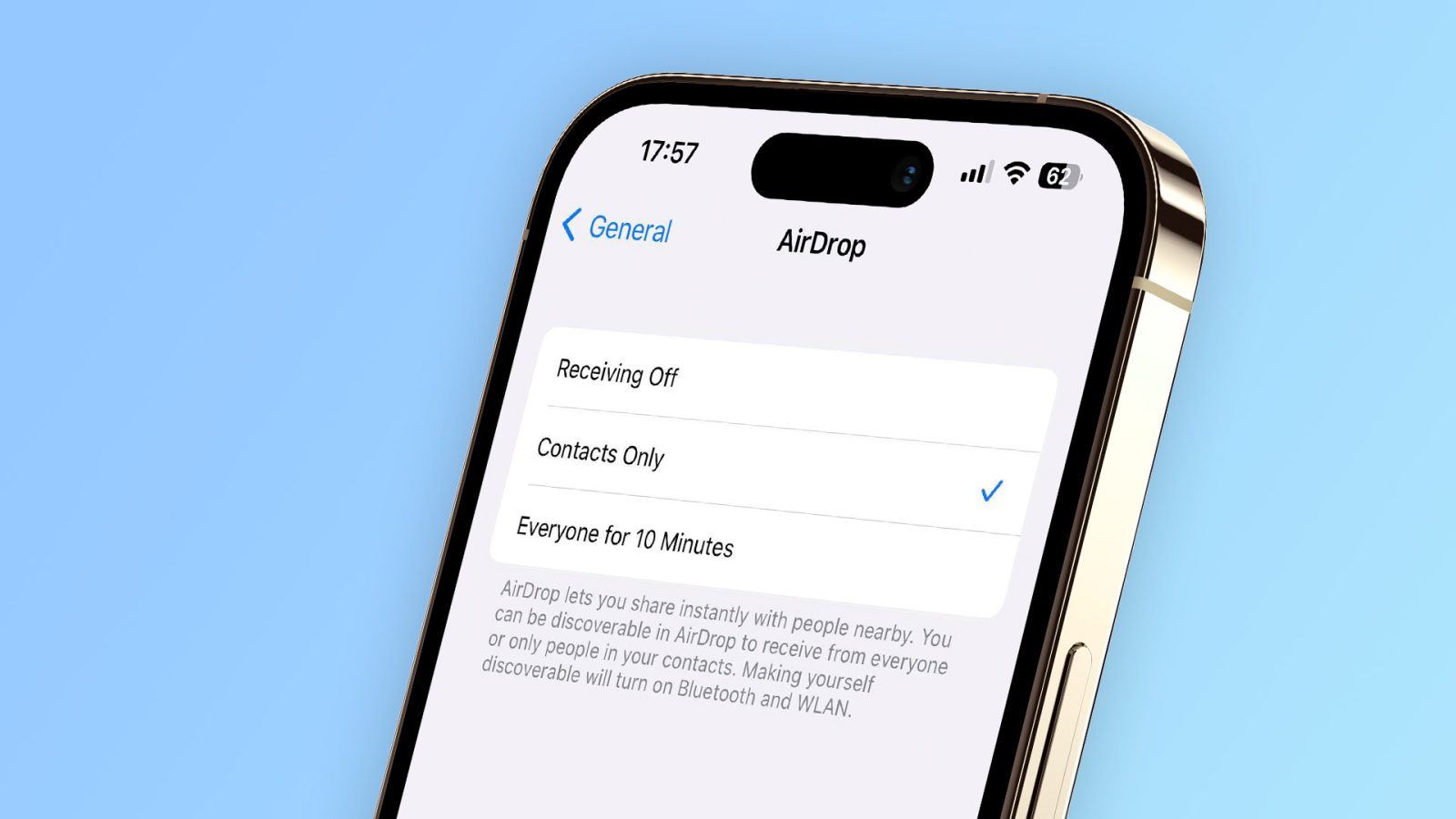
After first making a change to AirDrop for users in China, Apple has changed the available options for all users with iOS 16.2. With “Everyone” not being a permanent option anymore, you may end up heading to AirDrop settings more frequently. Here are 3 ways to change AirDrop on iPhone.
The iOS 16.2 Release Candidate is now available to developers, and it includes a number of different changes and upgrades. The update also expands a change to AirDrop that was previously limited to China: restricting how the “Everyone” option works with a new limitation.
Apple today released iOS 16.1.1 for all users. While the release notes for the update say nothing about new features or major changes, there’s a significant one coming for users in China. There, Apple is changing how the “Everyone” option in AirDrop works, which will no longer be enabled for more than 10 minutes.
Even before the jury reaches a verdict, a Rittenhouse mistrial motion has been filed by the defendant’s attorneys, with Apple tech again at the heart of a dispute regarding video evidence. It follows an earlier argument about the iPad pinch-to-zoom feature.
The latest issue is being widely reported as relating to AirDrop, but in fact Apple’s Mail app is the source of the problem …
An AirDrop flaw means that doing nothing more than opening an iOS or macOS sharing pane within Wi-Fi range of a stranger can enable them to see your phone number and email address. You do not have to initiate an AirDrop transfer to be at risk.
The security researchers who discovered the vulnerability say that they disclosed it to Apple way back in May 2019, but the company still hasn’t provided a fix to the 1.5 billion affected devices …
An AirDrop security flaw can allow anyone with a laptop and scanning software to see your phone number. The same is true when you share a Wi-Fi password from your iPhone.
Doing the same from a Mac reveals its permanent MAC address instead…
DeskConnect is a file transfer app from the makers of Workflow. It allows you to easily share files between your iPhone, iPad and Mac. DeskConnect isn’t an app that will replace a service like Dropbox or even iCloud, because it was designed solely with file transfers in mind.
We reviewed the initial version of DeskConnect back in 2013. Since then, a lot has changed — iOS has gained inter-app communication via handy share extensions, iCloud Drive has made it easier to move and manipulate files across a variety of storage solutions, and AirDrop can now easily transfer files between iOS devices and Macs.
In 2016, where does a new version of DeskConnect fit in? Does AirDrop make it redundant? Have a look at our overview for the details. Expand Expanding Close
In a new patent application, Apple details an idea it’s experimenting with that would have Apple Watch users shake hands to exchange data (via PatentlyApple). The idea is simple. The patent application imagines two Apple Watch wearers exchanging data, such as contact information, for example, by performing common gestures like a handshake or a hug: Expand Expanding Close
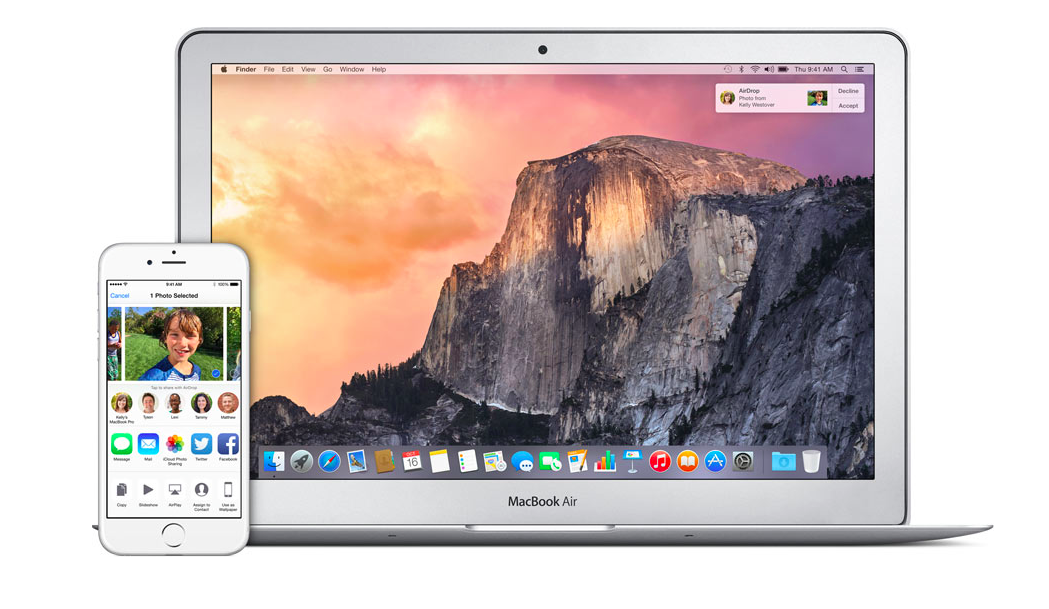
With Yosemite and iOS 8 you can use AirDrop to share files between your Mac and iOS devices. This is one of the features of Continuity, which further integrates and connects your Mac and iOS devices. Continuity also includes Handoff, Instant Hotspot, iPhone Cellular Calls and SMS Relay.
Initially AirDrop allowed you to share files between two Macs or between two iOS devices. Now, AirDrop allows you to share files and information between Mac and iOS devices. It is a device-to-device transfer that works even when the devices don’t have internet access, although Wi-Fi and Bluetooth have to be turned on. This includes sharing photos, videos, music, iWork documents, notes, contacts, links, directions and location data. Many third-party iOS apps like Dropbox, Runkeeper, eBay, Deliveries, and PDF Expert support AirDrop. Apple just added support to Logic to share files via AirDrop. When receiving a file, the recipient receives a notification, allowing them to download the file.
Apple today released a new version of Logic Pro X, its professional audio editing software, bringing the current version to 10.1 and adding a long list of new features. Among the new additions to Logic Pro X in version 10.1 includes 10 new Drummers, the intelligent beat profile feature, focused on hip hop and electronic styles. OS X Yosemite users will appreciate the ability to share projects from Logic Pro X to other users using both Mail Drop, which lets you send large files over email using iCloud storage, and AirDrop, which lets you share files wirelessly between nearby Macs.
In addition to updating Logic Pro X, Apple released version 1.2 of its Logic Remote iPad app with a new plug-in view for remotely controlling parameters and adding or rearranging plug-ins. The new version also allows you to adjust mic and input settings with compatible audio interfaces from the app. Apple’s MainStage 3 Mac app ($29.99) updated to version 3.1 as well. You can read our full review of Logic Pro X here, and see the full change log of new features below: