Author

Avatar for Zac Hall

Zac Hall

apollozac

Zac Hall is a Senior Editor, covering Apple, AI, and the modern technology landscape.

He joined 9to5Mac in April 2013, originally as a writer and copy editor.

He later served as Lead Editor from May 2016 through December 2020, before shifting focus to creating the Space Explored website.

In 2015, Zac began co-hosting 9to5Mac Happy Hour, establishing the format of the site’s premier podcast, which he hosted for eight years.

In 2018, he created 9to5Mac Daily, providing audio recaps of Apple and technology news each weekday. He also created and hosted multiple seasons of the 9to5Mac Watch Time podcast, a health and fitness-focused interview series.

Zac currently focuses on writing for 9to5Mac. He is based in the lovely Gulf Coast town of Ocean Springs, MS, where he lives with his brilliant kids and Nova, his adventurous Cavachon rescue pup.

Contact: zac@9to5mac.com

Connect with Zac Hall

Apple Vision Pro ordering process: iPhone or iPad with Face ID needed, ‘valid, unexpired prescription’ for optical inserts

vision pro pre-orders

Apple Vision Pro pre-orders are a week away, and Apple is sharing new information about the buying process. An iPhone or iPad with Face ID will be needed to determine the best fitting hardware at checkout. For those who wear glasses, Apple has also shared more details about the process for ordering ZEISS optical inserts.

Expand Expanding Close
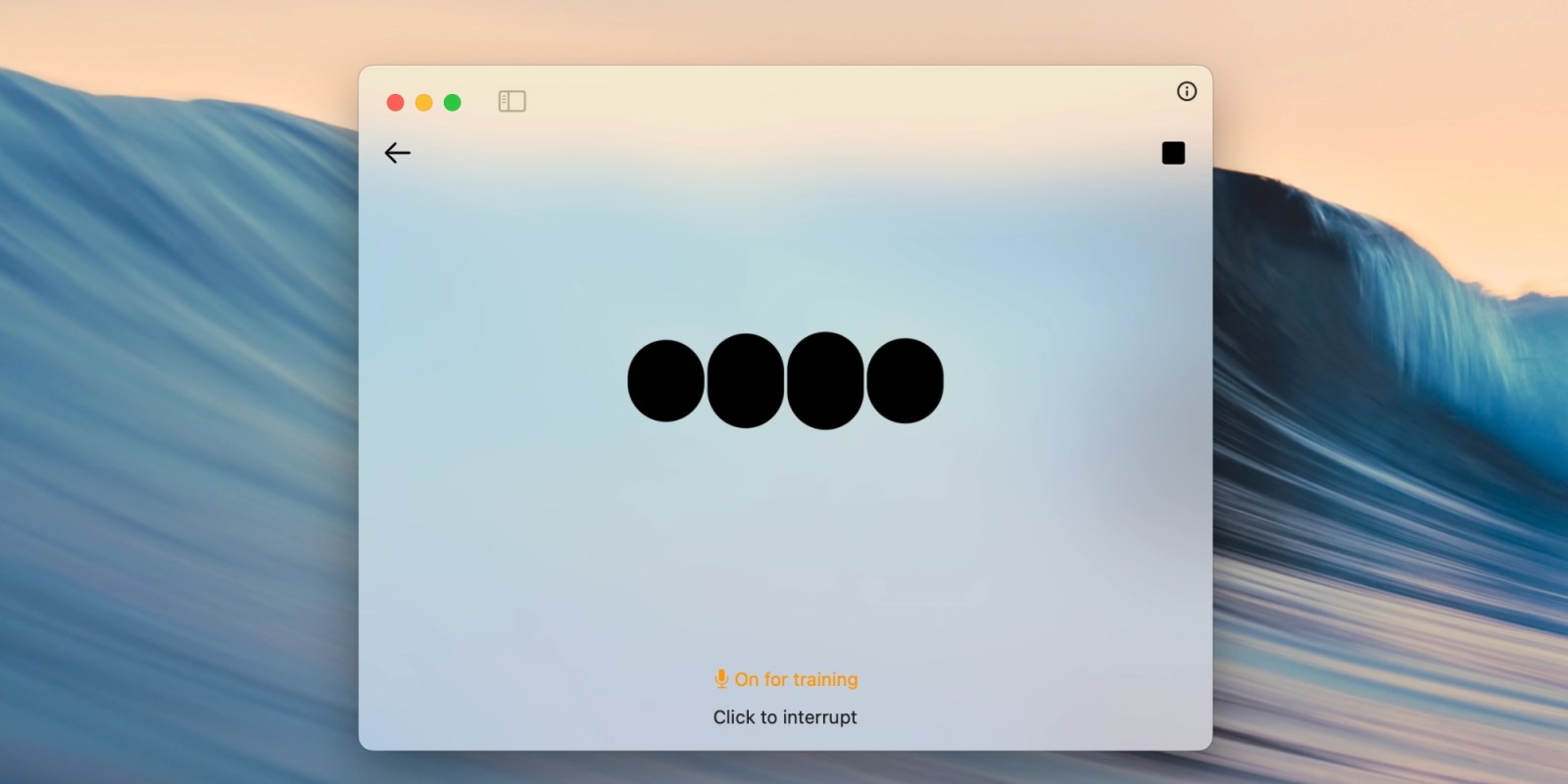
Clear 2.0, the gesture fluent lists app, launches on iOS at no cost

Clear a spot on your iPhone home screen for the all-new Clear 2.0. The beloved, gesture-based lists app that launched over a decade ago is back with the brand new price of free.

Impending, the studio behind the mass hit title Heads Up, has rebuilt Clear from the ground up. The new foundation gives Clear the runway for another decade of development.

Best of all: Impending is breathing new life into Clear without shifting to subscription pricing. Clear 2.0 is completely free to use with no functionality hidden behind in-app purchases. Instead, Clear is monetized by a daily revolving store where you can buy new themes, fonts, app icons, and more.

Expand Expanding Close

Two features missing from Apple’s Screen Time parental controls

Have kids with iPhones and iPads? As a parent, it’s a good idea to familiarize yourself with Apple’s Screen Time feature. These parental controls can be found in the Settings app under the Screen Time section on iPhone, iPad, and Mac.

Screen Time parent controls are very configurable and you can set individual rules for each child. However, I’ve recently bumped up against two Screen Time limitations that should be on Apple’s radar.

Expand Expanding Close

How the iPad is like roadwork

Here’s the thing about the iPad line: it’s always being worked on, and that work is never complete. You know, like roadwork. As a kid, I recall thinking Atlanta was only under construction for a few weeks. Oh, the naïveté.

I also once thought the iPad Air 2 was the last new iPad anyone would buy without being envious of the next model. It was slimmer than the iPad Air and it had Touch ID. That’s basically future proof!

Then the iPad Pro line was introduced… Fast-forward to now and the iPad line is still in a state of flux.

Expand Expanding Close

Apple releases first iOS 17.3 and macOS 14.3 betas alongside visionOS 1.0 beta 7

iOS 17.3 beta

Update: Two days later, iOS 17.3 and macOS Sonoma 14.3 are now available for public beta testers. For iPhone users, the update includes Stolen Device Protection.


Boom. iOS 17.3 beta 1 has arrived alongside the seventh developer beta version of visionOS. The new beta releases come one day after Apple pushed out iOS 17.2, macOS Sonoma 14.2, watchOS 10.2, and tvOS 17.2.

Expand Expanding Close